Understand your app as it actually behaves
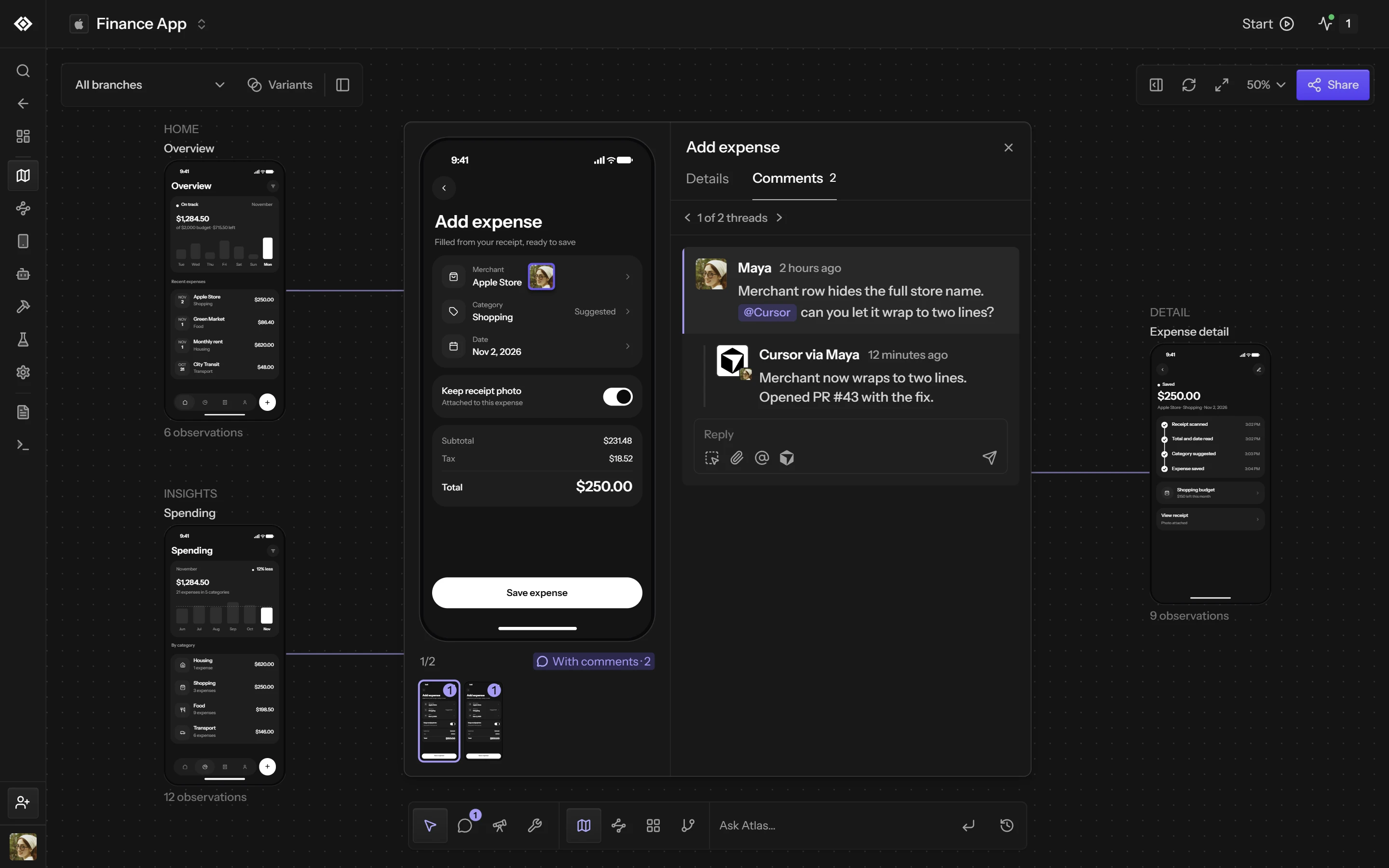
Atlas turns evidence from builds, sessions, and tests into a living model of your screens, flows, transitions, changes, failures, and coverage.
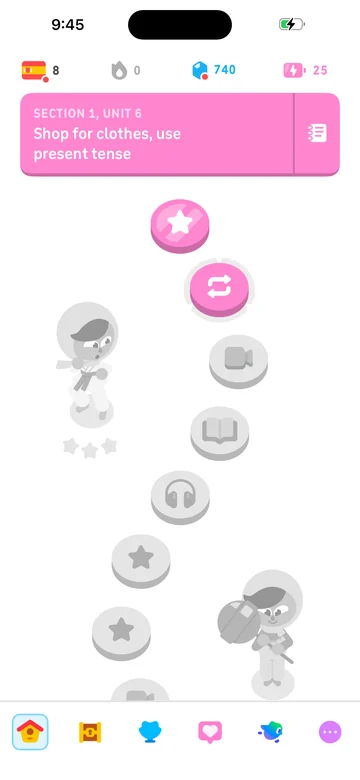
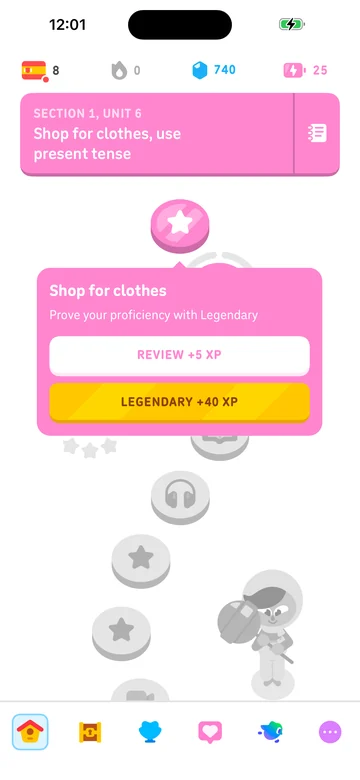
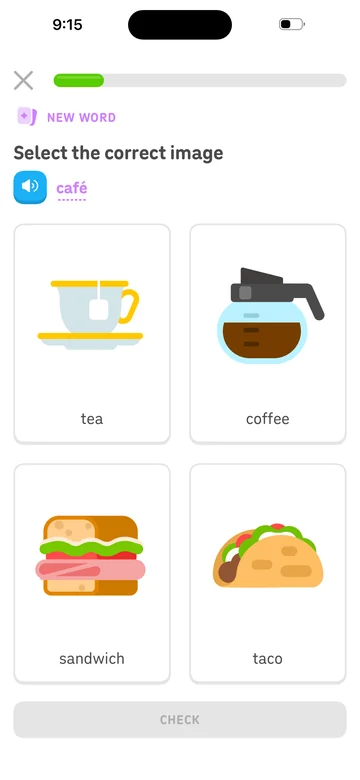
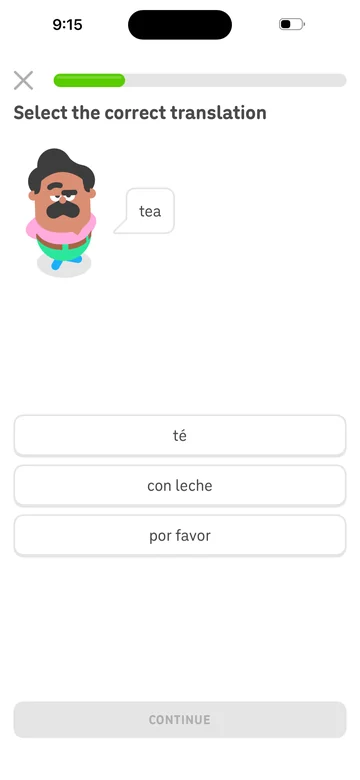
Understand with Atlas
A model that never goes stale
Unlike diagrams and documentation that rely on manual upkeep, Atlas is grounded in runtime evidence generated whenever humans or agents use the application.
- 01
See the whole application
Map the screens and flows that exist in the running product.
- 02
Track what changed
Connect product changes to observed states and runtime evidence.
- 03
Start every run smarter
Give people and agents shared context before they explore, test, or develop.
How it works
Every run adds to the map
Atlas only shows what Revyl has seen. Each screen keeps the screenshots and reports it came from, so the map follows what actually ran on iOS, Android and web.


Every run leaves evidence
Tests, workflows, sessions and explorations add the screens they saw and the taps that moved between them, each tied to its screenshot and report.
Many captures of one screen
Screenshots of the same place in your app become one screen. Loading, empty and error states stay with it as variants, and transitions connect the screens.
Shared with people and agents
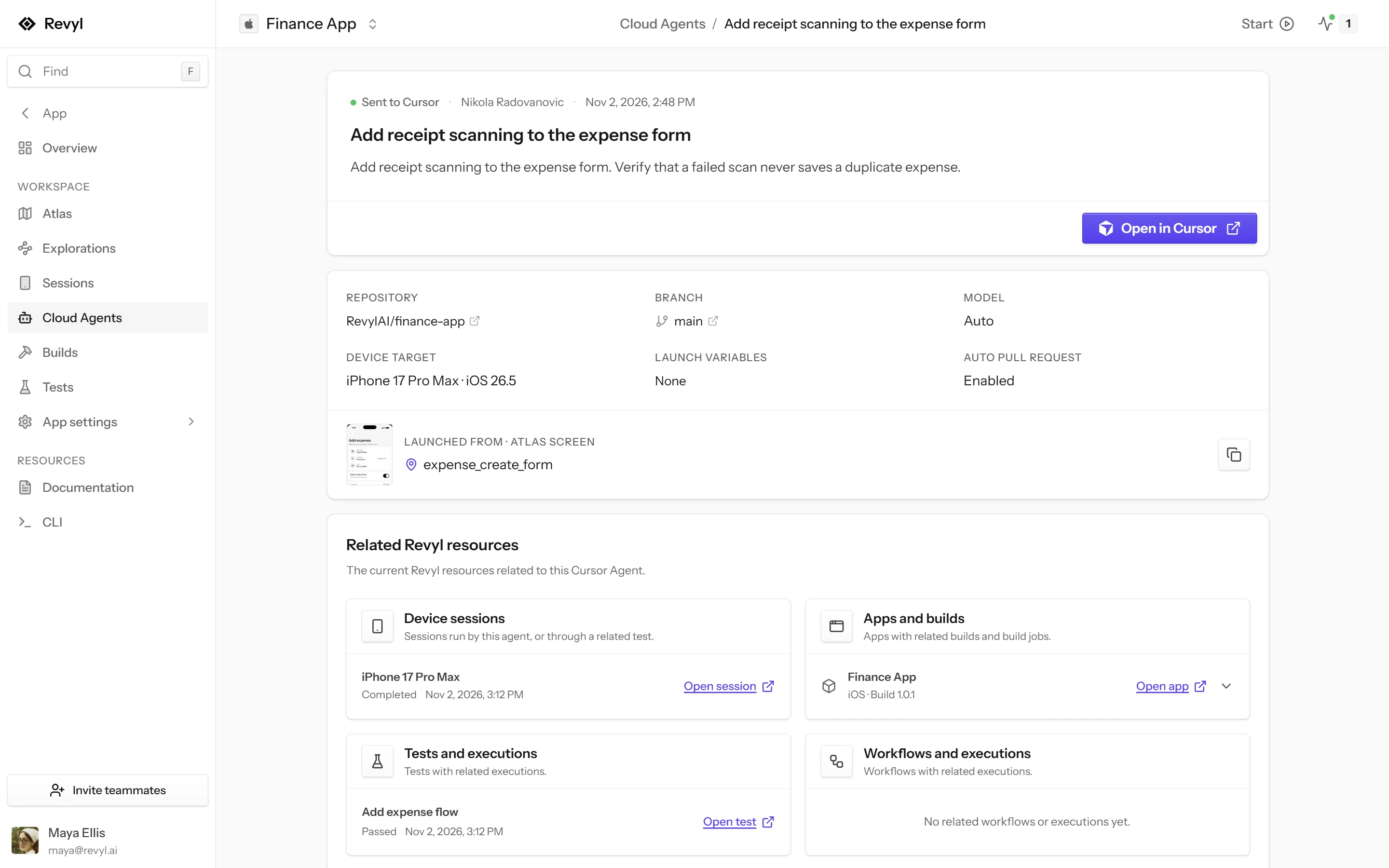
Your team opens the map in the dashboard, and coding agents query it with revyl atlas to check coverage or find the path to a screen before changing it.

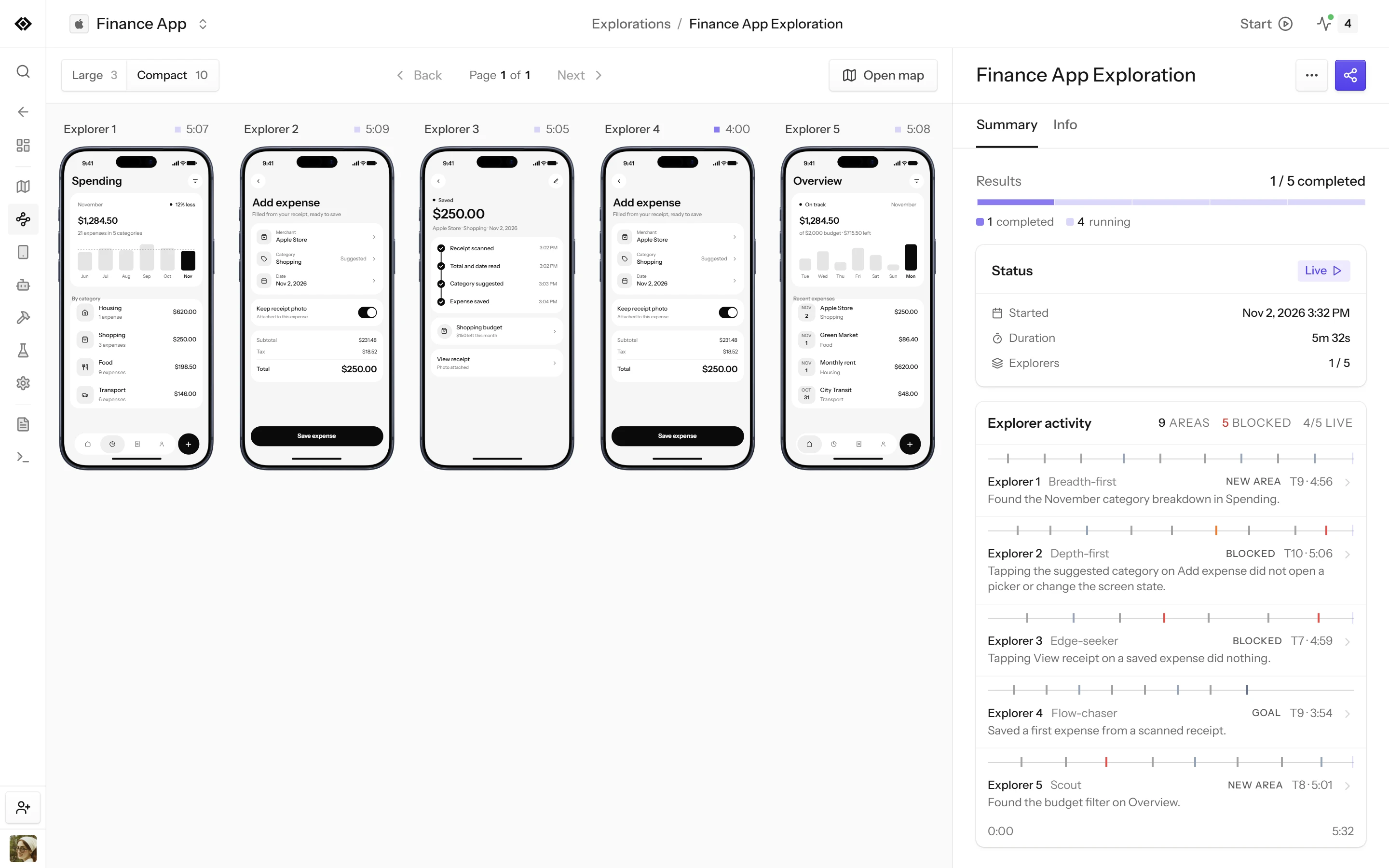
- Explorers walk the appEach explorer takes its own path through the build.
- Every run countsTests, workflows and sessions add the screens they reached.
- Evidence stays attachedEach screen keeps the screenshot and report it came from.
Atlas chat
Ask how your app actually works
Ask a question in plain language. Atlas chat searches the map, follows transitions and inspects captures, then answers with an evidence canvas you can open and share.
- Answers point to the captures and transitions behind them
- It says when a path was observed and when it wasn't
- Coding agents query the same map with revyl atlas
Design drift
See where the build drifted from the design
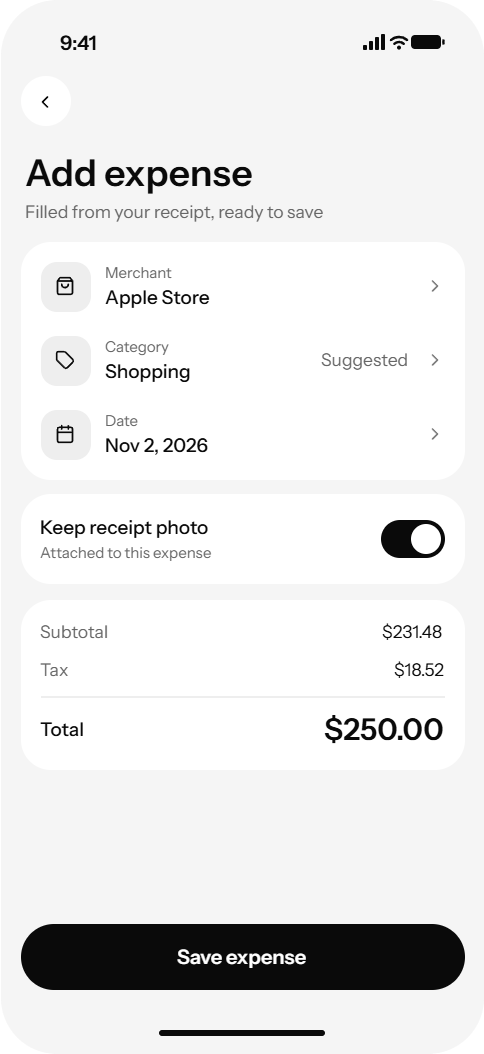
Paste a Figma file or frame link into Atlas chat. It pairs each design frame with the captured screen in the same state and writes up what differs, with both side by side.
- Each difference is marked on the captured screen
- States are compared only when the capture matches the frame's condition
- A frame with no matching capture is reported as a coverage gap
Explore
Send explorers where tests haven't been
Explore launches parallel agents on devices against the build you pick. Each explorer takes a different path, and what it sees lands in Atlas as screens and transitions.
- Pick the build, the number of explorers, a strategy and a time limit
- Balanced, Surface sweep, Journey focus or Hard edges
- Watch discoveries arrive, or cancel the run to release its devices
Keep exploring
Where to go next
Explore the Atlas Gallery
Explore public mobile app maps and user flows.
Explore app exploration
Let people and agents discover screens and states.
See the platform
One platform for the whole loop on iOS, Android and web.
Build your runtime source of truth
Start mapping your own app, or explore public Atlas maps to see the screens, flows, and evidence Revyl captures at runtime.