Playtest mobile games on cloud devices

Stream iOS simulators and Android emulators to the browser at up to 60 fps, and run the same build across the screens your players use.

Start free
  • Claude
  • OpenAI Codex
  • Cursor
  • Devin
  • GitHub Copilot
  • Gemini
  • Windsurf

Game development

Play the build from any browser

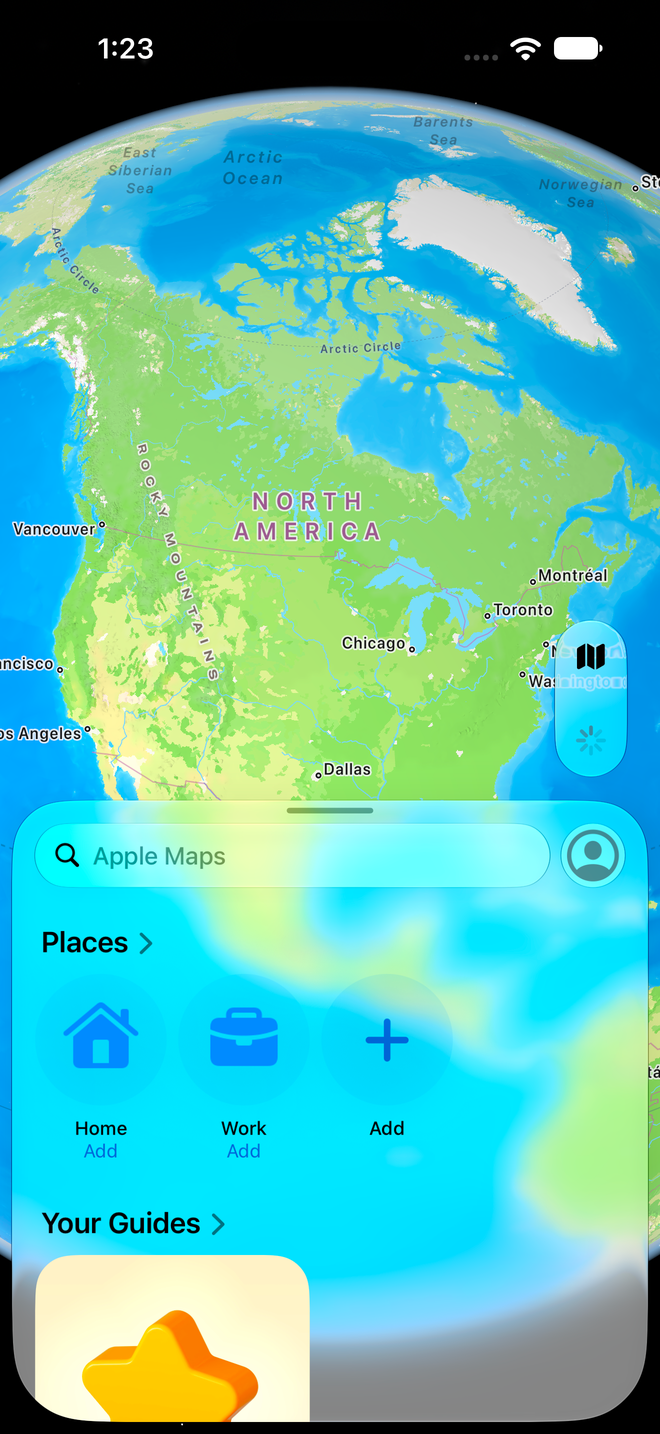
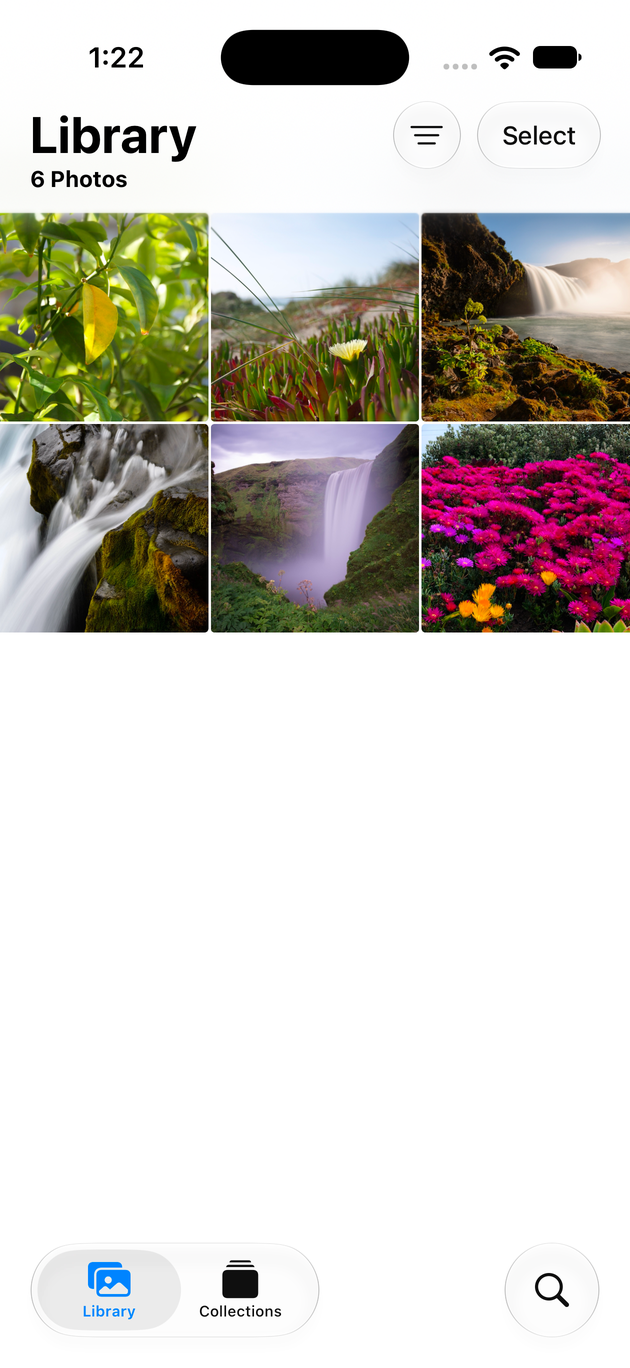
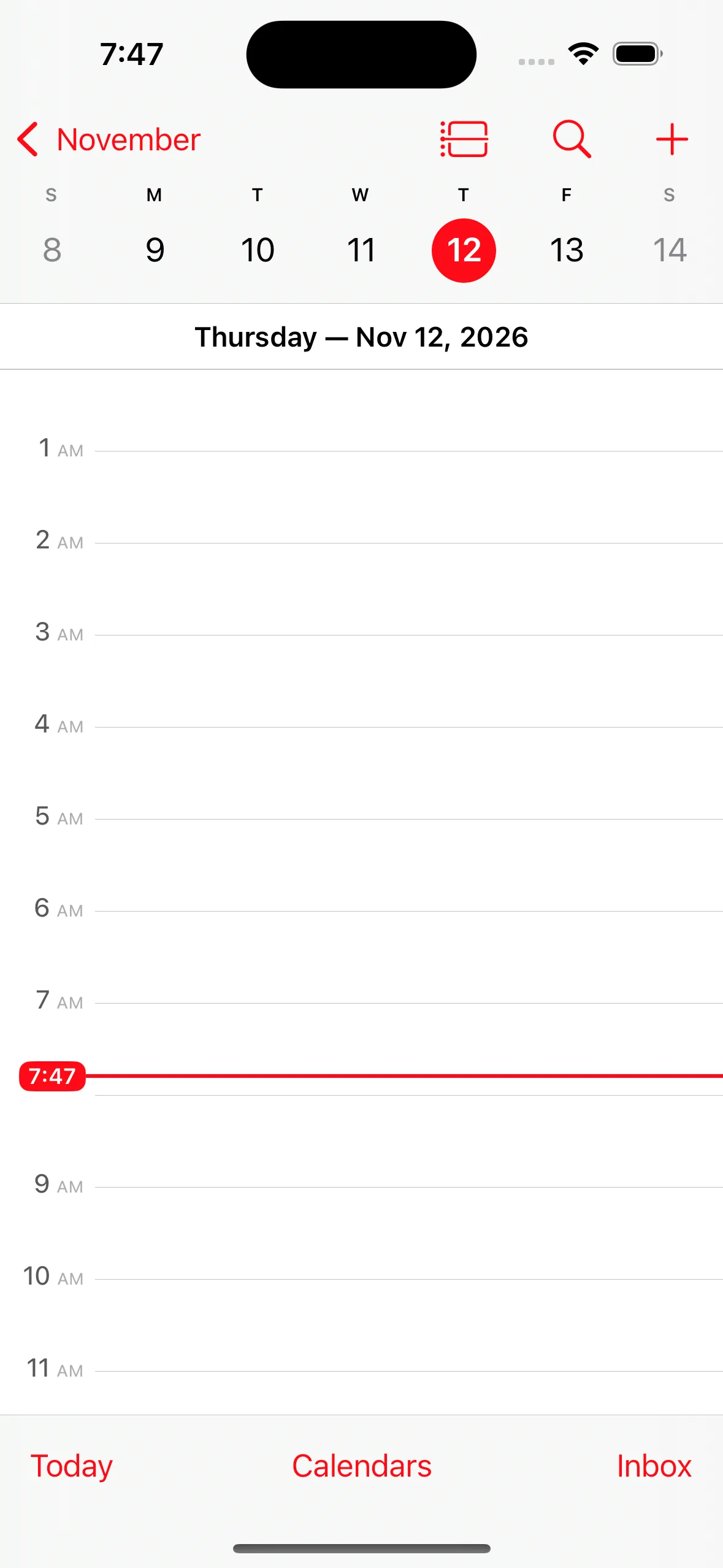
Each cloud device streams to the browser as it runs, so a playtester, a QA lead or an agent can drive the same build without a phone in hand.

  1. 01

    Smooth enough to play

    iOS simulators and Android emulators stream at up to 60 fps, so you tap, swipe and play the build in real time.

  2. 02

    One build on every screen size

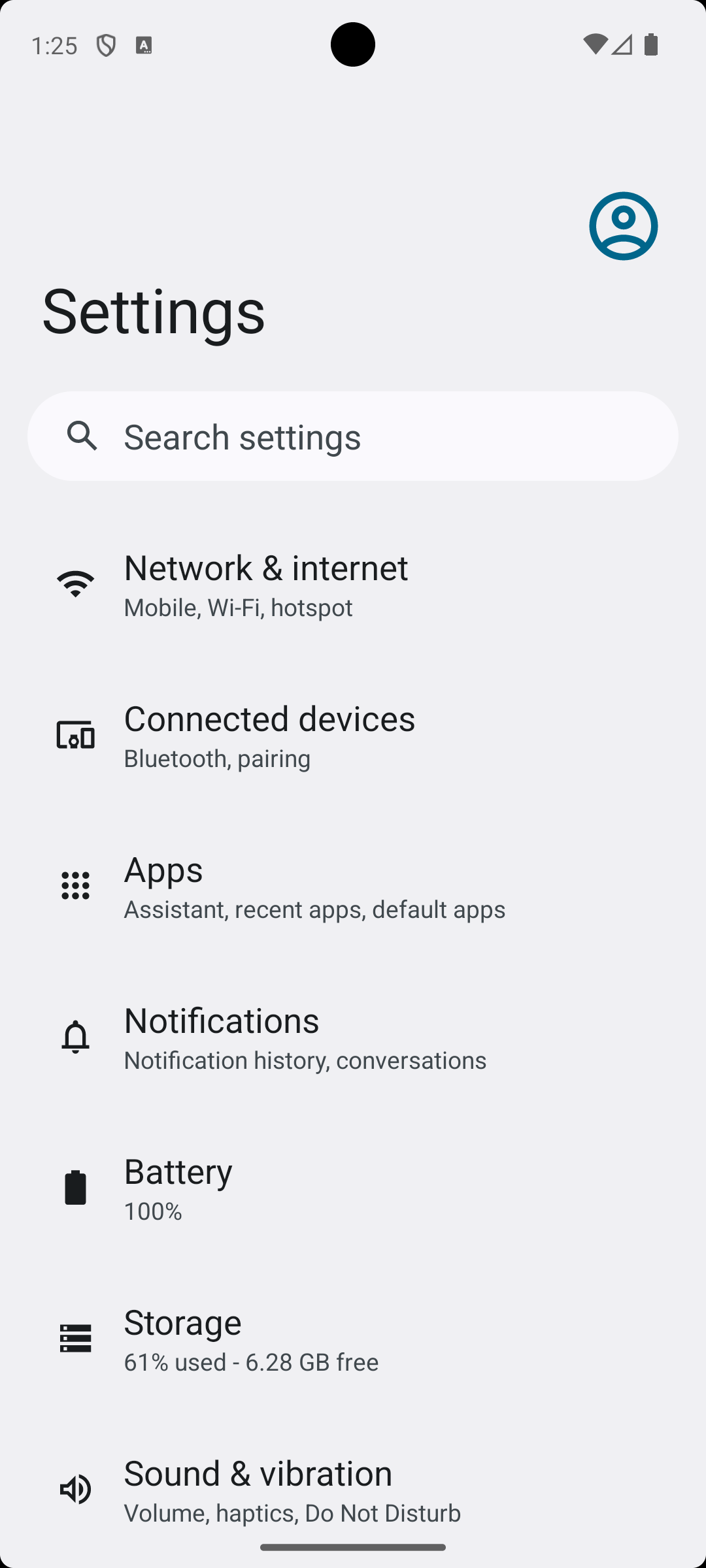
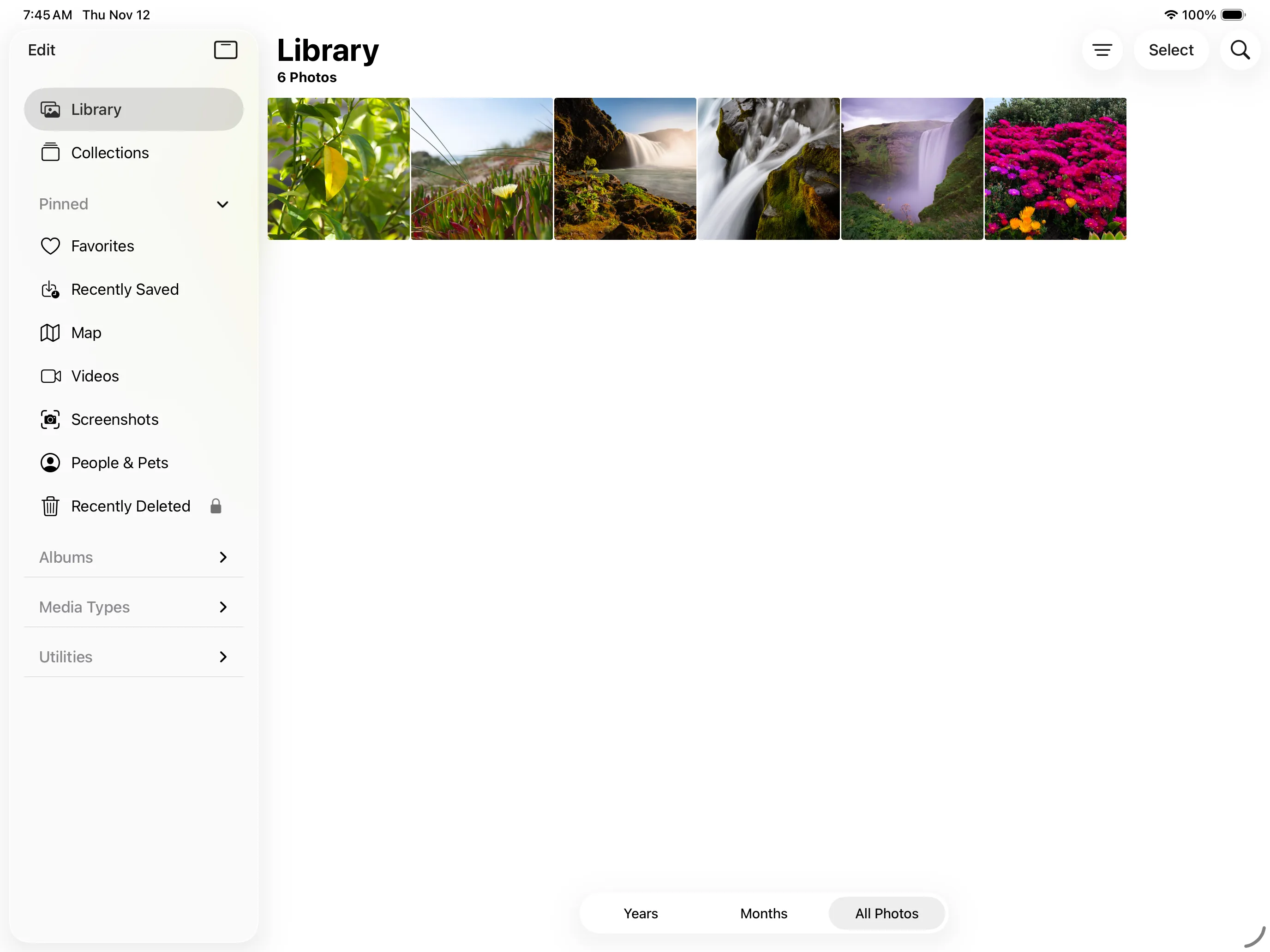
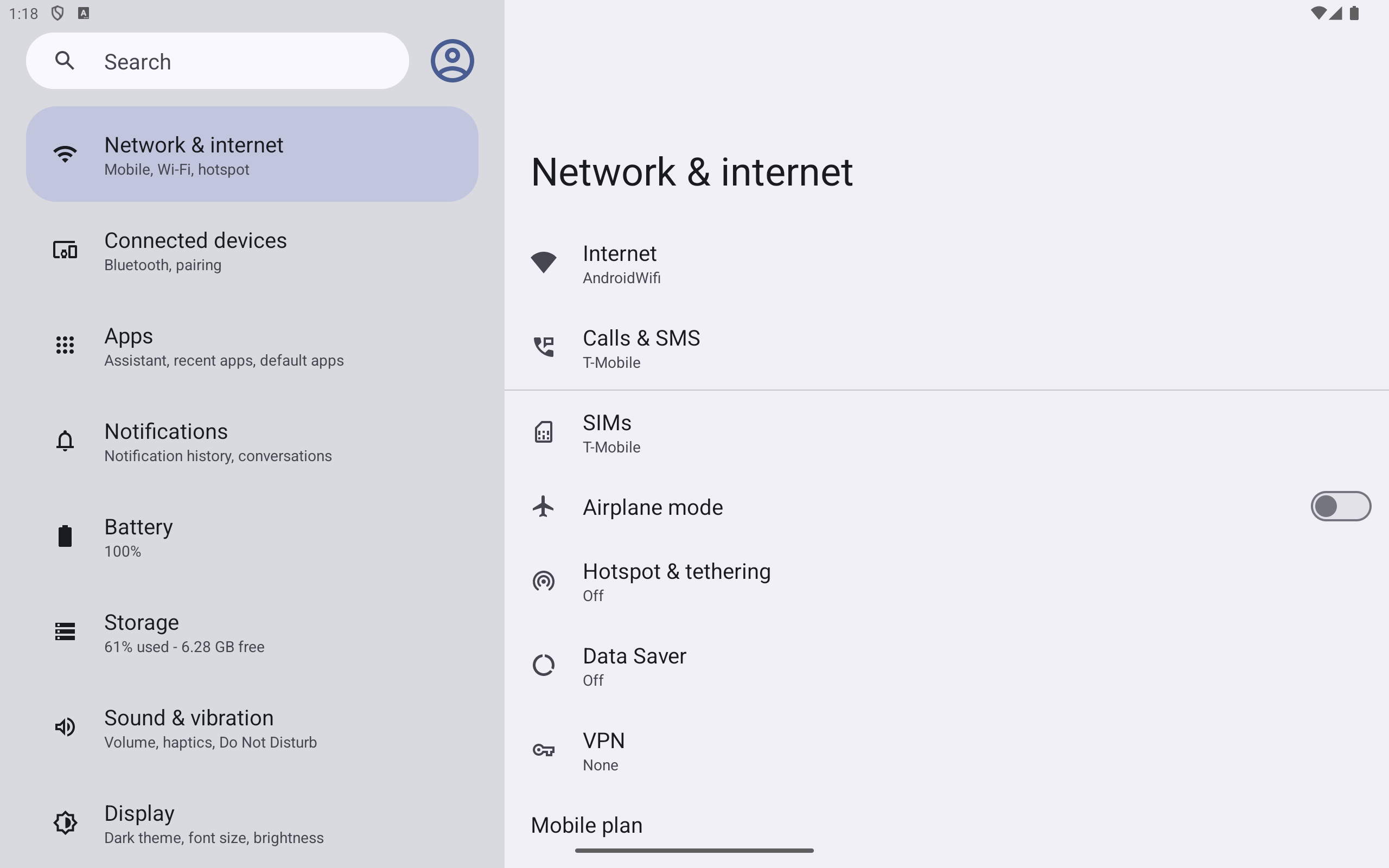
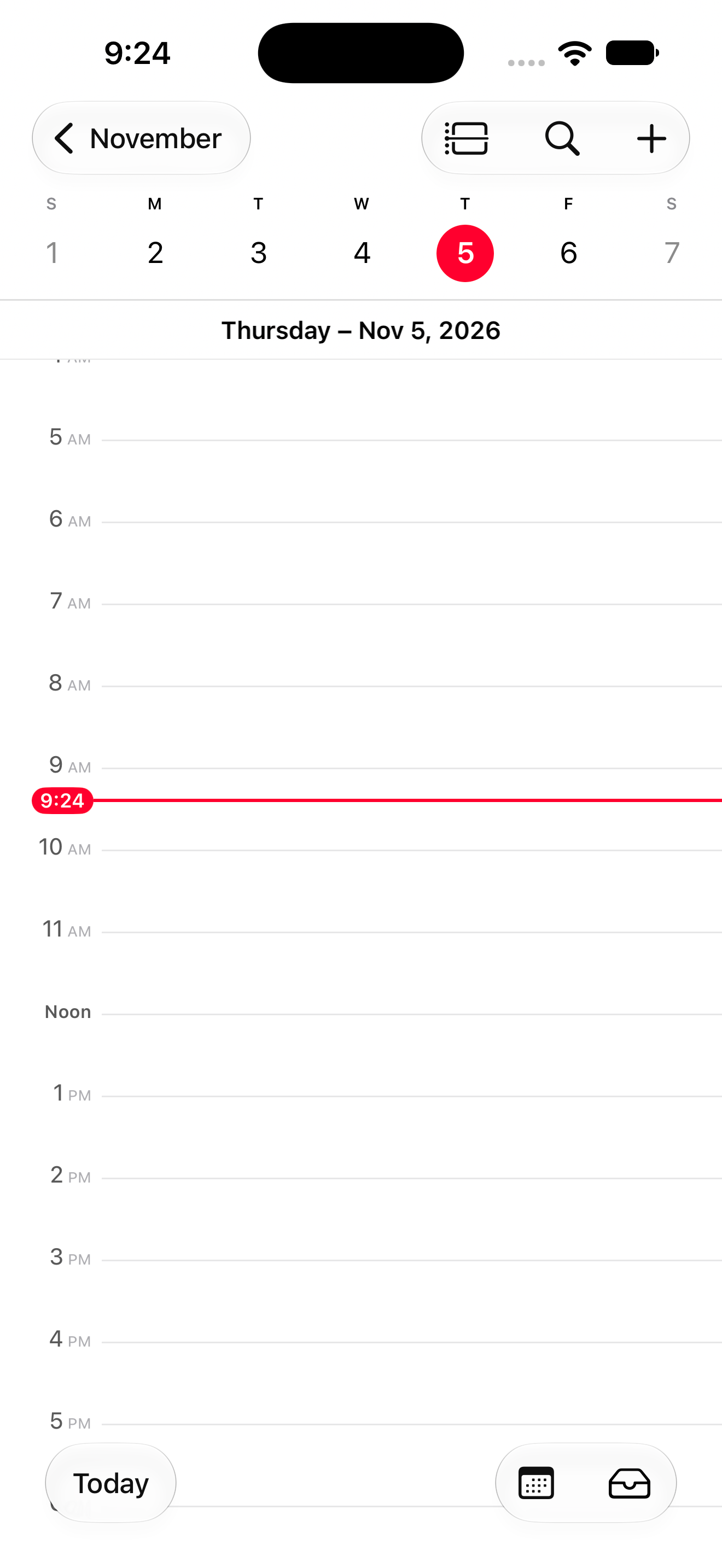
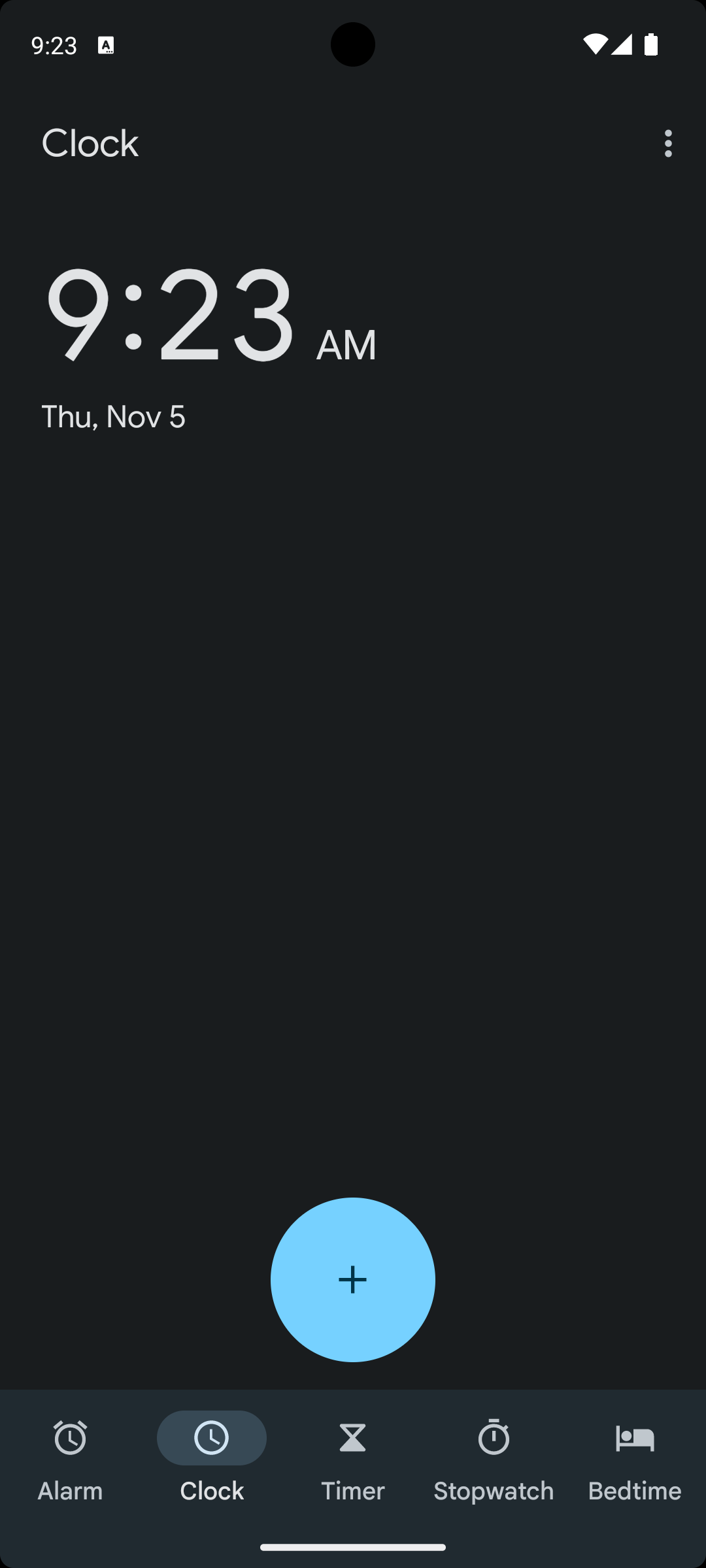
    Pick iPhone, iPad, Pixel phone and Pixel Tablet targets in portrait or landscape, on each OS version you support.

  3. 03

    CPU, memory and frame rate per run

    Every report charts app CPU and memory, and frame rate on iOS, next to the video, with memory warnings and app terminations marked.

How it works

Run one build across the device matrix

  1. Choose the device matrixList the models and OS versions Revyl hosts, then start the build on each one in portrait or landscape.
  2. Run the same flow on eachAgents drive the build through your tests and explorations on every target, and check each screen they reach.

  3. Compare the results togetherOne report holds every device's steps, video and performance, and each run lands in Atlas for your team and agents to query.

FAQ

Questions from game teams

Can I play the build in the browser?

Yes. Start a session from the dashboard or the CLI and the device streams to your browser, where you tap, swipe and type on it directly. You don't need a Mac or a test phone.

Which devices and OS versions can I run?

iPhones from the iPhone 15 to the iPhone 18 Pro Max on iOS 18.5 to 27.1, an iPad Pro 13-inch (M4) on iOS 18.5 or 26.2, and a Pixel 7 and Pixel Tablet on Android 14. Run revyl device targets for the current list.

Do simulators match each phone's CPU and memory?

No. Cloud devices are iOS simulators and Android emulators on Revyl's own hardware, so they match each model's screen size, resolution and OS version but not its chip or memory. Each run still records your app's CPU, memory and frame rate, so you can compare builds and spot regressions.

Keep exploring

Play your build on a cloud device

Start free and open your first session, or get a demo to plan a device matrix for your game with our team.