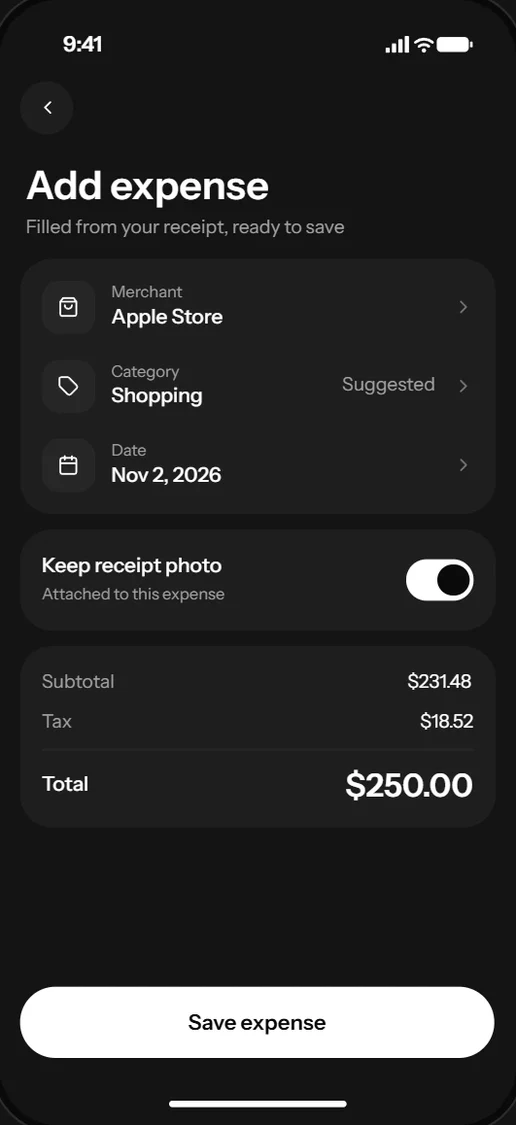
Phones on demandStart iOS simulators and Android emulators, then tap, type, swipe and take screenshots through the Revyl CLI, its MCP server or the API.
Workflow
Connect
By team
Learn
Resources
Integrate Revyl once, and the agents in your product can build and run each customer's iOS, Android and web apps, and use Mac computers in the cloud.
$ curl -X POST $REVYL_API_BASE_URL/api/v1/partner/connections -d @acct_123.json
201 · state: connected · origin: provisioned
$ export REVYL_API_KEY=<connection credential>
$ revyl device start --platform ios
✓ Device ready! Session 0 (ios)
$ revyl device start --platform android
✓ Device ready! Session 1 (android)
$ revyl computer create --os macos --wait
$ revyl device start --platform web --app $WEB_APP --computer $MAC_ID
✓ Device ready! Session 2 (web)
$
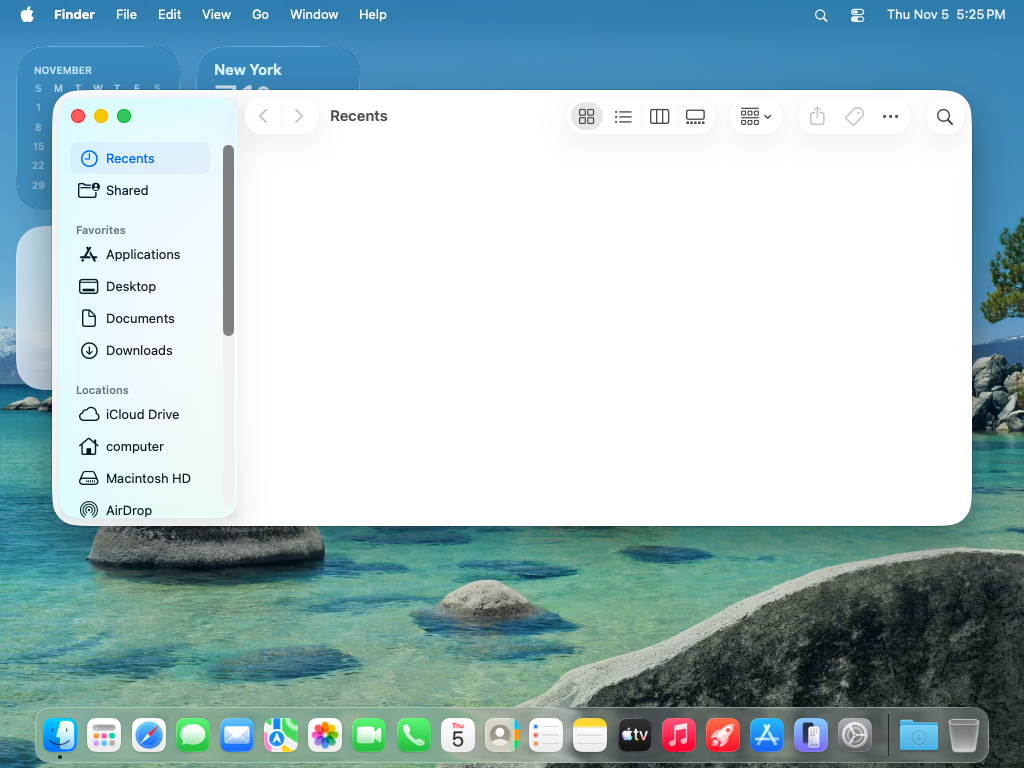
Mac computer
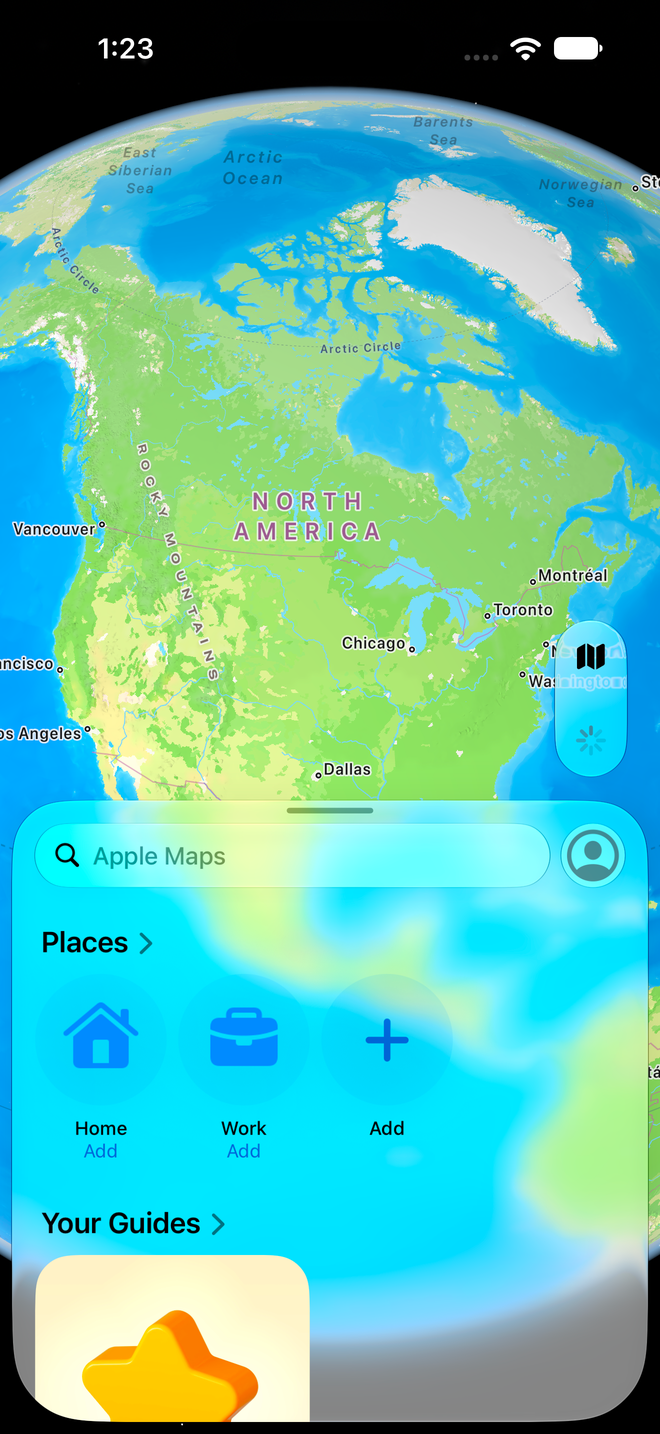
iPhone 17 Pro Max
Session 0Live
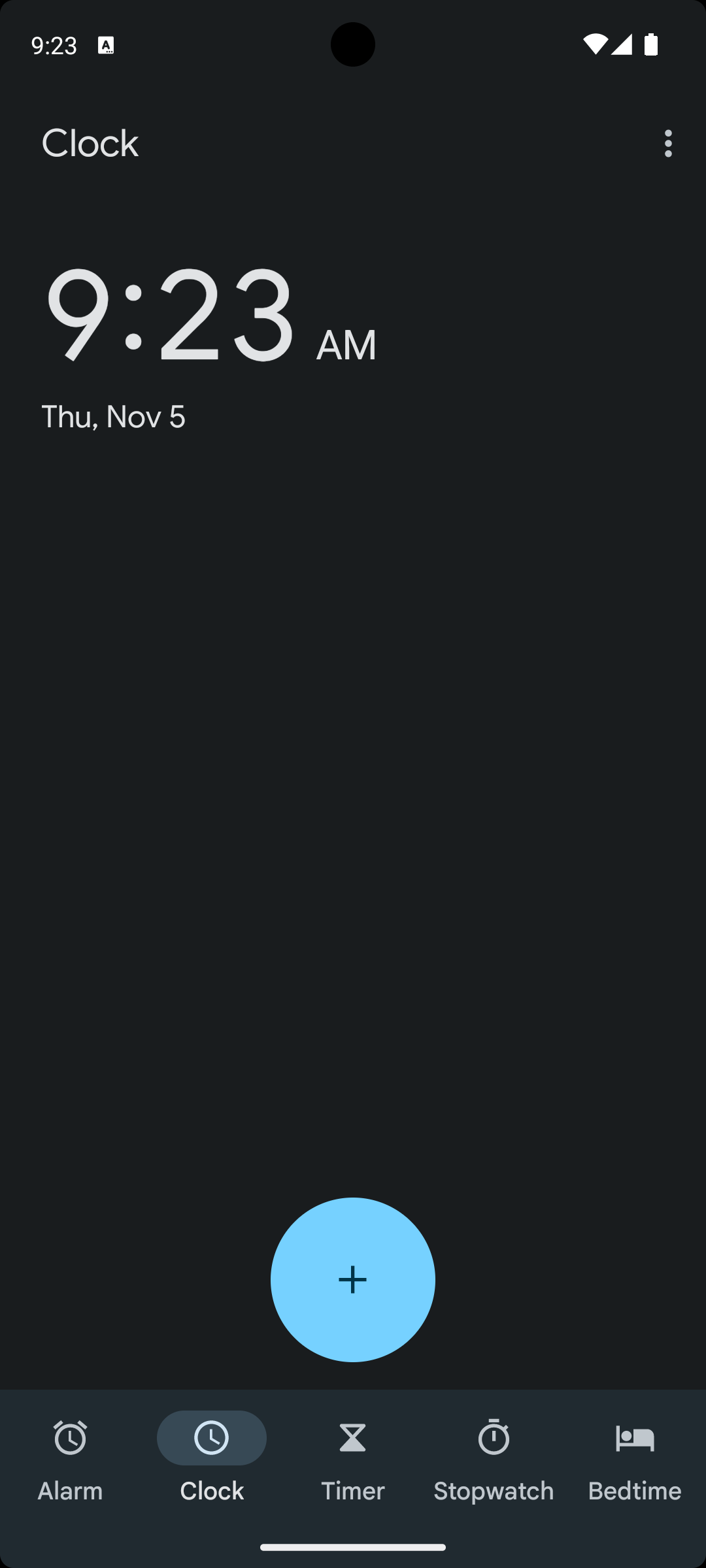
Pixel 7
Session 1Live
$ export REVYL_API_KEY=<connection credential>
$ revyl device start --platform ios
✓ Device ready! Session 0 (ios)
$ revyl device start --platform android
✓ Device ready! Session 1 (android)
$ revyl computer create --os macos --wait
$ revyl device start --platform web --app $WEB_APP --computer $MAC_ID
✓ Device ready! Session 2 (web)
When a Capy organization first asks for a phone or a build, Capy creates a Revyl organization for it. Builds run on Revyl's build runners, and the phone opens live in the thread.
See how Capy does itFor your agents
Each customer gets a Revyl workspace. Your agent works in it with a connection credential that acts like a Revyl API key for that workspace.
Phones on demandStart iOS simulators and Android emulators, then tap, type, swipe and take screenshots through the Revyl CLI, its MCP server or the API.
A Mac for web apps and macOS workStart a Mac computer and run the customer's web app in its browser. Platform-paid workspaces get Macs with this credential; customer-paid ones need a paid plan.
Builds without a Mac of your ownUpload a build, or let Revyl's cloud build runners compile the app so your agent can install it on a device.
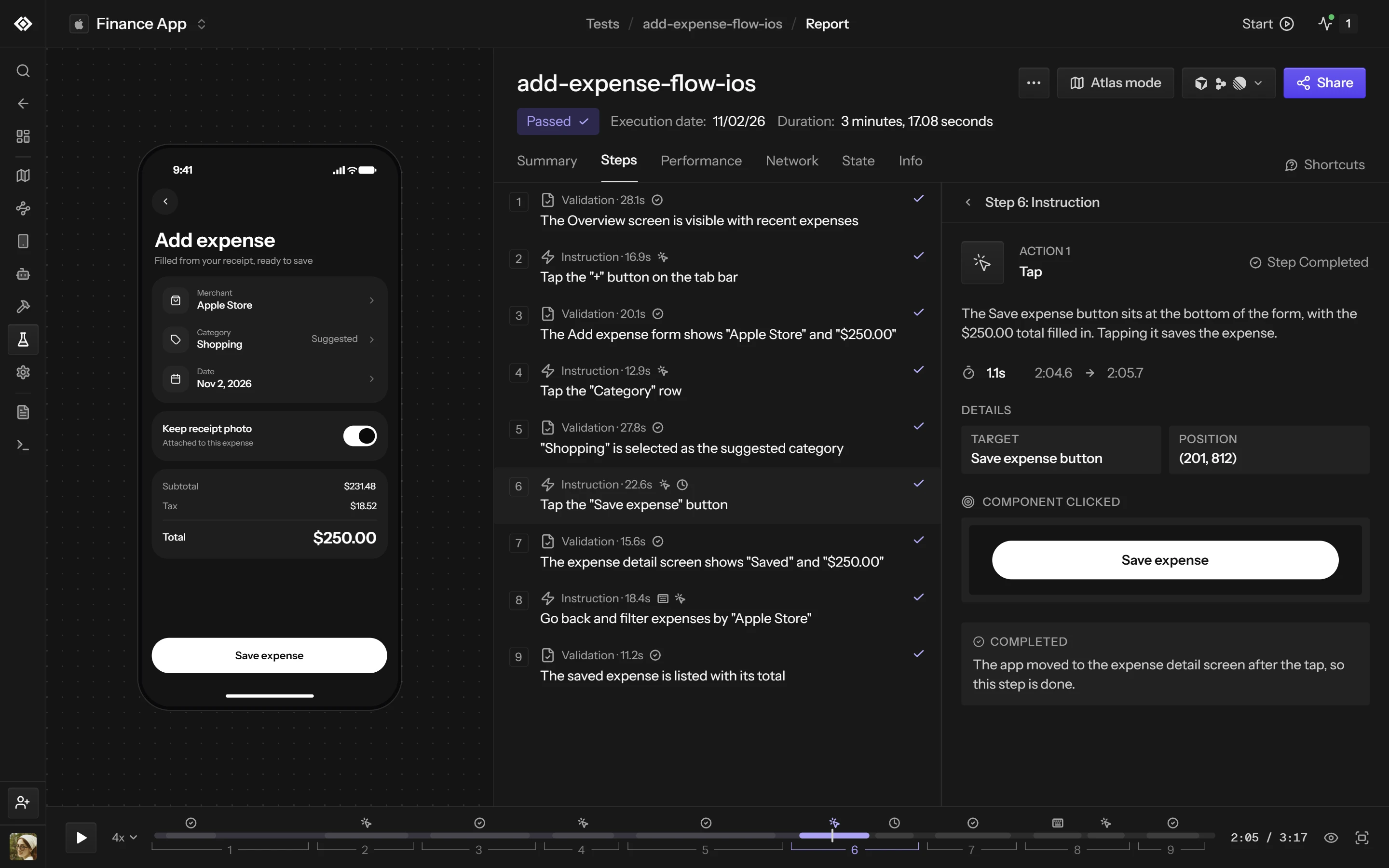
Proof for every changeEvery test run leaves a report with each step and validation, and your agent can share a session as a link.
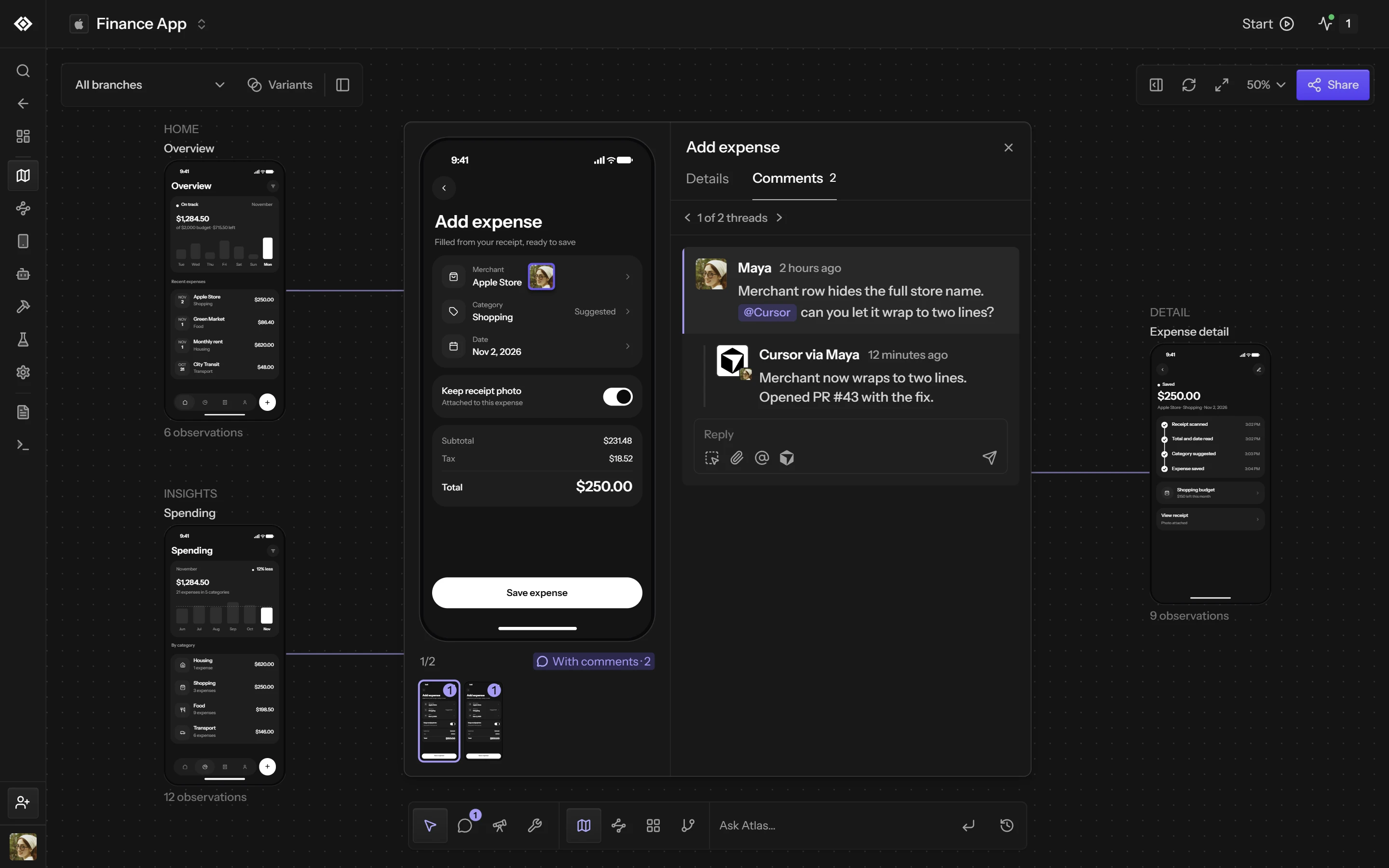
An Atlas that grows with each runEvery test, session and exploration adds the screens it reached to the customer's Atlas, which maps web, iOS and Android apps.
How it works
Your backend calls the partner API. Your agent then works with the credential it gets back.
Talk to us and we'll turn on the partner API for your platform. The key stays on your servers.
Revyl creates a workspace for the account, or an Owner or Admin approves linking a workspace they already have.
Use it as REVYL_API_KEY with the CLI or its MCP server, or call the API. Sandboxes can get a session credential that expires within 4 hours.
For your users
A live device in your productEmbed a Revyl device in your UI. Each visitor gets a one-time session link and starts the device with a click.
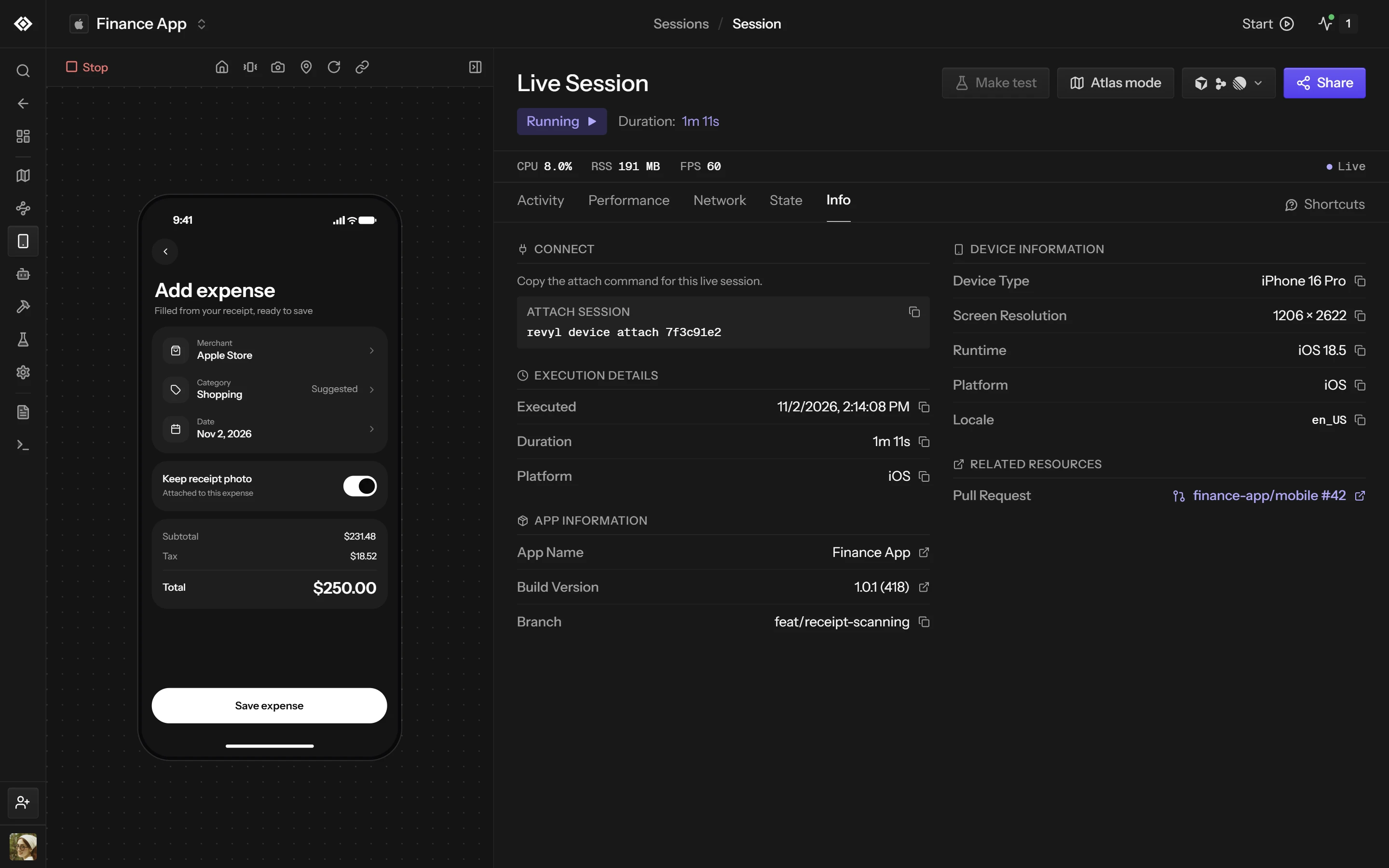
Their workspace in RevylA dashboard link sends your user to their workspace, where they sign in to see its sessions, reports, test results and Atlas.
Access and billing
A connection has Member access to one workspace. The customer can disconnect it at any time, and the workspace and its data stay with them.
The connection credential reaches one customer workspace and nothing else.
Choose who is billed when you connect each customer account.
Keep exploring
Start iOS simulators, Android emulators and web browsers in seconds.
Connect Revyl to coding agents and source control.
Let agents build, launch and use the app they are changing.
Tell us about your agent and we'll turn on the partner API for your platform.