
Cloud devices for humans and agents

Start iOS simulators, Android emulators and web browsers in seconds, and get a macOS computer when the job needs a whole desktop.

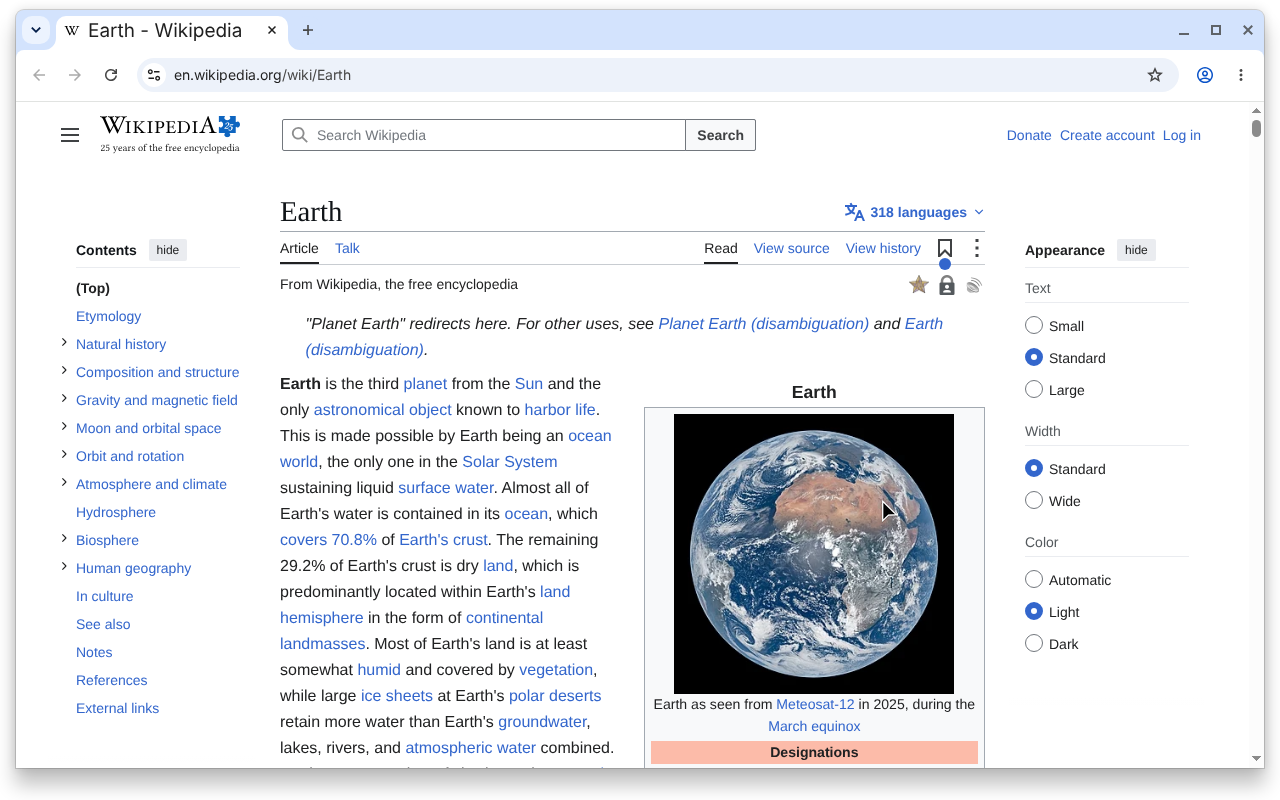
Real browsers next to your devices

Open the web build in a hosted browser next to the native ones, and every screen a session observes joins the app's map in Atlas.

  • Same CLIrevyl device commands drive the browser too.

  • Captured to AtlasEvery observed screen joins the app's map.

  • Side by sideNext to your simulators and emulators.

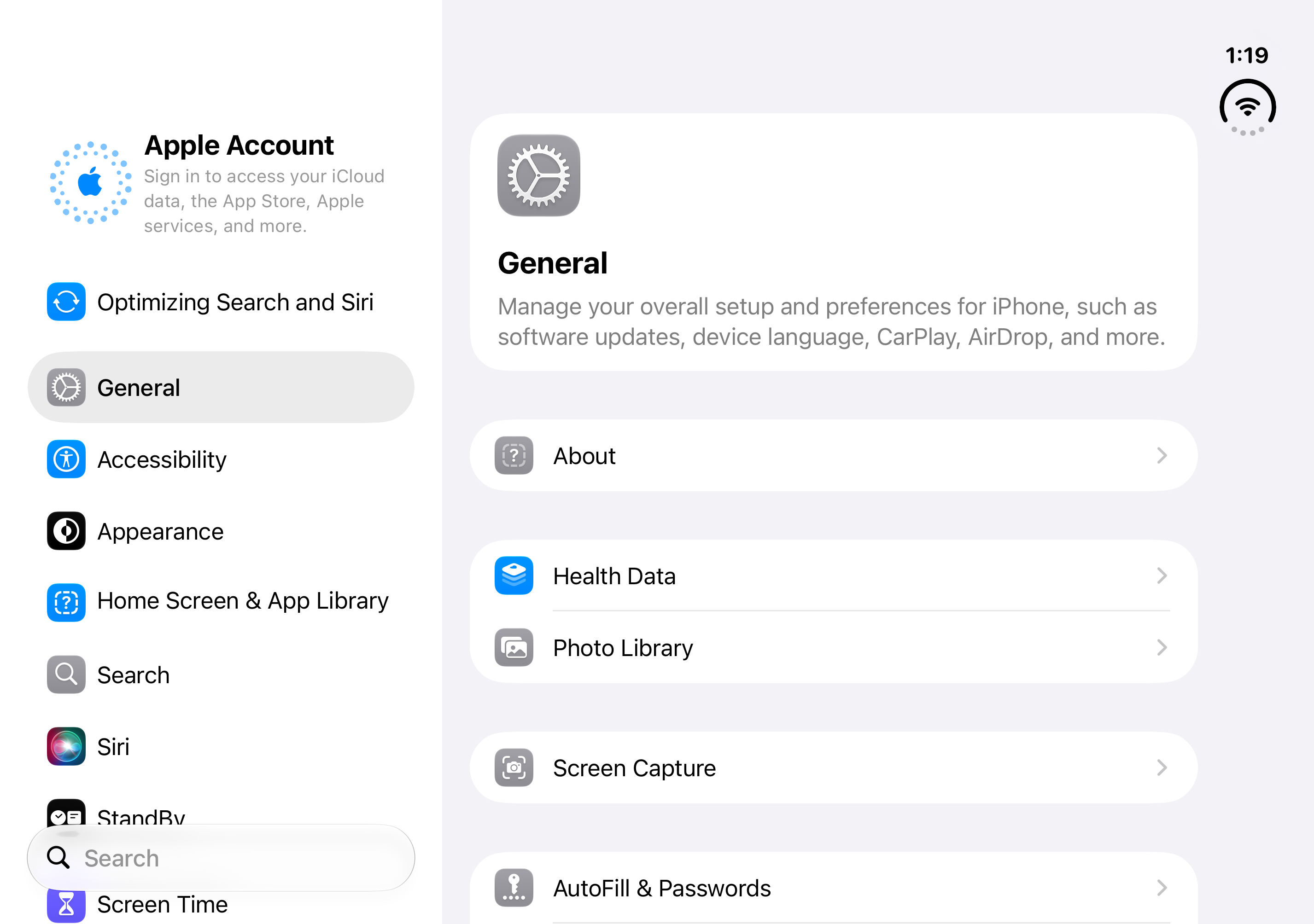
iOS simulators stream to any browser tab

Hosted simulators run on Mac minis Revyl manages, so people and agents tap through the app without a Mac on the desk.

  • Streamed at 60 fpsA live simulator in any browser tab.

  • Boots in secondsPre-warmed simulators cut the wait.

  • Sessions in parallelRun devices side by side for tests and agents.

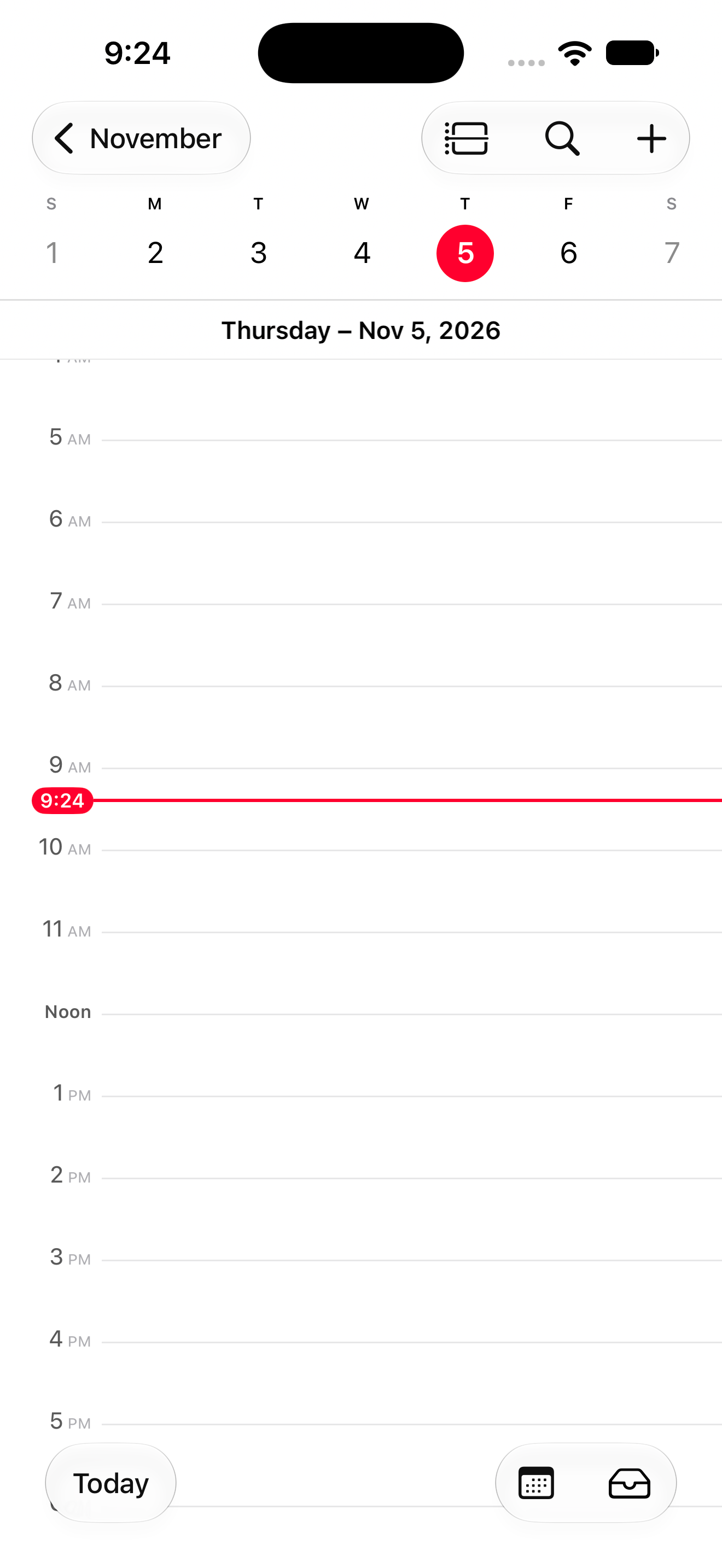
Android emulators are warm before the first tap

Emulators are pre-warmed, so a session opens in seconds, and as many run side by side as the suite, the agent or the review needs.

  • Streamed at 60 fpsA live emulator in any browser tab.

  • Ready in secondsPre-warmed emulators cut the wait.

  • Sessions in parallelRun devices side by side for tests and agents.

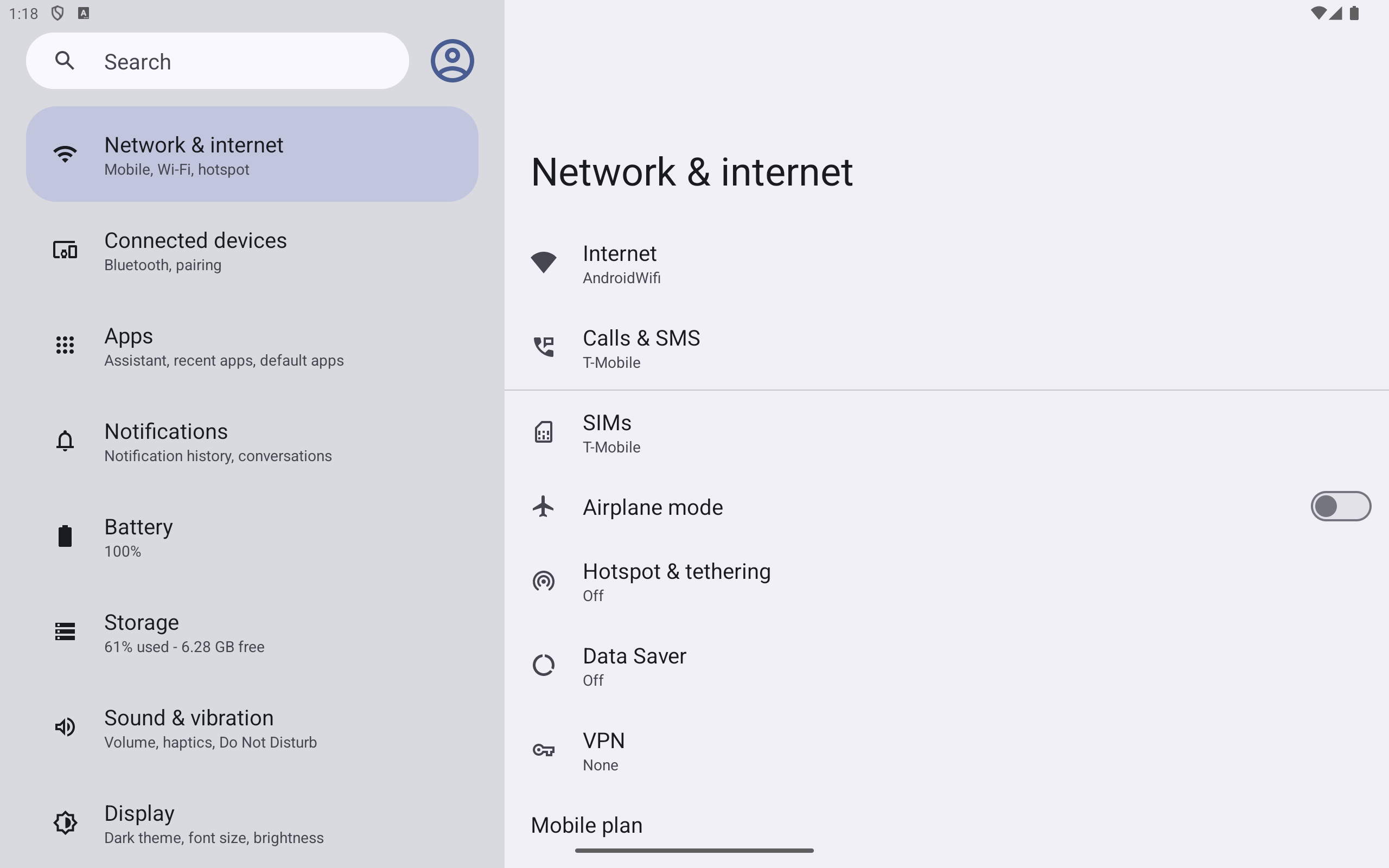
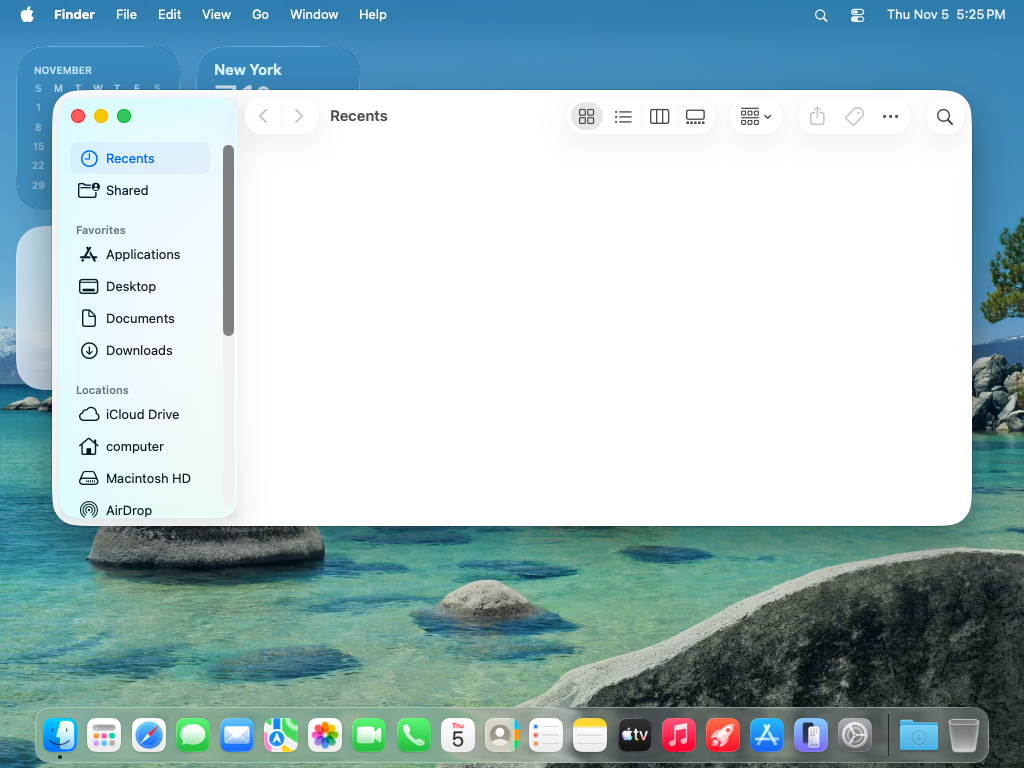
A whole macOS desktop in a browser tab

When the job needs more than one app window, open a full macOS desktop with its menus, windows and system dialogs, streamed to your browser. Available on every paid plan.

  • The whole desktopMenus, windows and system dialogs, all in one desktop.

  • In a browser tabStreamed like every other runtime.

  • On one Sessions pageBeside your simulators, emulators and browsers.

From code

Run a Mac computer from your code

Start a Mac, run your build on it, open its live desktop and stop it, with the Verify SDK for TypeScript or Python, or the Revyl CLI.

build.mts
import { open } from '@revyl/verify';

// Start a Mac computer and wait until it's ready
const mac = await open({ platform: 'mac' });
try {
  // Its live desktop in Revyl, where your team can watch or take control
  console.log(mac.viewerUrl);

  // Run your build in the Mac's workspace
  await mac.exec(['git', 'clone', '--depth', '1', 'https://github.com/your-org/app']);
  const { stdout } = await mac.exec(
    ['xcodebuild', 'build', '-project', 'app/App.xcodeproj', '-scheme', 'App'],
    { timeout: 300_000 },
  );
  console.log(stdout);
} finally {
  // Stop the Mac
  await mac.close();
}
Read the Verify docs

Cloud devices

Devices without the device farm

Revyl gives every workflow a visible runtime: a place to launch the application, interact with it, inspect behavior, and work in parallel.

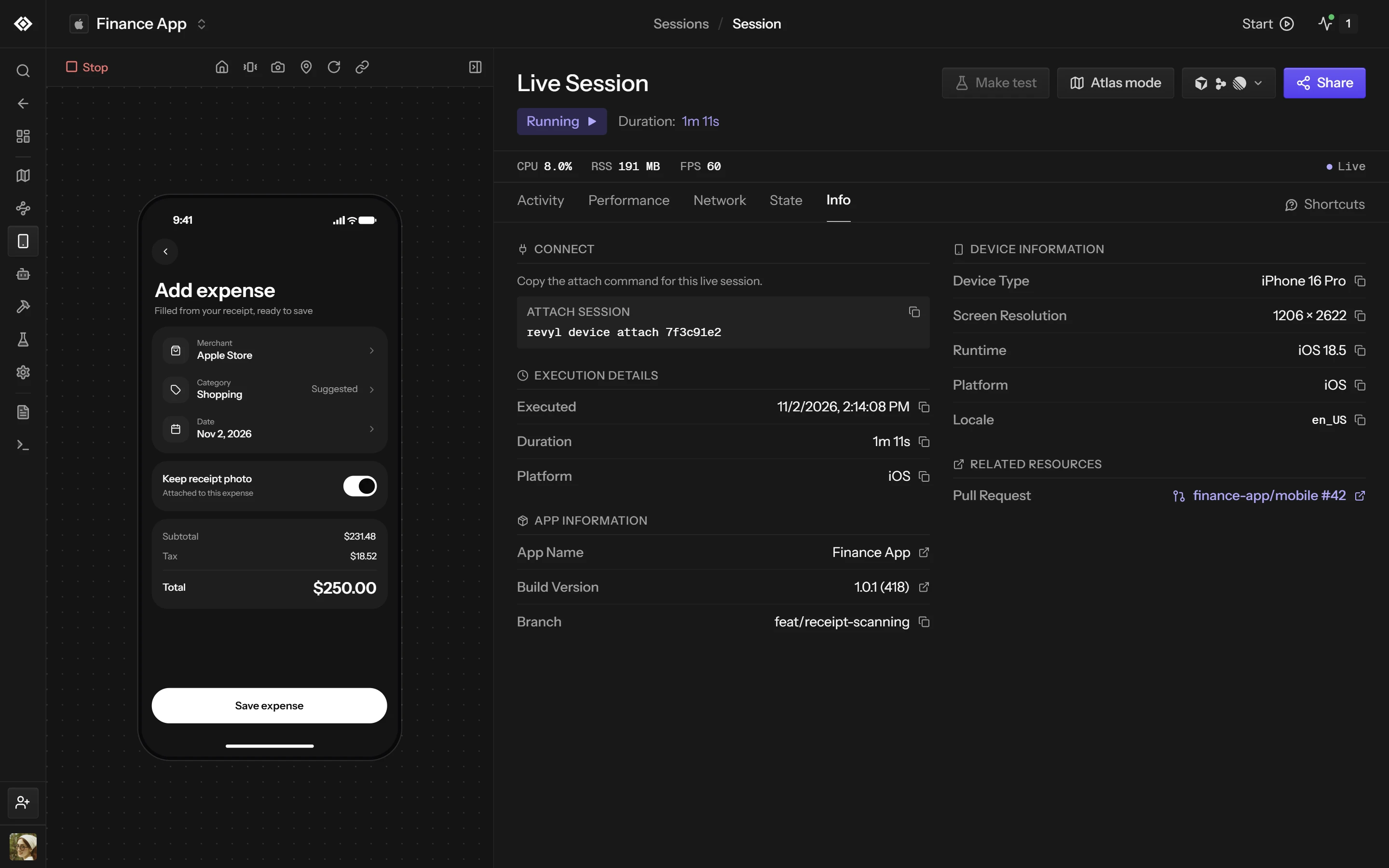
A live Revyl session of Finance App on an iPhone 16 Pro, with the attach command, execution details and device information beside the stream
  1. 01

    Ready on demand

    Start an environment when the workflow needs it instead of waiting for a shared device.

  2. 02

    Built for automation

    Control devices through agent, CLI, API, and CI workflows.

  3. 03

    Visible to the team

    Watch the live experience and keep evidence from every run.

How it works

A running device in seconds

  1. Select the environmentTarget the platform, build, and device profile the workflow requires.

  2. Start the running appBoot the device and install the application in a managed session.

  3. Use it from anywhereStream, automate, observe, and share the live app on iOS, Android or web.

Keep exploring

Ready to build with confidence?

Your team and its agents build, run and verify every change on Revyl’s devices and Macs, and what they see becomes your record.