- $revyl device start --platform ios
- Simulator ready
- $revyl device start --platform android
- Emulator ready
- $revyl device start --platform web
- Browser session ready
Choose the platformsSelect the iOS and Android builds and device profiles to cover.
Workflow
Connect
By team
Learn
Resources
Run shared user intent against the platform-specific application and inspect where behavior, layout, or state diverges.


Cross-platform testing
Revyl lets teams reuse the purpose of a workflow while still testing the real iOS and Android experiences users receive.
todays-date
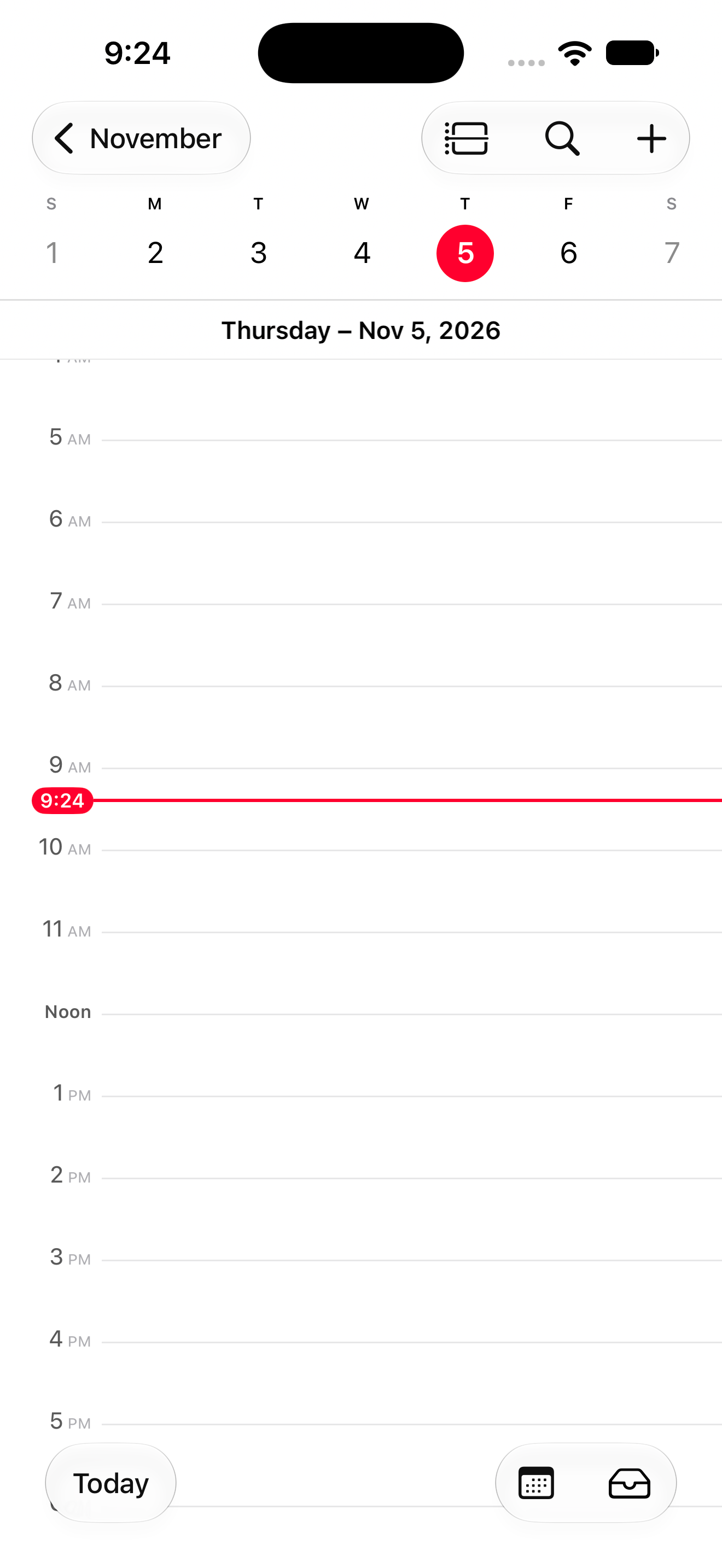
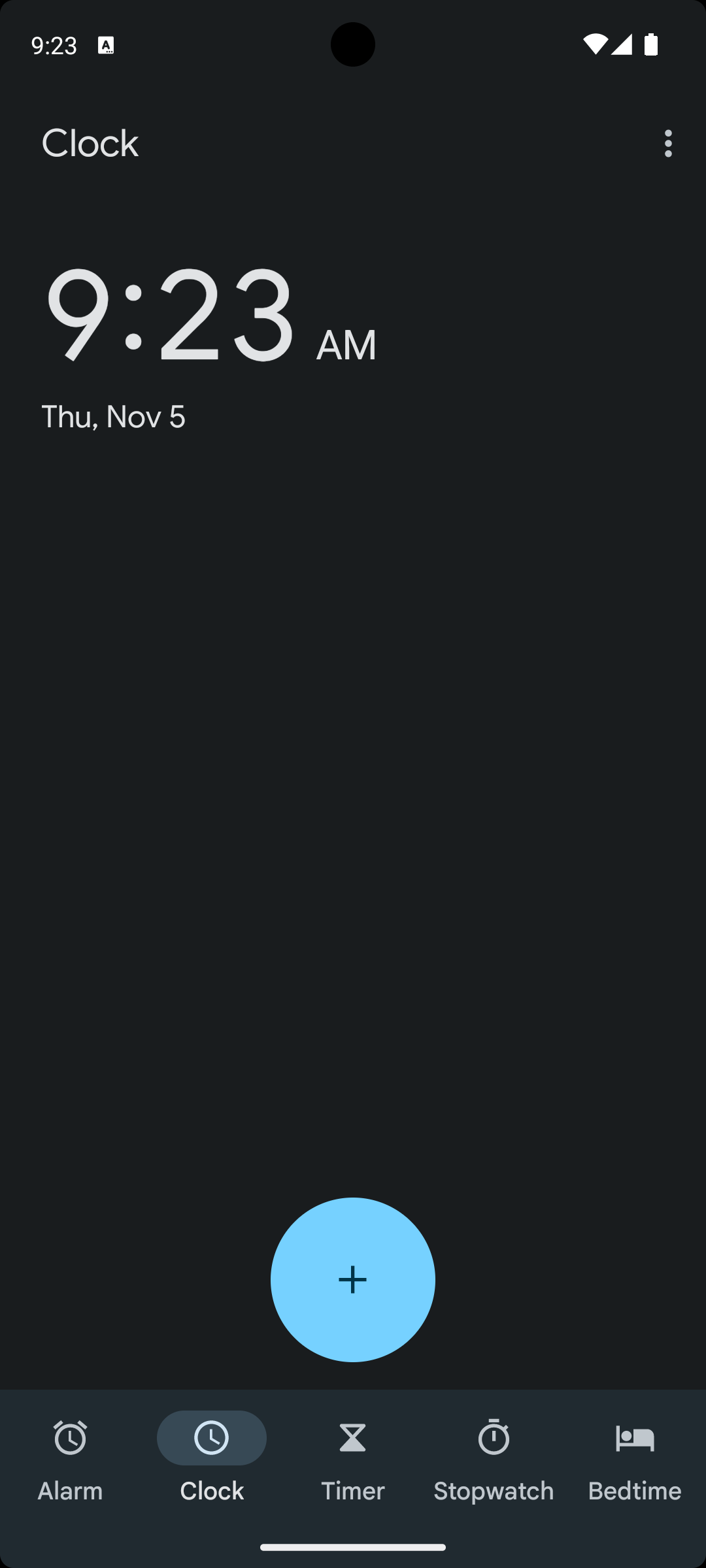
iPhone 17 Pro Max · Pixel 7
Open Calendar on iOS
The header reads Thursday – Nov 5, 2026Keep one understandable workflow goal across platforms.
See exactly how each application rendered and behaved.
Run devices and builds side by side instead of serial manual checks.
How it works
01Choose the platformsSelect the iOS and Android builds and device profiles to cover.
02Run the same user intentLet the workflow adapt to the visible experience on each platform.
03Review the evidence togetherFind divergent behavior before it reaches users.

Keep exploring
Start iOS simulators, Android emulators and web browsers in seconds.
Describe what the user should accomplish and keep replayable evidence.
Write readable, agent-driven tests for iOS, Android and web.
Your team and its agents build, run and verify every change on Revyl’s devices and Macs, and what they see becomes your record.