Verify changes where users experience them
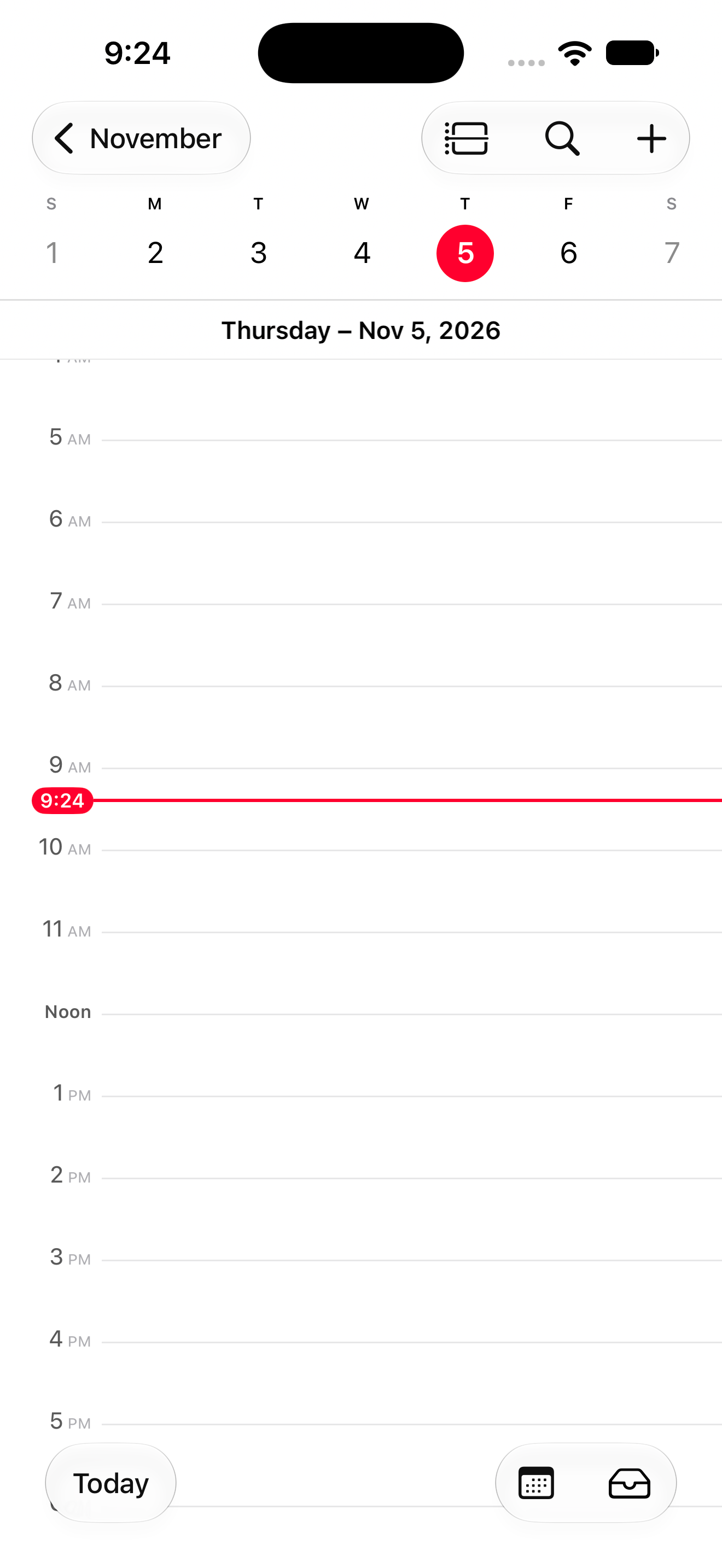
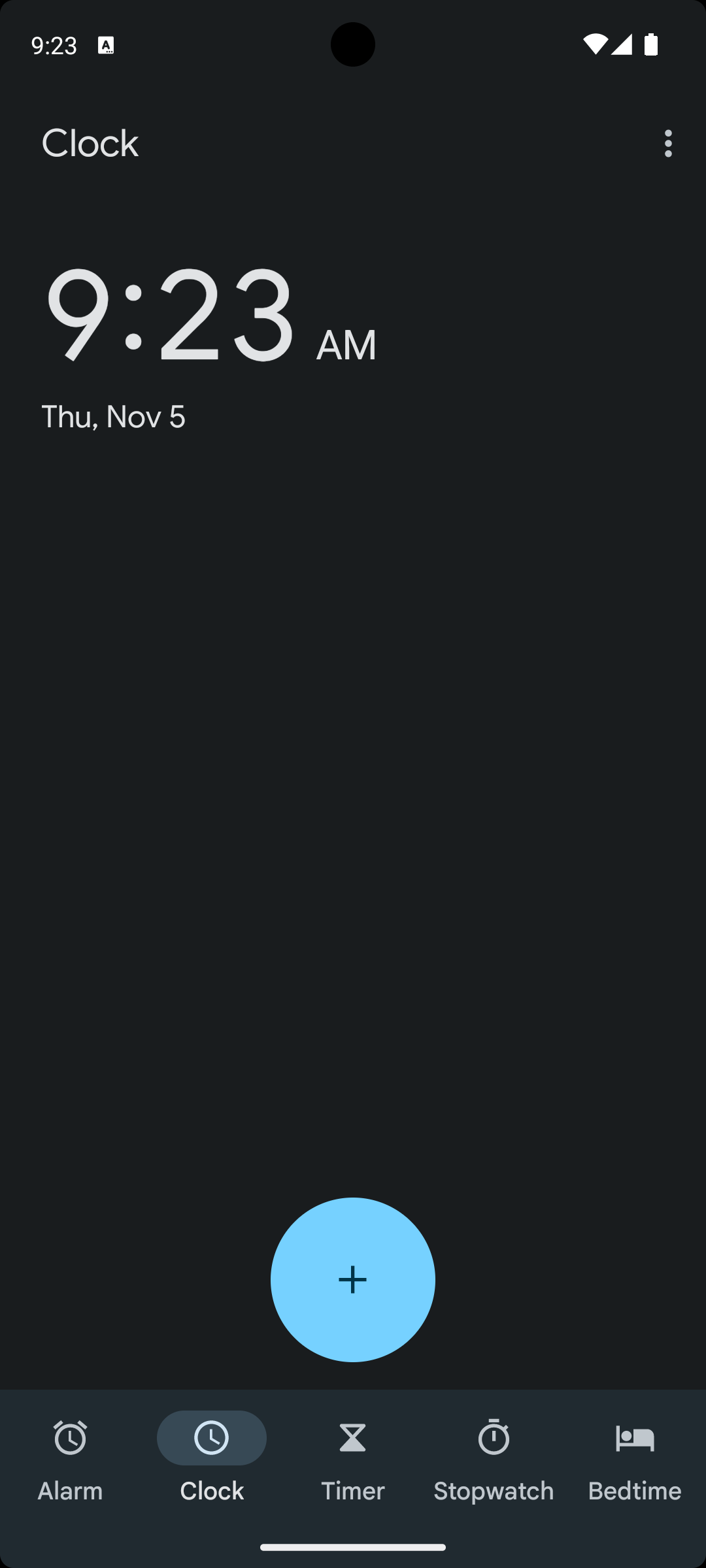
Run agent-driven tests against the real application and determine whether each workflow behaves as intended from what appears on screen.
Verify
Testing that sees the screen
Revyl tests through the interface instead of depending entirely on brittle selectors or static code checks, then keeps the evidence behind every result.

- 01
Test like a user
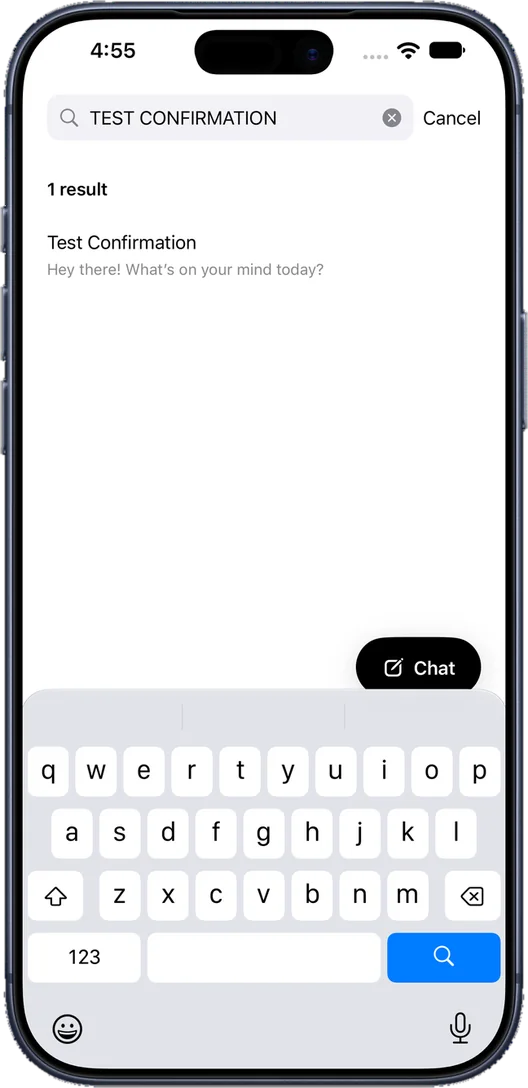
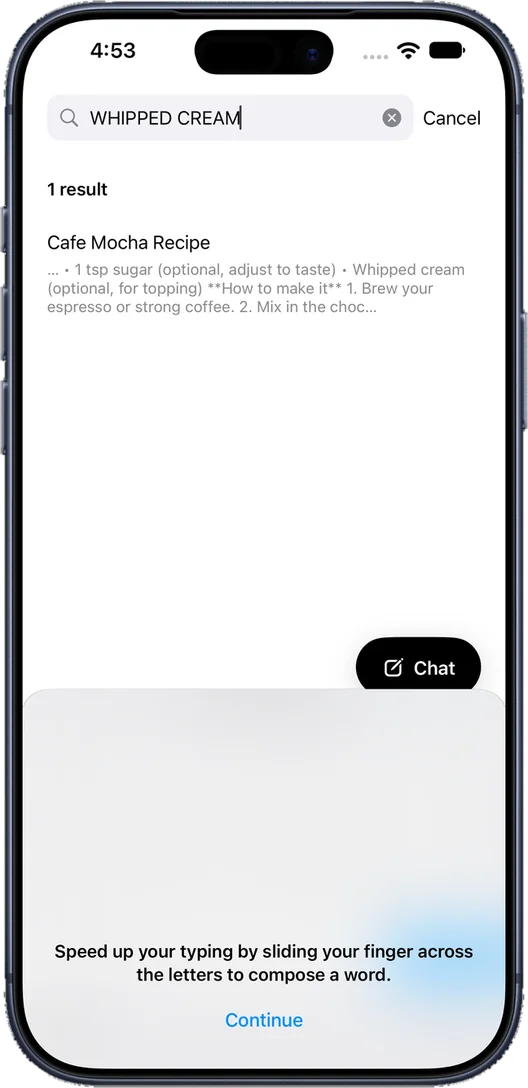
Exercise the same screens, gestures, and states that real users encounter.
- 02
Understand failures
See the exact screen, action, and runtime evidence behind each result.
- 03
Reuse what worked
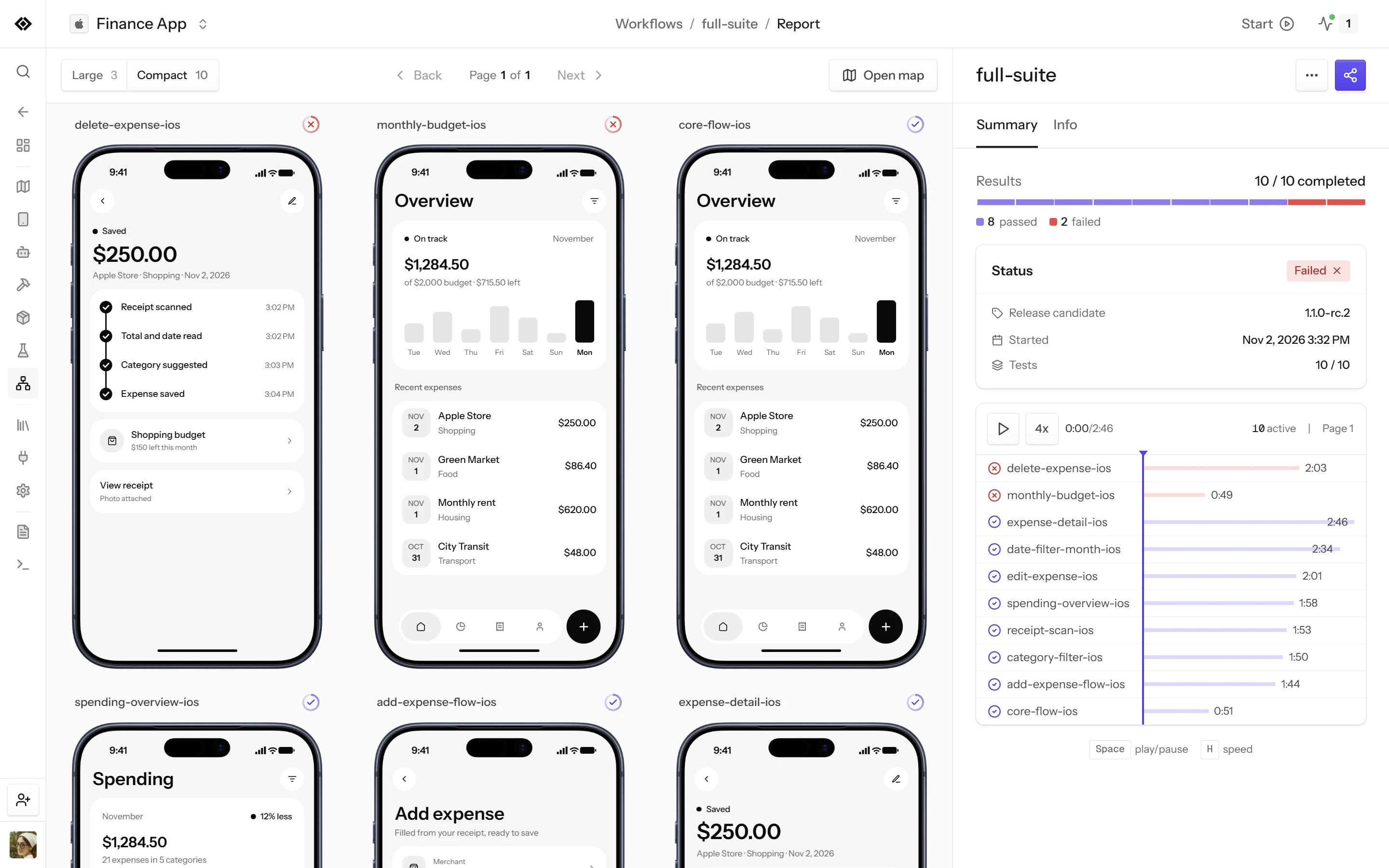
Keep workflows and evidence available for pull requests, releases, and regressions.
How it works
Every test is checked against the screen
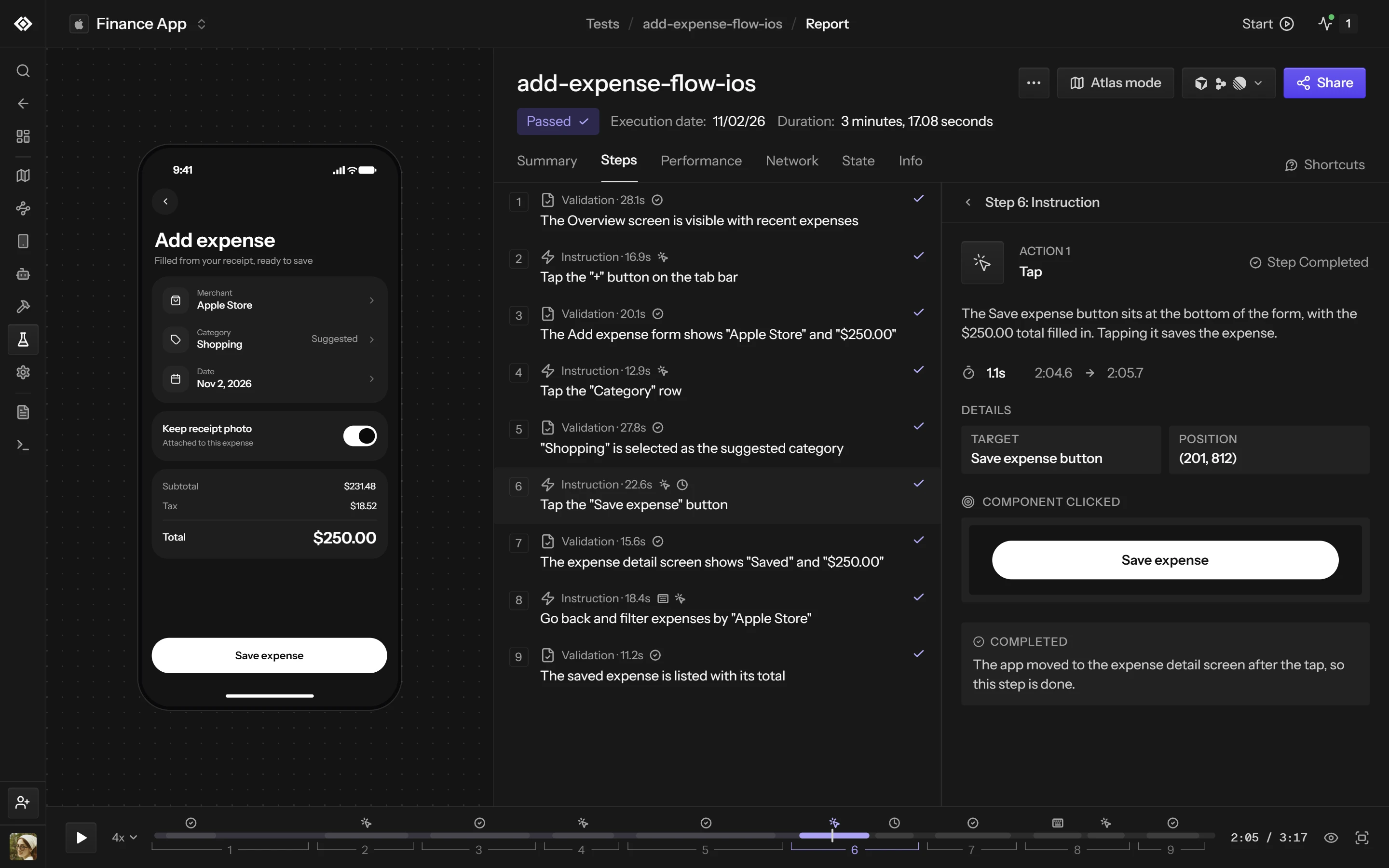
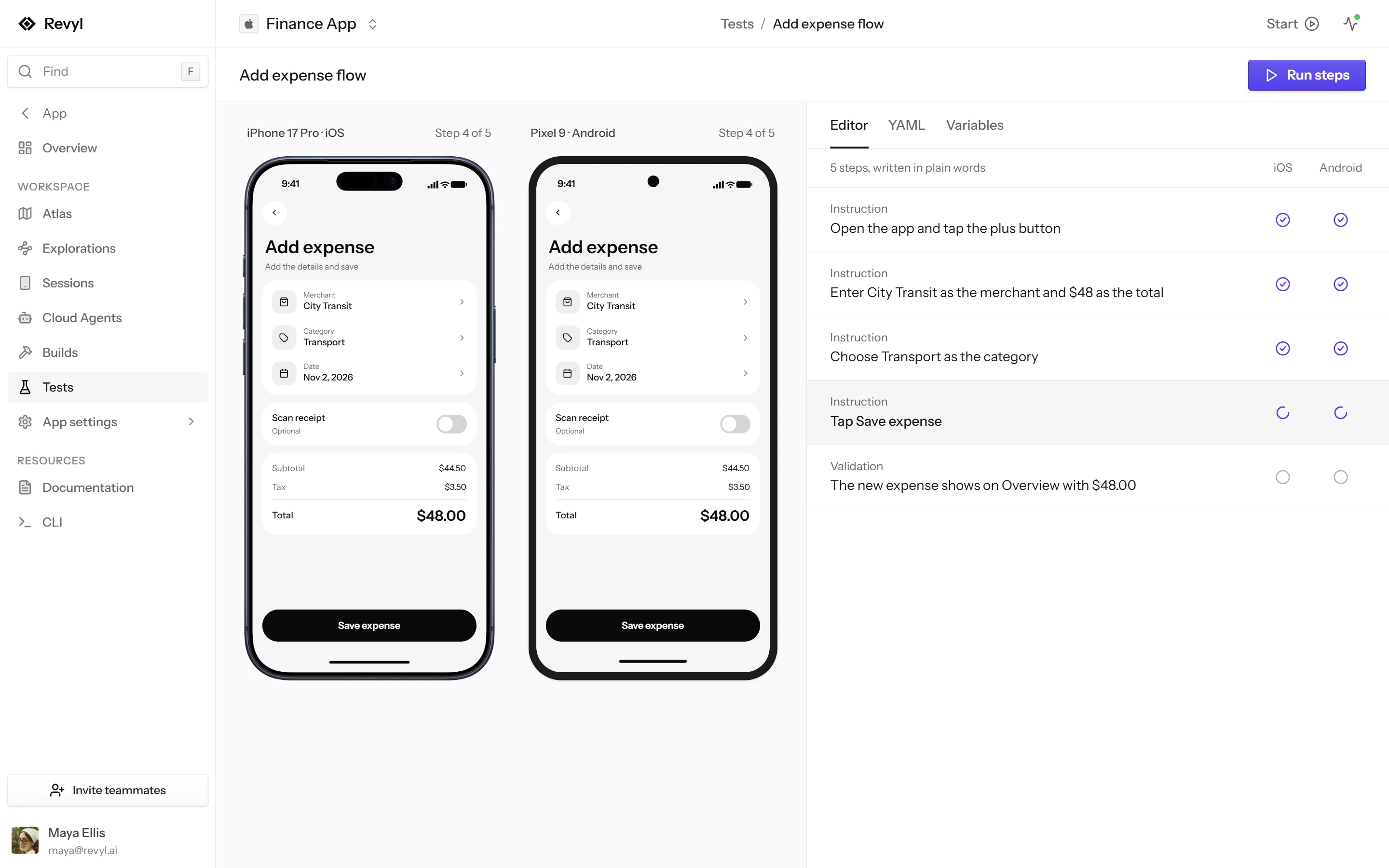
Each step is a plain-language instruction or validation. Revyl runs it in a live session, decides pass or fail from what the screen shows, and keeps the video, screenshots and logs behind the verdict.


One flow on iOS, Android and web
Cover whole user flows on iOS simulators, Android emulators and web browsers. A macOS computer adds a full desktop, with commands, files and screenshots.
Reads the screen like a user
The agent finds each element on the rendered screen, taps and types the way a person would, and checks every validation against what is actually shown.
No test IDs to maintain
Steps say “Tap Sign In” instead of naming an XPath or accessibility ID, so a moved button or a renamed view doesn't send anyone back to rewrite selectors.
A report for every run
Each run keeps the video, a step-by-step timeline, the screenshot each action was grounded on, device logs and network requests.

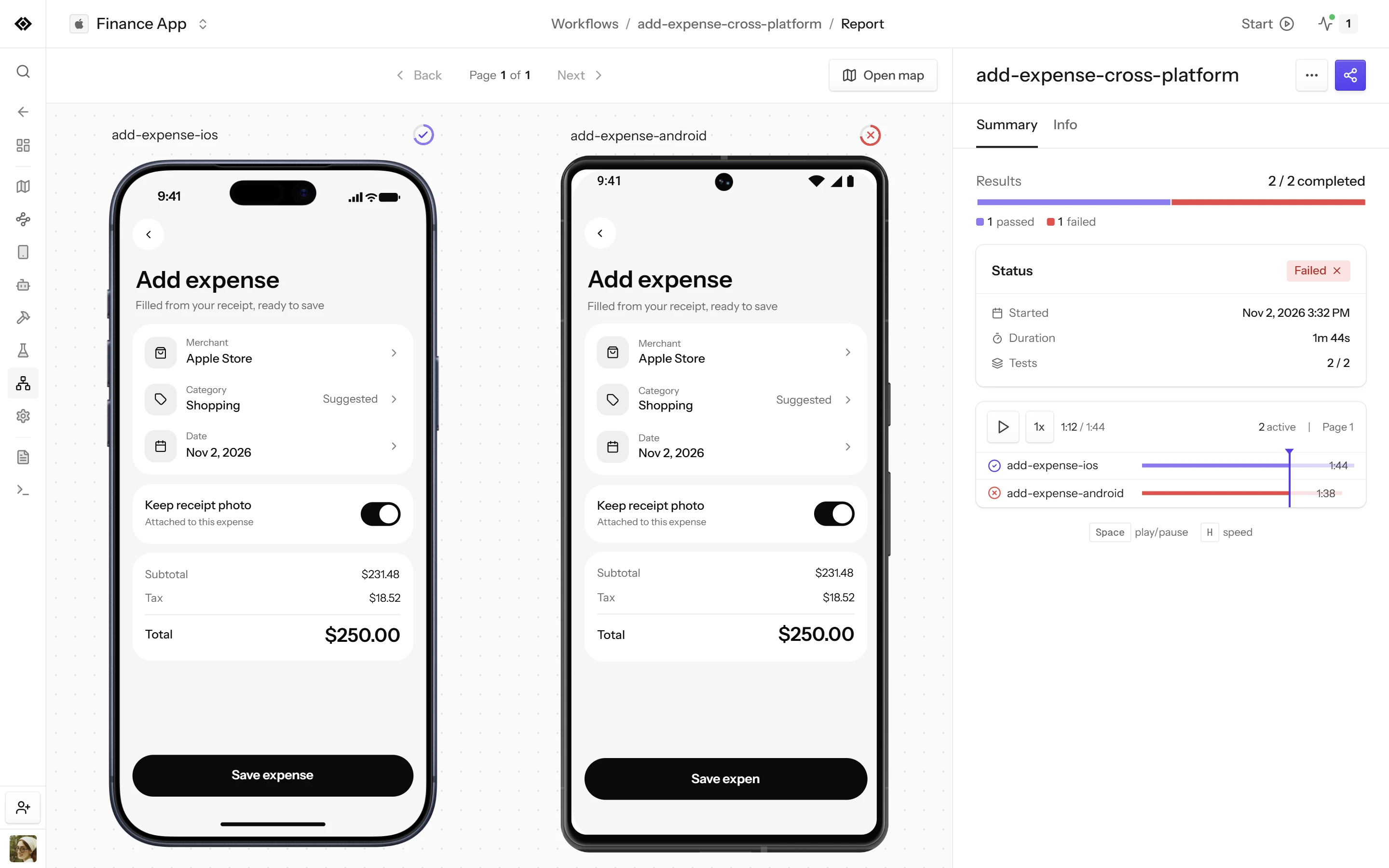
- Both platforms in one runThe same workflow runs on iOS and Android side by side.
- A result per platformEach platform passes or fails on its own, with its own report.
- A desktop when you need oneA macOS computer adds commands, files and screenshots.
Keep exploring
Where to go next
Test automation
Describe what the user should accomplish and keep replayable evidence.
Pull request validation
Attach visible evidence to a change before it merges.
Release readiness
Run the workflows that define a healthy release.
Ready to build with confidence?
Your team and its agents build, run and verify every change on Revyl’s devices and Macs, and what they see becomes your record.