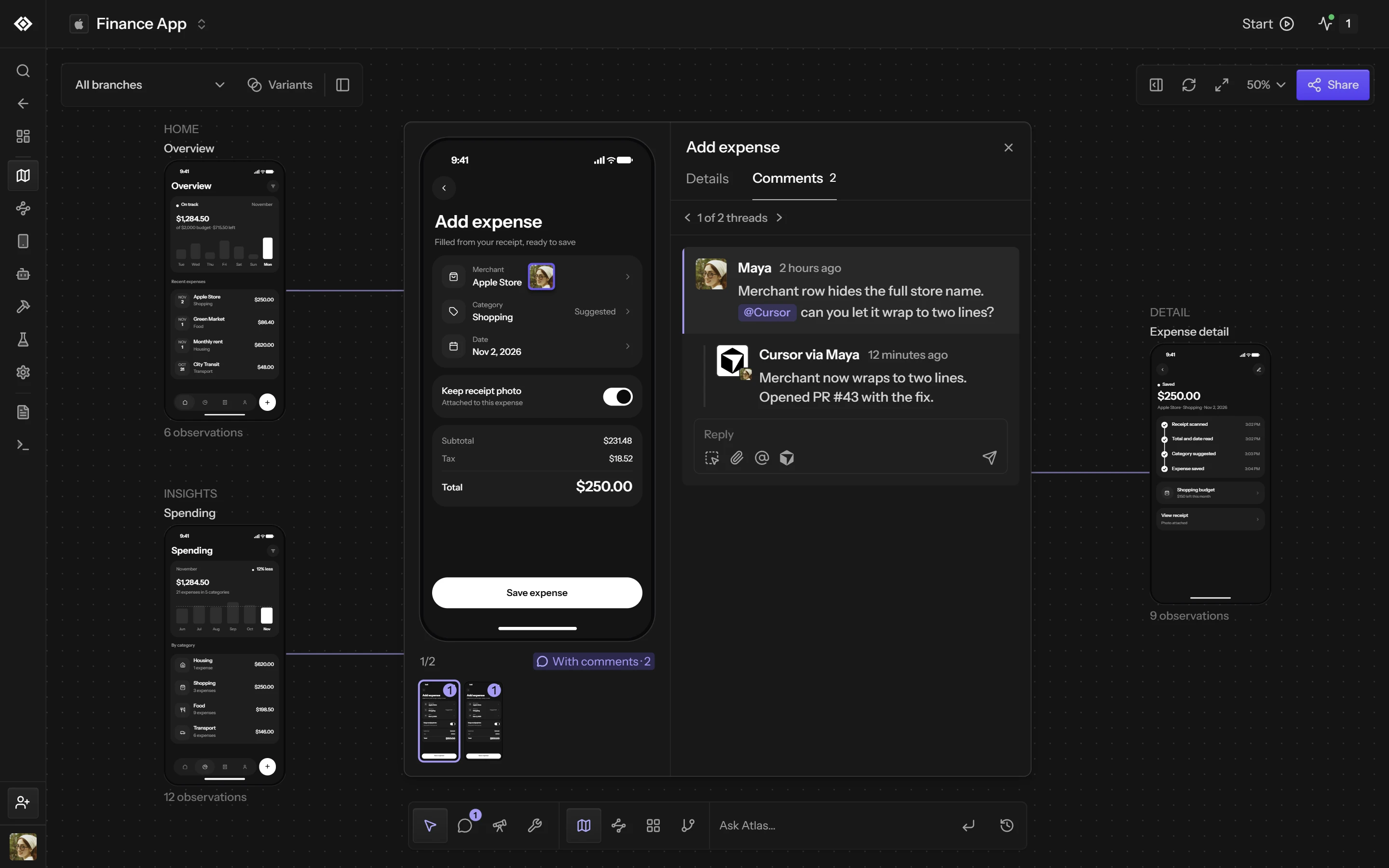
Understand the app as it actually behavesEvery run writes screens, flows, changes, and coverage back into a living model of your product.
Explore AtlasWorkflow
Connect
By team
Learn
Resources
Build, develop, test and understand your software in one runtime shared by your team and its agents, on iOS, Android, web and macOS.
The loop
Understand the app as it actually behavesEvery run writes screens, flows, changes, and coverage back into a living model of your product.
Explore Atlas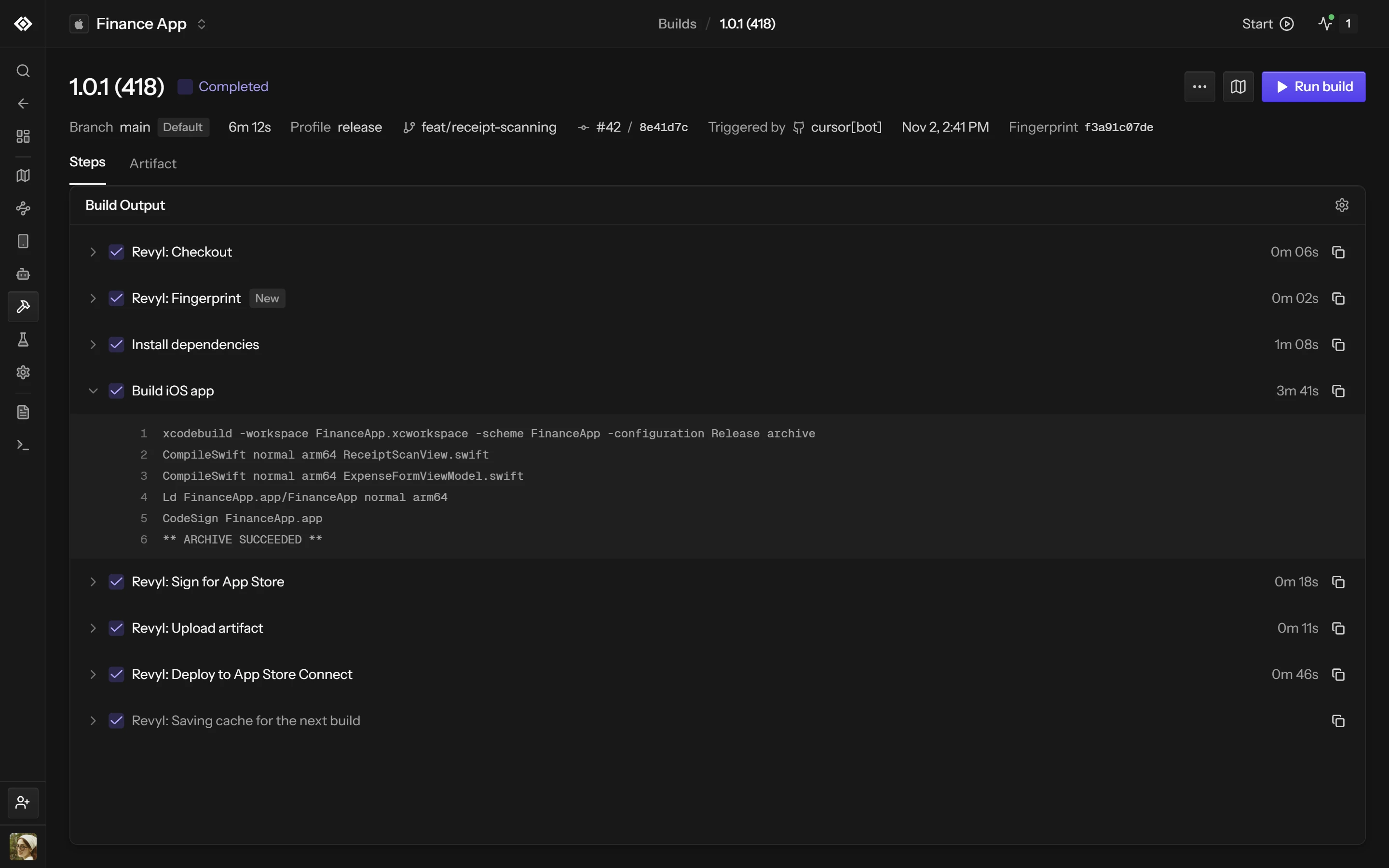
Compile iOS, Android and web builds in the cloudManaged build environments replace machine-specific setups, so people and agents compile and deploy in parallel.
Explore Build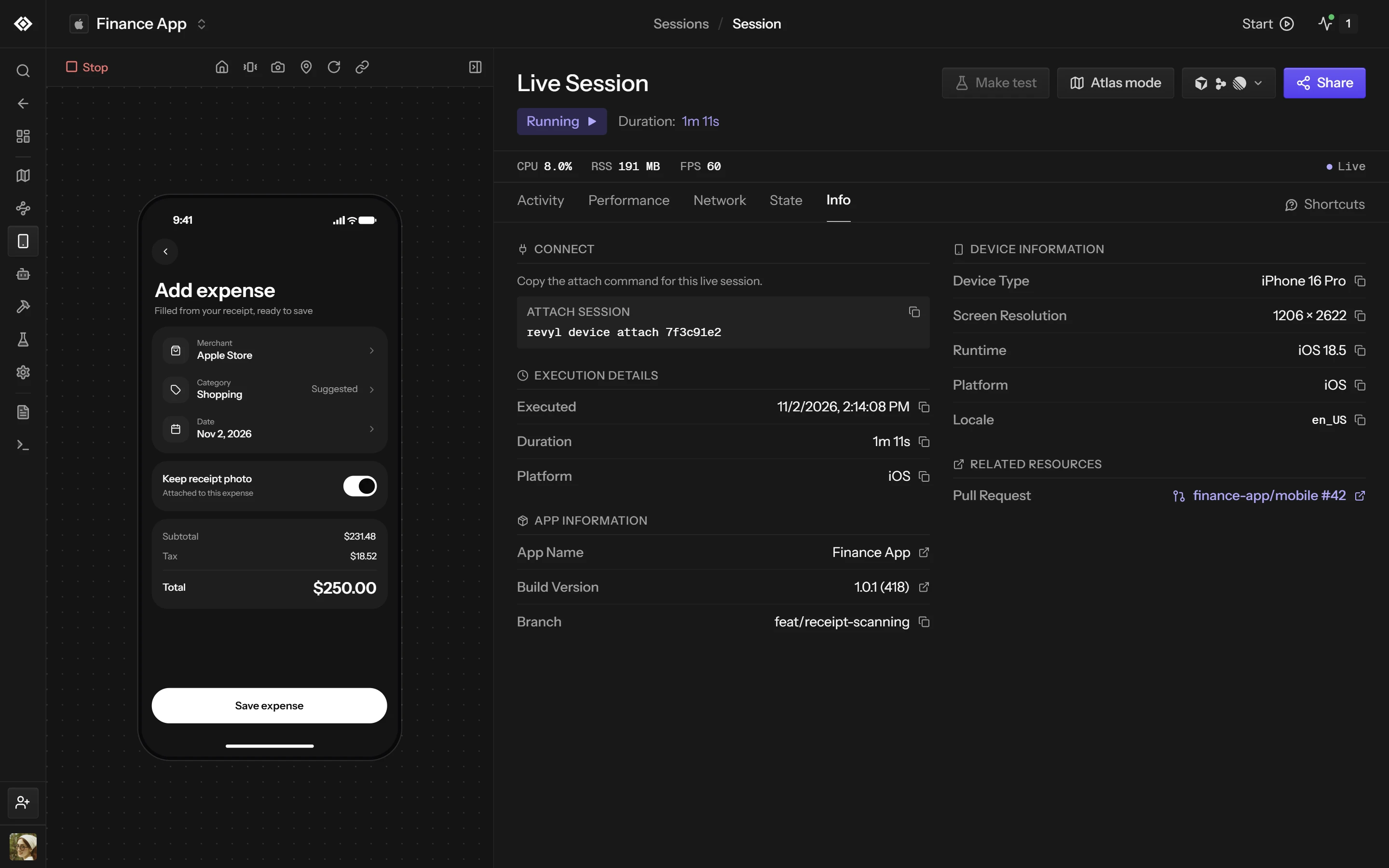
Develop against the real, running appMake a change, launch it on a live device, and see the result without waiting on a manual handoff.
Explore Develop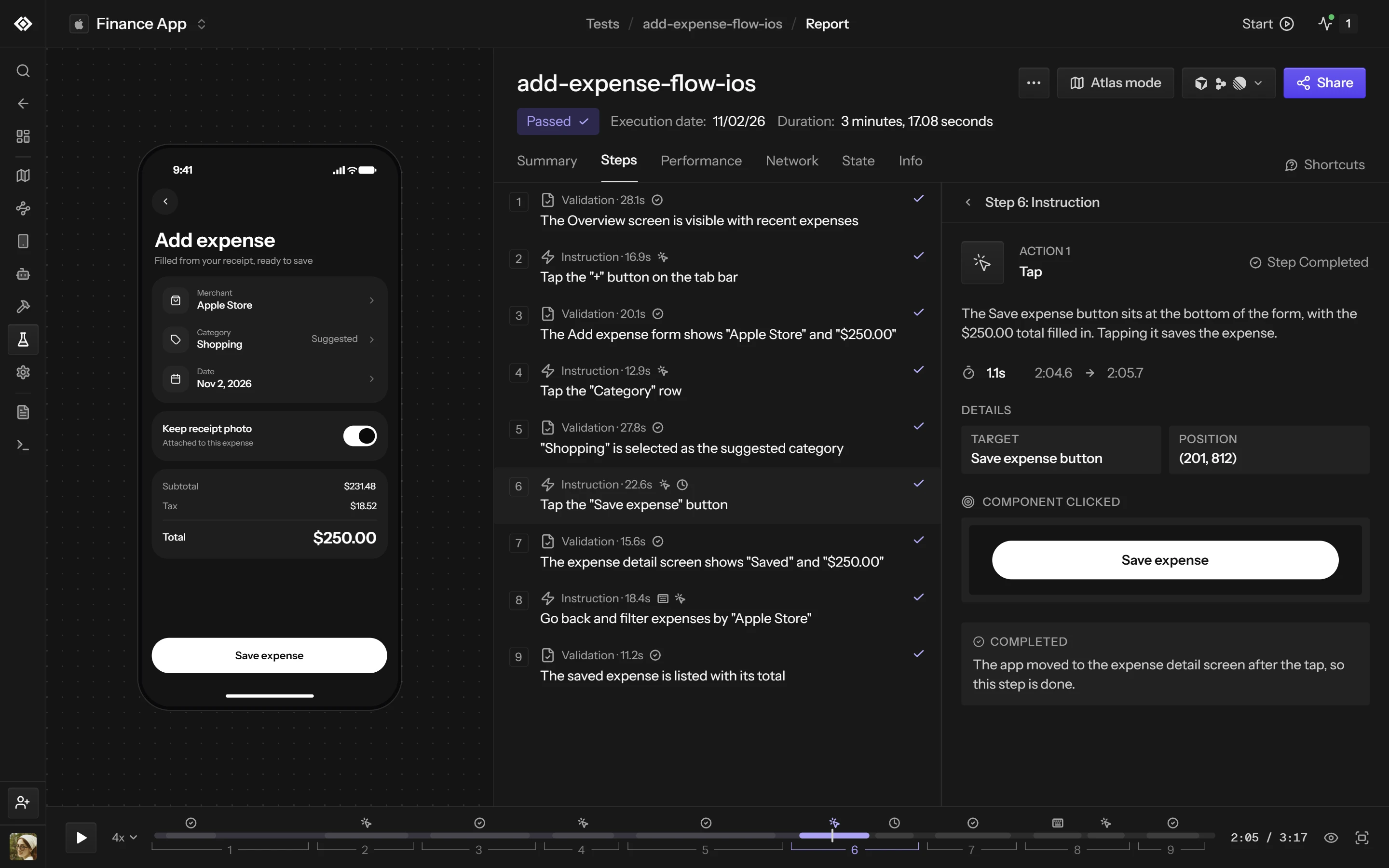
Verify changes where users experience themAgent-driven tests act on the visible app and keep replayable evidence behind every verdict.
Explore VerifyFoundation
Cloud devices and integrations sit under all four stages, so a change meets the same devices wherever it starts.
Cloud devicesFast, programmable iOS and Android environments where every workflow actually runs. No device farm to maintain.
Explore Cloud devicesIntegrationsCursor, CLI, MCP, GitHub Actions, and APIs bring the runtime to wherever your team and its agents already work.
Explore IntegrationsWhy one platform
The same environments for everyonePeople and agents build and run on the same managed compute, iOS, and Android environments.
Proof stays attached to every changeTest results, screenshots, traces, and replays stay connected from development through release.
What you learn becomes reusableEvery run updates Atlas with the screens, flows, and coverage your team can use again.
Connect a build, open a device, and watch the first run write itself into Atlas.