


release suiteiOS · Android · web
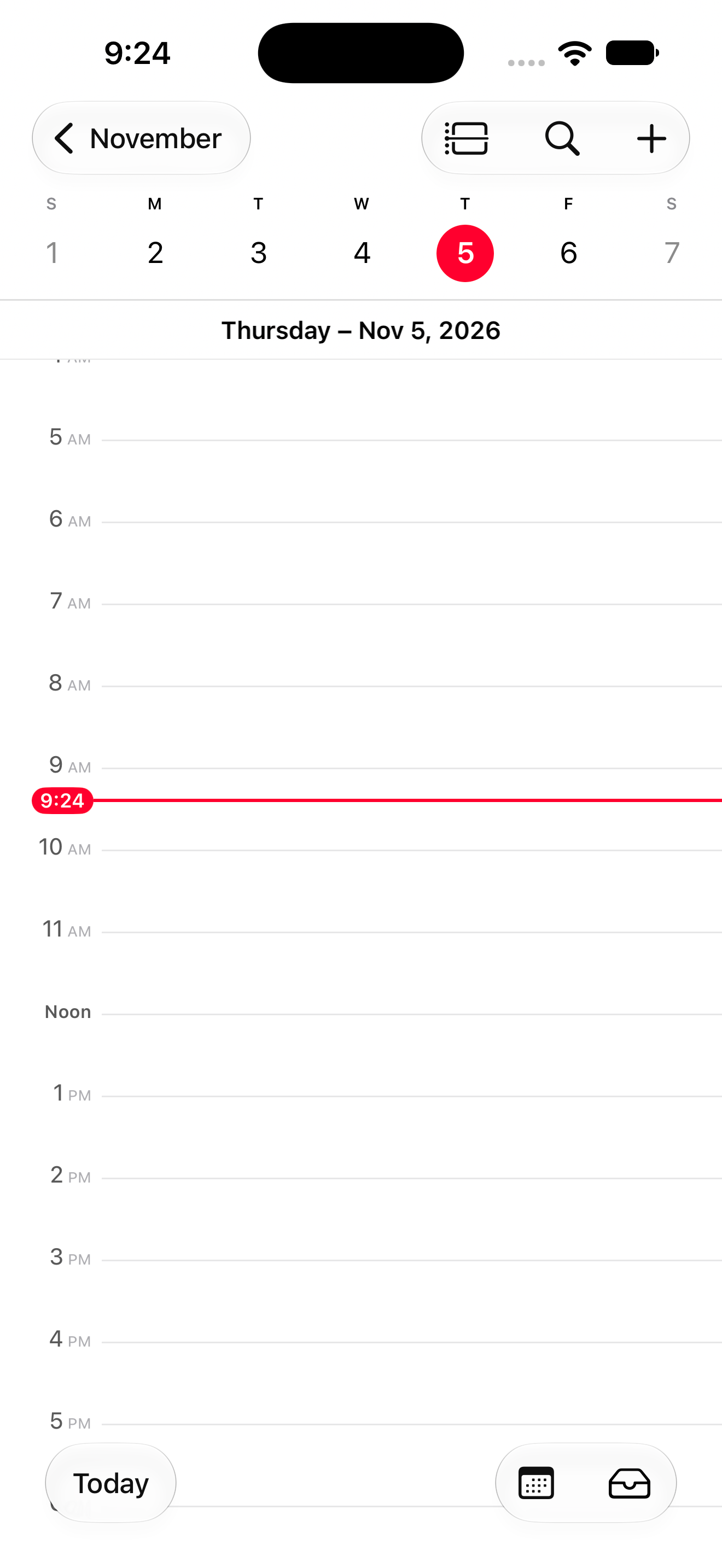 Calendar · iOS simulator
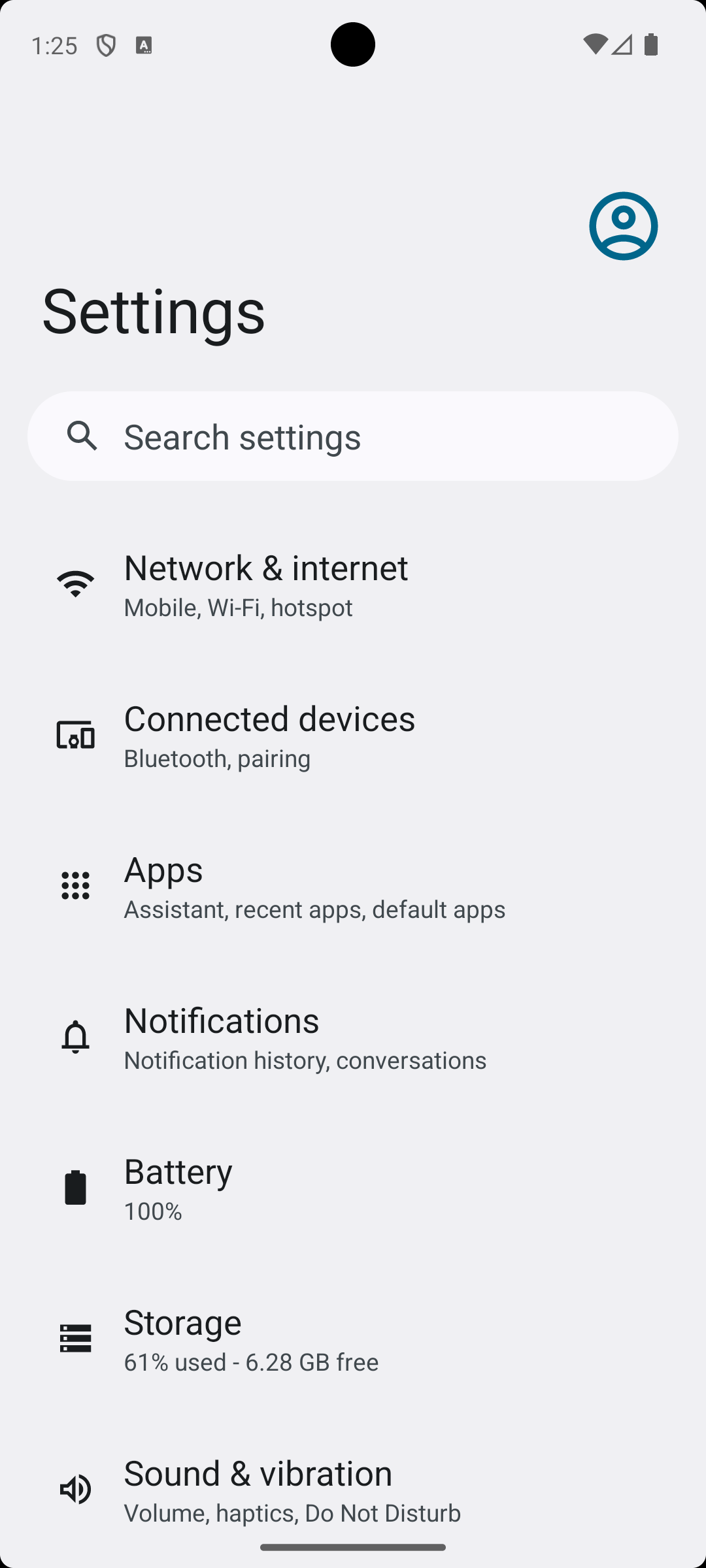 Settings · Android emulator
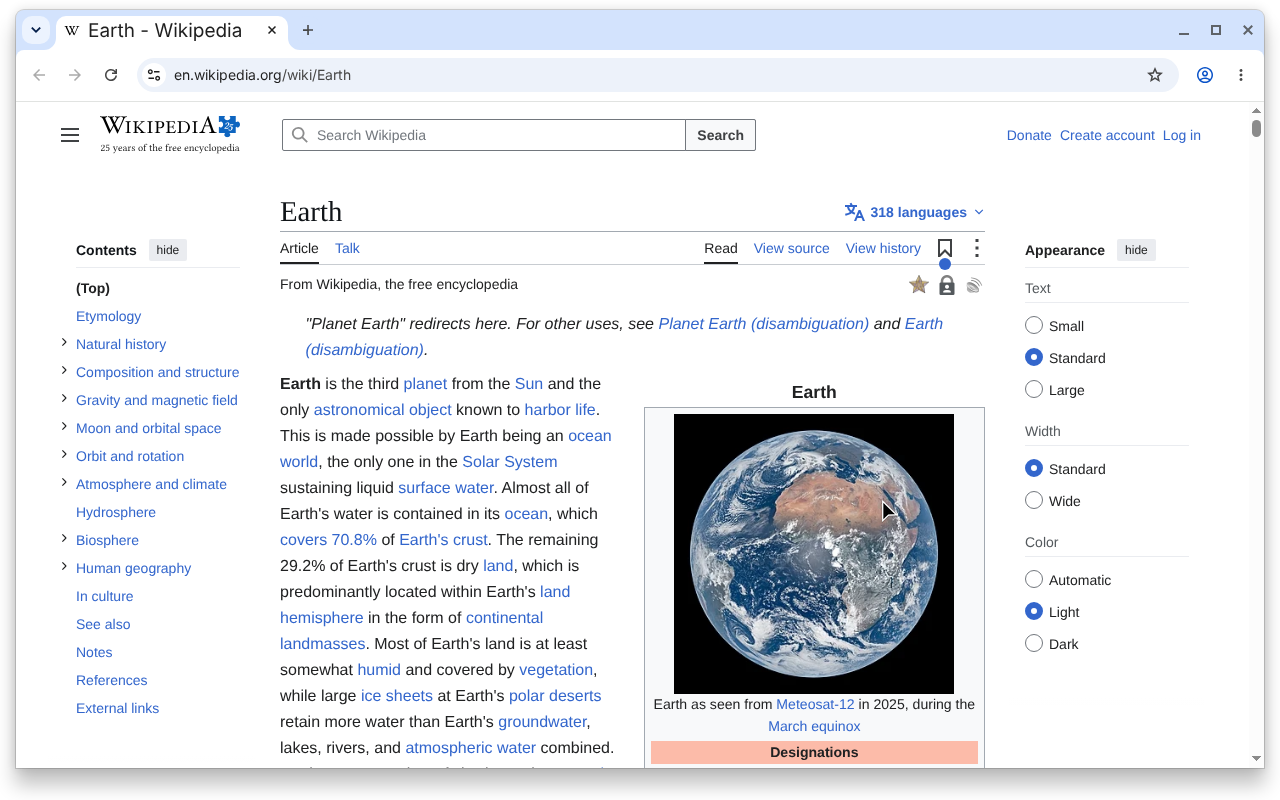 Wikipedia · web browser
Choose the release workflowsIdentify the journeys and platforms that represent readiness.
Workflow
Connect
By team
Learn
Resources
Run the workflows that define a healthy release, understand every failure, and see what remains unverified before shipping.
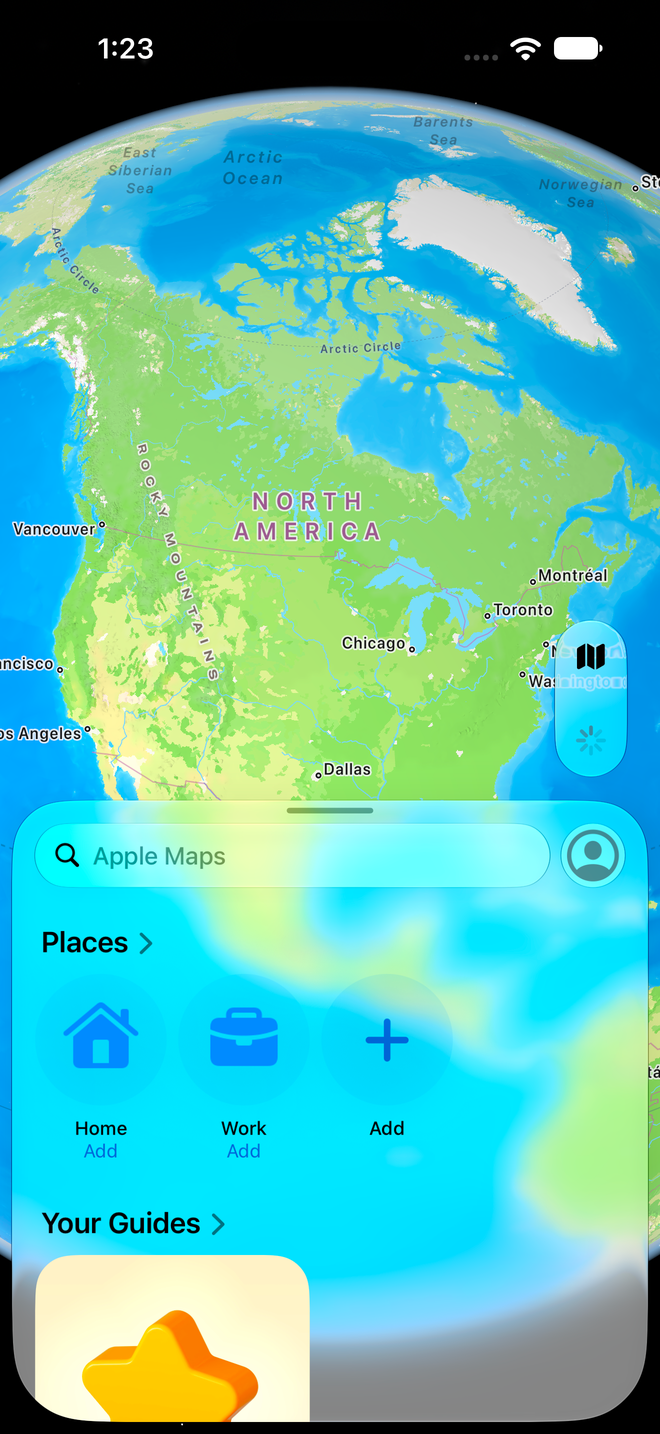
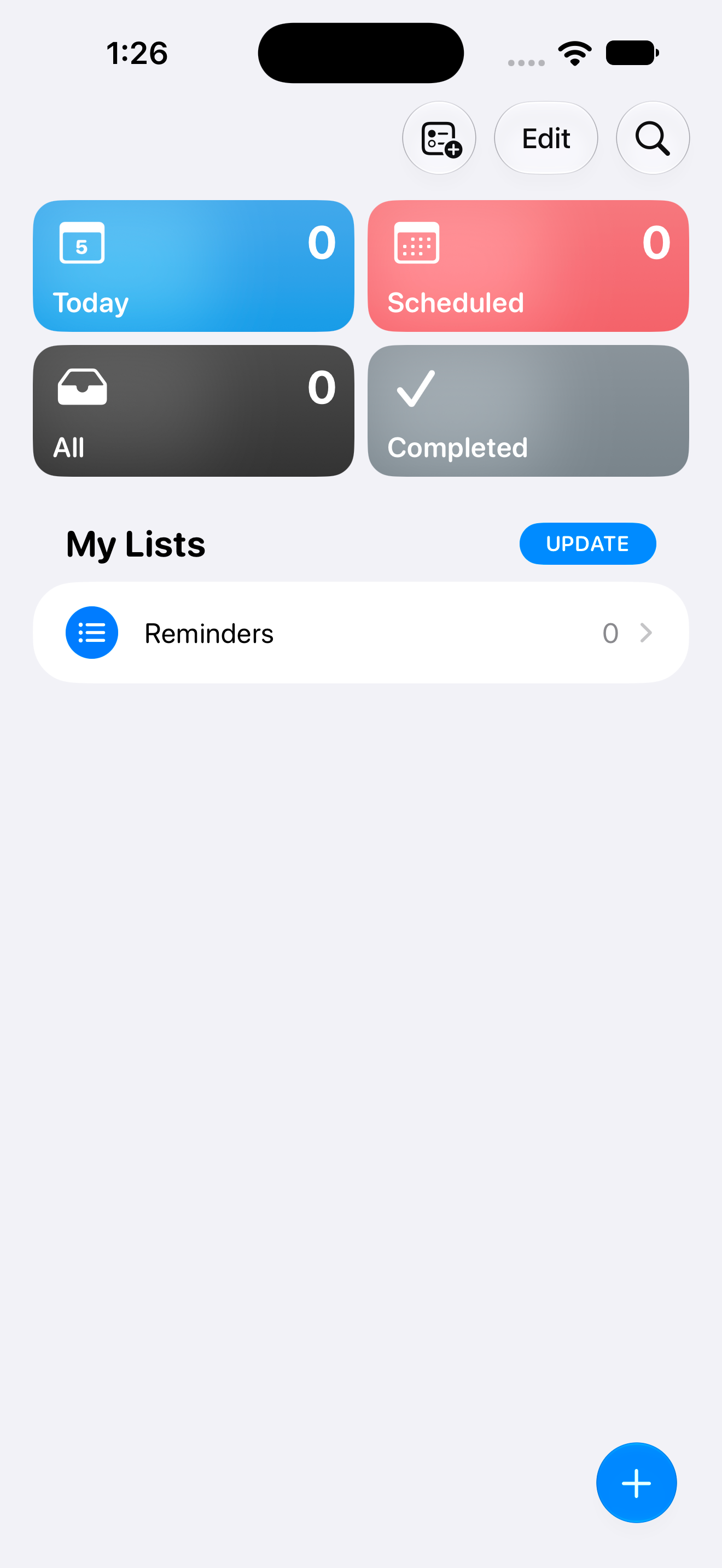
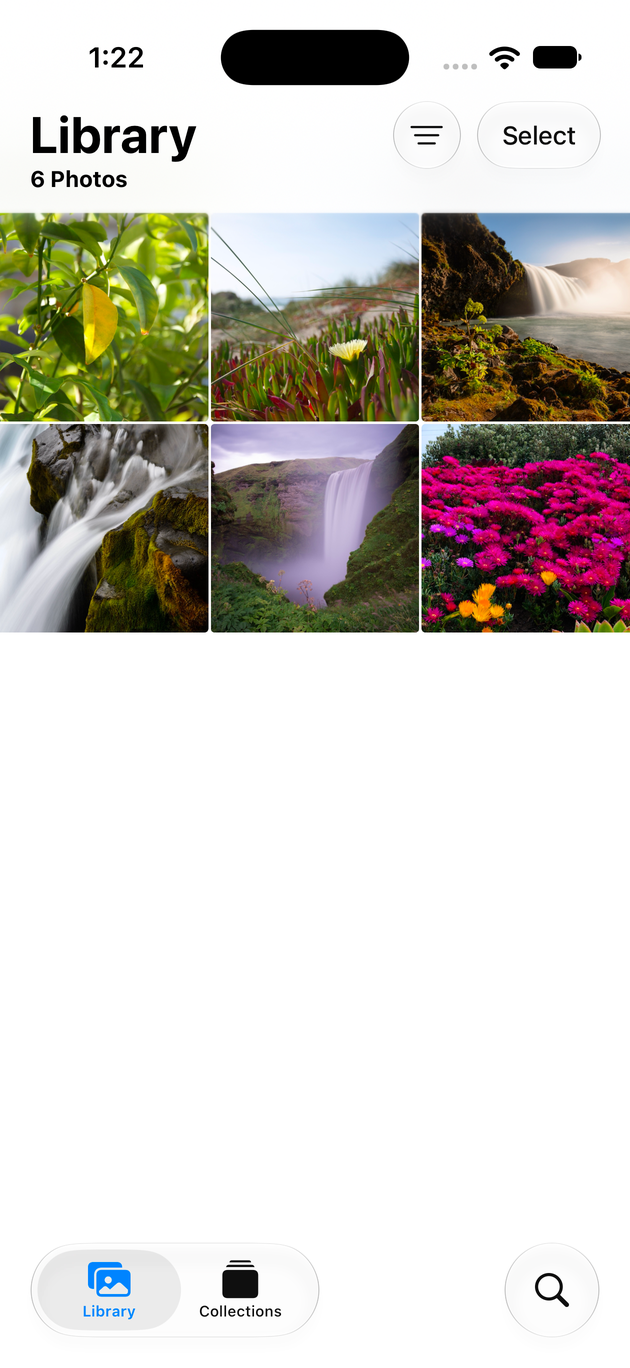
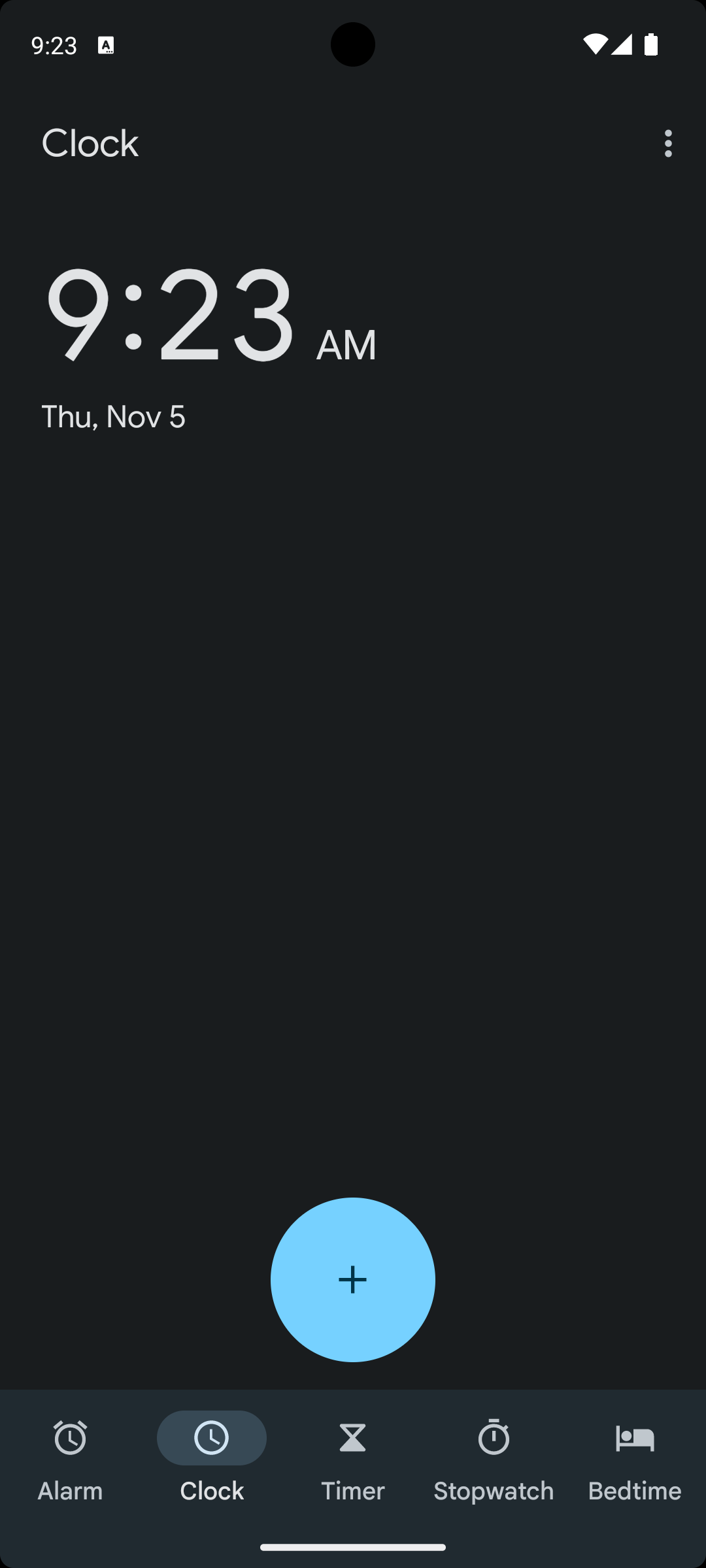
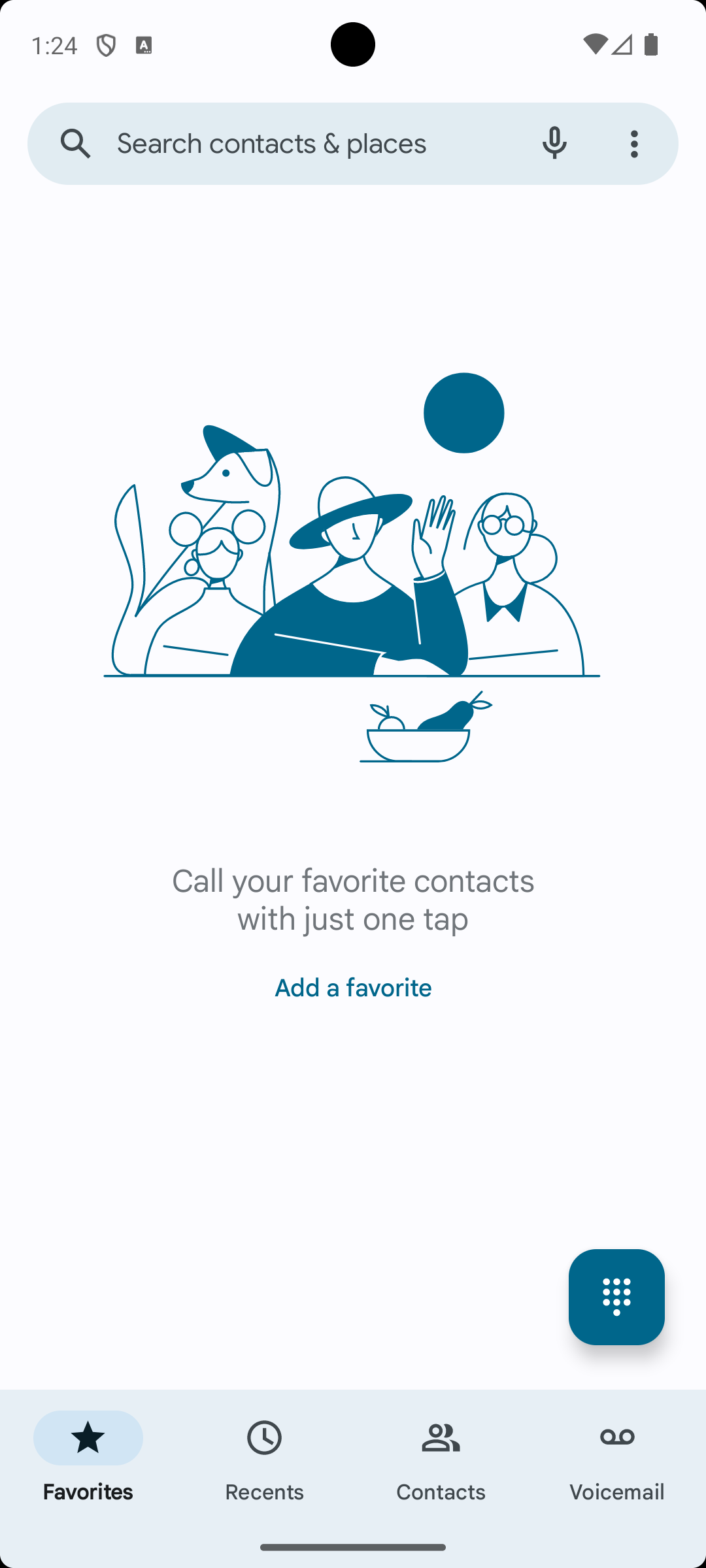
Release readiness
Revyl connects test results to the screens, flows, and builds they exercised so readiness reflects the product rather than a disconnected checklist.
Release candidate RC
Some checks are still running
Define the workflows and outcomes that must be true before shipping.
Review runtime evidence instead of starting every investigation from scratch.
Use Atlas to see what the release exercised and what it did not.
How it works
Calendar · iOS simulatorSettings · Android emulatorWikipedia · web browserChoose the release workflowsIdentify the journeys and platforms that represent readiness.
Execute the release candidateValidate the real build across the required environments.
Calendar · iOS simulatorSettings · Android emulatorWikipedia · web browserReview the remaining riskShip, hold, or investigate with the evidence in view.
01Choose the release workflowsIdentify the journeys and platforms that represent readiness.
02Execute the release candidateValidate the real build across the required environments.
03Review the remaining riskShip, hold, or investigate with the evidence in view.
Calendar · iOS simulatorSettings · Android emulatorWikipedia · web browserCalendar · iOS simulatorSettings · Android emulatorWikipedia · web browserKeep exploring
Dedicated capacity for cloud devices, browsers, Mac computers and autonomous agents.
Describe what the user should accomplish and keep replayable evidence.
Atlas turns evidence into a living model of your screens and flows.
Your team and its agents build, run and verify every change on Revyl’s devices and Macs, and what they see becomes your record.