


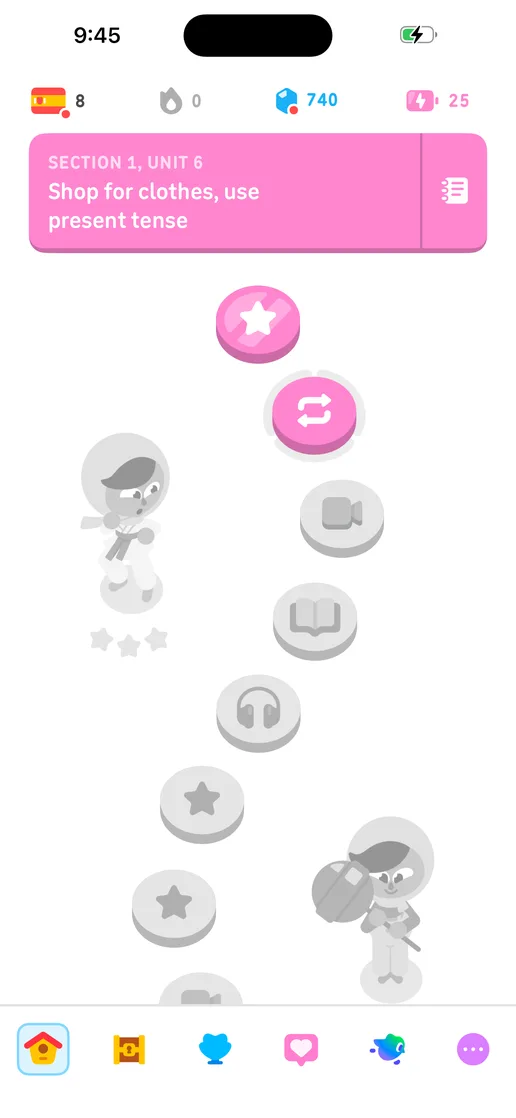
Open the applicationStart from a build and device that match the question you are asking.
Workflow
Connect
By team
Learn
Resources
Let people and agents move through a live application, discover screens and states, and turn each observation into reusable product context.
$ revyl explore run
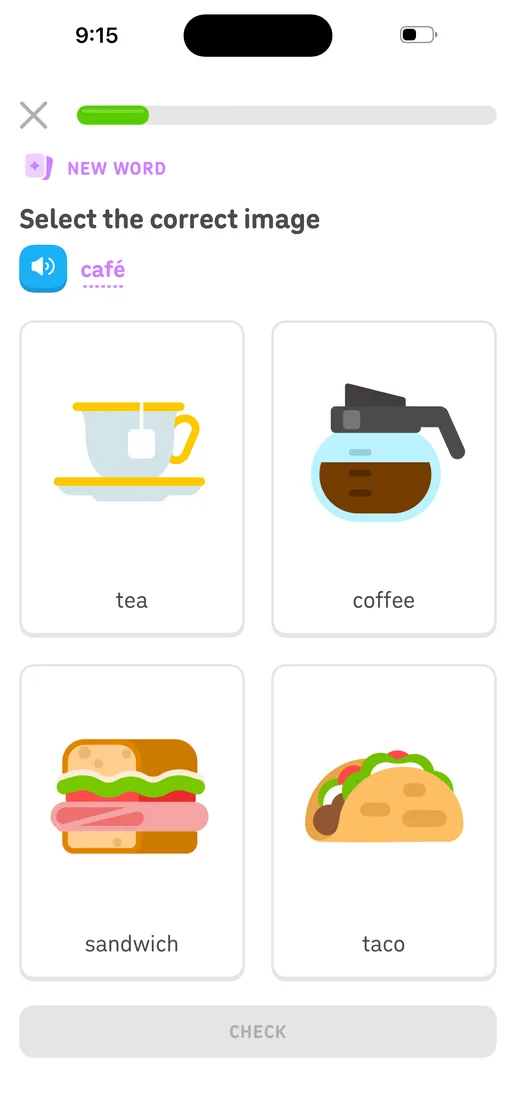
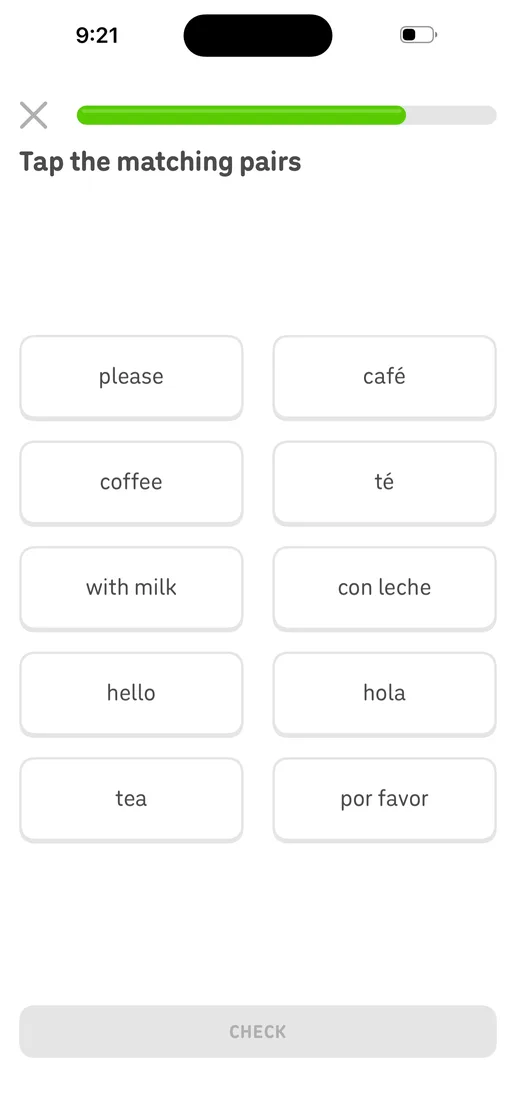
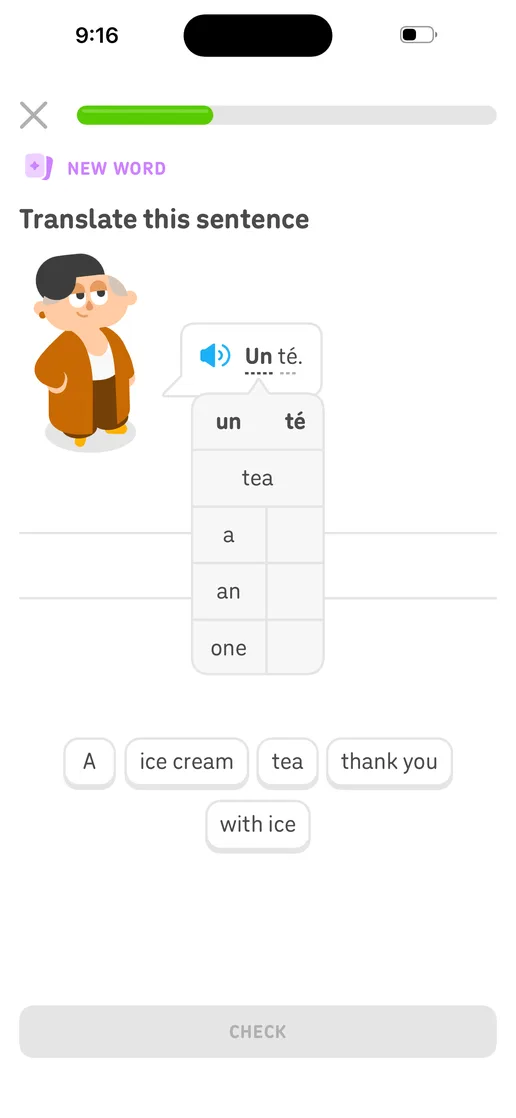
$ revyl explore run
4 screens · 3 transitionsApp exploration
Exploration should not disappear when the session ends. Revyl writes observed screens, transitions, and evidence into Atlas for the next workflow.
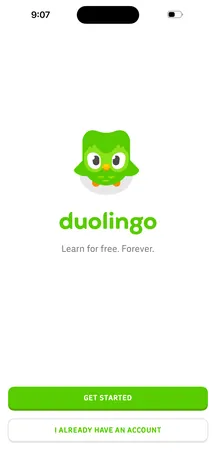 Welcome
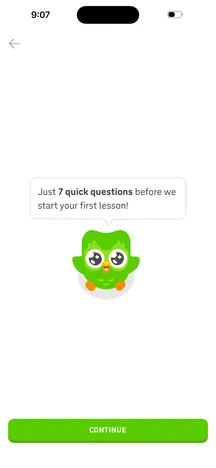 Intro
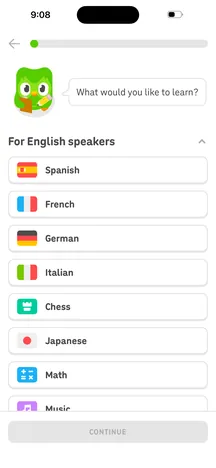 Course
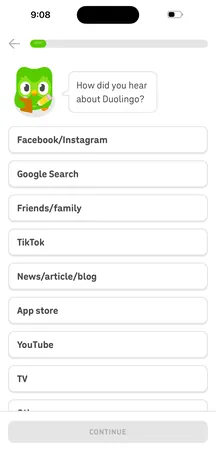 Referral
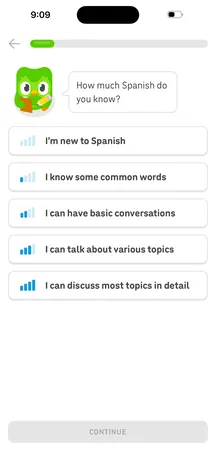 Proficiency
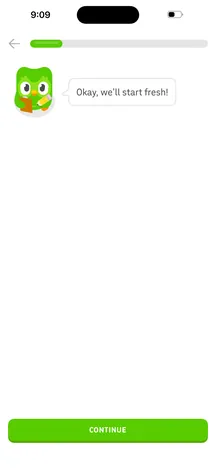 Start fresh
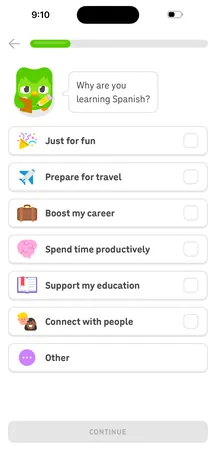 Motivation
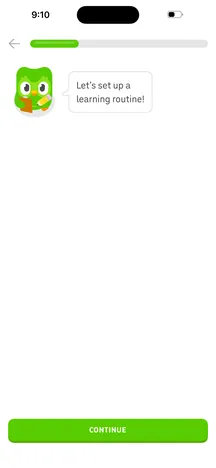 Routine
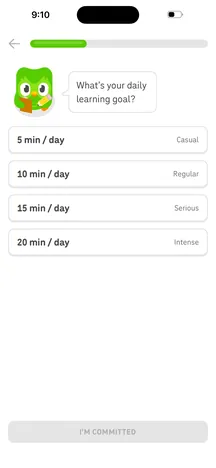 Daily goal
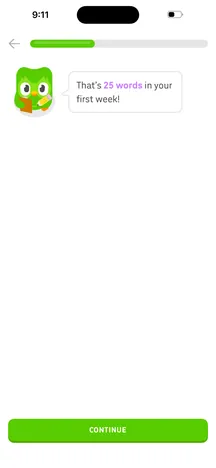 Goal set
Inspect what exists in the running app rather than relying on stale assumptions.
Connect screens and transitions as they are observed.
Turn exploration into context for development, testing, and product review.
How it works
Open the applicationStart from a build and device that match the question you are asking.
Move through the experienceLet a person or agent discover screens, states, and transitions.
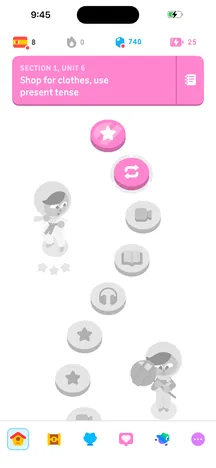 Learn home
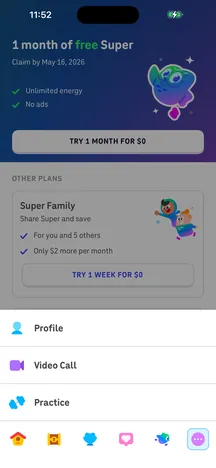 More
 Profile
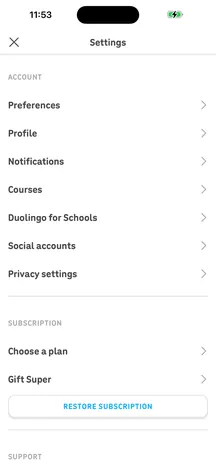 Settings
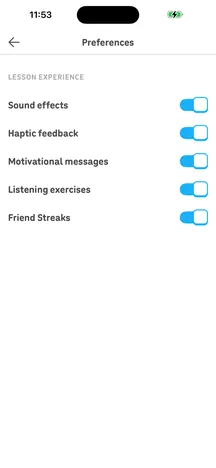 Preferences
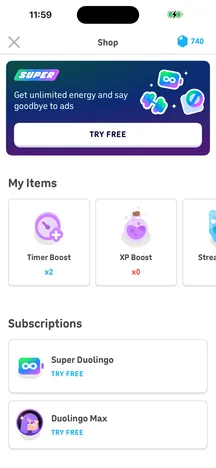 Shop
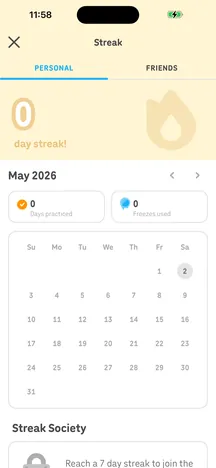 Streak
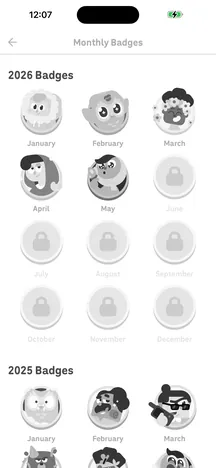 Badges
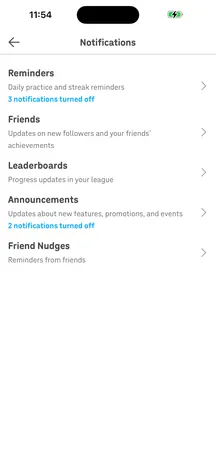 Notifications
Write the evidence to AtlasKeep the discovered product context available after the session.
01Open the applicationStart from a build and device that match the question you are asking.
02Move through the experienceLet a person or agent discover screens, states, and transitions.
03Write the evidence to AtlasKeep the discovered product context available after the session.
Learn homeMoreProfileSettingsPreferencesShopStreakBadgesNotificationsKeep exploring
Atlas turns evidence into a living model of your screens and flows.
Make the release call from what the running build does.
Start iOS simulators, Android emulators and web browsers in seconds.
Your team and its agents build, run and verify every change on Revyl’s devices and Macs, and what they see becomes your record.