


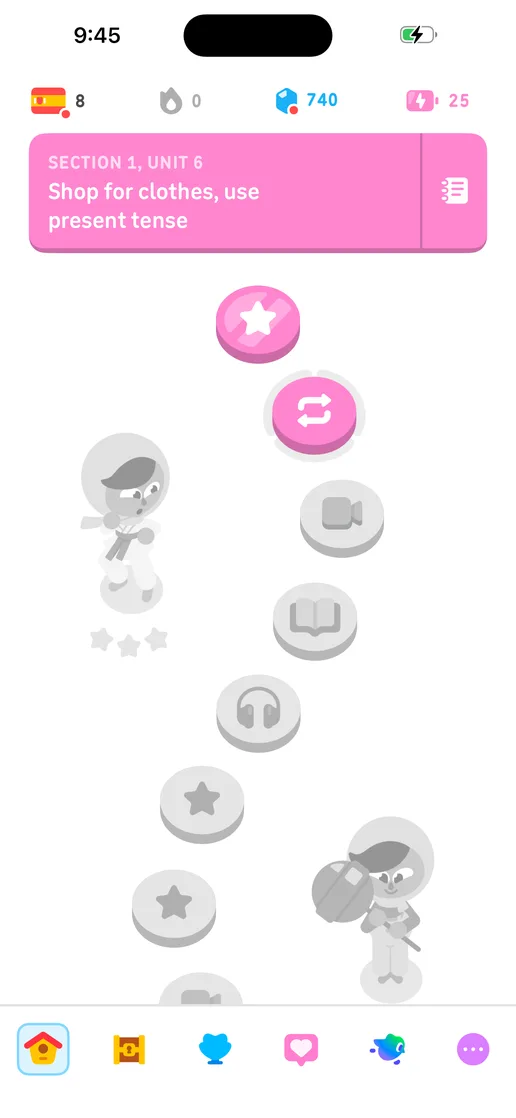
Open the current buildStart from the build the team is preparing to ship, on an iPhone, an Android phone or a browser.
Workflow
Connect
By team
Learn
Resources
Open the running build, read the proof on each pull request and make the release call from what you see on the device.

Product
Every exploration and test adds the flows it walked to Atlas, so the record of what the app does stays current as the product changes.
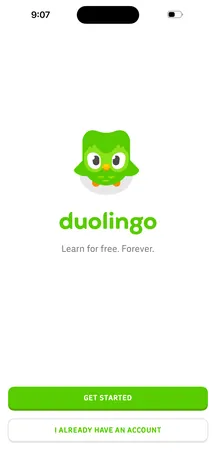 Welcome
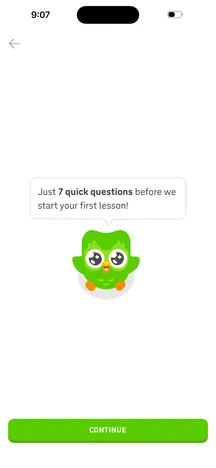 Intro
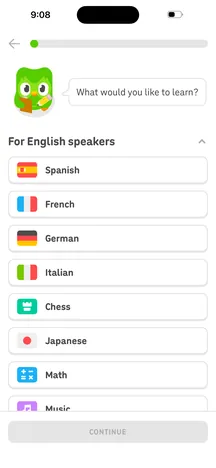 Course
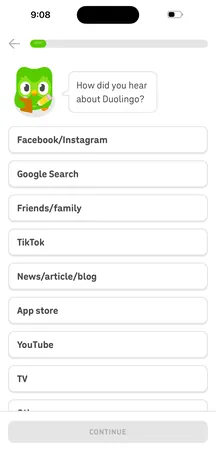 Referral
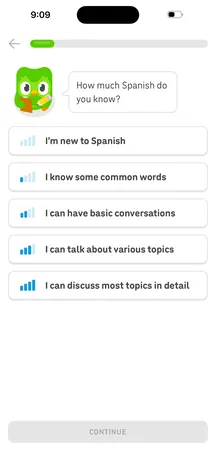 Proficiency
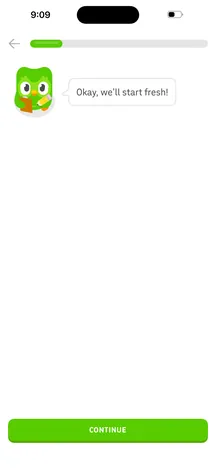 Start fresh
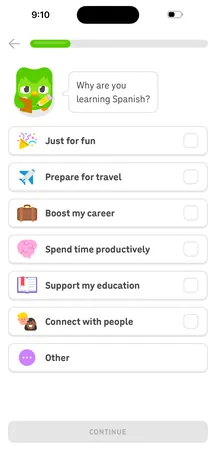 Motivation
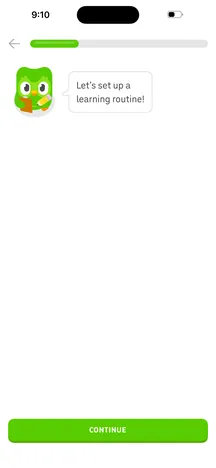 Routine
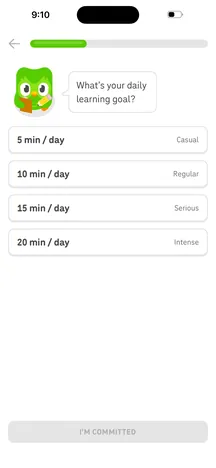 Daily goal
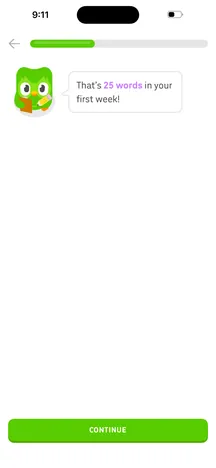 Goal set
One link opens the latest build on a cloud device, signed in when the app allows it.
Proof of changes runs the change on a device and posts what it exercised, with screenshots, on the pull request you review.
Atlas maps the screens and flows each run reaches, so the team can see how the product changed between builds.
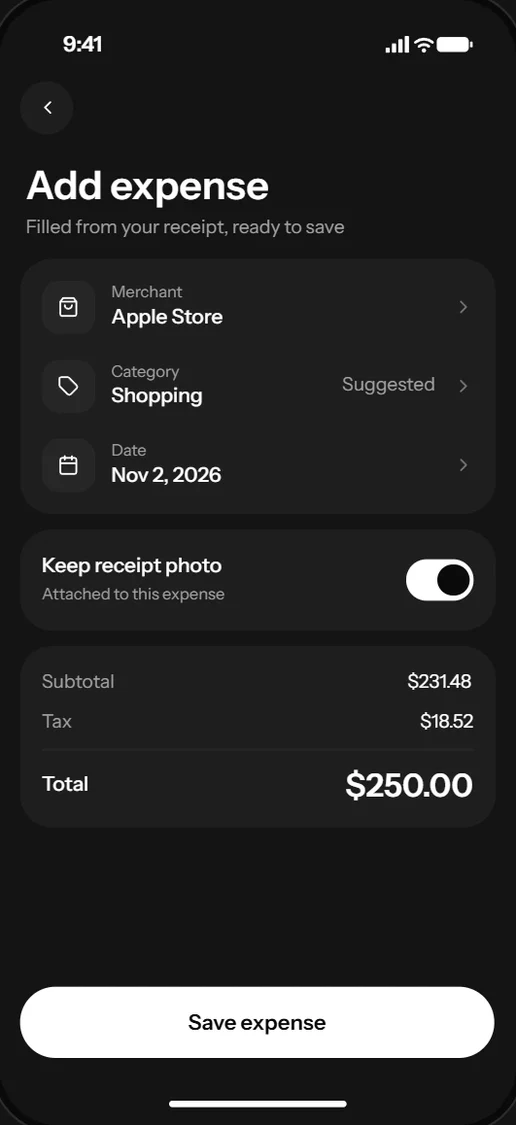





How it works
Open the current buildStart from the build the team is preparing to ship, on an iPhone, an Android phone or a browser.
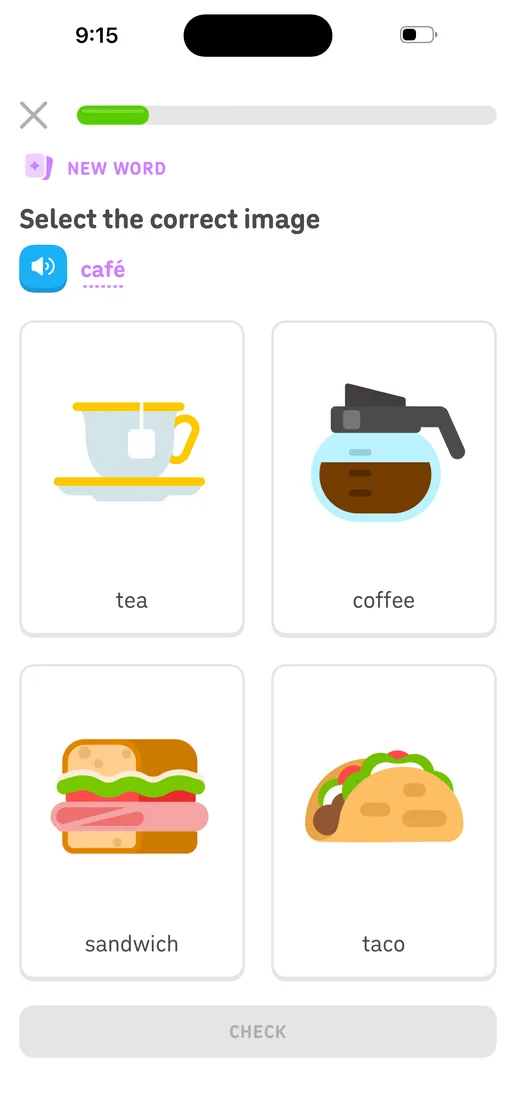
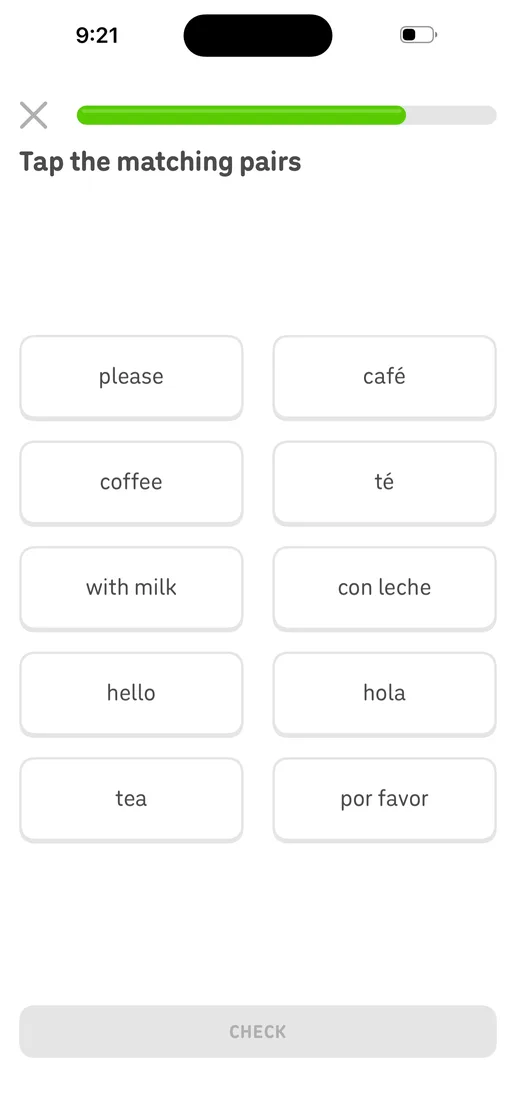
Walk the flows that matterUse the app, check each state and capture the moments that need a decision.

Proof of changes
ReadyNo defects found in the exercised changes.
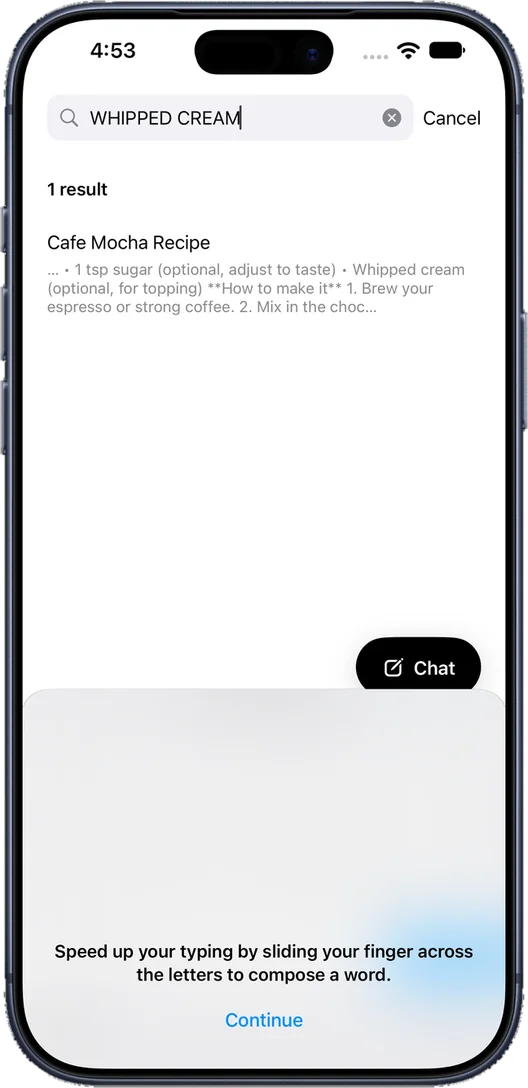
Read the proof and decideReview the proof on the pull request, then make the release call from observed behavior.
01Open the current buildStart from the build the team is preparing to ship, on an iPhone, an Android phone or a browser.
02Walk the flows that matterUse the app, check each state and capture the moments that need a decision.
03Read the proof and decideReview the proof on the pull request, then make the release call from observed behavior.
Proof of changes
ReadyNo defects found in the exercised changes.
Keep exploring
Atlas turns evidence into a living model of your screens and flows.
Let people and agents discover screens and states.
Run the workflows that define a healthy release.
Your team and its agents build, run and verify every change on Revyl’s devices and Macs, and what they see becomes your record.