












Revyl Atlas report
Whop app screen map and user flows
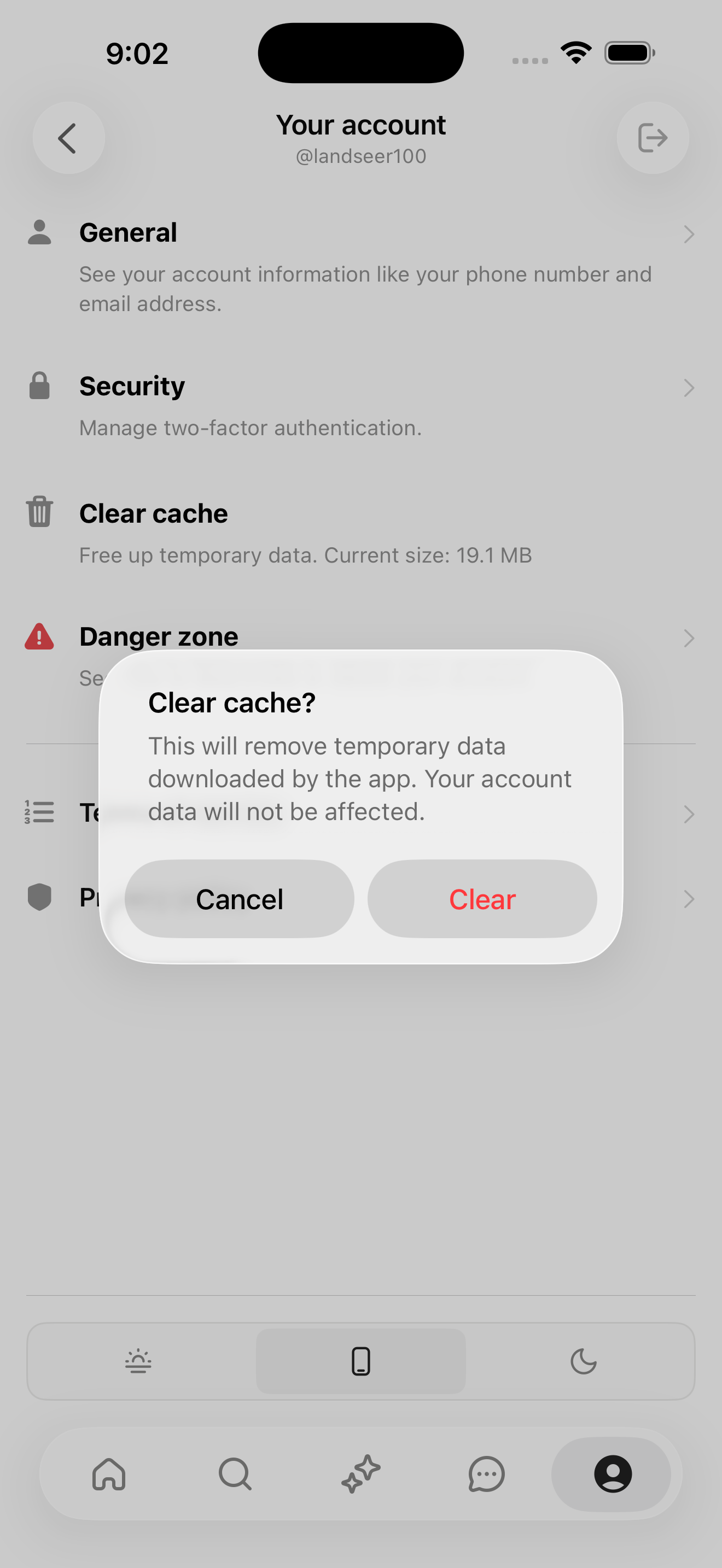
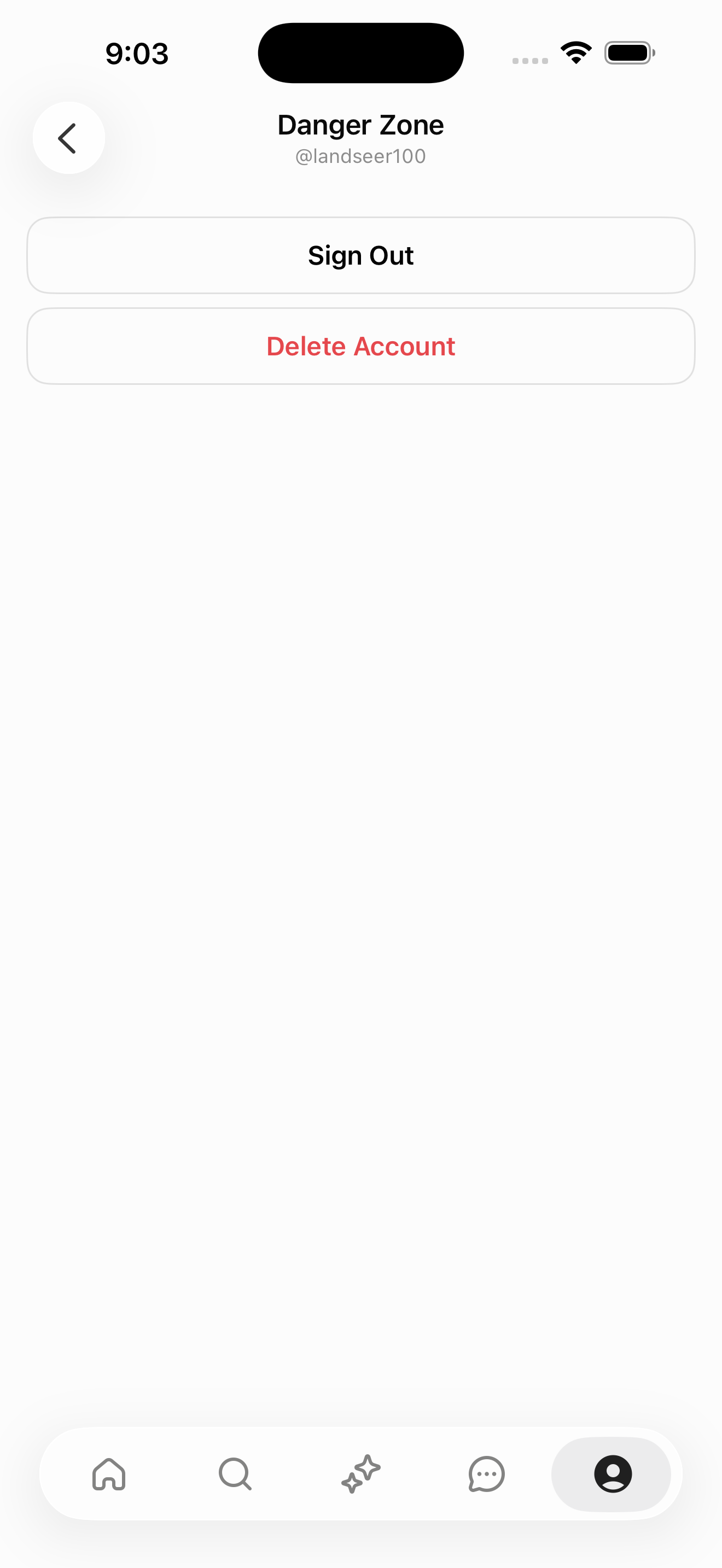
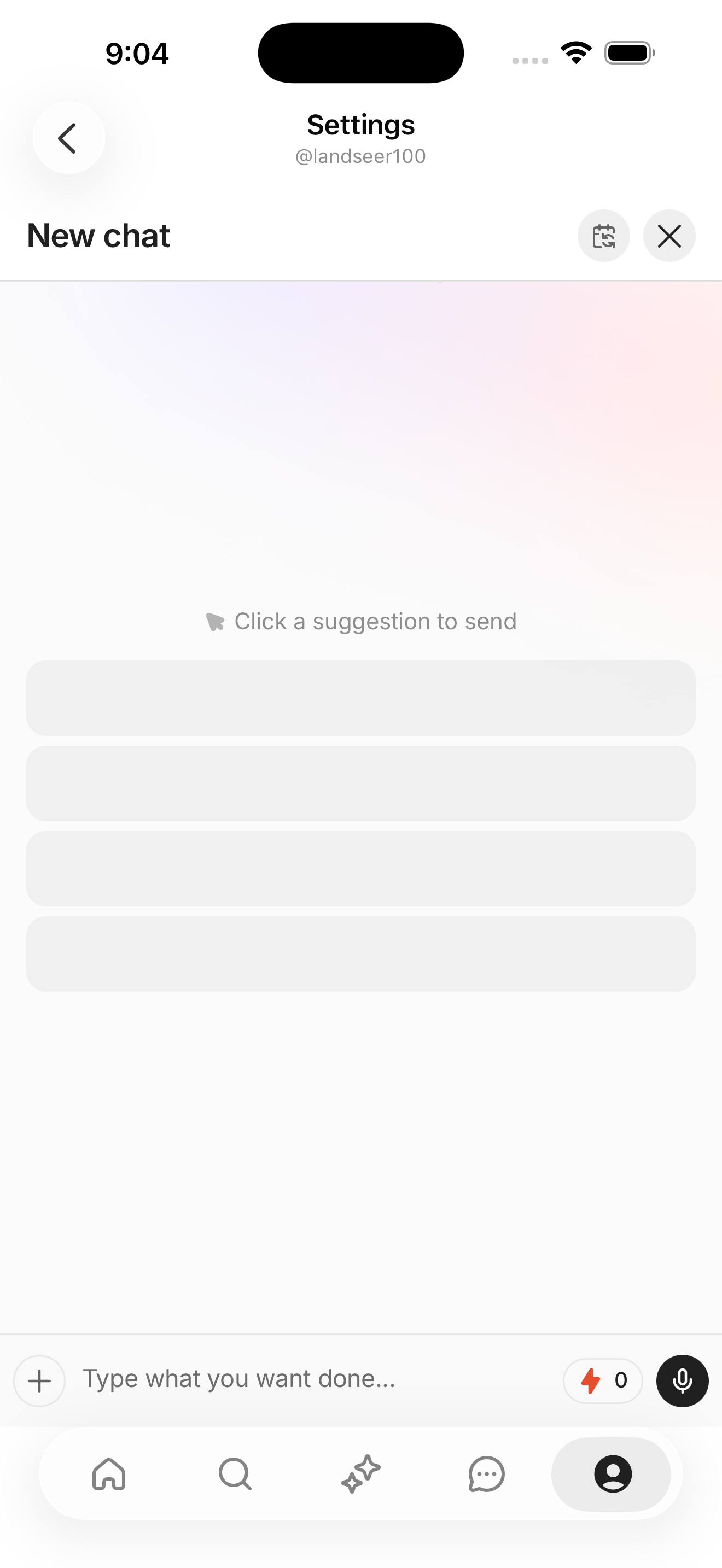
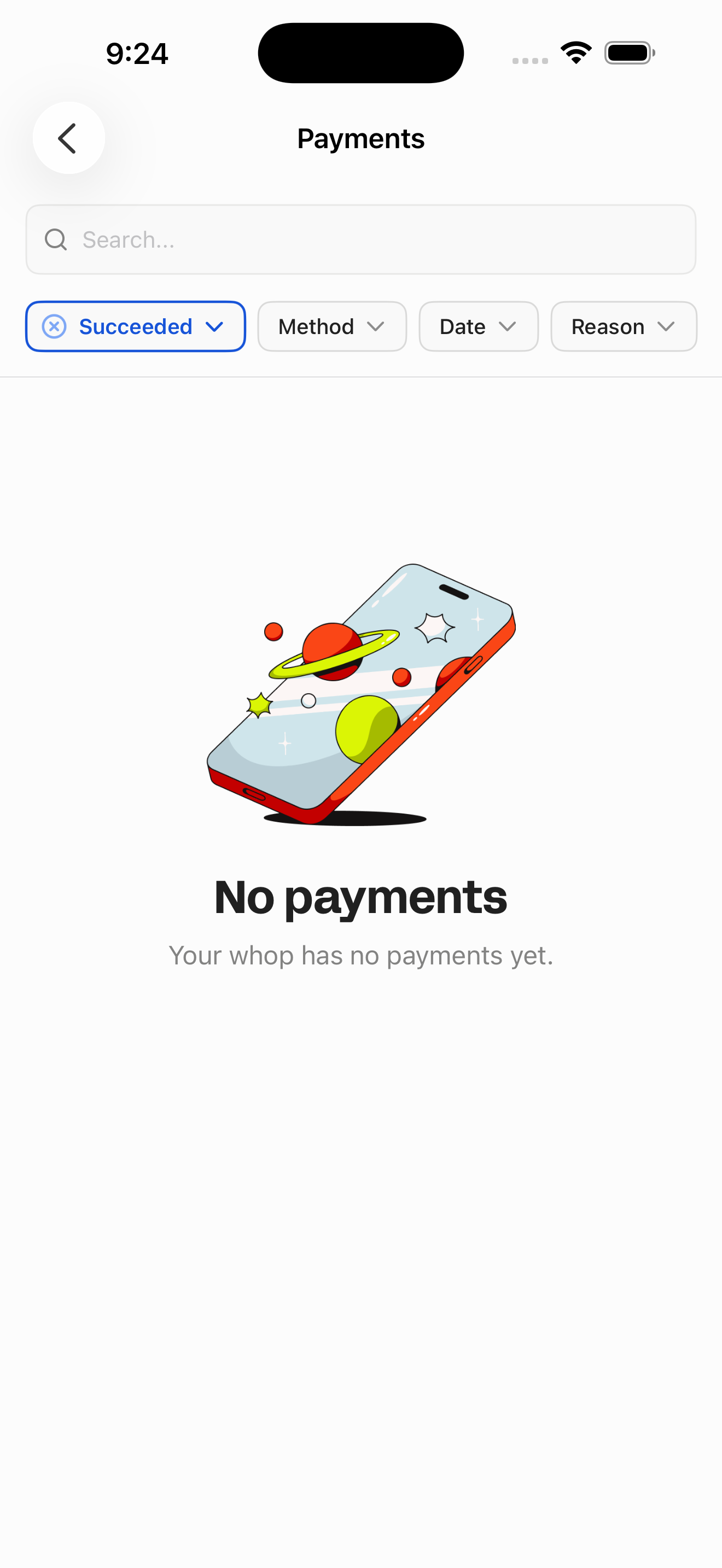
Revyl Atlas mapped 129 iOS app screens, 154 transitions, 31 user paths, and 930 UI elements in Whop. Use this report for mobile UX research, QA coverage planning, competitive teardown work, and AI agent navigation context.
Research uses
What this Whop app map helps teams inspect
Key journeys
Whop mobile app user flows
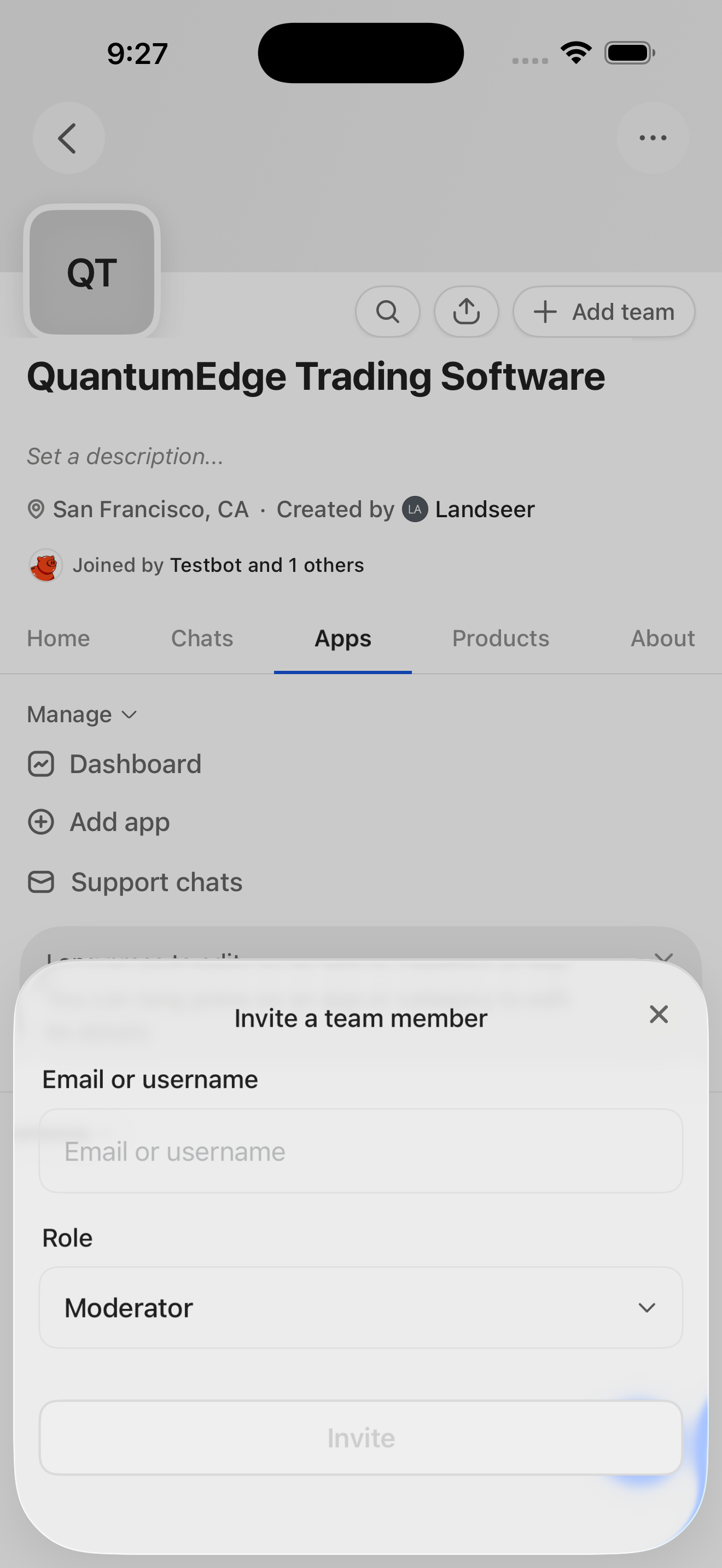
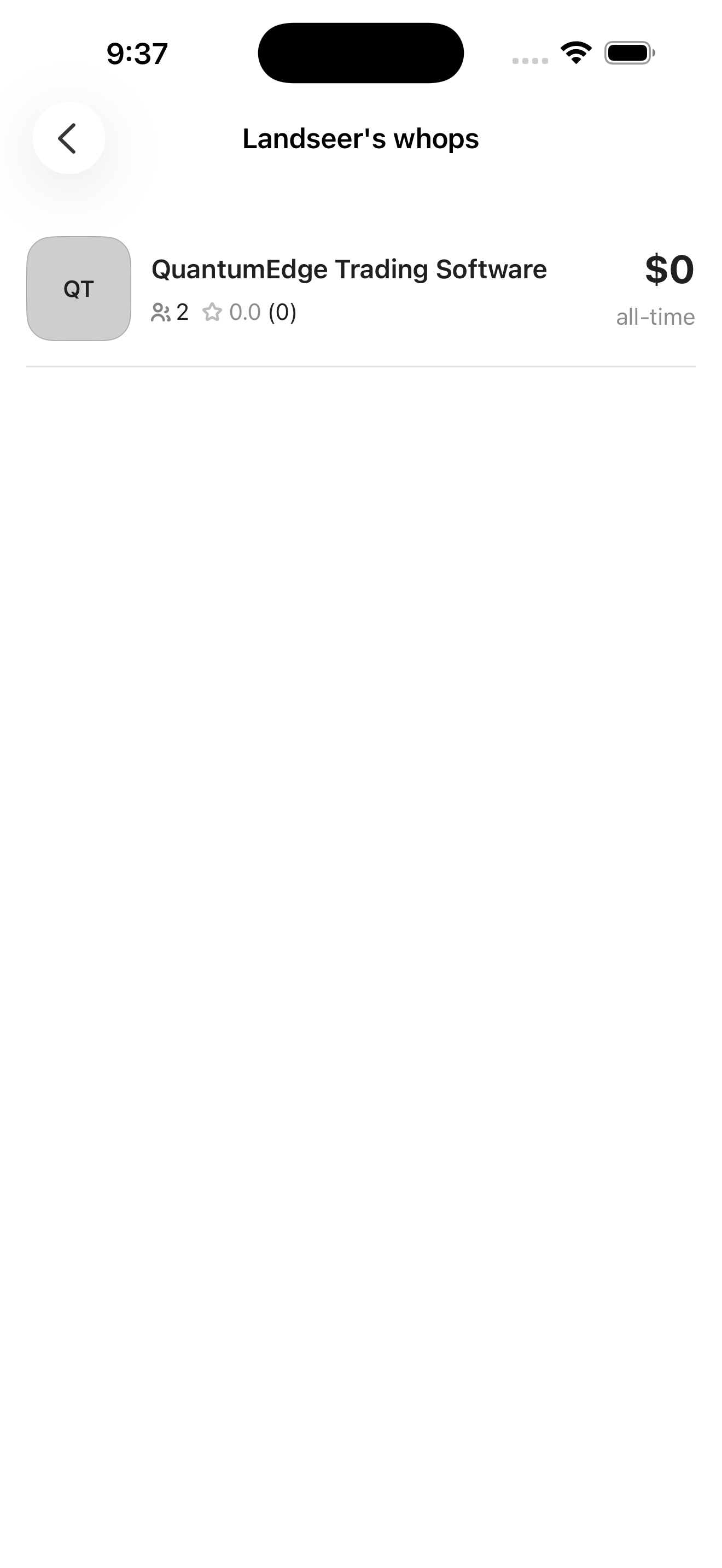
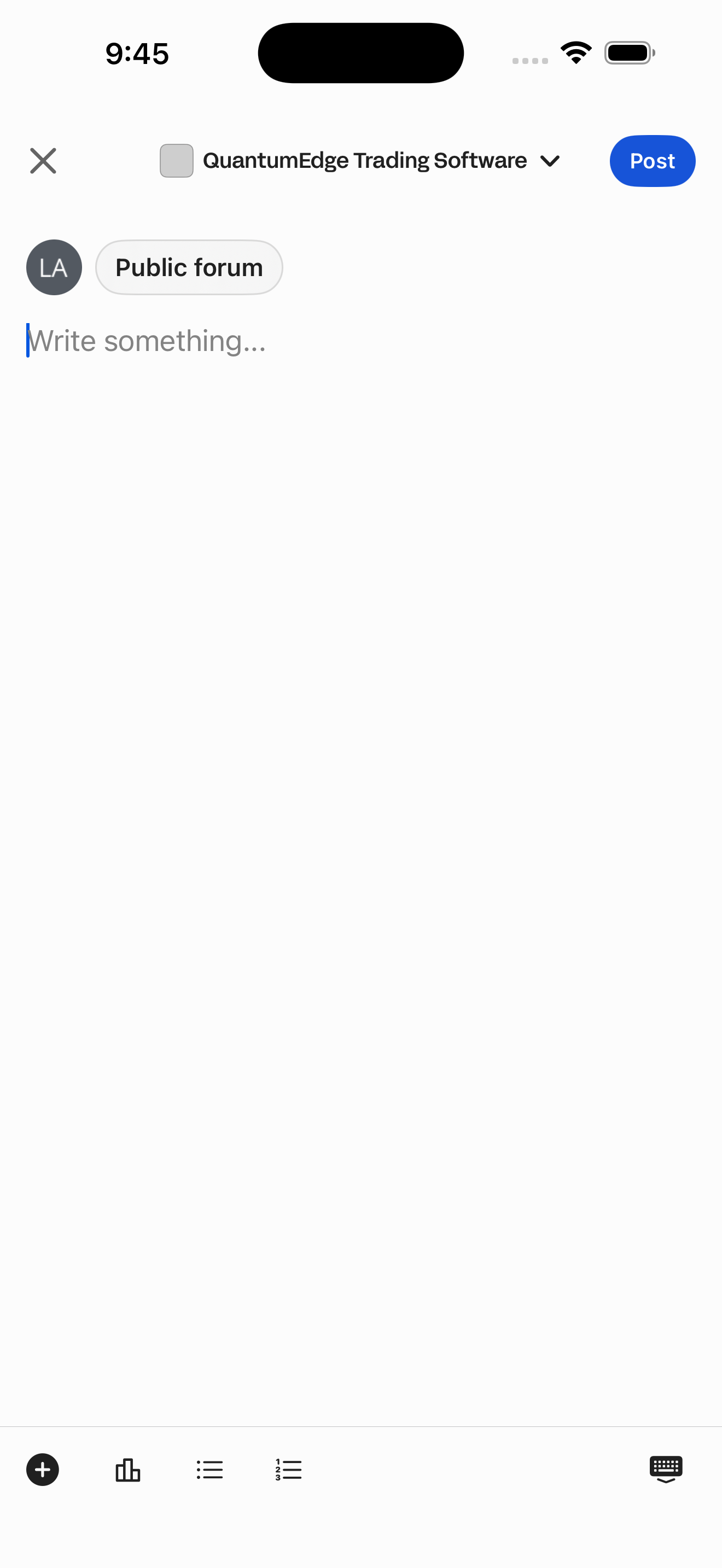
Create a whop and its first product
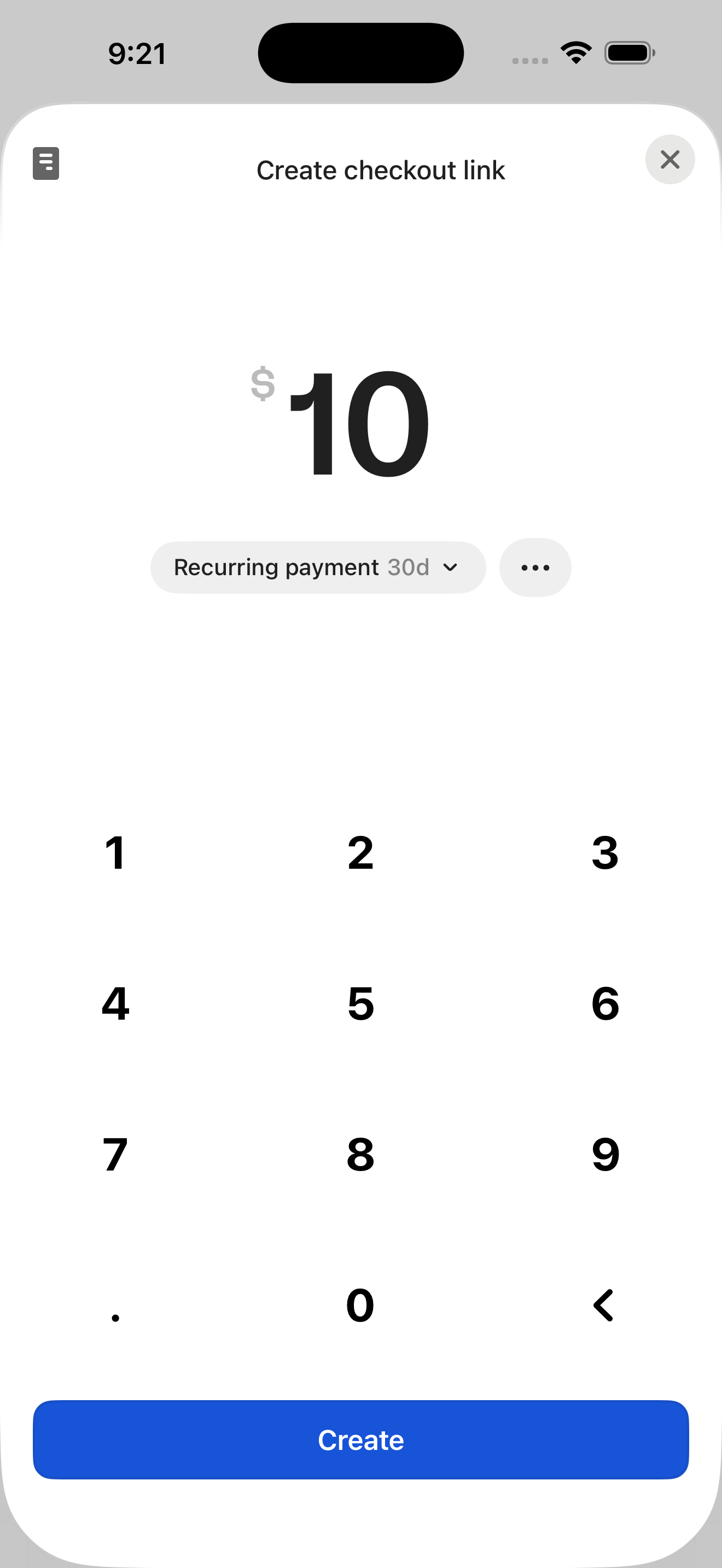
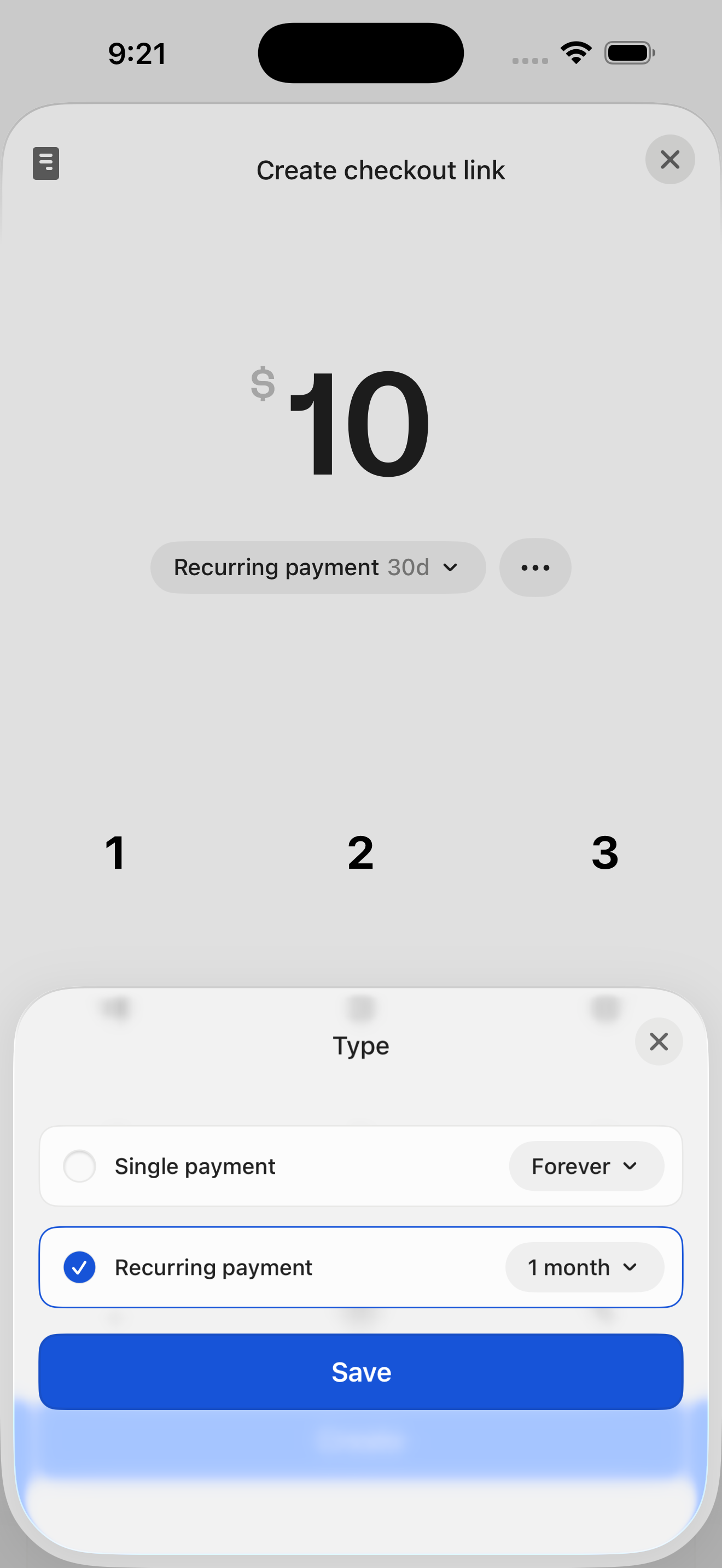
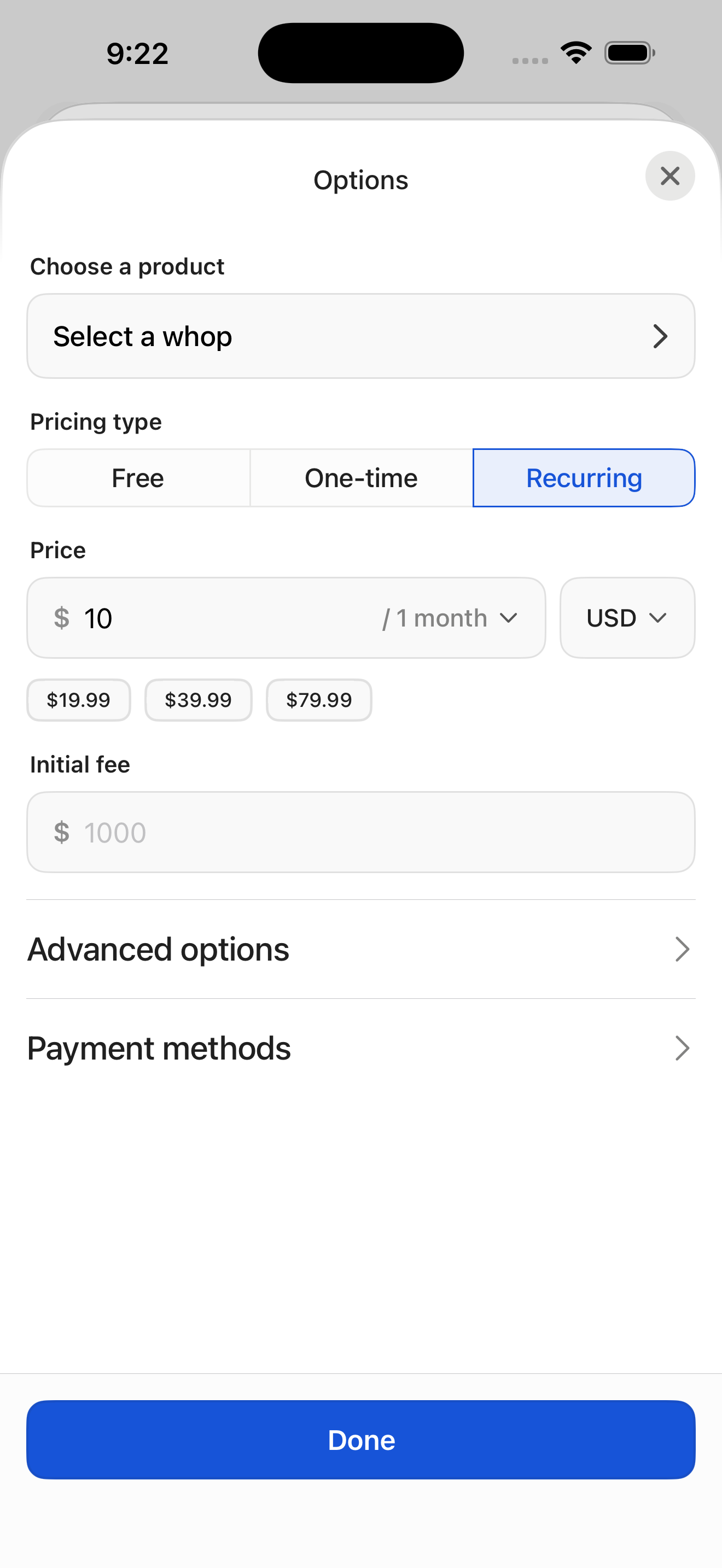
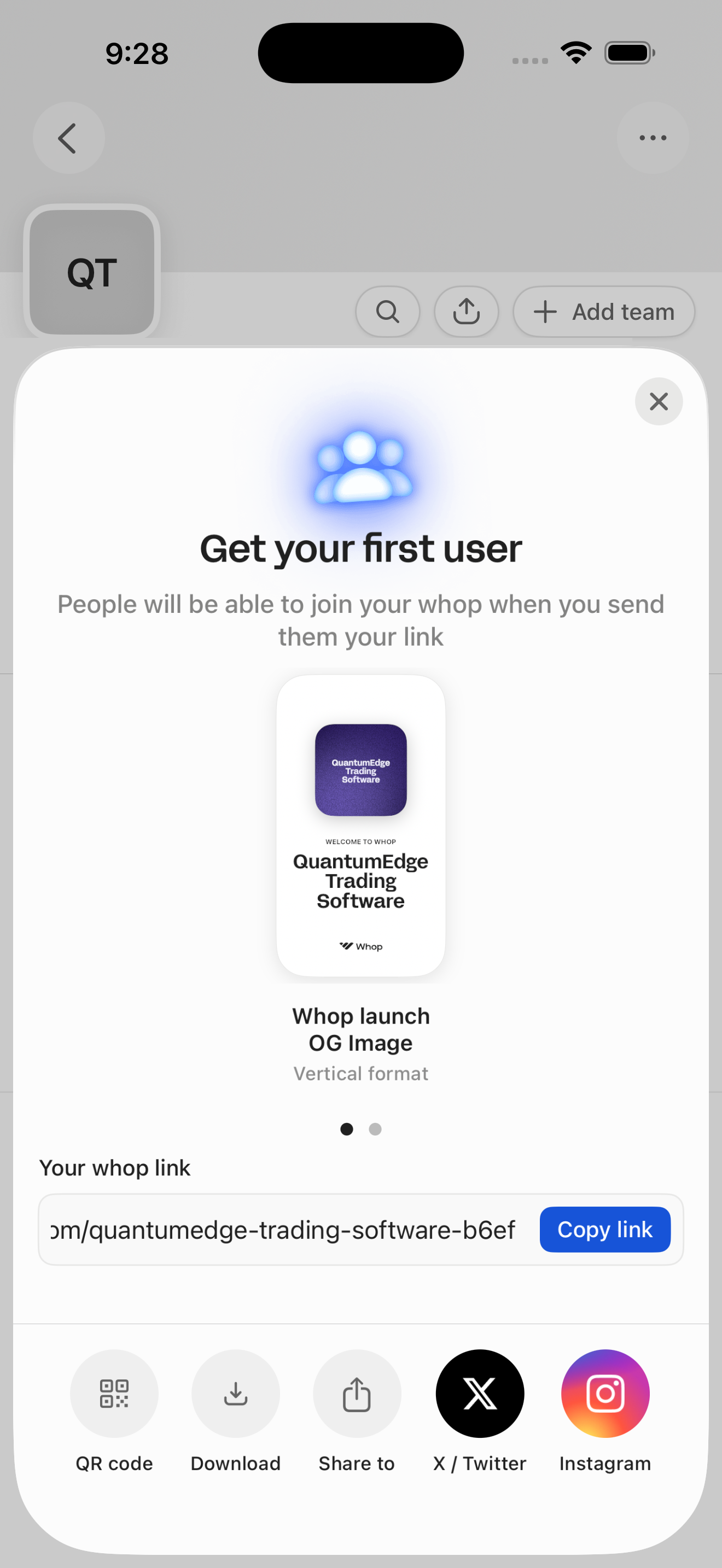
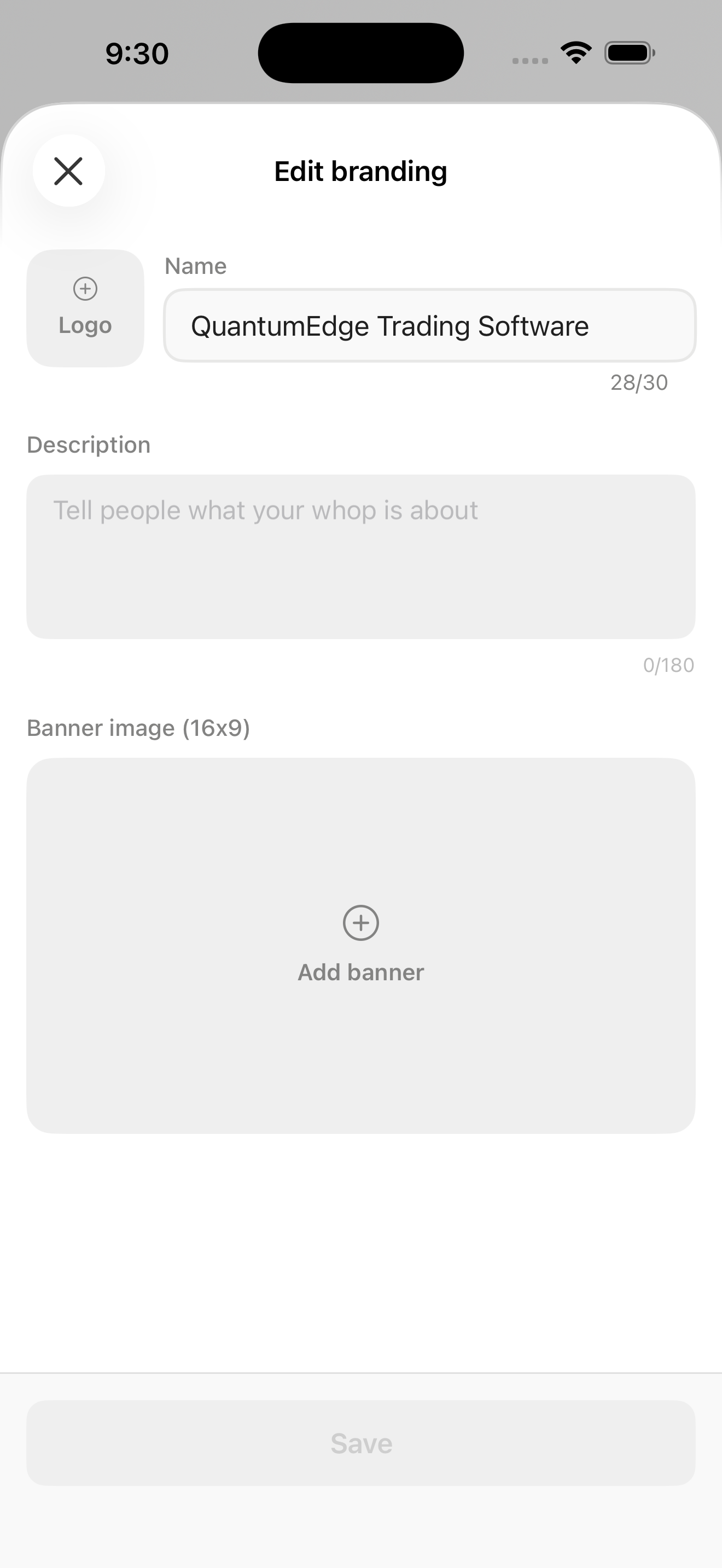
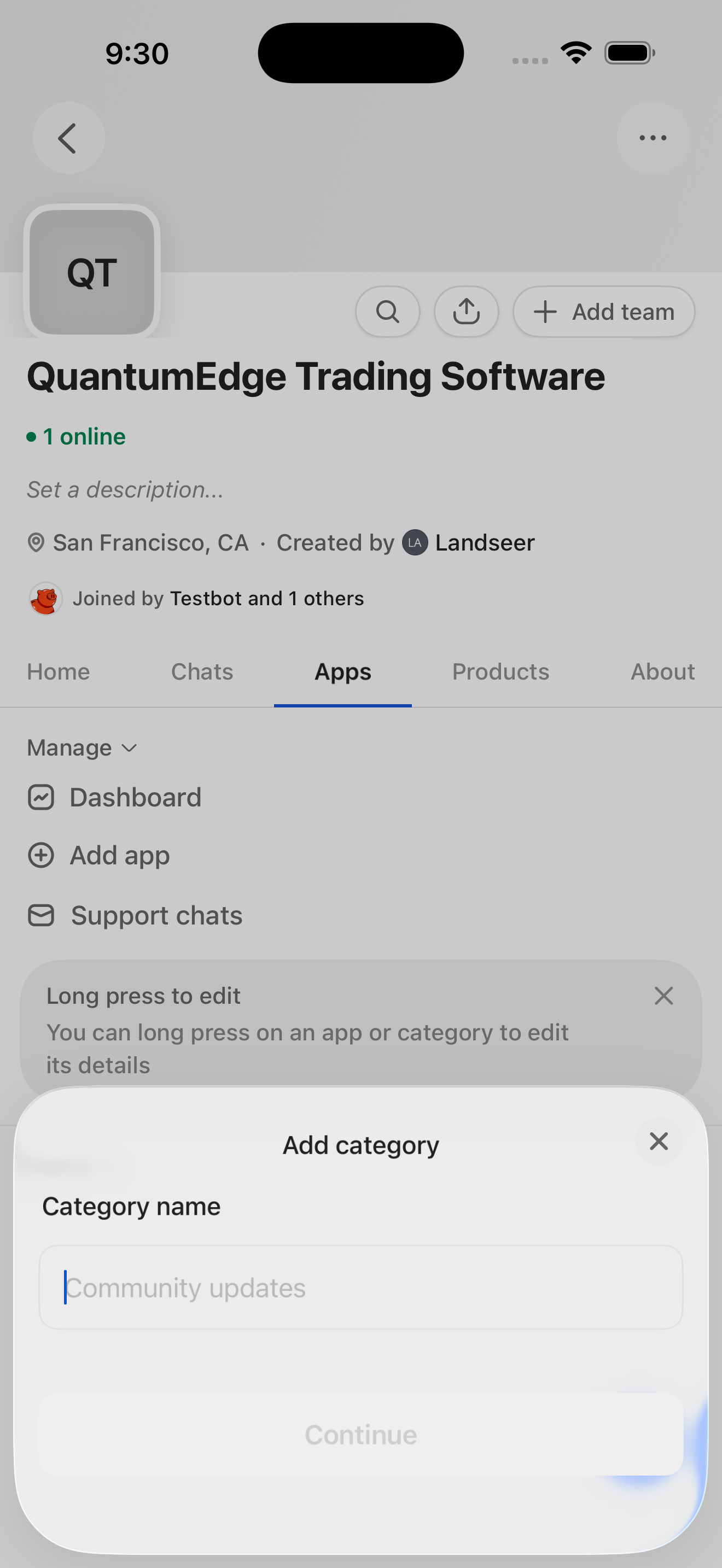
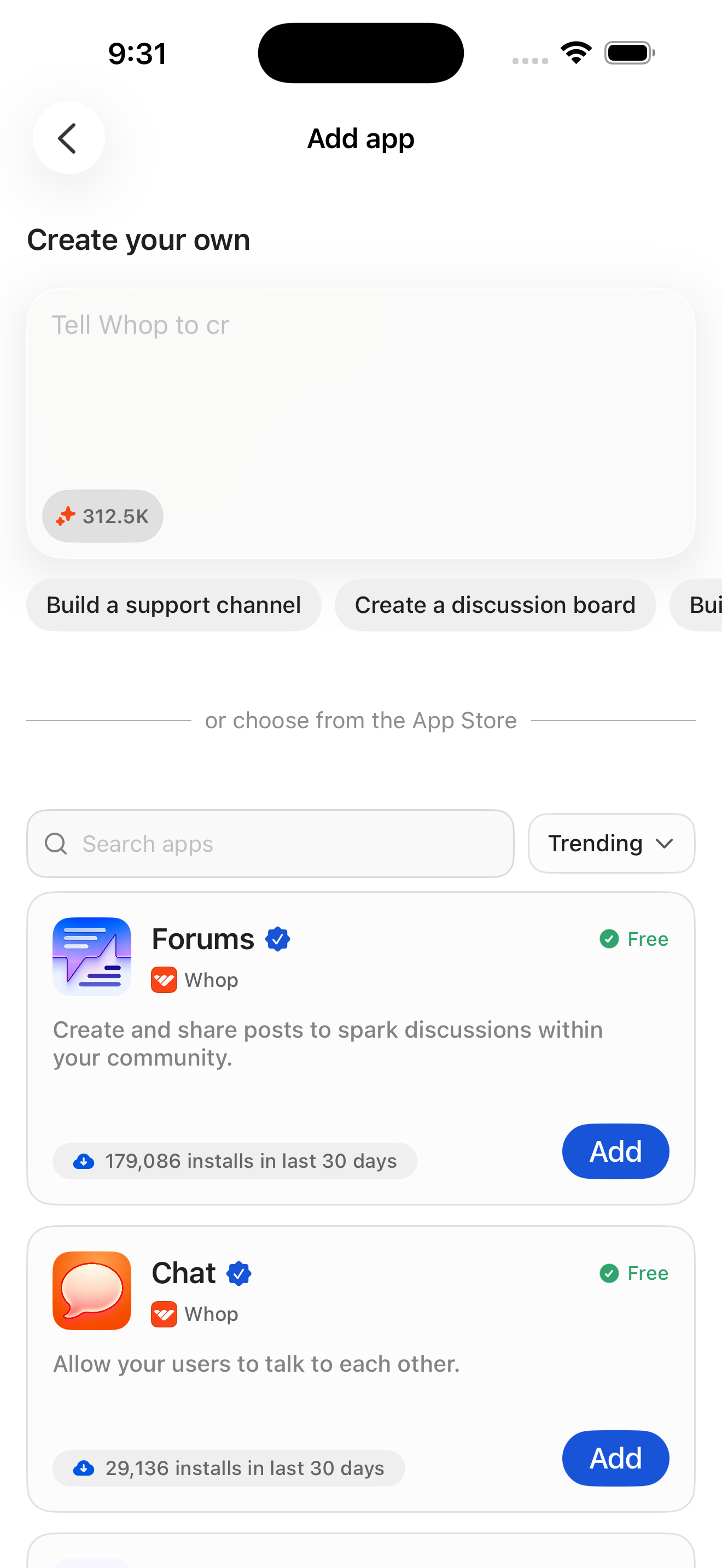
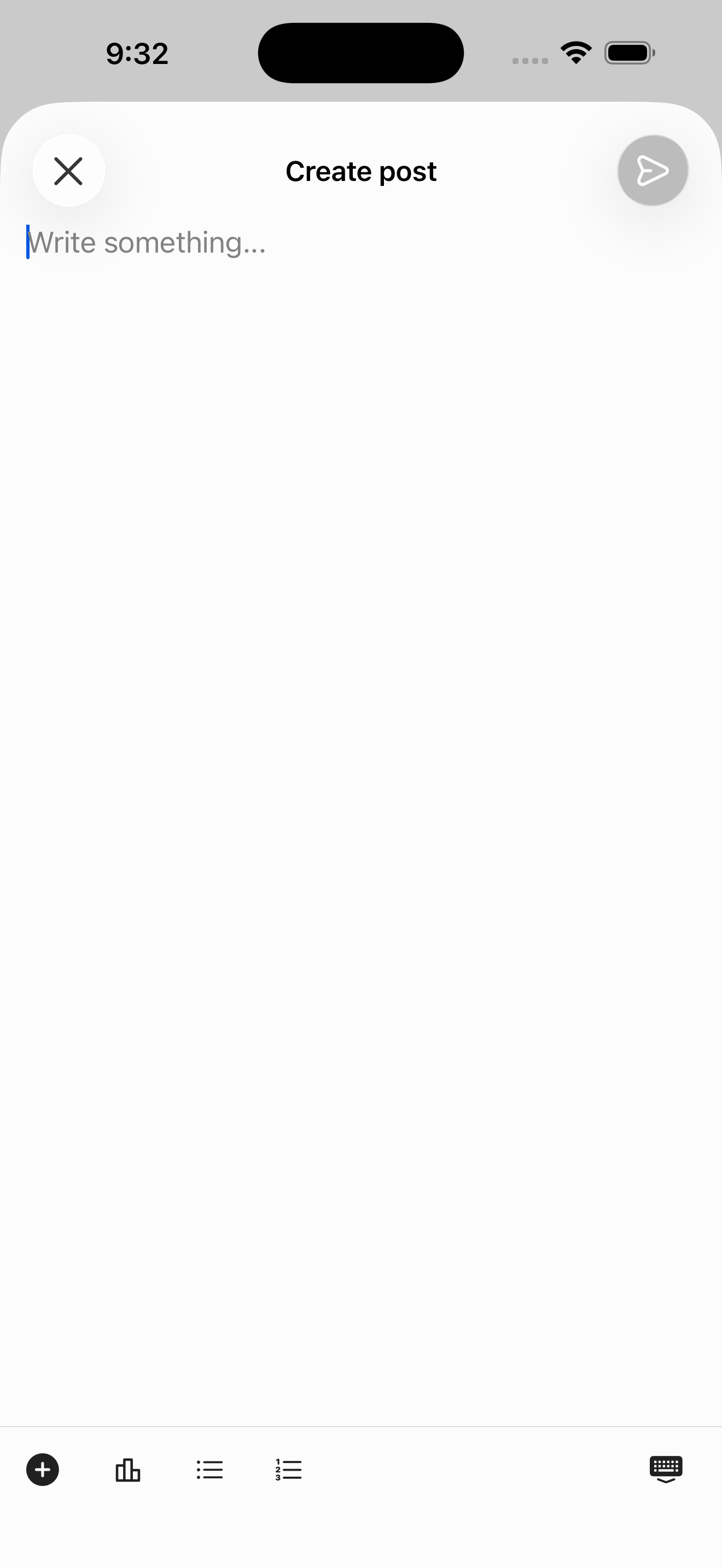
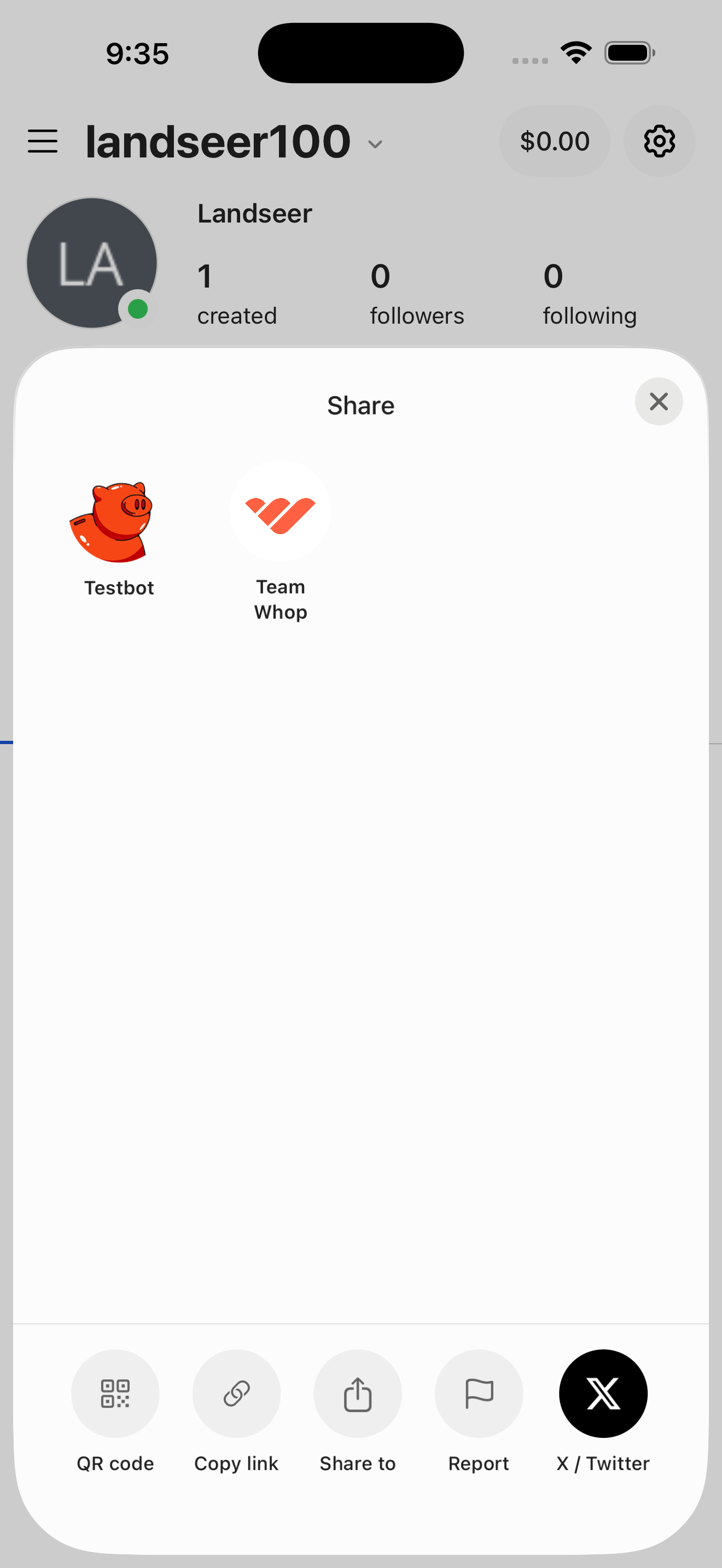
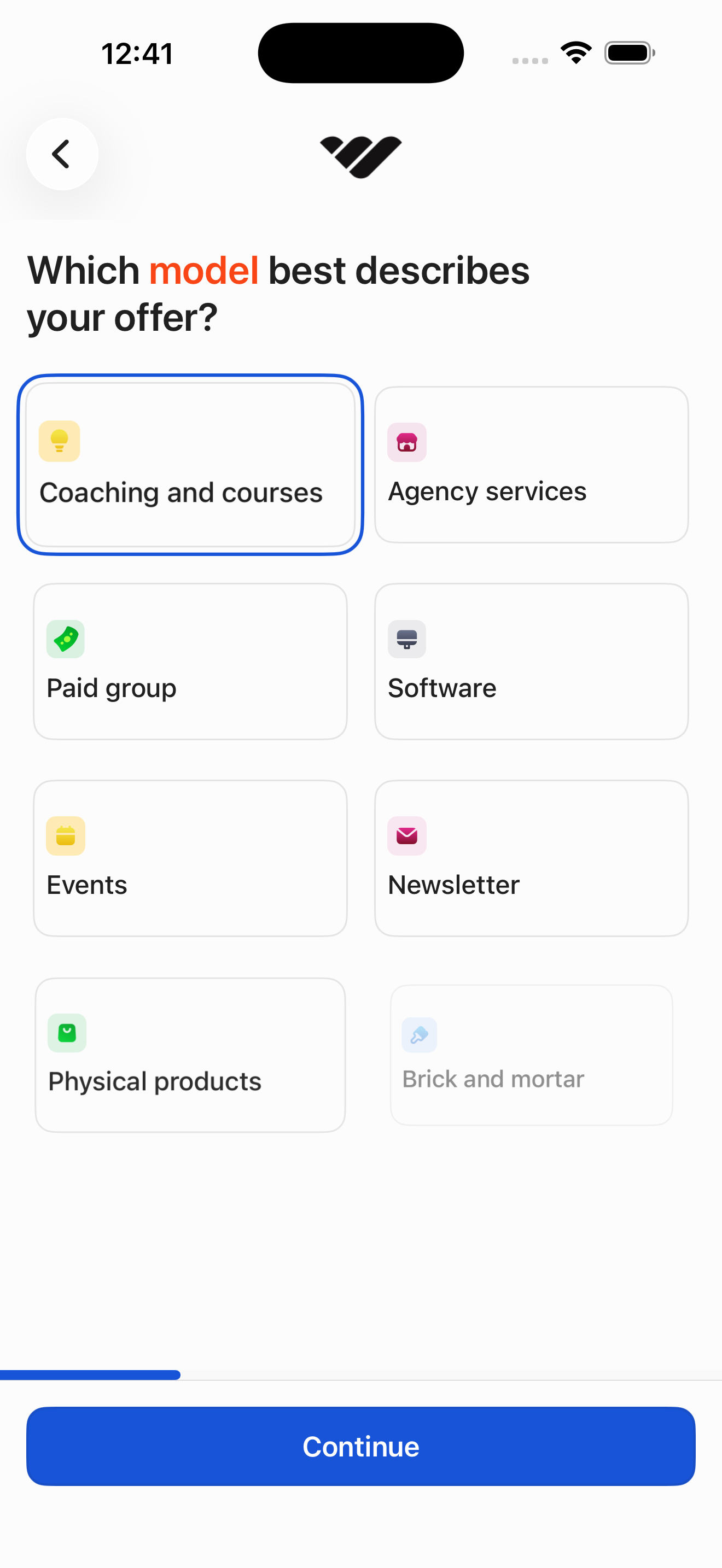
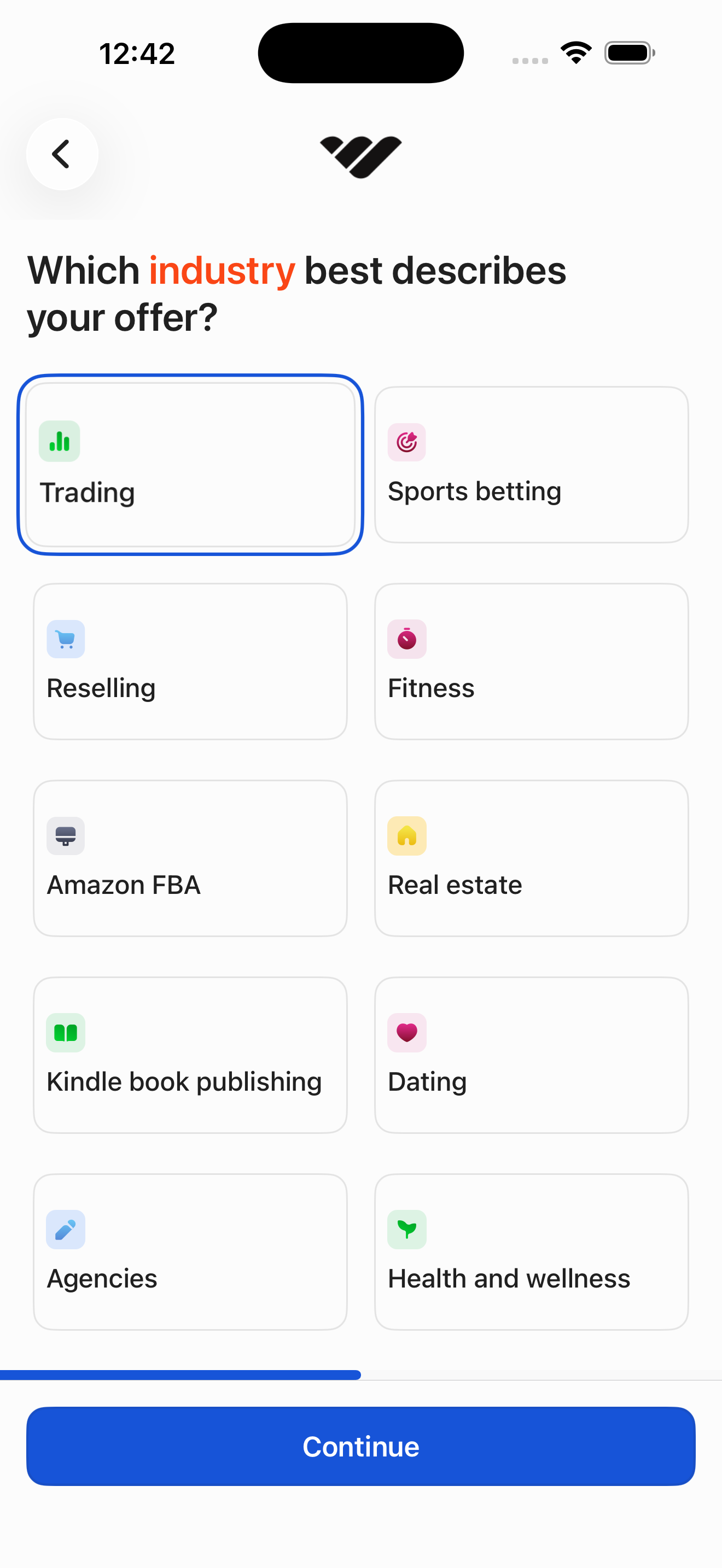
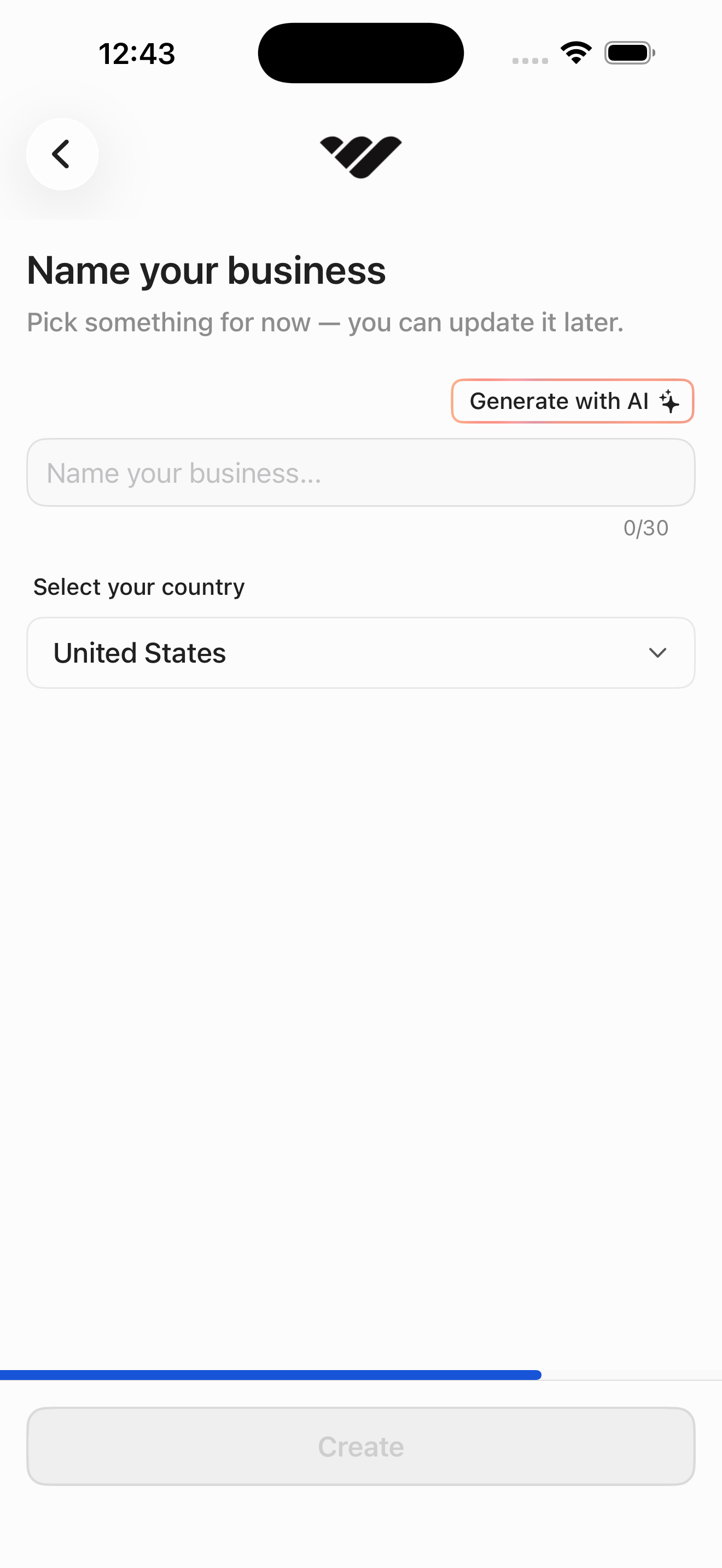
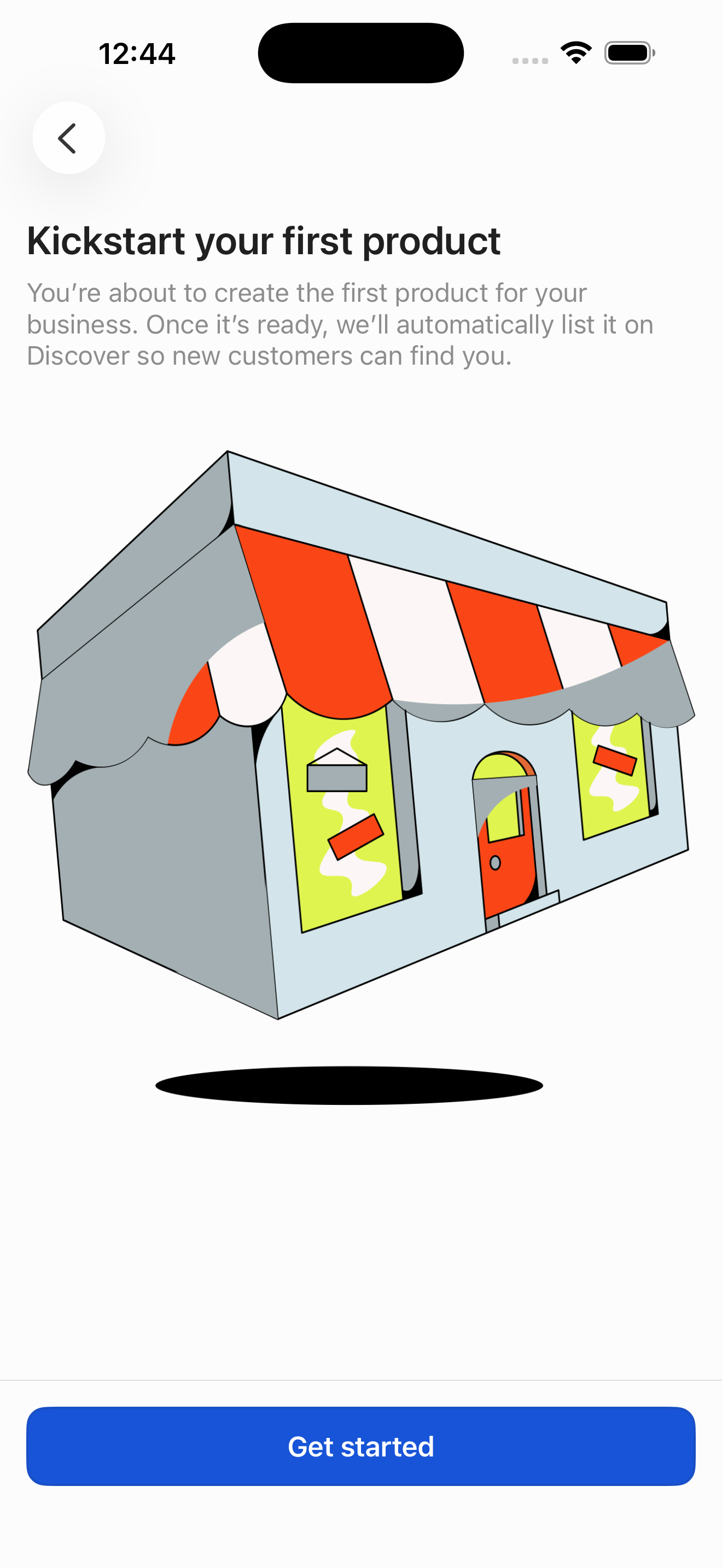
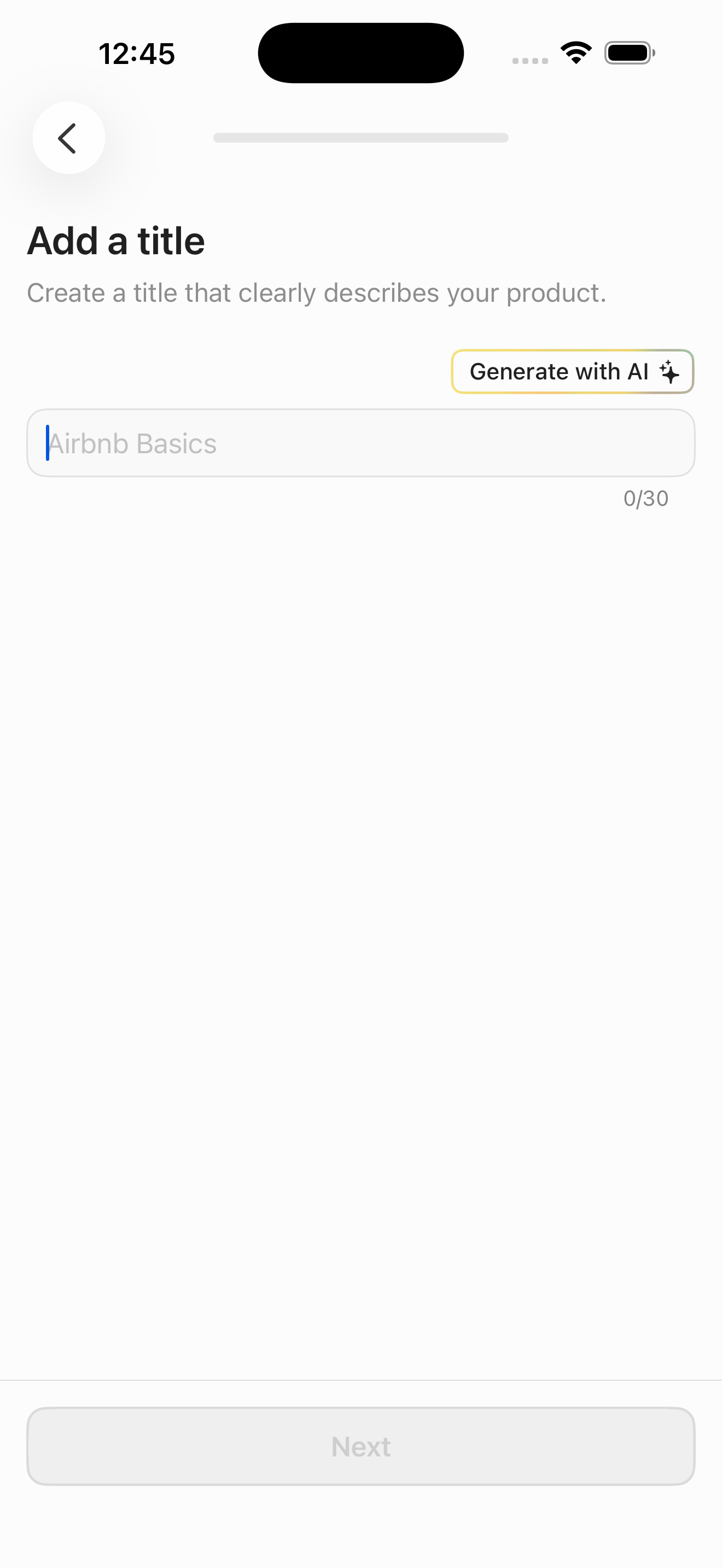
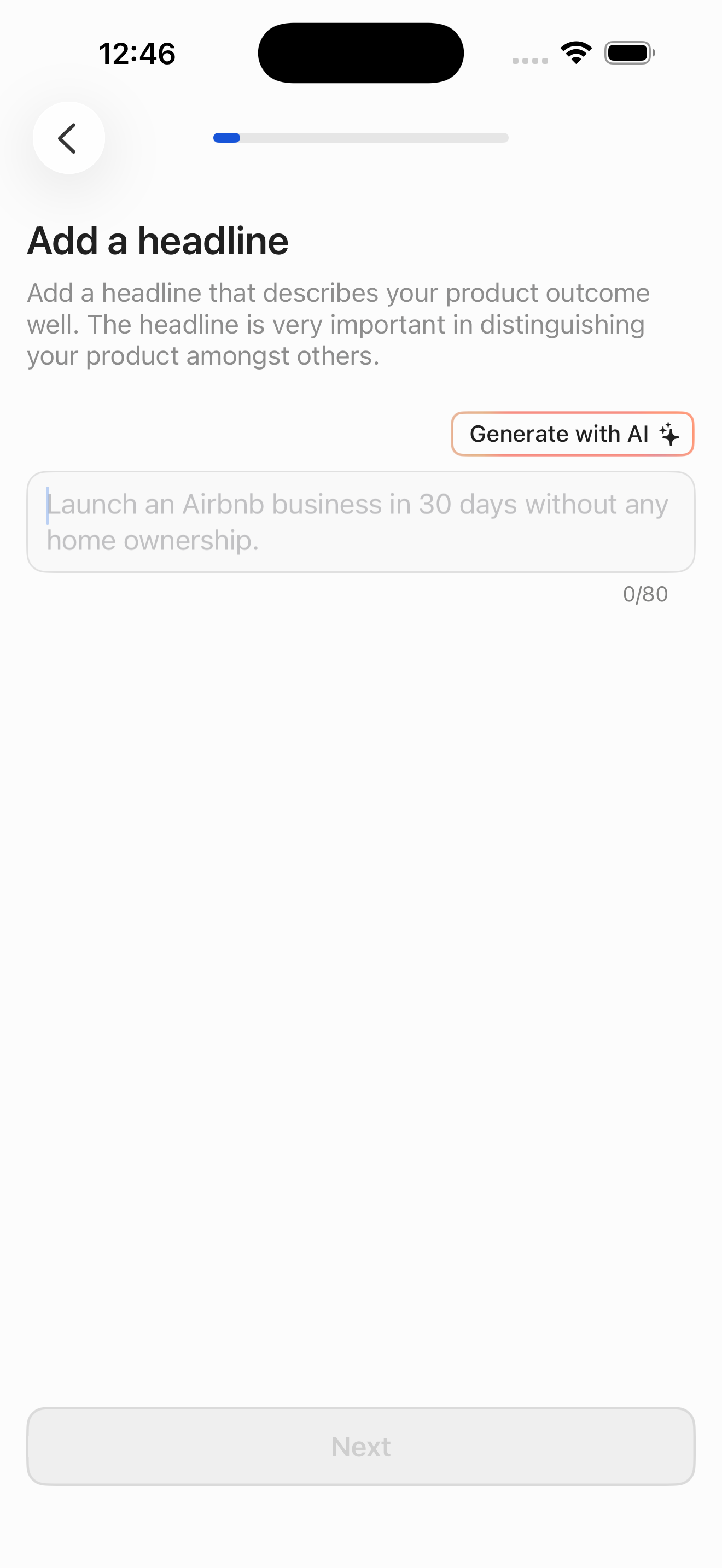
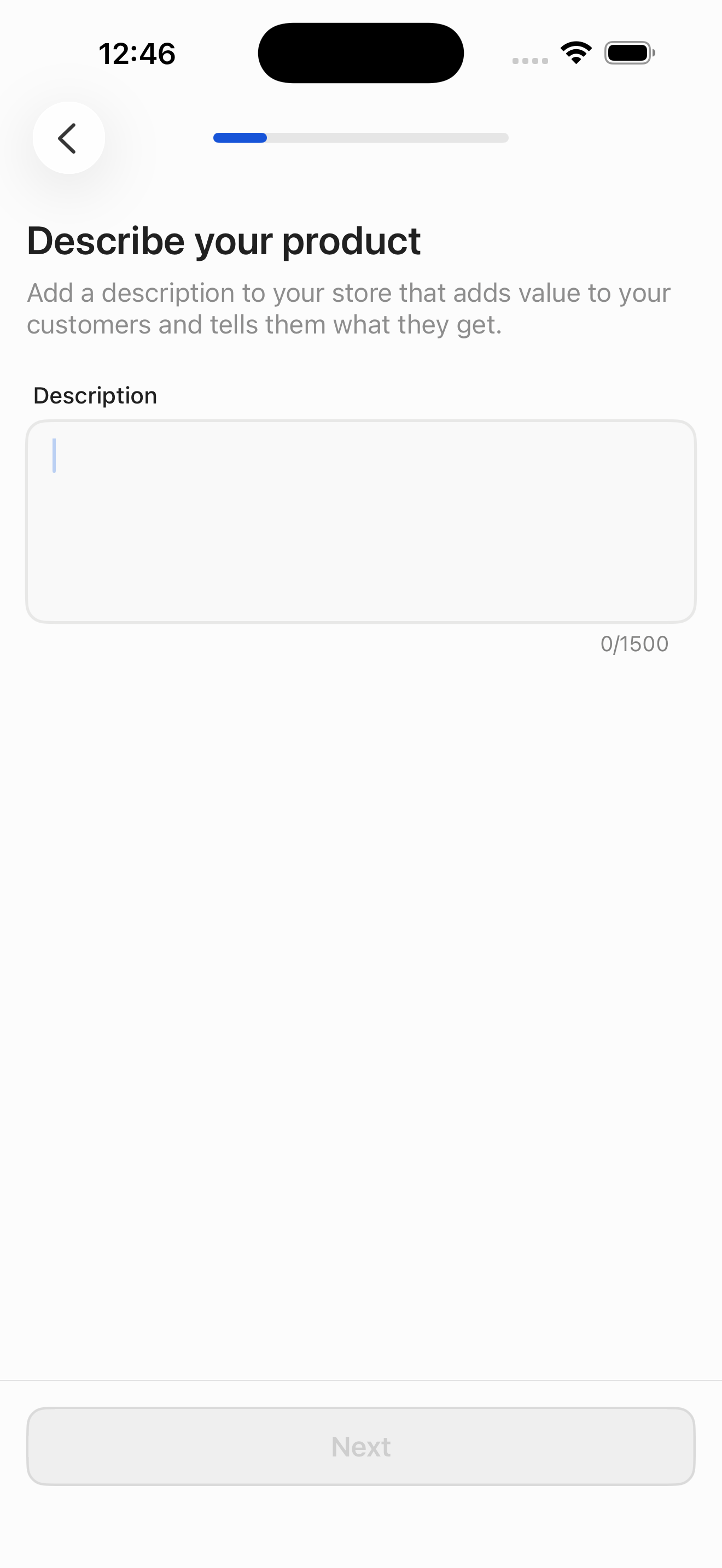
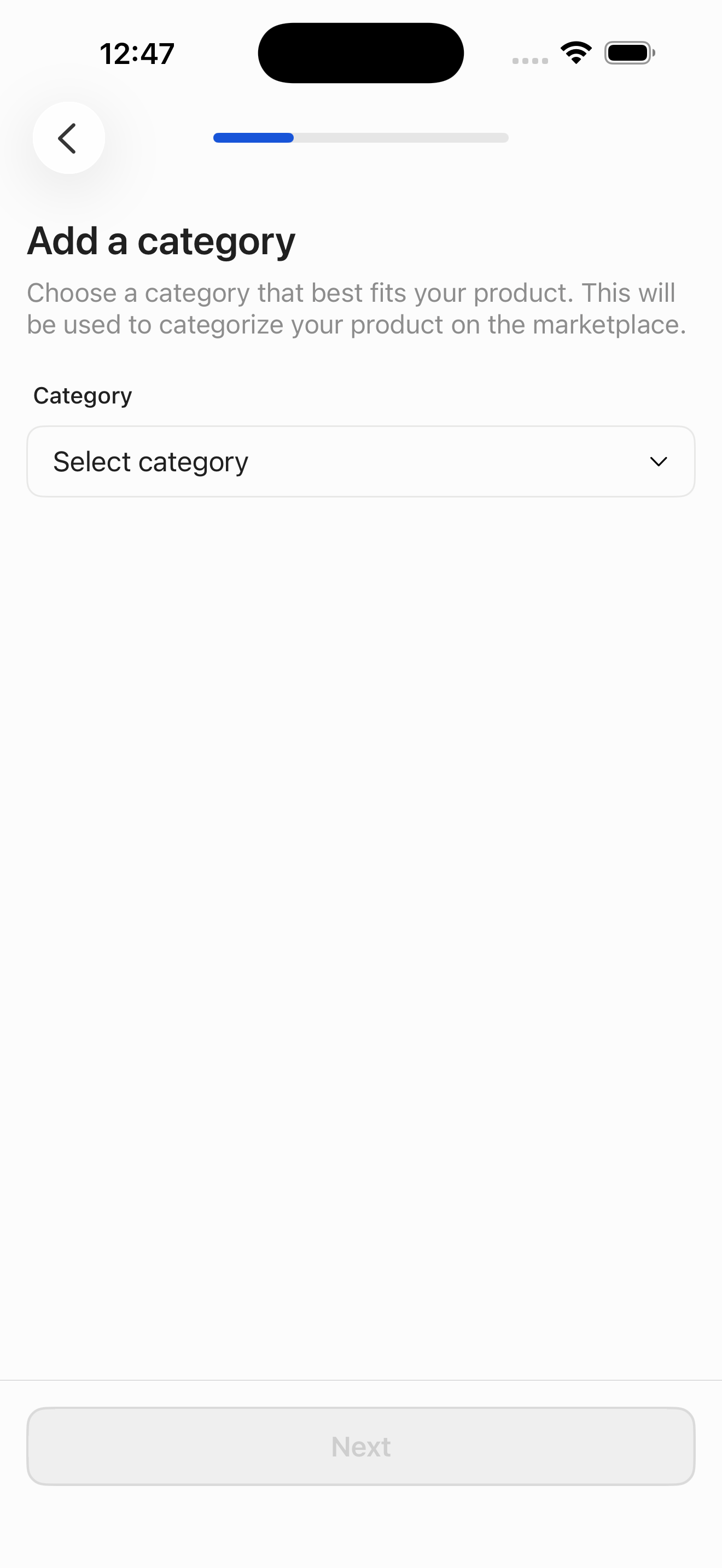
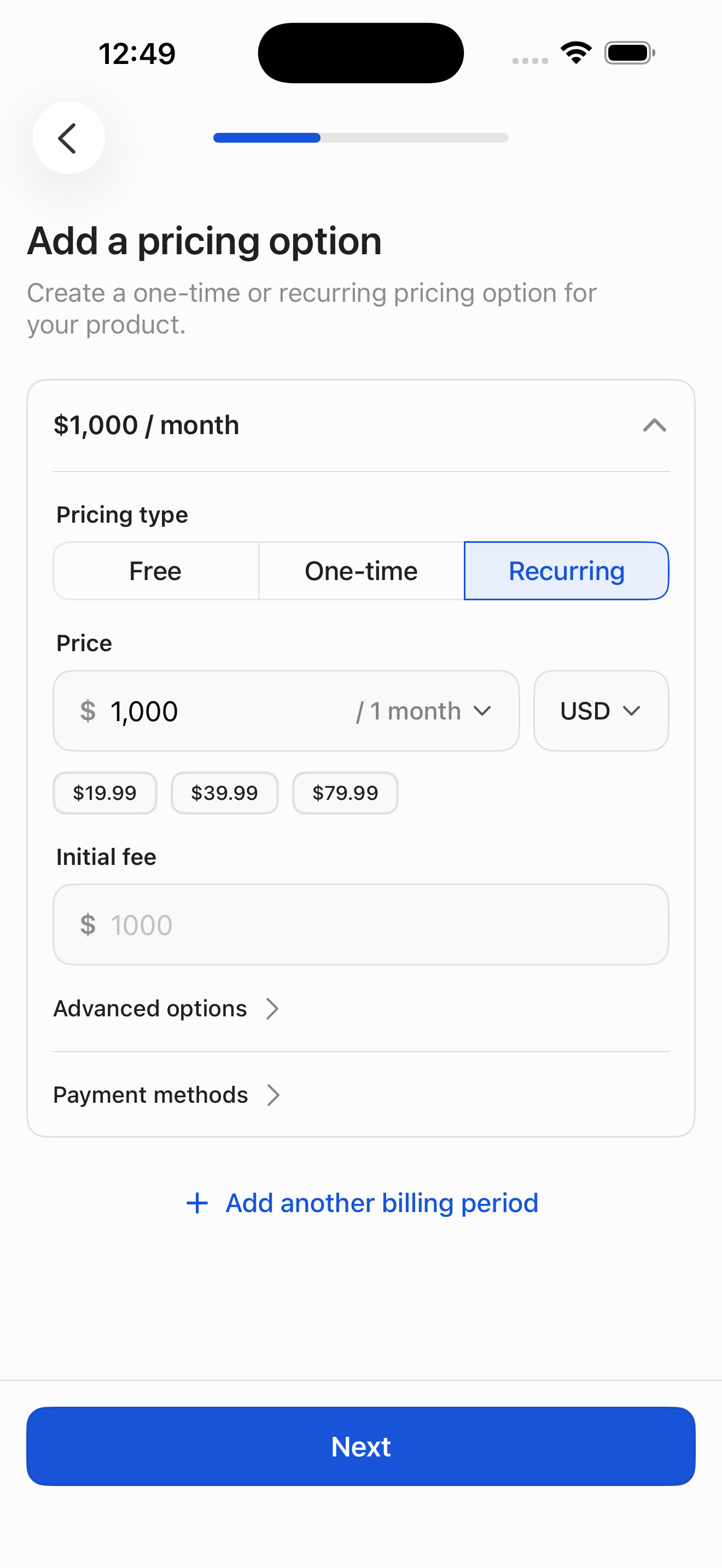
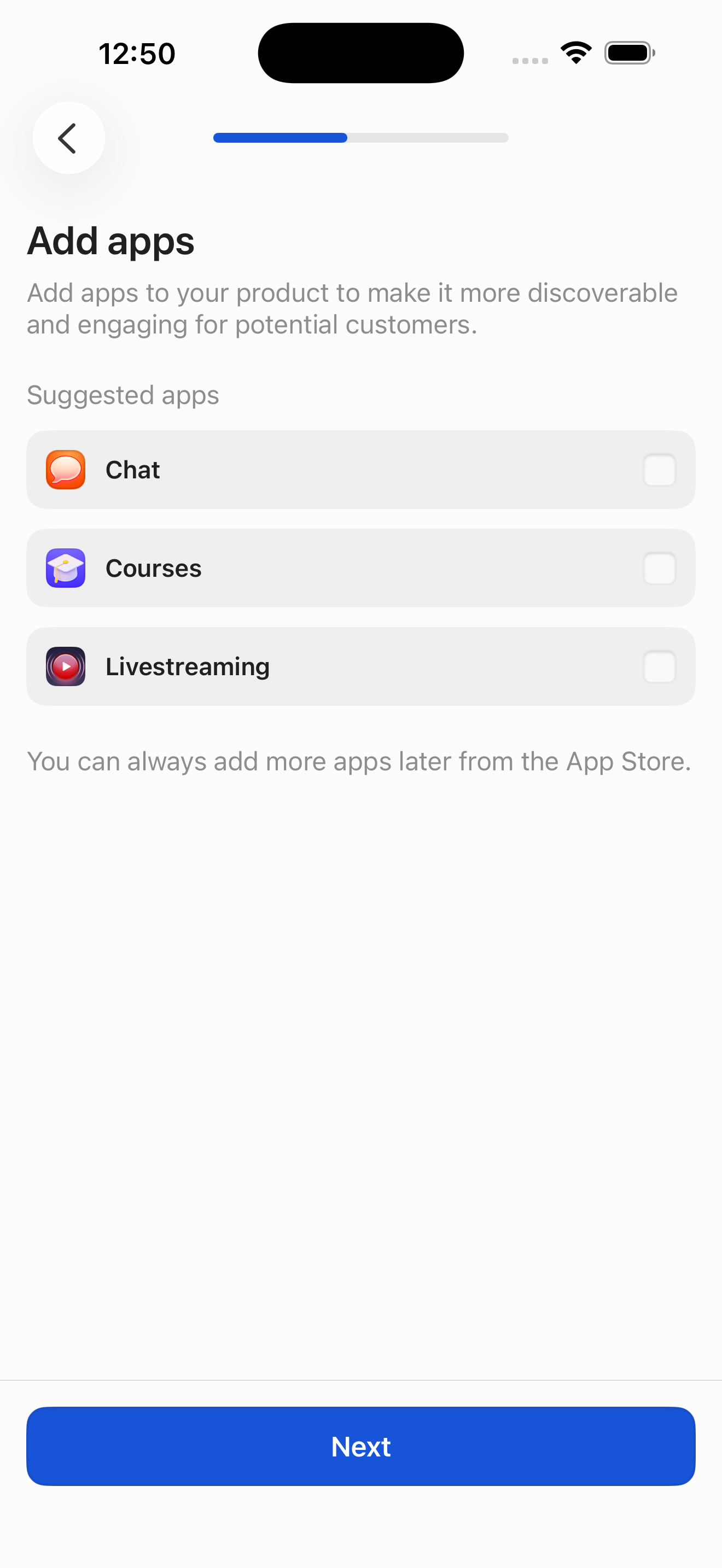
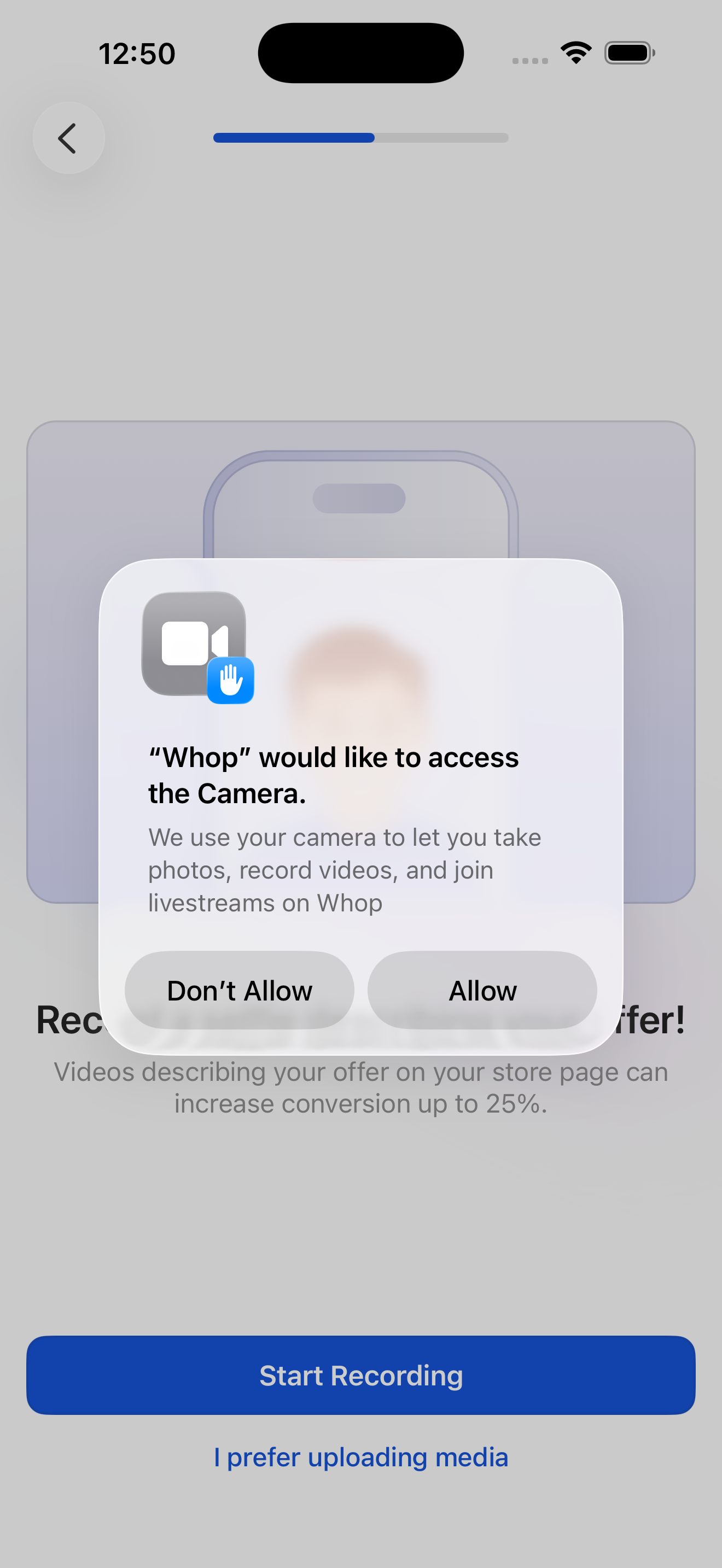
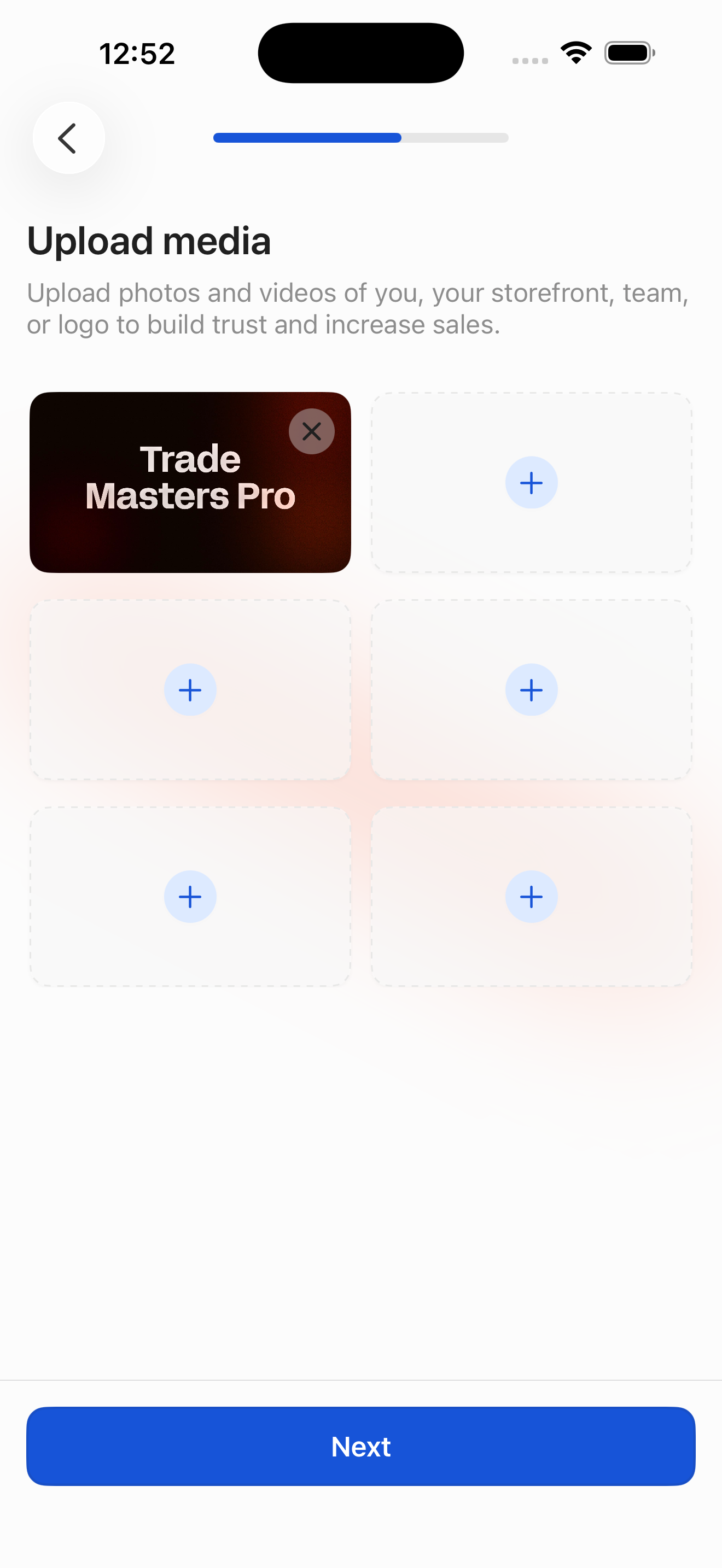
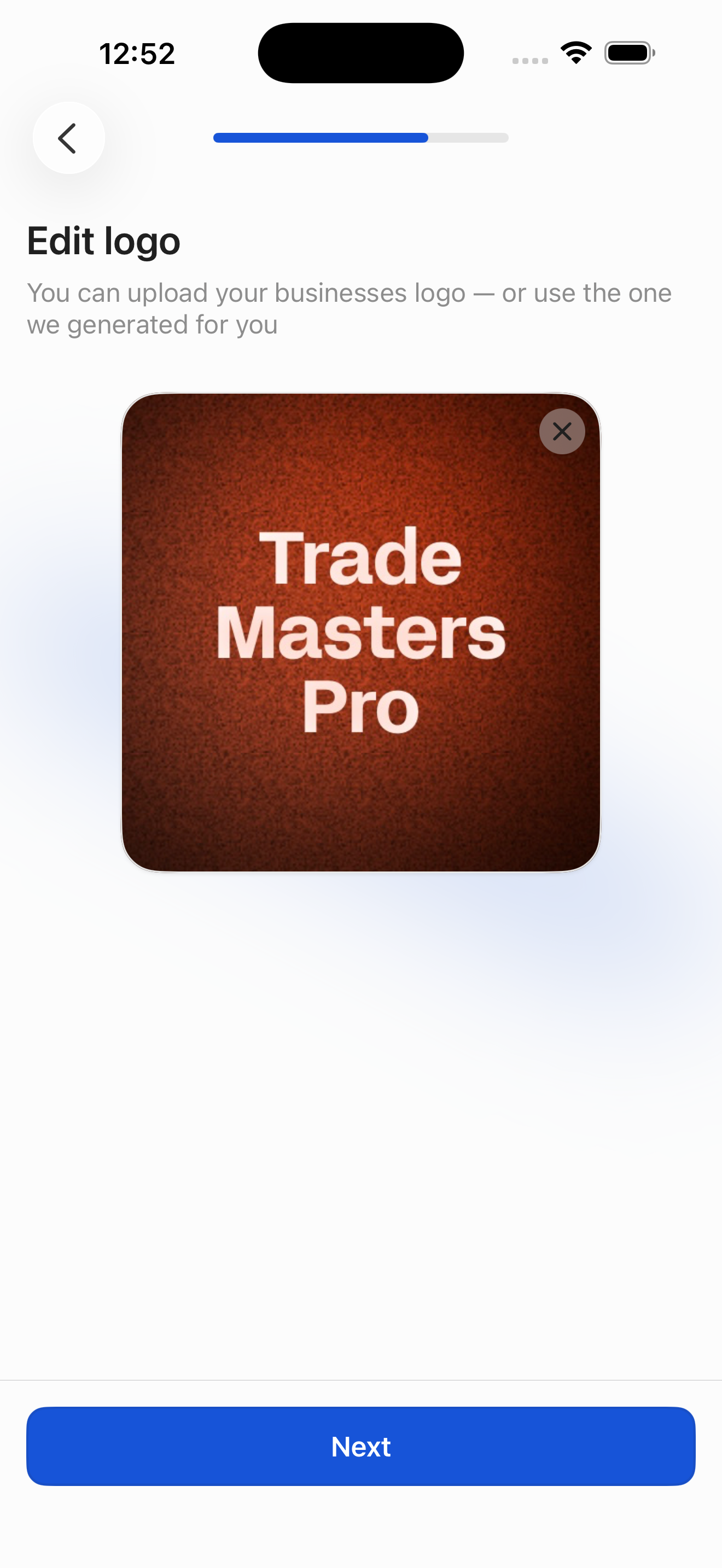
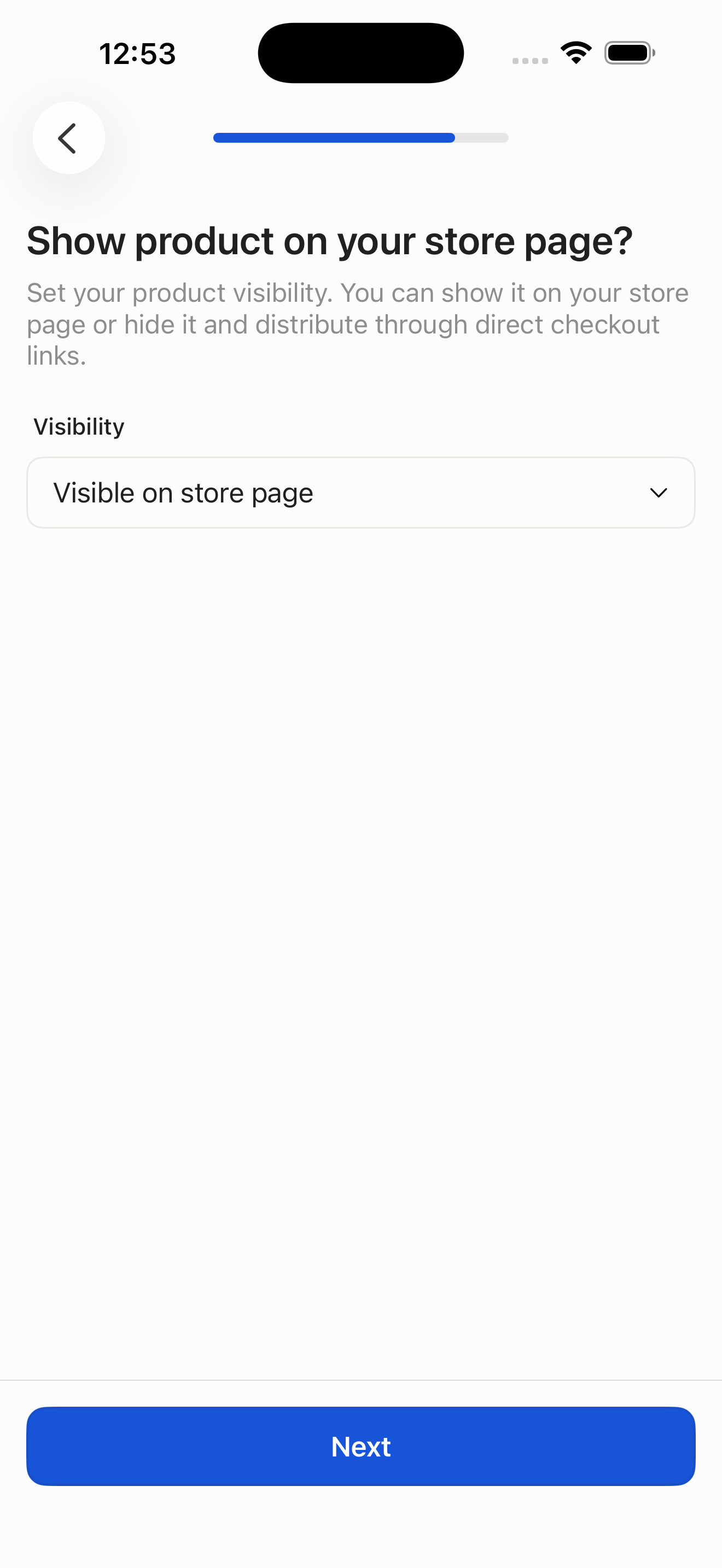
From Business dashboard, walk the full funnel: pick model and industry, name the business, then title / headline / description / category / pricing / apps / media / logo / visibility / preview for the first product. Finish lands on the new whop with a share sheet.
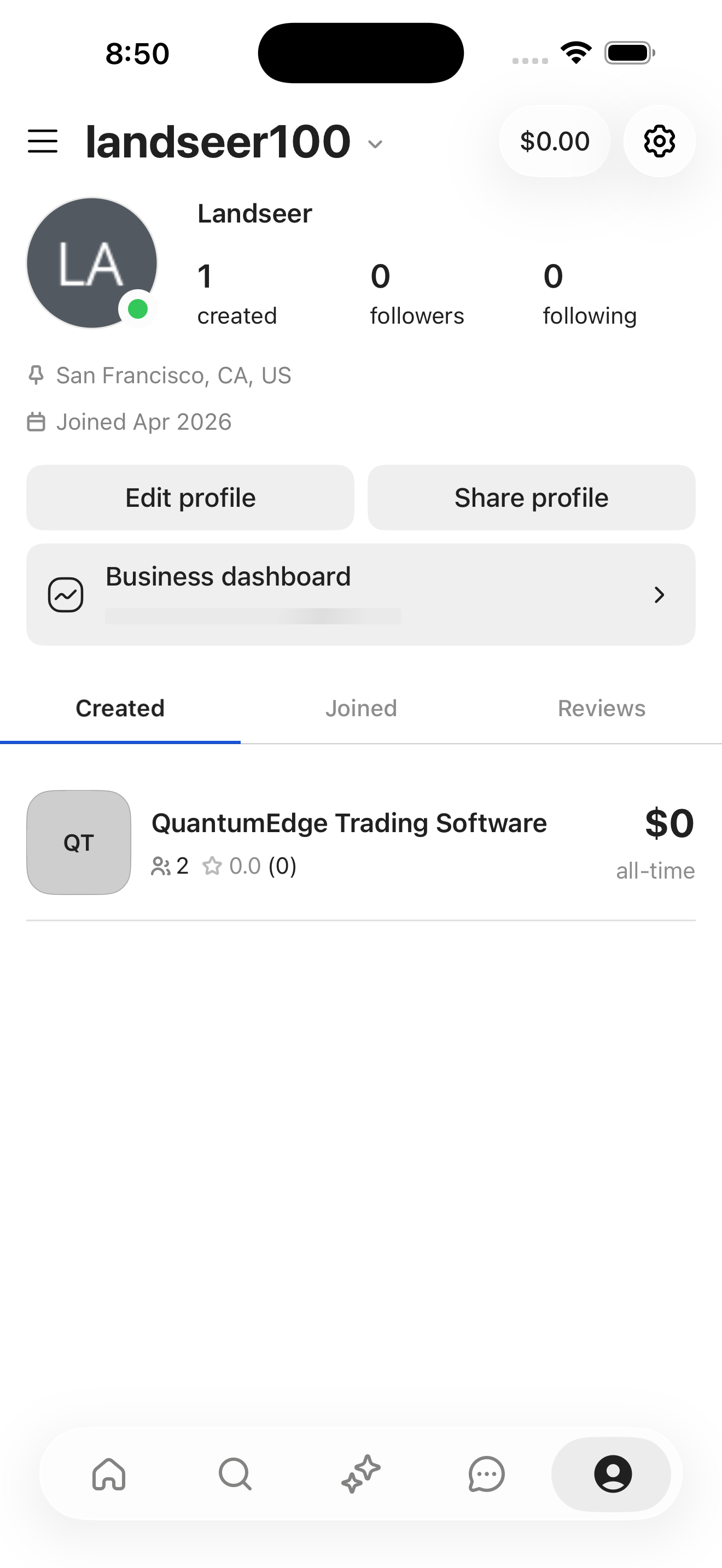
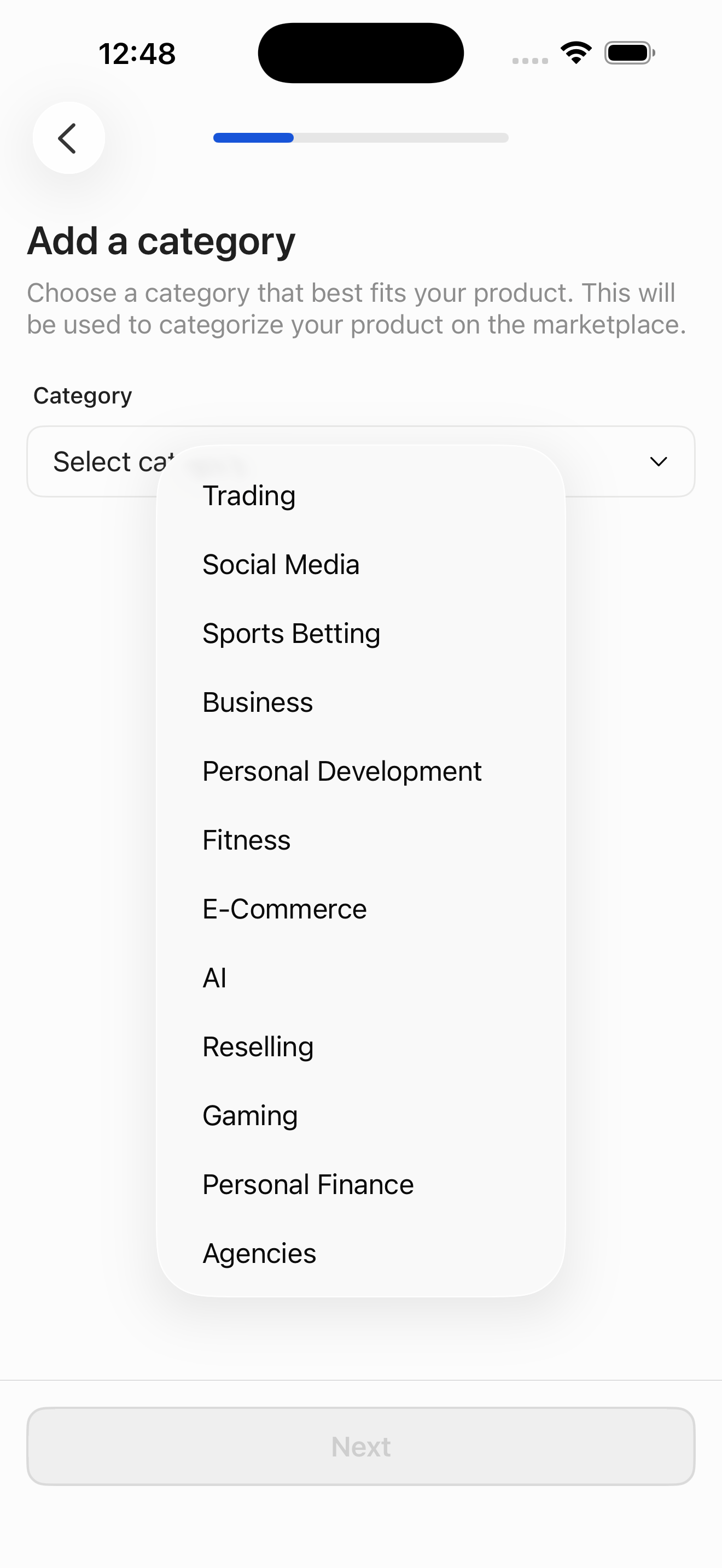
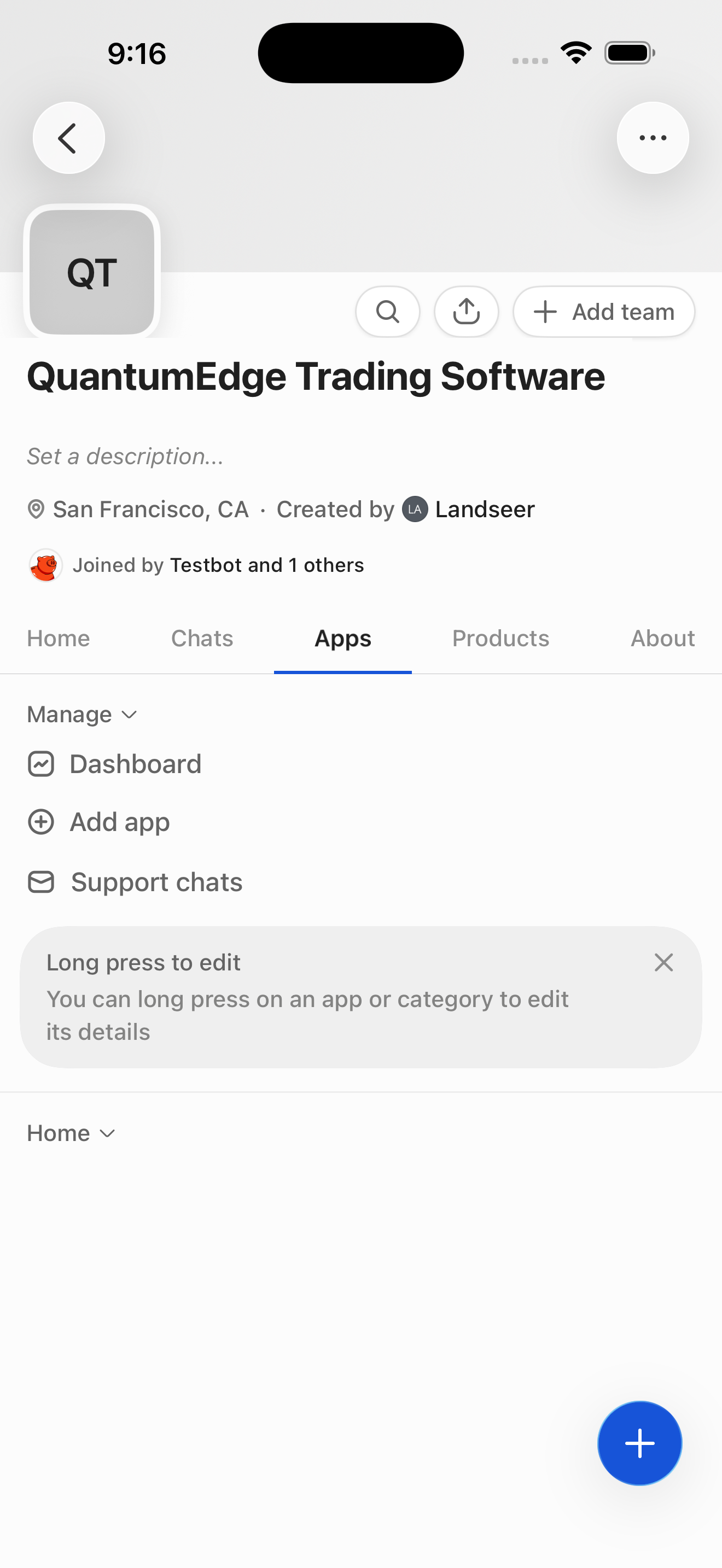
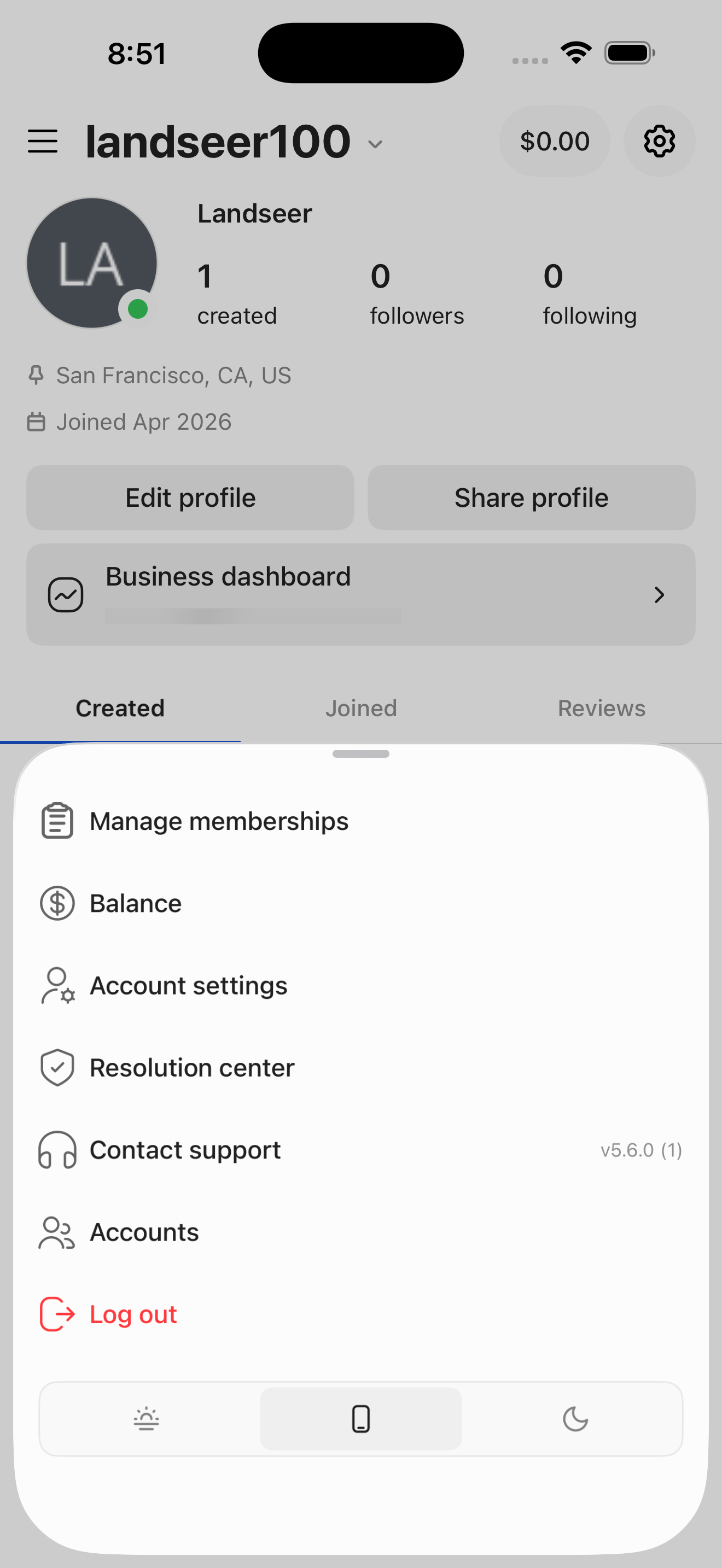
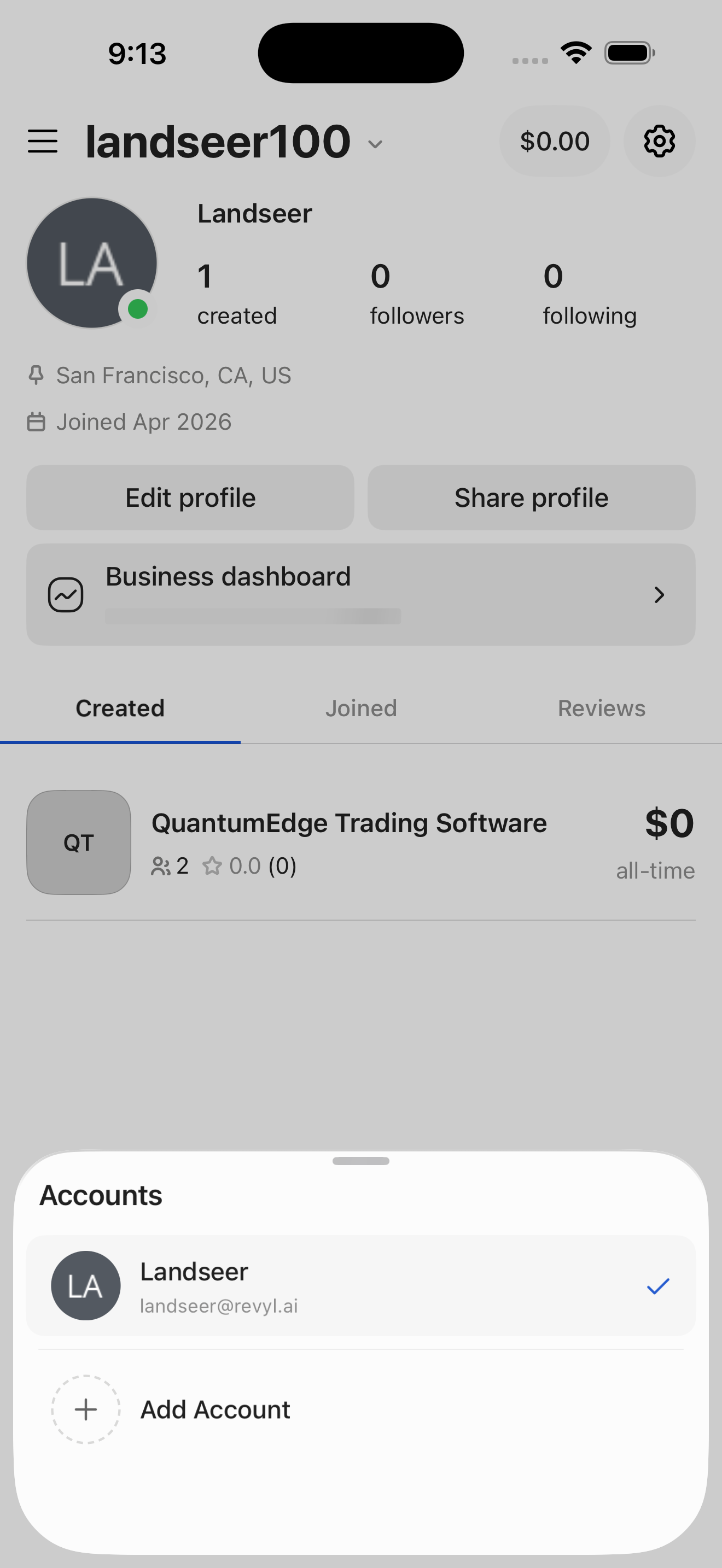
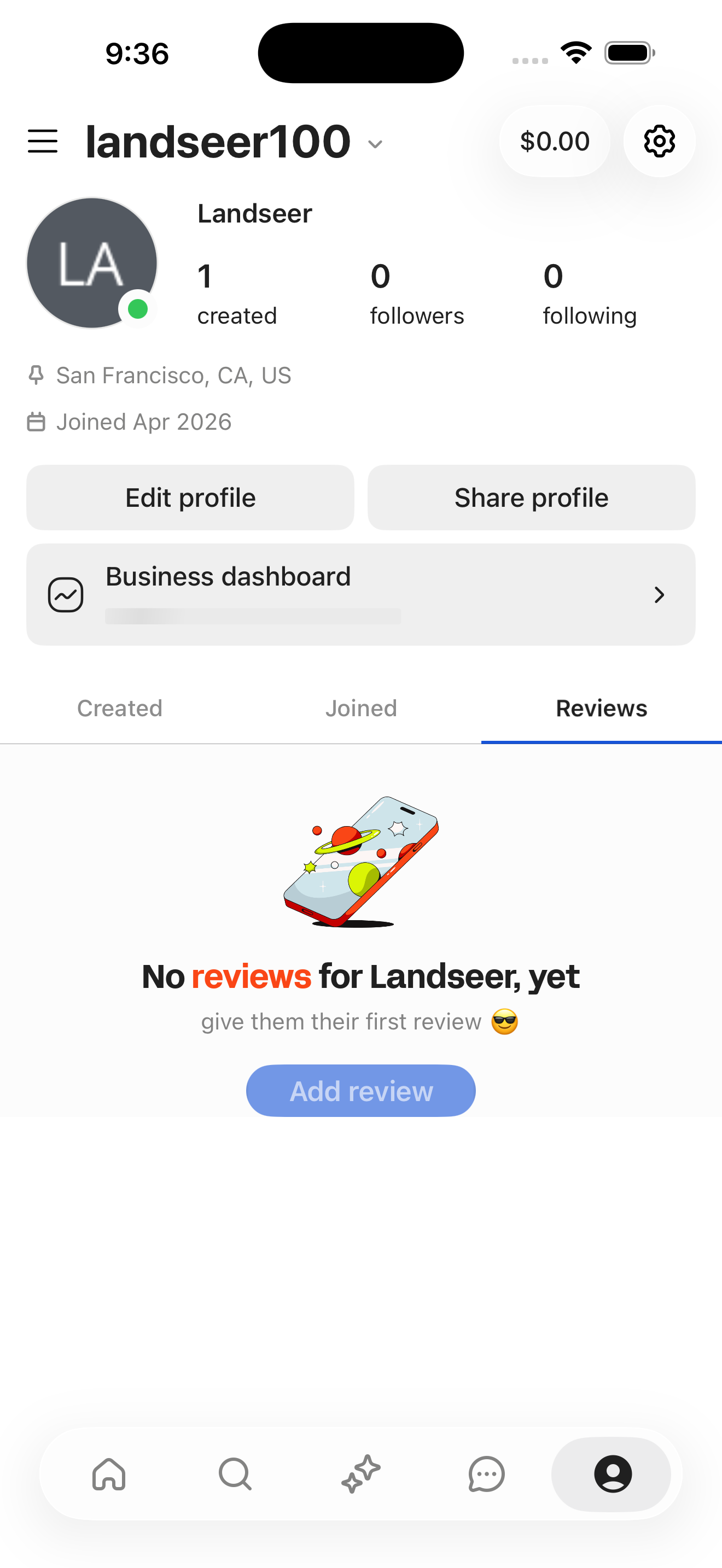
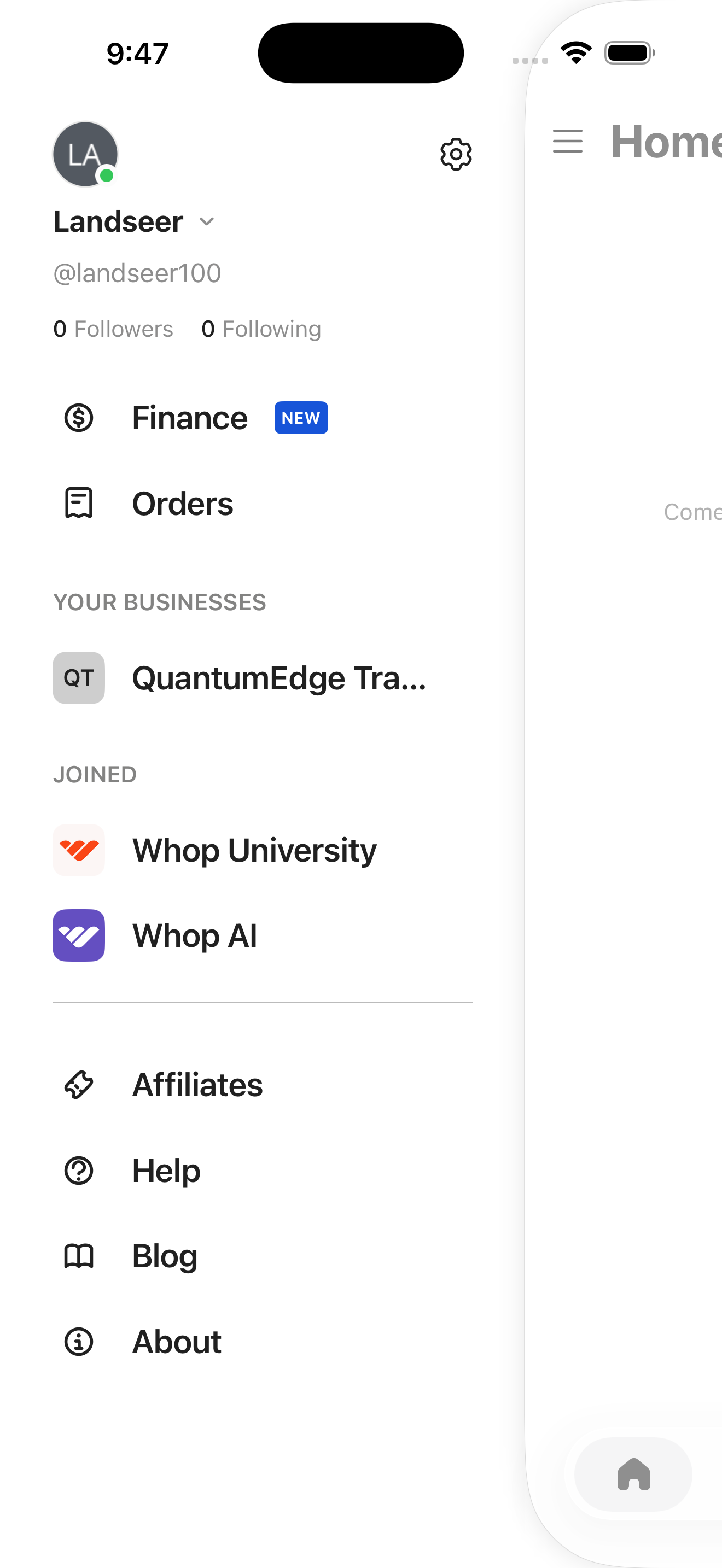
- Profile: landseer100
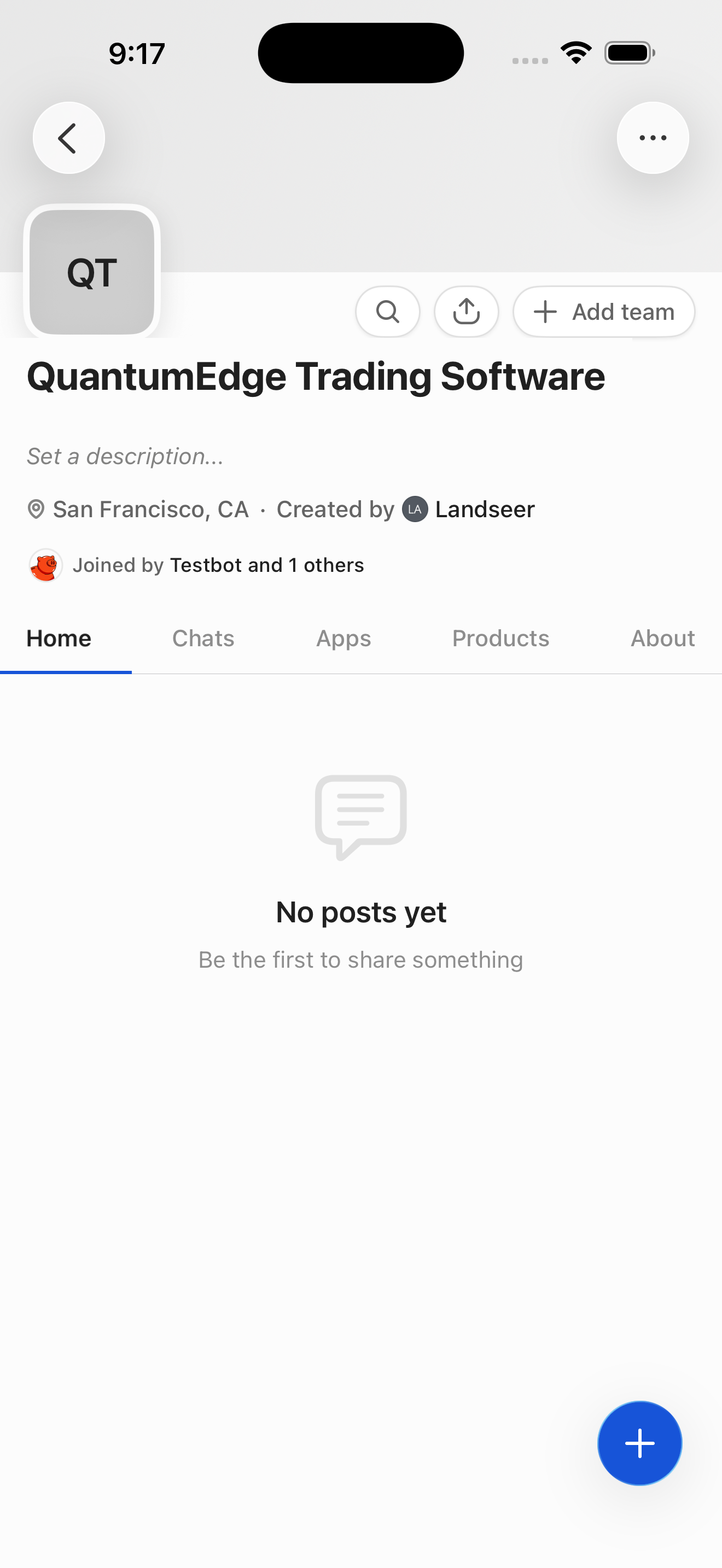
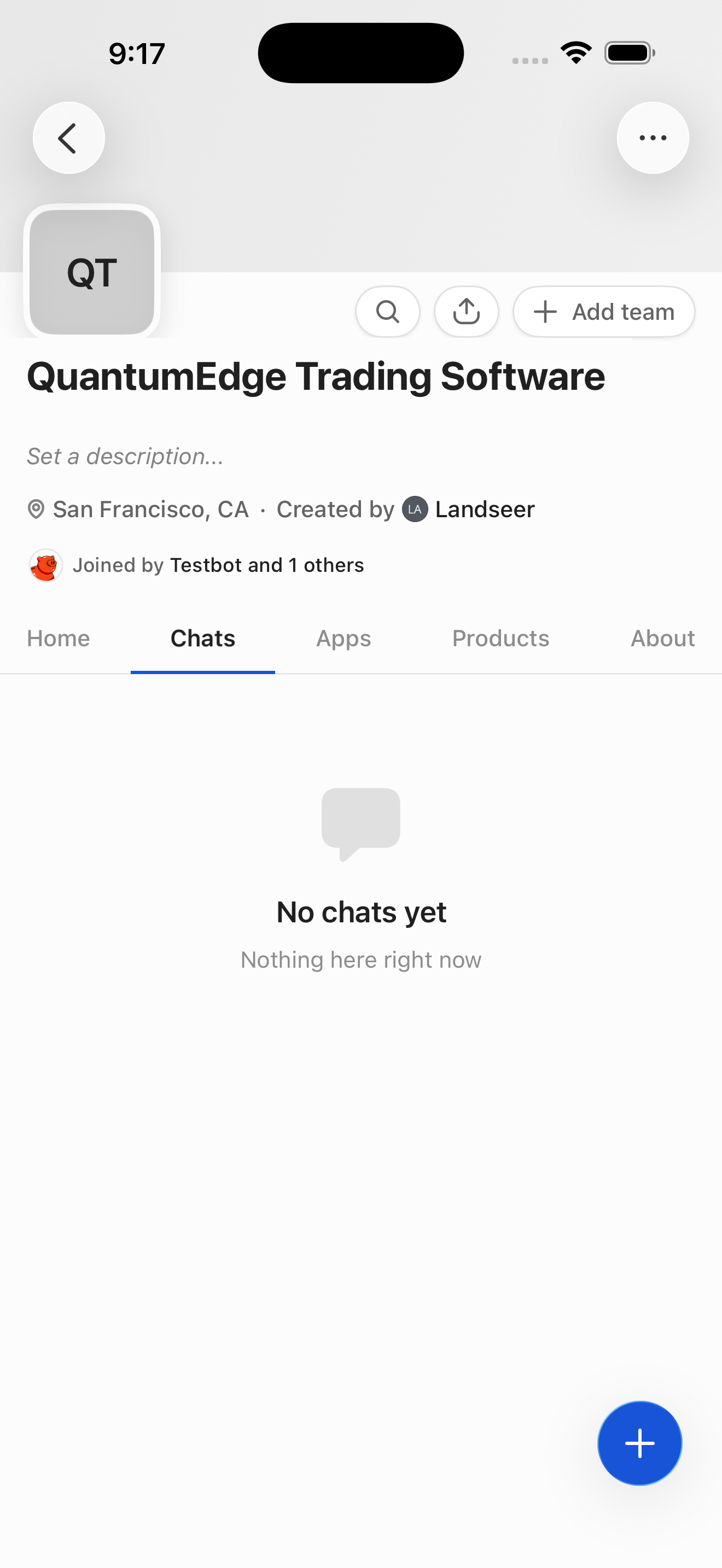
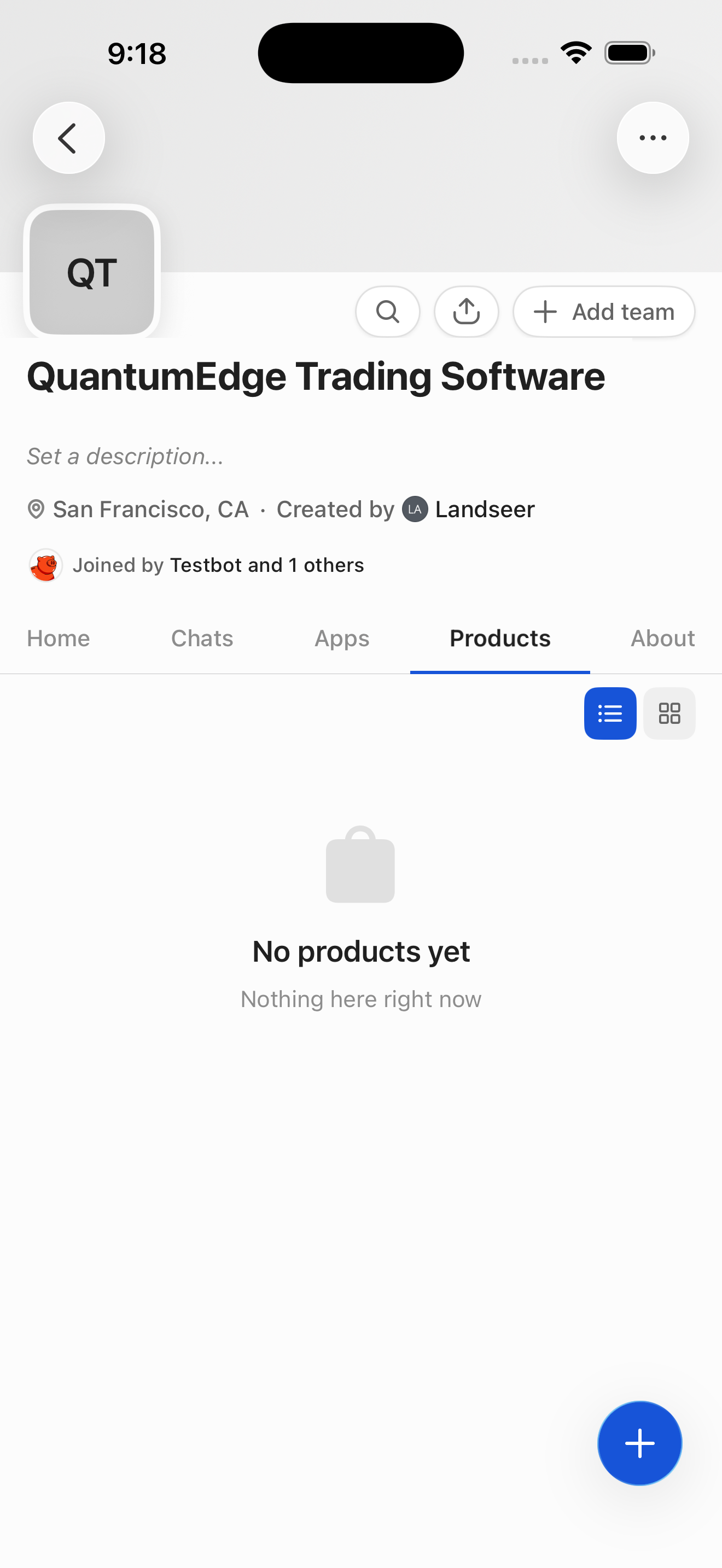
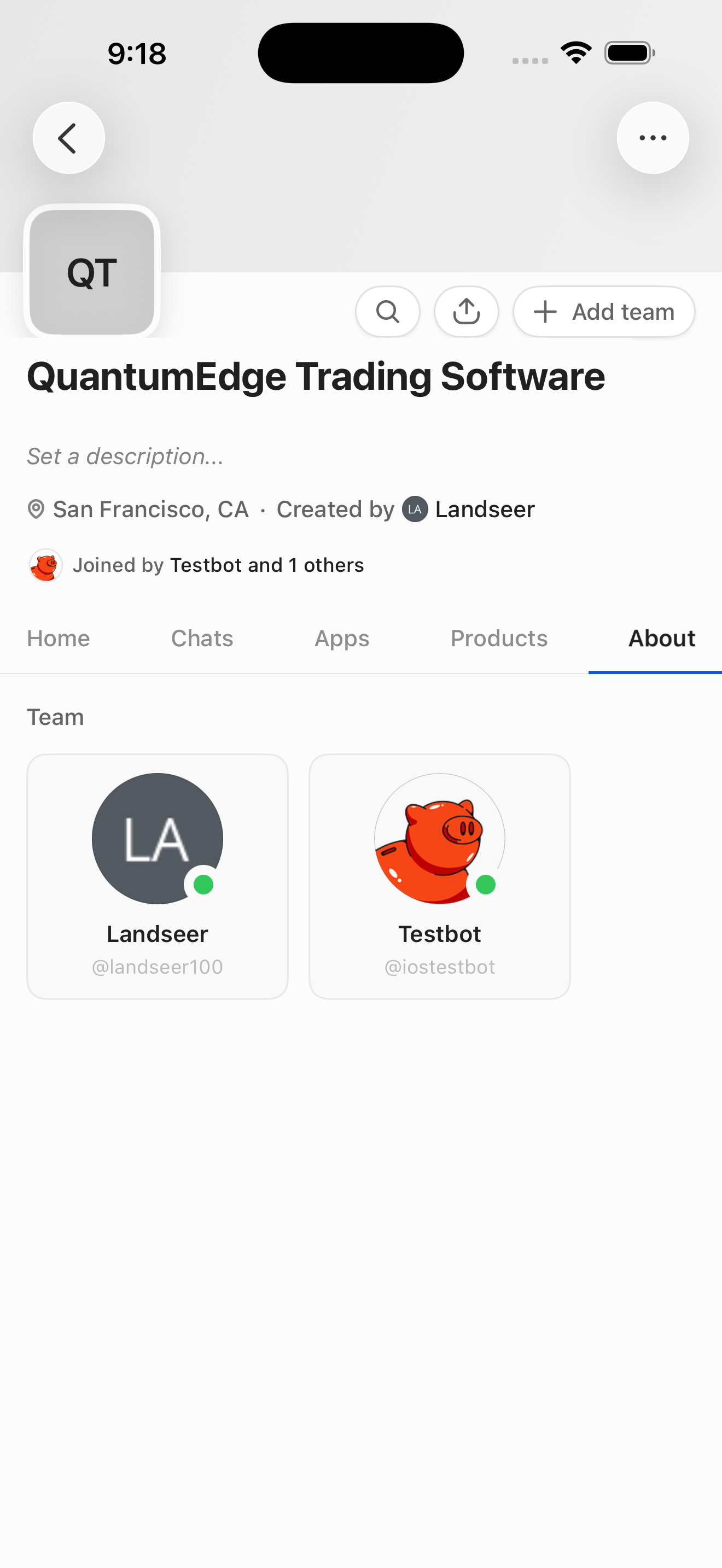
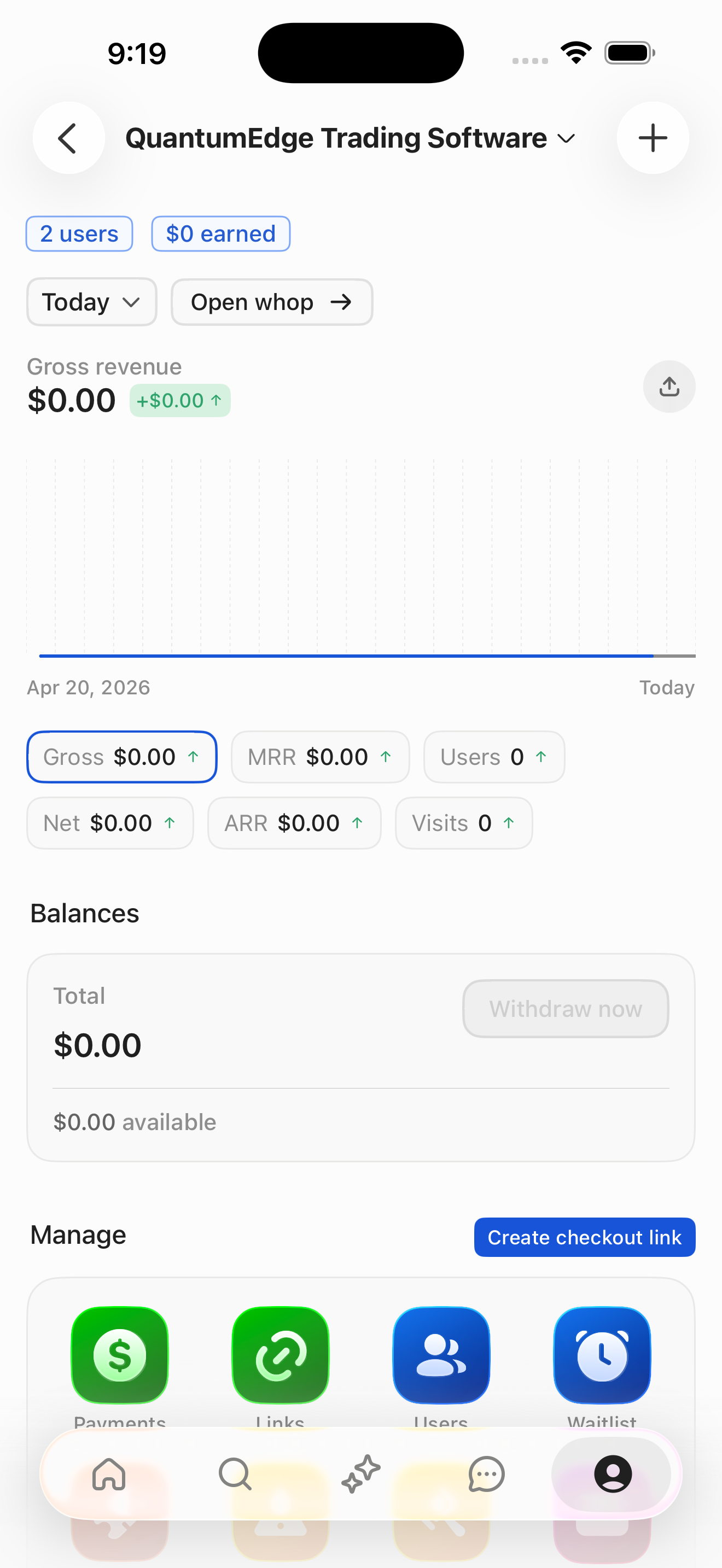
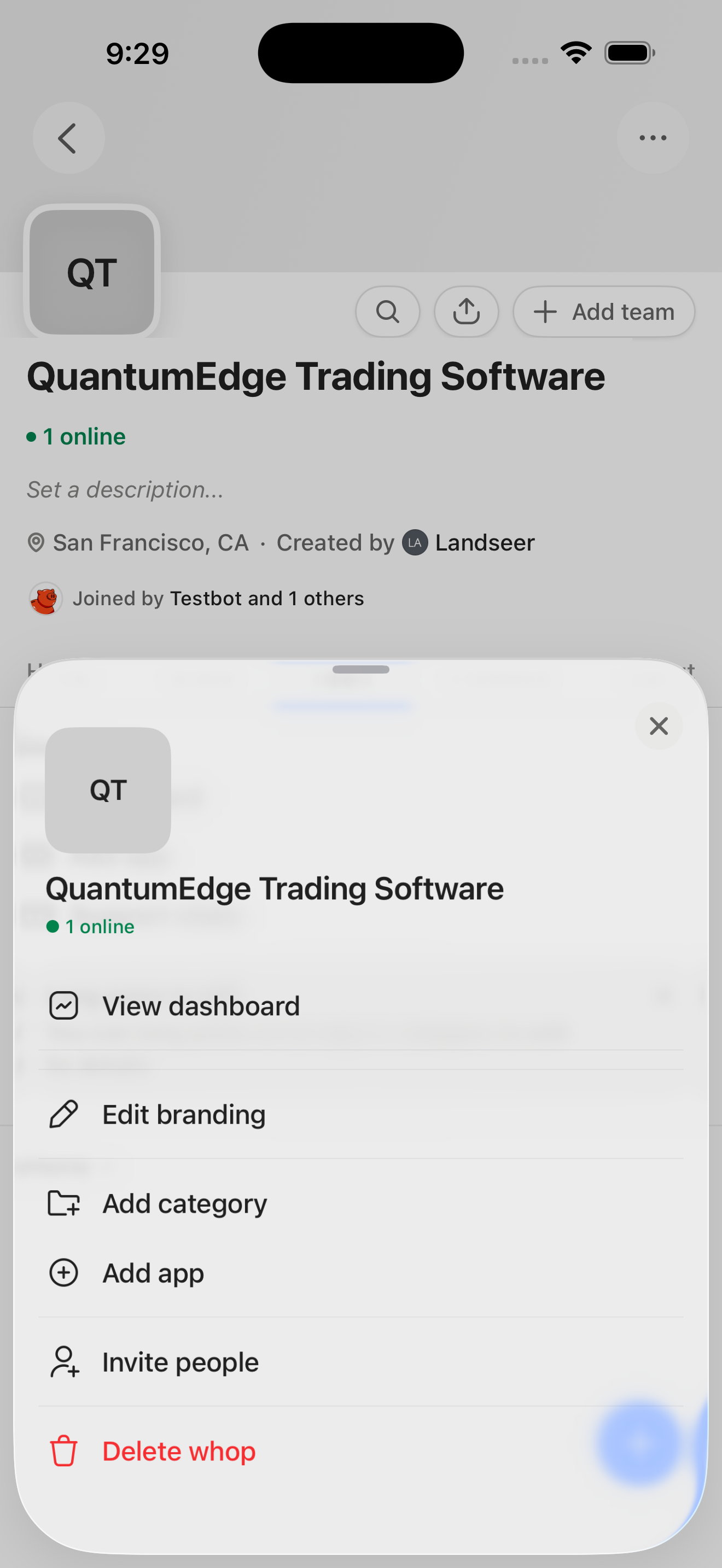
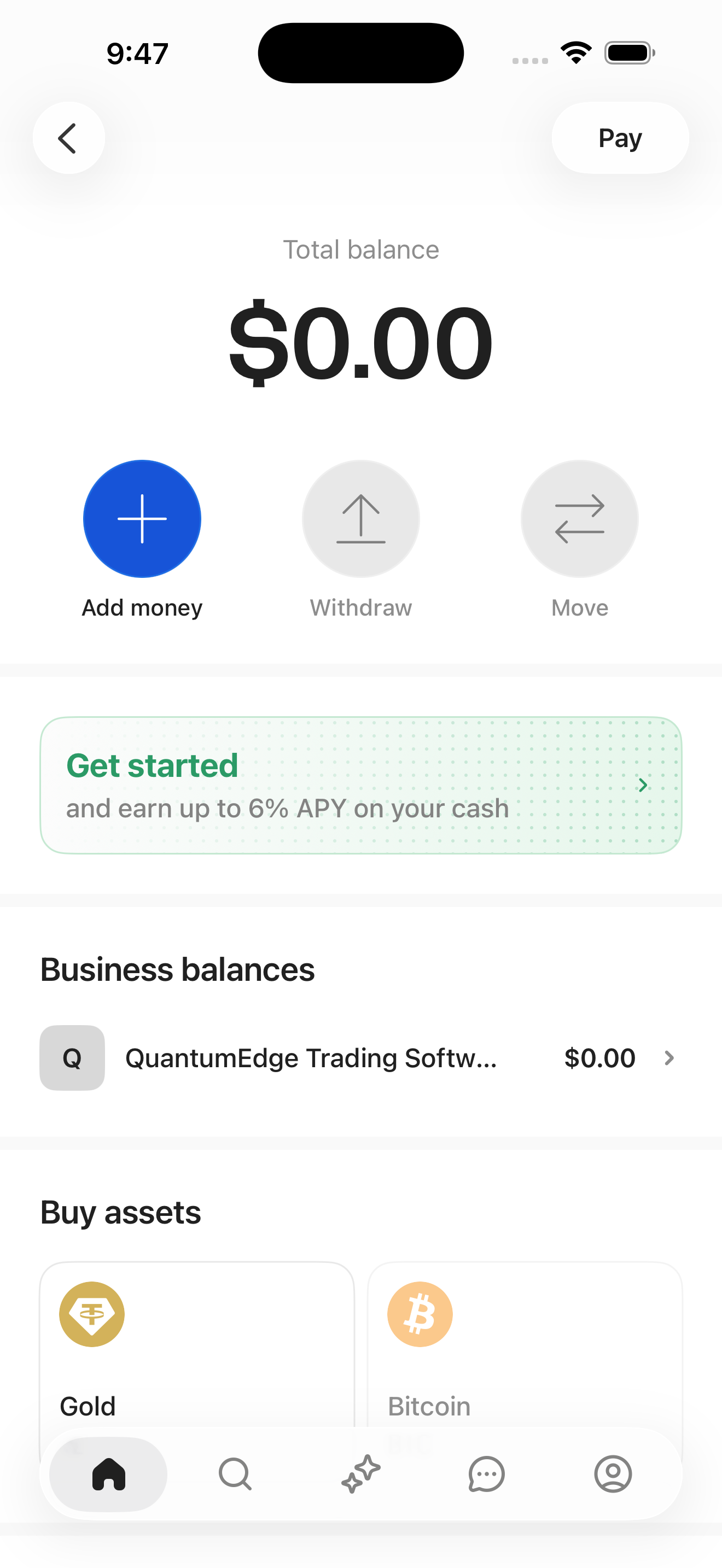
- Whop Dashboard: analytics + manage (QuantumEdge)
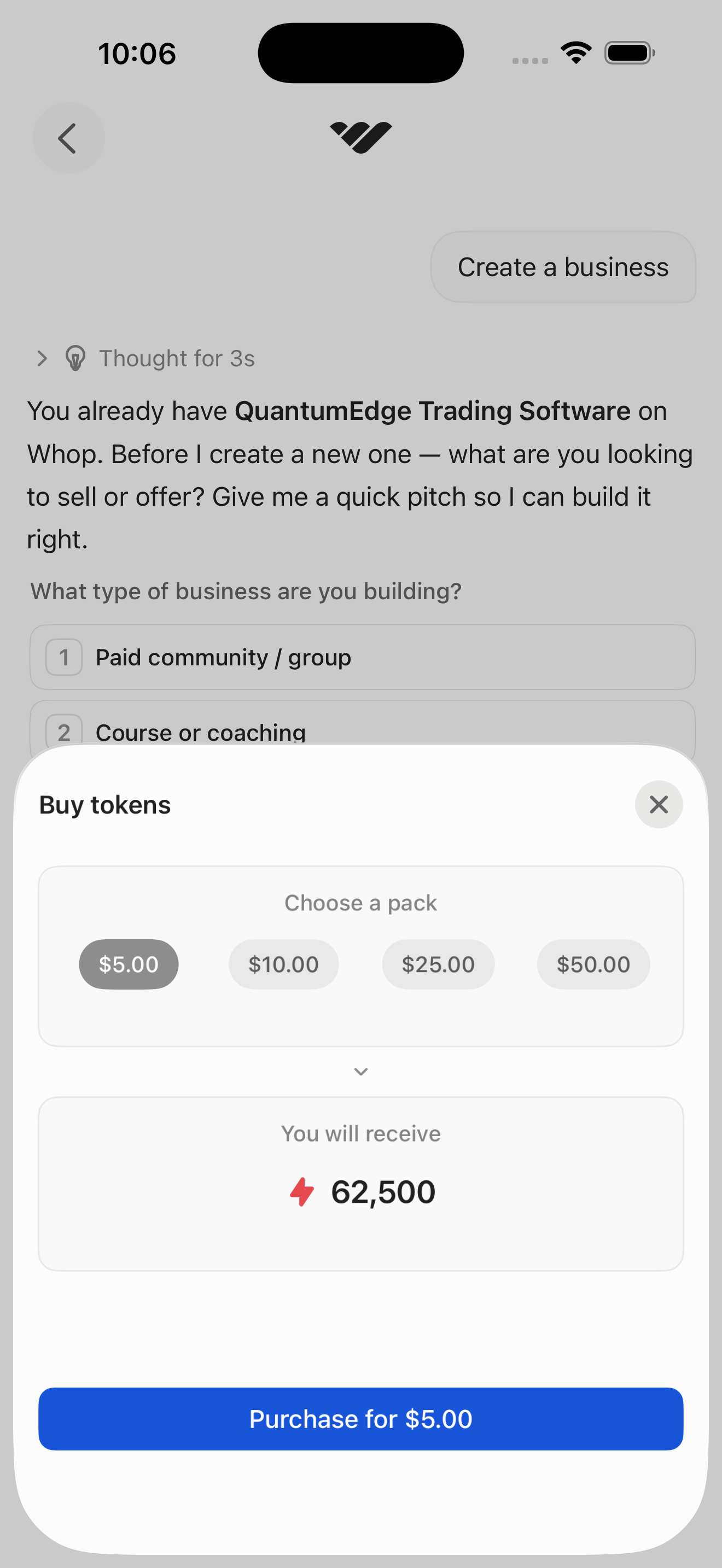
- Create Whop: step 1: choose business model
- Create Whop: step 2: choose industry
- Create Whop: step 3: name + country
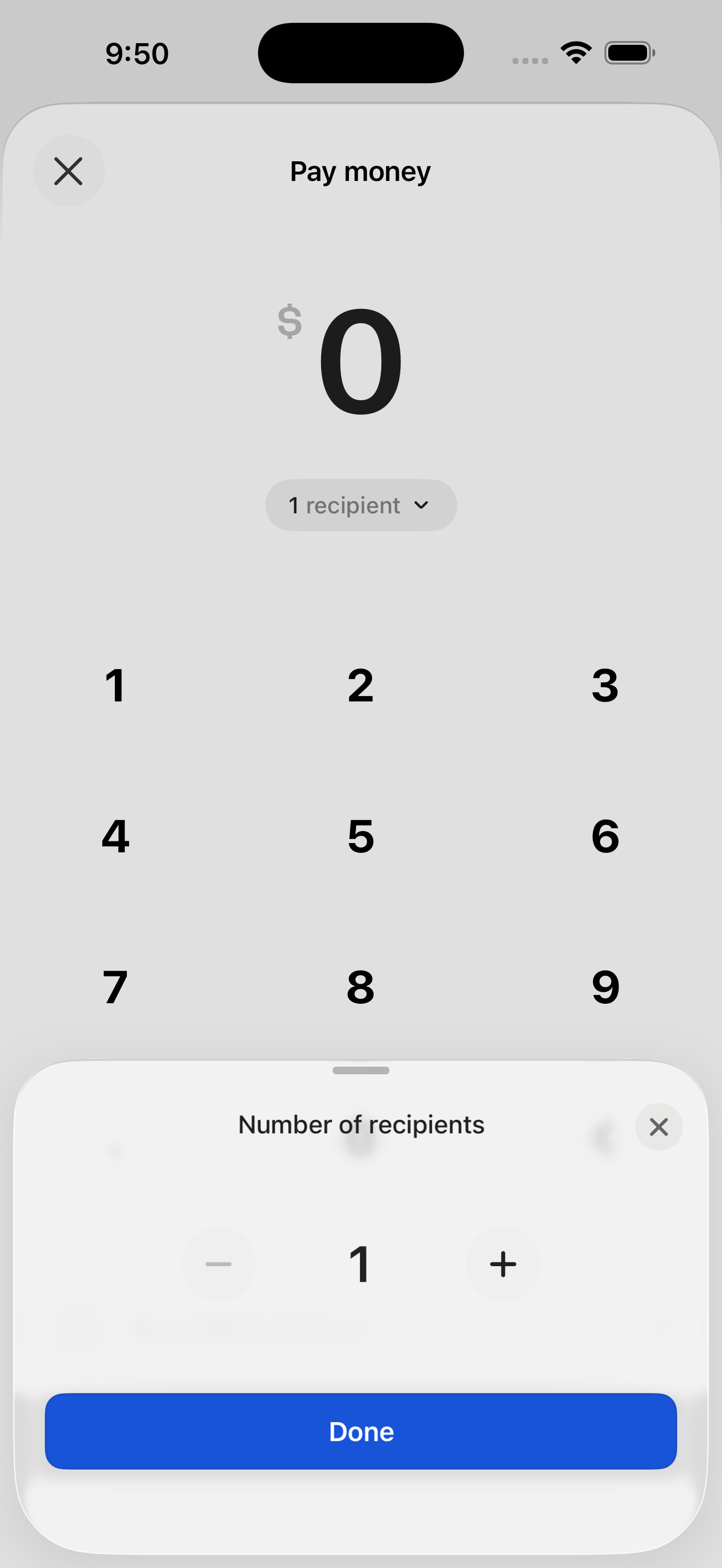
- Kickstart your first product (intro)
+ 14 more mapped screens in this flow.
Sign in + reach home
Email OTP login into the authenticated home feed.
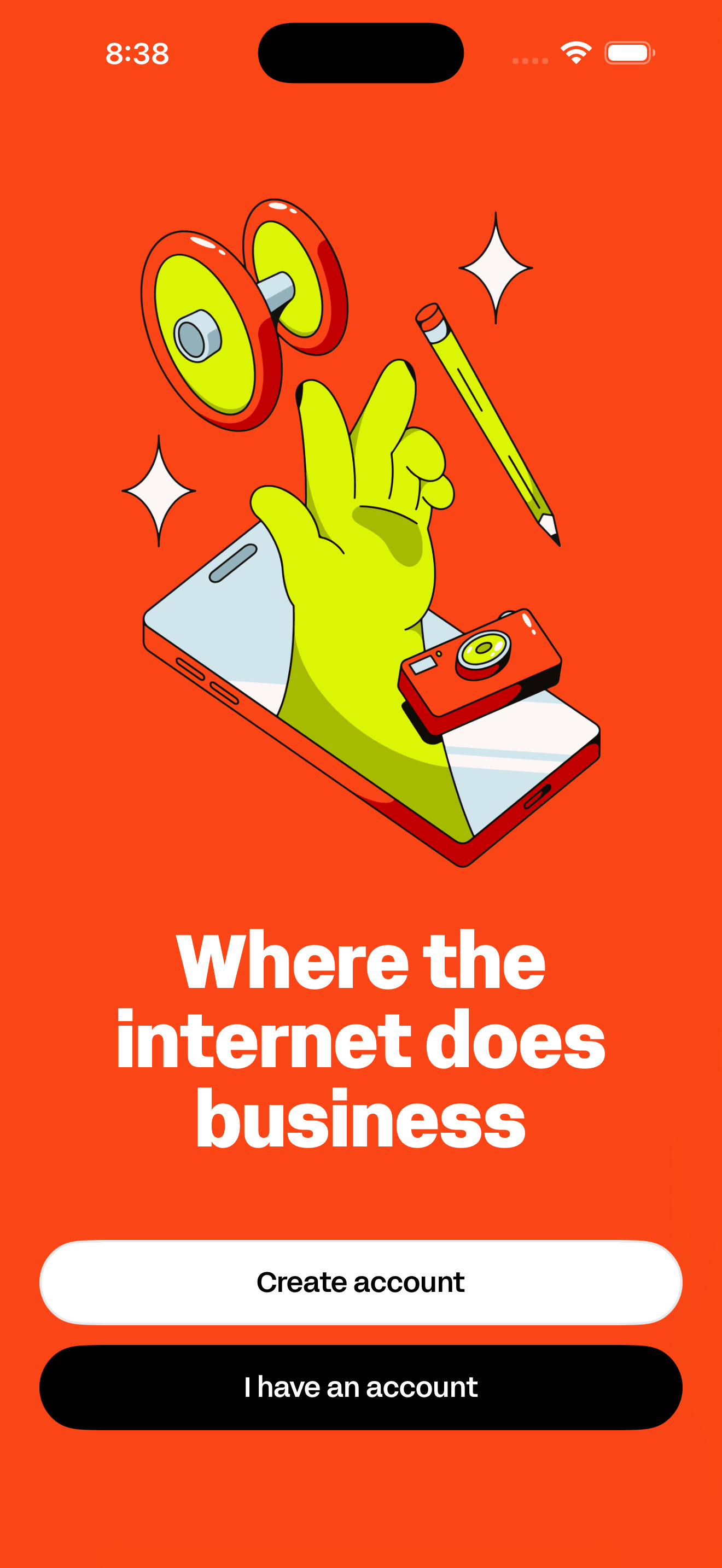
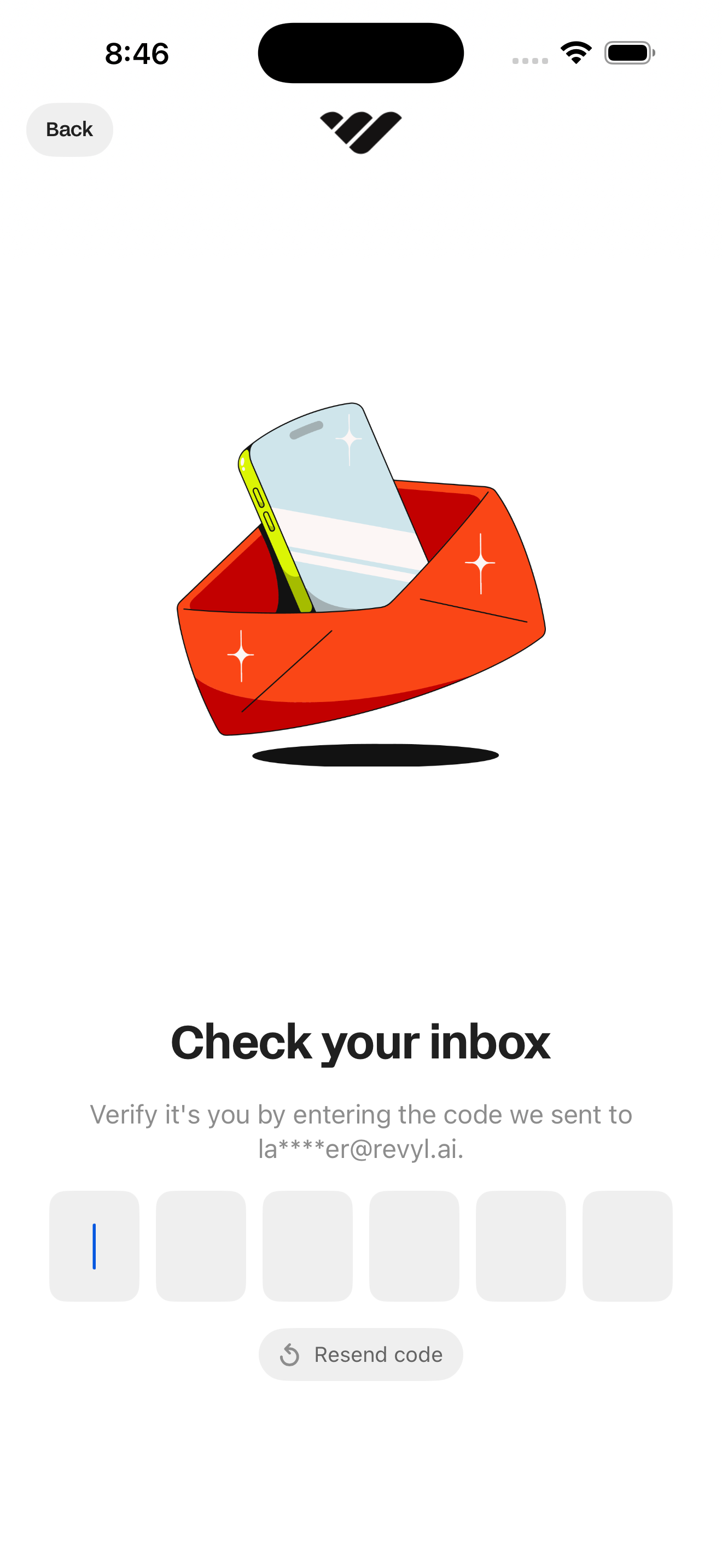
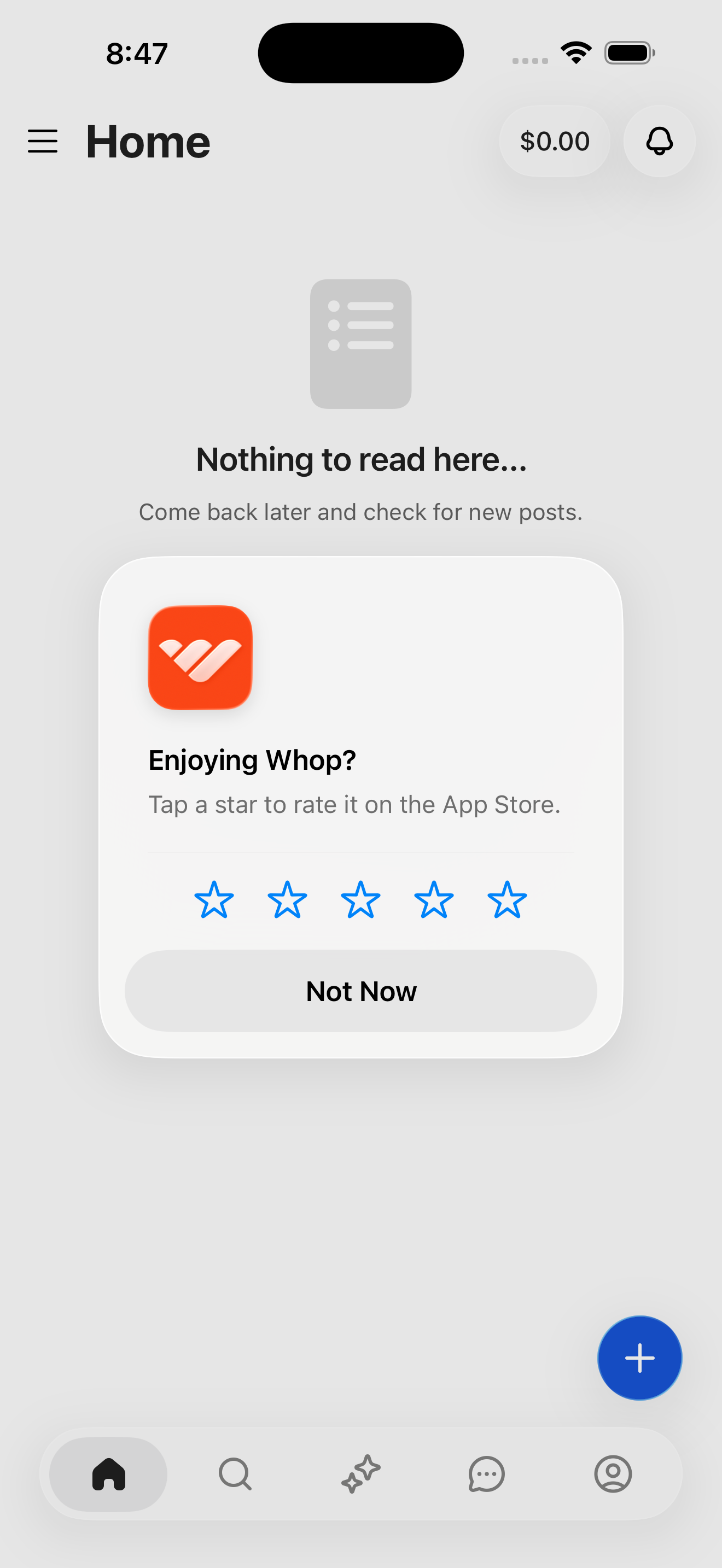
- Welcome: Where the internet does business
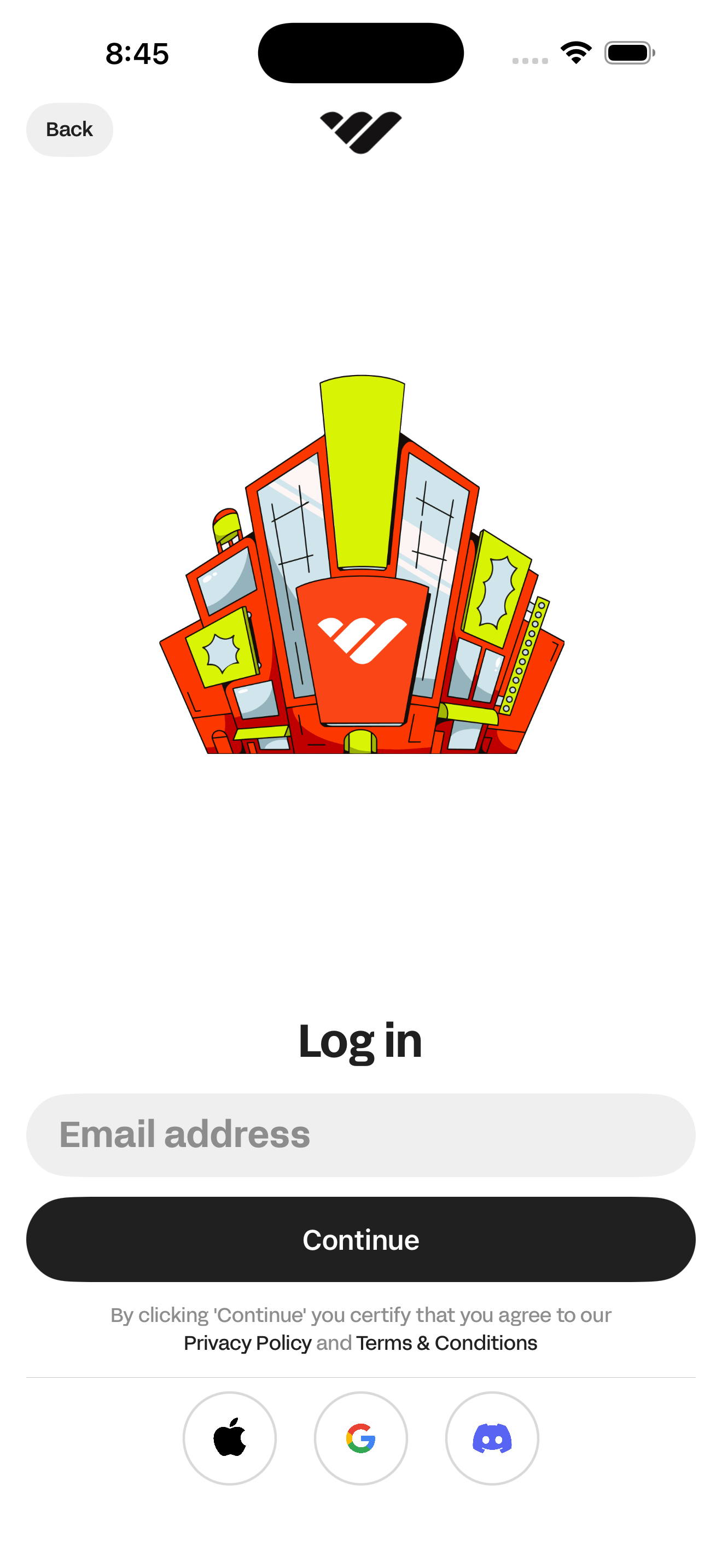
- Log in: Email entry
- Log in: Check your inbox (6-digit code)
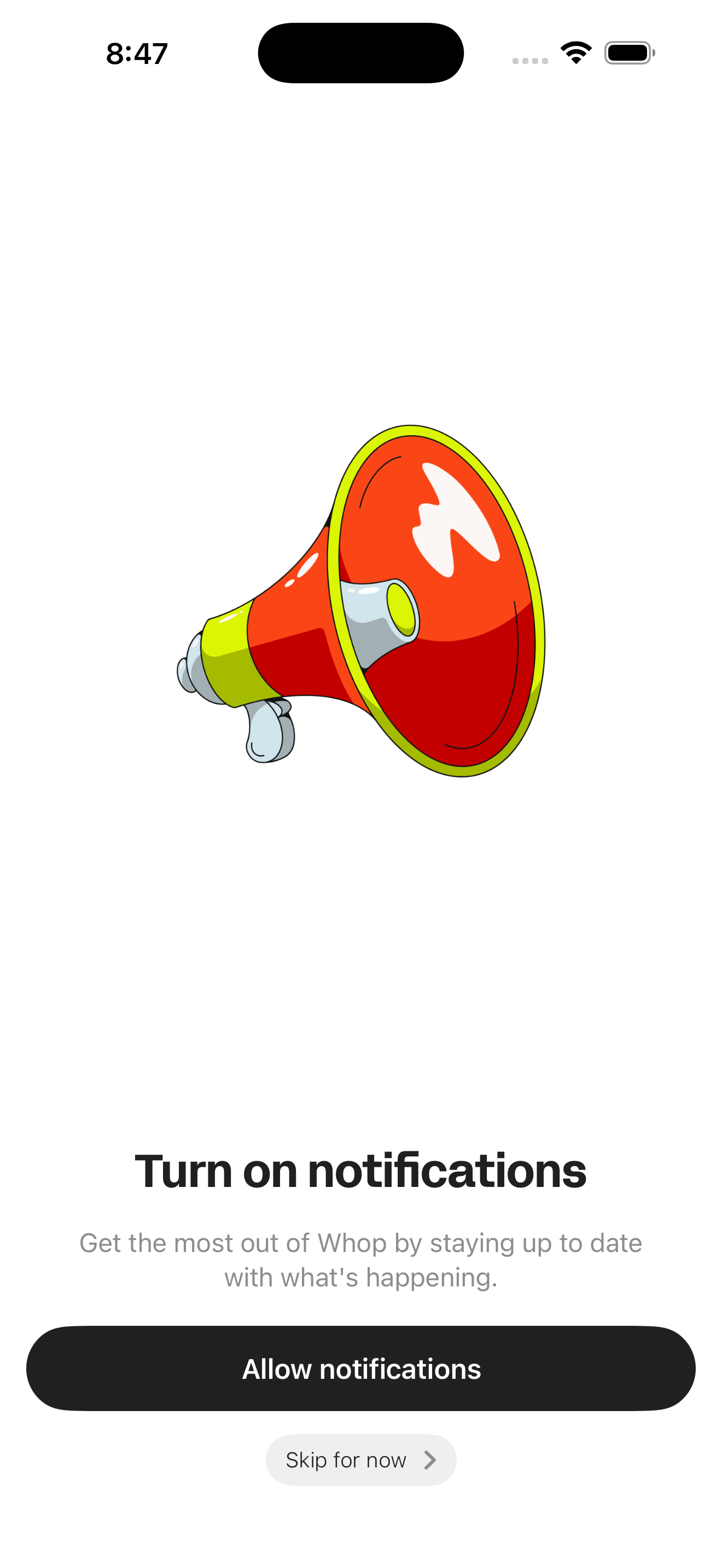
- Onboarding: Turn on notifications
- Home (empty feed)
Create a new Whop account
Alternate entry via Create account CTA on the welcome screen.
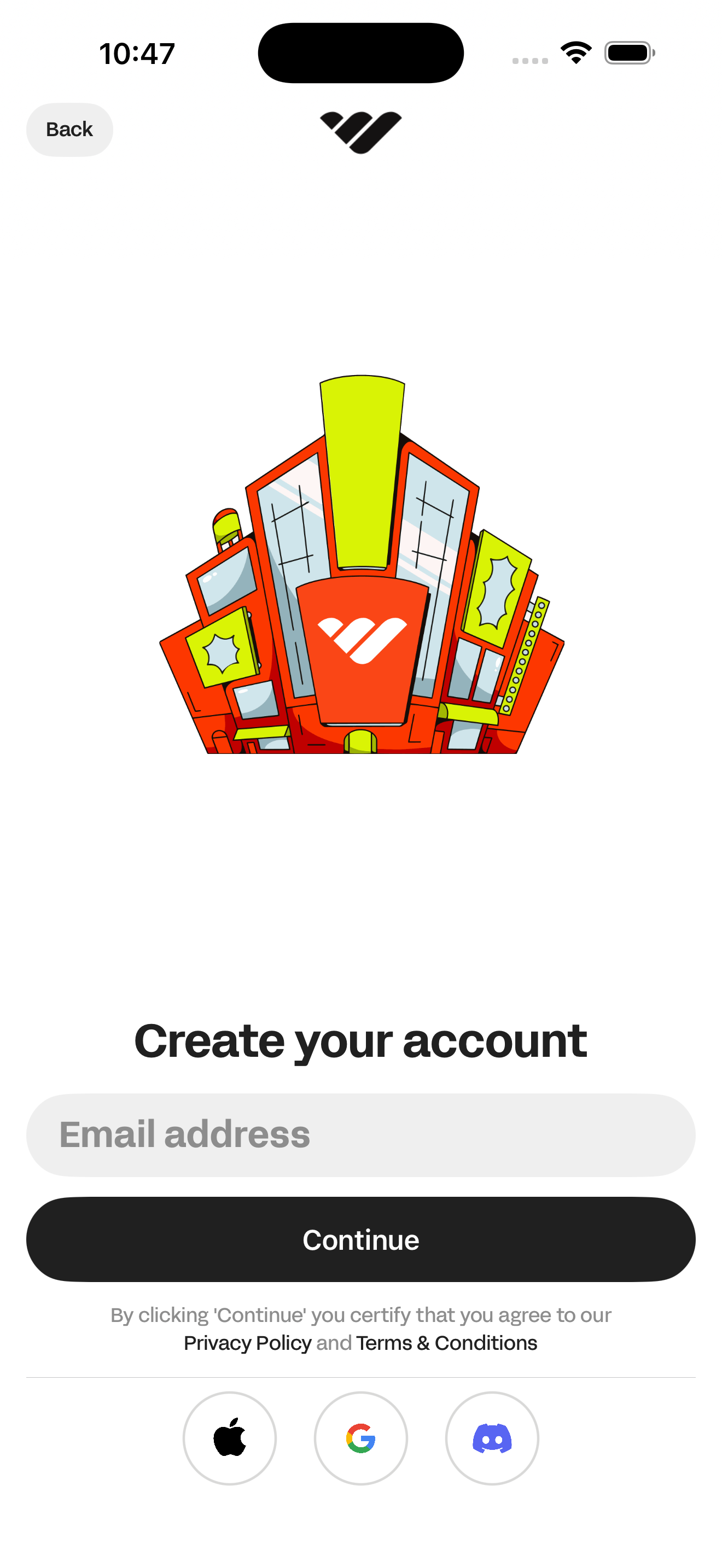
- Welcome: Where the internet does business
- Create your account: Email entry
Join a public whop
Find a verified business on Discover and join its community.
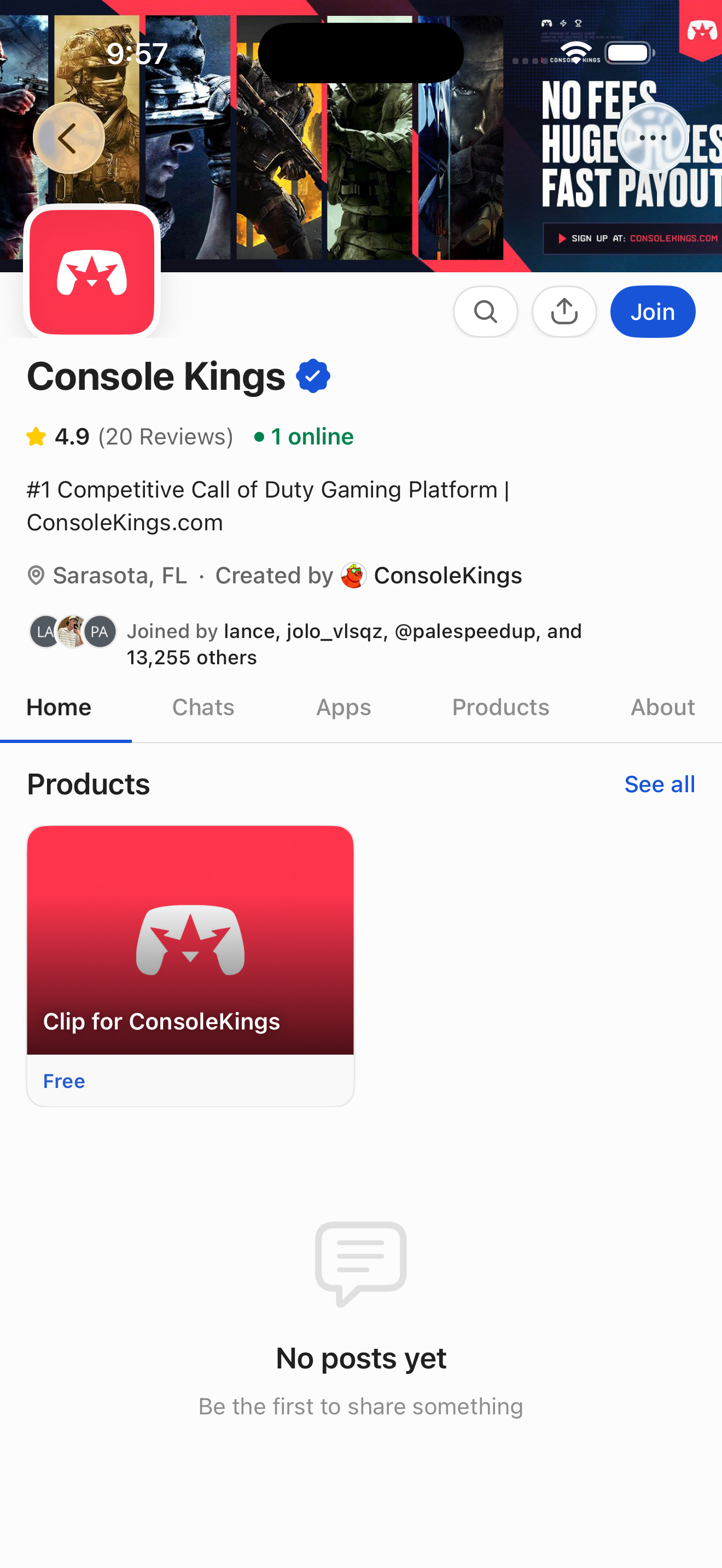
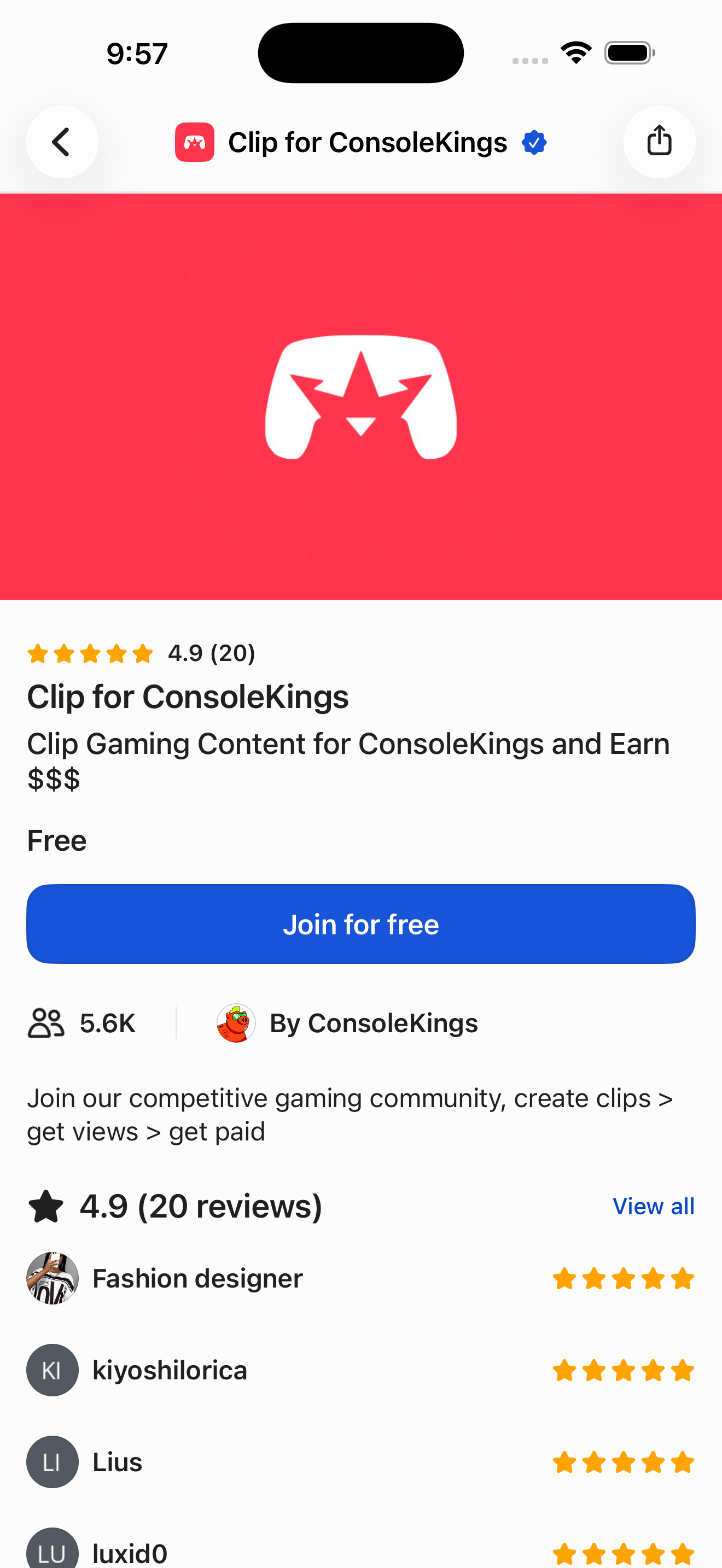
- Home (empty feed)
- Discover: browse Whops + search
- Console Kings: public store page (visitor view)
- Product detail: Clip for ConsoleKings
Read product reviews before joining
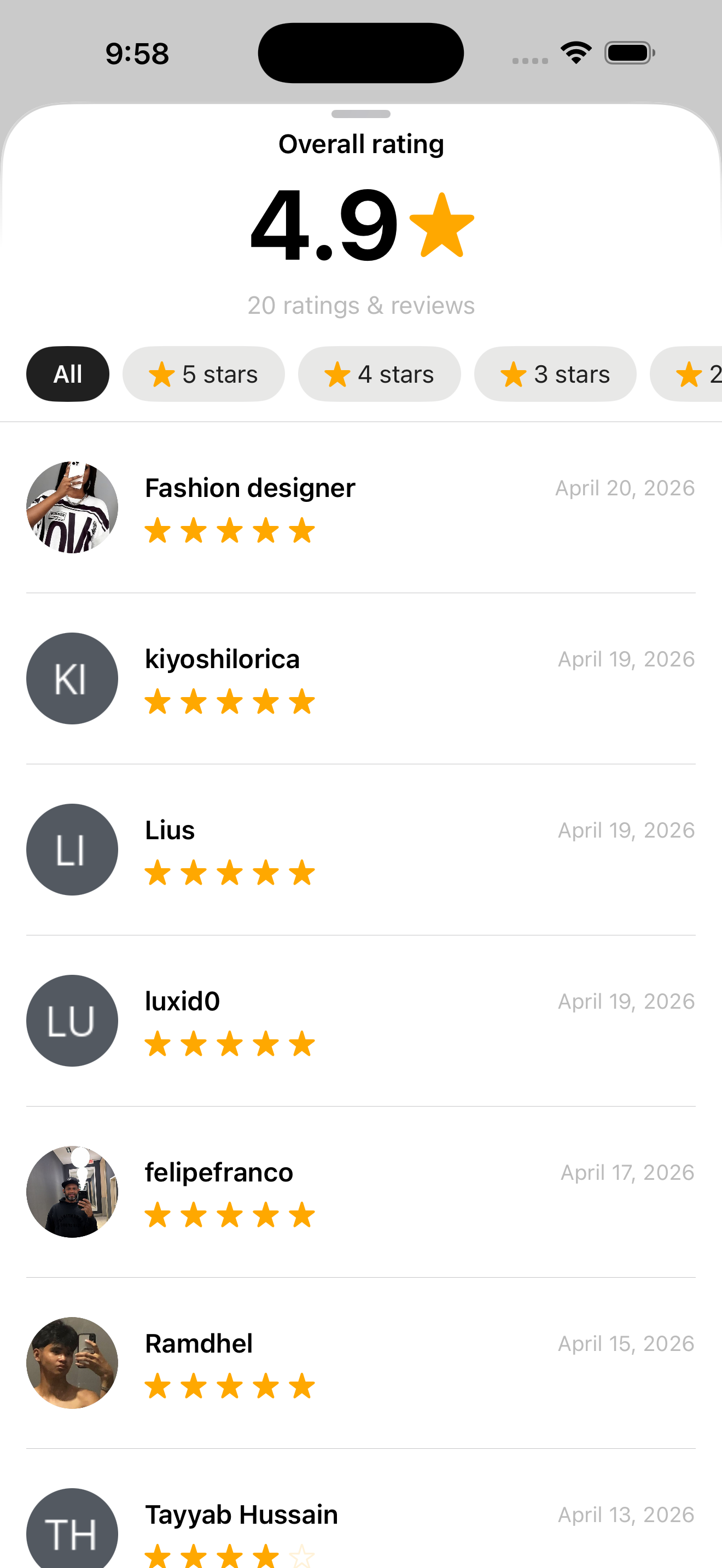
Open a product page and drill into the full reviews sheet.
- Home (empty feed)
- Discover: browse Whops + search
- Console Kings: public store page (visitor view)
- Product detail: Clip for ConsoleKings
- Product reviews sheet (Overall rating + filters + list)
Browse bounty campaigns
From Discover, open Content Rewards and drill into a campaign.
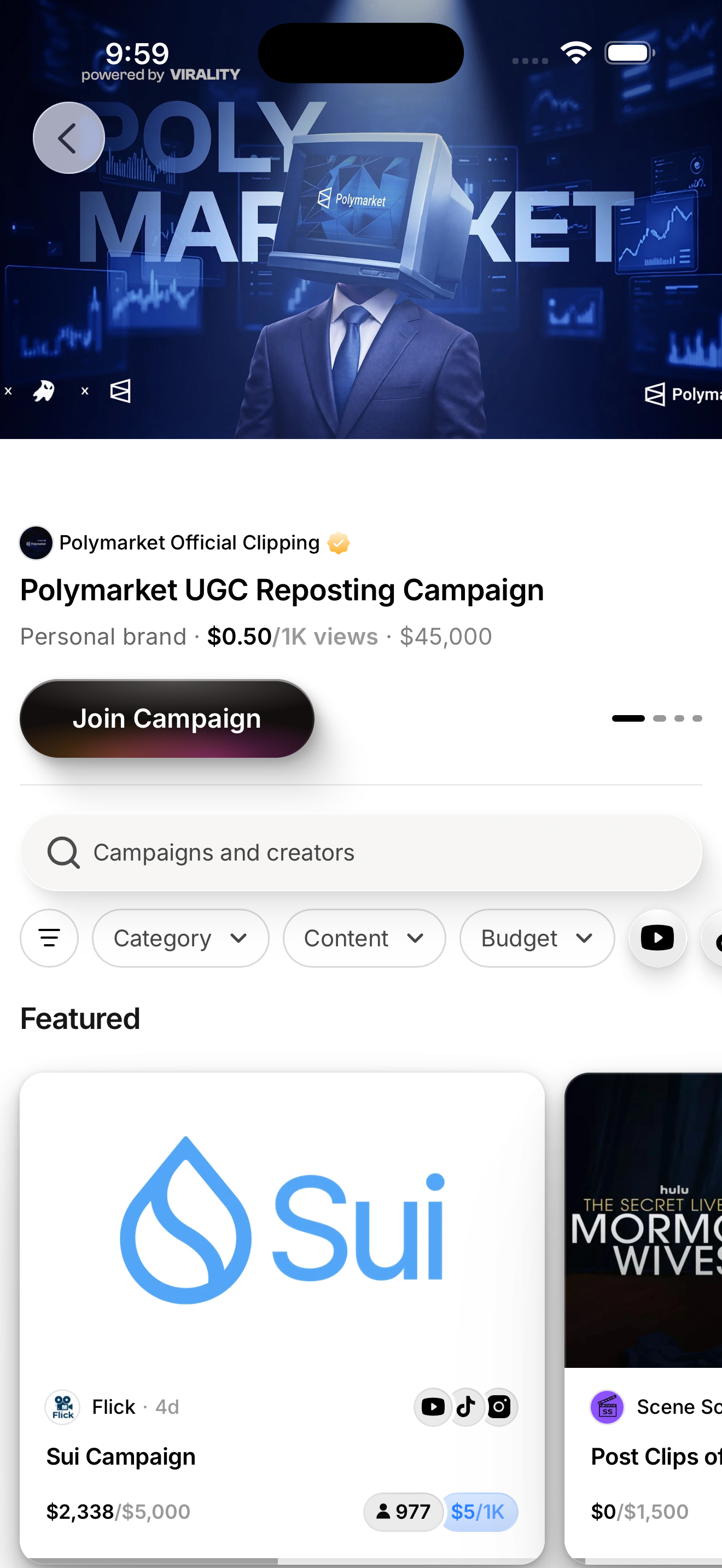
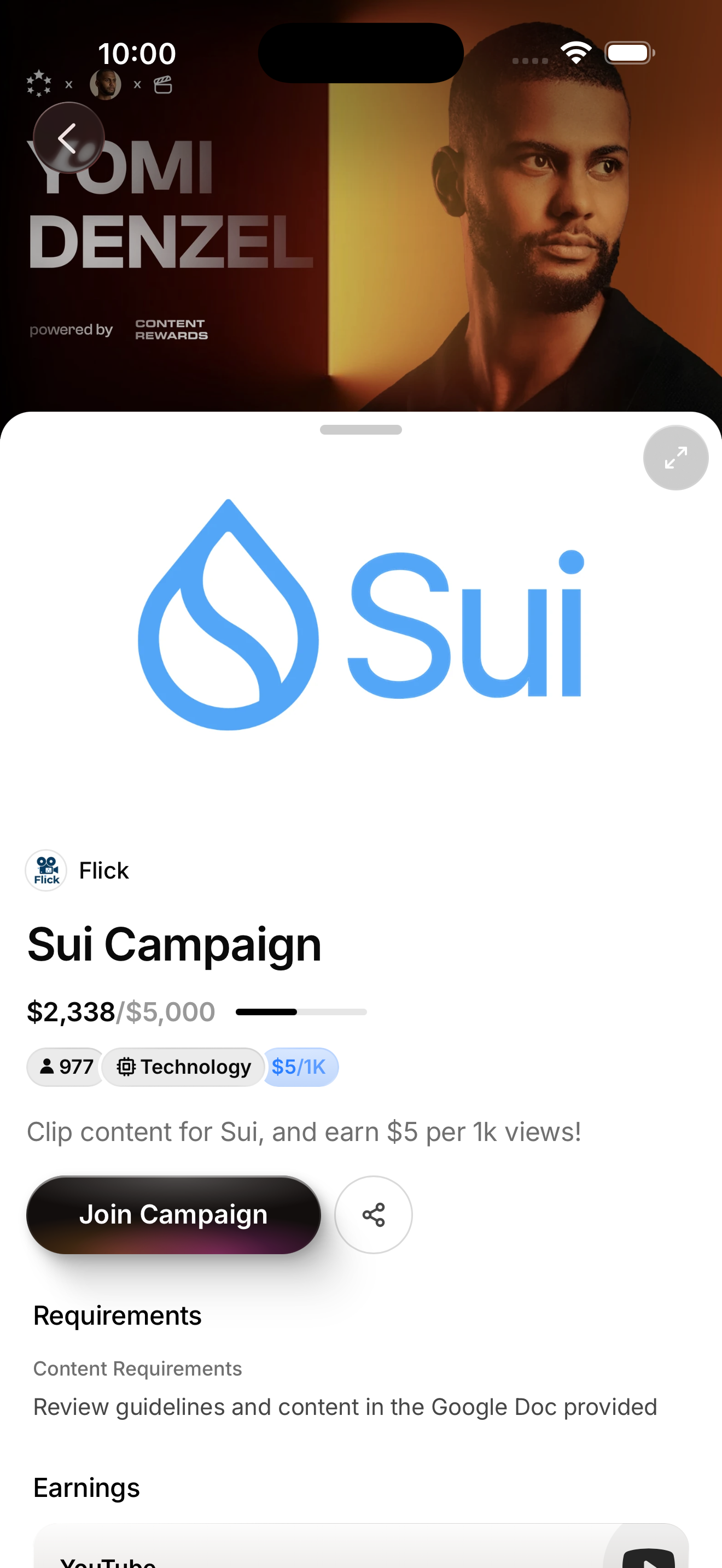
- Home (empty feed)
- Discover: browse Whops + search
- Content rewards (Bounties home feed)
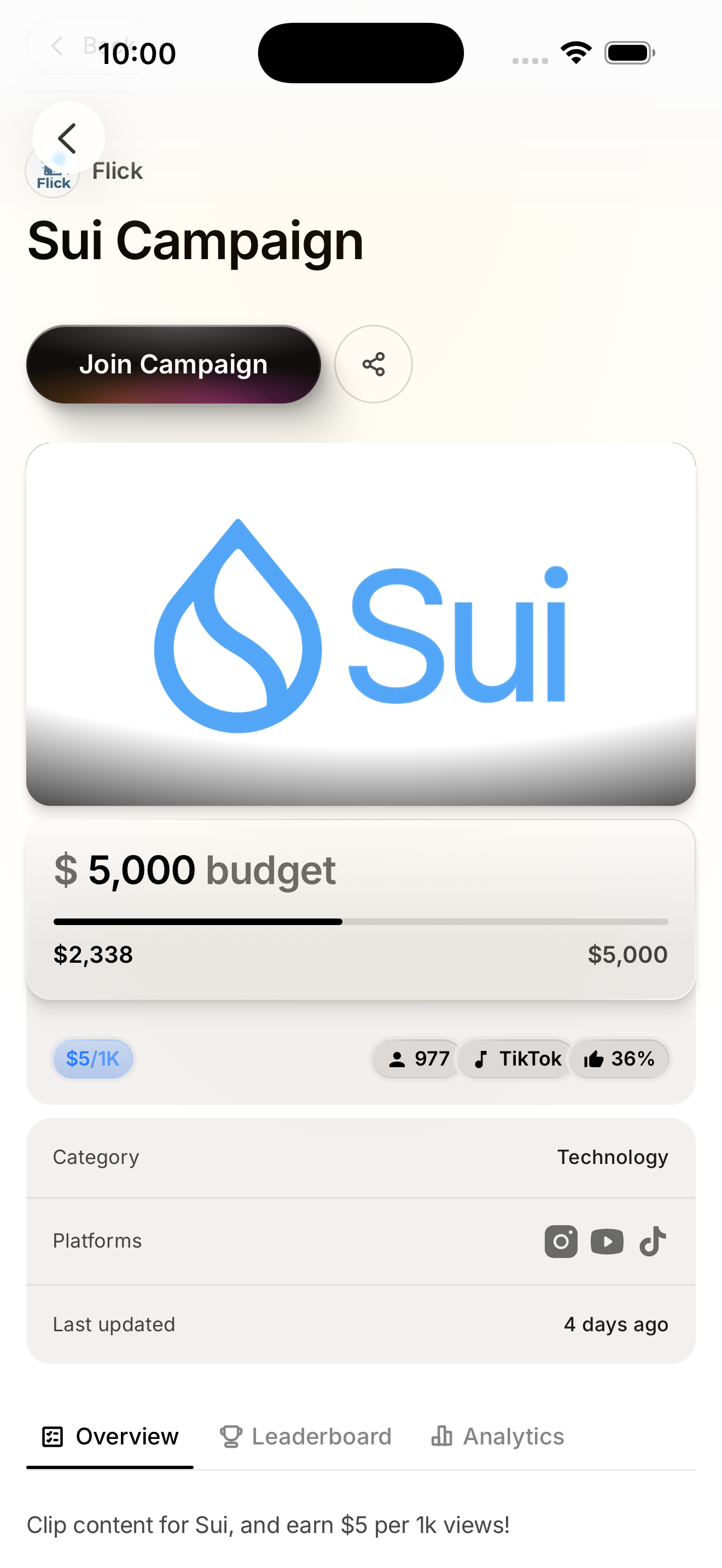
- Sui Campaign: bounty detail sheet
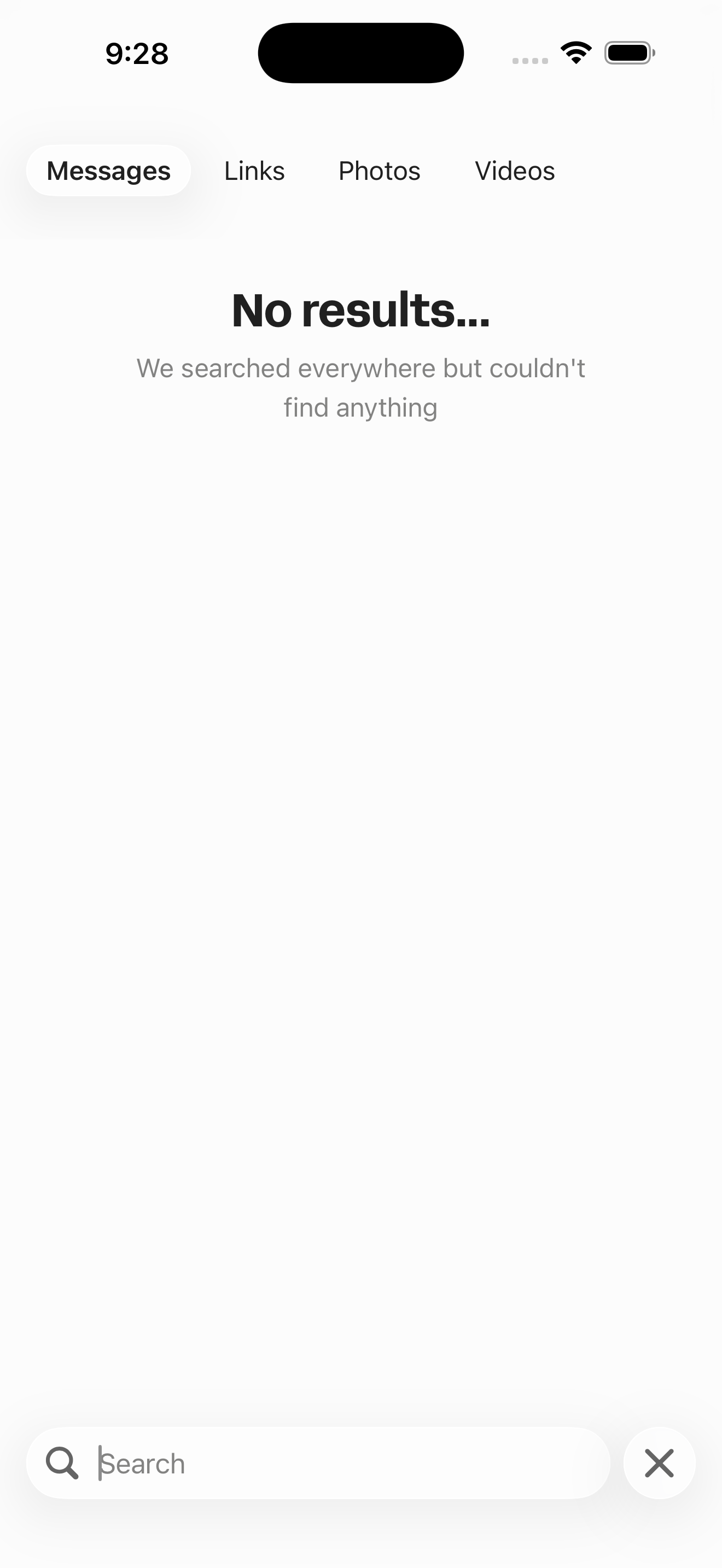
Search Whops
Active search on Discover with trending suggestions.
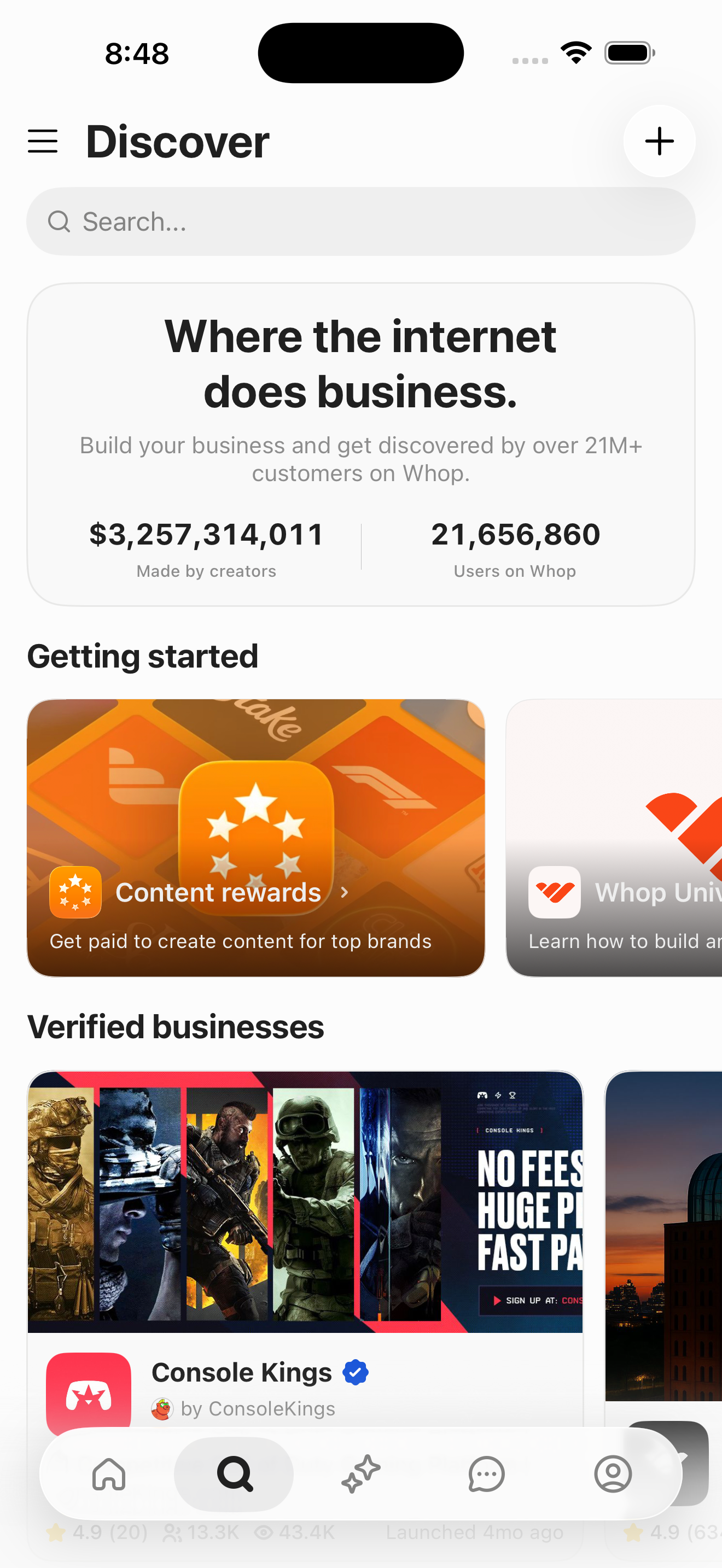
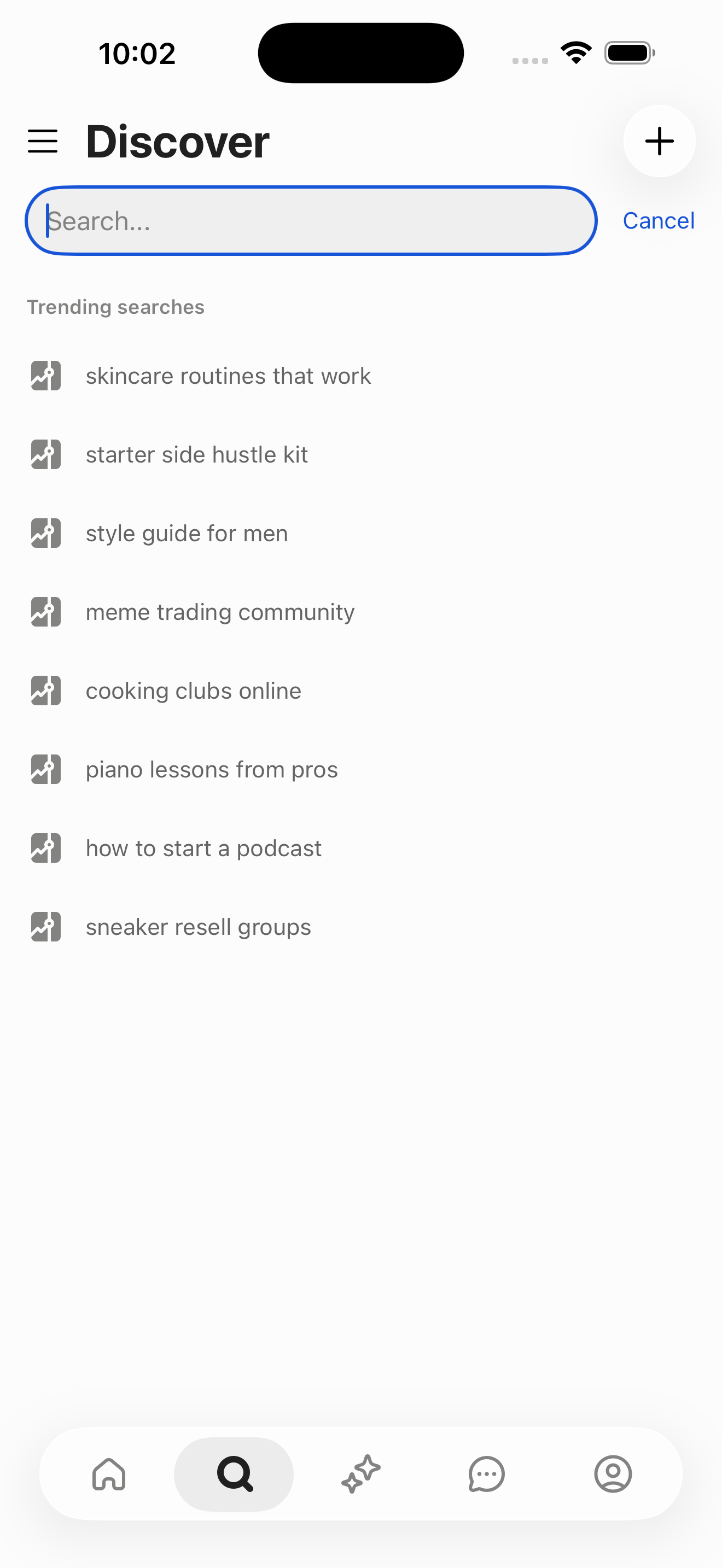
- Home (empty feed)
- Discover: browse Whops + search
- Discover Search: active (trending suggestions)
Read a post with replies
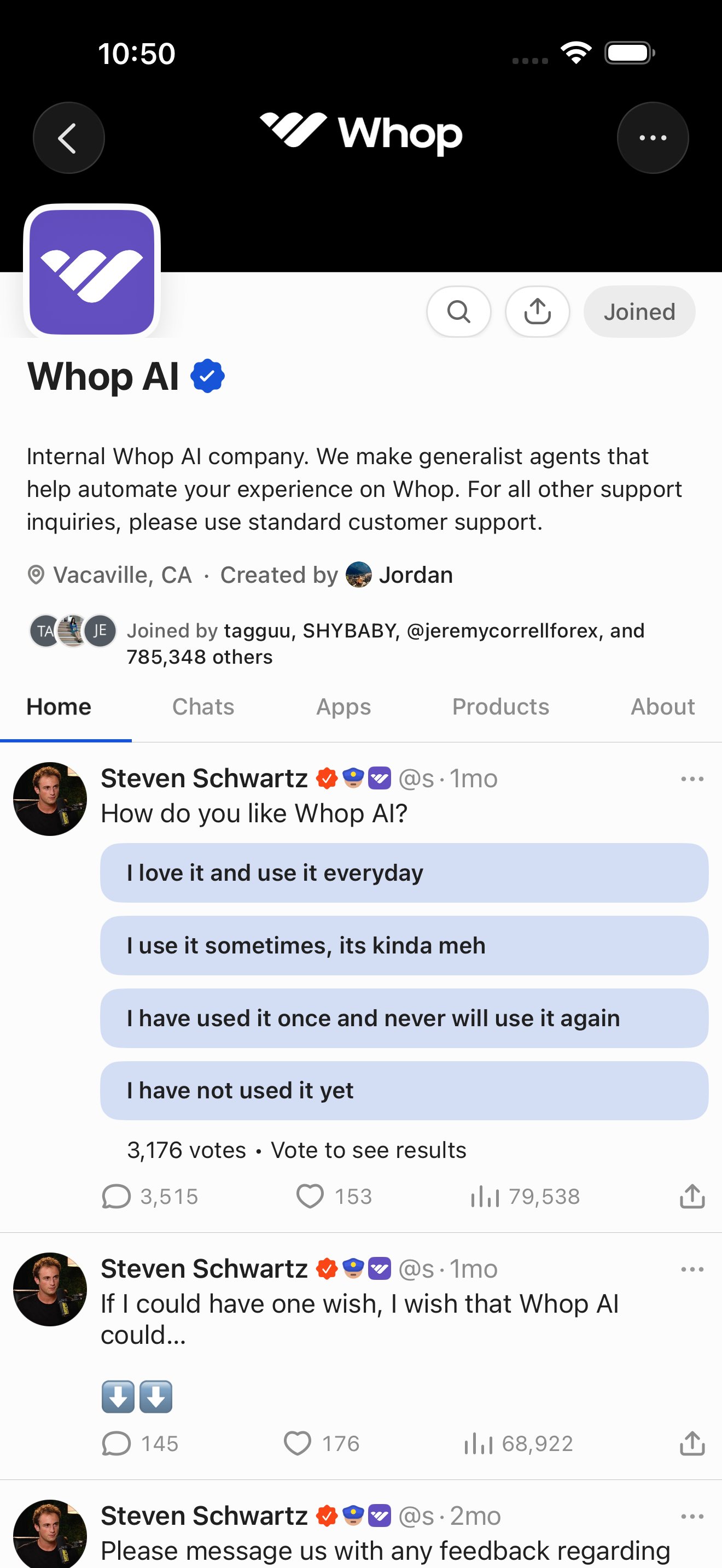
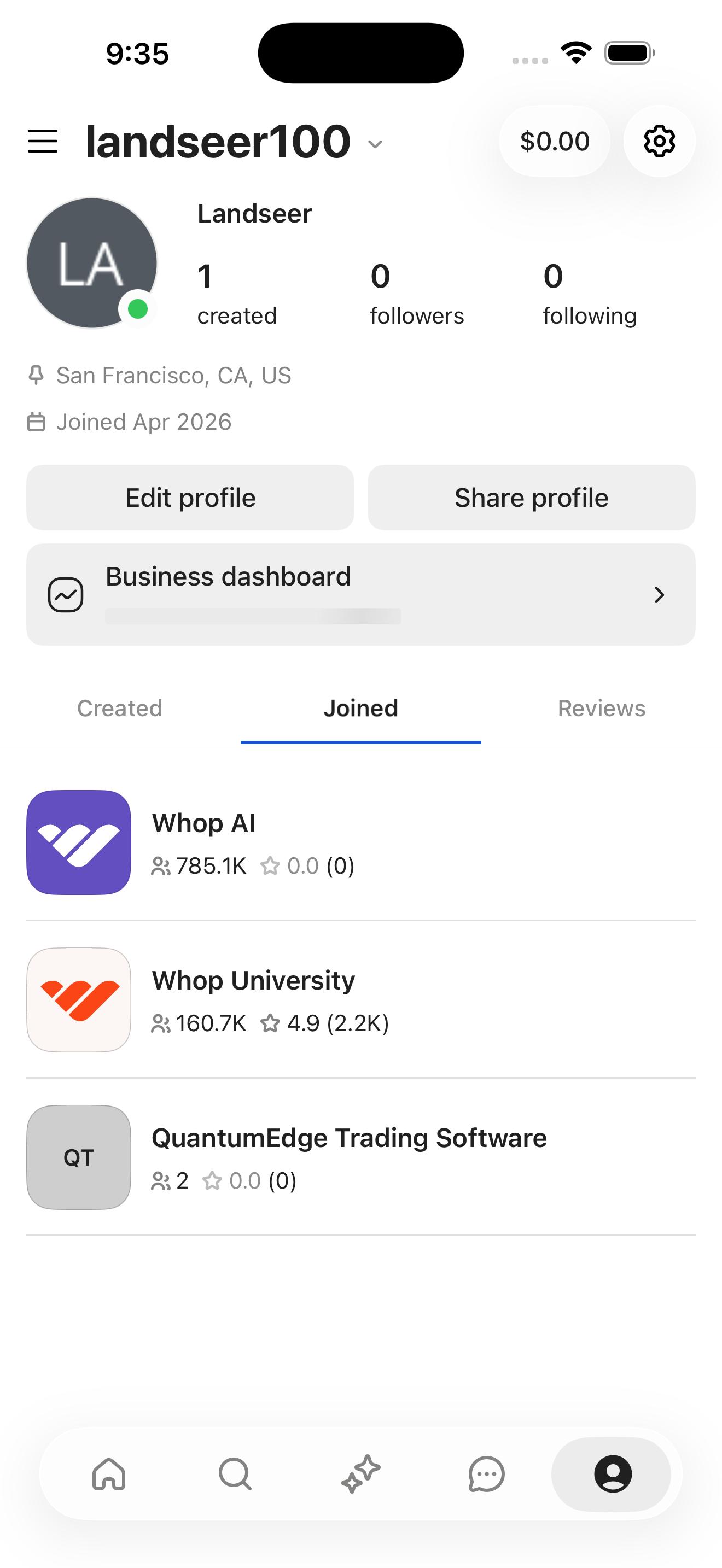
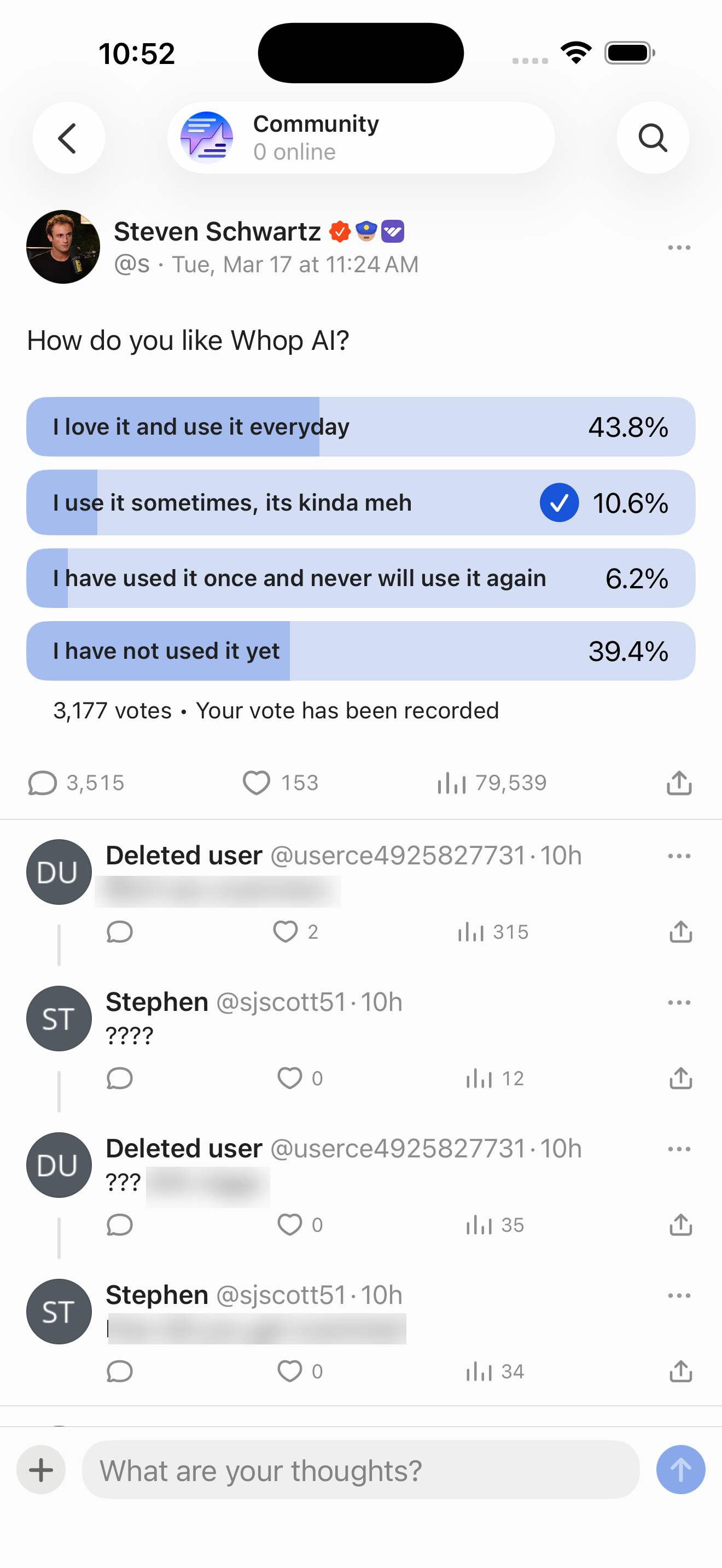
Navigate from Joined whops into Whop AI and open a poll-post thread.
- Home (empty feed)
- Profile: landseer100
- Profile: Joined whops
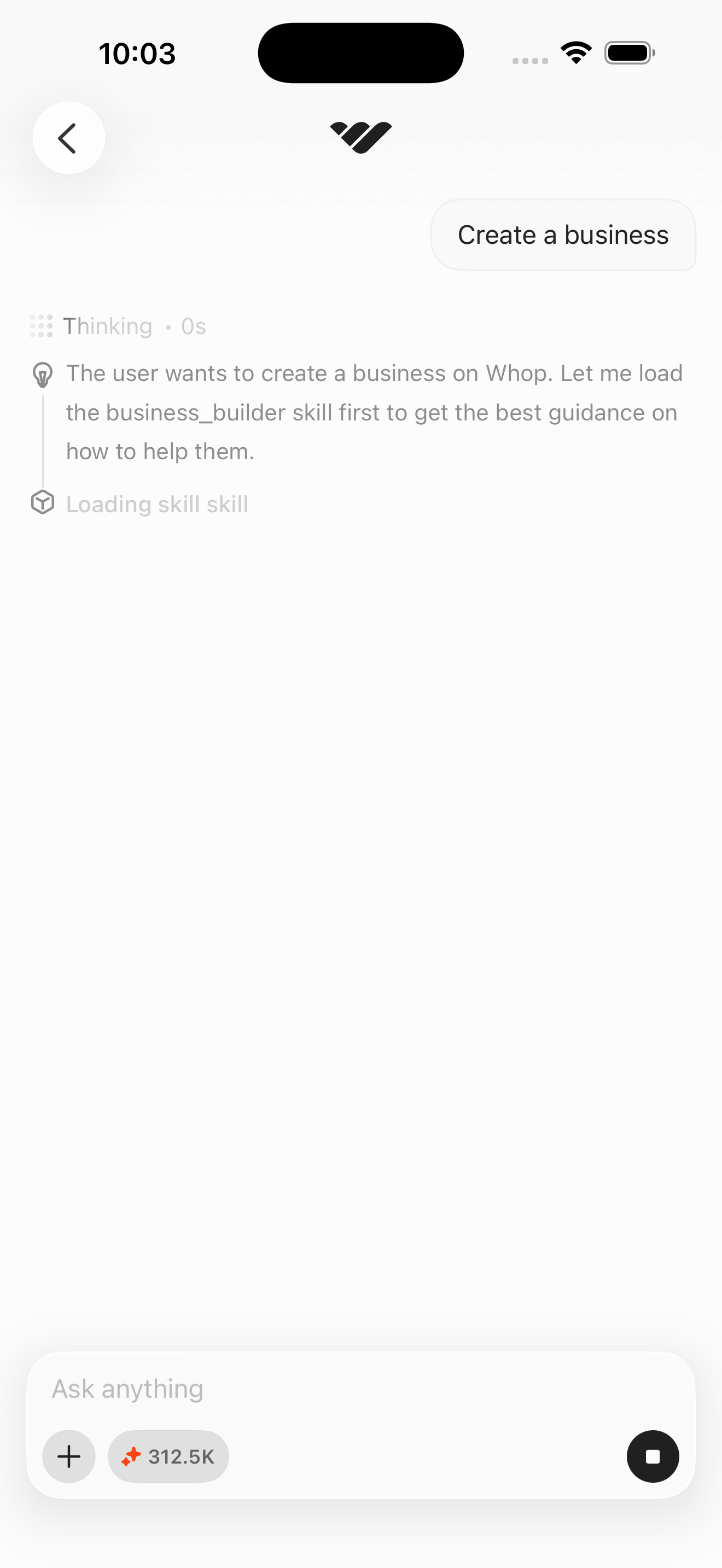
- Whop AI: Home tab (dark theme + poll post)
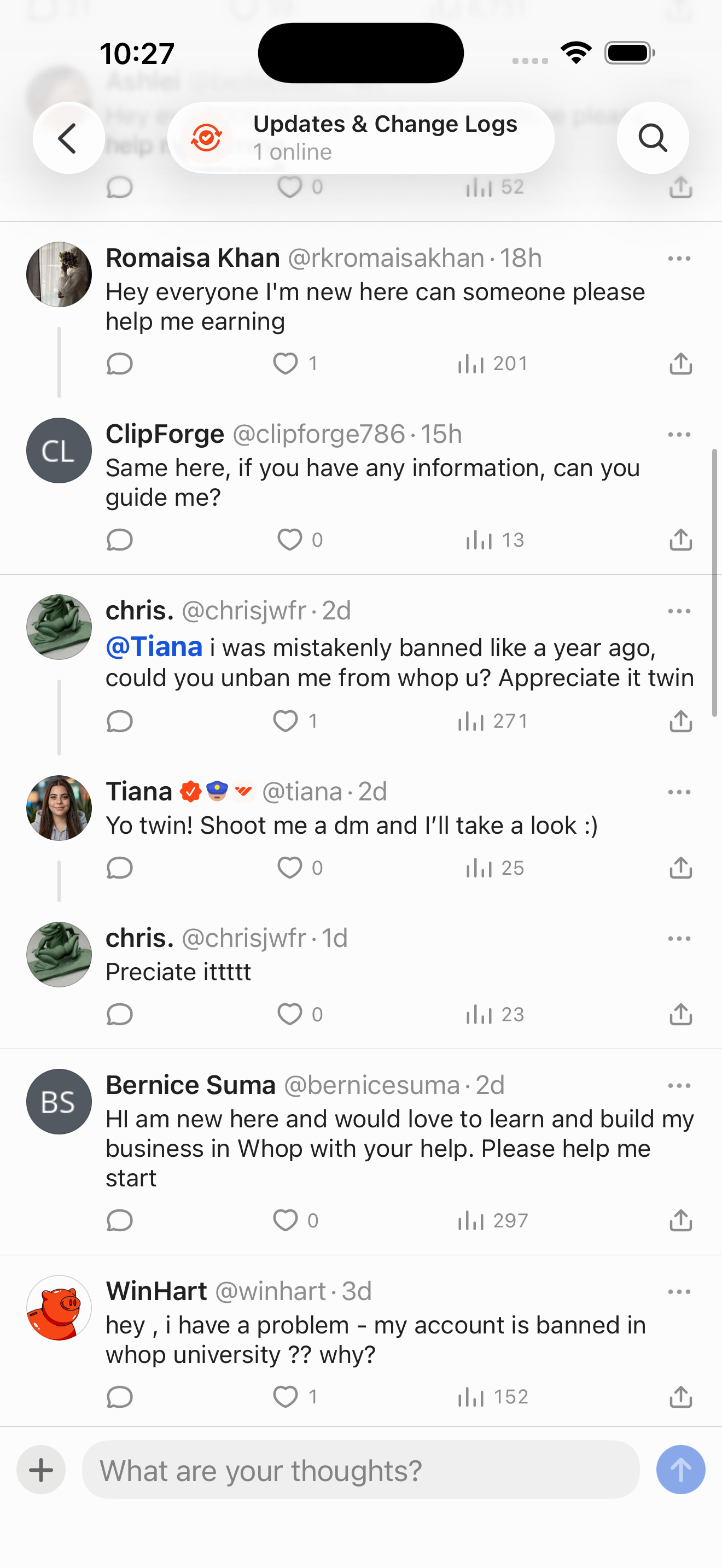
- Post detail: threaded replies (Community view)
Screen inventory
High-density screens in the Whop app
UI inventory
Interface elements found by Atlas
Related maps