
Revyl Atlas report
DoorDash app screen map and user flows
Revyl Atlas mapped 98 iOS app screens, 112 transitions, 37 user paths, and 651 UI elements in DoorDash. Use this report for mobile UX research, QA coverage planning, competitive teardown work, and AI agent navigation context.
98Screens
112Transitions
37User paths
651UI elements
Research uses
What this DoorDash app map helps teams inspect
UX teardown Compare how DoorDash moves users through entry screens, decision points, modals, detail pages, and conversion paths.
QA coverage Use the mapped screens and transitions to identify high-risk branches, repeated states, dead ends, and screens that need regression coverage.
Agent context Give mobile automation agents a concrete screen inventory and path list instead of asking them to infer navigation from scratch.
Key journeys
DoorDash mobile app user flows
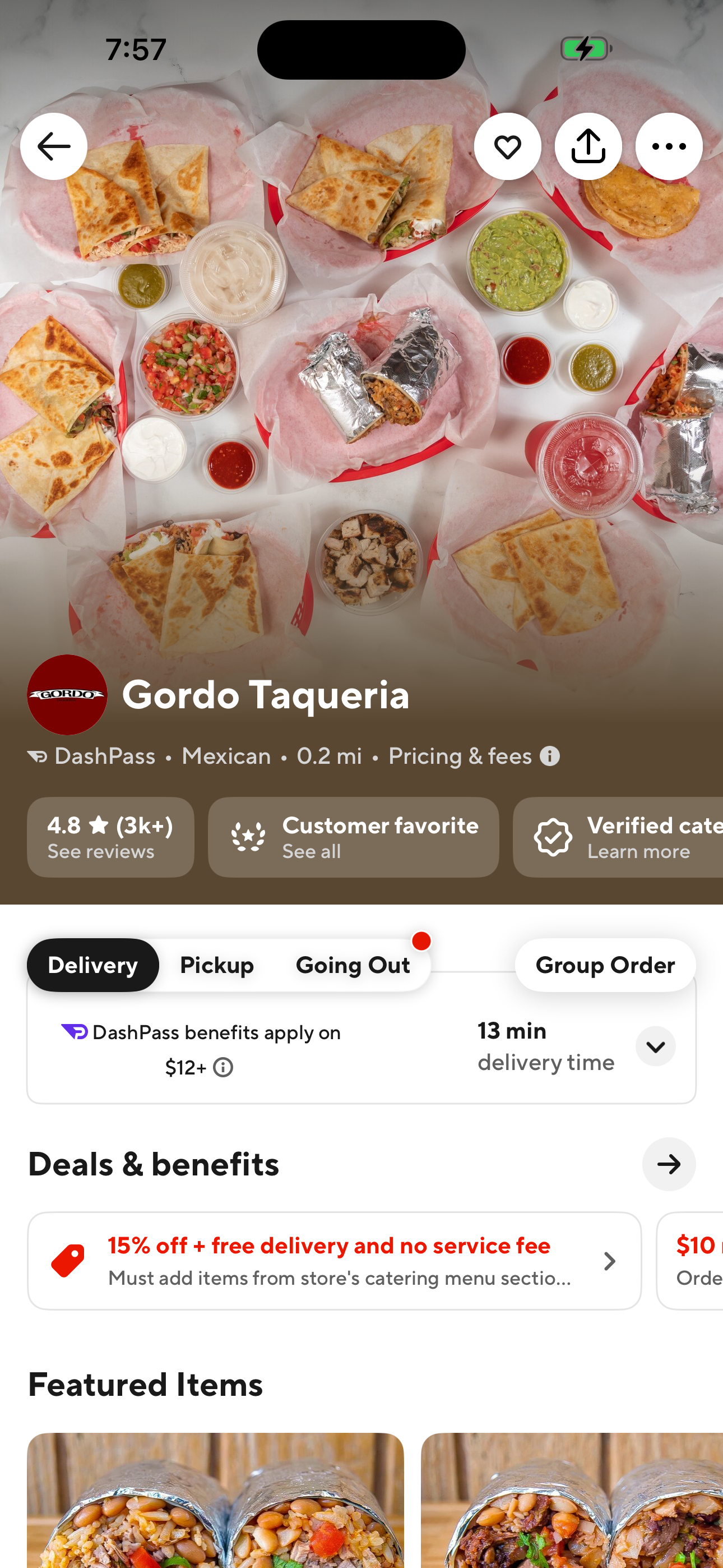
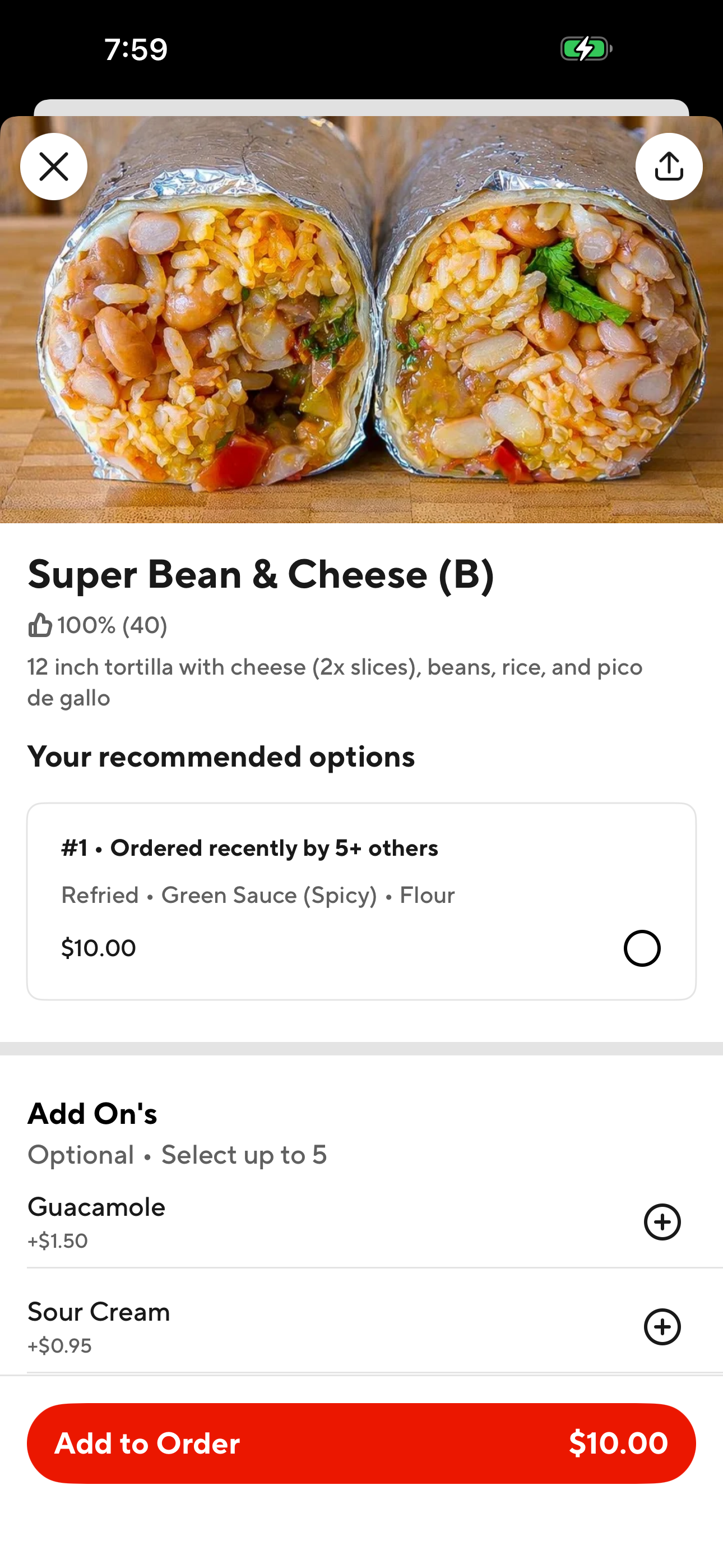
Browse a restaurant and see a menu item
Pick a store from the home feed and open an item
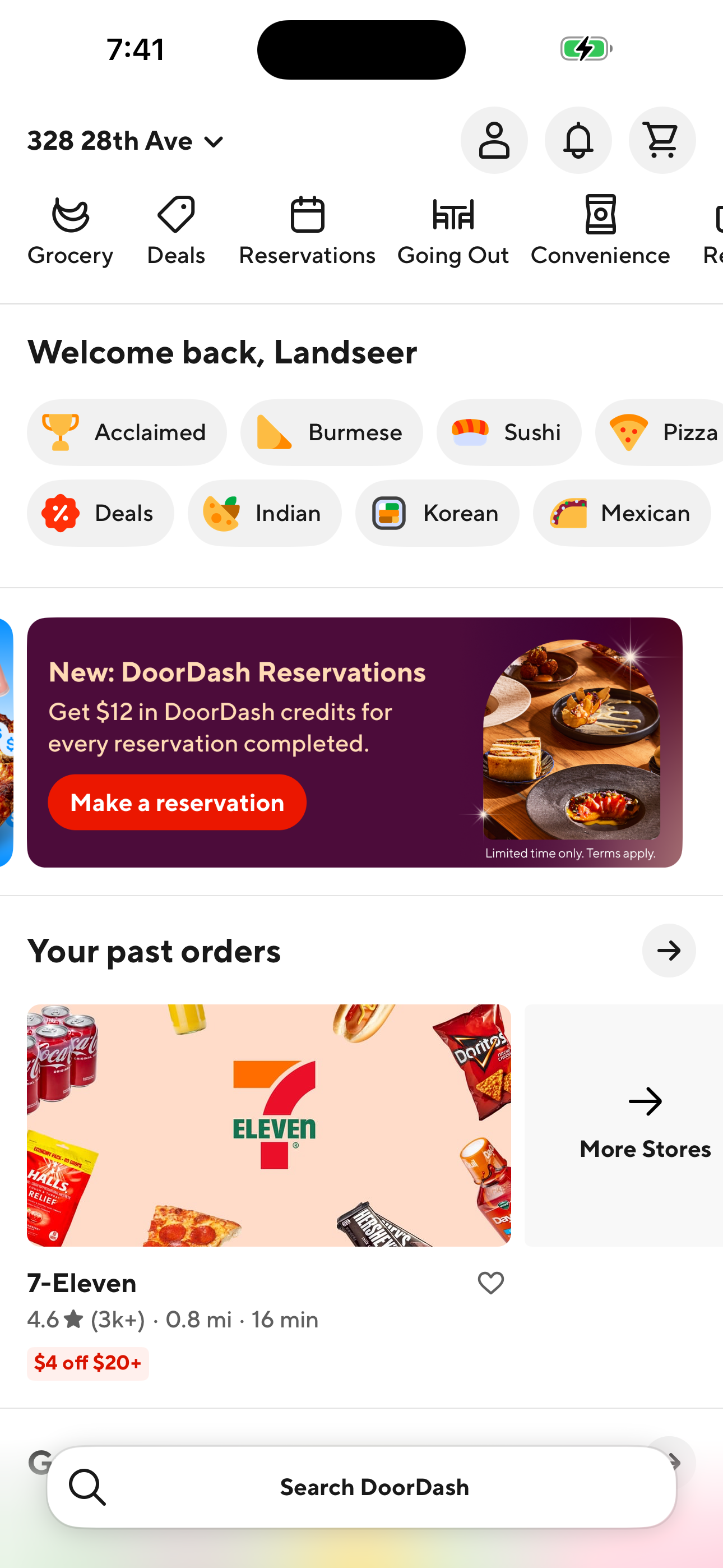
- Home: food delivery feed
- Restaurant detail (Gordo Taqueria)
- Menu item customizer
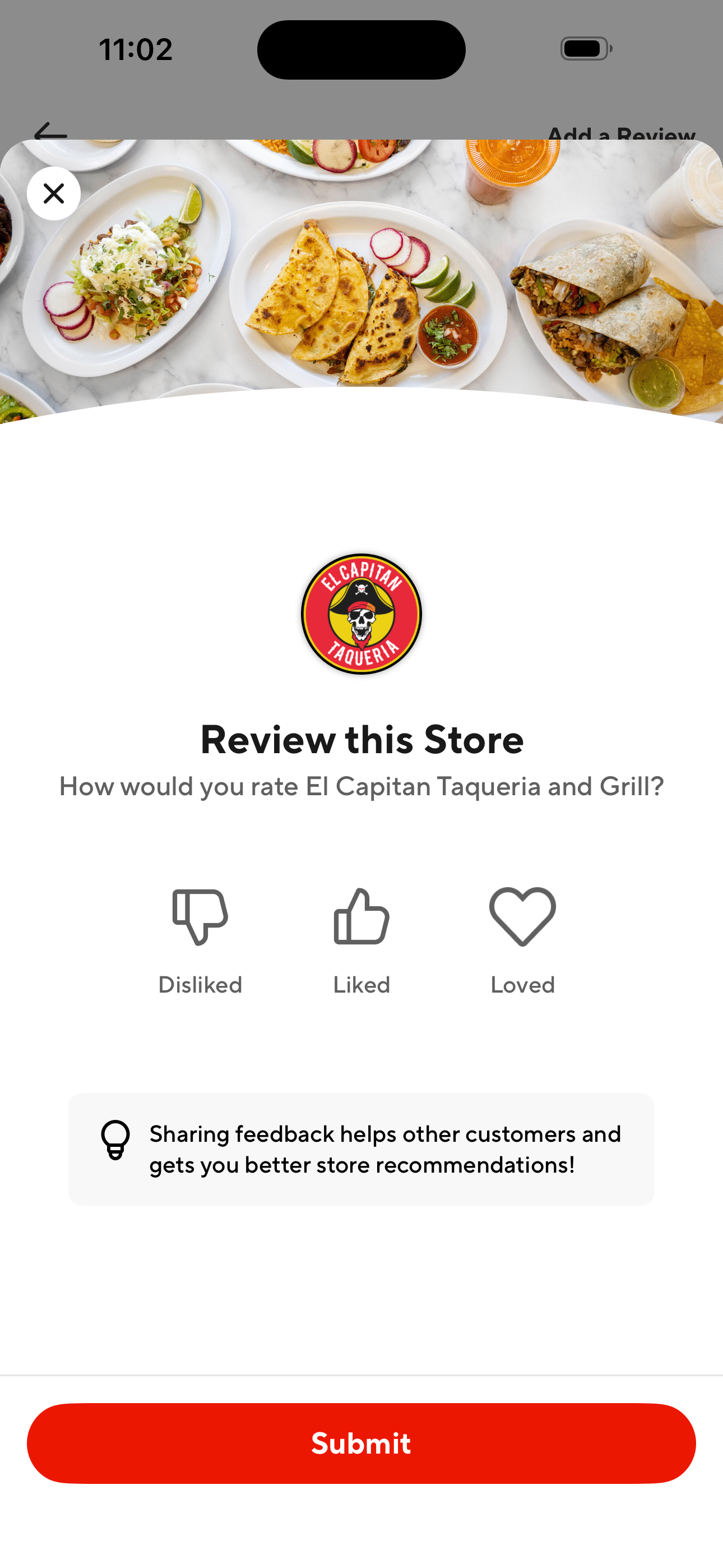
Read reviews and open the review composer
From a restaurant's page, read public ratings and start writing one
- Home: food delivery feed
- Your past orders (stores list)
- Restaurant detail (Gordo Taqueria)
- Ratings & Reviews
- Review this Store (composer)
See the fees breakdown for a restaurant
Check what DashPass vs non-DashPass costs add up to
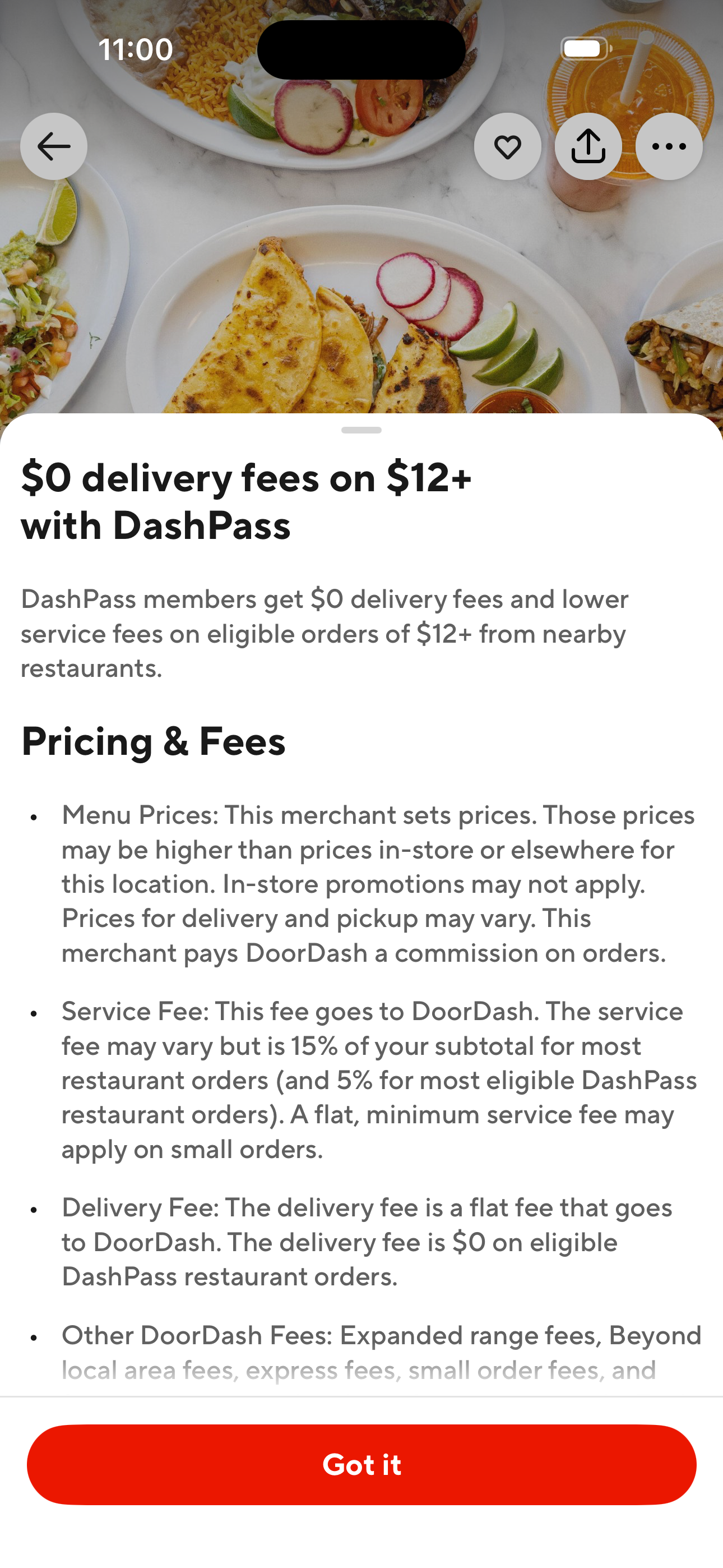
- Home: food delivery feed
- Restaurant detail (Gordo Taqueria)
- Pricing & Fees explainer modal
Start a group order with split payments
Share a cart and let everyone pay separately
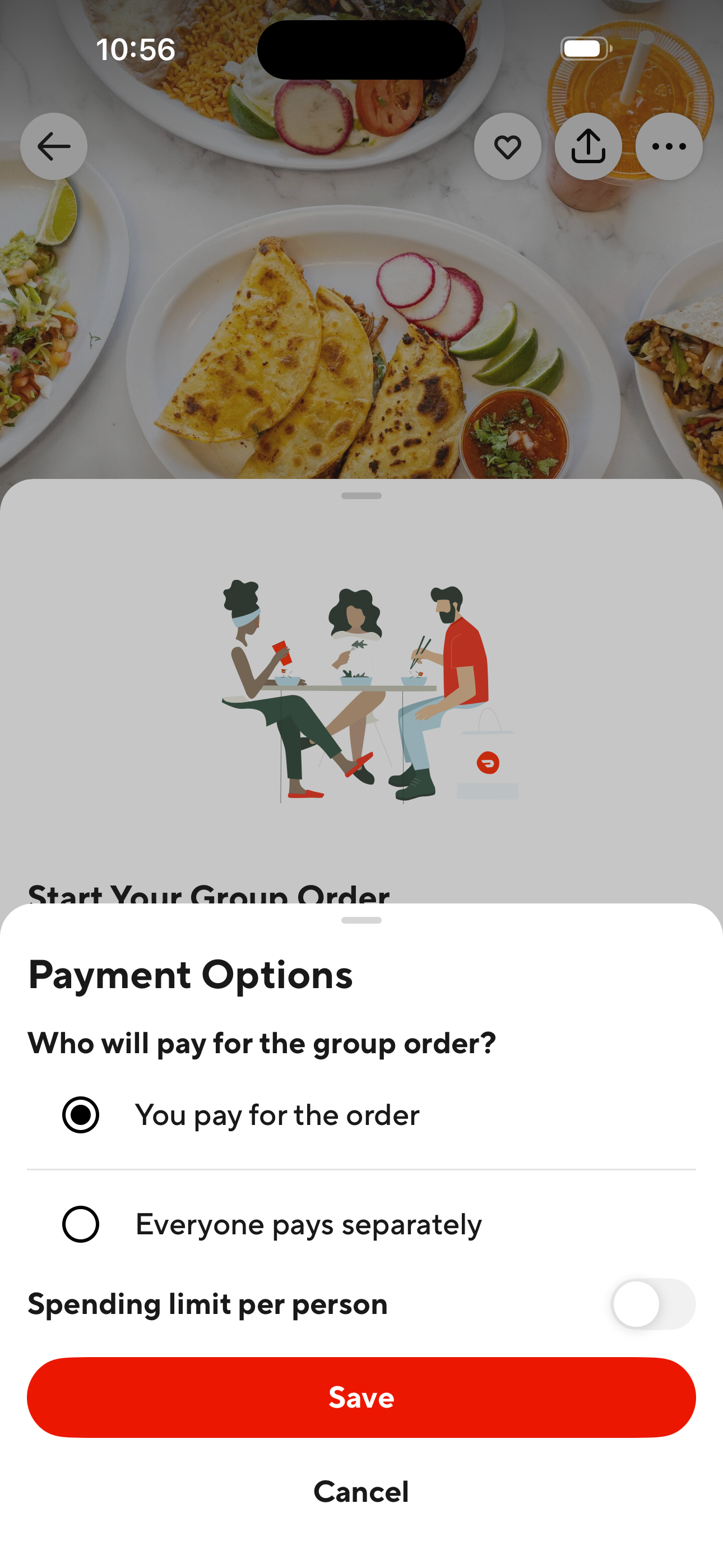
- Home: food delivery feed
- Your past orders (stores list)
- Restaurant detail (Gordo Taqueria)
- Start Your Group Order sheet
- Group Order: Payment Options
Shop a 7-Eleven and switch to pickup
Order from a convenience store, toggle delivery → pickup
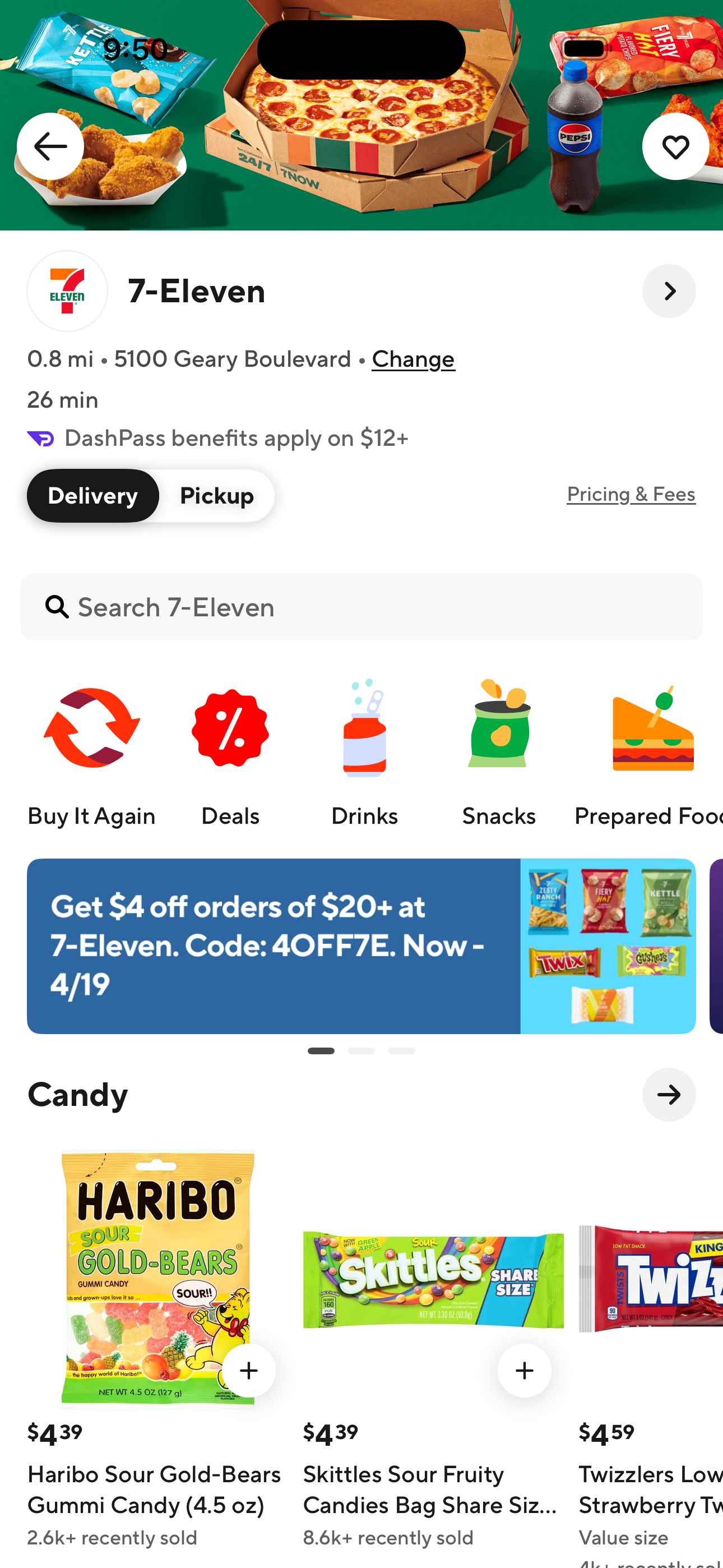
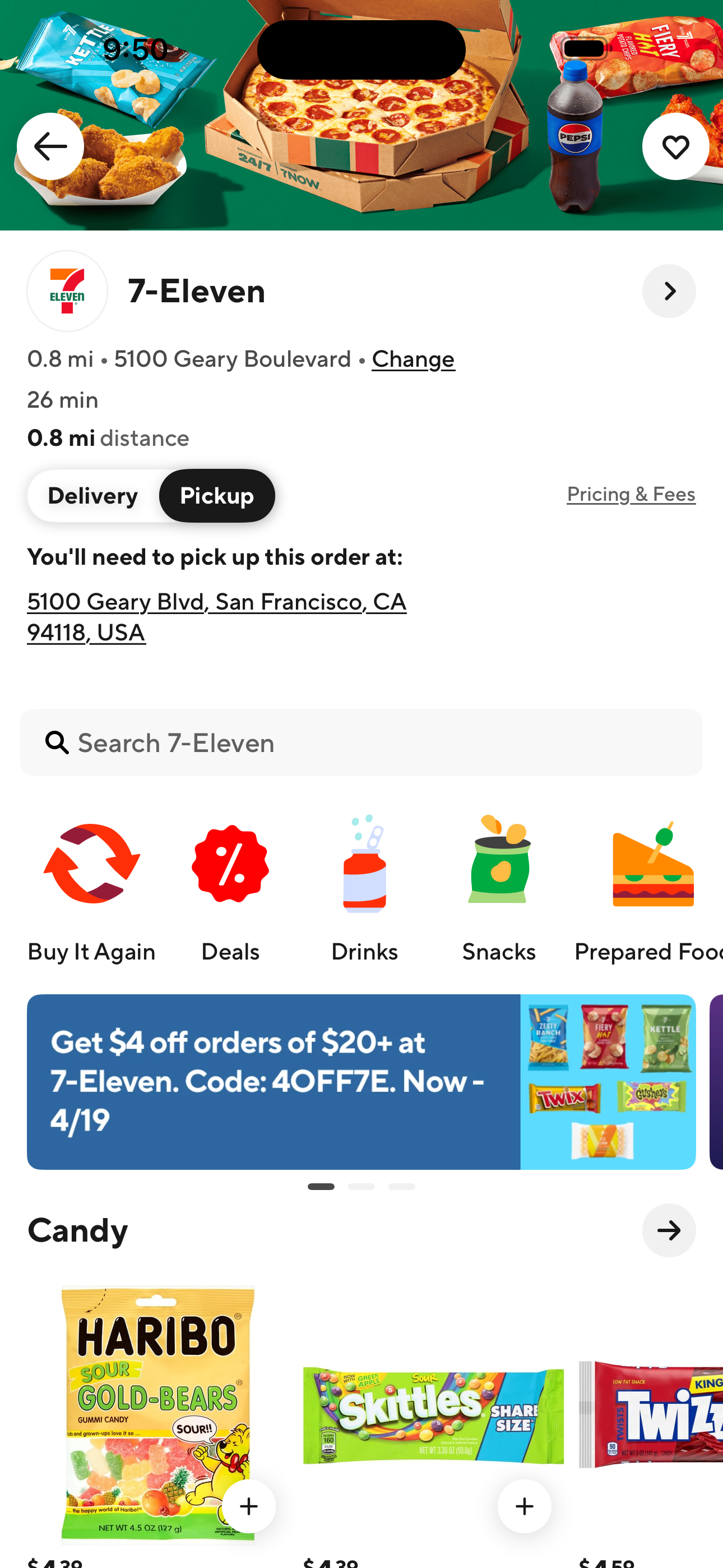
- Home: food delivery feed
- 7-Eleven Store (Delivery)
- 7-Eleven Store (Pickup)
Open store info (hours, address, phone)
From a store page, reveal the details modal
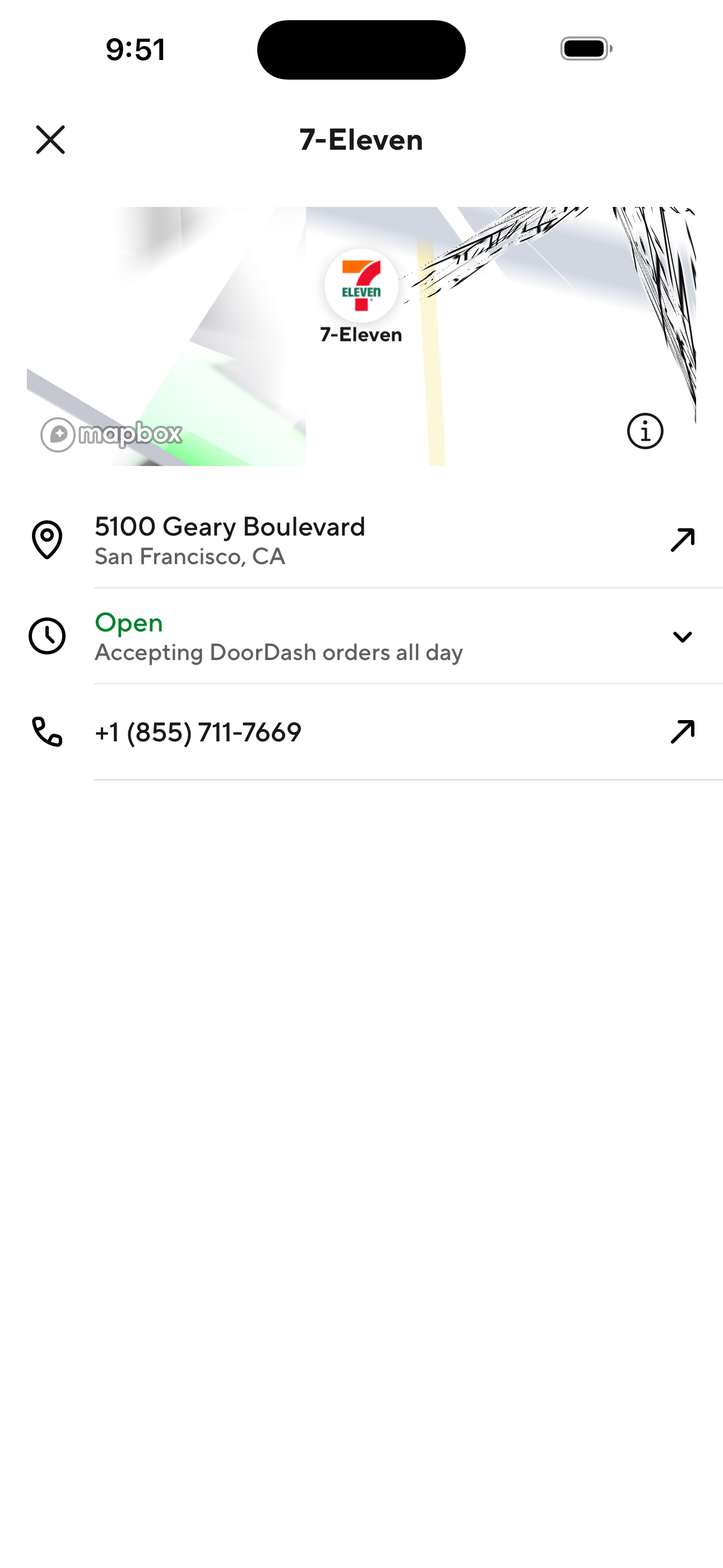
- Home: food delivery feed
- 7-Eleven Store (Delivery)
- Store Info Detail Sheet
Browse DashMart (DoorDash's own grocery)
Scroll DashMart and switch to pickup mode
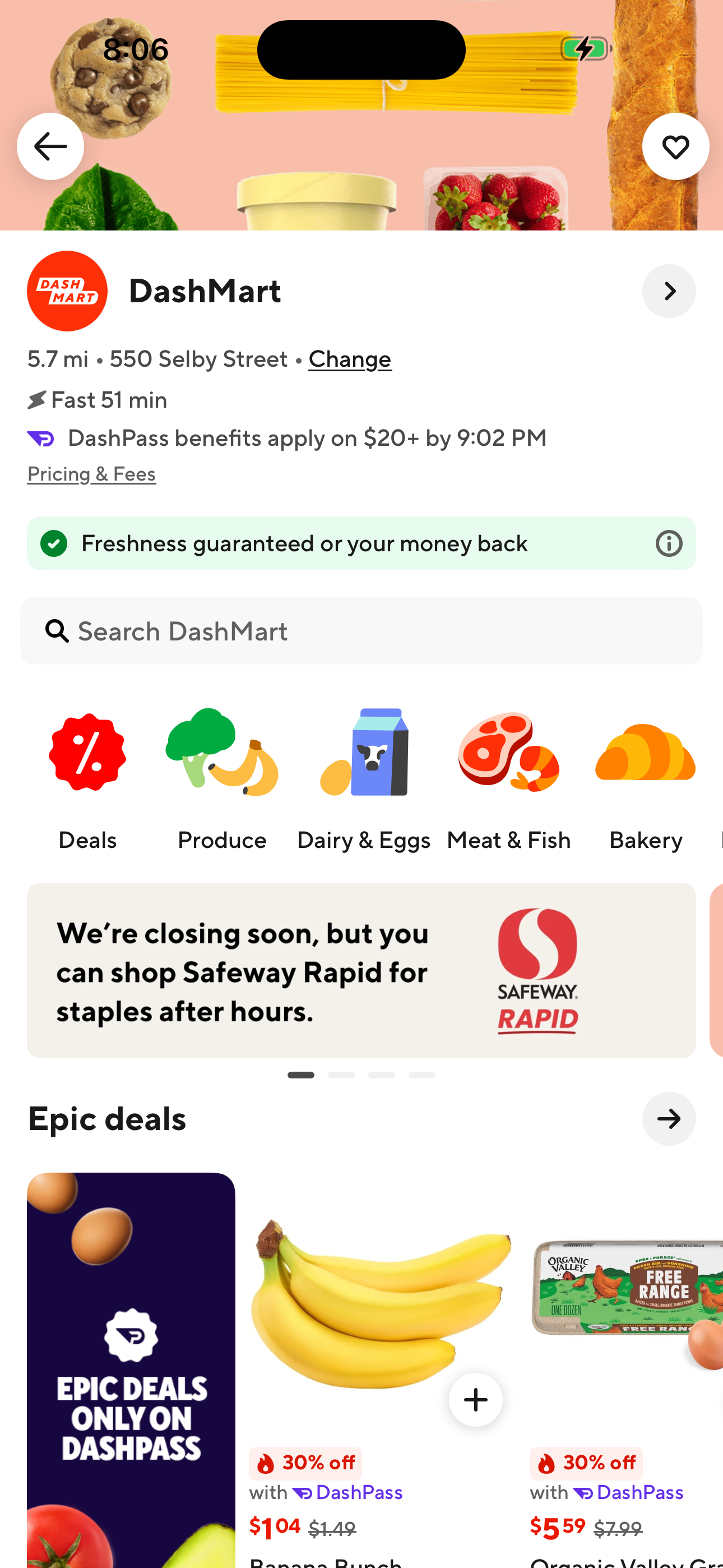
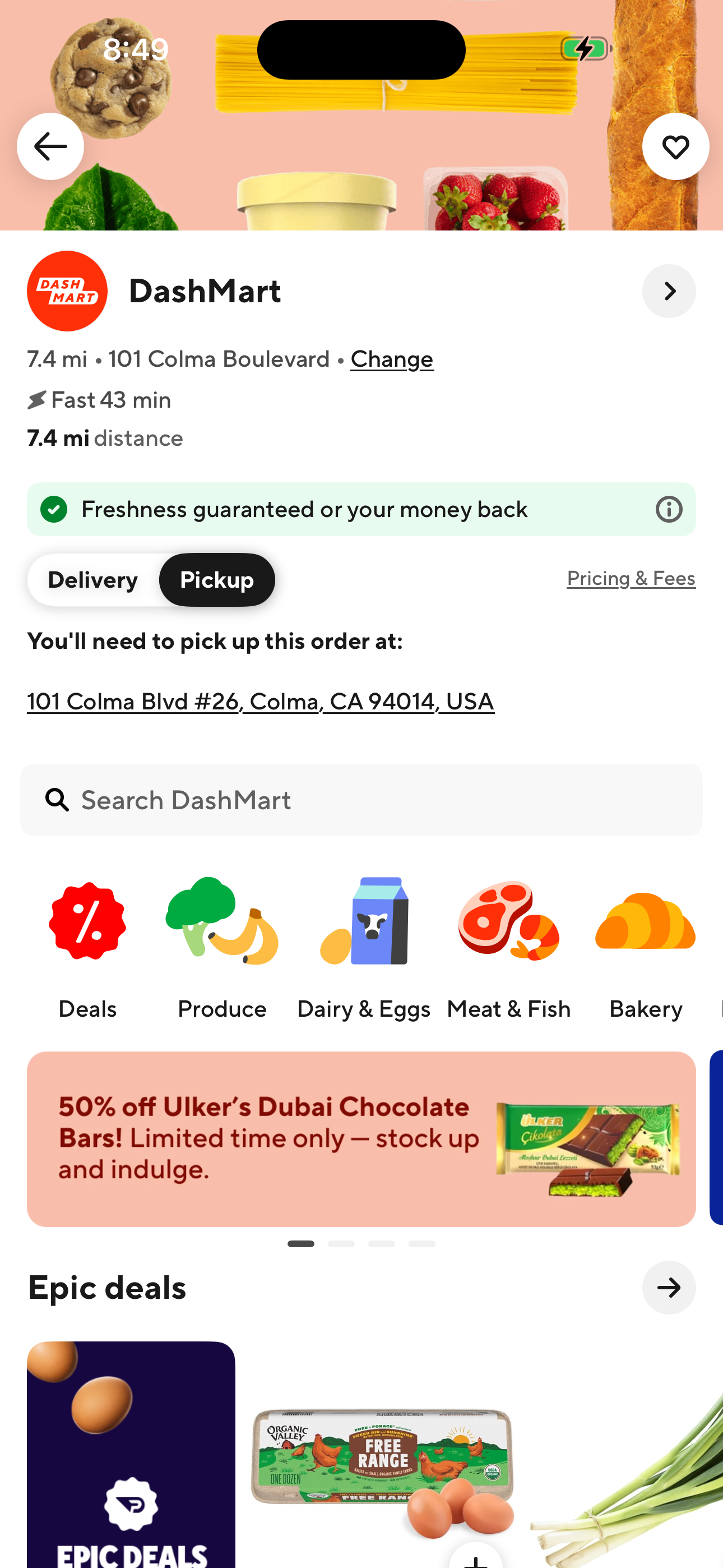
- Home: food delivery feed
- DashMart (DoorDash grocery store)
- DashMart: Pickup mode
Browse a real grocery store (Safeway)
Open a grocery store and a specific product
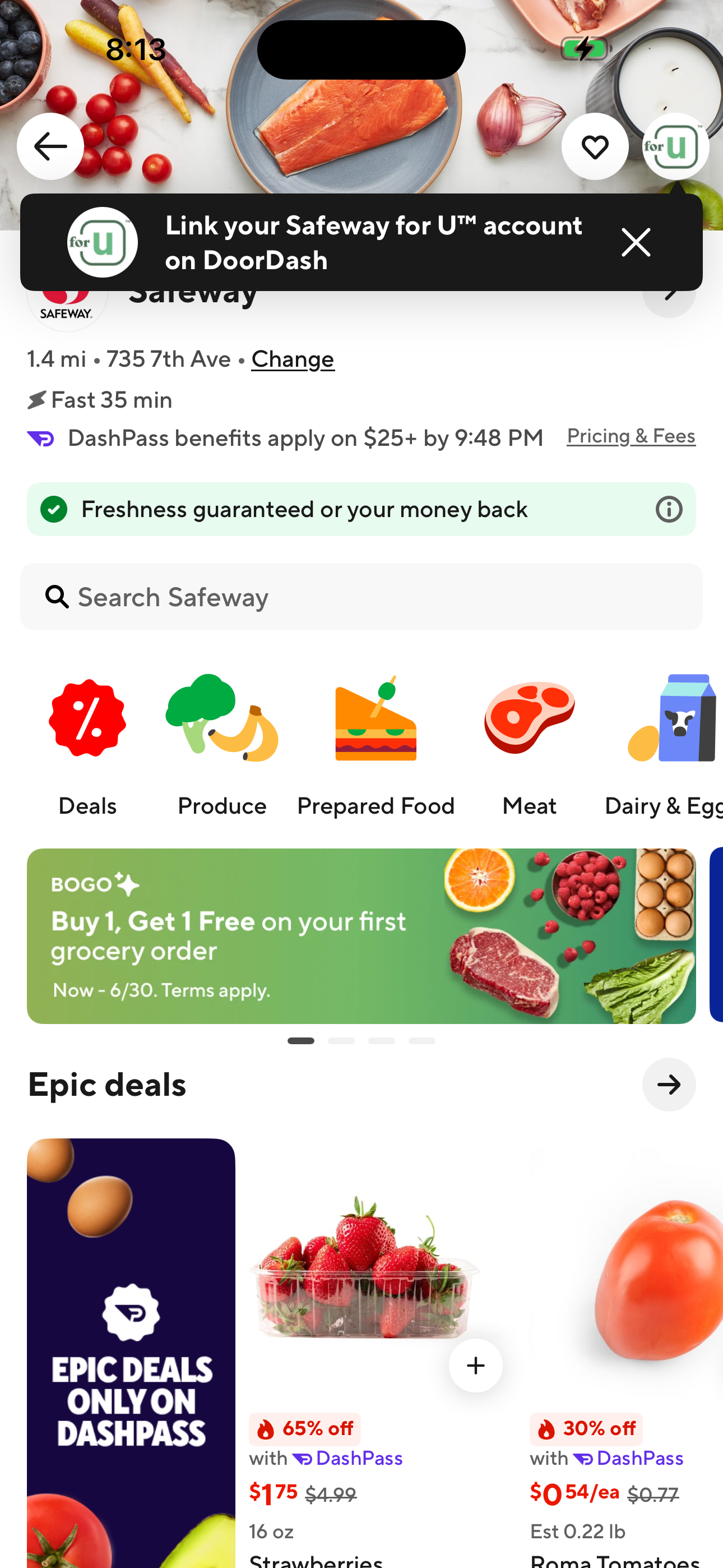
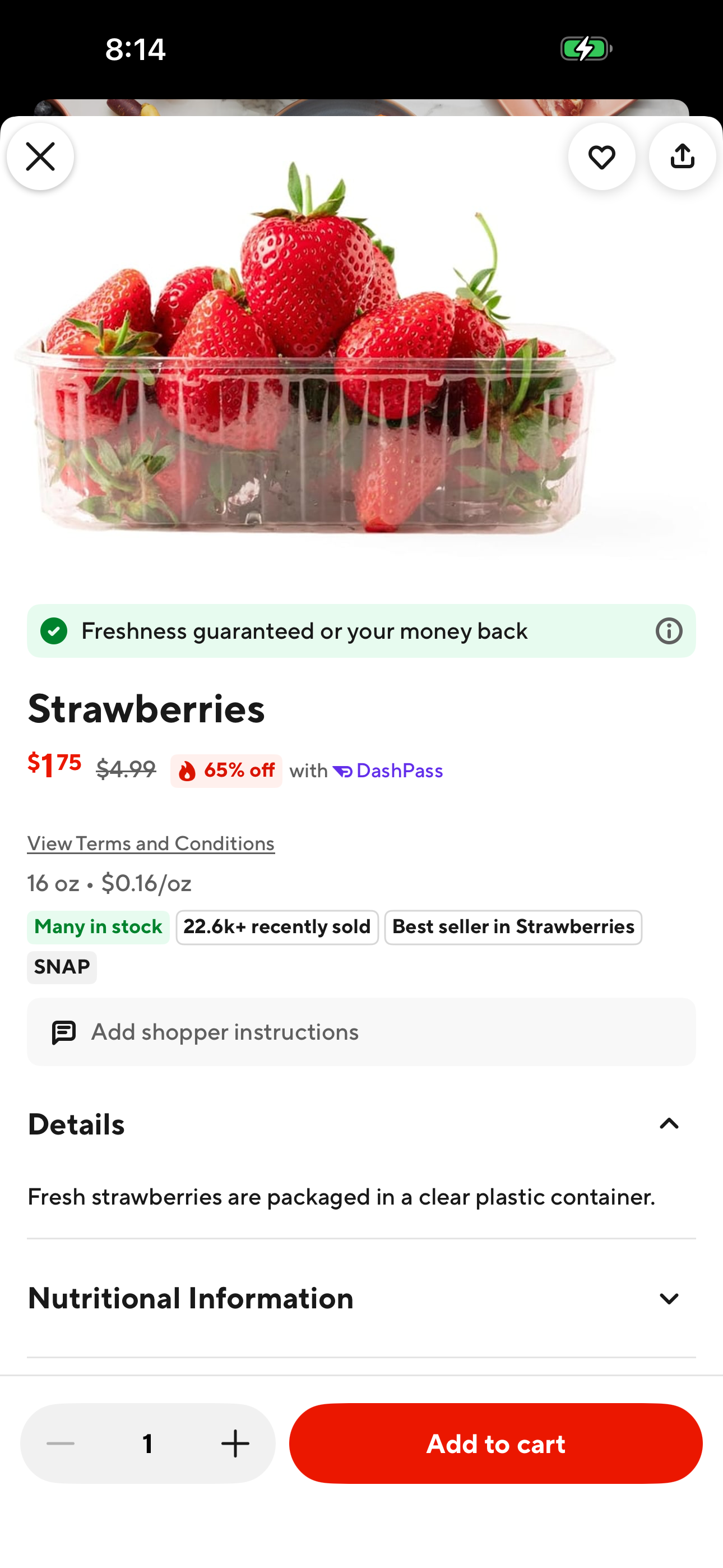
- Home: food delivery feed
- Grocery category
- Grocery store detail (Safeway)
- Grocery product detail
Screen inventory
High-density screens in the DoorDash app
1 Home: food delivery feed 22 elements 2 Checkout: payment + tip + Place order 21 elements 3 DashMart product detail 21 elements 4 Grocery store detail (Safeway) 20 elements 5 Account hub (DashPass) 19 elements 6 Restaurant detail (Gordo Taqueria) 19 elements 7 Grocery category 18 elements 8 Convenience category 18 elements
UI inventory
Interface elements found by Atlas
211button115icon113input100list item27tab21link13radio12card
Related maps