Start Free Get a Demo

Revyl Atlas report

Runna app screen map and user flows

Revyl Atlas mapped 106 iOS app screens, 113 transitions, 56 user paths, and 655 UI elements in Runna. Use this report for mobile UX research, QA coverage planning, competitive teardown work, and AI agent navigation context.

106Screens
113Transitions
56User paths
655UI elements

Research uses

What this Runna app map helps teams inspect

UX teardown Compare how Runna moves users through entry screens, decision points, modals, detail pages, and conversion paths.
QA coverage Use the mapped screens and transitions to identify high-risk branches, repeated states, dead ends, and screens that need regression coverage.
Agent context Give mobile automation agents a concrete screen inventory and path list instead of asking them to infer navigation from scratch.

Key journeys

Runna mobile app user flows

01 onboarding 36 screens

Sign up and complete onboarding

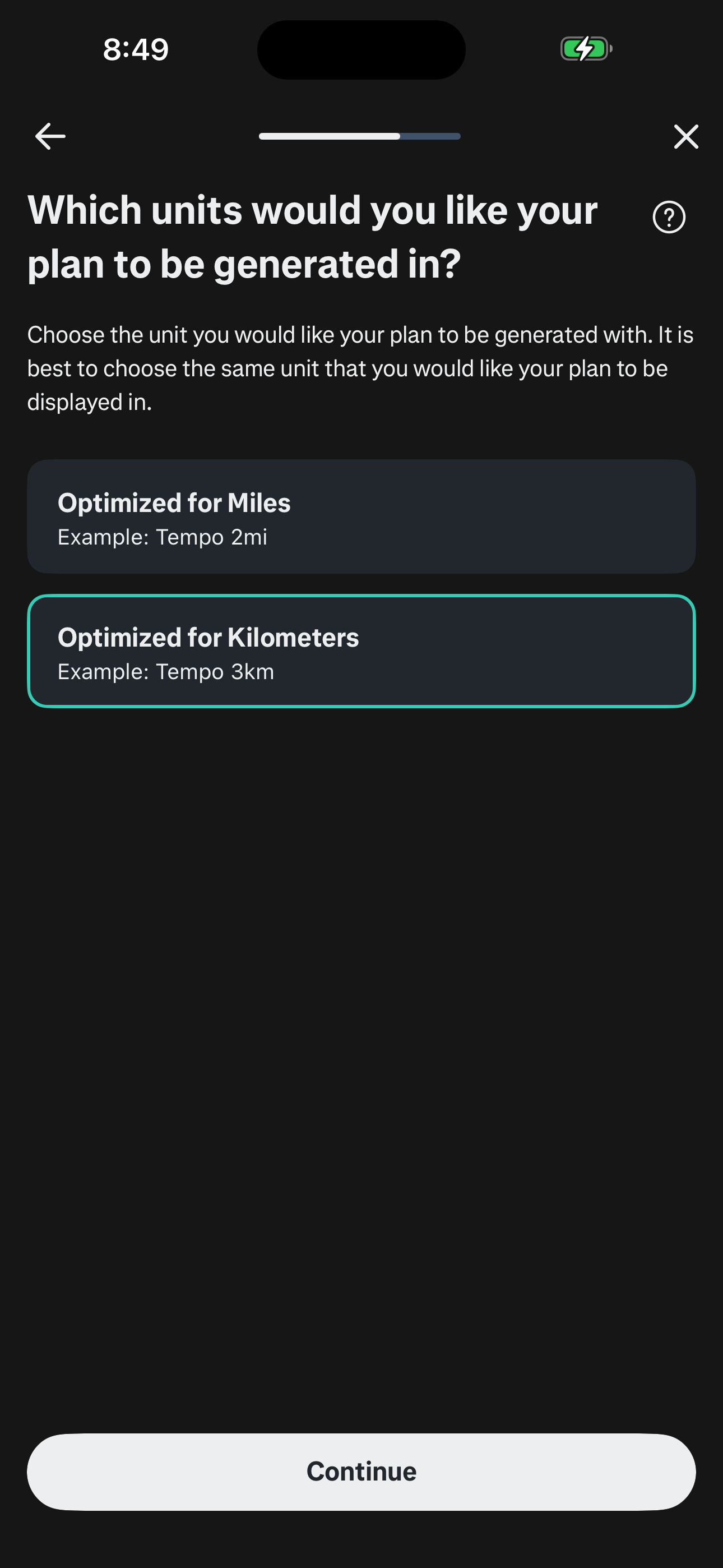
Email/password signup → race goal → ability/DOB/gender/injury → time goal → days/free-days/long-run-day → notifications → plan-start/units/training-prefs/interests → strength add-on (ability/goal/duration/freq/days/equipment) → plan summary → paywall (skipped) → plan generation → coach welcome → run types guide → T&C → home.
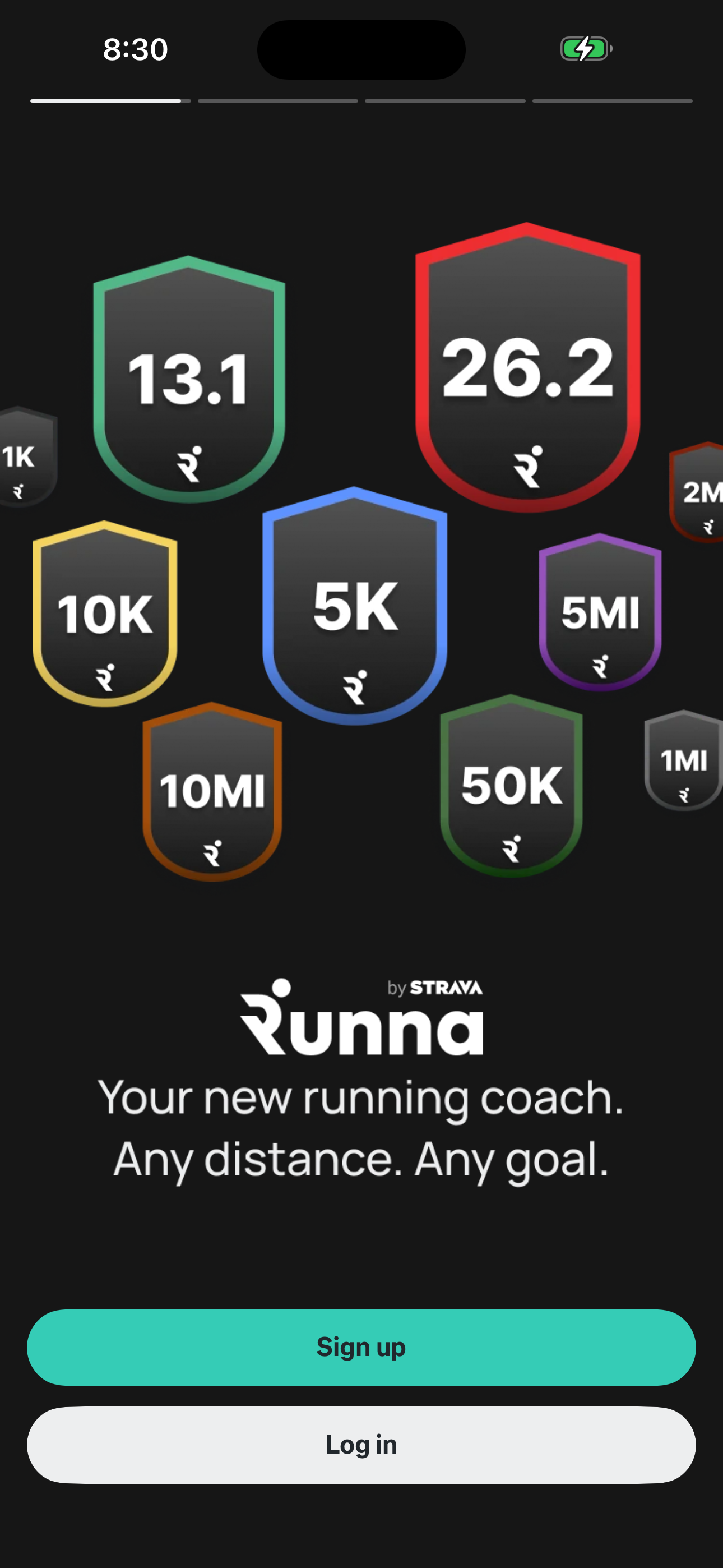
Runna Welcome — Sign up or Log in screen in Sign up and complete onboarding flow
Welcome — Sign up or Log in
Runna Onboarding — Units (Mi/Km) screen in Sign up and complete onboarding flow
Onboarding — Units (Mi/Km)
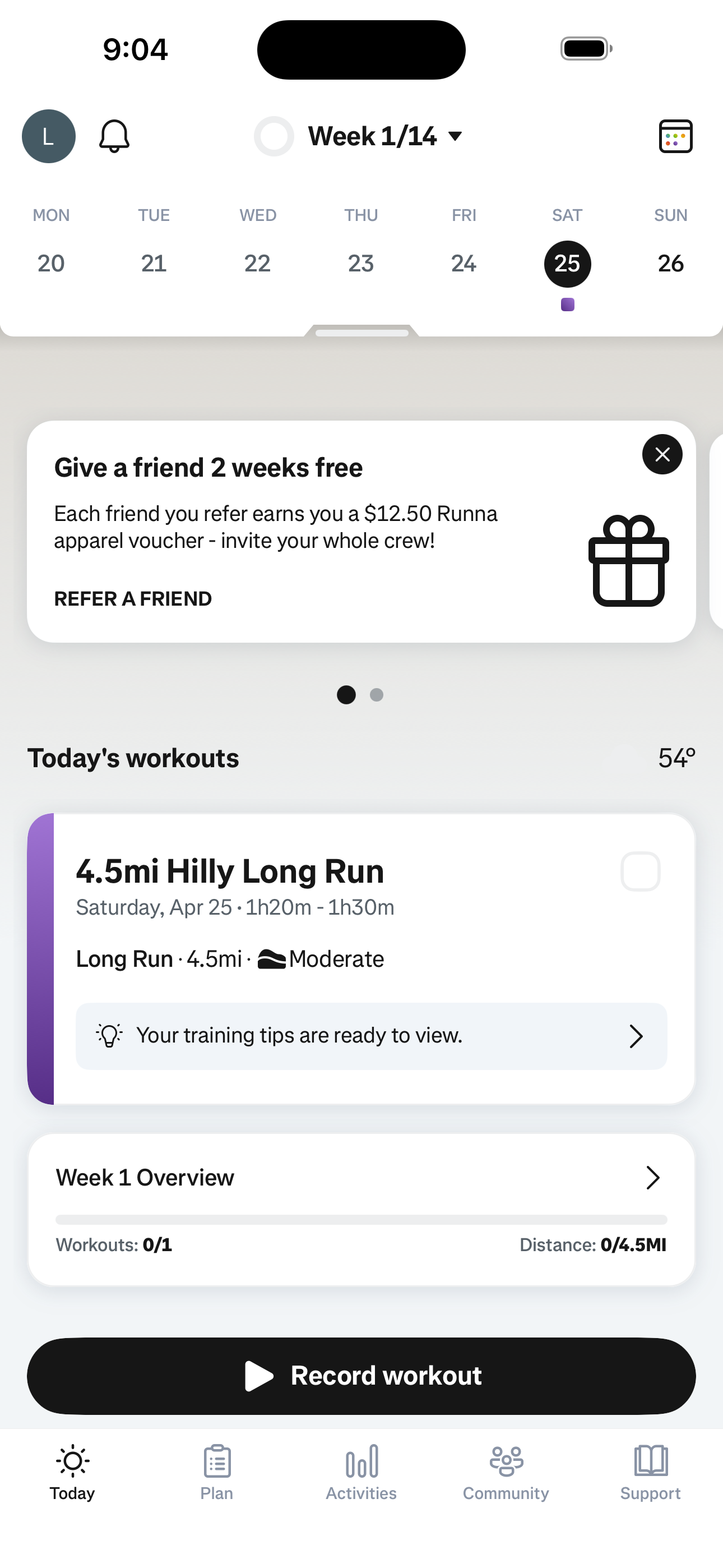
Runna Today — Home screen in Sign up and complete onboarding flow
Today — Home
  1. Welcome — Sign up or Log in
  2. Sign up — Form
  3. Sign up — Form (filled)
  4. Welcome to the Club
  5. Onboarding — Goal
  6. Onboarding — Find Race

+ 30 more mapped screens in this flow.

02 browse 1 screens

Open the app

Cold-launch lands on Today — week strip, today's workout, week overview, record CTA.

Runna Today — Home screen in Open the app flow
Today — Home
  1. Today — Home
03 browse 2 screens

Scroll the Today screen

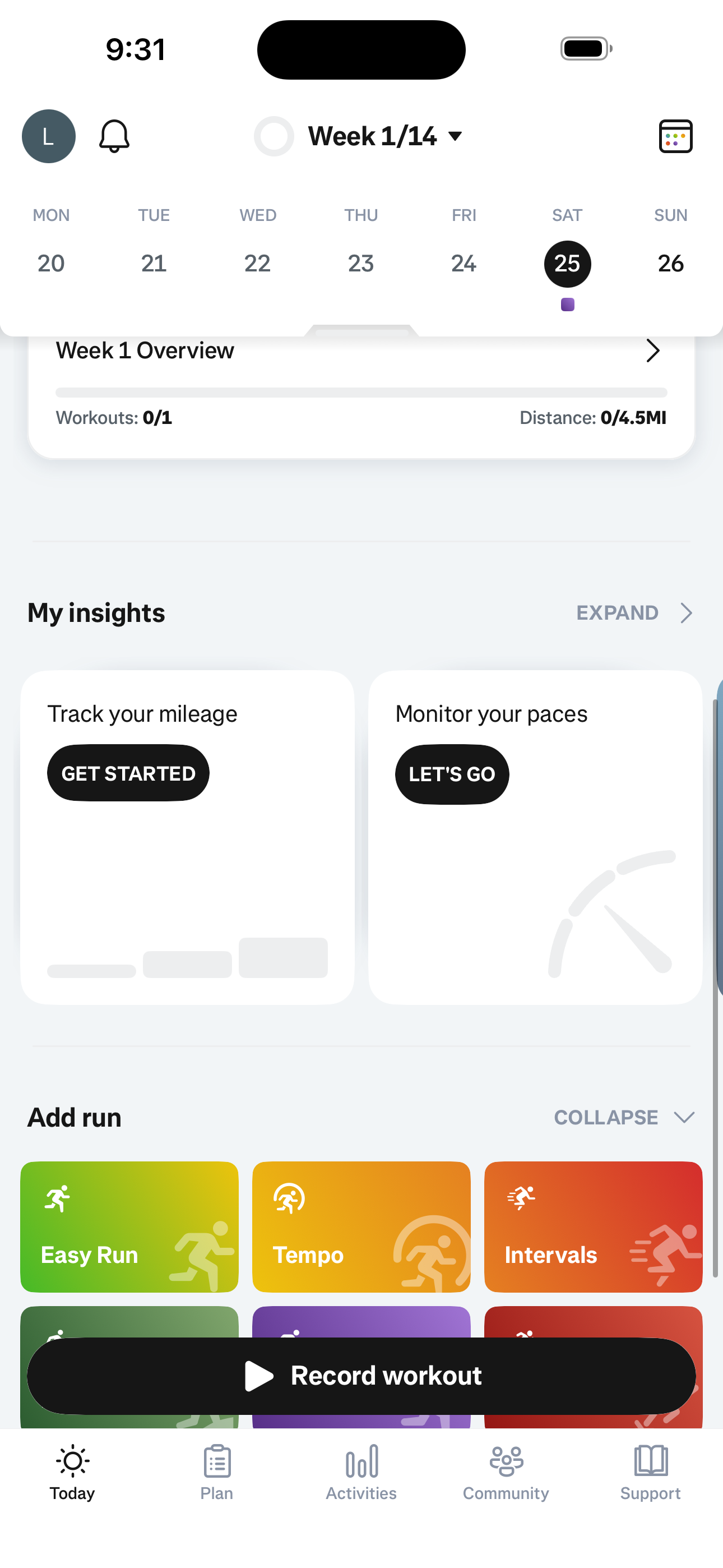
Scroll past the workout card to see My insights and the Add run quick-action grid.
Runna Today — Home screen in Scroll the Today screen flow
Today — Home
Runna Today Home — Scrolled (Insights & Add Run) screen in Scroll the Today screen flow
Today Home — Scrolled (Insights & Add Run)
  1. Today — Home
  2. Today Home — Scrolled (Insights & Add Run)
04 promo 2 screens

Dismiss banner — see the next one

Tap X on the Refer-a-friend banner; the home rotates to a Sync your apps banner.
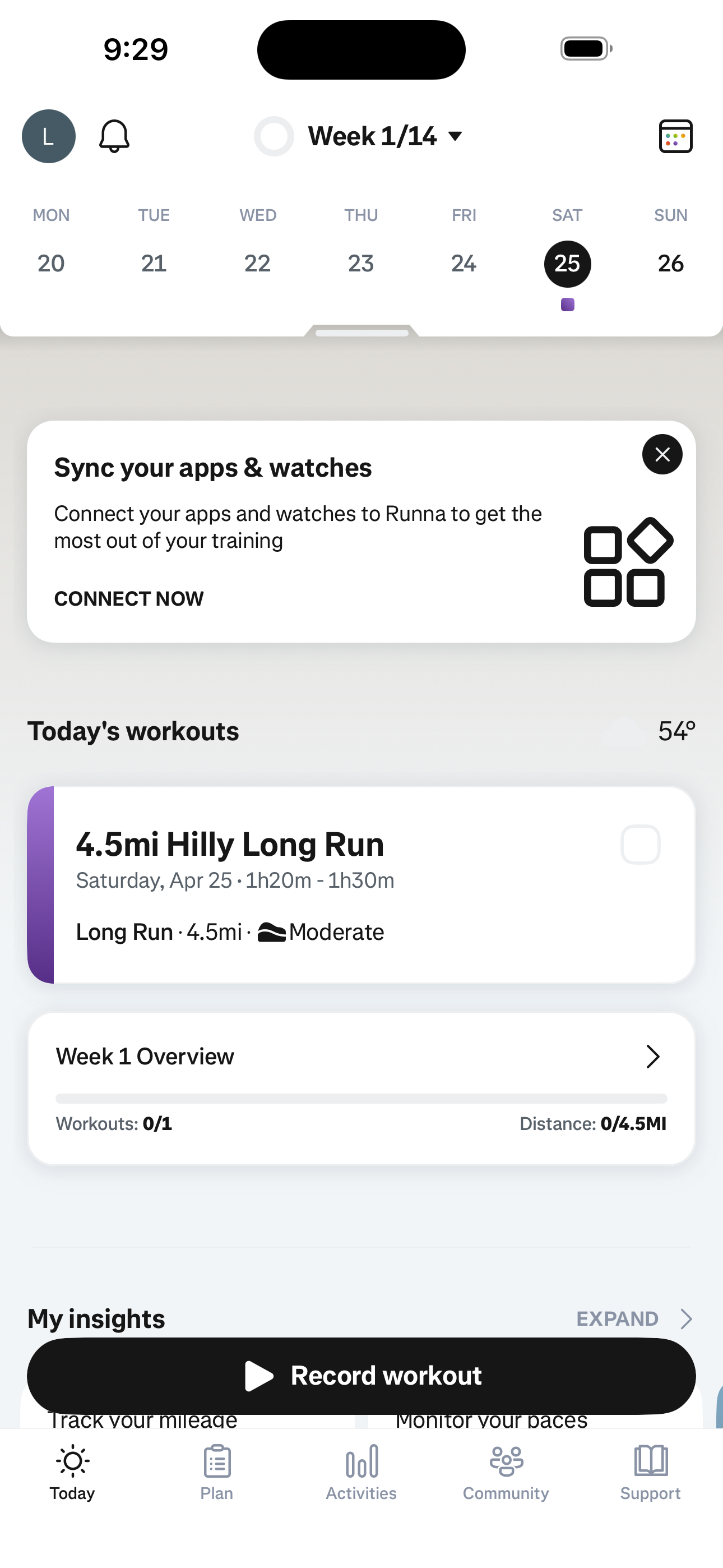
Runna Today — Home screen in Dismiss banner — see the next one flow
Today — Home
Runna Today Home — Sync Banner Variant screen in Dismiss banner — see the next one flow
Today Home — Sync Banner Variant
  1. Today — Home
  2. Today Home — Sync Banner Variant
05 social 2 screens

Open notifications inbox

Tap the bell icon to open the empty notifications inbox.
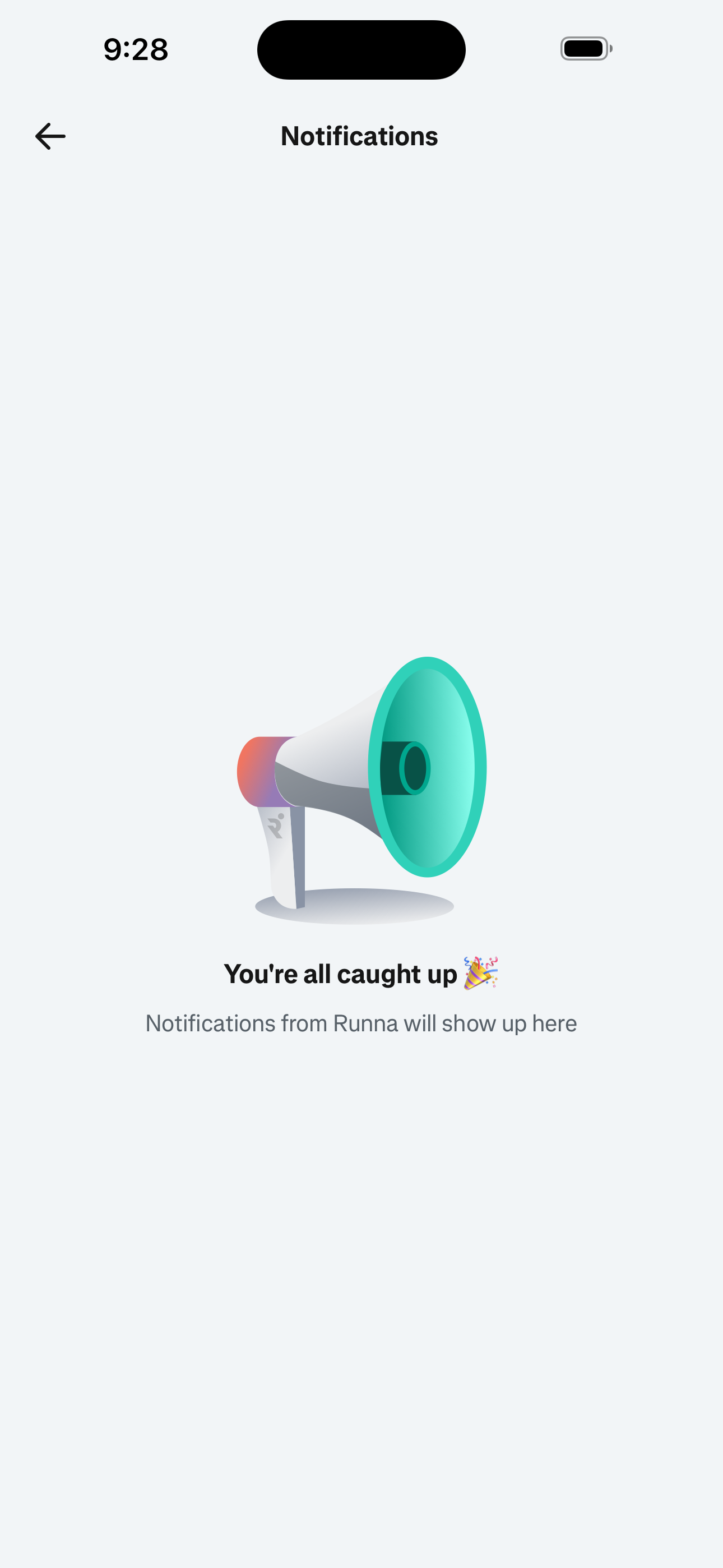
Runna Today — Home screen in Open notifications inbox flow
Today — Home
Runna Notifications Inbox — Empty screen in Open notifications inbox flow
Notifications Inbox — Empty
  1. Today — Home
  2. Notifications Inbox — Empty
06 navigate 2 screens

Jump to a different plan week

Tap the Week 1/14 dropdown to pick any week of the plan.
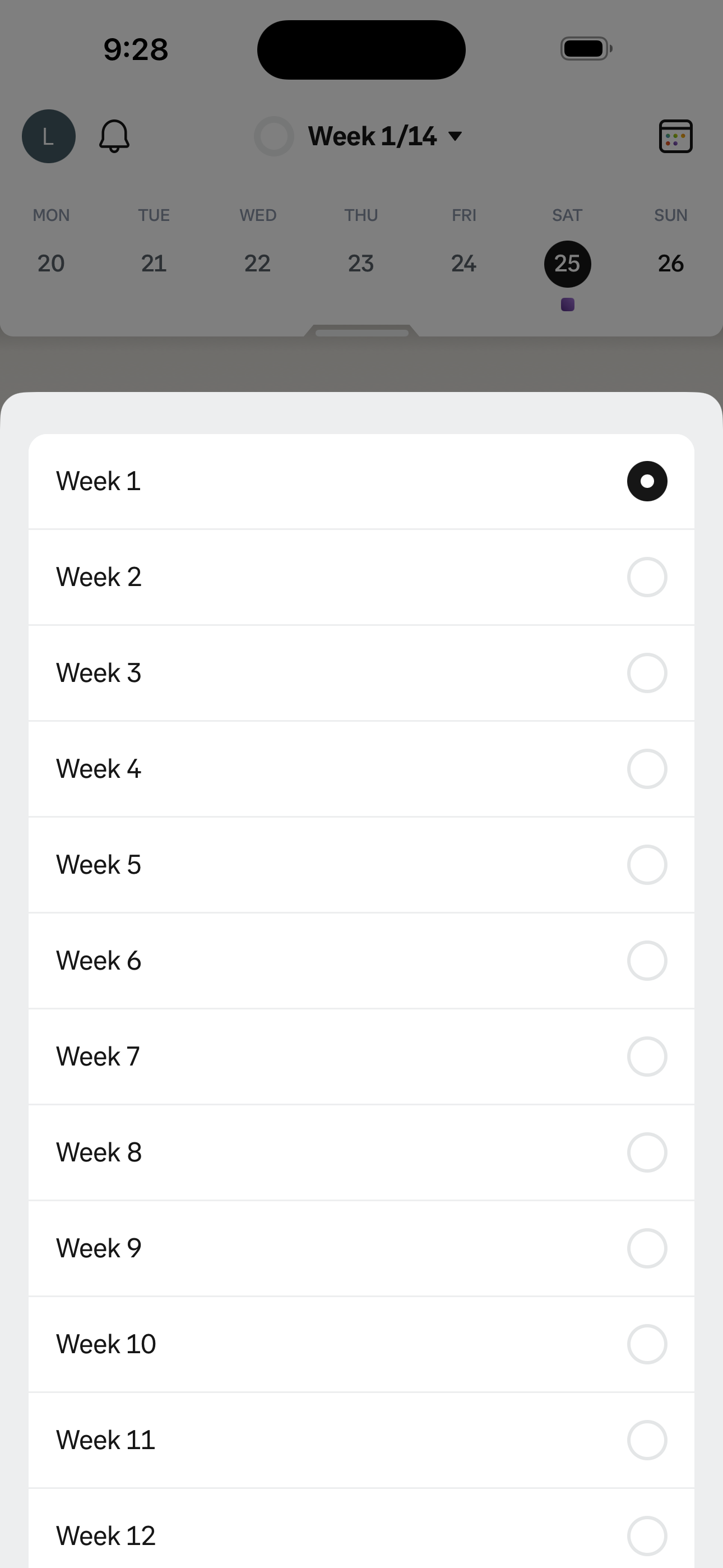
Runna Today — Home screen in Jump to a different plan week flow
Today — Home
Runna Today — Week Selector screen in Jump to a different plan week flow
Today — Week Selector
  1. Today — Home
  2. Today — Week Selector
07 browse 2 screens

Open today's workout detail

Tap the today workout card — see warm-up, route, link-activity, skip actions, coach message, briefings tip.
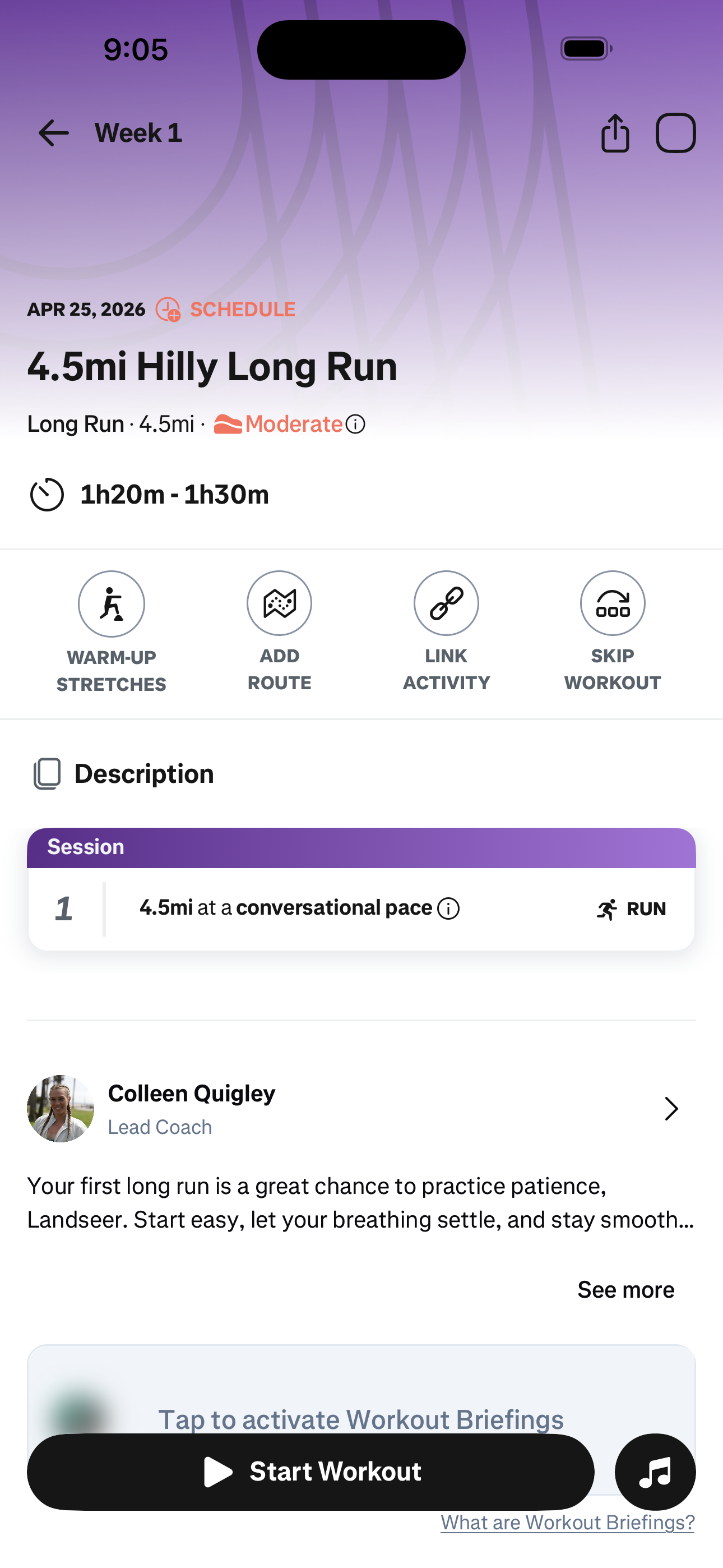
Runna Today — Home screen in Open today's workout detail flow
Today — Home
Runna Workout Detail screen in Open today's workout detail flow
Workout Detail
  1. Today — Home
  2. Workout Detail
08 browse 3 screens

Run the warm-up stretches

Workout detail → Warm-up Stretches launches the guided exercise player (Reverse Lunge, Hamstring Sweeps).
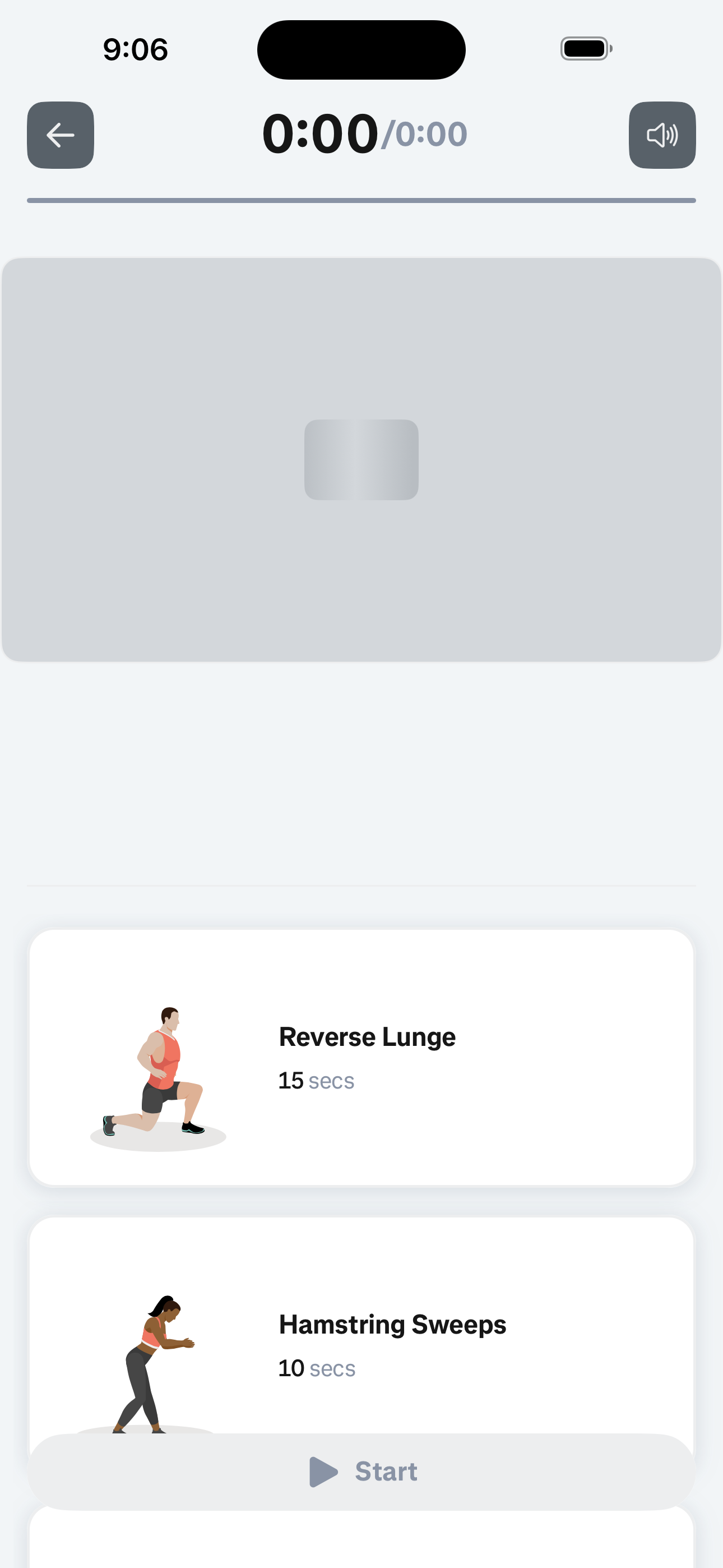
Runna Today — Home screen in Run the warm-up stretches flow
Today — Home
Runna Workout Detail screen in Run the warm-up stretches flow
Workout Detail
Runna Warm-up Stretches Player screen in Run the warm-up stretches flow
Warm-up Stretches Player
  1. Today — Home
  2. Workout Detail
  3. Warm-up Stretches Player

Screen inventory

High-density screens in the Runna app

UI inventory

Interface elements found by Atlas

209button93icon85row38radio38card33input30link24toggle

Related maps

More mobile app screen maps