01
Welcome: Sign up or Log in
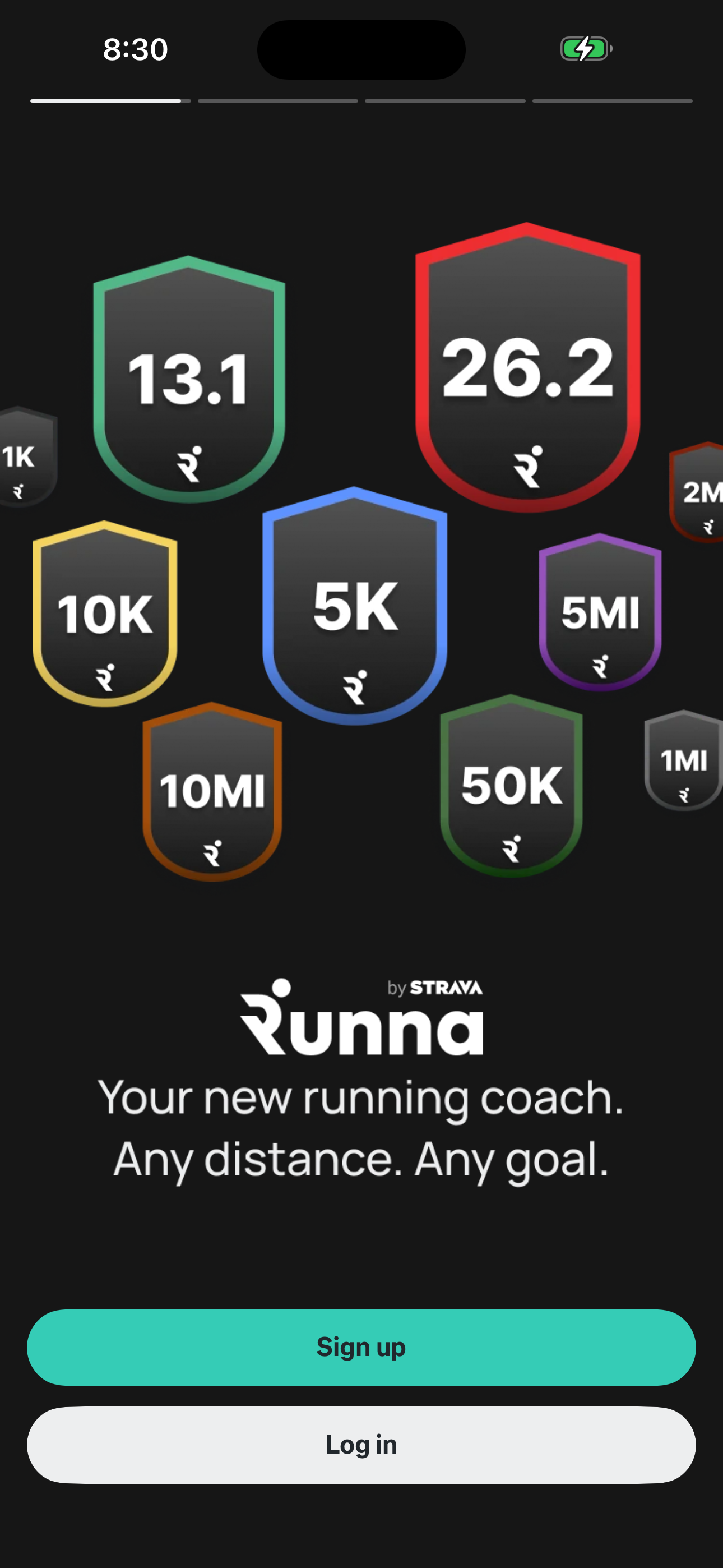
Step 1 in the Runna Sign up and complete onboarding flow. Atlas detected 6 UI elements on this screen.
 Revyl
Revyl Revyl Atlas flow
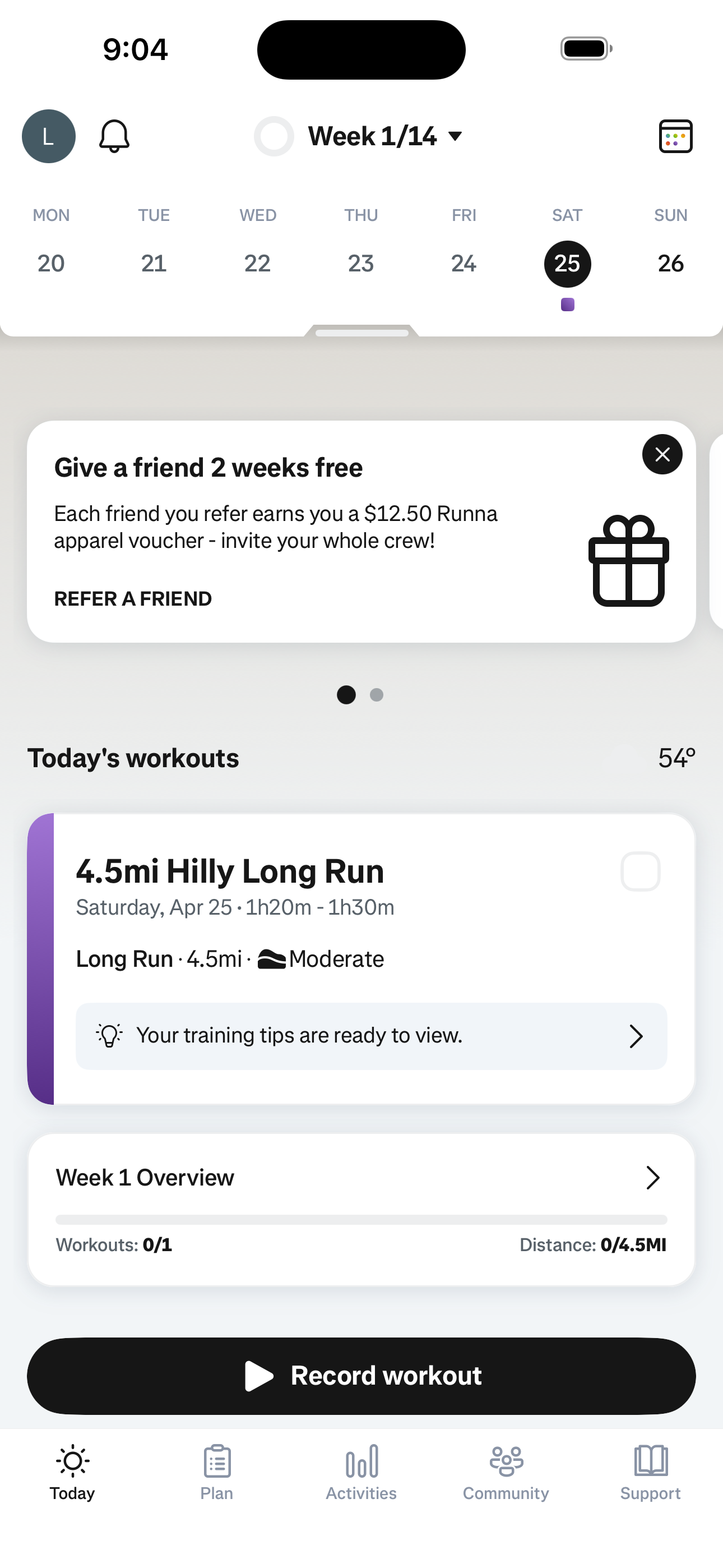
Email/password signup → race goal → ability/DOB/gender/injury → time goal → days/free-days/long-run-day → notifications → plan-start/units/training-prefs/interests → strength add-on (ability/goal/duration/freq/days/equipment) → plan summary → paywall (skipped) → plan generation → coach welcome → run types guide → T&C → home.
Research notes
Screen path
This page is a crawlable breakdown of one real mobile journey. The screenshots, step labels, and element counts make the Runna Sign up and complete onboarding path easier to compare against competing apps, reproduce during QA planning, and reuse as structured navigation context for app automation.
Step 1 in the Runna Sign up and complete onboarding flow. Atlas detected 6 UI elements on this screen.
Step 2 in the Runna Sign up and complete onboarding flow. Atlas detected 11 UI elements on this screen.
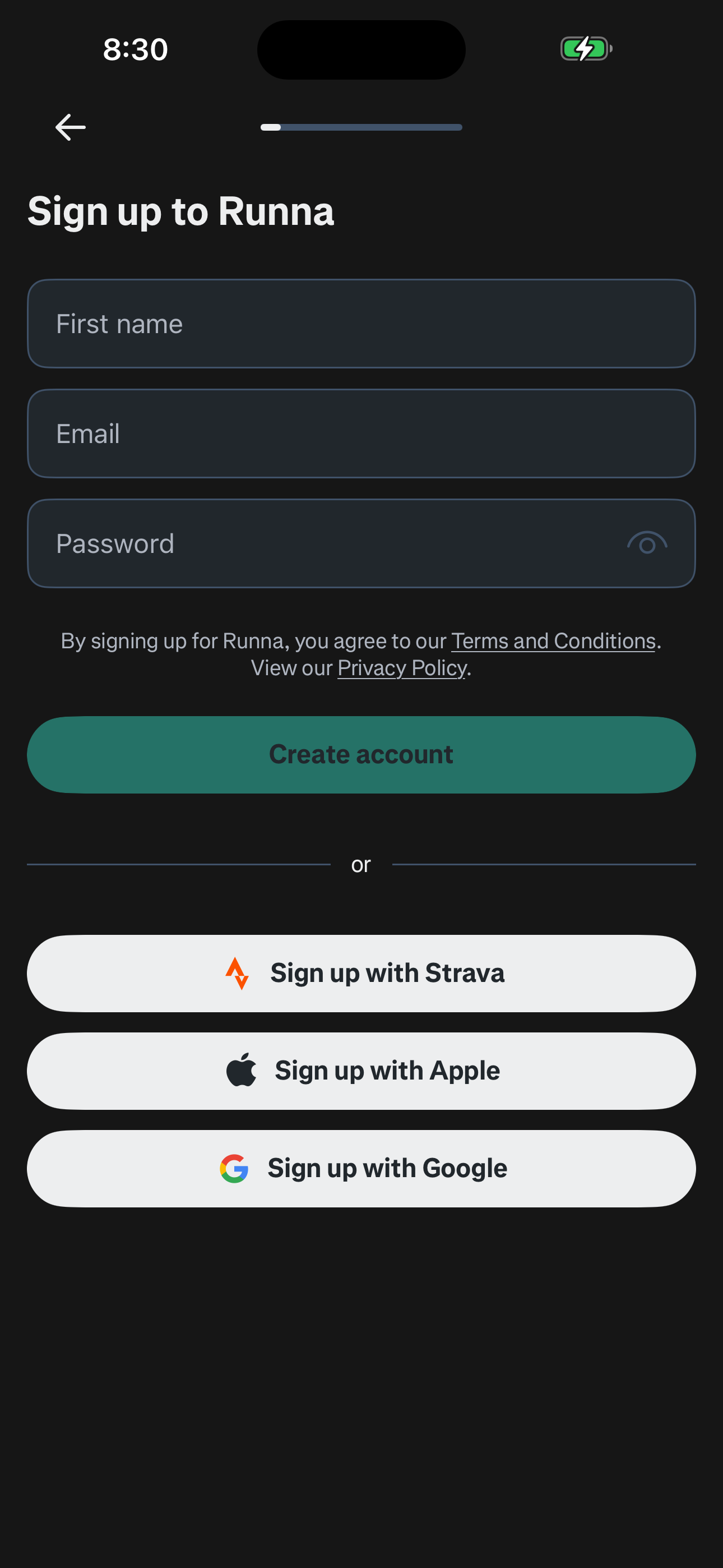
Step 3 in the Runna Sign up and complete onboarding flow. Atlas detected 5 UI elements on this screen.
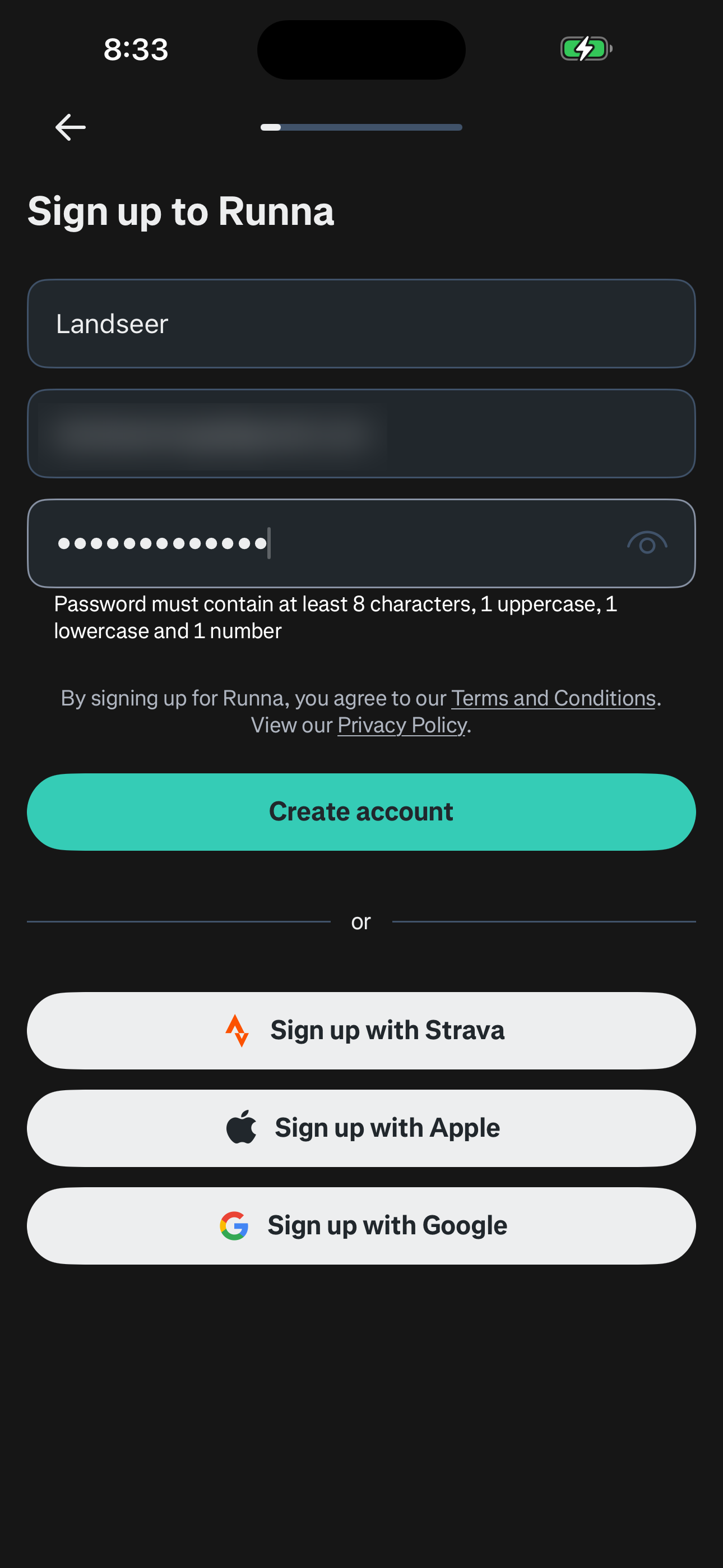
Step 4 in the Runna Sign up and complete onboarding flow. Atlas detected 3 UI elements on this screen.
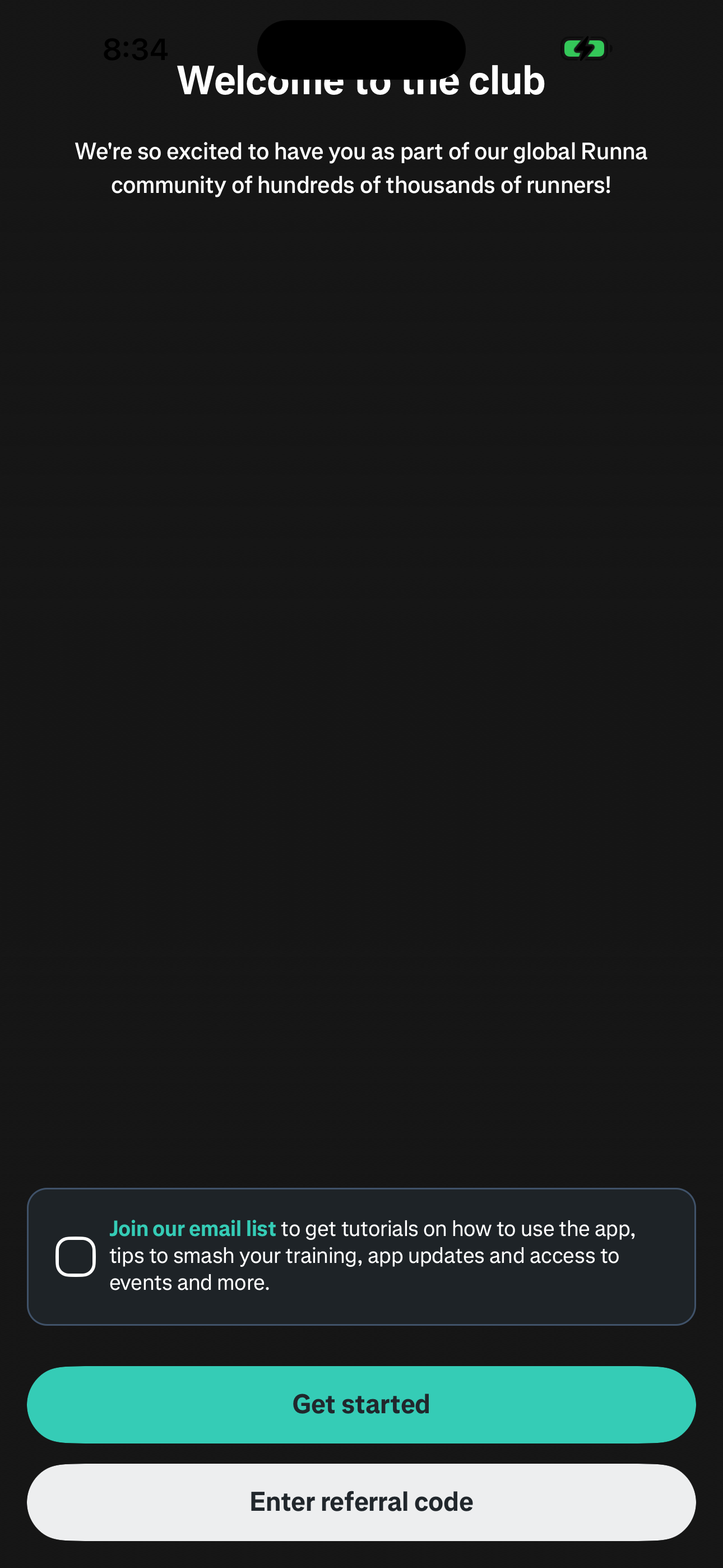
Step 5 in the Runna Sign up and complete onboarding flow. Atlas detected 11 UI elements on this screen.
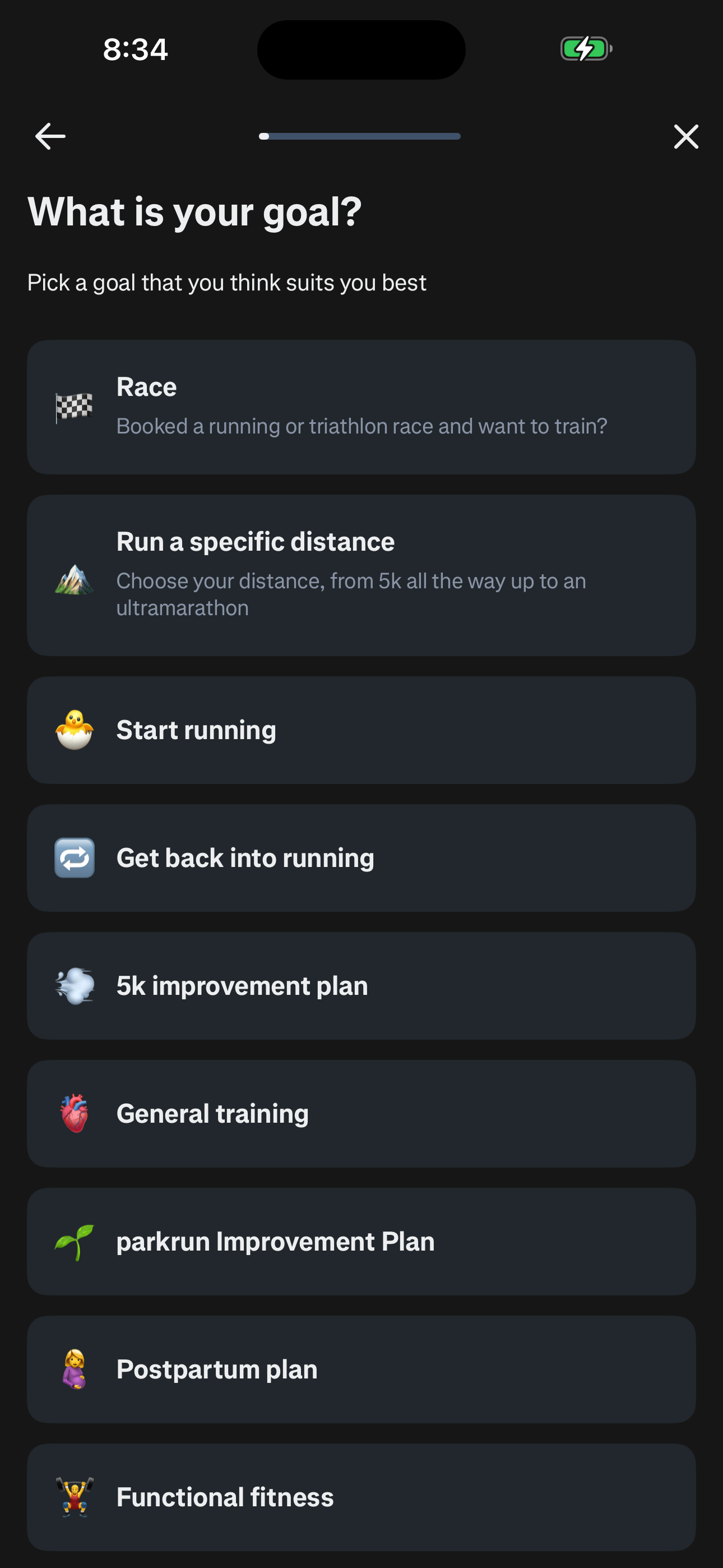
Step 6 in the Runna Sign up and complete onboarding flow. Atlas detected 8 UI elements on this screen.
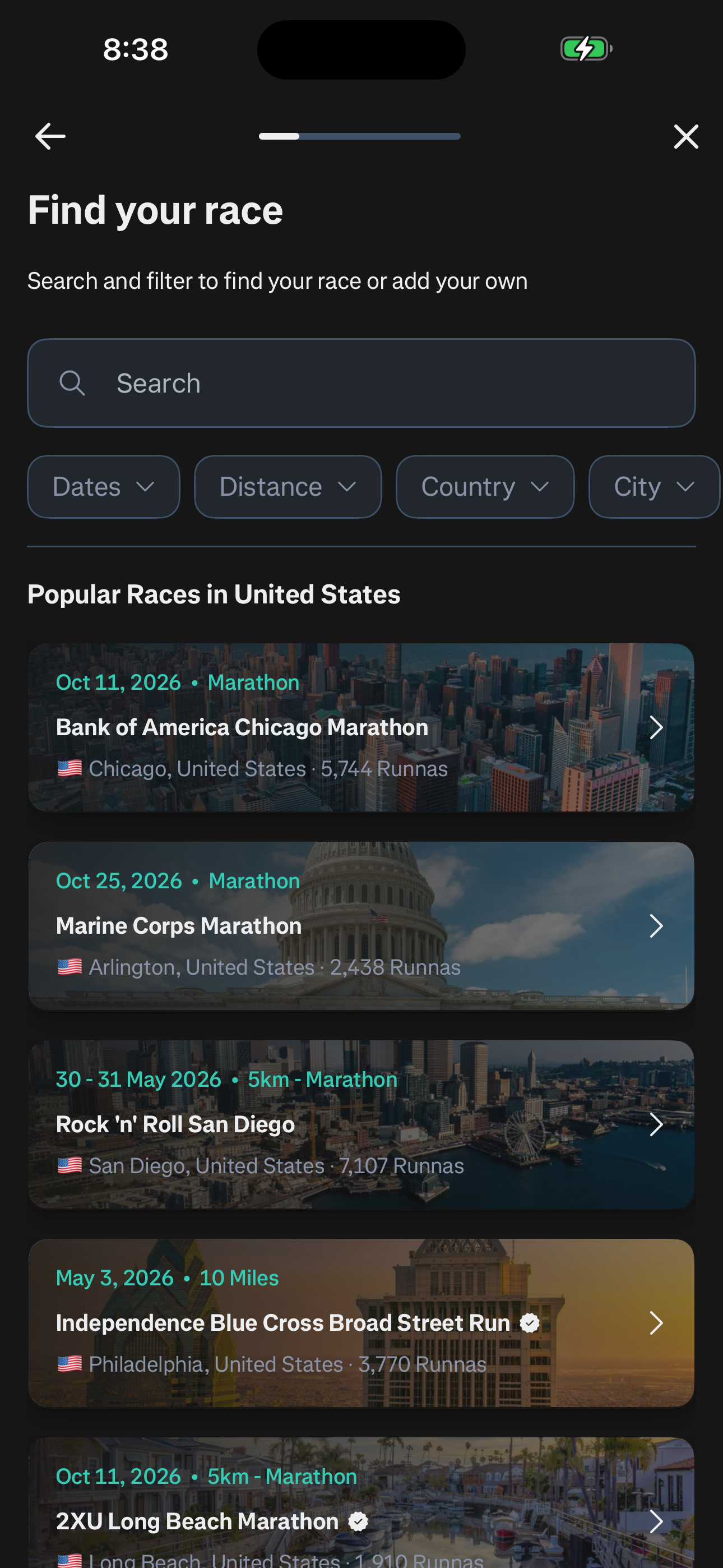
Step 7 in the Runna Sign up and complete onboarding flow. Atlas detected 12 UI elements on this screen.
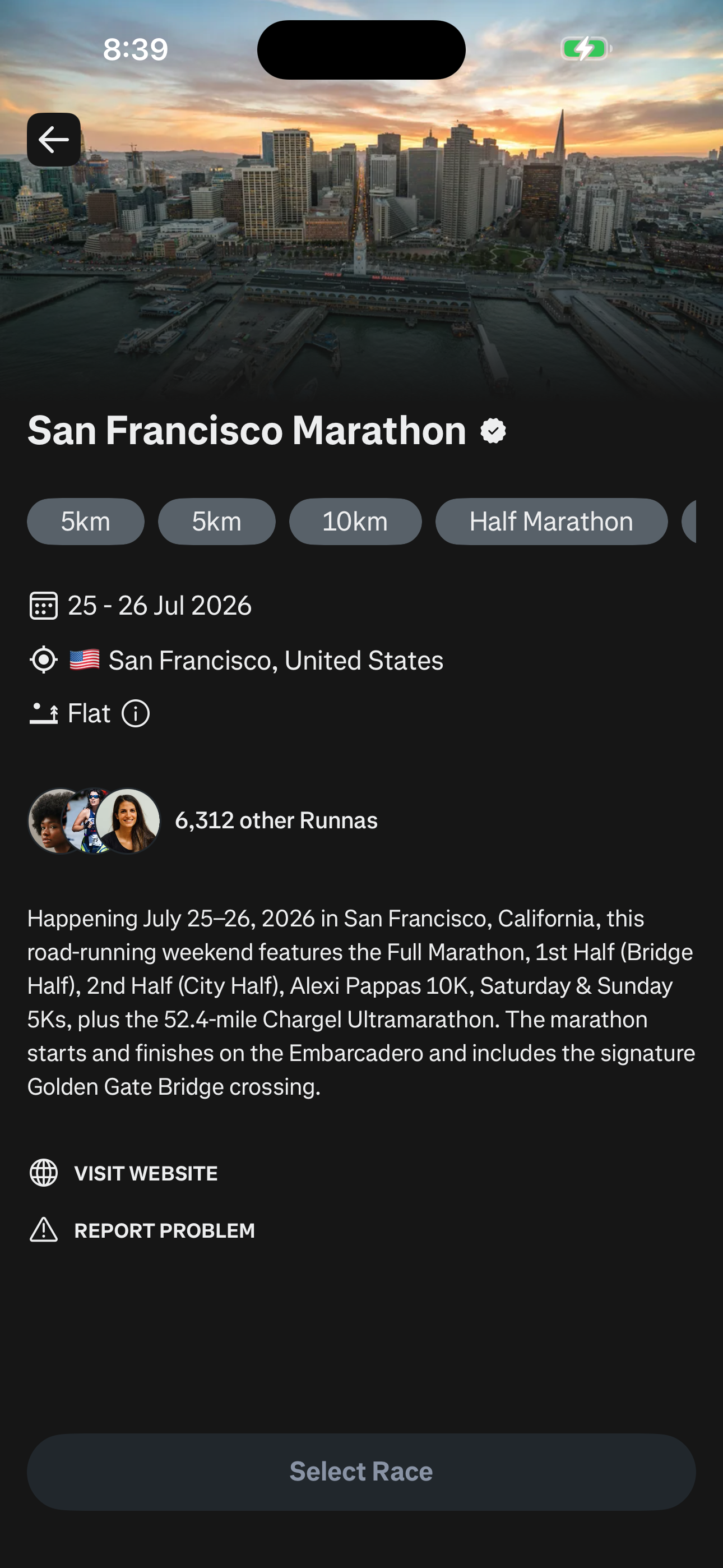
Step 8 in the Runna Sign up and complete onboarding flow. Atlas detected 8 UI elements on this screen.
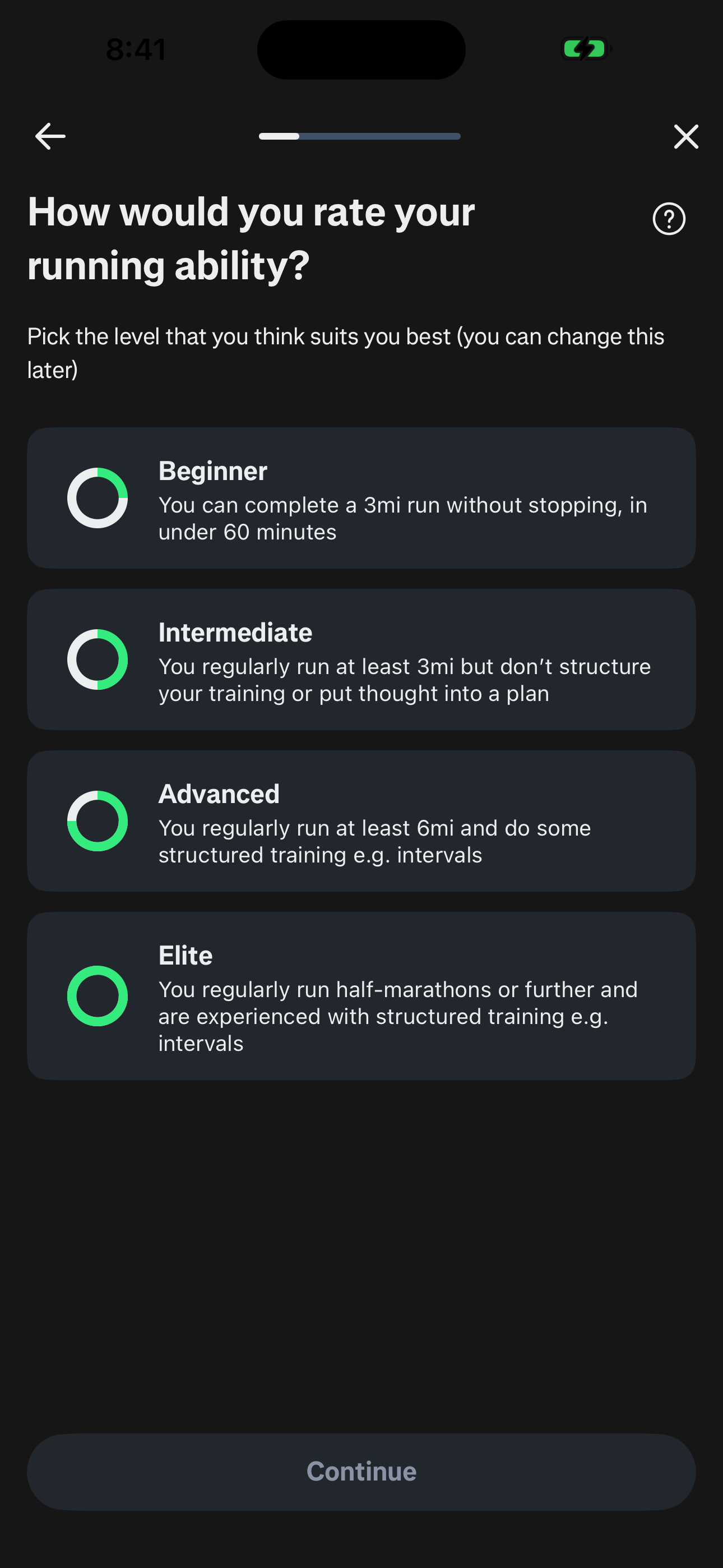
Step 9 in the Runna Sign up and complete onboarding flow. Atlas detected 6 UI elements on this screen.
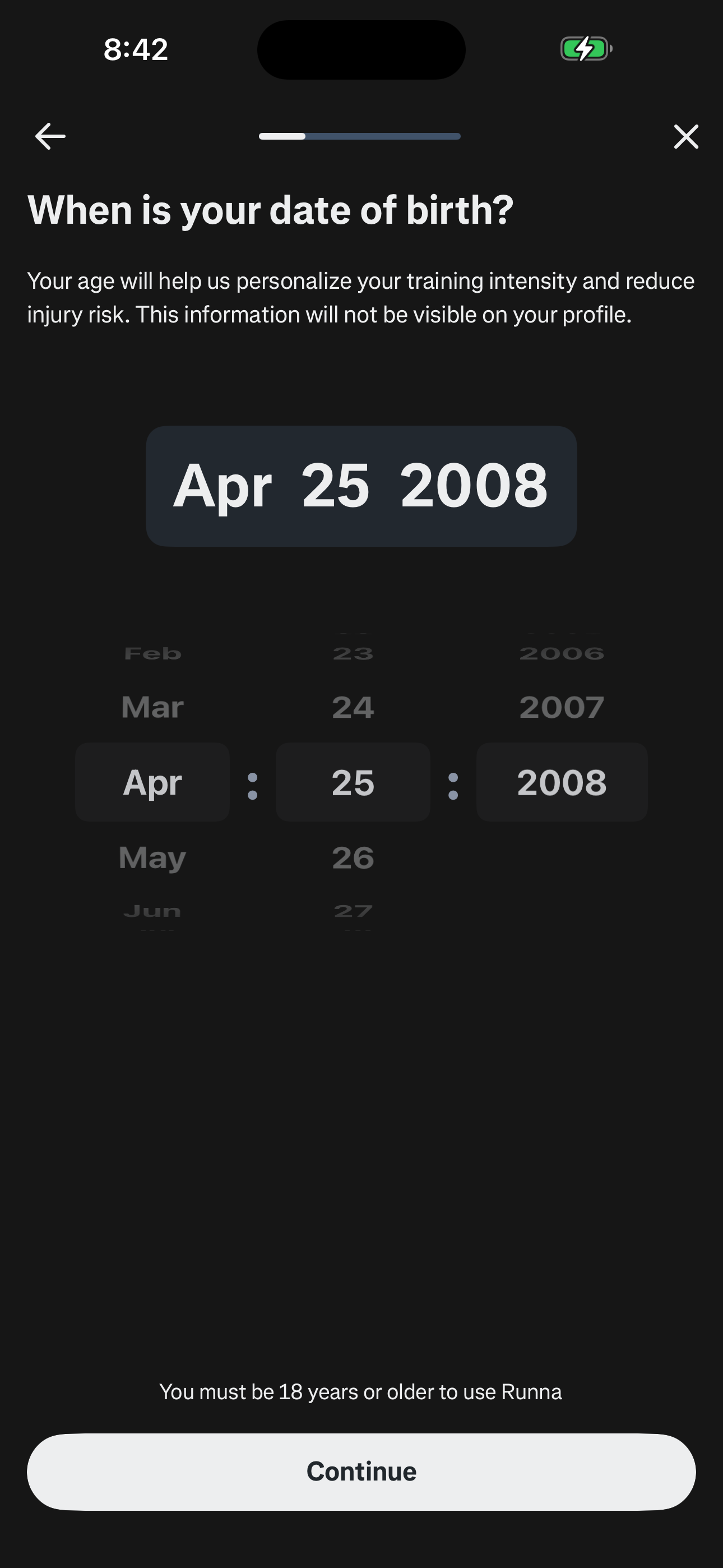
Step 10 in the Runna Sign up and complete onboarding flow. Atlas detected 8 UI elements on this screen.
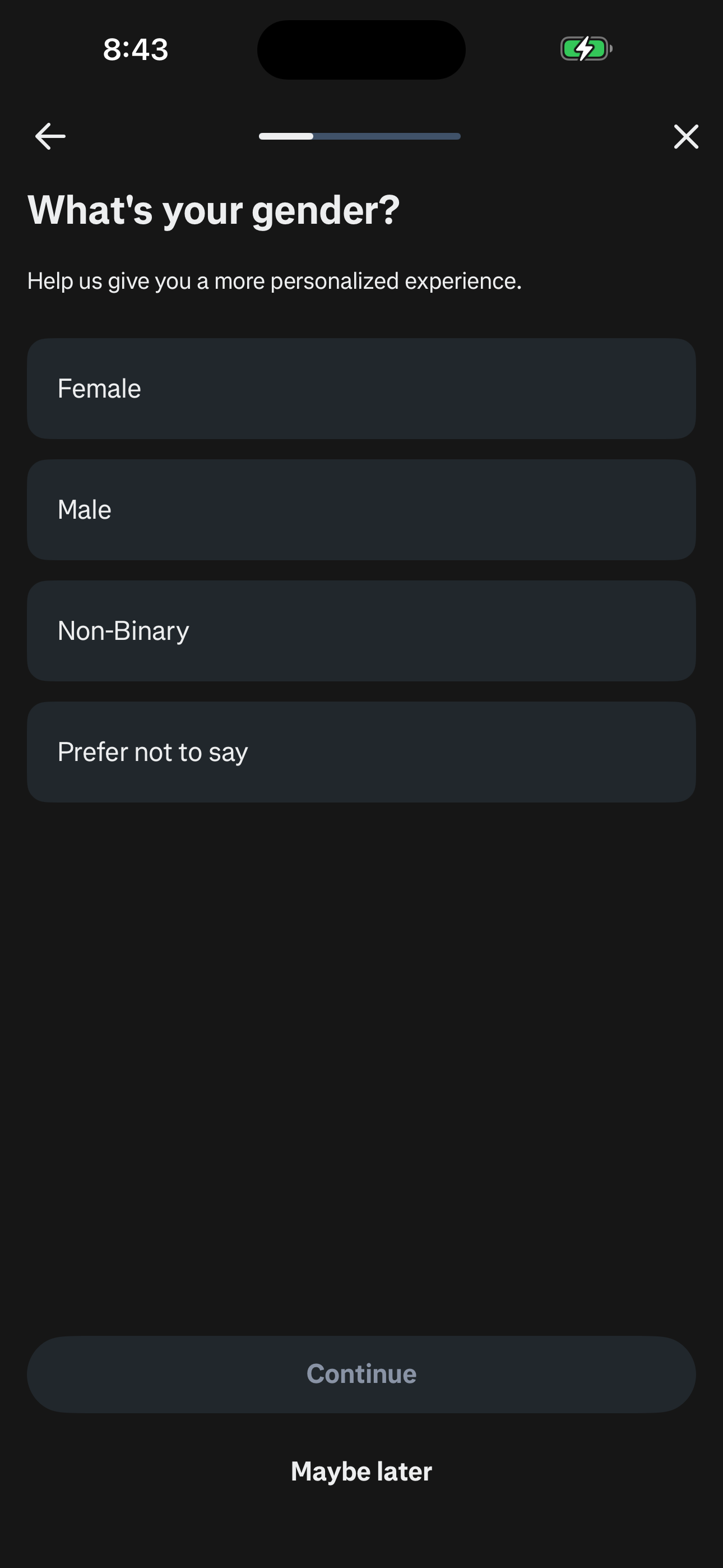
Step 11 in the Runna Sign up and complete onboarding flow. Atlas detected 9 UI elements on this screen.
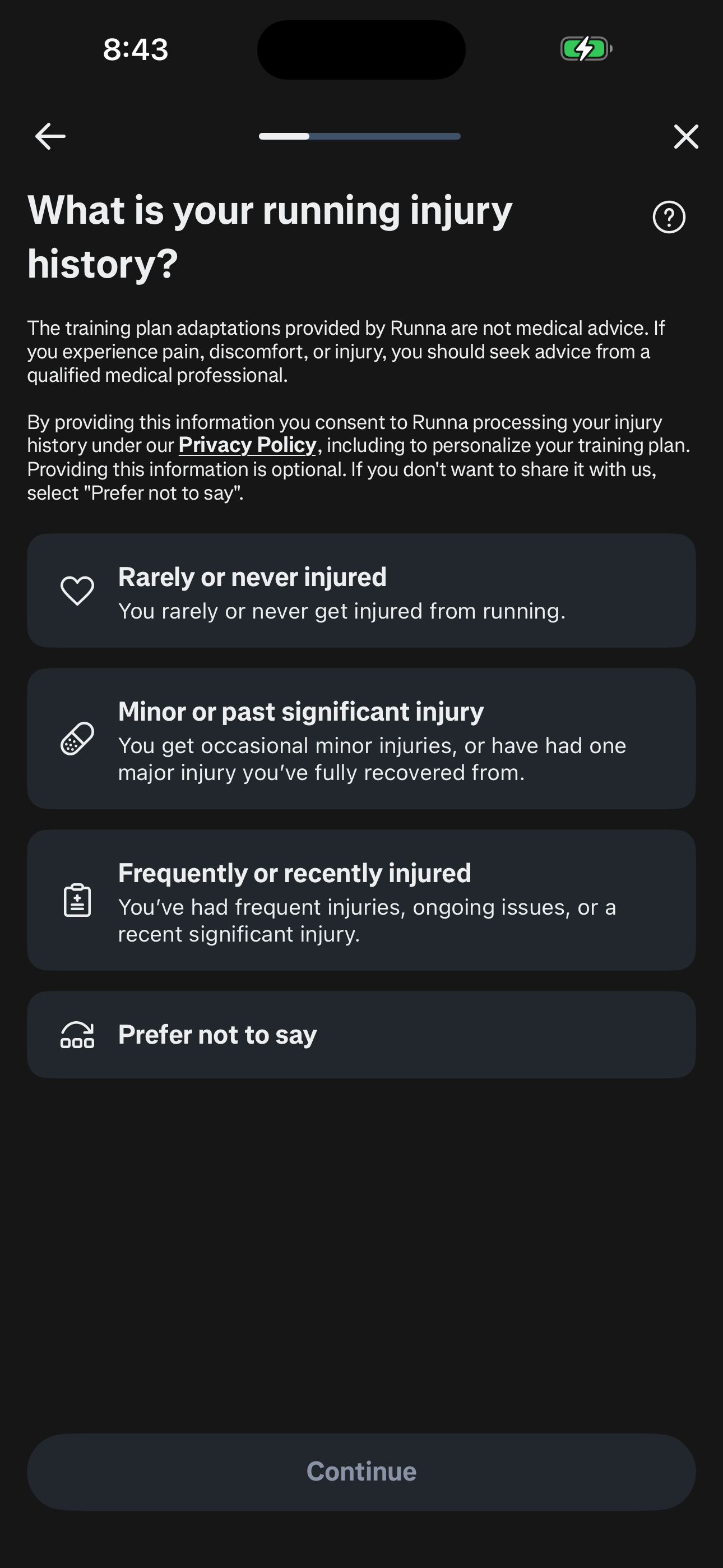
Step 12 in the Runna Sign up and complete onboarding flow. Atlas detected 11 UI elements on this screen.
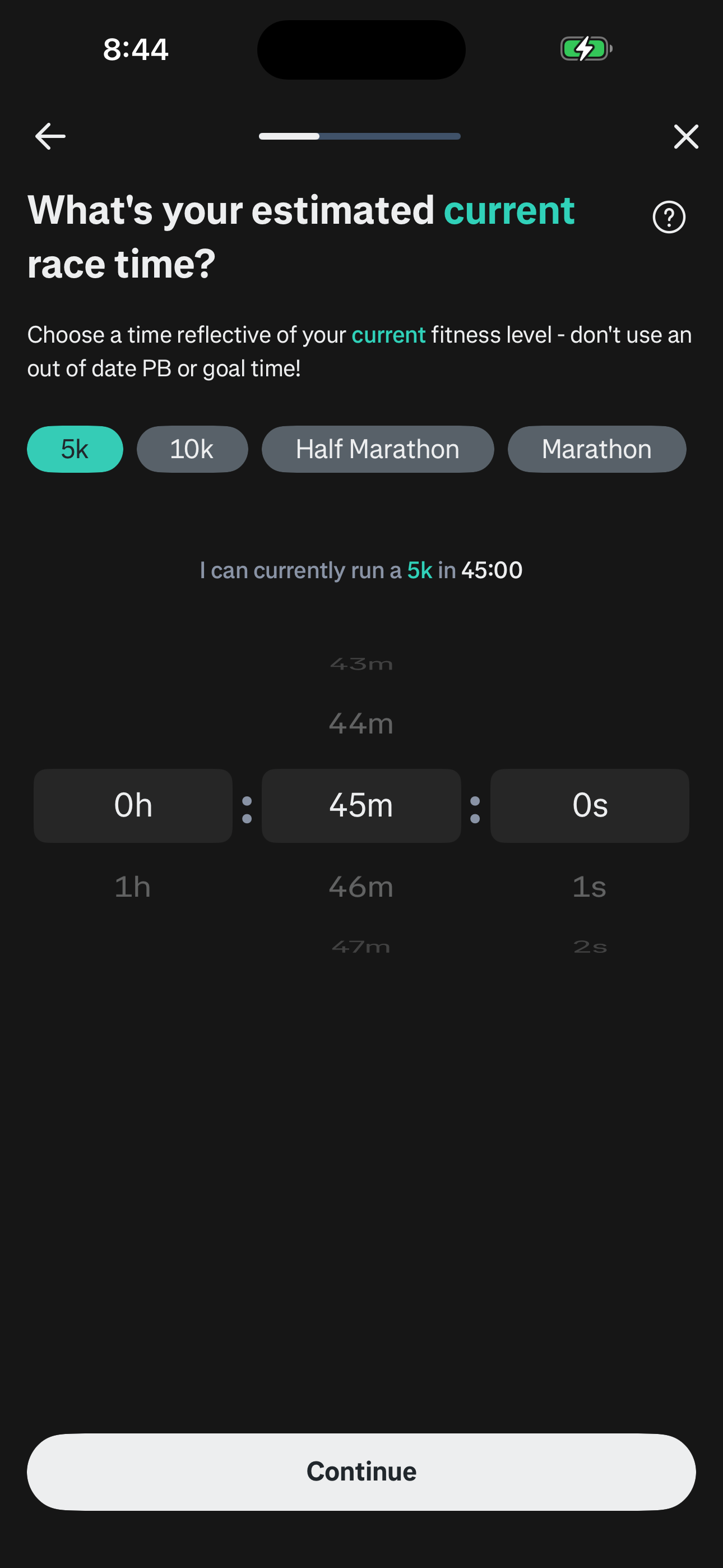
Step 13 in the Runna Sign up and complete onboarding flow. Atlas detected 7 UI elements on this screen.
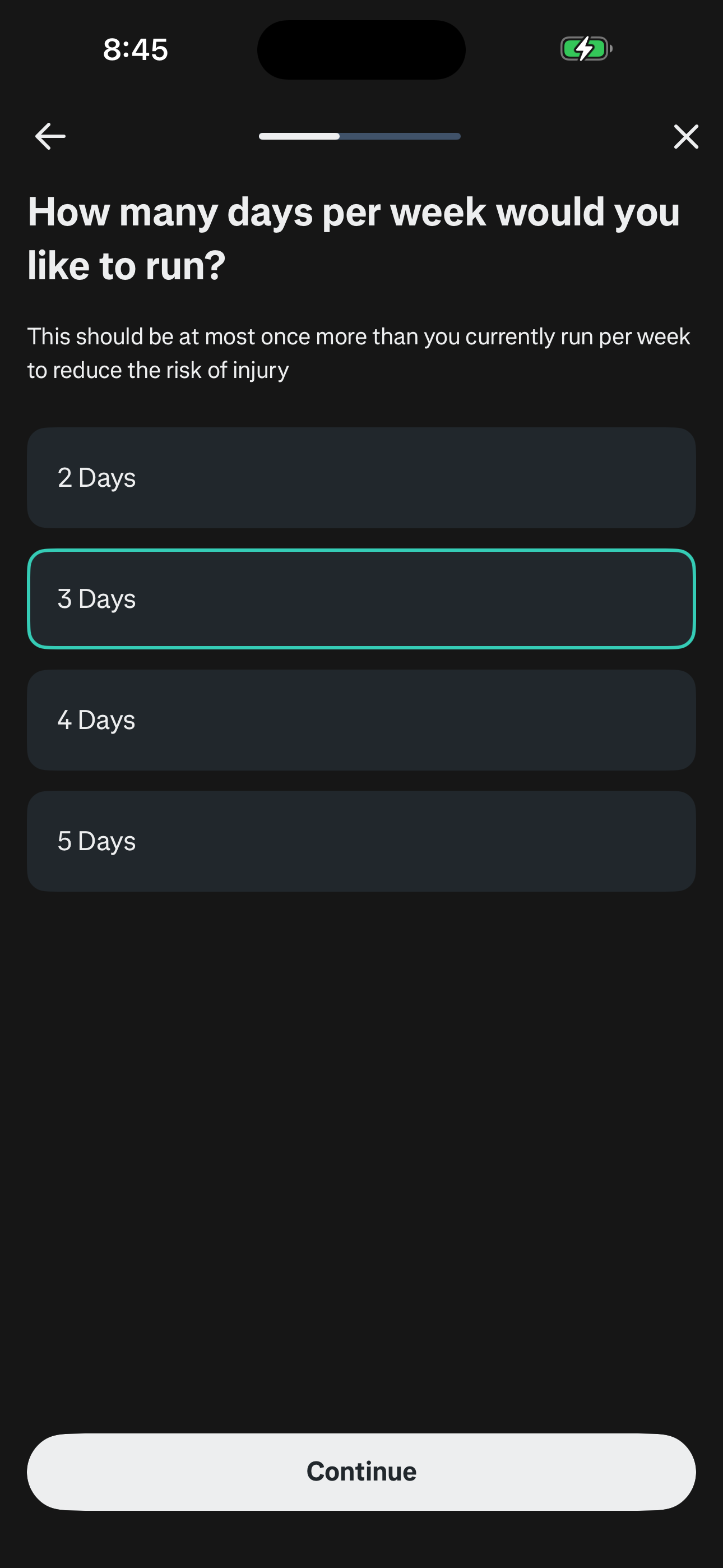
Step 14 in the Runna Sign up and complete onboarding flow. Atlas detected 4 UI elements on this screen.
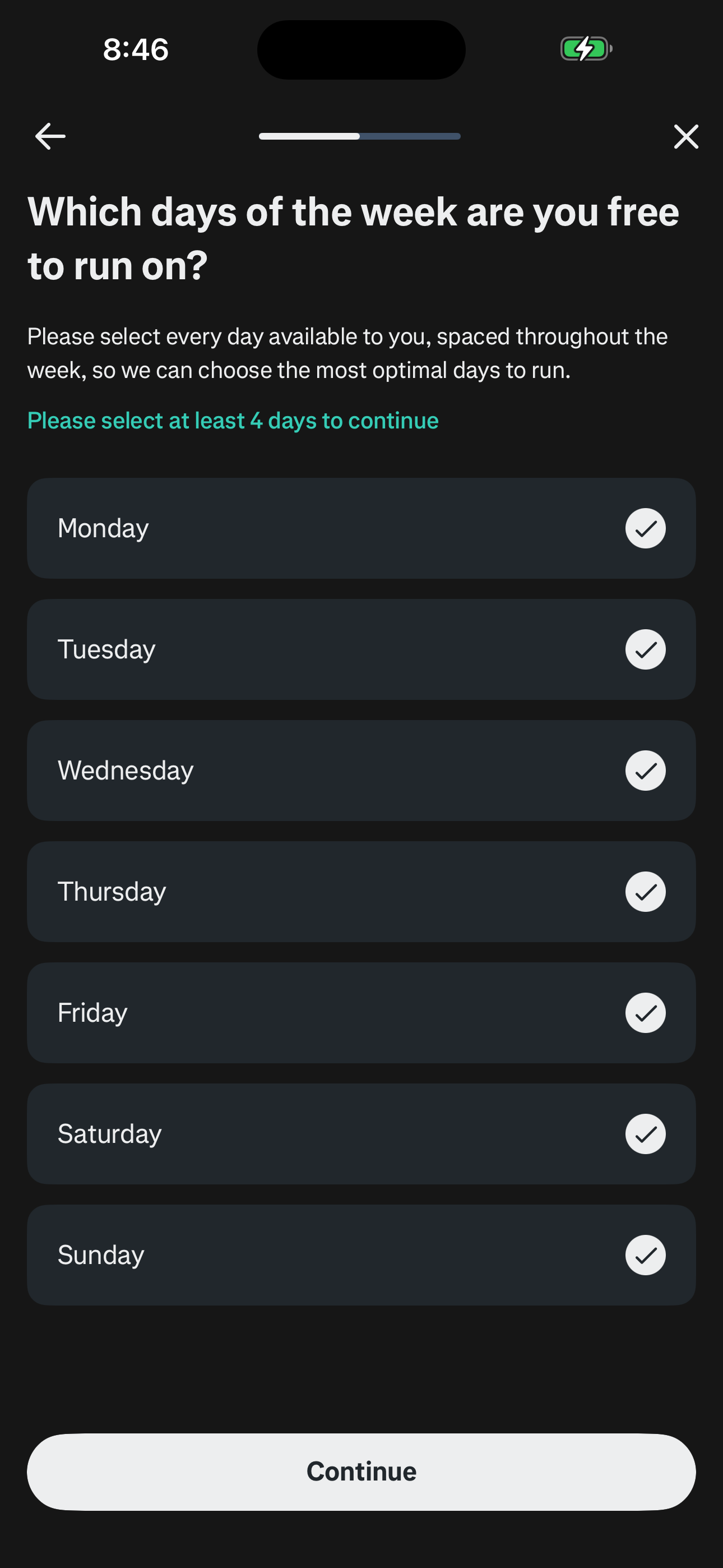
Step 15 in the Runna Sign up and complete onboarding flow. Atlas detected 5 UI elements on this screen.
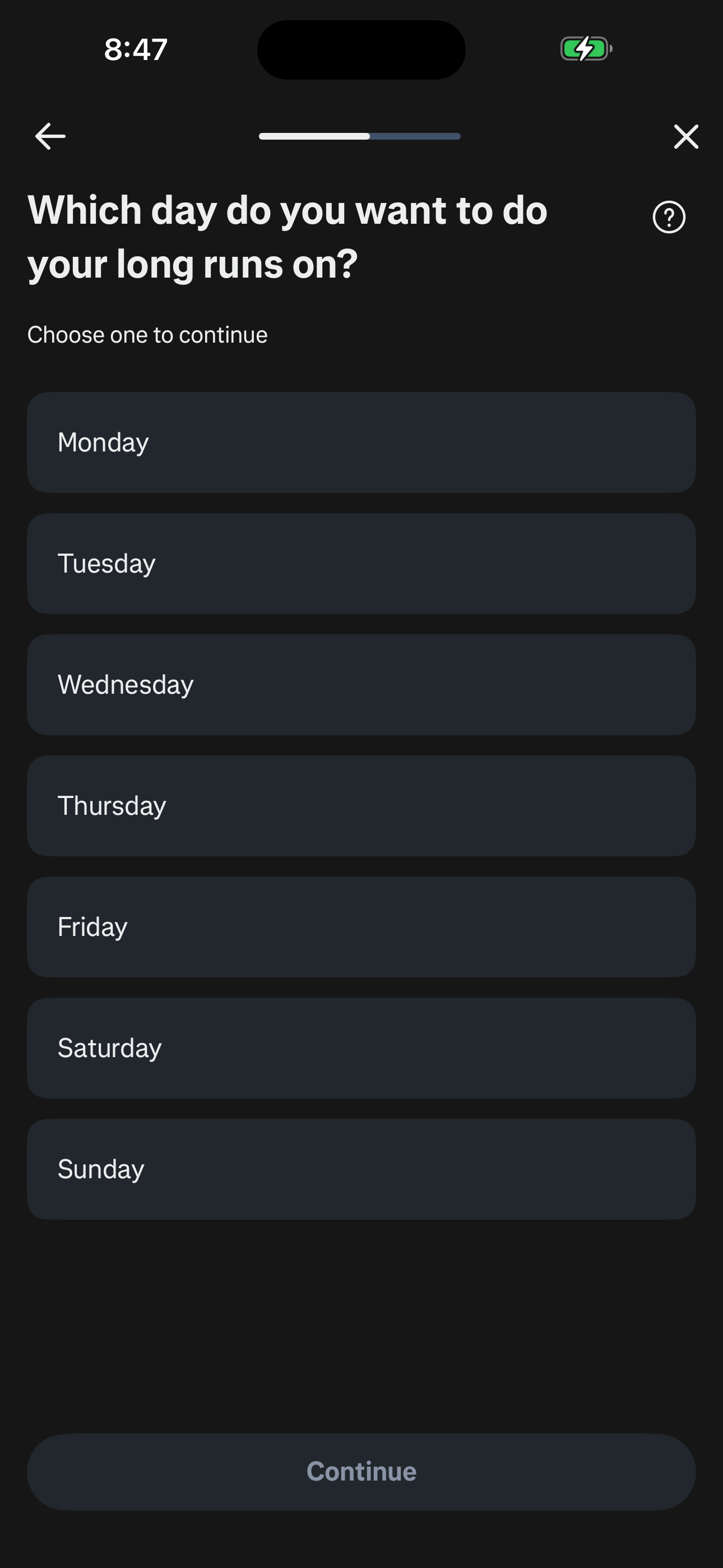
Step 16 in the Runna Sign up and complete onboarding flow. Atlas detected 3 UI elements on this screen.
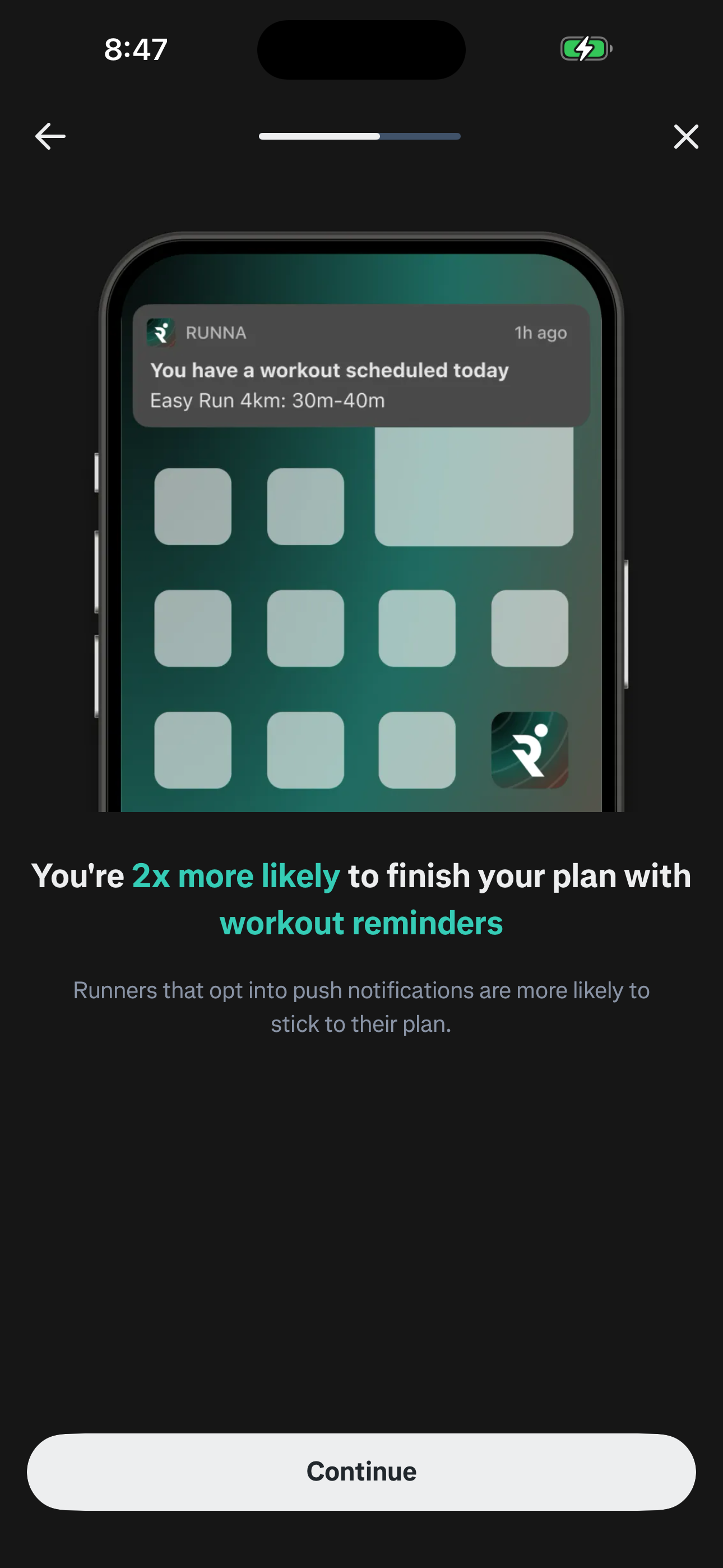
Step 17 in the Runna Sign up and complete onboarding flow. Atlas detected 2 UI elements on this screen.
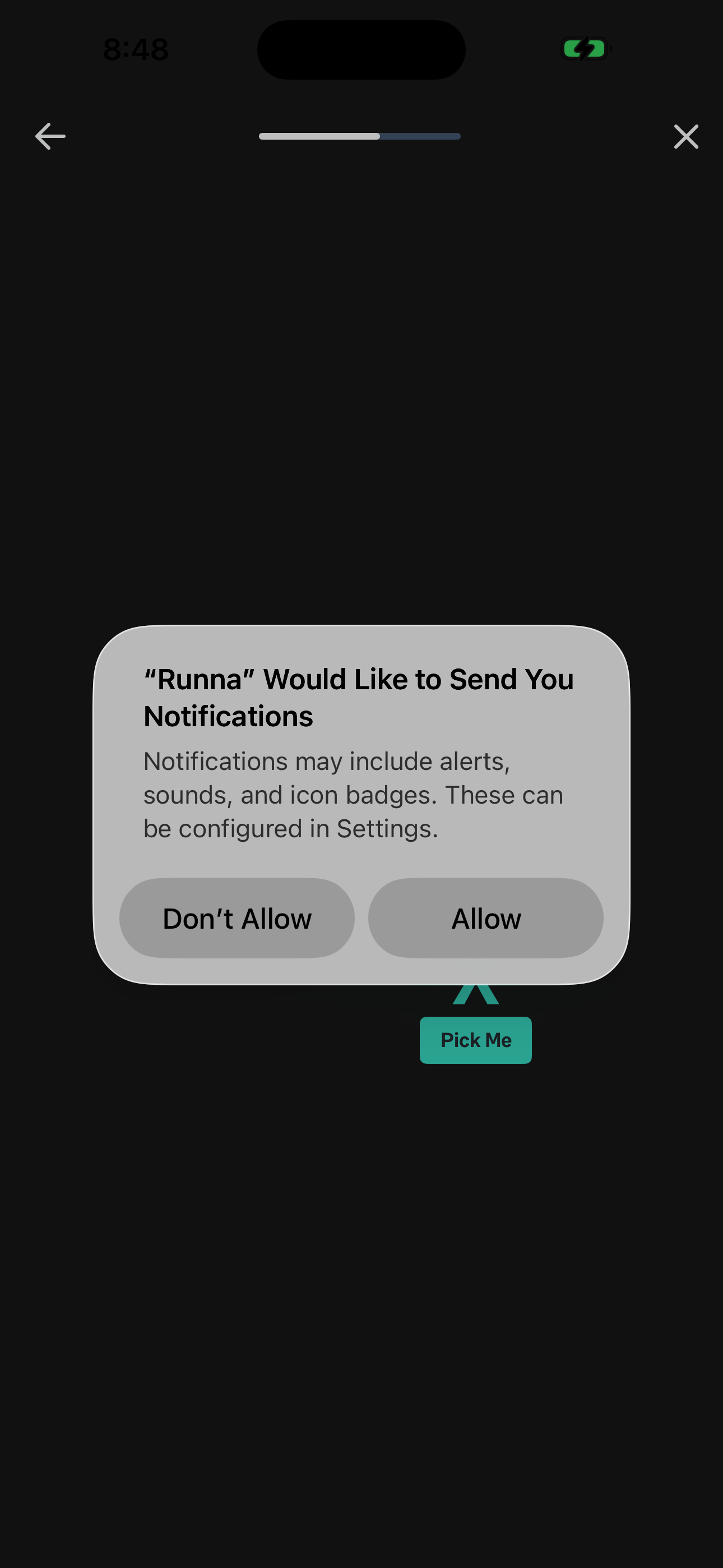
Step 18 in the Runna Sign up and complete onboarding flow. Atlas detected 9 UI elements on this screen.
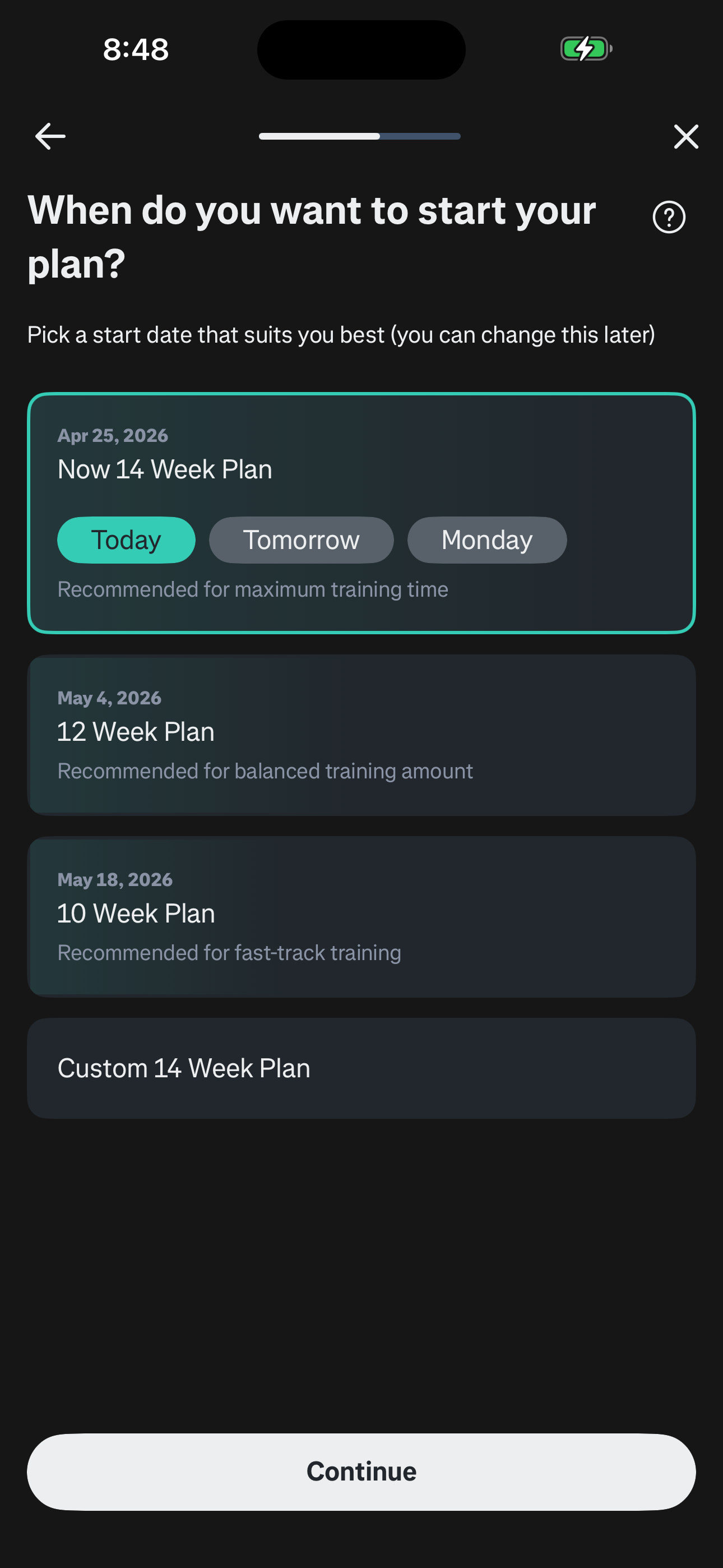
Step 19 in the Runna Sign up and complete onboarding flow. Atlas detected 6 UI elements on this screen.
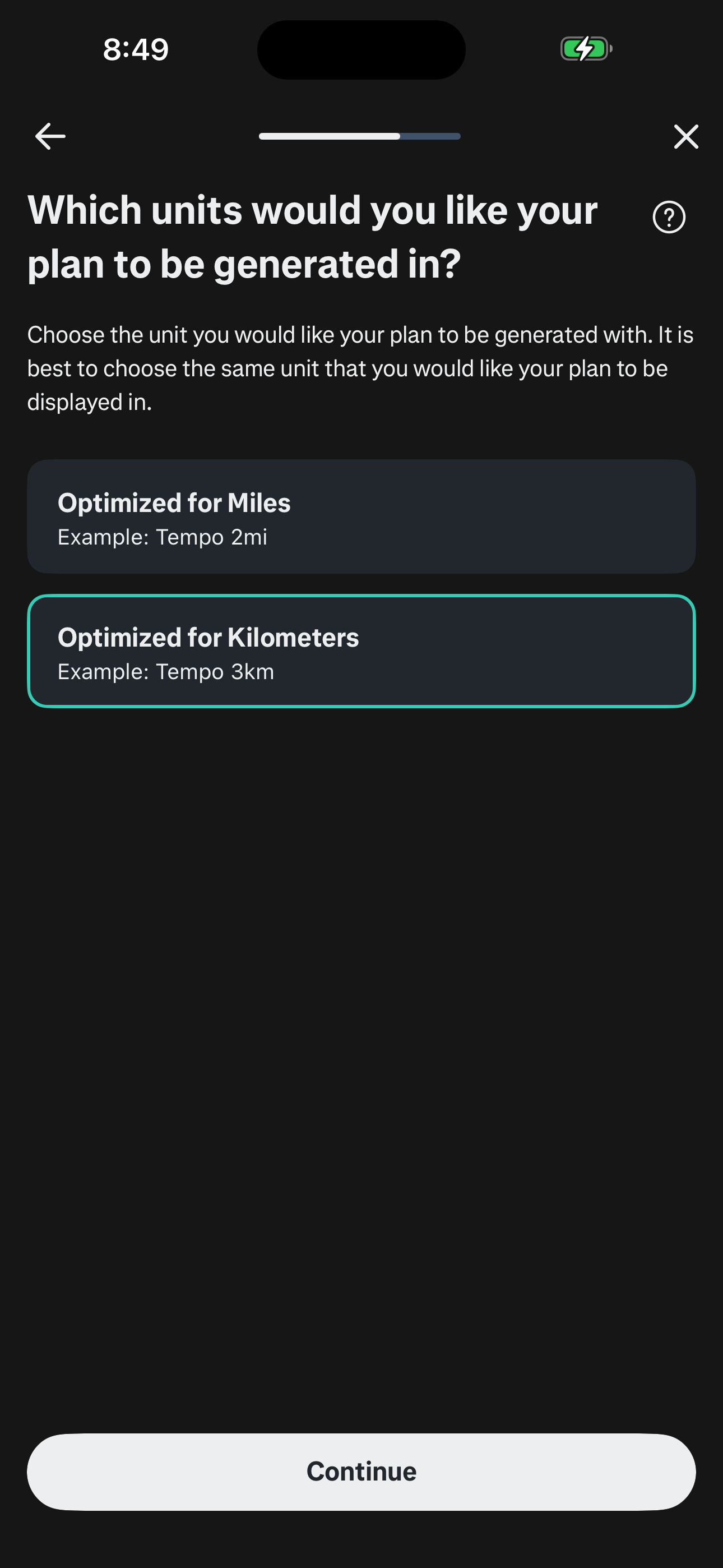
Step 20 in the Runna Sign up and complete onboarding flow. Atlas detected 6 UI elements on this screen.
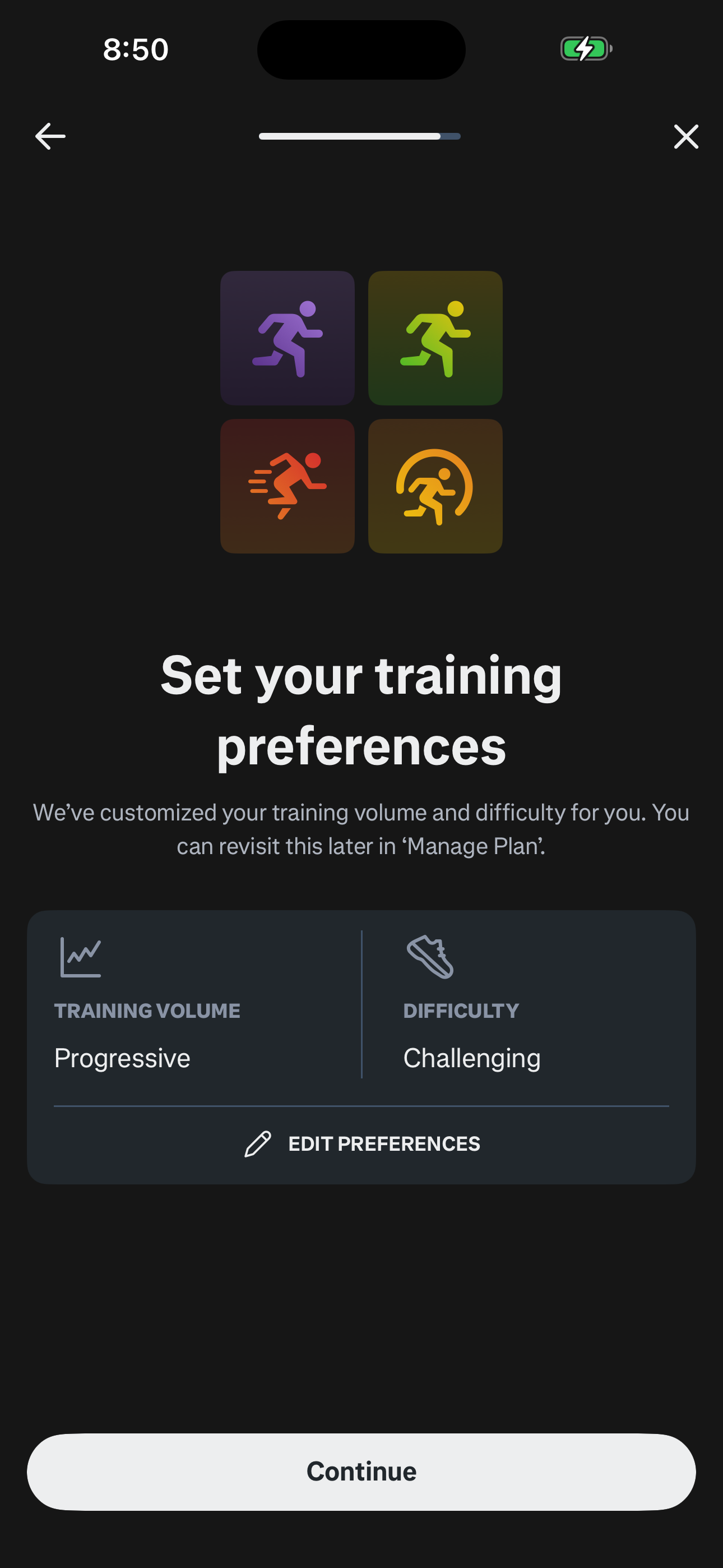
Step 21 in the Runna Sign up and complete onboarding flow. Atlas detected 8 UI elements on this screen.
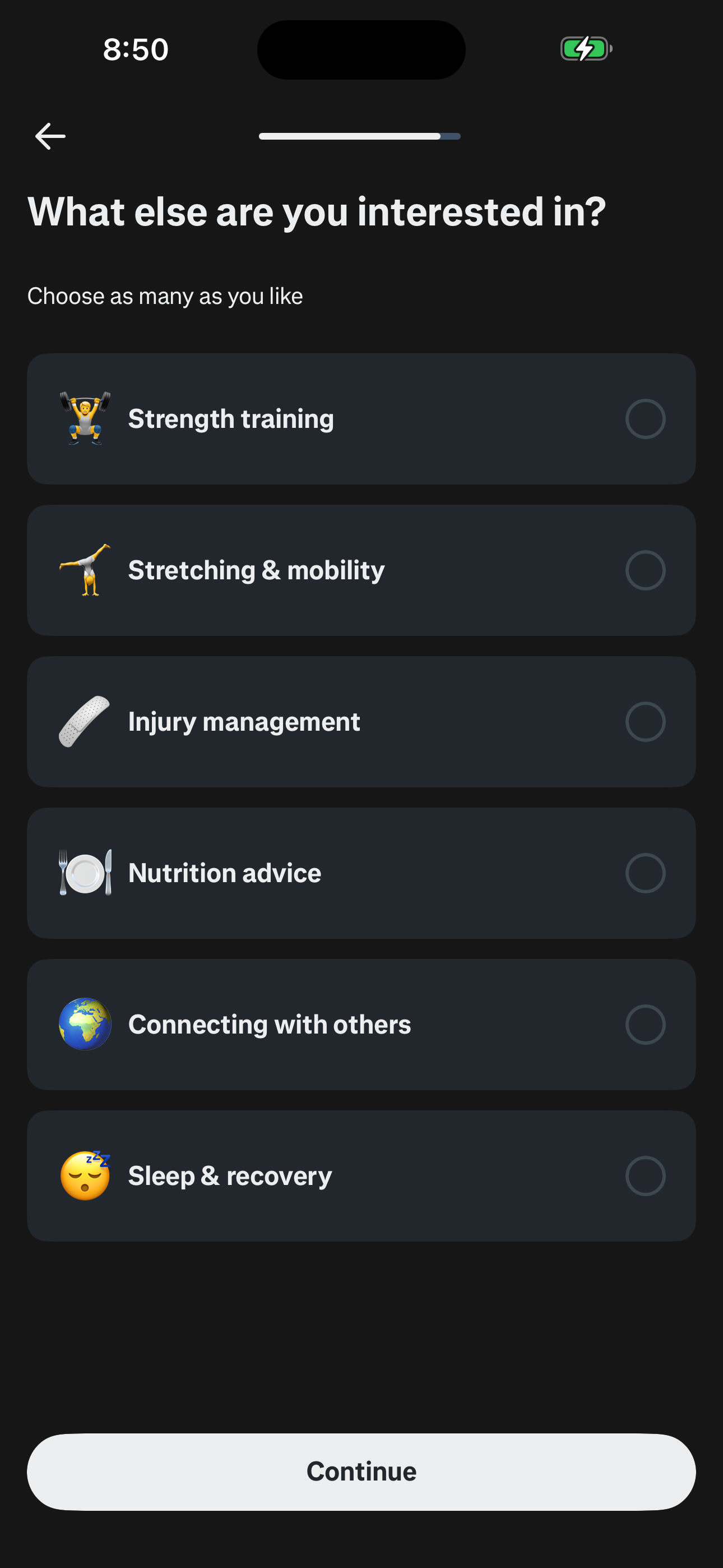
Step 22 in the Runna Sign up and complete onboarding flow. Atlas detected 5 UI elements on this screen.
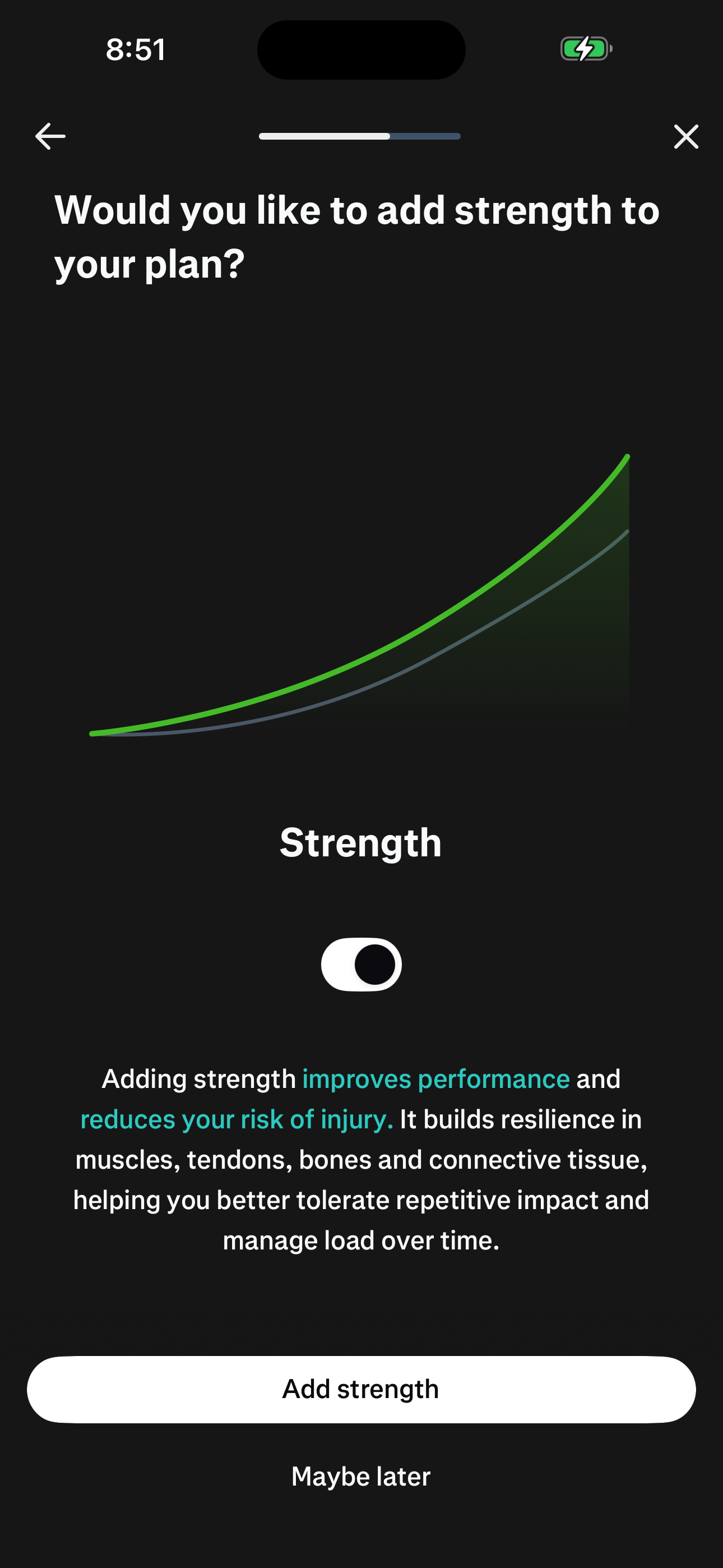
Step 23 in the Runna Sign up and complete onboarding flow. Atlas detected 6 UI elements on this screen.
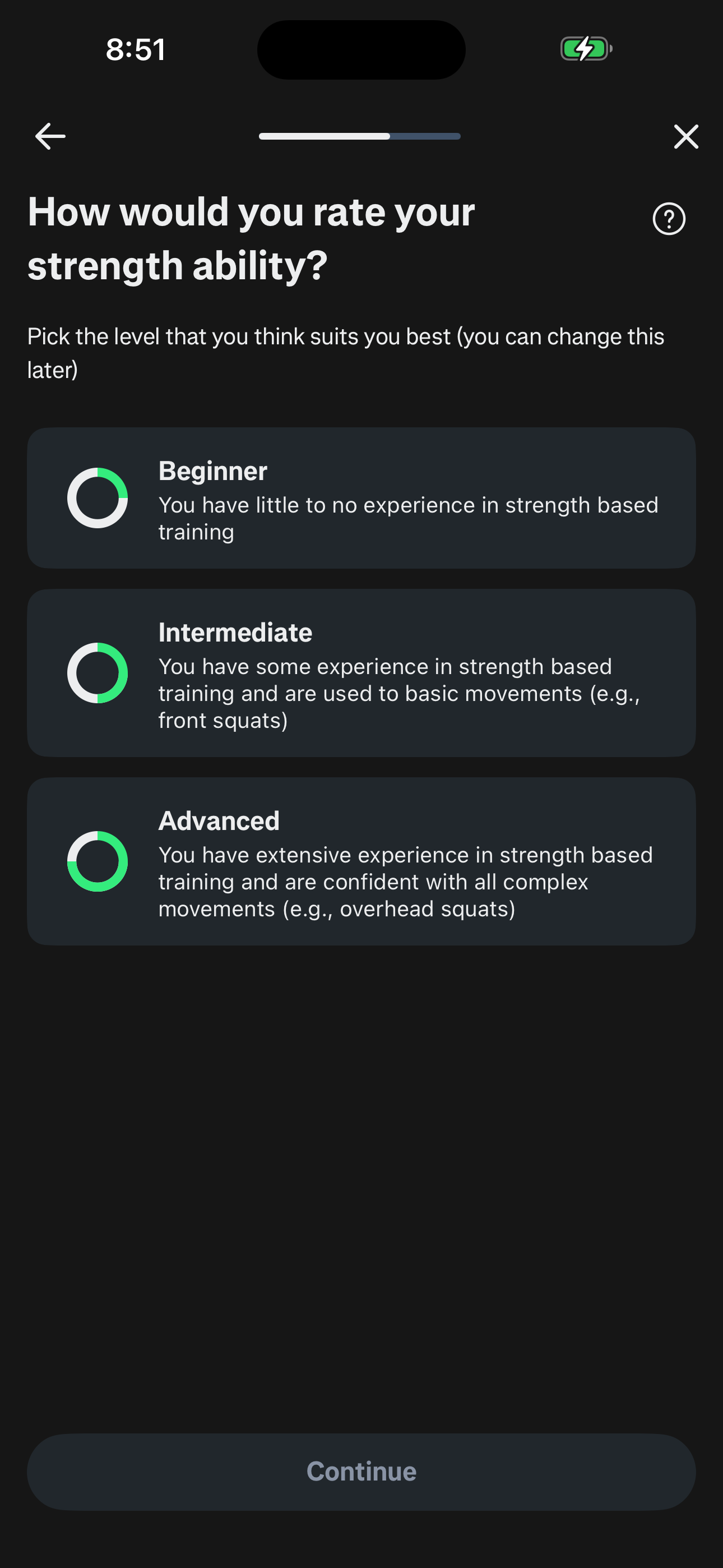
Step 24 in the Runna Sign up and complete onboarding flow. Atlas detected 5 UI elements on this screen.
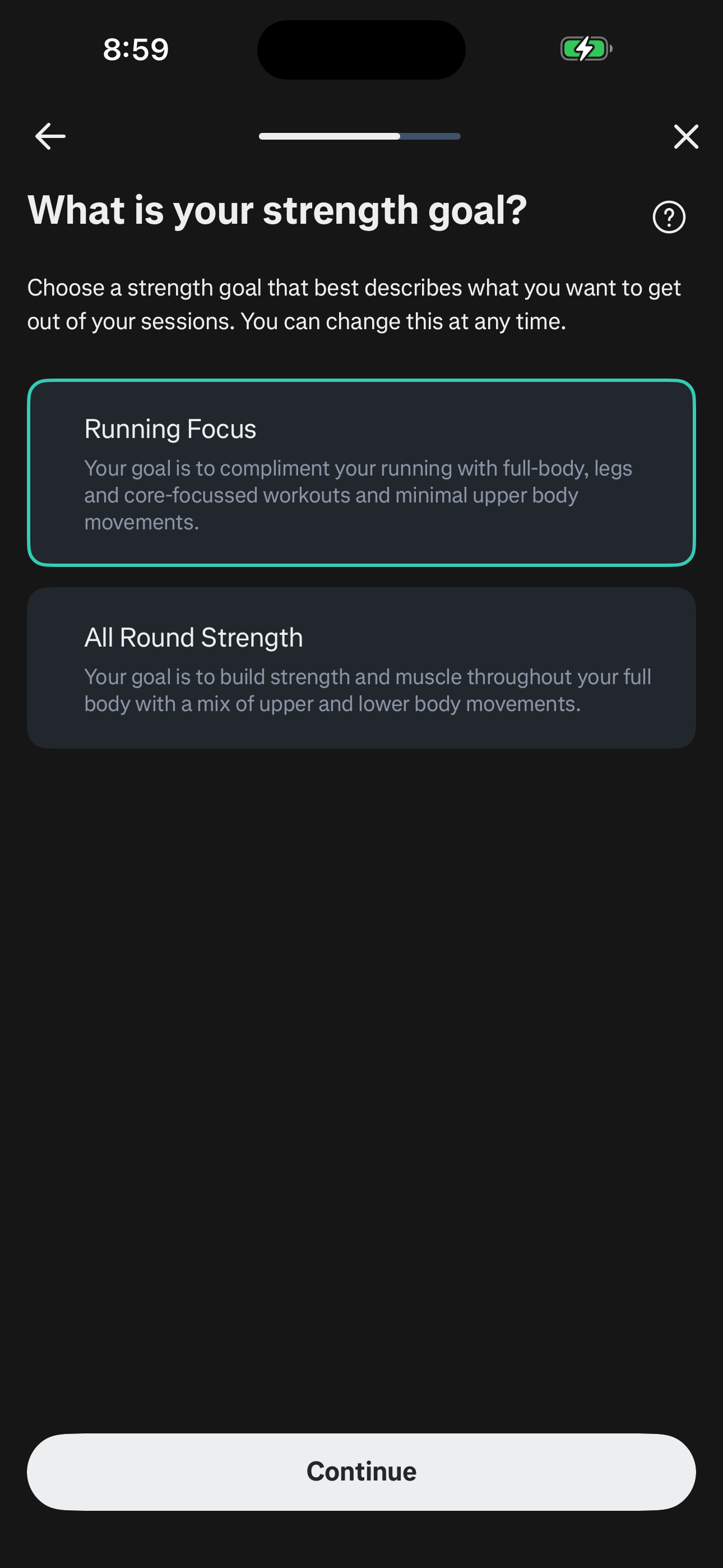
Step 25 in the Runna Sign up and complete onboarding flow. Atlas detected 4 UI elements on this screen.
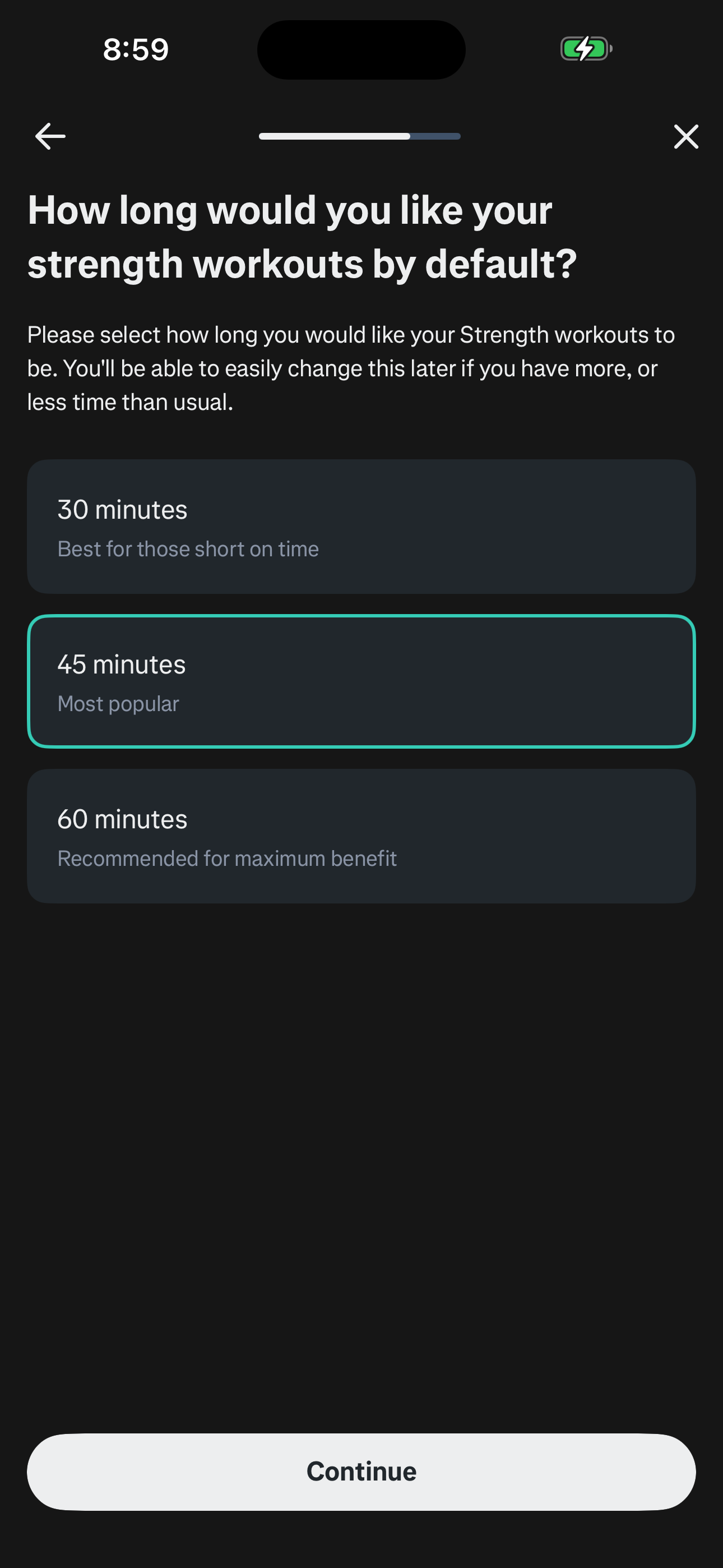
Step 26 in the Runna Sign up and complete onboarding flow. Atlas detected 5 UI elements on this screen.
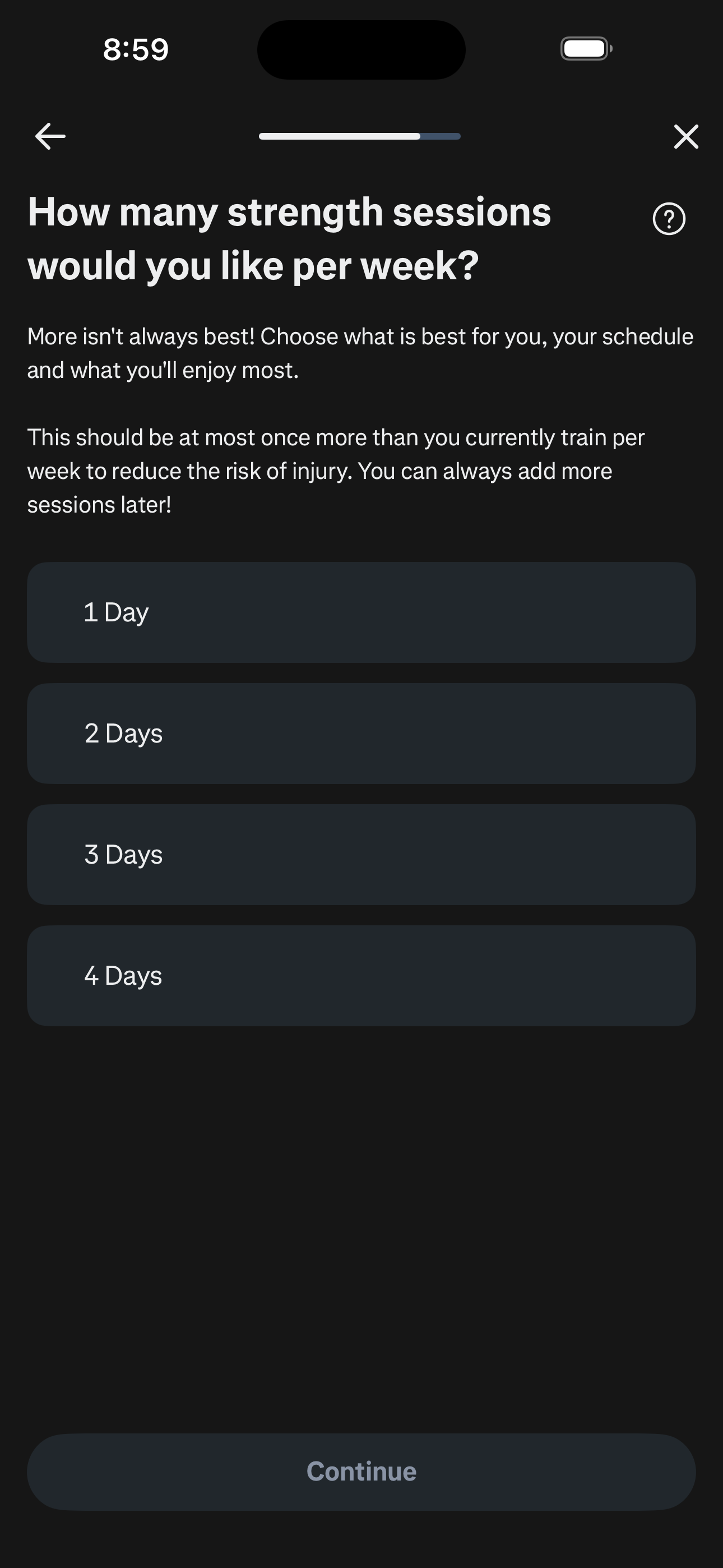
Step 27 in the Runna Sign up and complete onboarding flow. Atlas detected 8 UI elements on this screen.
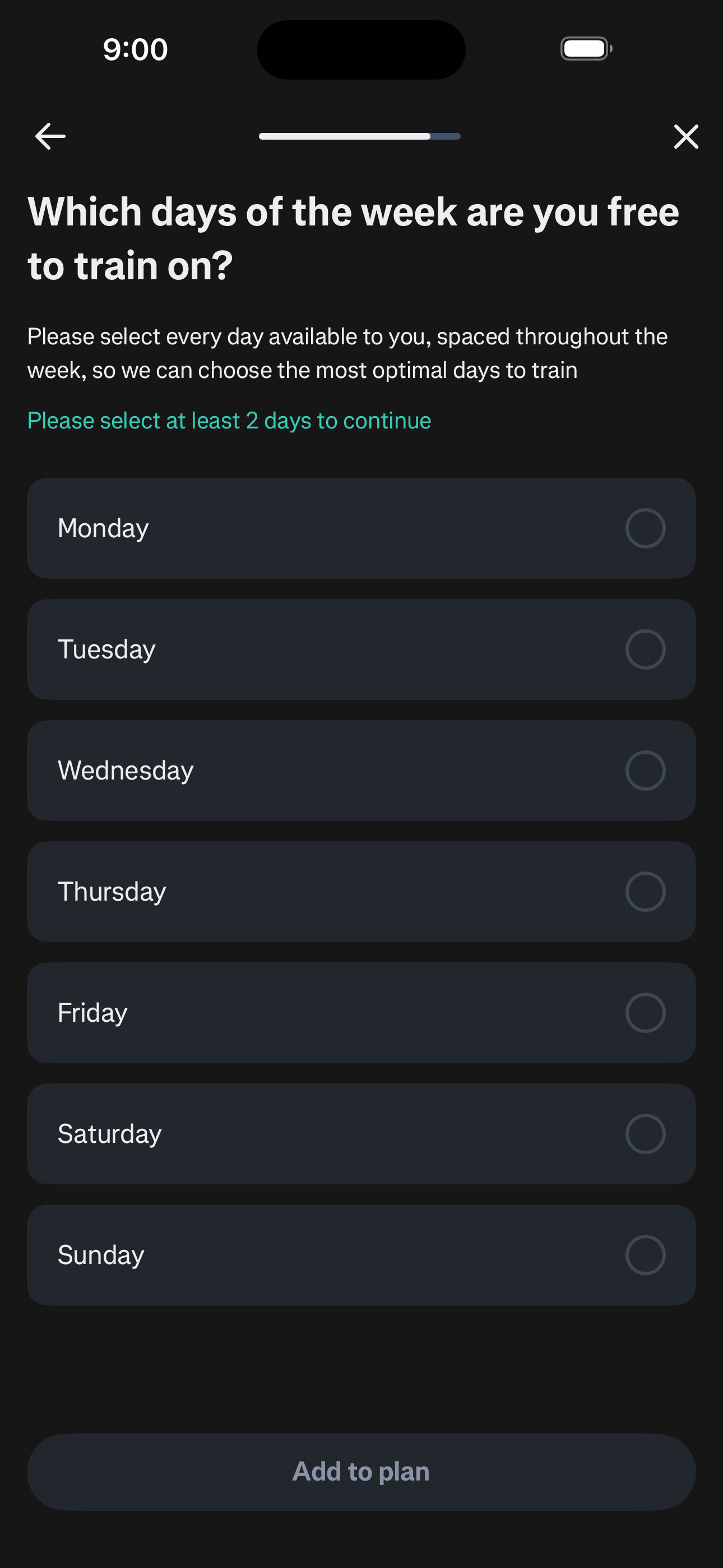
Step 28 in the Runna Sign up and complete onboarding flow. Atlas detected 9 UI elements on this screen.
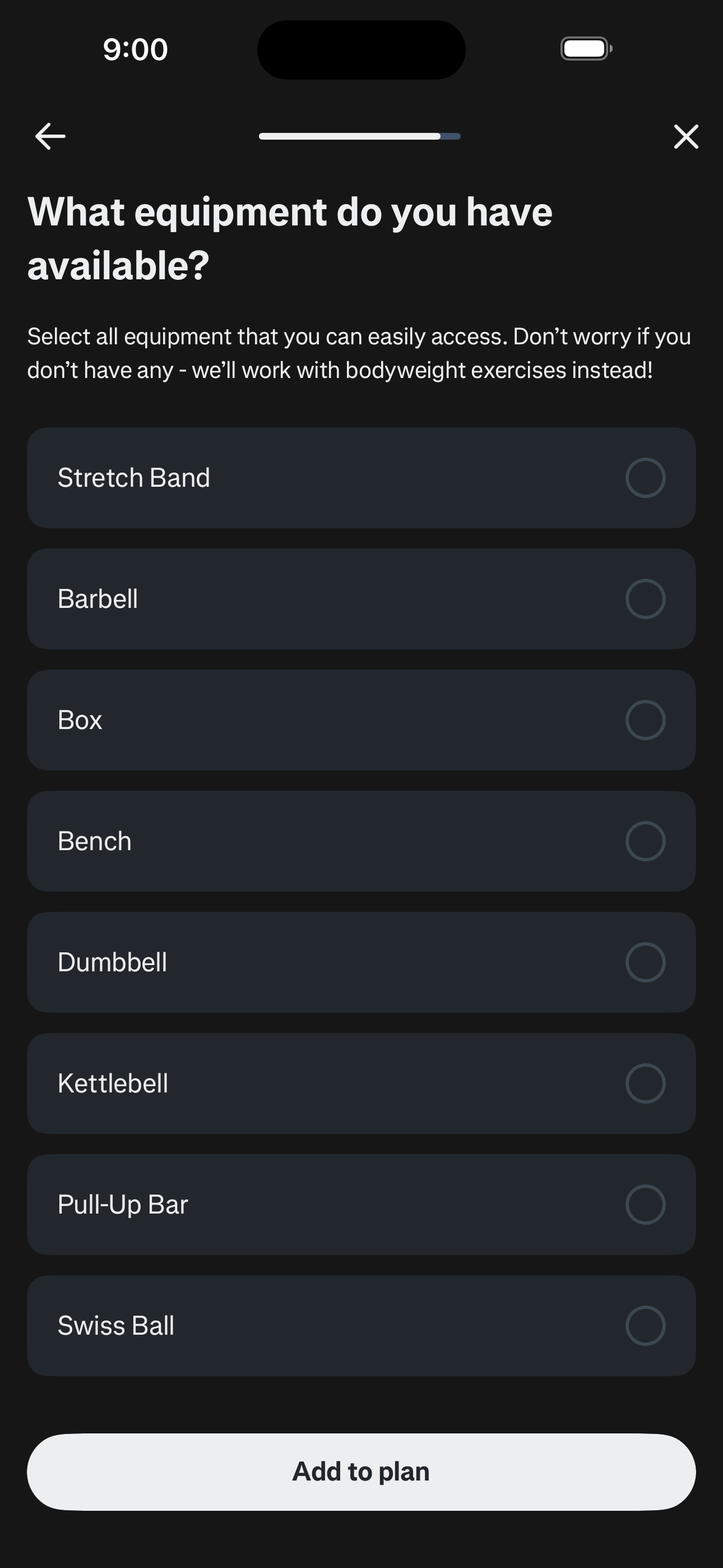
Step 29 in the Runna Sign up and complete onboarding flow. Atlas detected 3 UI elements on this screen.
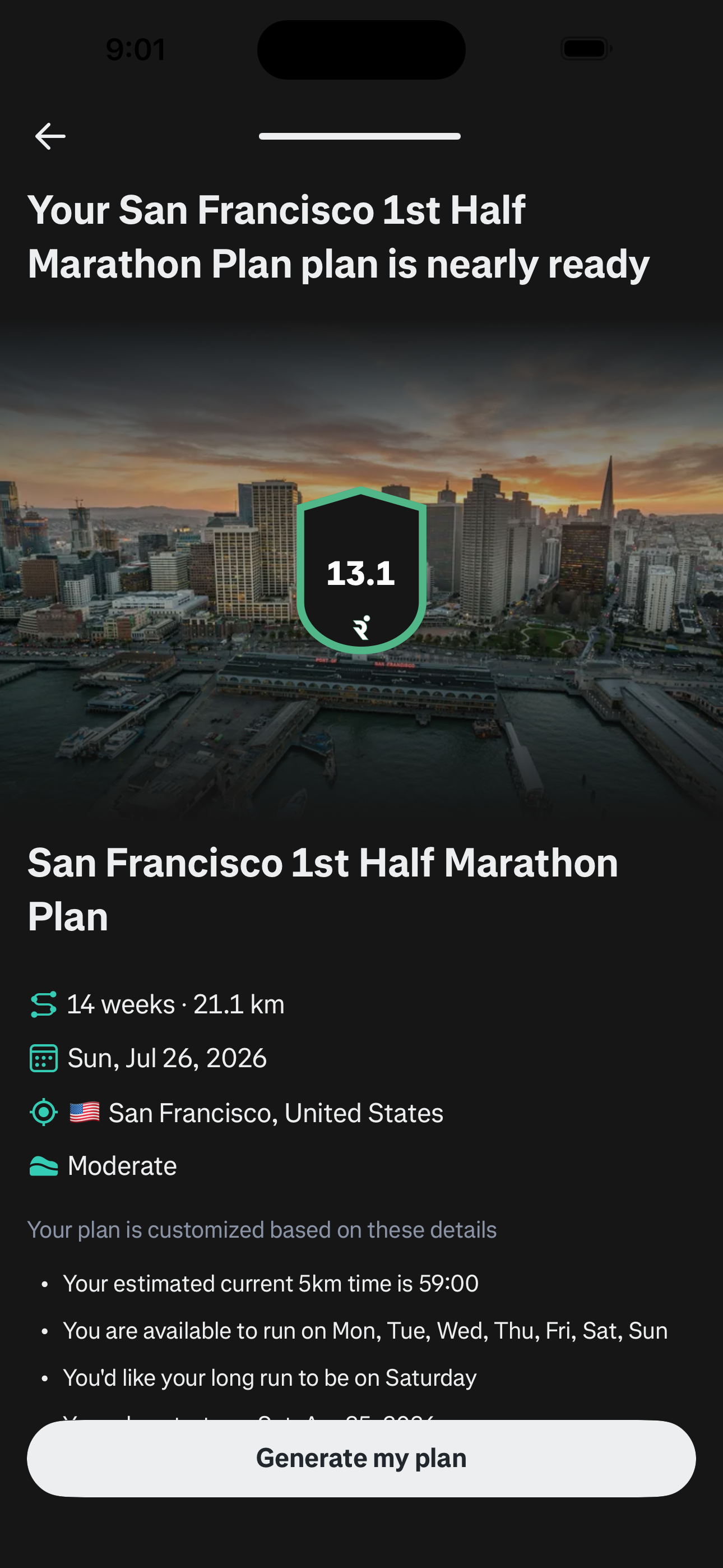
Step 30 in the Runna Sign up and complete onboarding flow. Atlas detected 4 UI elements on this screen.
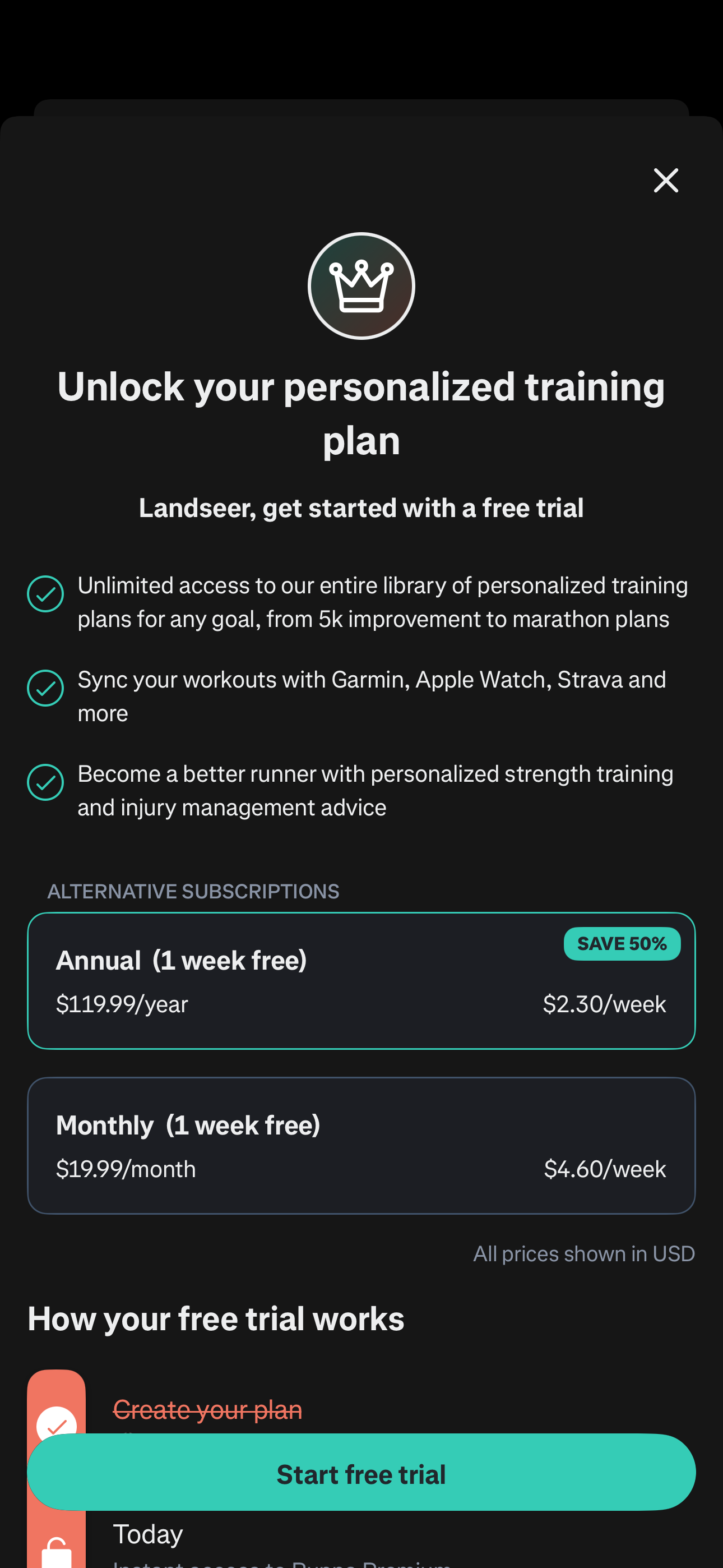
Step 31 in the Runna Sign up and complete onboarding flow. Atlas detected 2 UI elements on this screen.
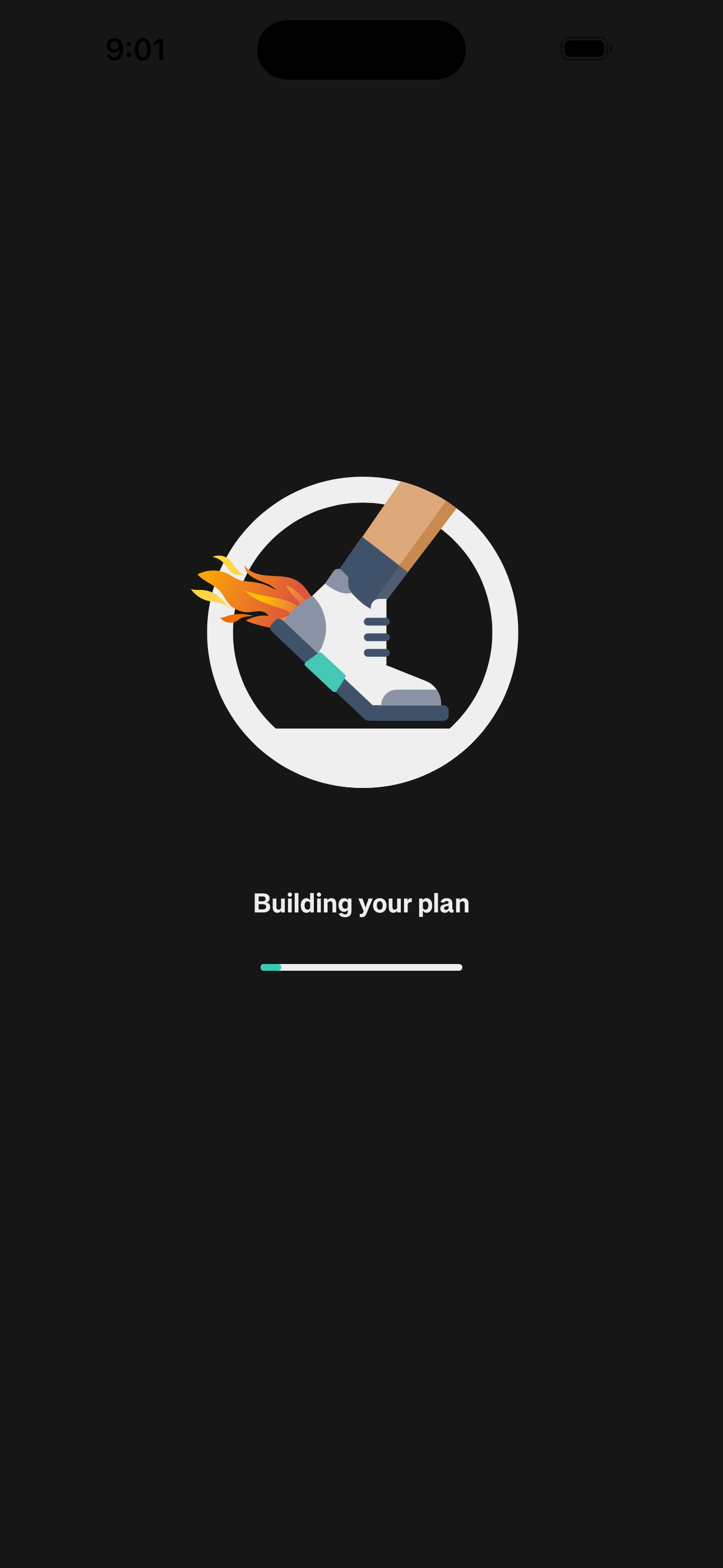
Step 32 in the Runna Sign up and complete onboarding flow. Atlas detected 3 UI elements on this screen.
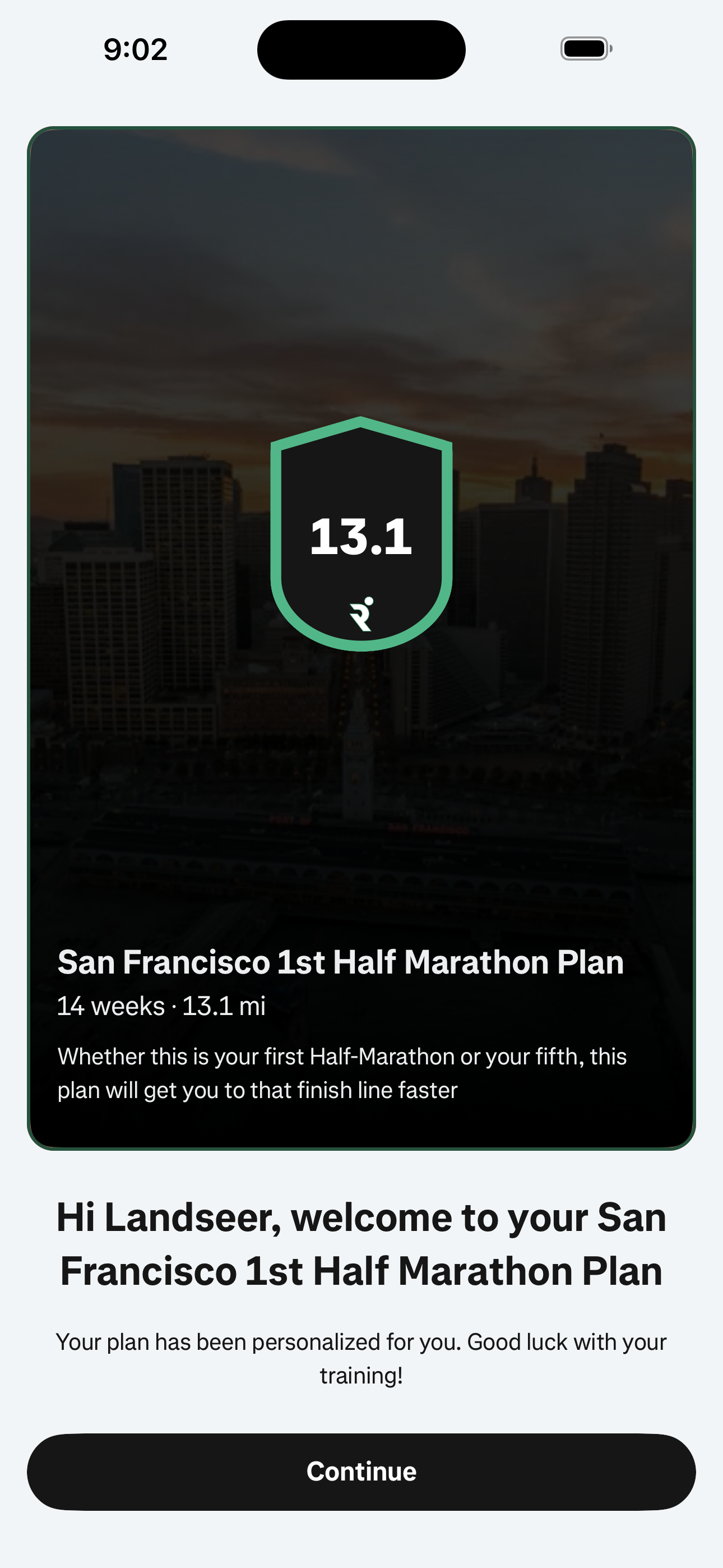
Step 33 in the Runna Sign up and complete onboarding flow. Atlas detected 6 UI elements on this screen.
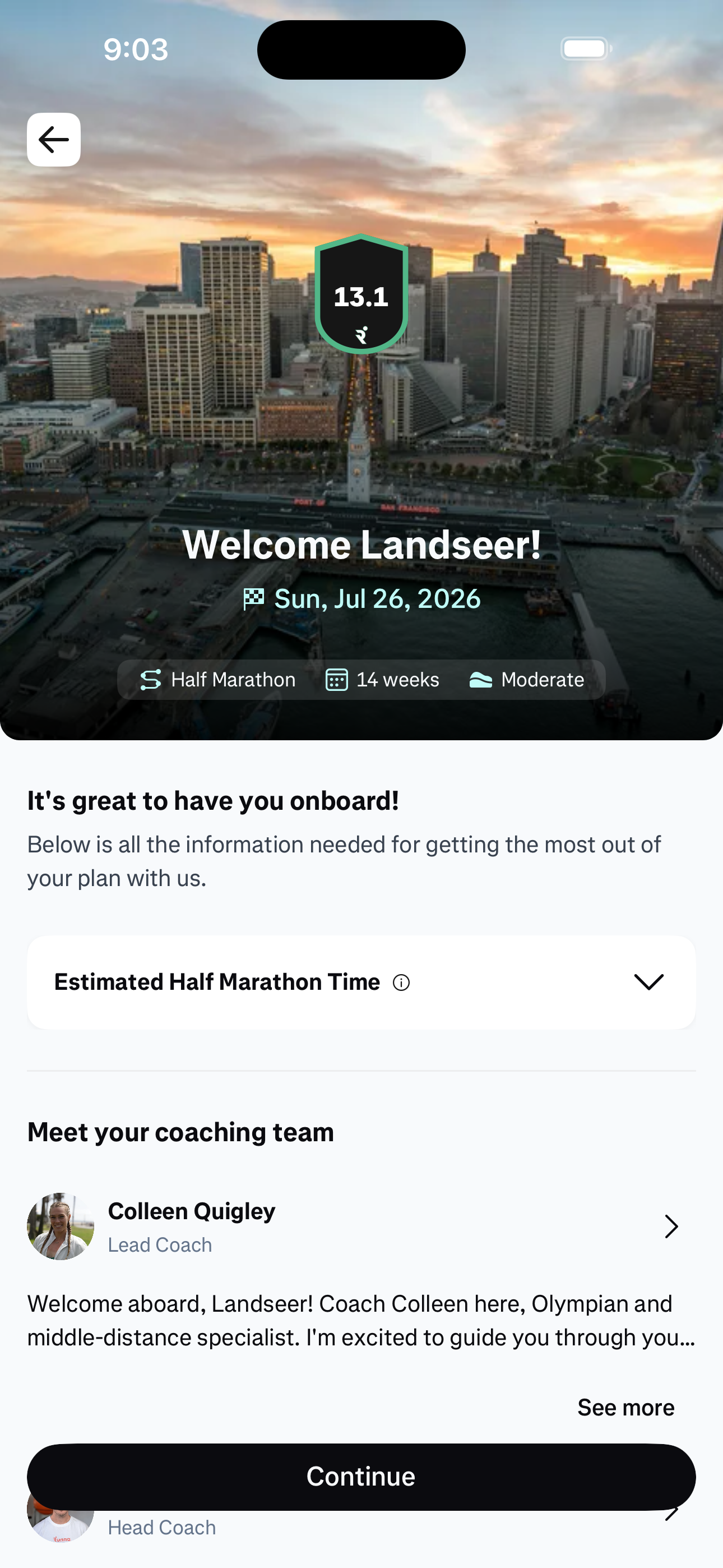
Step 34 in the Runna Sign up and complete onboarding flow. Atlas detected 8 UI elements on this screen.
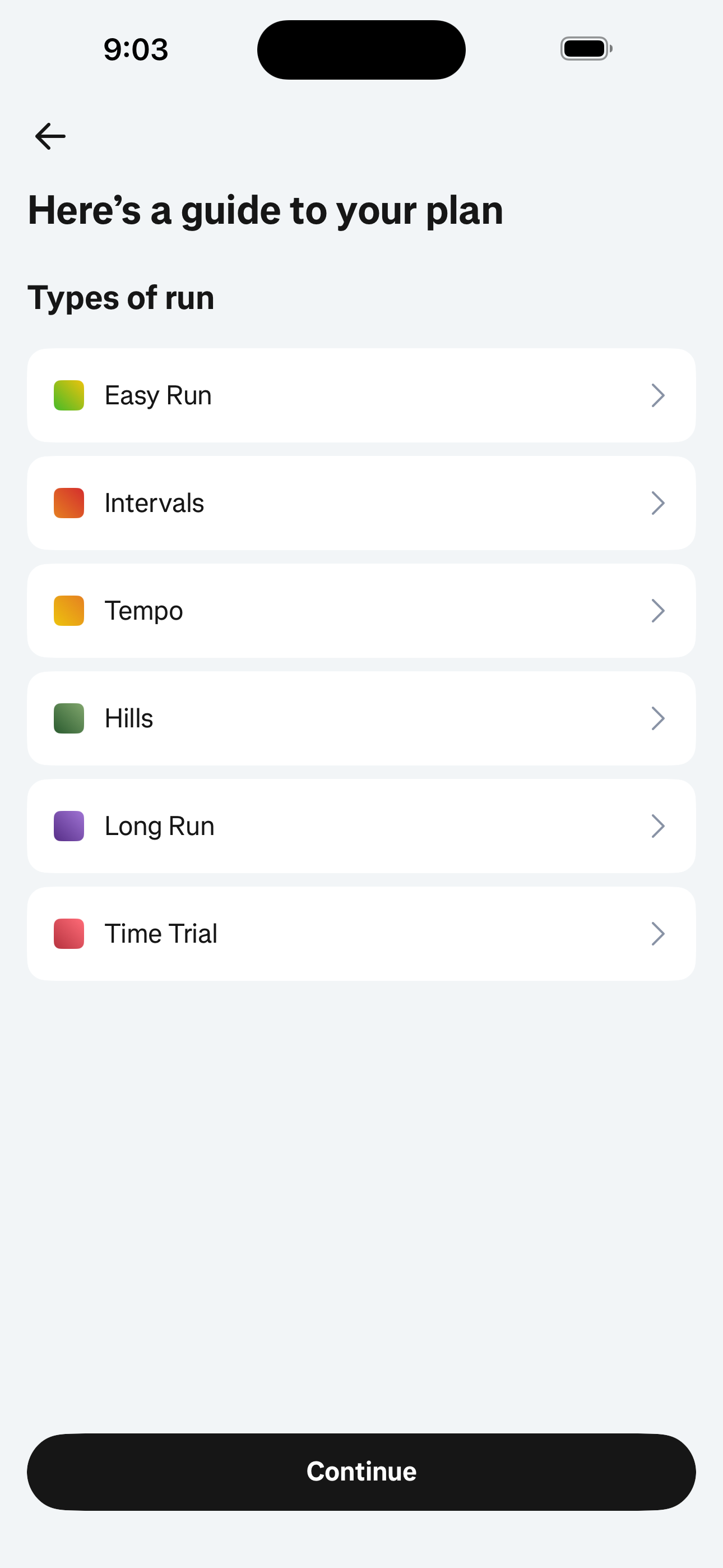
Step 35 in the Runna Sign up and complete onboarding flow. Atlas detected 4 UI elements on this screen.
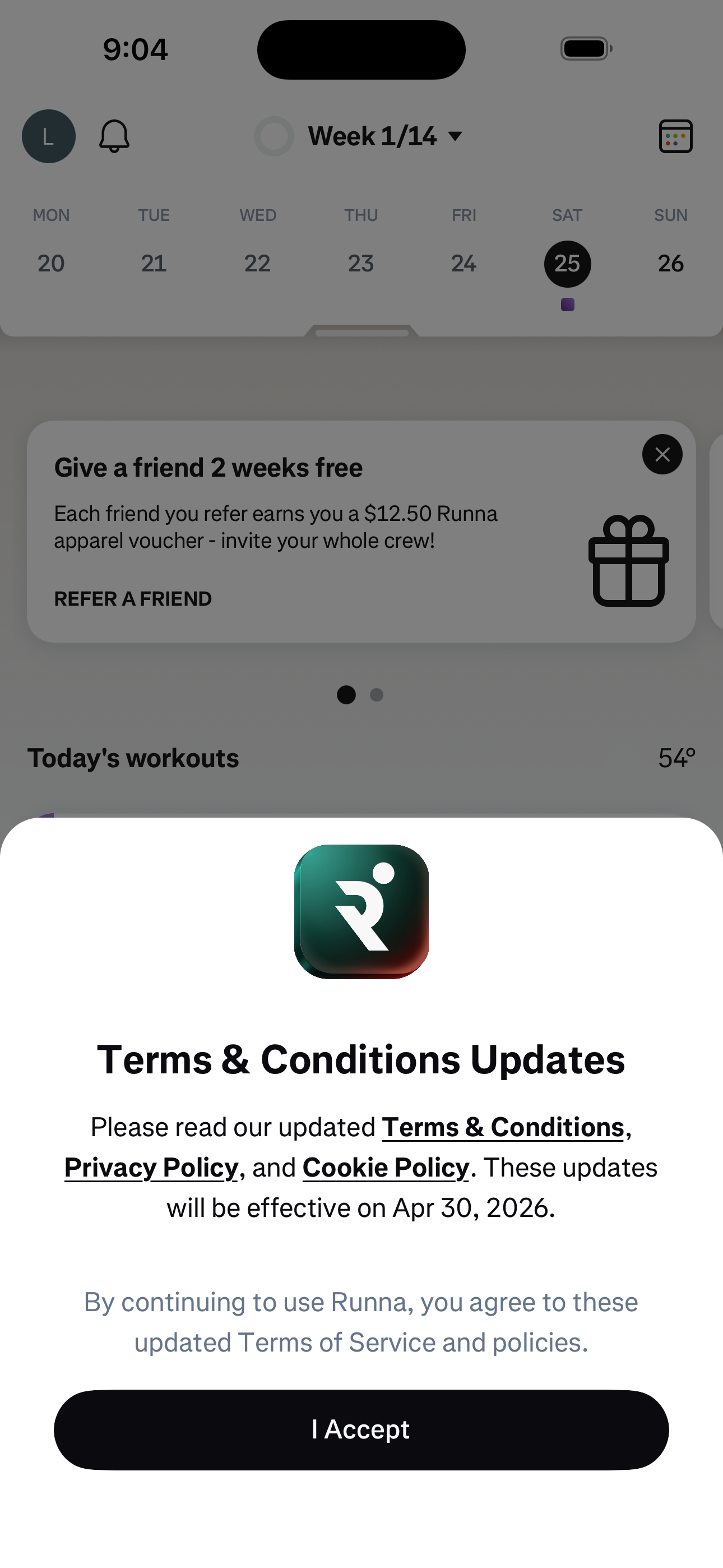
Step 36 in the Runna Sign up and complete onboarding flow. Atlas detected 14 UI elements on this screen.
How to use it
Related flows