
Revyl Atlas report
LinkedIn app screen map and user flows
Revyl Atlas mapped 61 iOS app screens, 62 transitions, 38 user paths, and 568 UI elements in LinkedIn. Use this report for mobile UX research, QA coverage planning, competitive teardown work, and AI agent navigation context.
Research uses
What this LinkedIn app map helps teams inspect
Key journeys
LinkedIn mobile app user flows
Browse home feed
LinkedIn's browse home feed flow moves users from Home Feed to Home Feed across 1 mapped iOS app screen. Use this path for mobile UX teardown work, QA coverage planning, and AI agent navigation context.
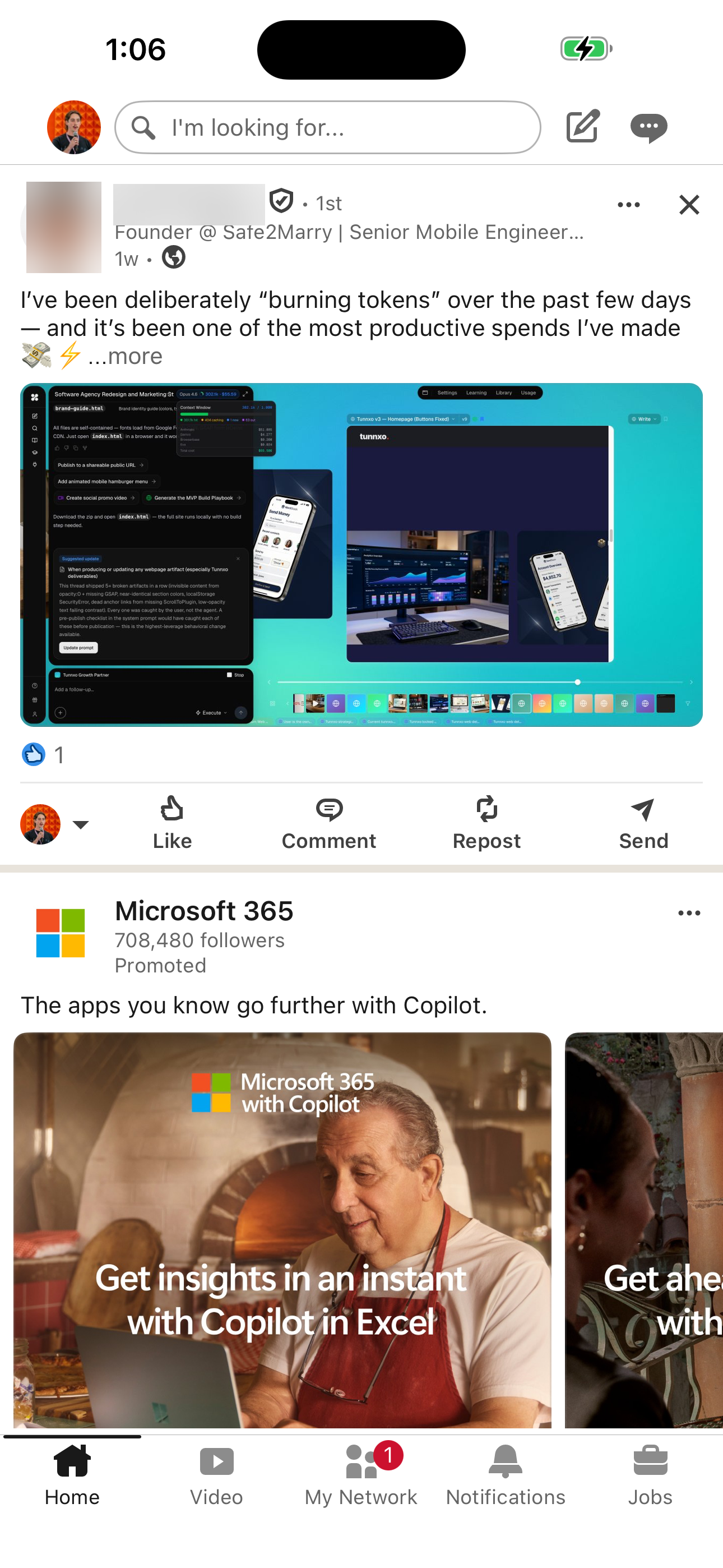
- Home Feed
Browse video feed
LinkedIn's browse video feed flow moves users from Home Feed to Video Feed across 2 mapped iOS app screens. Use this path for mobile UX teardown work, QA coverage planning, and AI agent navigation context.
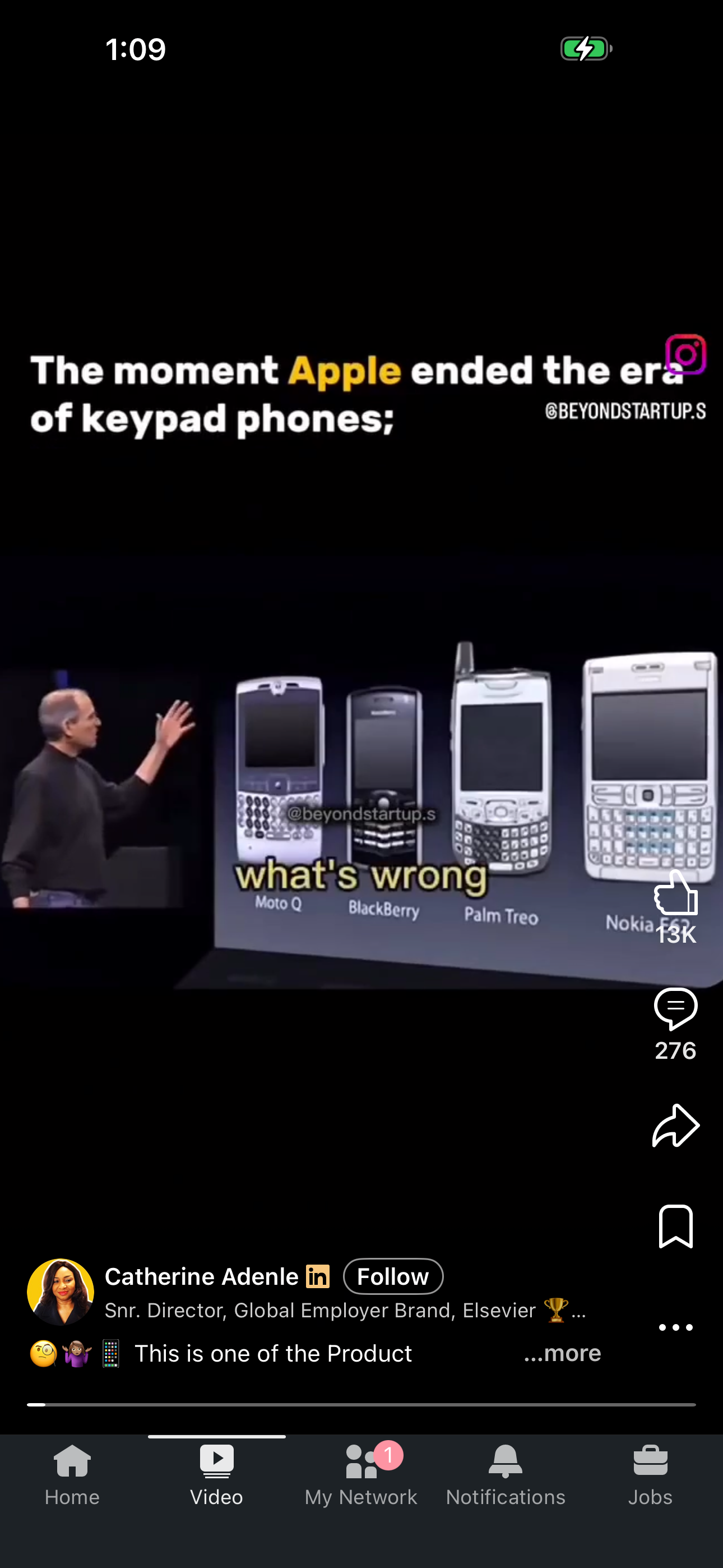
- Home Feed
- Video Feed
View post detail
LinkedIn's view post detail flow moves users from Home Feed to Post Detail across 2 mapped iOS app screens. Use this path for mobile UX teardown work, QA coverage planning, and AI agent navigation context.
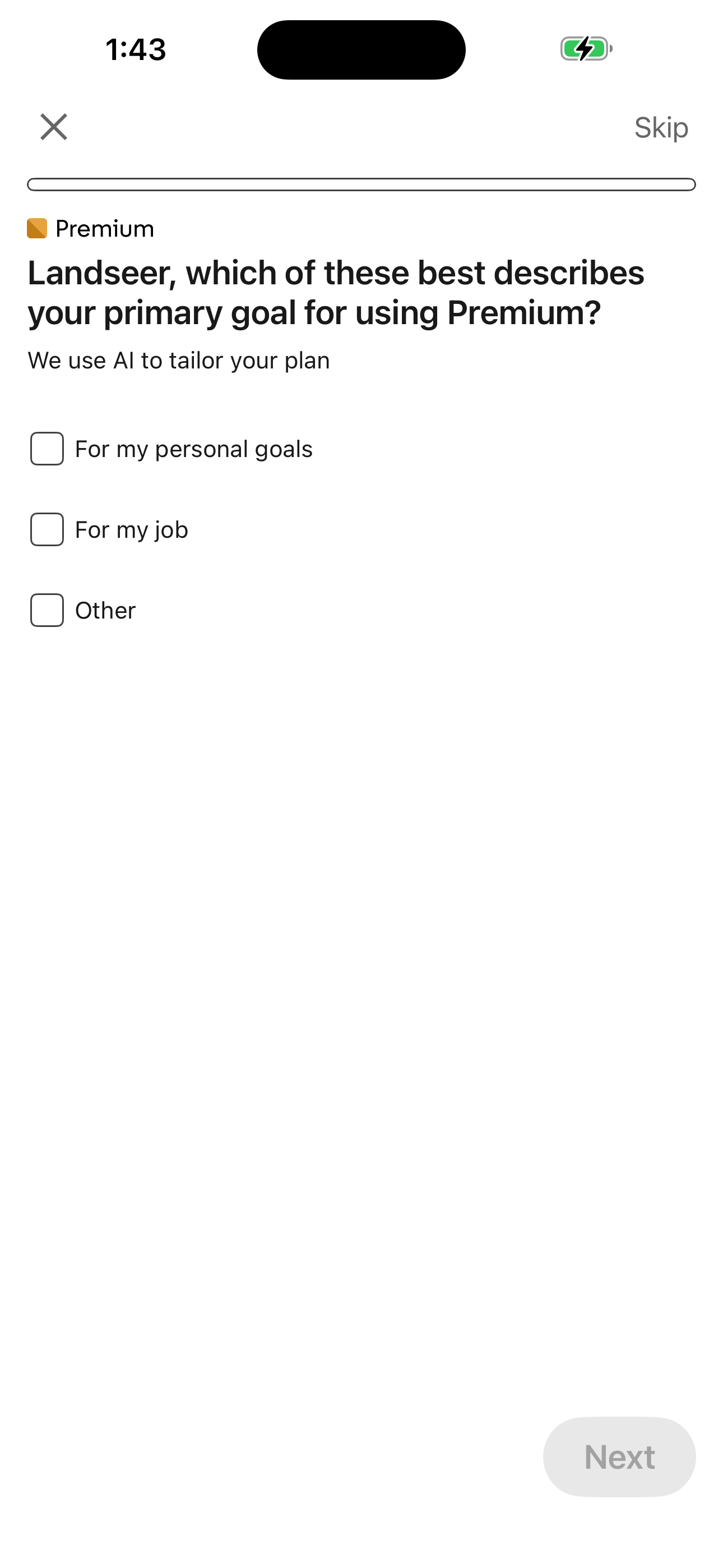
- Home Feed
- Post Detail
Open post comments
LinkedIn's open post comments flow moves users from Home Feed to Post Comments (empty) across 2 mapped iOS app screens. Use this path for mobile UX teardown work, QA coverage planning, and AI agent navigation context.
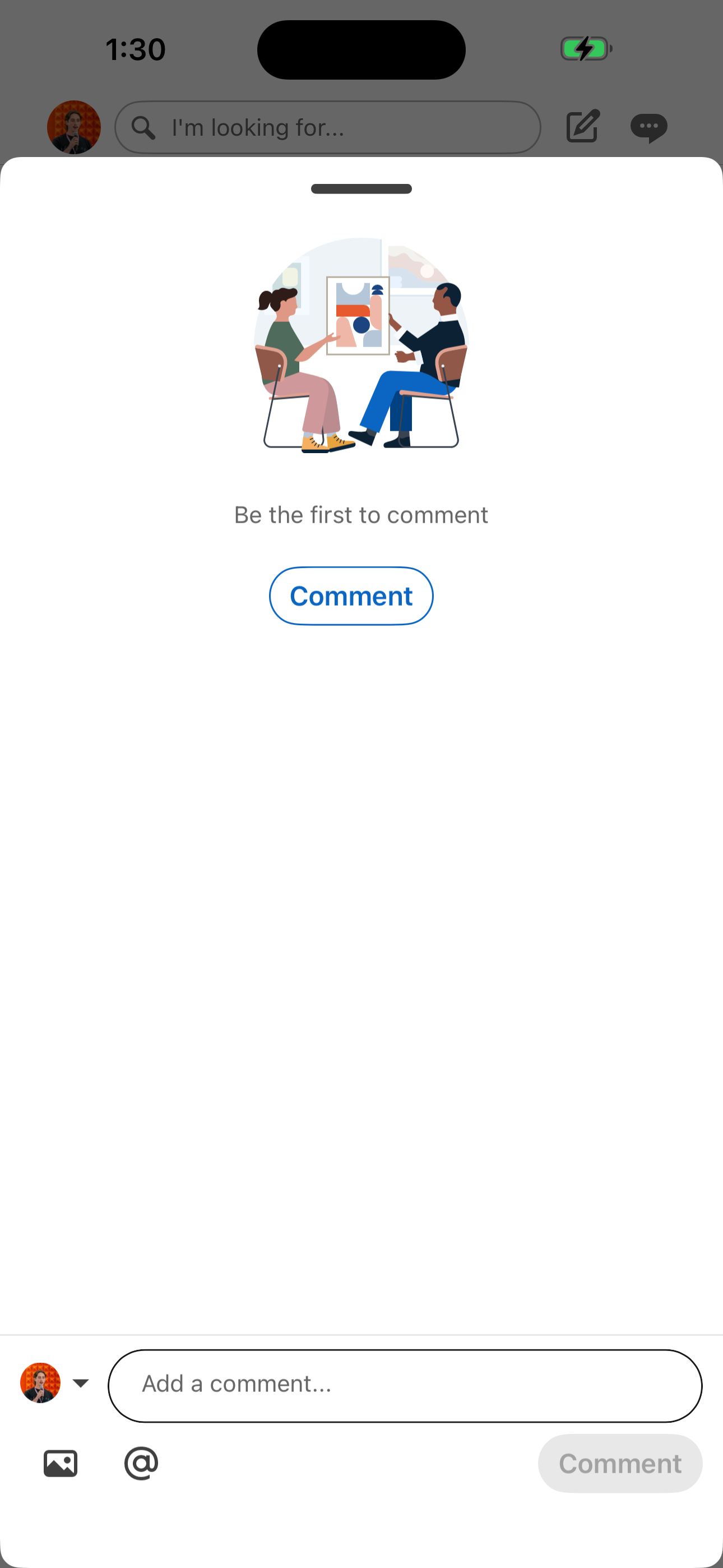
- Home Feed
- Post Comments (empty)
View post media
LinkedIn's view post media flow moves users from Home Feed to Media Viewer across 2 mapped iOS app screens. Use this path for mobile UX teardown work, QA coverage planning, and AI agent navigation context.
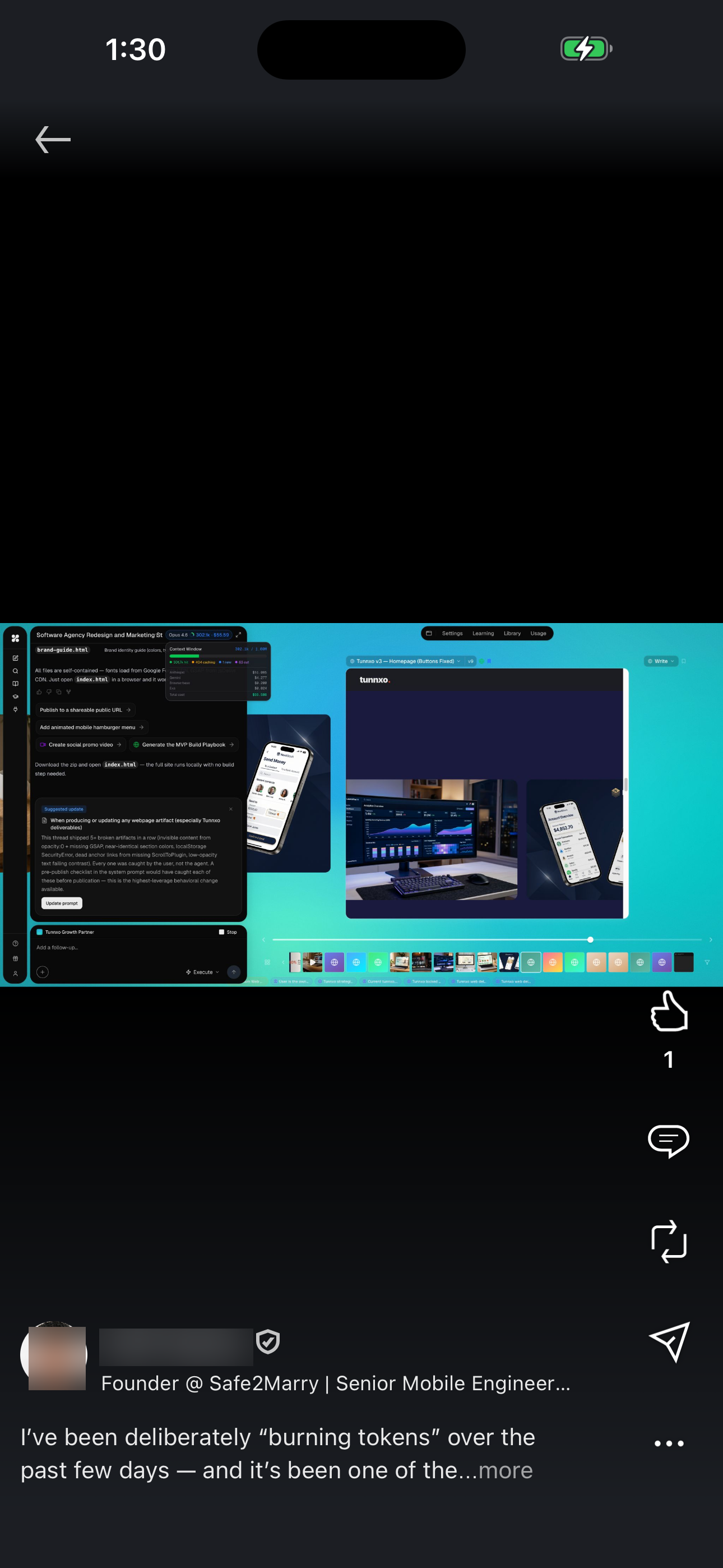
- Home Feed
- Media Viewer
Share a post
LinkedIn's share a post flow moves users from Home Feed to Post Share (Send as message) across 2 mapped iOS app screens. Use this path for mobile UX teardown work, QA coverage planning, and AI agent navigation context.
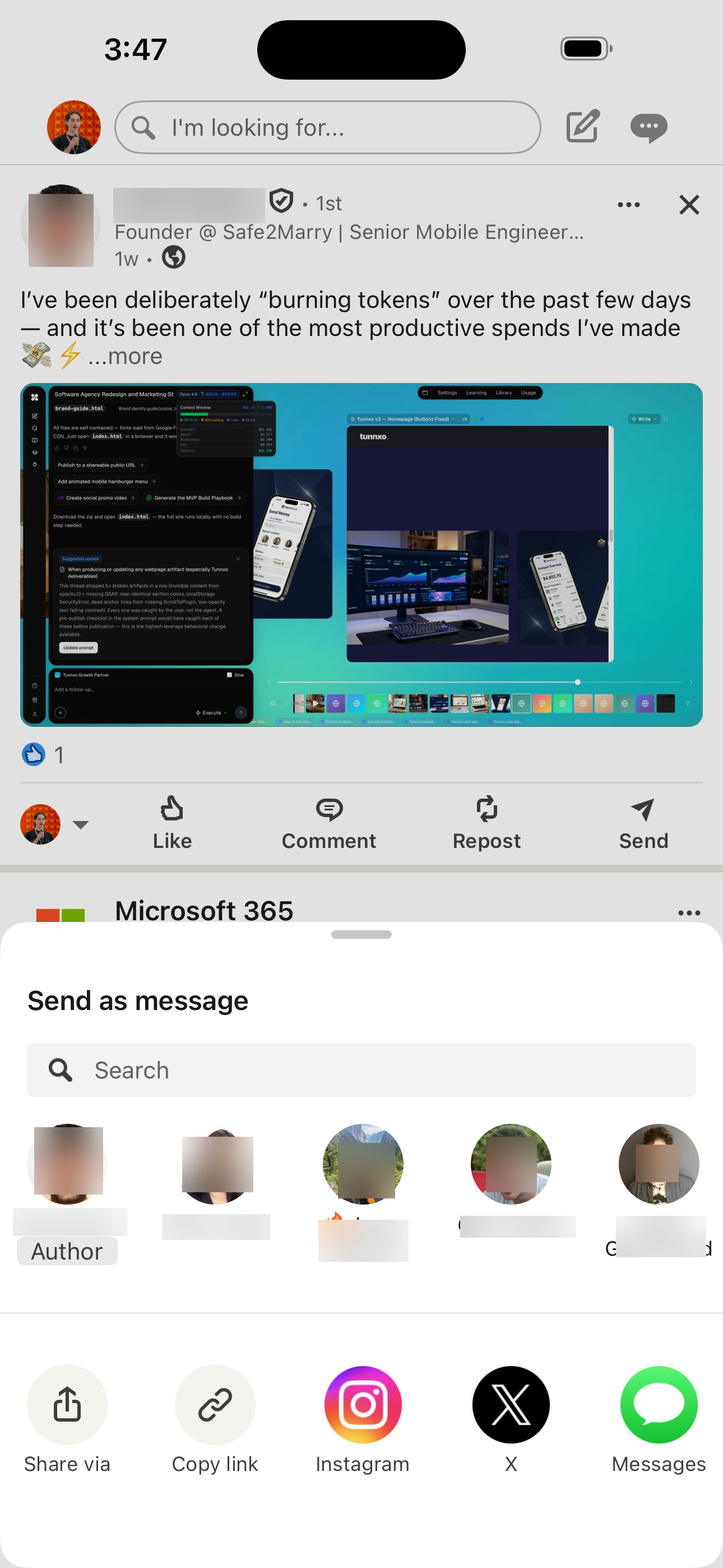
- Home Feed
- Post Share (Send as message)
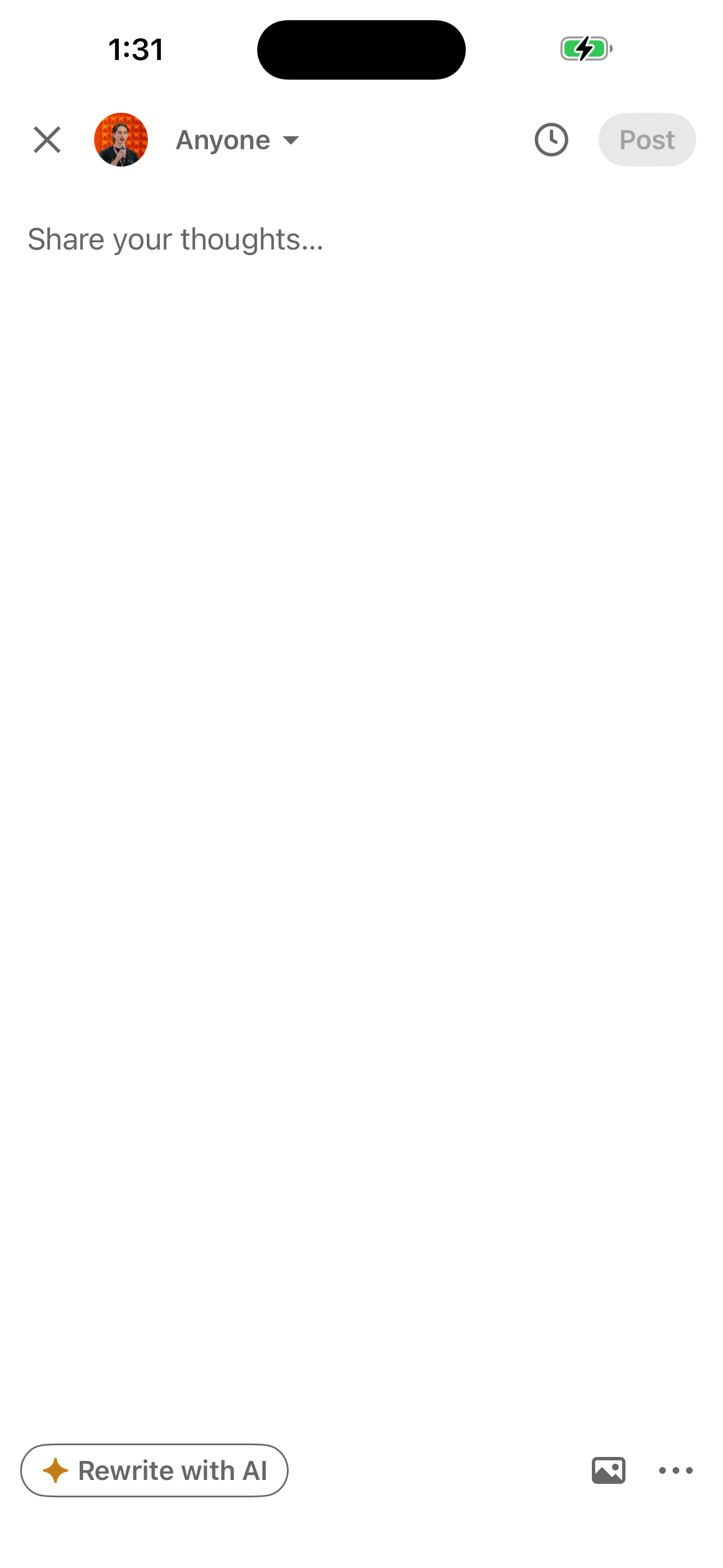
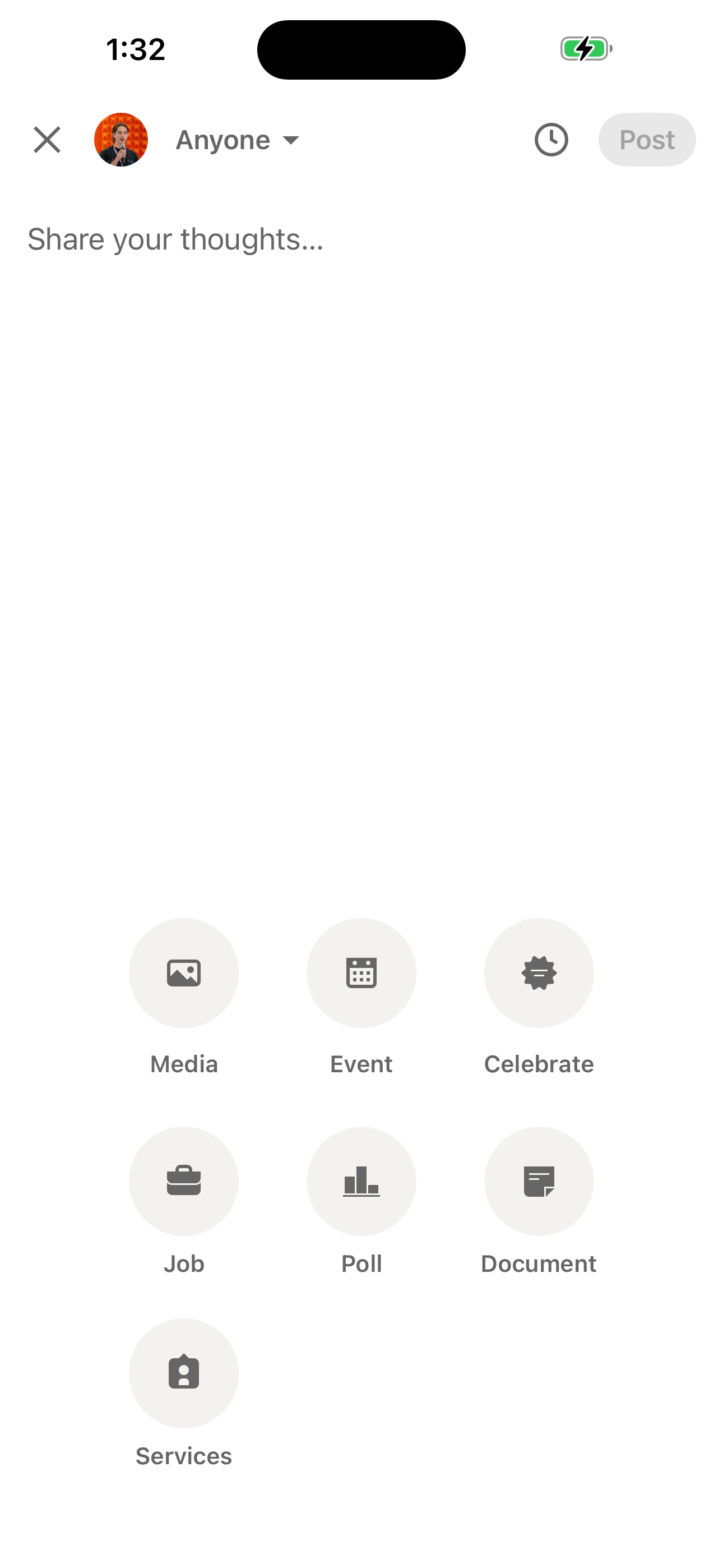
Compose a post (with attach)
LinkedIn's compose a post (with attach) flow moves users from Home Feed to Composer Attachment Grid across 3 mapped iOS app screens. Use this path for mobile UX teardown work, QA coverage planning, and AI agent navigation context.
- Home Feed
- Post Composer
- Composer Attachment Grid
Compose a post (set visibility)
LinkedIn's compose a post (set visibility) flow moves users from Home Feed to Post Visibility (sheet) across 3 mapped iOS app screens. Use this path for mobile UX teardown work, QA coverage planning, and AI agent navigation context.
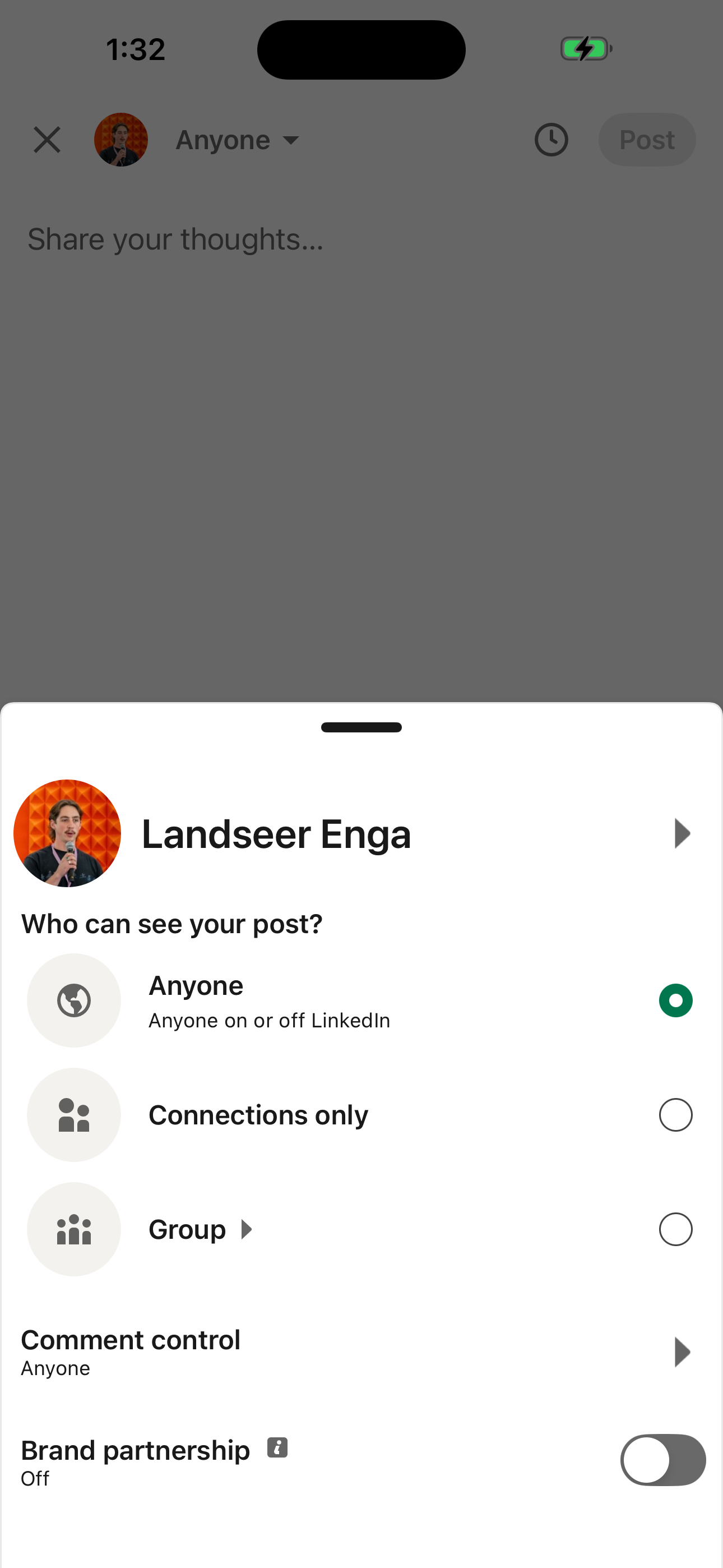
- Home Feed
- Post Composer
- Post Visibility (sheet)
Screen inventory
High-density screens in the LinkedIn app
UI inventory
Interface elements found by Atlas
Related maps