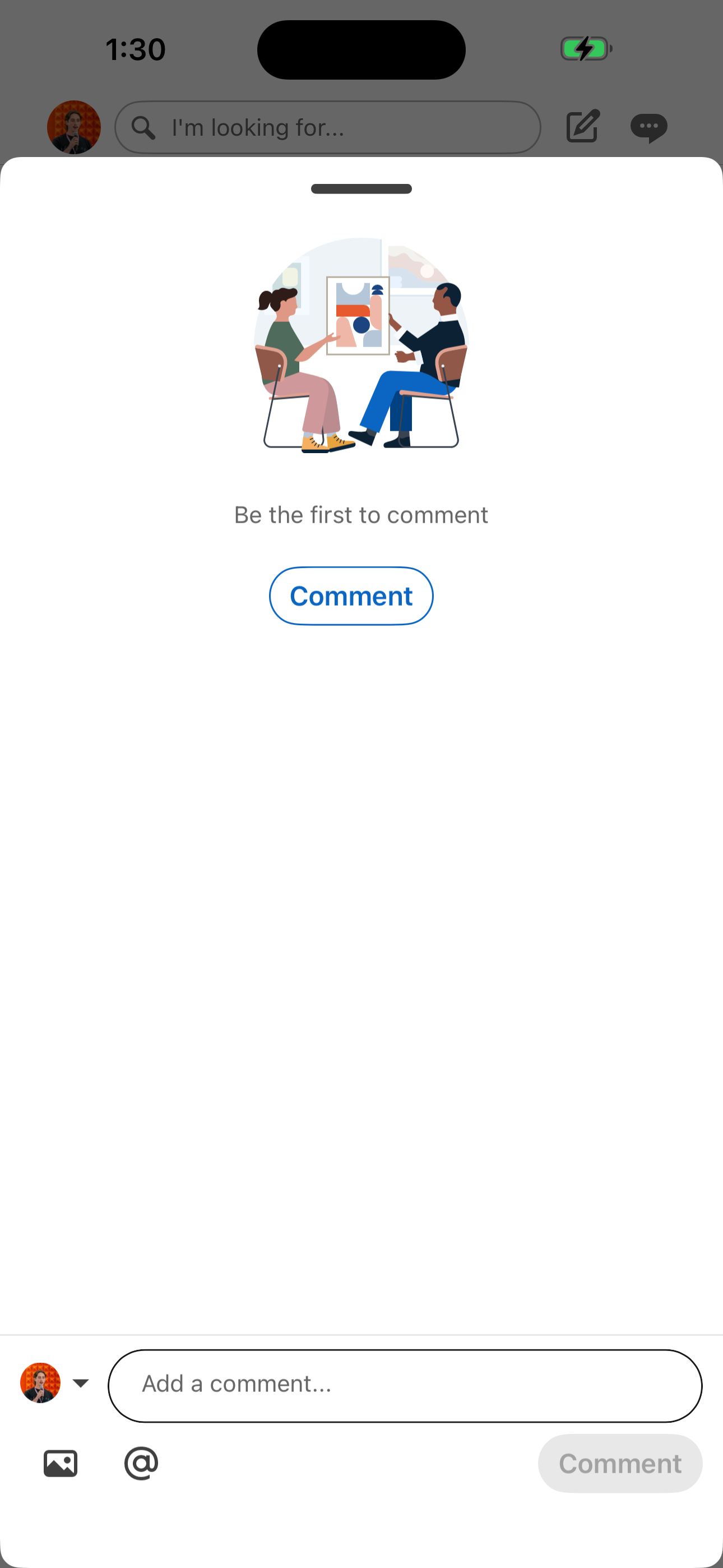
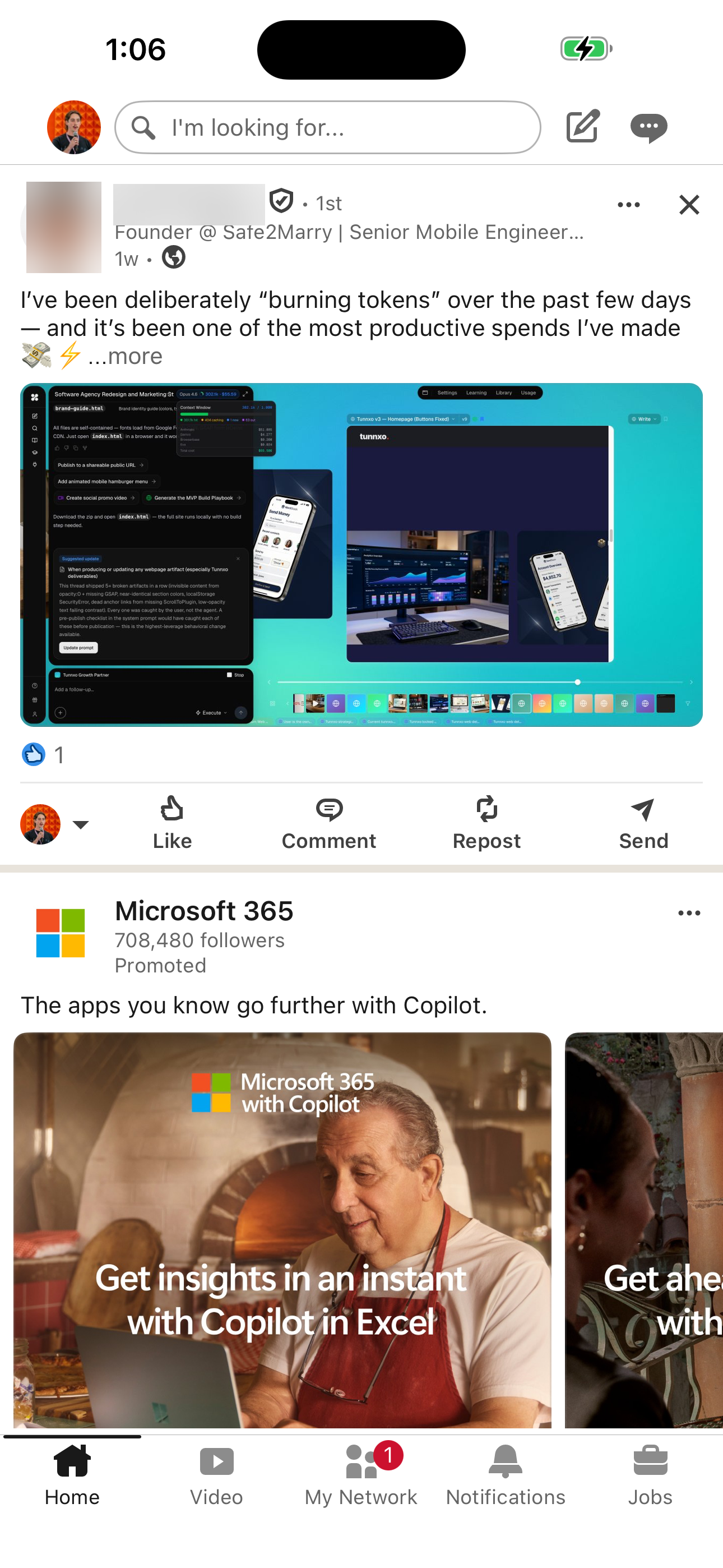
LinkedIn's open post comments flow moves users from Home Feed to Post Comments (empty) across 2 mapped iOS app screens. Use this path for mobile UX teardown work, QA coverage planning, and AI agent navigation context.
Navigation patternThis flow shows how LinkedIn carries a user from Home Feed to Post Comments (empty) across real app states.
Testing coverageThe screen path gives QA and product teams concrete screens to verify, including visible UI density, transition order, and repeated mobile states.
Agent groundingAtlas makes this journey usable as navigation context for AI agents that need to understand the app before executing mobile tasks.
Screen path
LinkedIn Open post comments screenshots
This page is a crawlable breakdown of one real mobile journey. The screenshots, step labels, and element counts make the LinkedIn Open post comments path easier to compare against competing apps, reproduce during QA planning, and reuse as structured navigation context for app automation.
01
Home Feed
Step 1 in the LinkedIn Open post comments flow. Atlas detected 14 UI elements on this screen.
Home Feed
02
Post Comments (empty)
Step 2 in the LinkedIn Open post comments flow. Atlas detected 7 UI elements on this screen.
Post Comments (empty)
How to use it
Apply this flow to product and testing work
For product researchUse the ordered path to understand which screens appear before and after key actions, how much interface density the user sees, and where the app introduces extra decisions or interruptions.
For QA planningTurn each screen in the path into a coverage checkpoint. The screenshot sequence helps teams verify expected states, navigation transitions, and UI inventory without manually rediscovering the journey.
 Revyl
Revyl