Calm app screen map and user flows

Revyl Atlas mapped 49 iOS app screens, 77 transitions, 20 user paths, and 313 UI elements in Calm. Use this report for mobile UX research, QA coverage planning, competitive teardown work, and AI agent navigation context.

Calm

iOS
Read the full report

313 UI elements · 6 flows documented

User flows

Calm user flows mapped screen by screen

Each flow is an ordered path Atlas observed in Calm. Open one to see every screen, the action that leads to the next, and the UI it contains.

path01 · 4 screens

Home to Meditation

Passes through Sleep and Discover on iOS.

  1. 01Home
  2. 02Sleep
  3. 03Discover
  4. 04Meditation

Full path shown

path02 · 4 screens

Home to Music

Passes through Sleep and Discover on iOS.

  1. 01Home
  2. 02Sleep
  3. 03Discover
  4. 04Music

Full path shown

path03 · 7 screens

Home to Auth: Log In (Email)

Passes through Sleep, Discover and 3 other screens on iOS.

  1. 01Home
  2. 02Sleep
  3. 03Discover
  4. 04Mindful Tools
  5. 05Select Sign-In Method

+ 2 more screens

path04 · 6 screens

Home to Check-In: Discard Confirm Dialog

Passes through Sleep, Discover and 2 other screens on iOS.

  1. 01Home
  2. 02Sleep
  3. 03Discover
  4. 04Mindful Tools
  5. 05Select Sign-In Method

+ 1 more screens

path05 · 7 screens

Home to Auth: Create Account (Email)

Passes through Sleep, Discover and 3 other screens on iOS.

  1. 01Home
  2. 02Sleep
  3. 03Discover
  4. 04Mindful Tools
  5. 05Select Sign-In Method

+ 2 more screens

path06 · 4 screens

Home to Calm Lifestyle

Passes through Sleep and Discover on iOS.

  1. 01Home
  2. 02Sleep
  3. 03Discover
  4. 04Calm Lifestyle

Full path shown

Screen inventory

Every mapped Calm screen as Atlas saw it

49 screens captured on iOS. Each one is drawn from the elements Atlas detected on it, from search fields to tab bars.
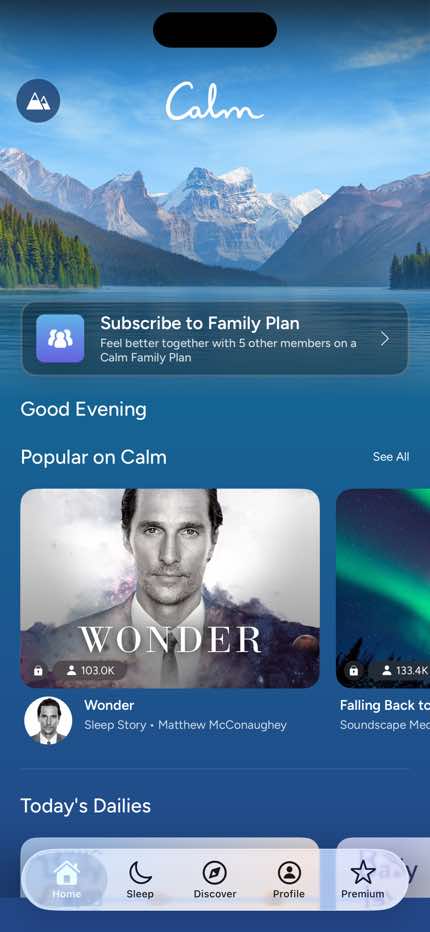
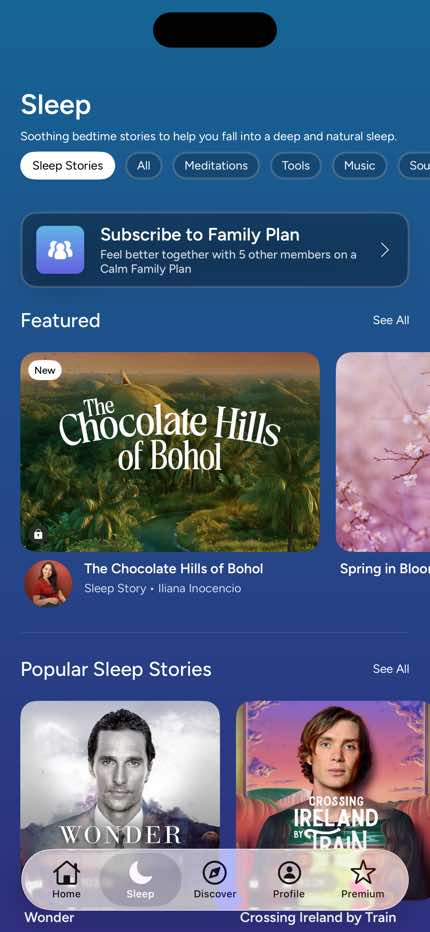
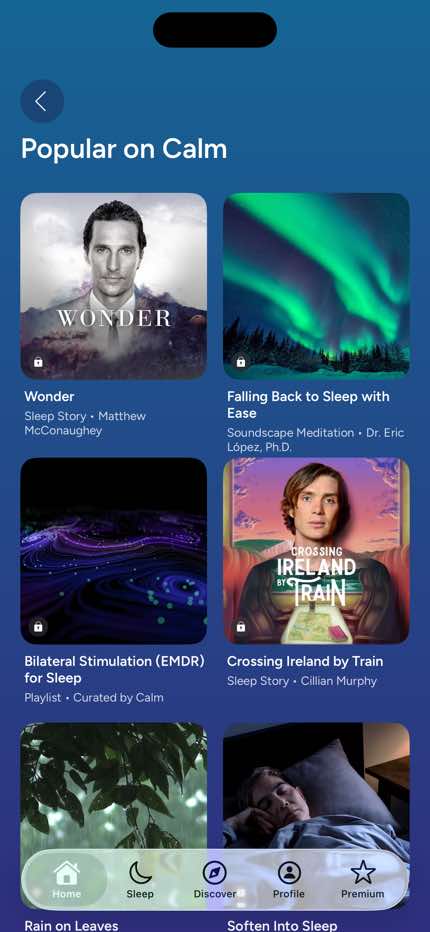
  • Calm Home screen
    Home9 elements
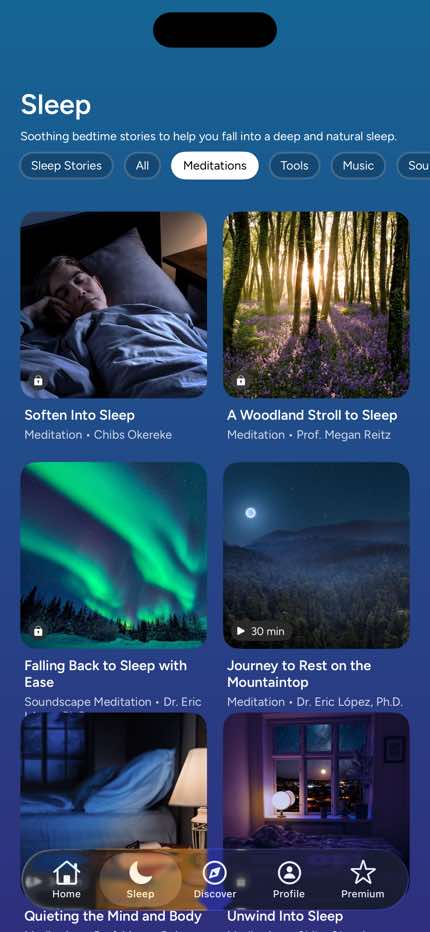
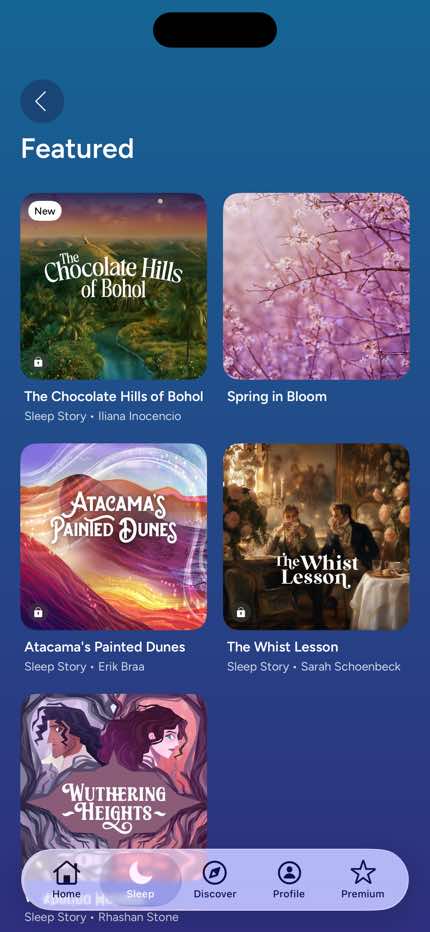
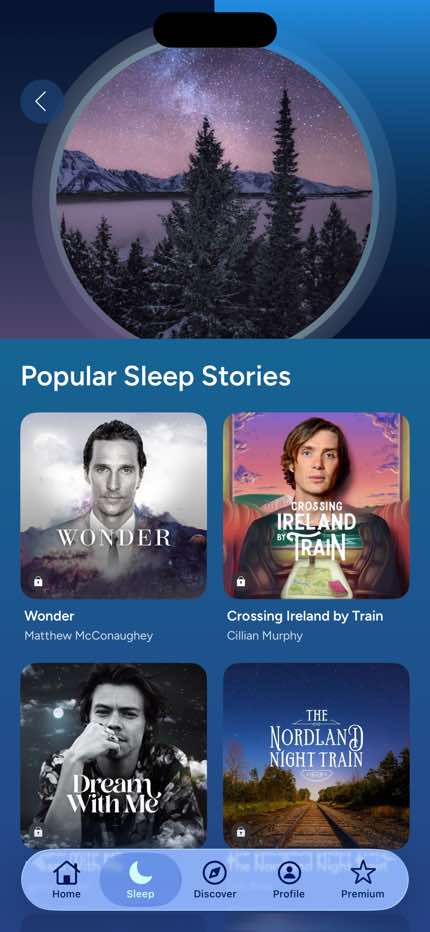
  • Calm Sleep screen
    Sleep11 elements
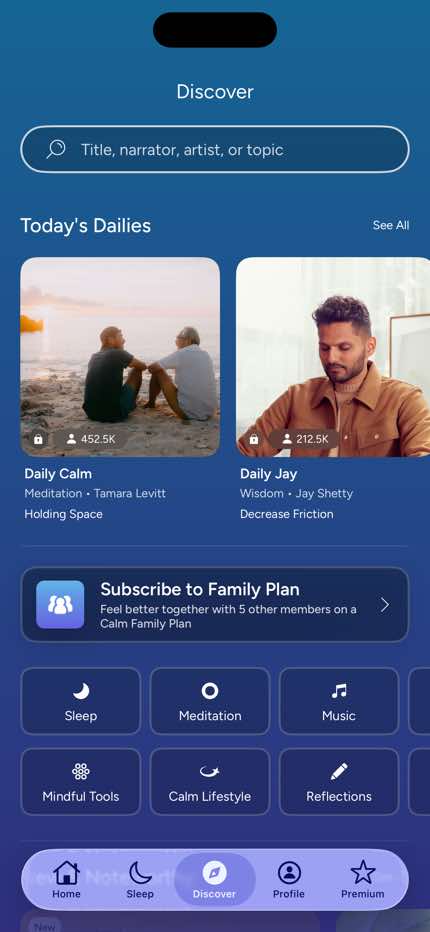
  • Calm Discover screen
    Discover10 elements
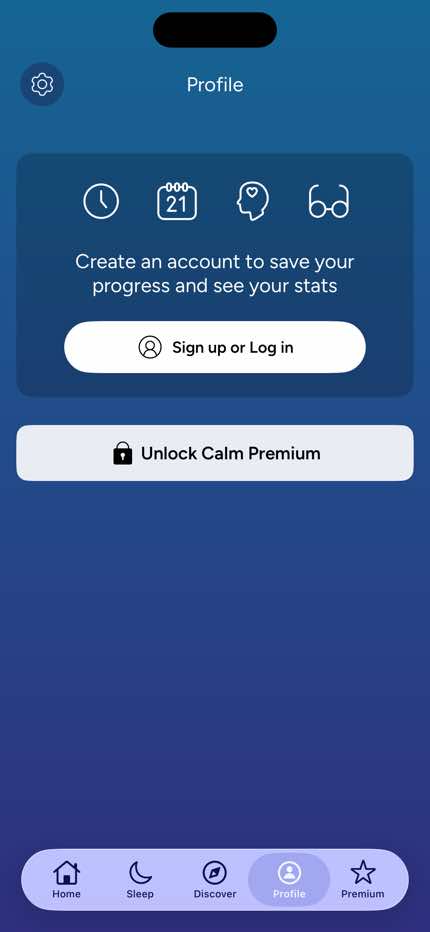
  • Calm Profile: Guest screen
    GuestProfile · 3 elements
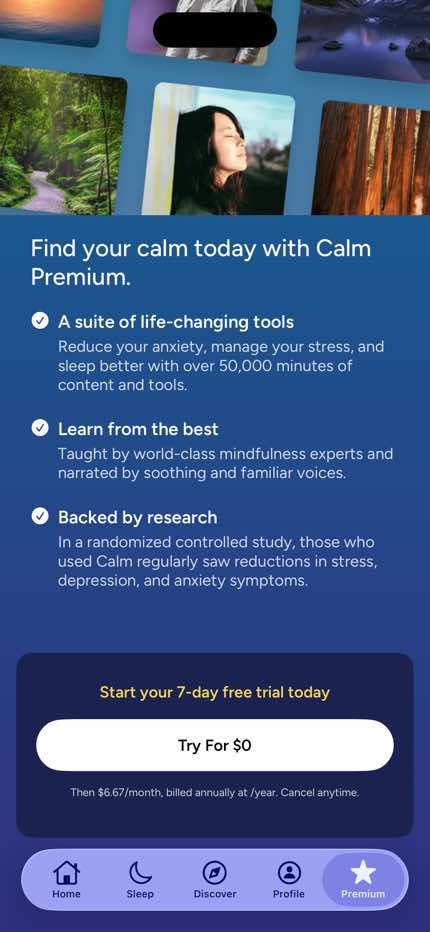
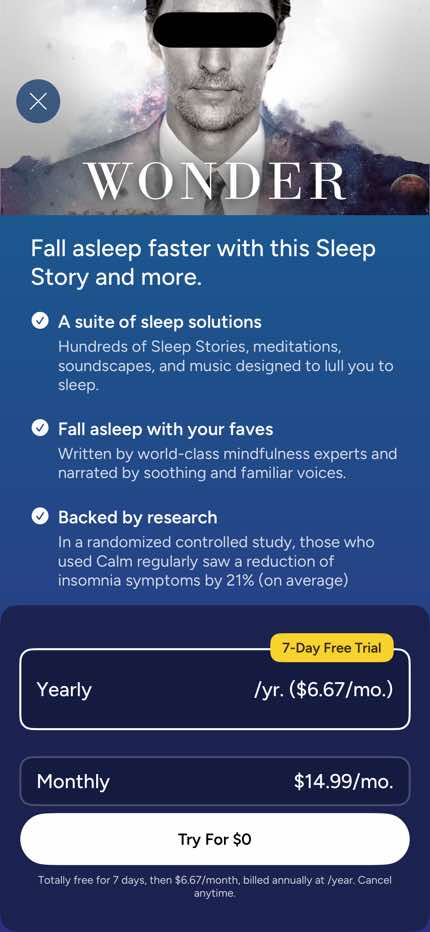
  • Calm Premium Paywall: Subscription screen
    SubscriptionPremium Paywall · 3 elements
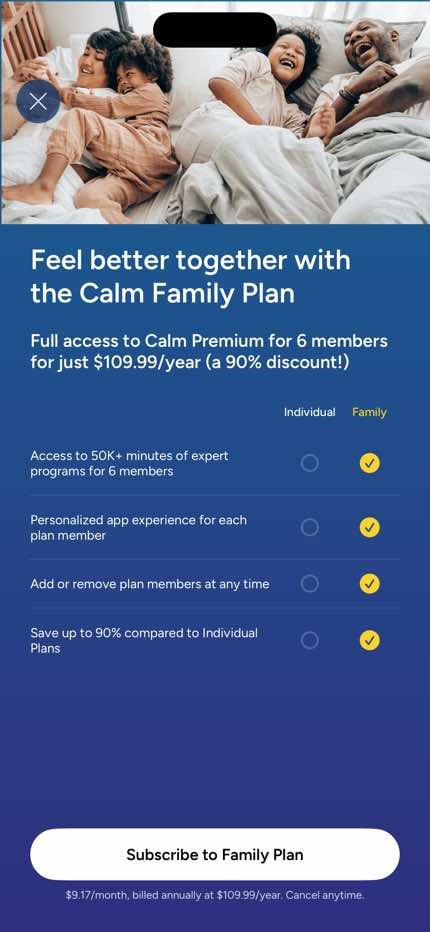
  • Calm Paywall: Family Plan screen
    Family PlanPaywall · 4 elements
  • Calm Paywall: Locked Content screen
    Locked ContentPaywall · 4 elements
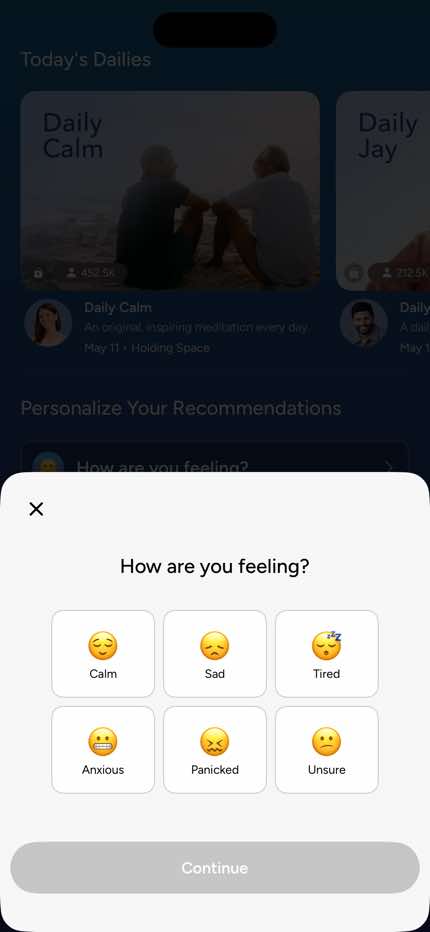
  • Calm Home: Mood Quick-Select screen
    Mood Quick-SelectHome · 8 elements
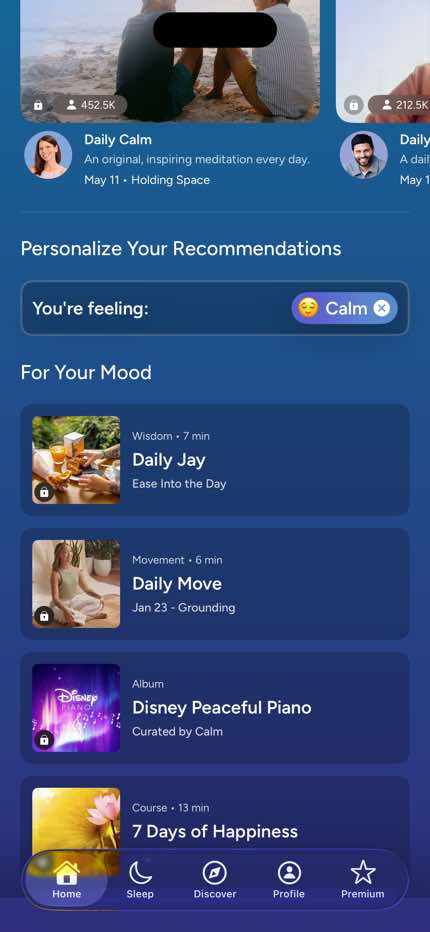
  • Calm Home: Personalized (Mood Applied) screen
    Personalized (Mood Applied)Home · 5 elements
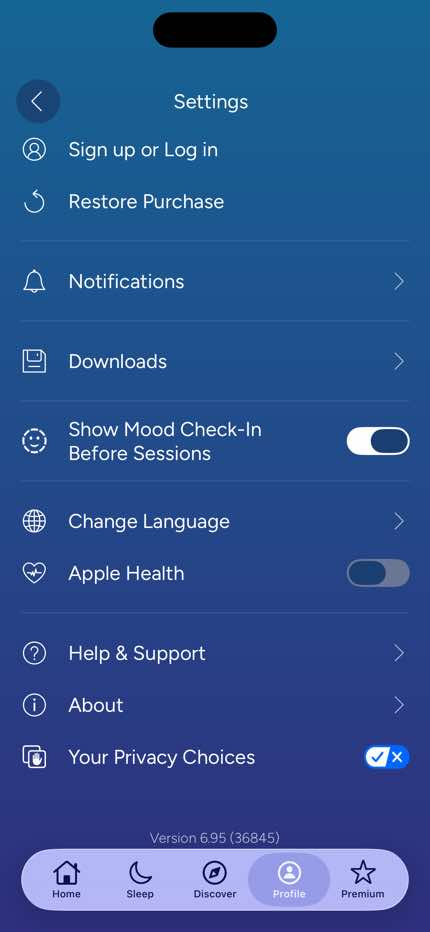
  • Calm Settings screen
    Settings11 elements
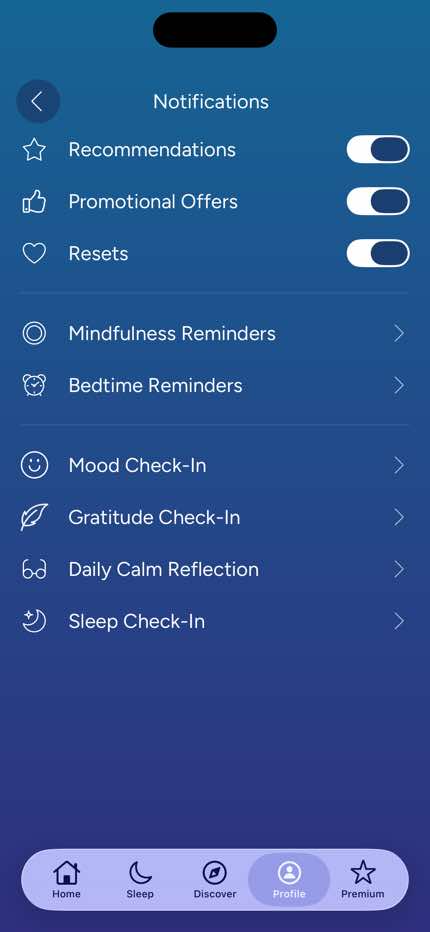
  • Calm Settings: Notifications screen
    NotificationsSettings · 10 elements
Show all 49 screens
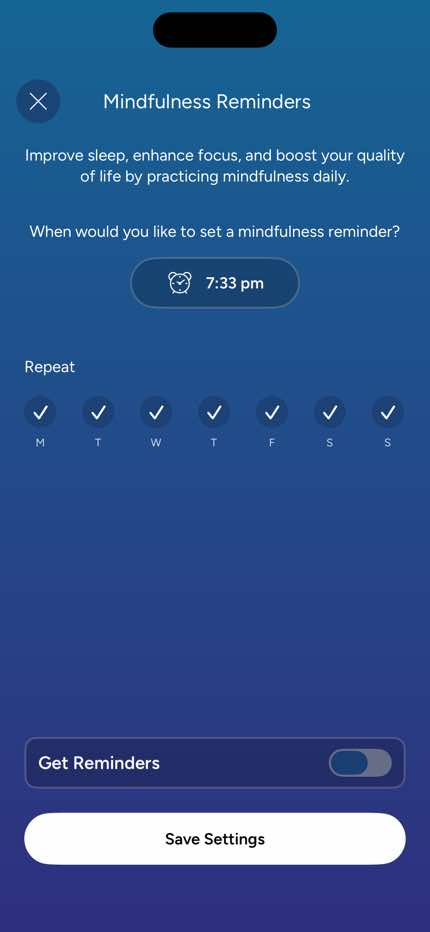
  • Calm Settings: Reminder Schedule screen
    Reminder ScheduleSettings · 5 elements
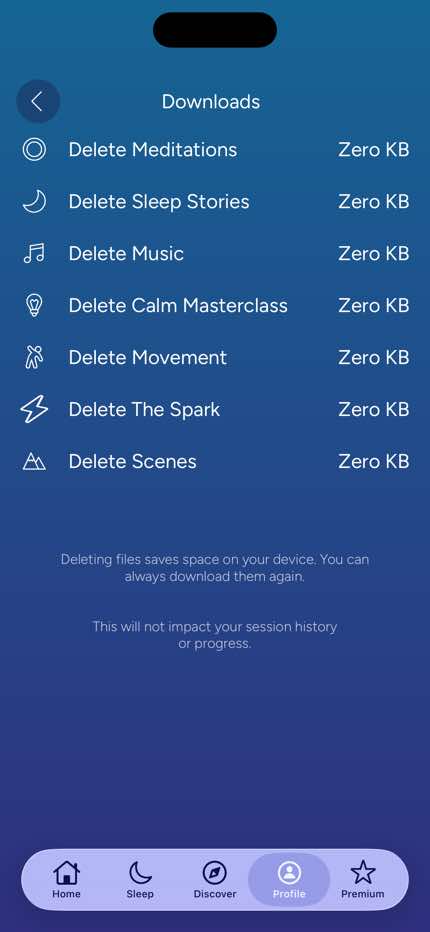
  • Calm Settings: Storage & Downloads screen
    Storage & DownloadsSettings · 8 elements
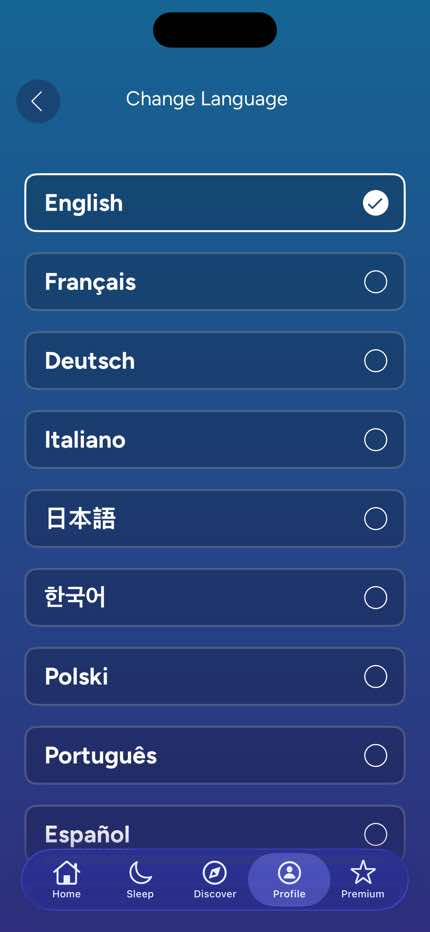
  • Calm Settings: Change Language screen
    Change LanguageSettings · 10 elements
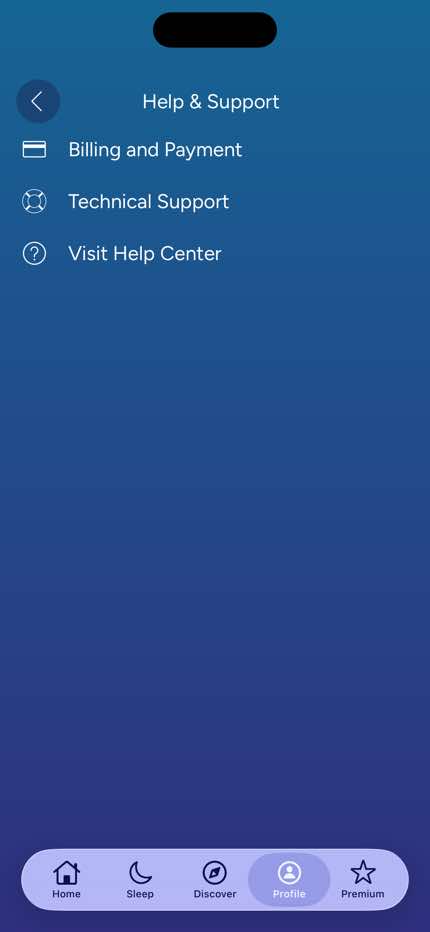
  • Calm Settings: Help & Support screen
    Help & SupportSettings · 4 elements
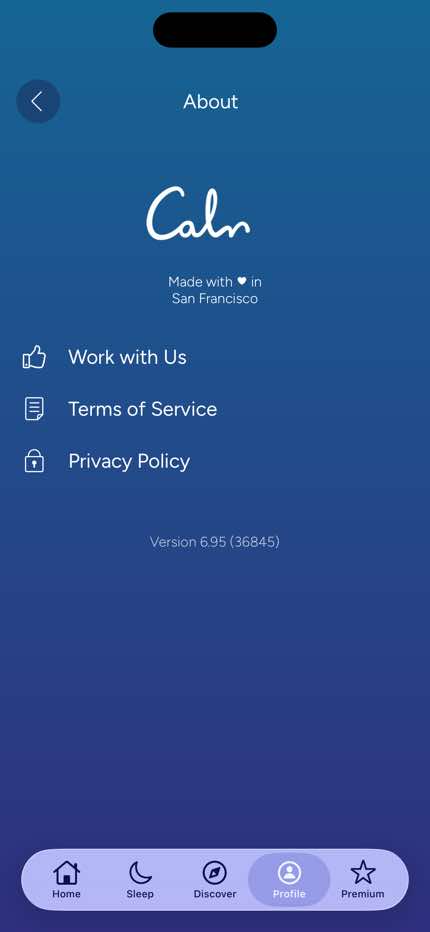
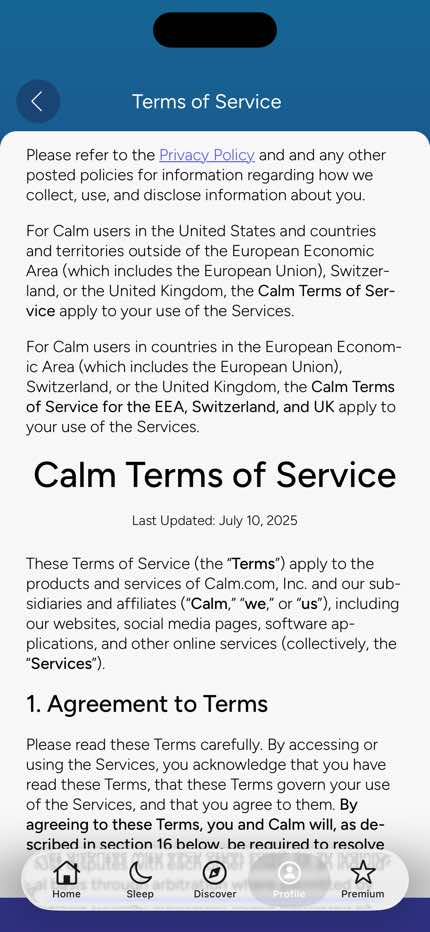
  • Calm Settings: About screen
    AboutSettings · 4 elements
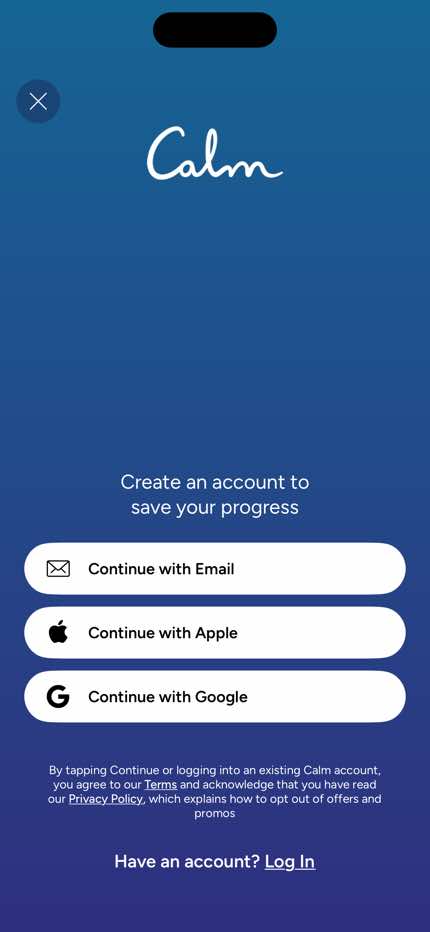
  • Calm Auth: Select Sign-In Method screen
    Select Sign-In MethodAuth · 5 elements
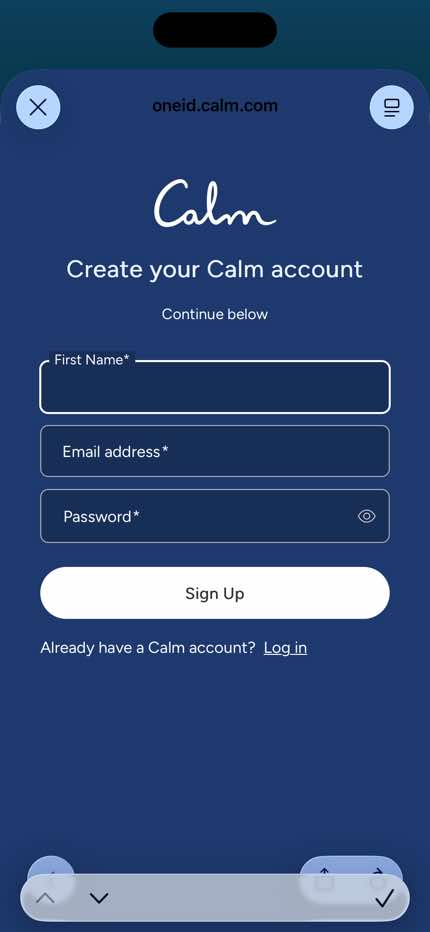
  • Calm Auth: Create Account (Email) screen
    Create Account (Email)Auth · 6 elements
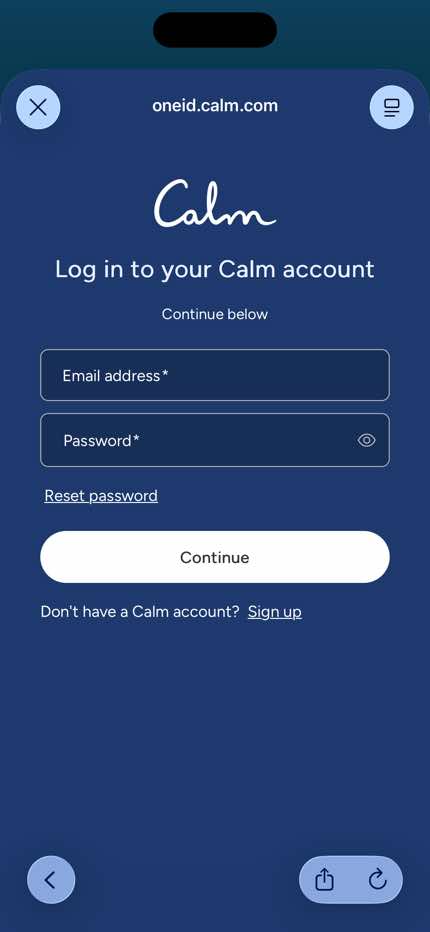
  • Calm Auth: Log In (Email) screen
    Log In (Email)Auth · 6 elements
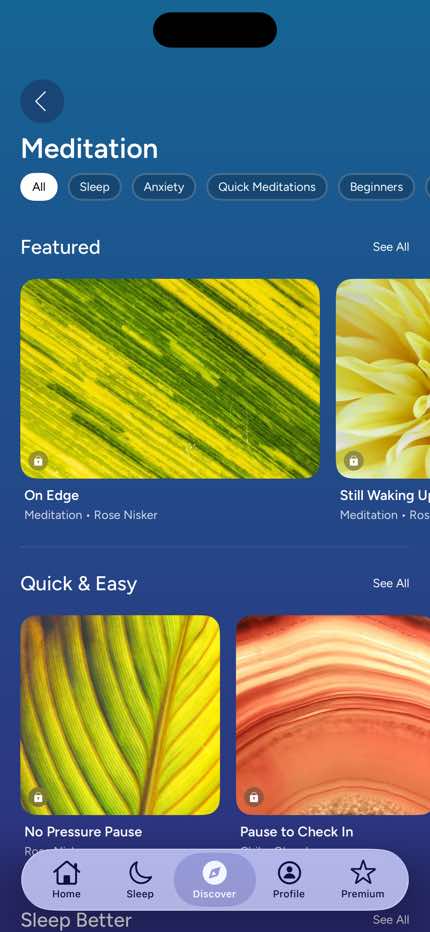
  • Calm Meditation screen
    Meditation12 elements
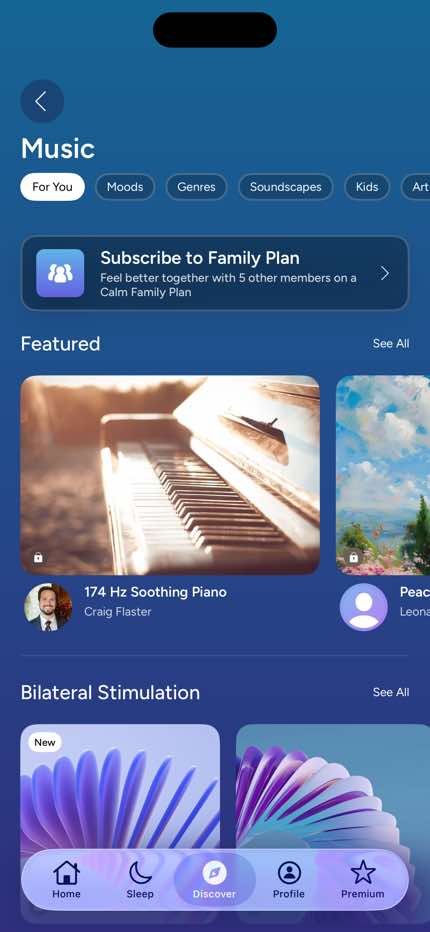
  • Calm Music screen
    Music8 elements
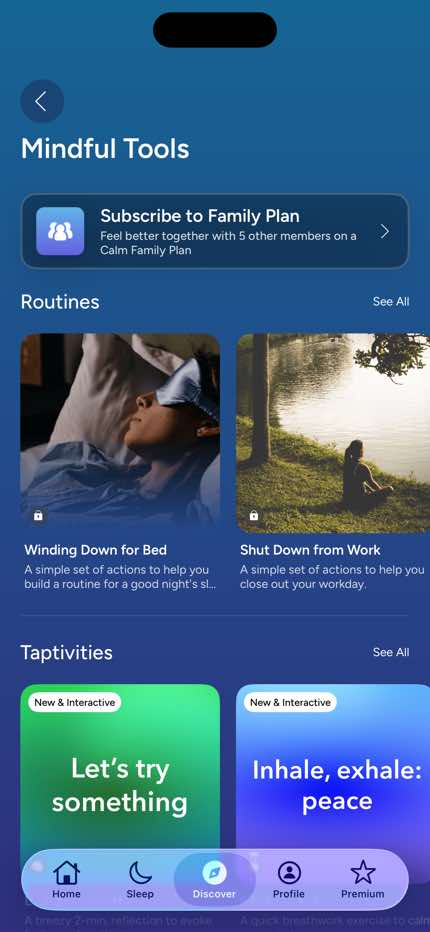
  • Calm Mindful Tools screen
    Mindful Tools7 elements
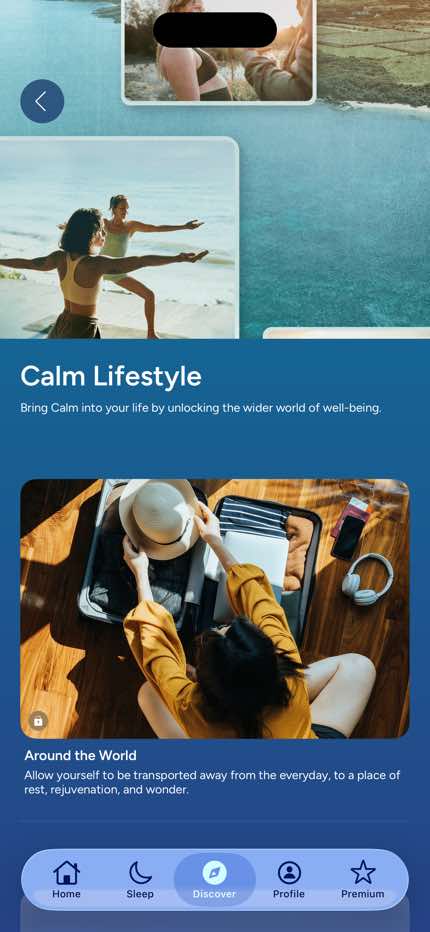
  • Calm Calm Lifestyle screen
    Calm Lifestyle2 elements
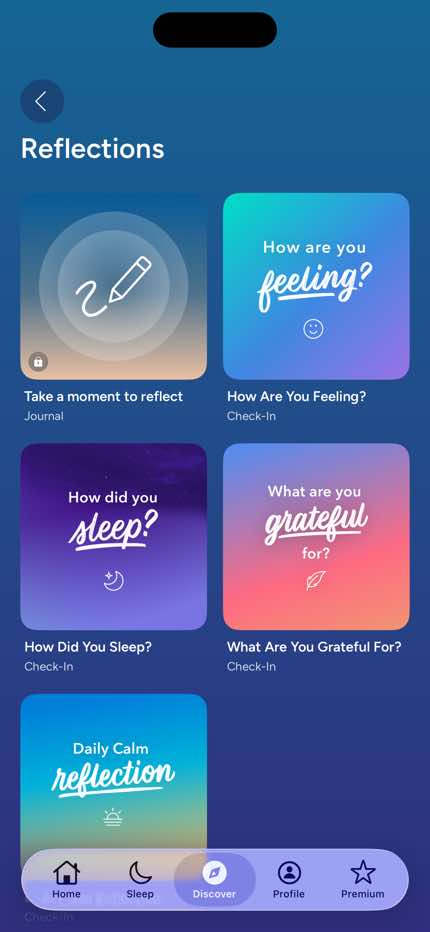
  • Calm Reflections screen
    Reflections6 elements
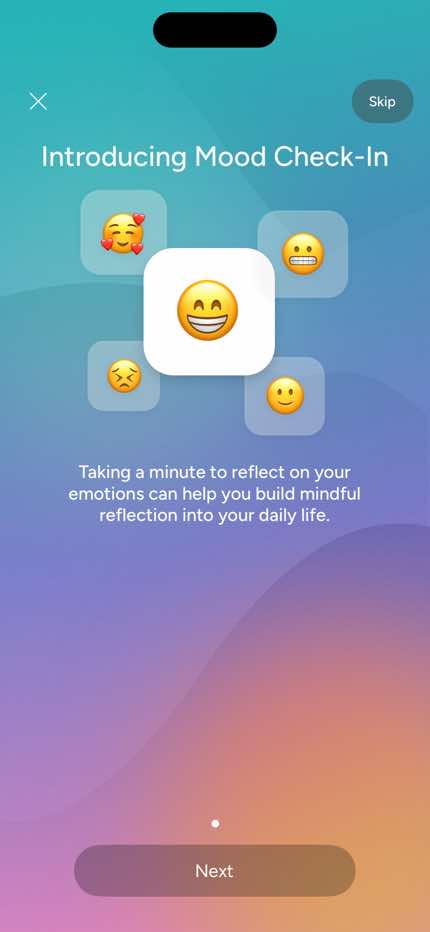
  • Calm Mood Check-In: Intro screen
    IntroMood Check-In · 3 elements
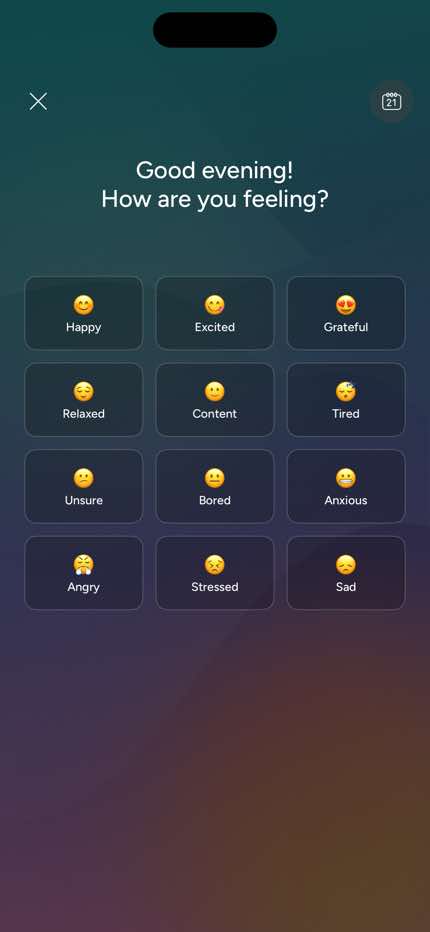
  • Calm Mood Check-In: Emotion Select screen
    Emotion SelectMood Check-In · 14 elements
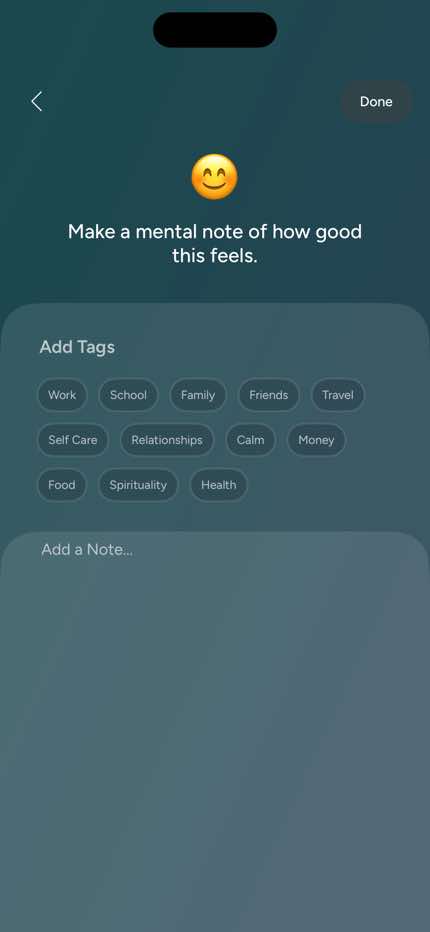
  • Calm Mood Check-In: Tags & Note screen
    Tags & NoteMood Check-In · 15 elements
  • Calm Check-In: Discard Confirm Dialog screen
    Discard Confirm DialogCheck-In · 2 elements
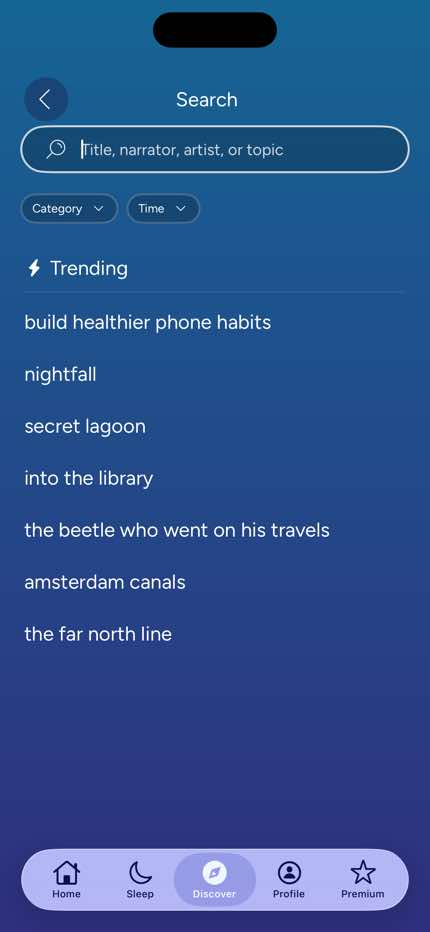
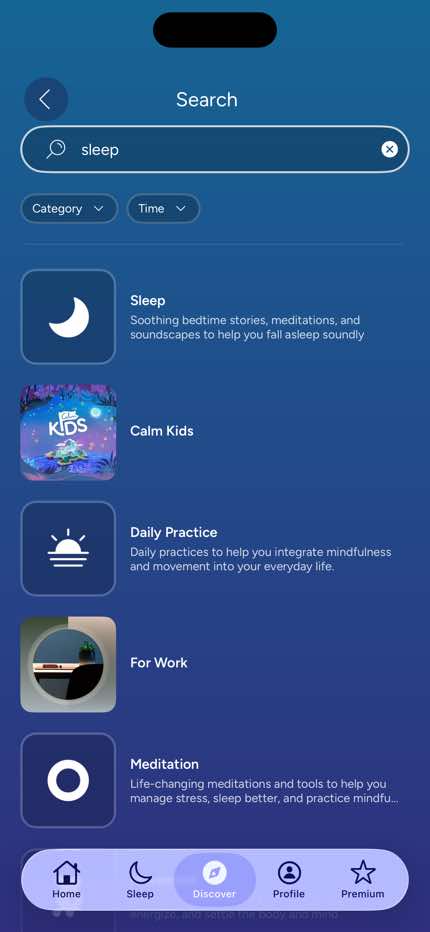
  • Calm Search: Home screen
    HomeSearch · 8 elements
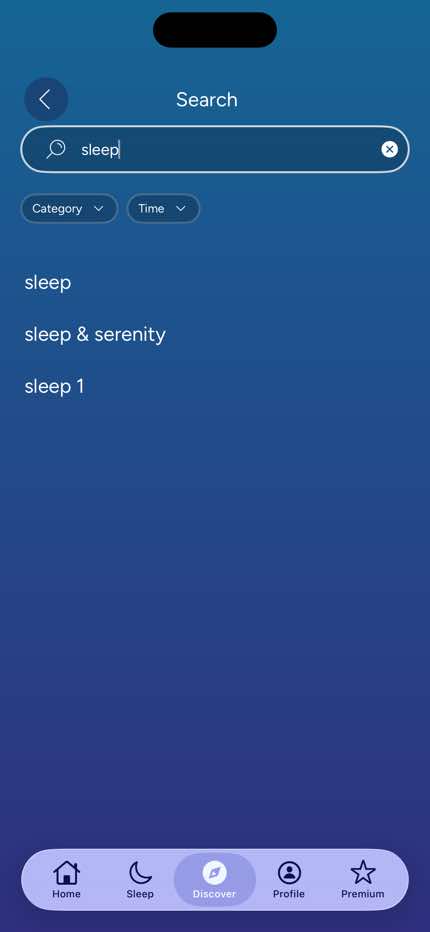
  • Calm Search: Autocomplete Suggestions screen
    Autocomplete SuggestionsSearch · 6 elements
  • Calm Search: Category Results screen
    Category ResultsSearch · 9 elements
  • Calm Sleep: Filtered Content Grid screen
    Filtered Content GridSleep · 6 elements
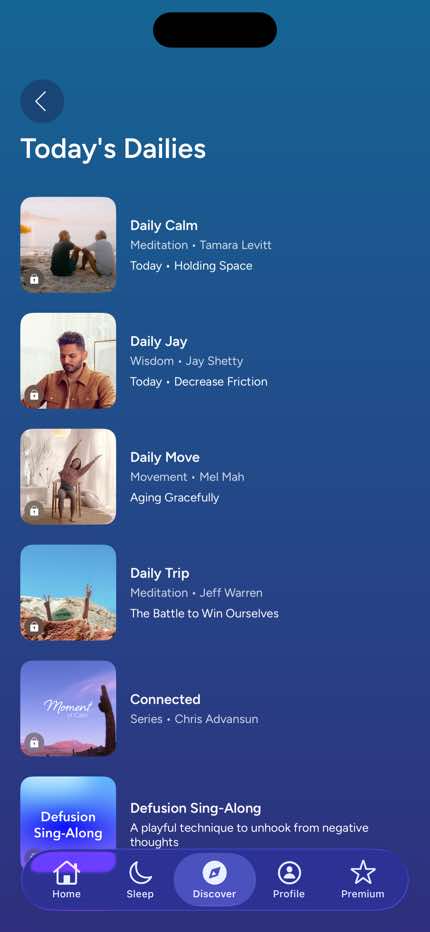
  • Calm Discover: Today's Dailies (All) screen
    Today's Dailies (All)Discover · 7 elements
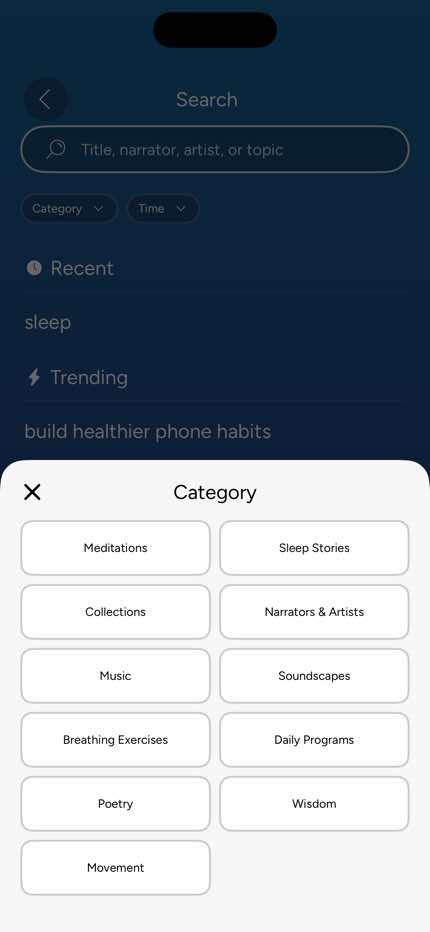
  • Calm Search: Category Filter screen
    Category FilterSearch · 12 elements
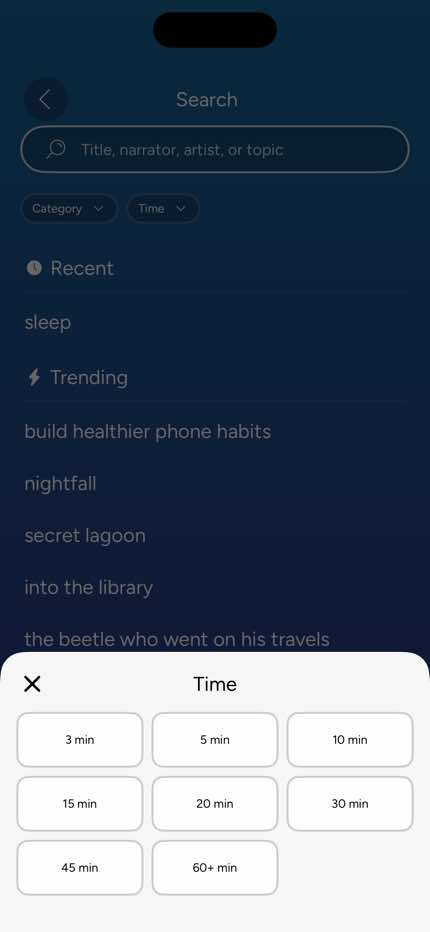
  • Calm Search: Duration Filter screen
    Duration FilterSearch · 9 elements
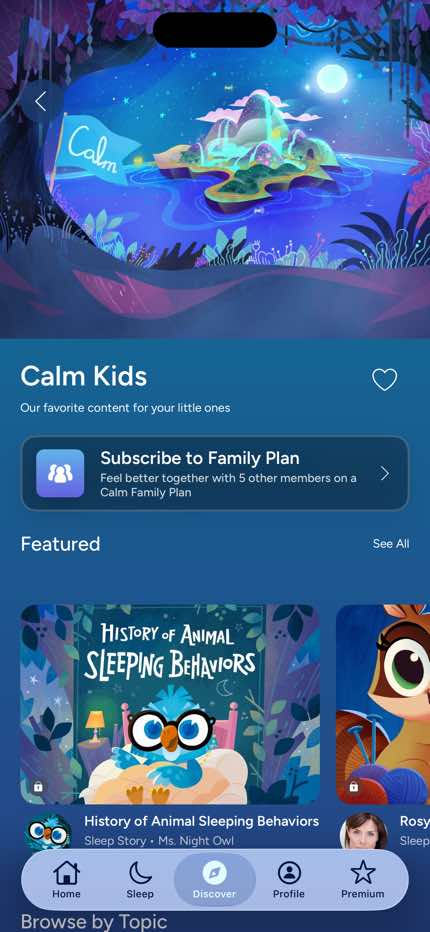
  • Calm Calm Kids screen
    Calm Kids5 elements
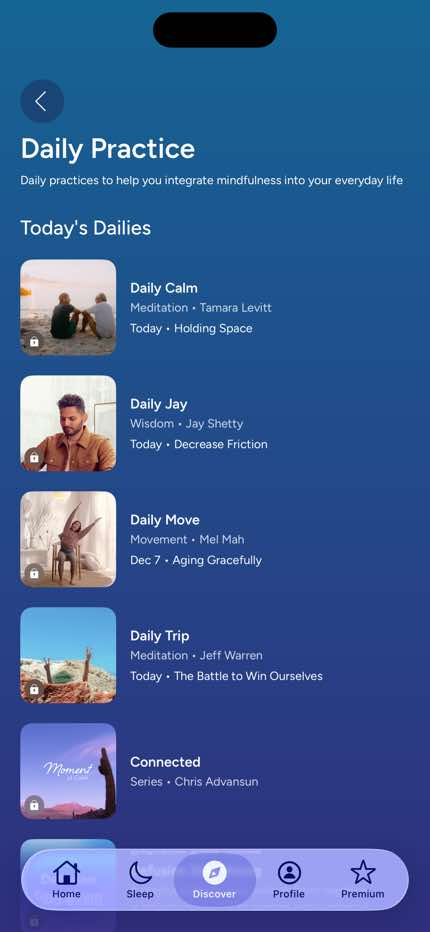
  • Calm Daily Practice screen
    Daily Practice6 elements
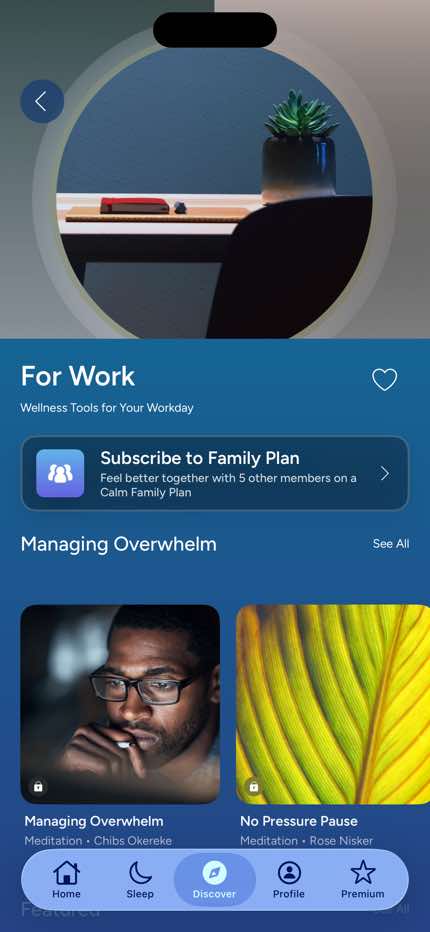
  • Calm For Work screen
    For Work5 elements
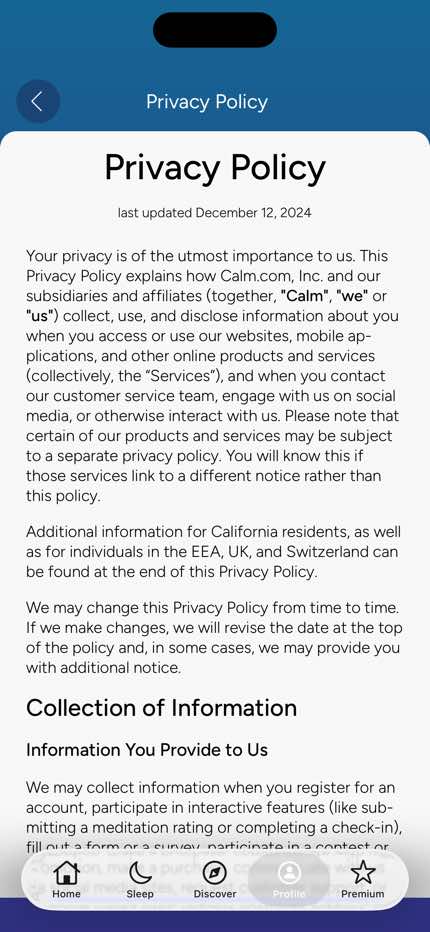
  • Calm Settings: Privacy Choices screen
    Privacy ChoicesSettings · 1 elements
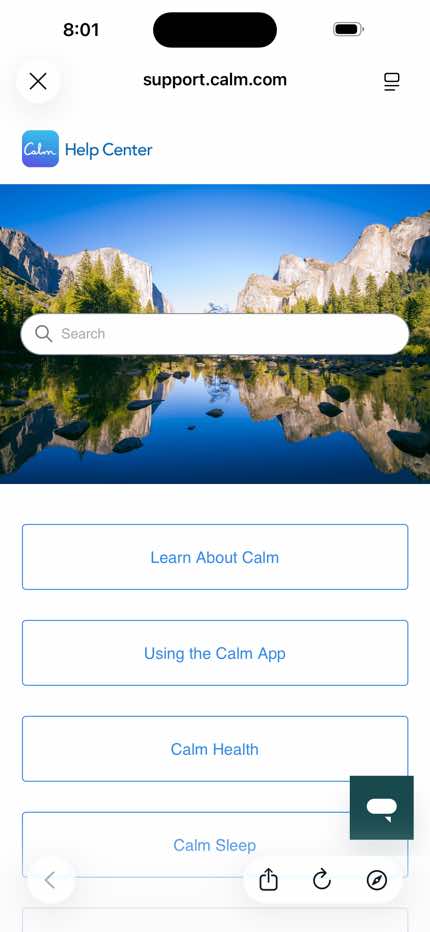
  • Calm Settings: Help Center screen
    Help CenterSettings · 7 elements
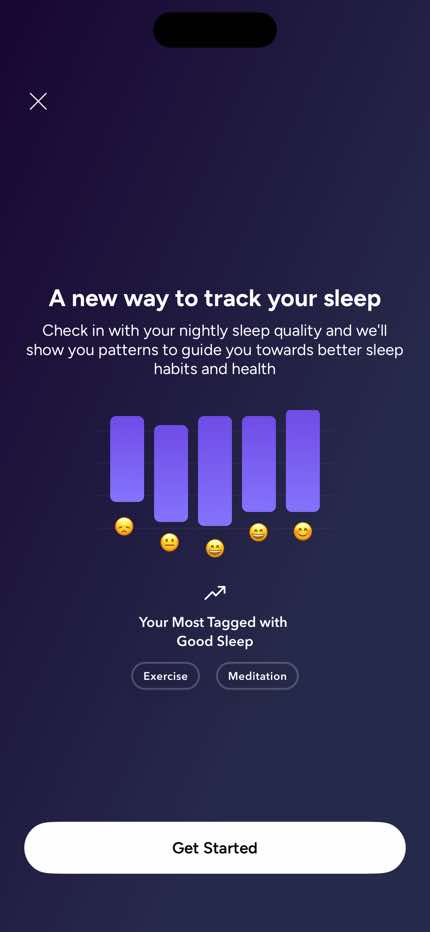
  • Calm Sleep Check-In: Intro screen
    IntroSleep Check-In · 2 elements
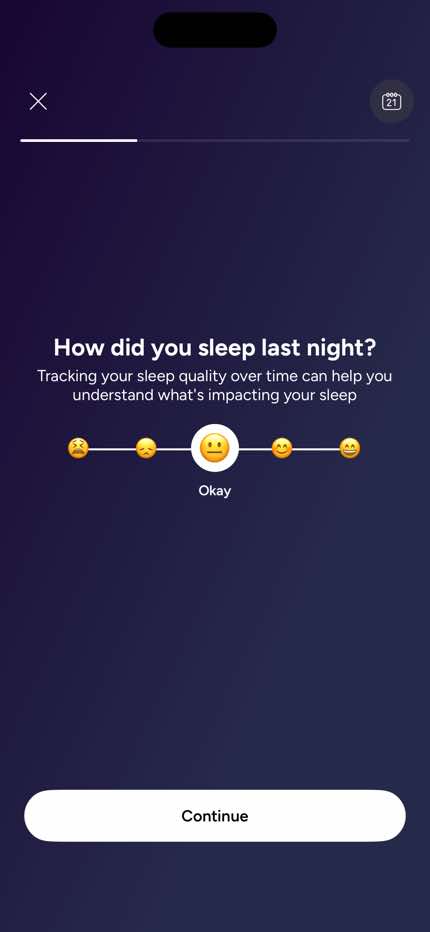
  • Calm Sleep Check-In: Quality Rating screen
    Quality RatingSleep Check-In · 4 elements
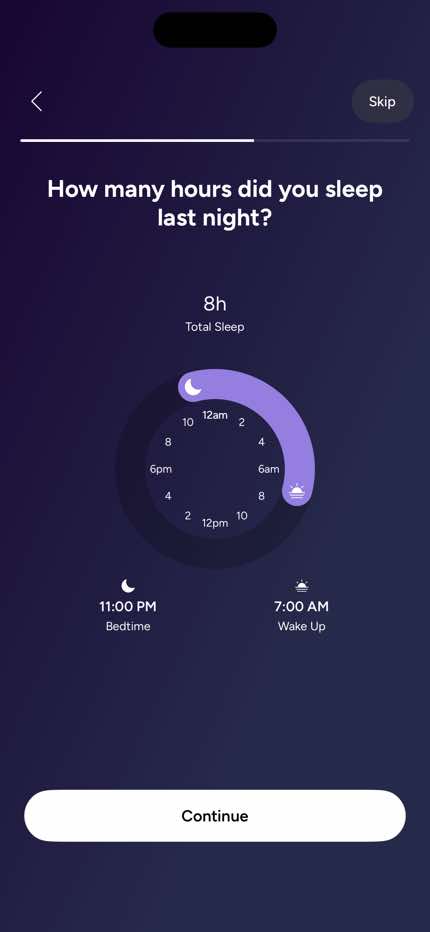
  • Calm Sleep Check-In: Sleep Duration screen
    Sleep DurationSleep Check-In · 6 elements
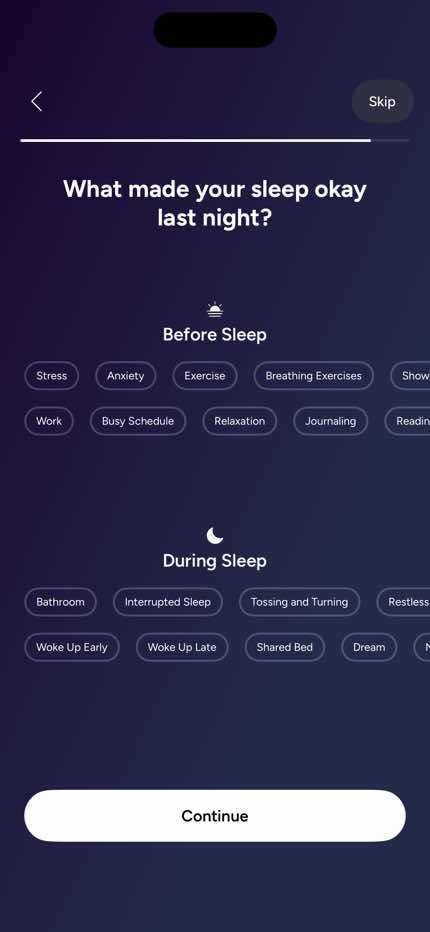
  • Calm Sleep Check-In: Contributing Factors screen
    Contributing FactorsSleep Check-In · 5 elements

UI inventory

What the interface is made of

Atlas counts every interactive element it finds, so you can see where Calm concentrates its interface and which screens carry the most.

Interface elements313 UI elements across 49 screens, by type.
Element typeShareCount
button153
card57
chip53
input9
radio9
toggle7
icon6
tab5
Densest screensThe 8 screens with the most interactive elements.
#ScreenElements
01Tags & NoteMood Check-In15
02Emotion SelectMood Check-In14
03Meditation12
04Category FilterSearch12
05Sleep11
06Settings11
07Discover10
08NotificationsSettings10

Research uses

What this Calm map helps teams inspect

The same map serves design reviews, release testing and the agents that drive your app.
  • UX teardown

    Compare how Calm moves users through entry screens, decision points, modals, detail pages and conversion paths.

  • QA coverage

    Use the mapped screens and transitions to find high-risk branches, repeated states, dead ends and screens that need regression coverage.

  • Agent context

    Give mobile automation agents a concrete screen inventory and path list instead of asking them to infer navigation from scratch.

More maps

Browse every map

Want more maps?

The full Atlas gallery and private app maps are included on Free.

Unlock full gallery

Build your runtime source of truth

Connect Revyl tests and live sessions, observe your app in motion, and turn those runs into an Atlas map.