01
Home
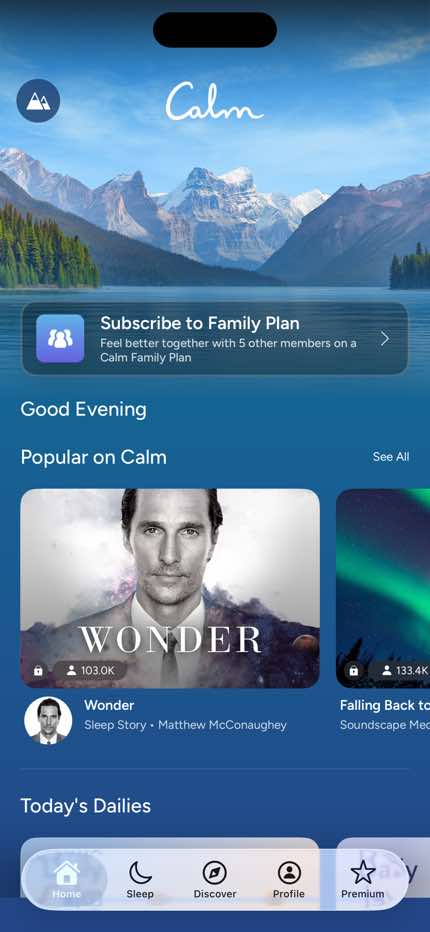
Step 1 in the Calm Home to Meditation flow. Atlas detected 9 UI elements on this screen.
 Revyl
Revyl Revyl Atlas flow
Calm's home to meditation flow moves users from Home to Meditation across 4 mapped iOS app screens. Use this path for mobile UX teardown work, QA coverage planning, and AI agent navigation context.
Research notes
Screen path
This page is a crawlable breakdown of one real mobile journey. The screenshots, step labels, and element counts make the Calm Home to Meditation path easier to compare against competing apps, reproduce during QA planning, and reuse as structured navigation context for app automation.
Step 1 in the Calm Home to Meditation flow. Atlas detected 9 UI elements on this screen.
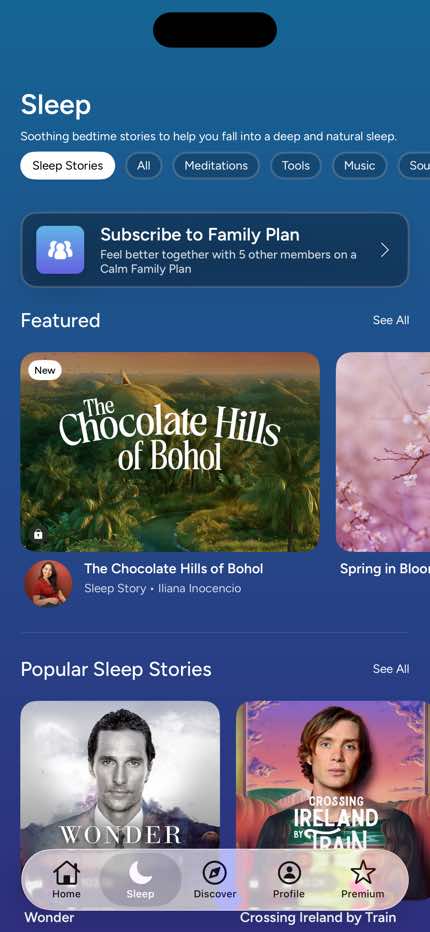
Step 2 in the Calm Home to Meditation flow. Atlas detected 11 UI elements on this screen.
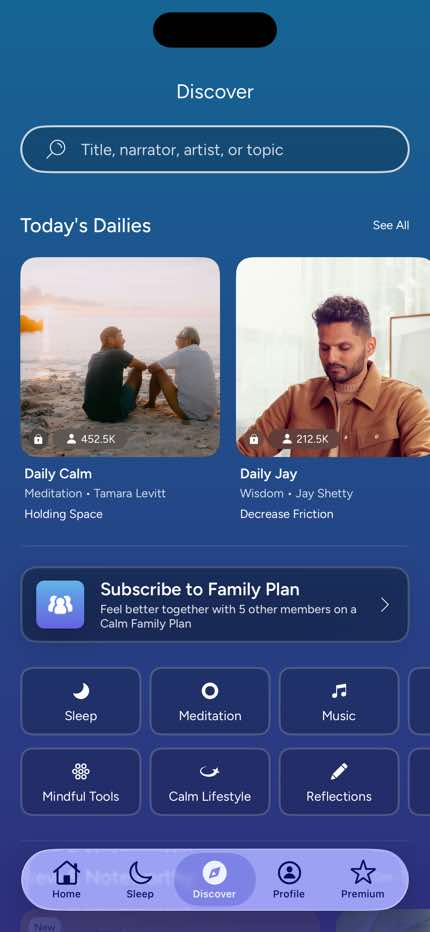
Step 3 in the Calm Home to Meditation flow. Atlas detected 10 UI elements on this screen.
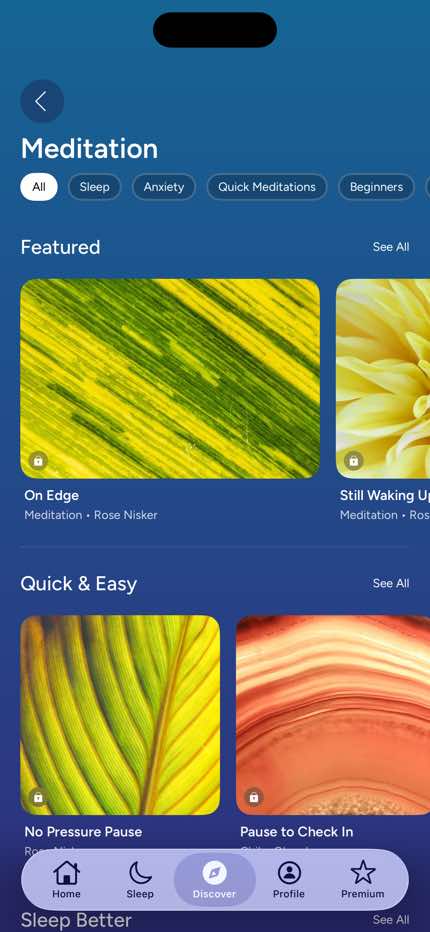
Step 4 in the Calm Home to Meditation flow. Atlas detected 12 UI elements on this screen.
How to use it
Related flows