Start Free Get a Demo

Revyl Atlas report

Duolingo app screen map and user flows

Revyl Atlas mapped 70 iOS app screens, 115 transitions, 26 user paths, and 311 UI elements in Duolingo. Use this report for mobile UX research, QA coverage planning, competitive teardown work, and AI agent navigation context.

70Screens
115Transitions
26User paths
311UI elements

Research uses

What this Duolingo app map helps teams inspect

UX teardown Compare how Duolingo moves users through entry screens, decision points, modals, detail pages, and conversion paths.
QA coverage Use the mapped screens and transitions to identify high-risk branches, repeated states, dead ends, and screens that need regression coverage.
Agent context Give mobile automation agents a concrete screen inventory and path list instead of asking them to infer navigation from scratch.

Key journeys

Duolingo mobile app user flows

01 Learn 8 screens

Start a lesson from the path map

Tap an active node on the learn path, choose Review or Legendary, work through exercise templates (image select → word bank → match pairs), finish the lesson.
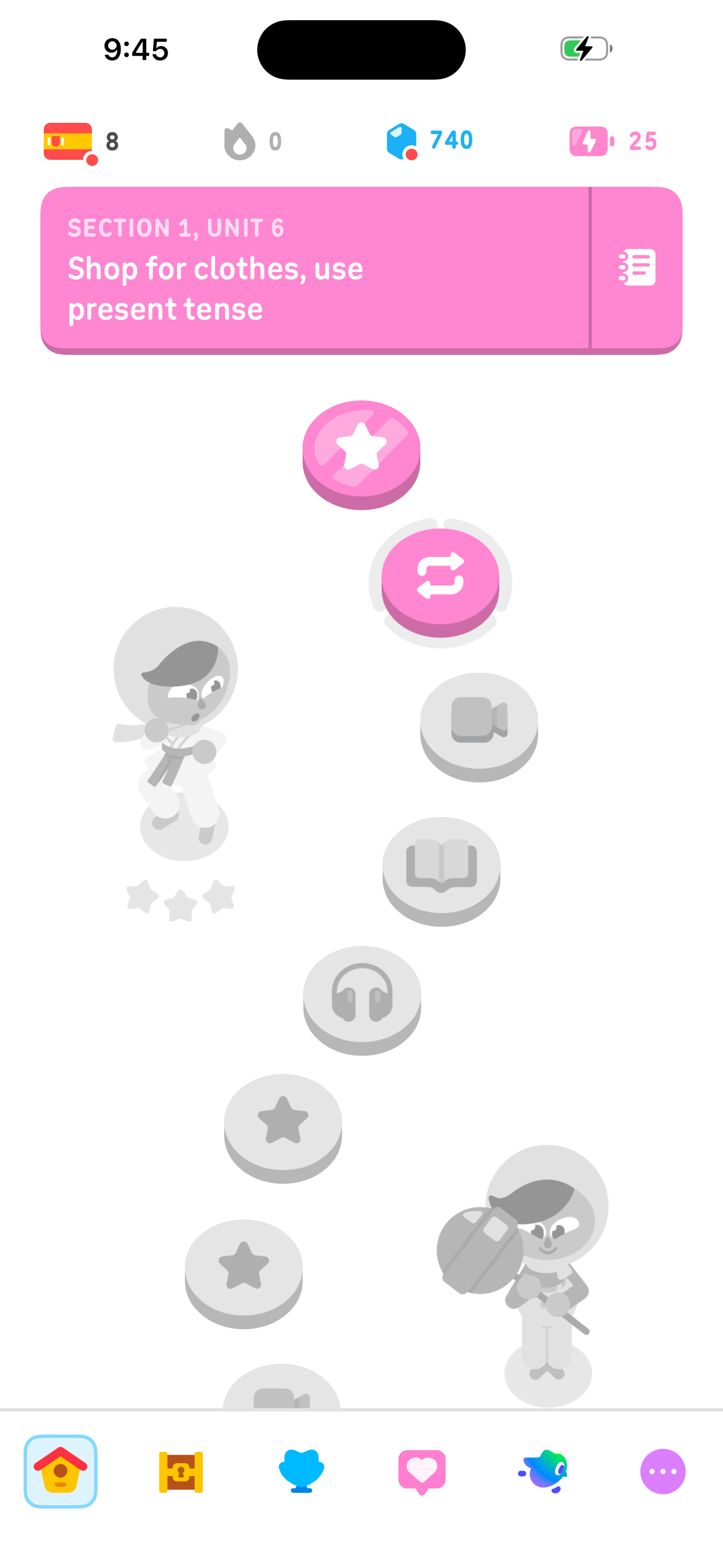
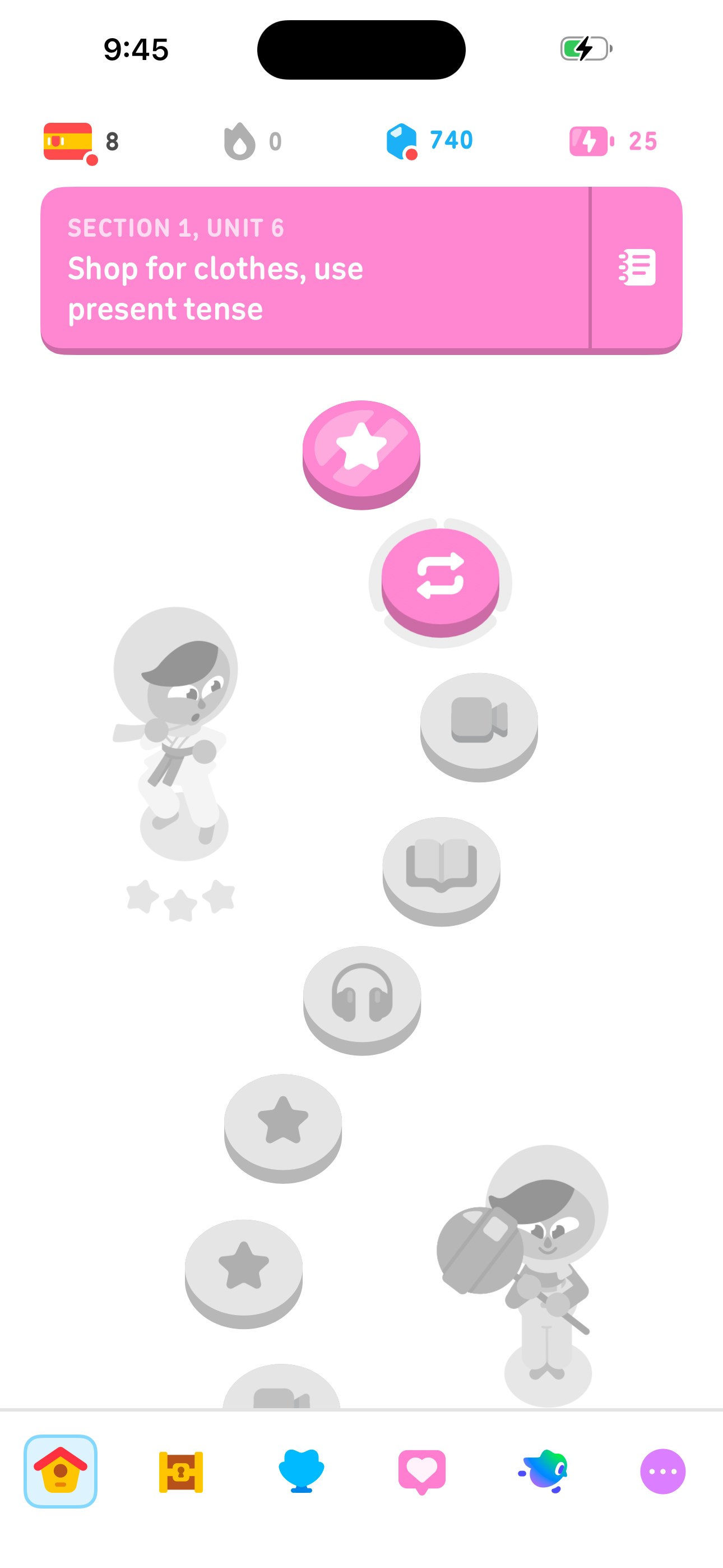
Duolingo Home — Learn tab (path map) screen in Start a lesson from the path map flow
Home — Learn tab (path map)
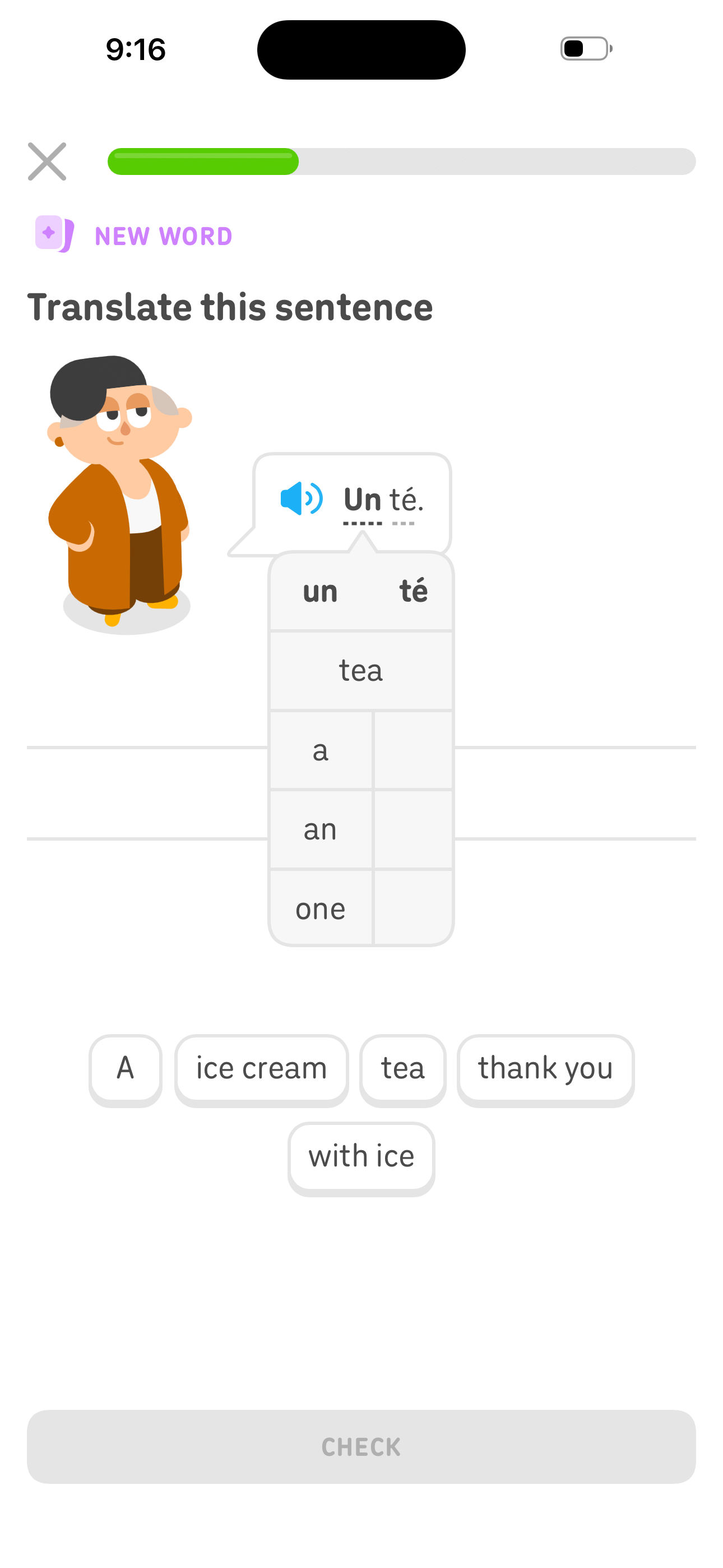
Duolingo Lesson — Translate this sentence (word bank) screen in Start a lesson from the path map flow
Lesson — Translate this sentence (word bank)
Duolingo Lesson Complete — build a daily habit screen in Start a lesson from the path map flow
Lesson Complete — build a daily habit
  1. Home — Learn tab (path map)
  2. Lesson Node Popup — Review or Legendary
  3. Lesson — Select the correct image
  4. Lesson — Select the correct translation
  5. Lesson — Translate this sentence (word bank)
  6. Lesson — Tap what you hear (listening)

+ 2 more mapped screens in this flow.

02 Learn 2 screens

Open unit notes / key phrases

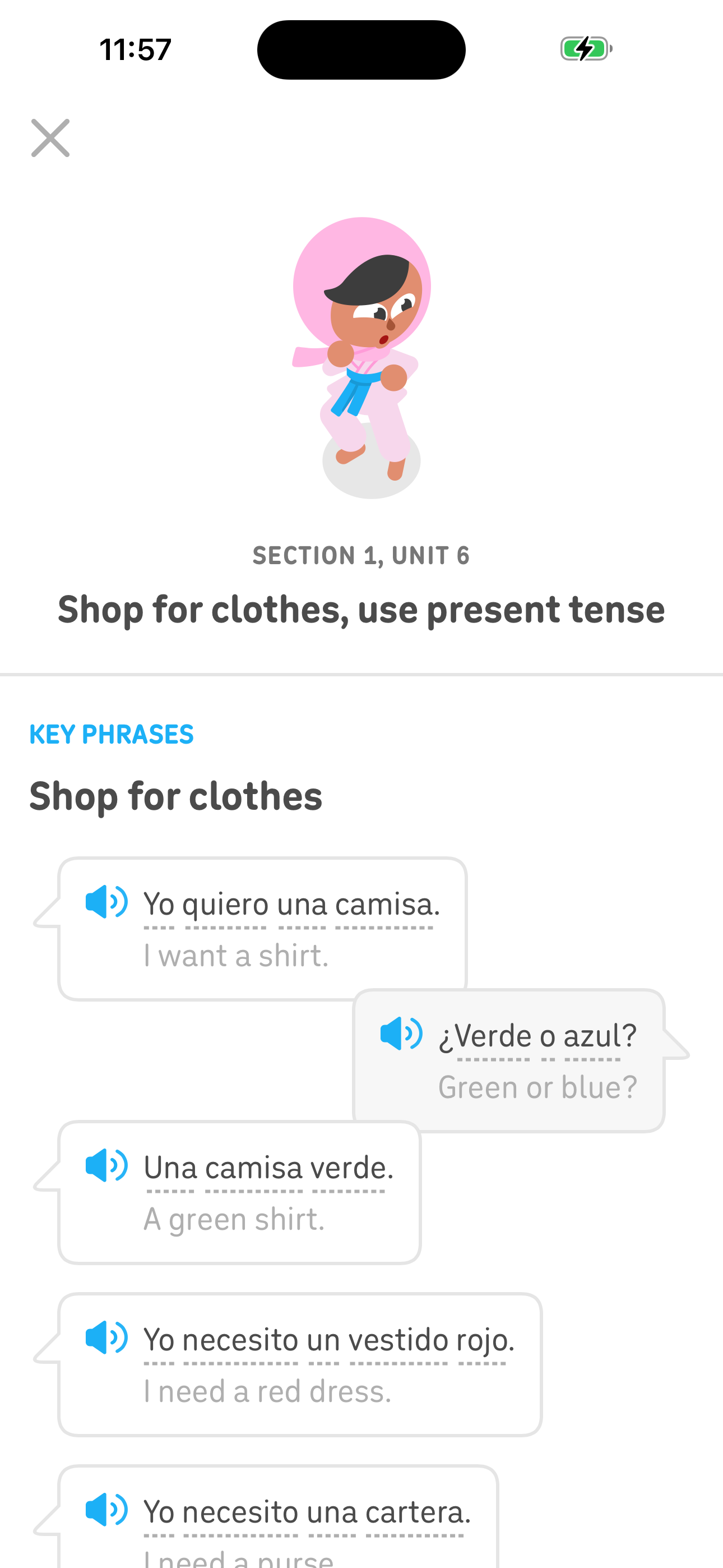
Tap the notes icon on the active unit banner to review key phrases with audio before starting a lesson.
Duolingo Home — Learn tab (path map) screen in Open unit notes / key phrases flow
Home — Learn tab (path map)
Duolingo Unit Notes — Key phrases for the unit screen in Open unit notes / key phrases flow
Unit Notes — Key phrases for the unit
  1. Home — Learn tab (path map)
  2. Unit Notes — Key phrases for the unit
03 Learn 2 screens

Tap a locked node to see what it requires

Tap a locked (gray) lesson node to see the feature name and what needs to be completed to unlock it.
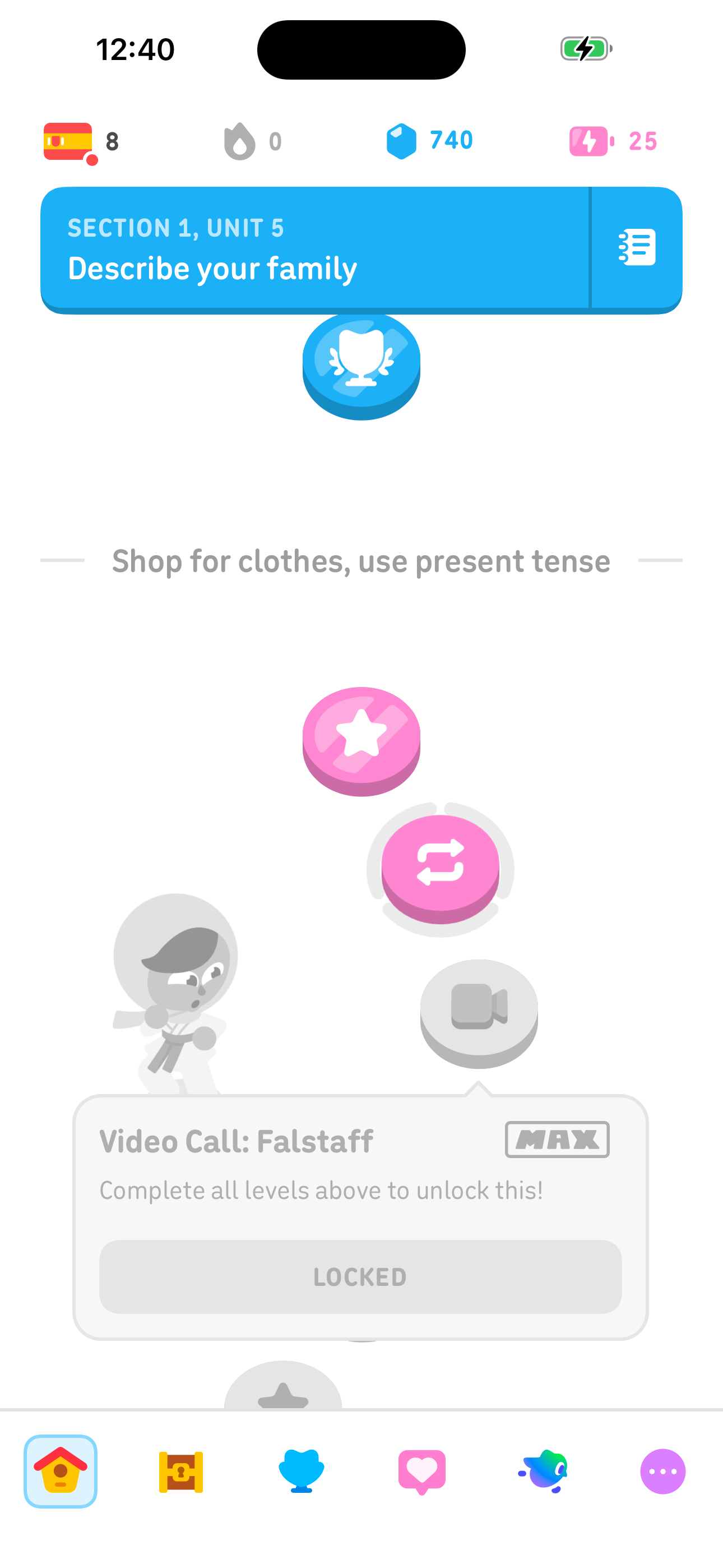
Duolingo Home — Learn tab (path map) screen in Tap a locked node to see what it requires flow
Home — Learn tab (path map)
Duolingo Locked Node Popup — Complete levels to unlock (MAX) screen in Tap a locked node to see what it requires flow
Locked Node Popup — Complete levels to unlock (MAX)
  1. Home — Learn tab (path map)
  2. Locked Node Popup — Complete levels to unlock (MAX)
04 Practice 4 screens

Review vocabulary word list

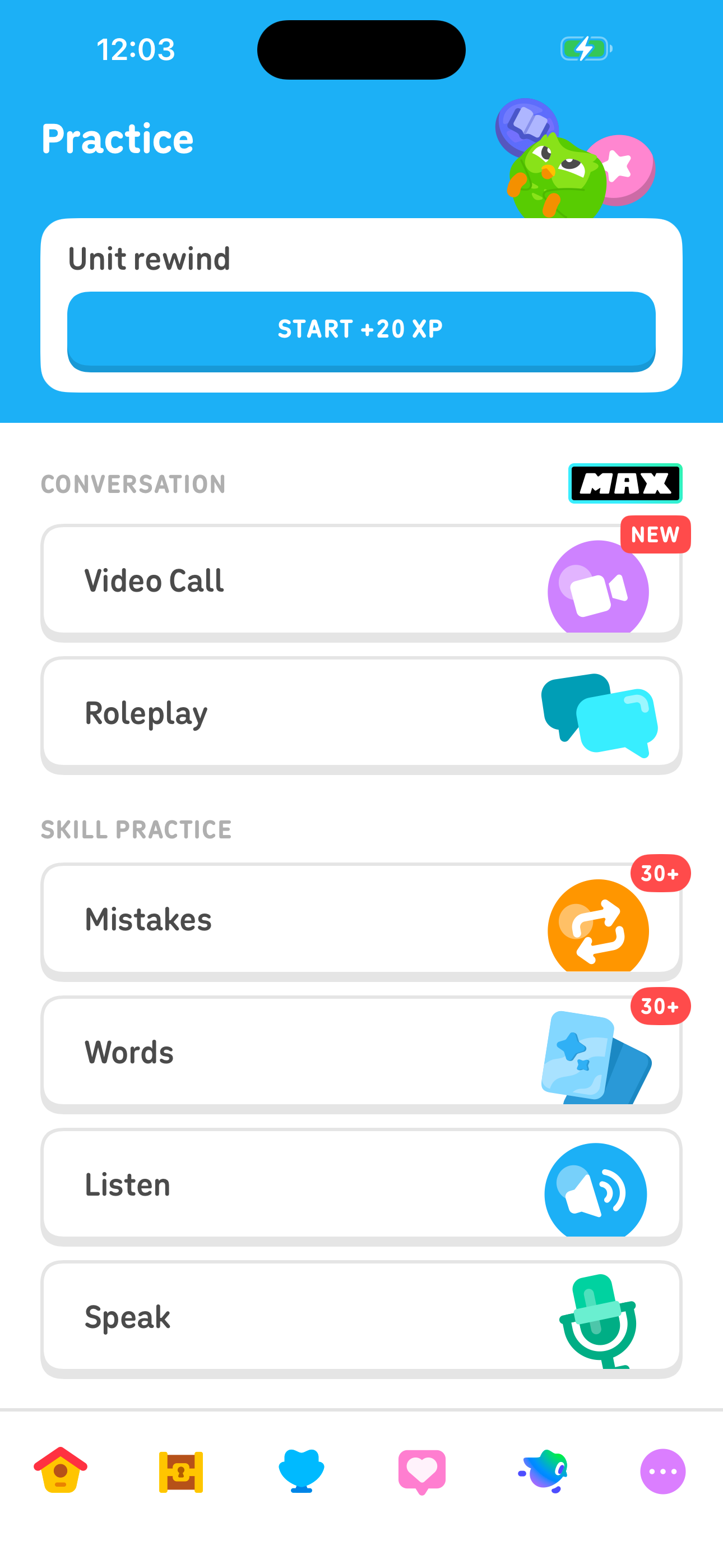
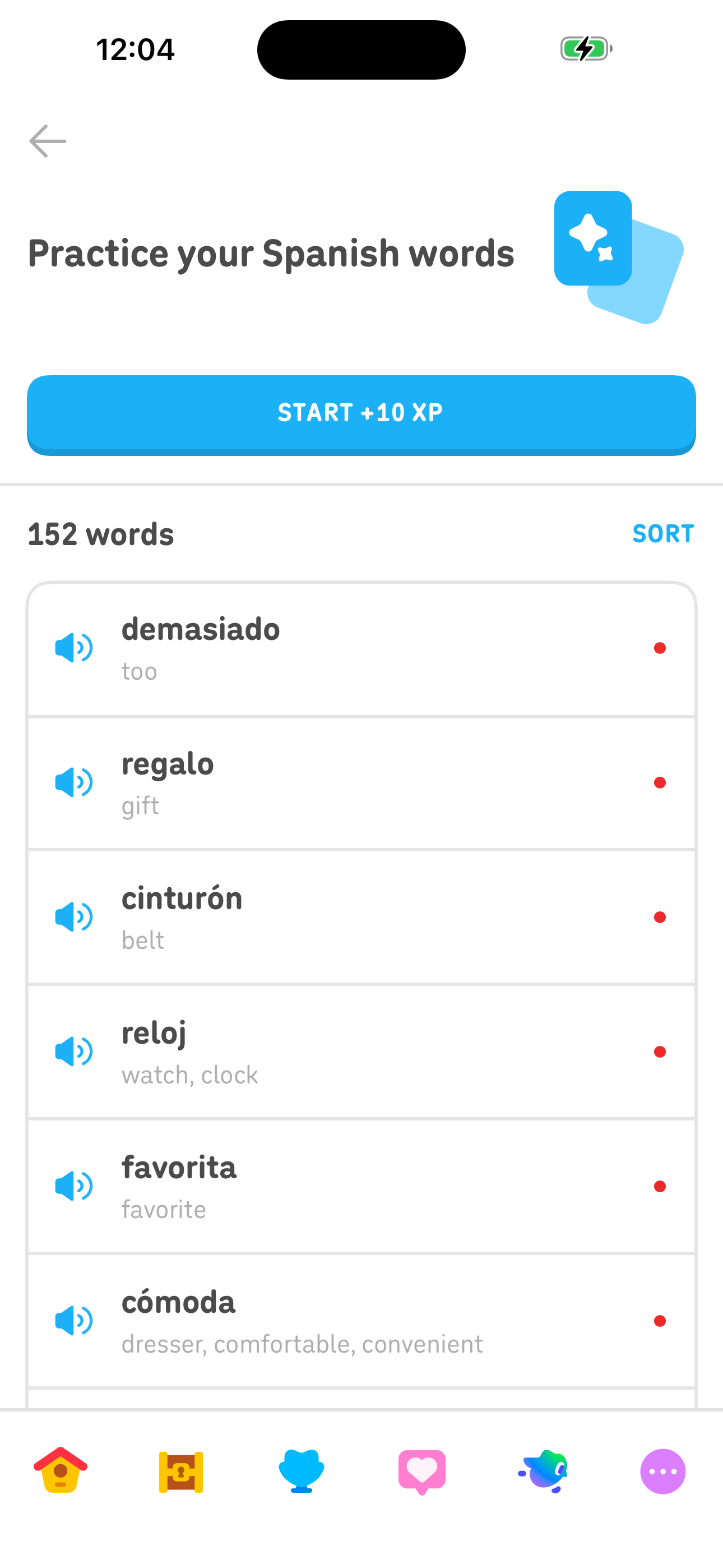
Navigate to Practice Hub and browse all 150+ learned words sorted by need-review status; start a words practice session.
Duolingo Home — Learn tab (path map) screen in Review vocabulary word list flow
Home — Learn tab (path map)
Duolingo Practice Hub — Conversation and Skill Practice screen in Review vocabulary word list flow
Practice Hub — Conversation and Skill Practice
Duolingo Practice — Words vocabulary list (152) screen in Review vocabulary word list flow
Practice — Words vocabulary list (152)
  1. Home — Learn tab (path map)
  2. More sheet — Profile, Video Call, Practice
  3. Practice Hub — Conversation and Skill Practice
  4. Practice — Words vocabulary list (152)
05 Practice 4 screens

Drill past mistakes

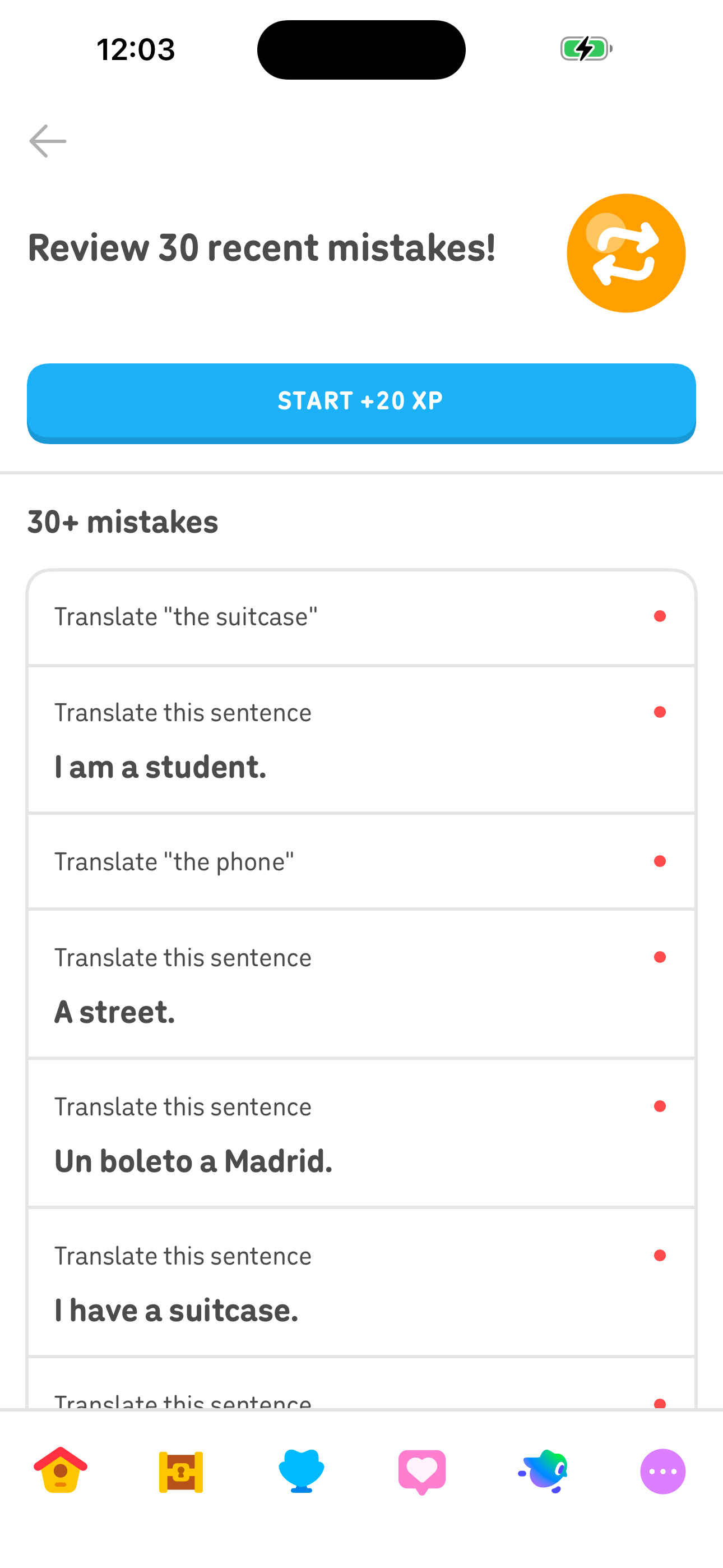
Navigate to Practice Hub and start a session focused on the 30+ previously missed exercises.
Duolingo Home — Learn tab (path map) screen in Drill past mistakes flow
Home — Learn tab (path map)
Duolingo Practice Hub — Conversation and Skill Practice screen in Drill past mistakes flow
Practice Hub — Conversation and Skill Practice
Duolingo Practice — Mistakes review (30+ items) screen in Drill past mistakes flow
Practice — Mistakes review (30+ items)
  1. Home — Learn tab (path map)
  2. More sheet — Profile, Video Call, Practice
  3. Practice Hub — Conversation and Skill Practice
  4. Practice — Mistakes review (30+ items)
06 Practice 4 screens

Do a listening practice session

Launch a listening-only drill from Practice Hub using previously learned material.
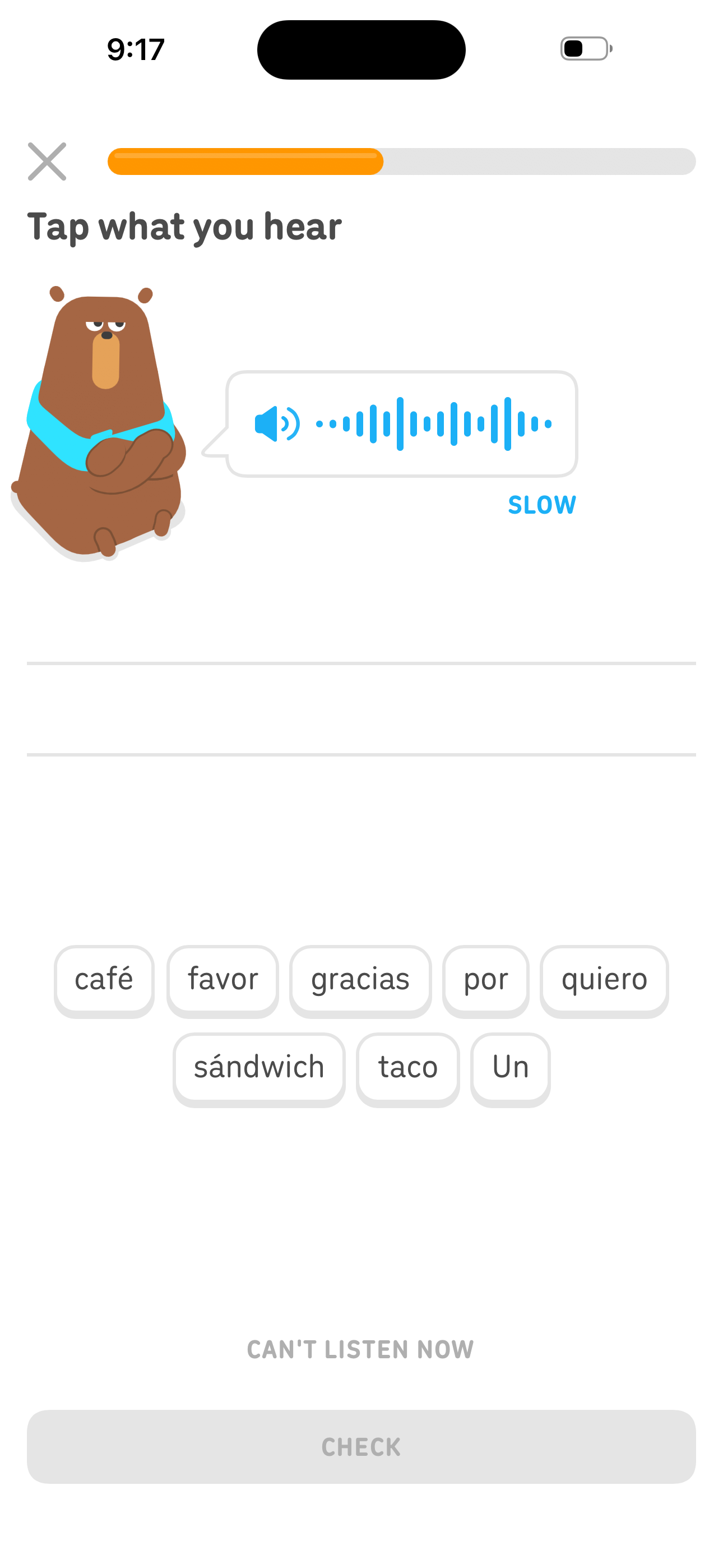
Duolingo Home — Learn tab (path map) screen in Do a listening practice session flow
Home — Learn tab (path map)
Duolingo Practice Hub — Conversation and Skill Practice screen in Do a listening practice session flow
Practice Hub — Conversation and Skill Practice
Duolingo Lesson — Tap what you hear (listening) screen in Do a listening practice session flow
Lesson — Tap what you hear (listening)
  1. Home — Learn tab (path map)
  2. More sheet — Profile, Video Call, Practice
  3. Practice Hub — Conversation and Skill Practice
  4. Lesson — Tap what you hear (listening)
07 Practice 5 screens

Explore Roleplay scenarios (Max gate)

Open Practice Hub → Roleplay, browse conversation topics, hit the Duolingo Max paywall.

Duolingo Home — Learn tab (path map) screen in Explore Roleplay scenarios (Max gate) flow
Home — Learn tab (path map)
Duolingo Practice Hub — Conversation and Skill Practice screen in Explore Roleplay scenarios (Max gate) flow
Practice Hub — Conversation and Skill Practice
Duolingo Duolingo Max — Best plan for advanced learning screen in Explore Roleplay scenarios (Max gate) flow
Duolingo Max — Best plan for advanced learning
  1. Home — Learn tab (path map)
  2. More sheet — Profile, Video Call, Practice
  3. Practice Hub — Conversation and Skill Practice
  4. Roleplay — Scenario picker (Shop for groceries)
  5. Duolingo Max — Best plan for advanced learning
08 Gamification 2 screens

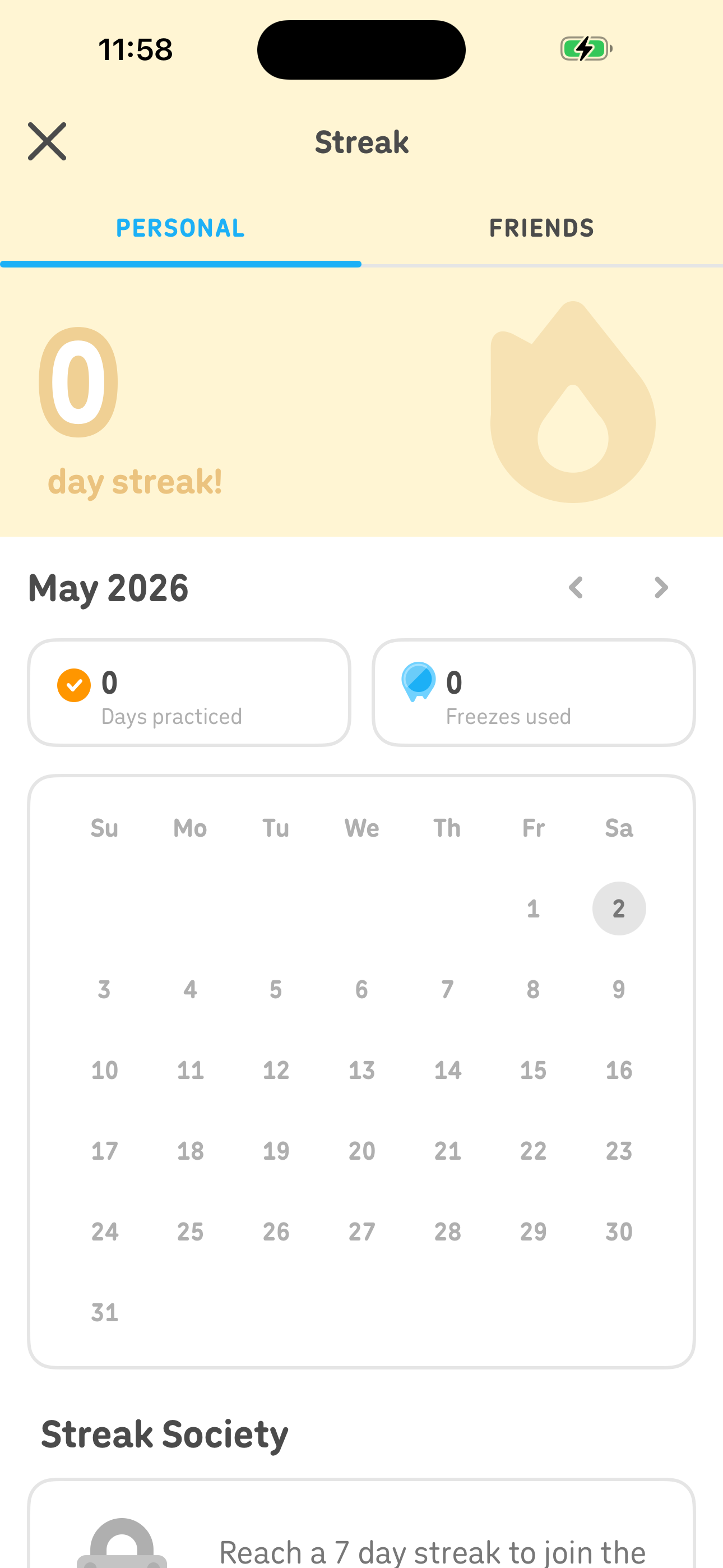
Check streak calendar and history

Tap the streak counter to open the monthly calendar, see days practiced, freezes used, and the Streak Society milestone.
Duolingo Home — Learn tab (path map) screen in Check streak calendar and history flow
Home — Learn tab (path map)
Duolingo Streak — Personal streak calendar + Society screen in Check streak calendar and history flow
Streak — Personal streak calendar + Society
  1. Home — Learn tab (path map)
  2. Streak — Personal streak calendar + Society

Screen inventory

High-density screens in the Duolingo app

UI inventory

Interface elements found by Atlas

254button24indicator22tab11input

Related maps

More mobile app screen maps