path01 · 8 screens
Shop Home to Order Placed Confirmation
Passes through Search, Product Detail and 4 other screens on iOS.
- 01Shop Home
- 02Search
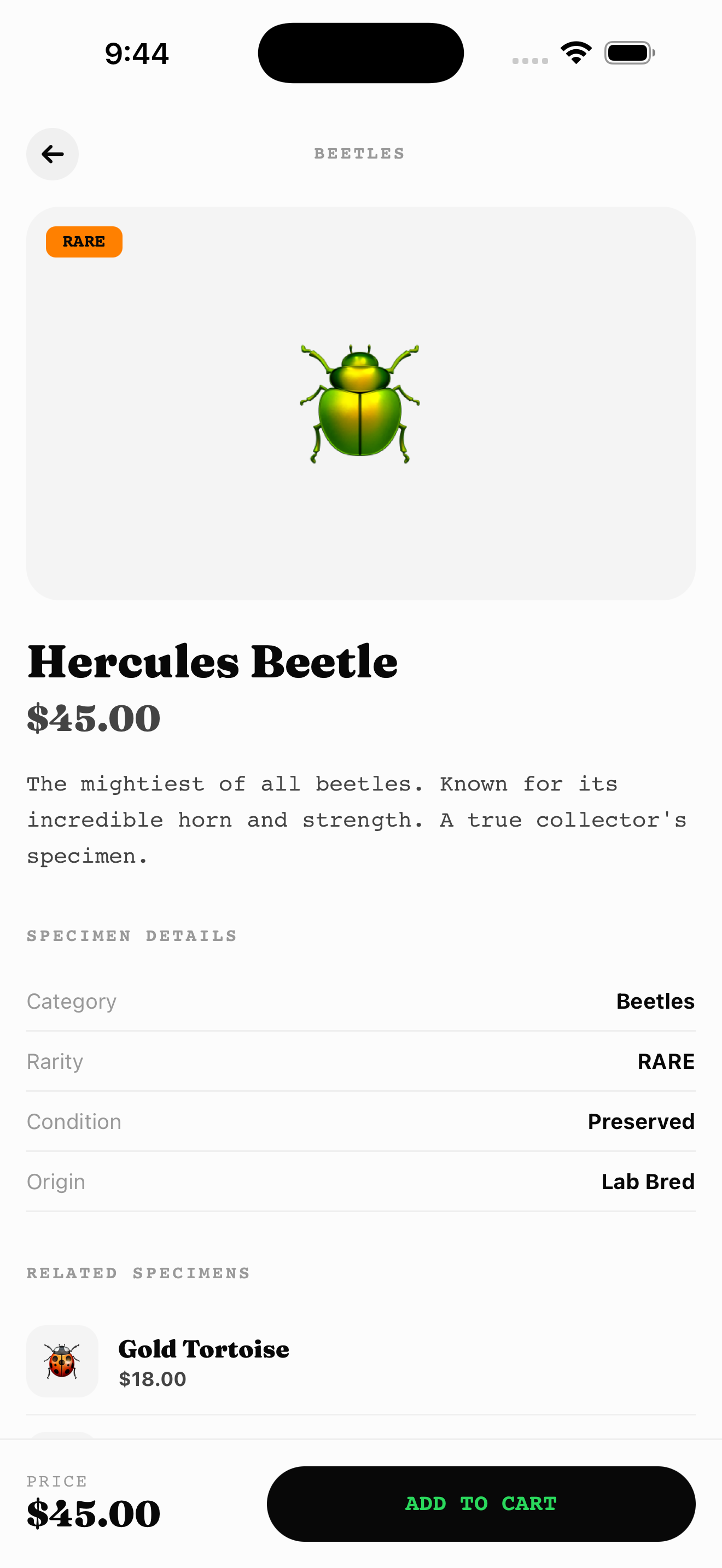
- 03Product Detail
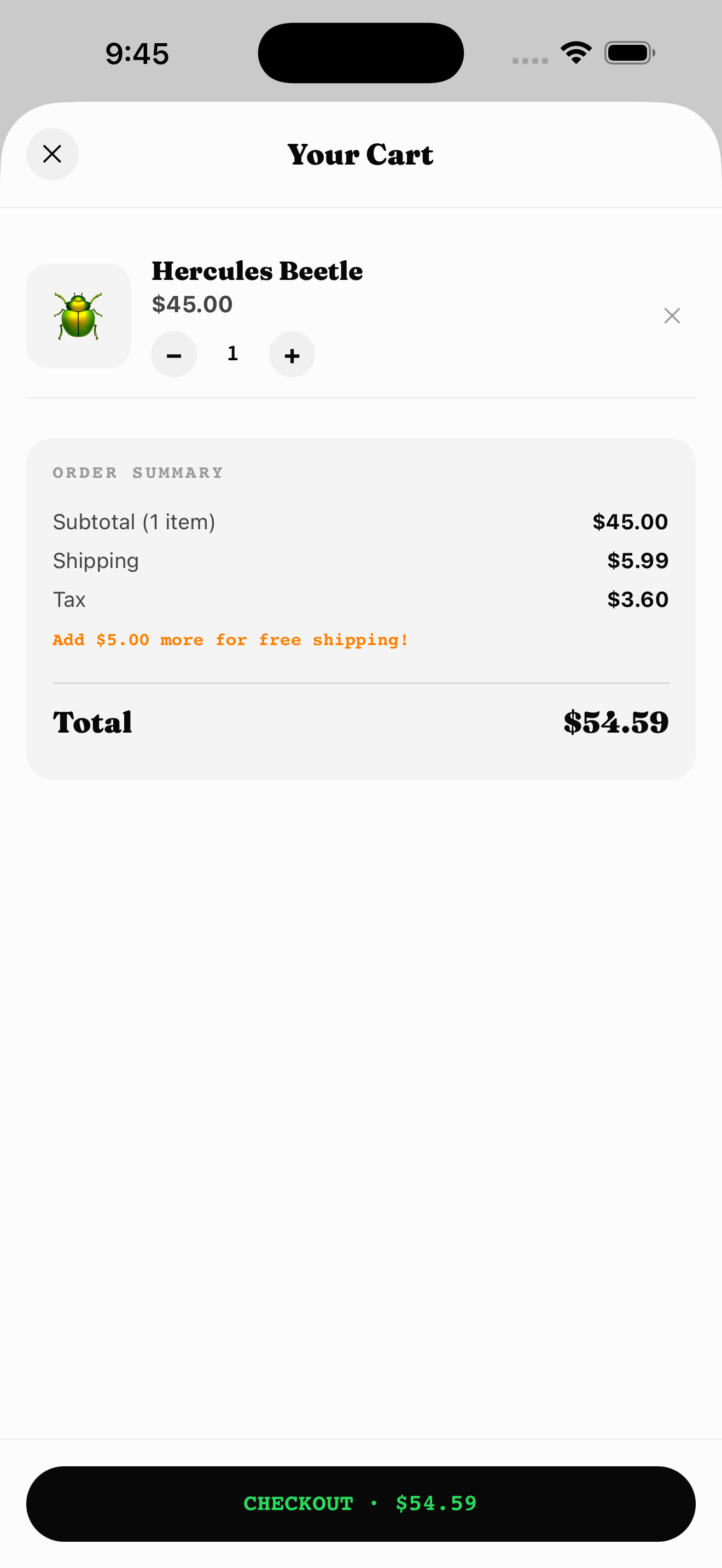
- 04Your Cart
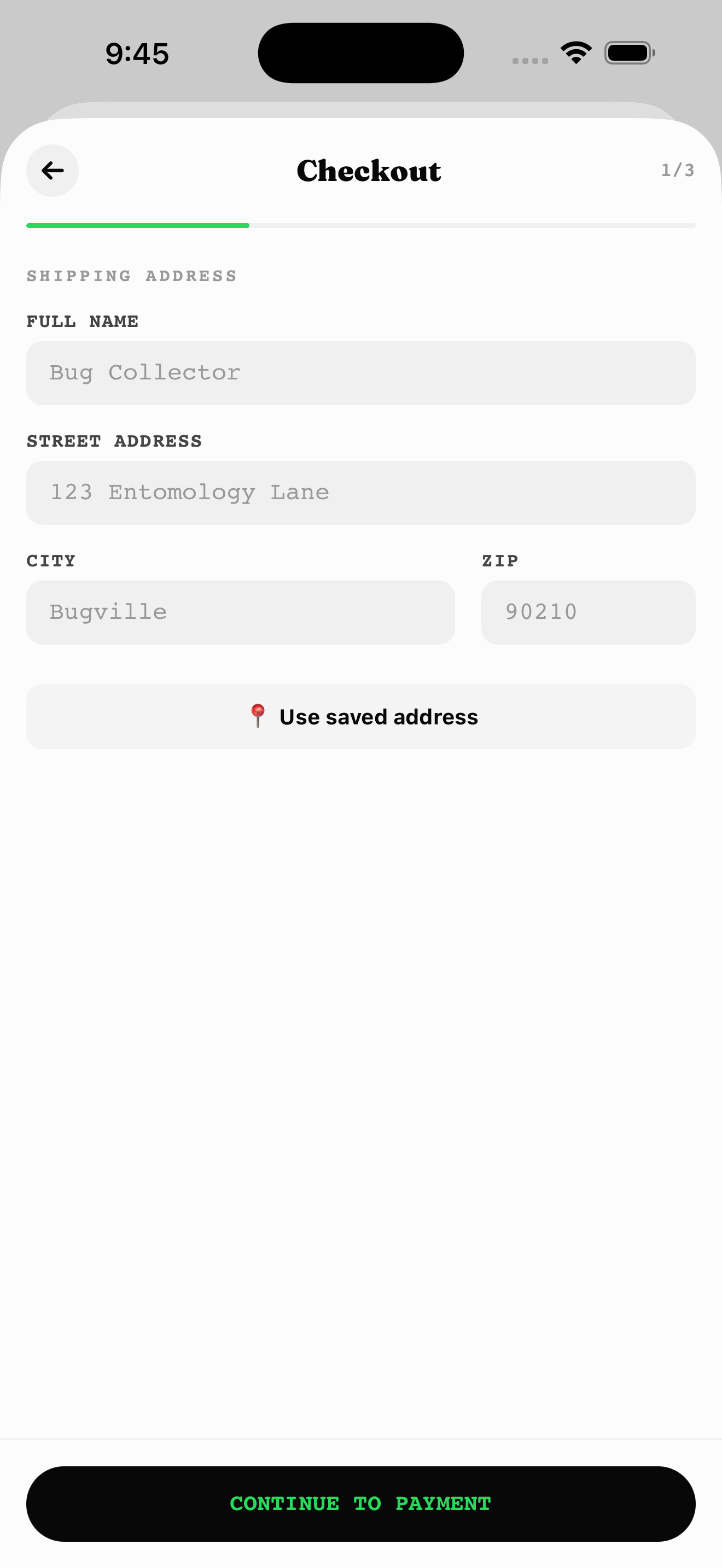
- 05Checkout - Shipping Address (1/3)
+ 3 more screens
Workflow
Connect
By team
Learn
Resources
Revyl Atlas mapped 13 iOS app screens, 19 transitions, 8 user paths, and 68 UI elements in Bug Bazaar. Use this report for mobile UX research, QA coverage planning, competitive teardown work, and AI agent navigation context.

Bug Bazaar
iOS13 screens · 8 paths · 68 elements
Documented flows · 4
68 UI elements · 4 flows documented
User flows
Each flow is an ordered path Atlas observed in Bug Bazaar. Open one to see every screen, the action that leads to the next, and the UI it contains.
Passes through Search, Product Detail and 4 other screens on iOS.
+ 3 more screens
Passes through Specimens Collector Catalog and Product Detail on iOS.
Full path shown
Passes through Account and Account Settings on iOS.
Full path shown
Passes through Account on iOS.
Full path shown
Screen inventory
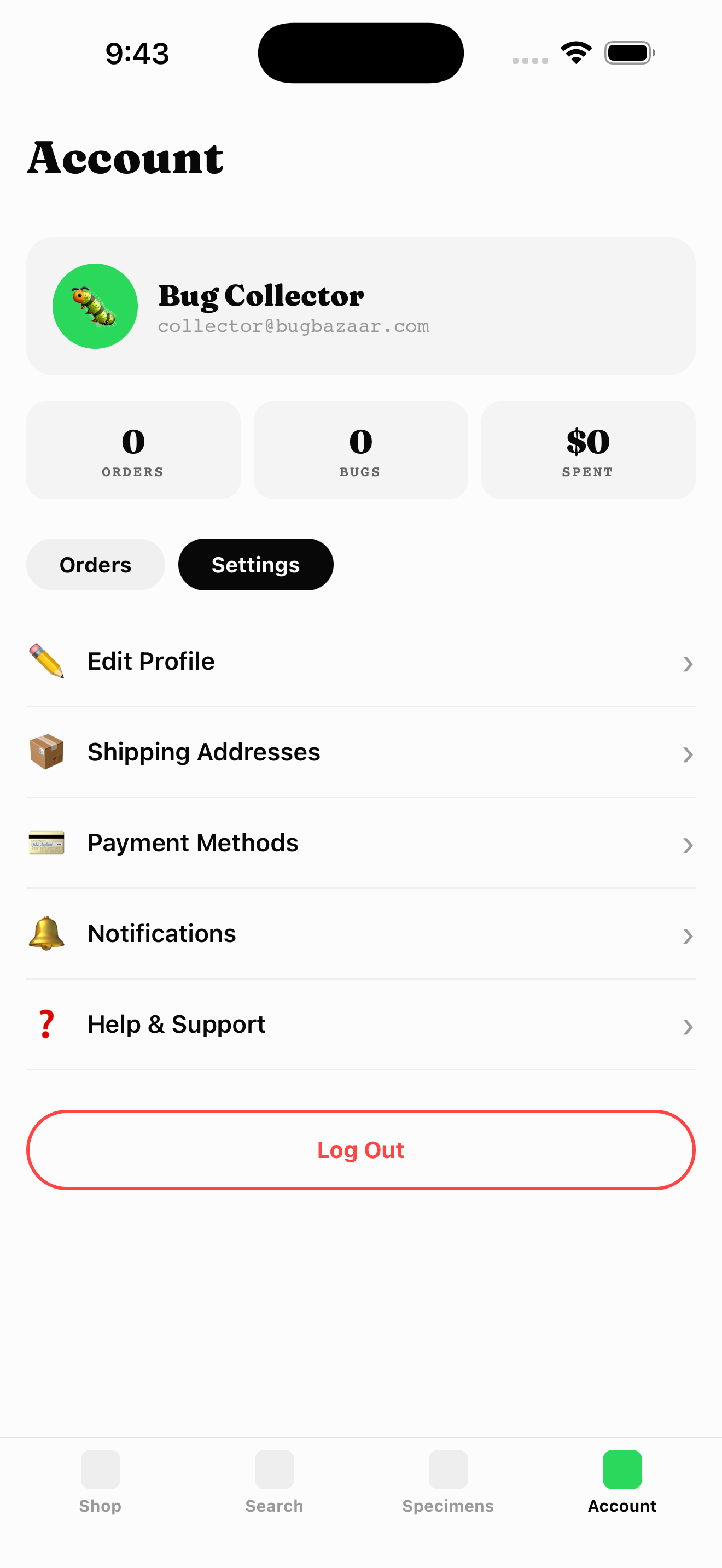
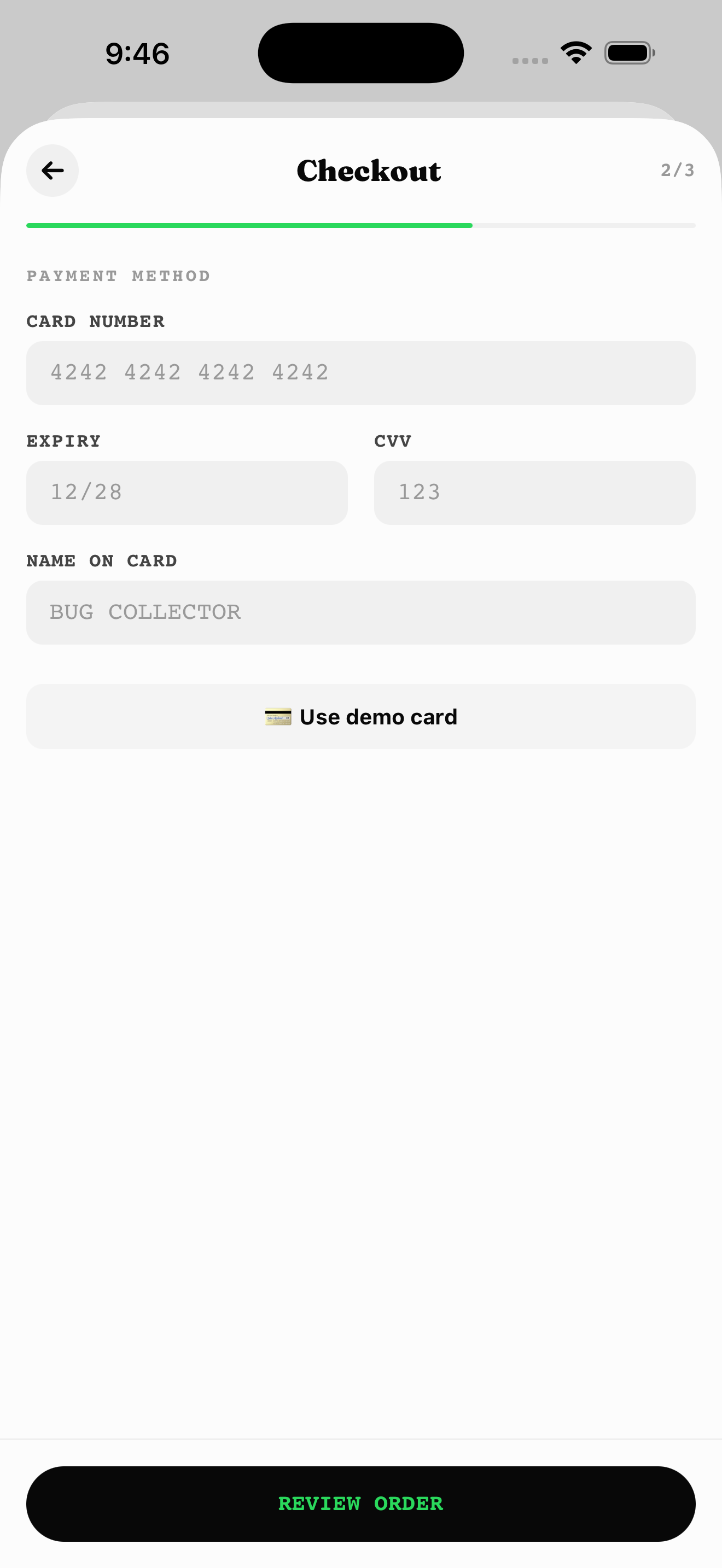
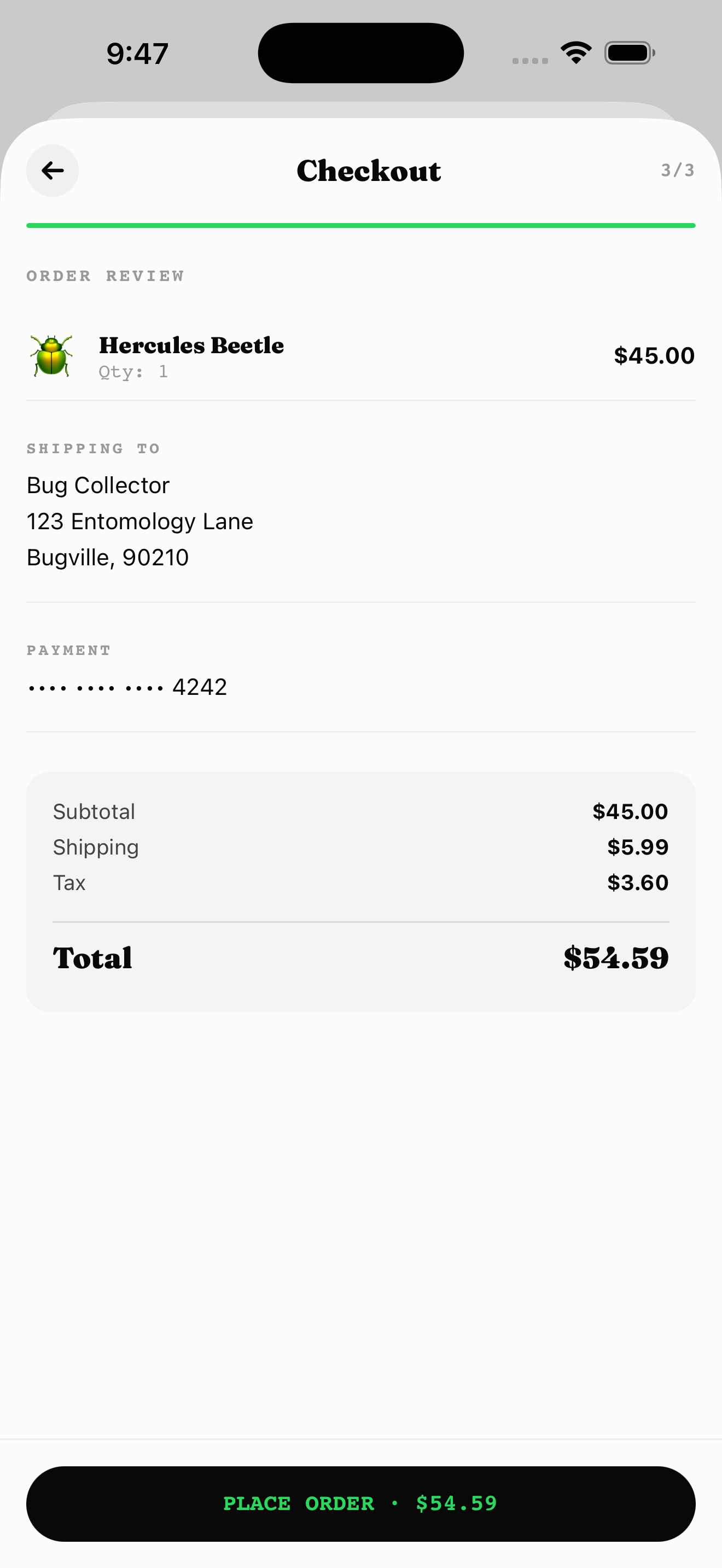
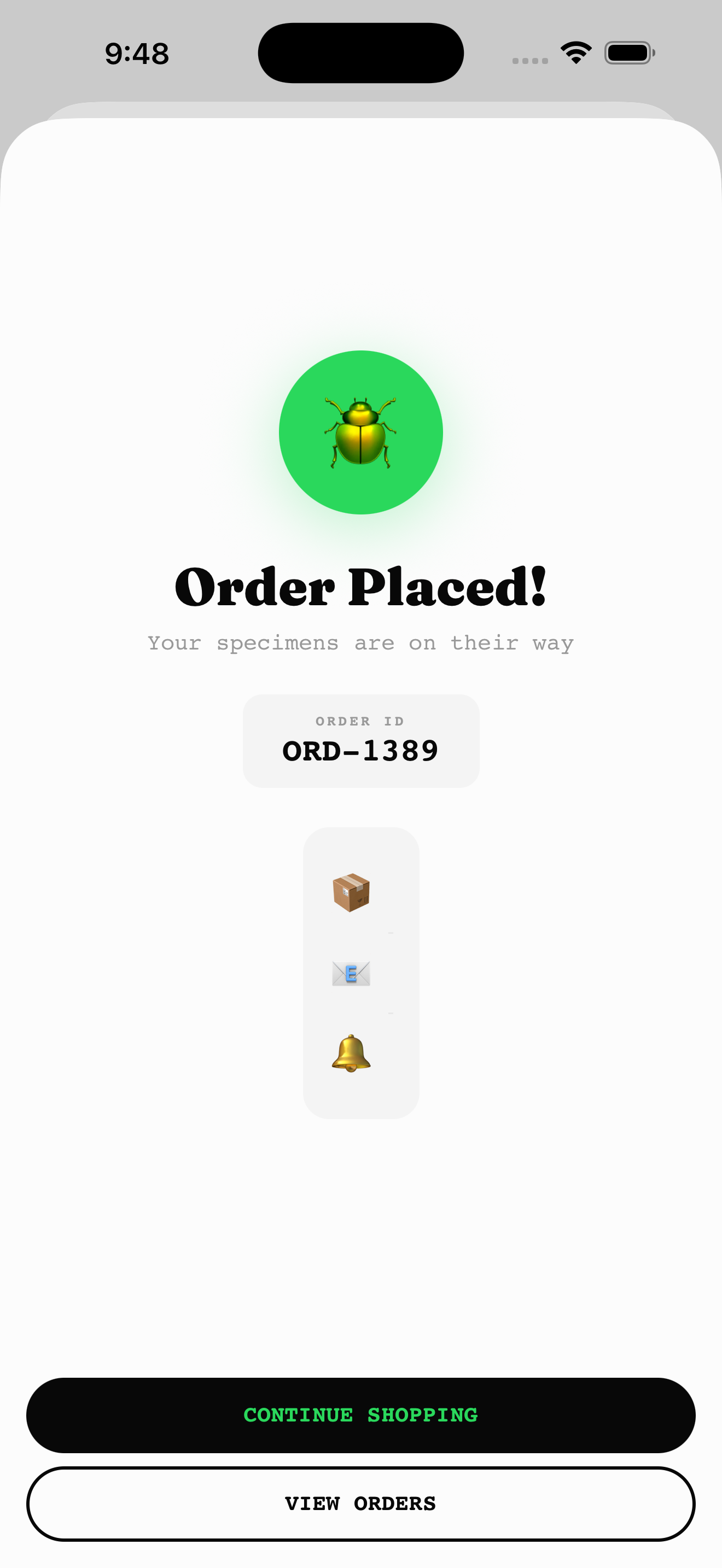
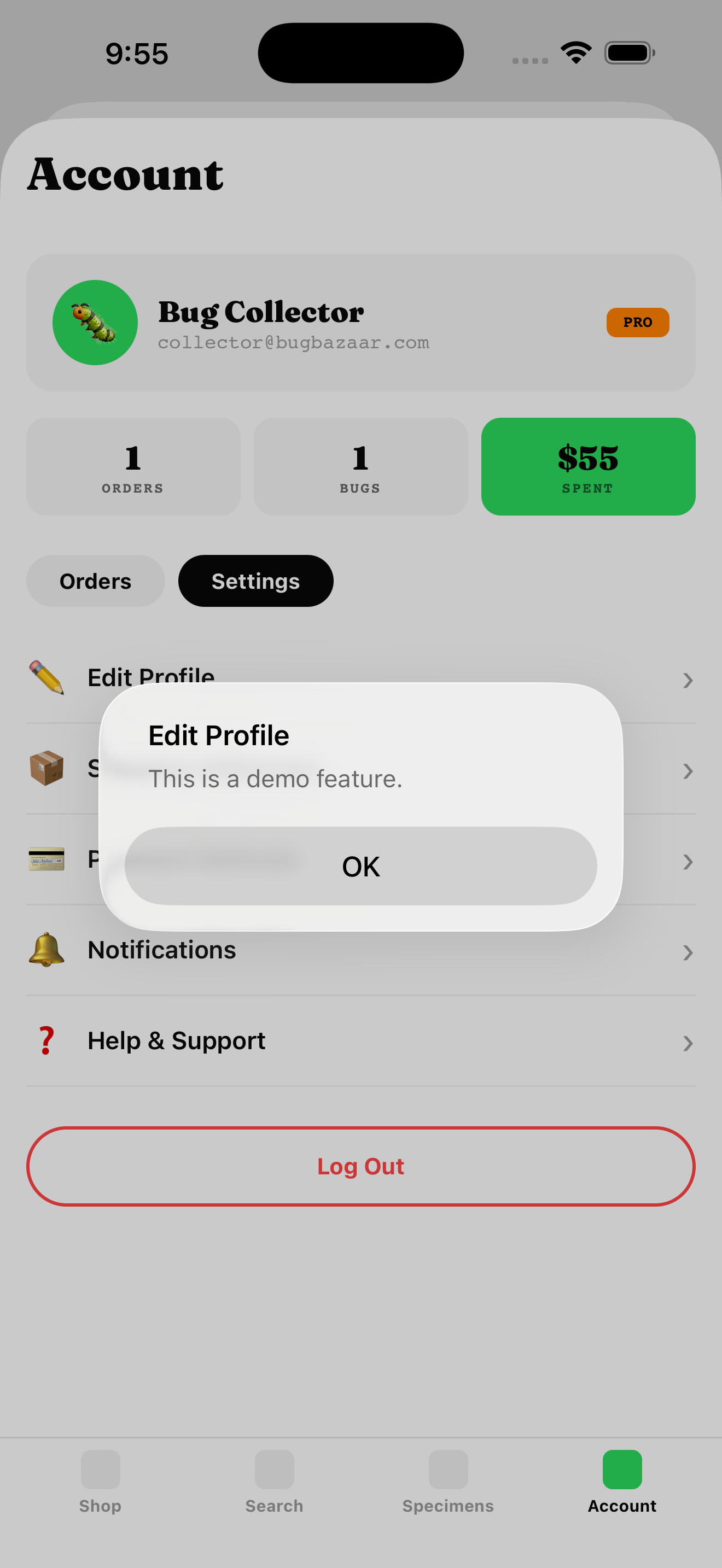
13 screens captured on iOS. Each one is drawn from the elements Atlas detected on it, from search fields to tab bars.
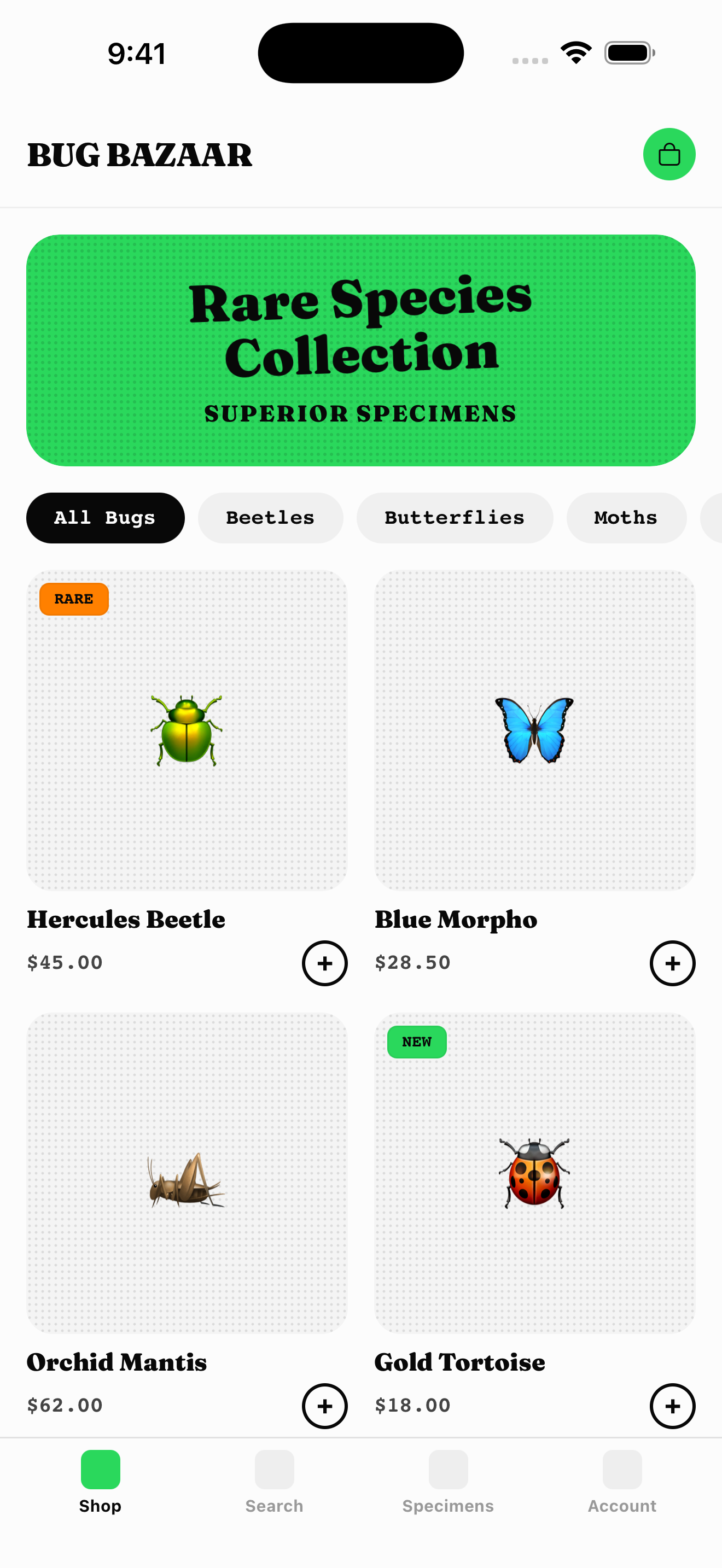
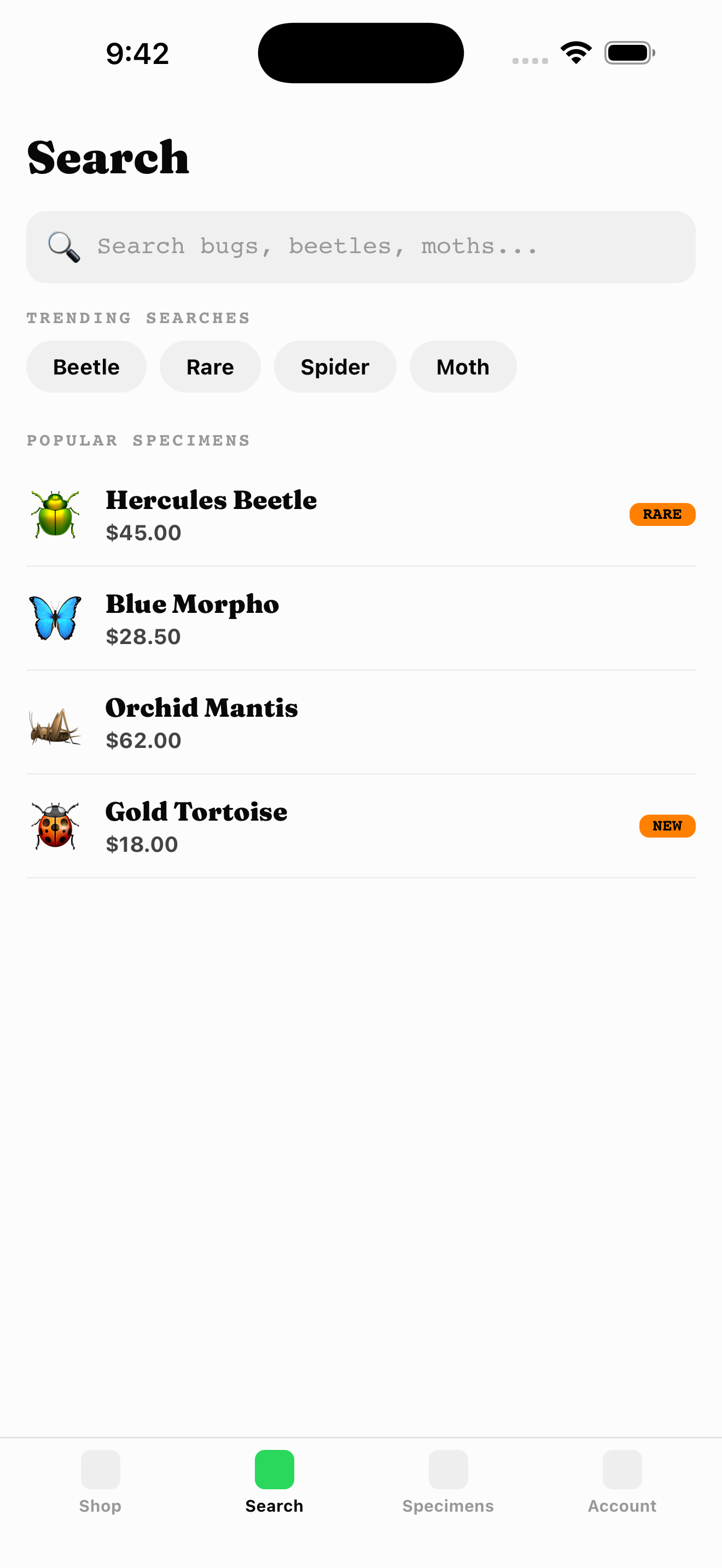
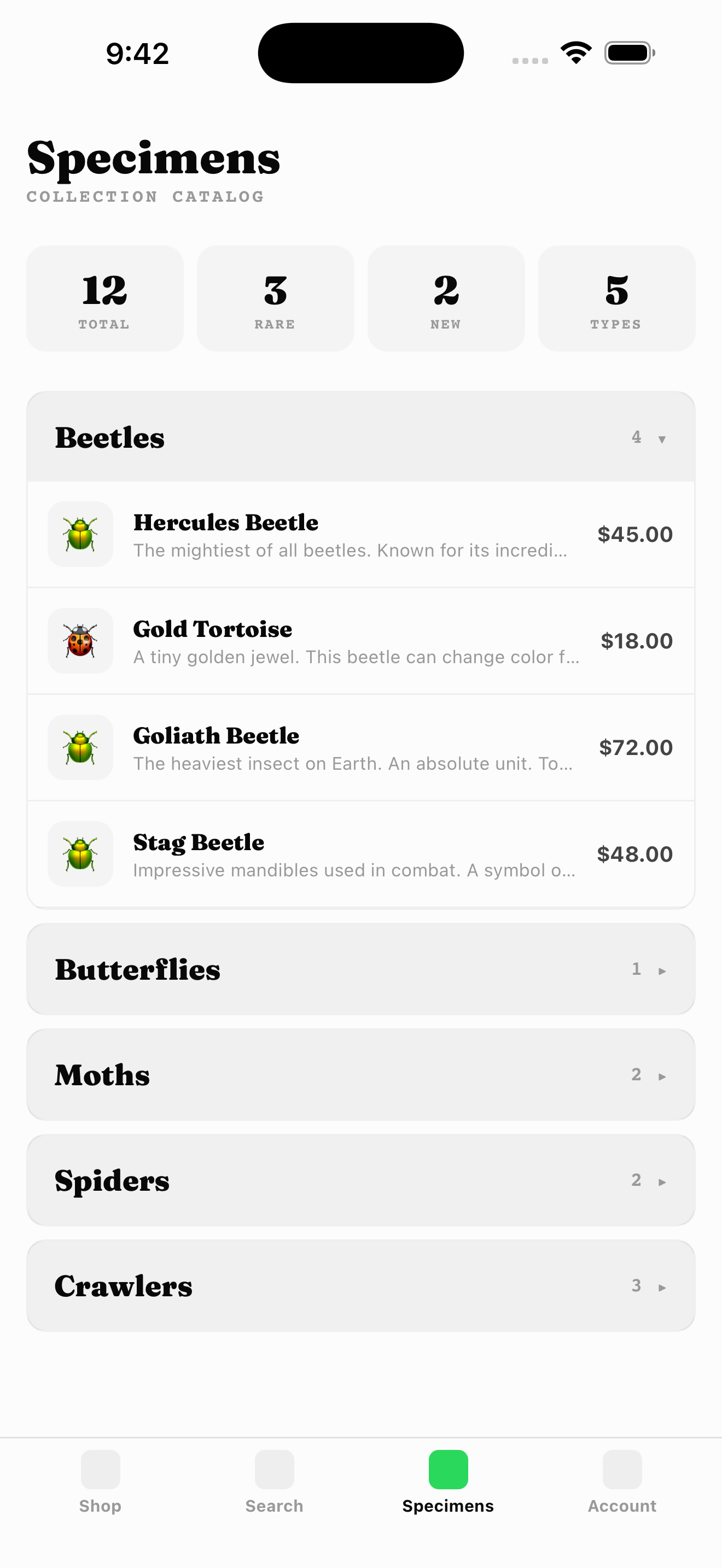
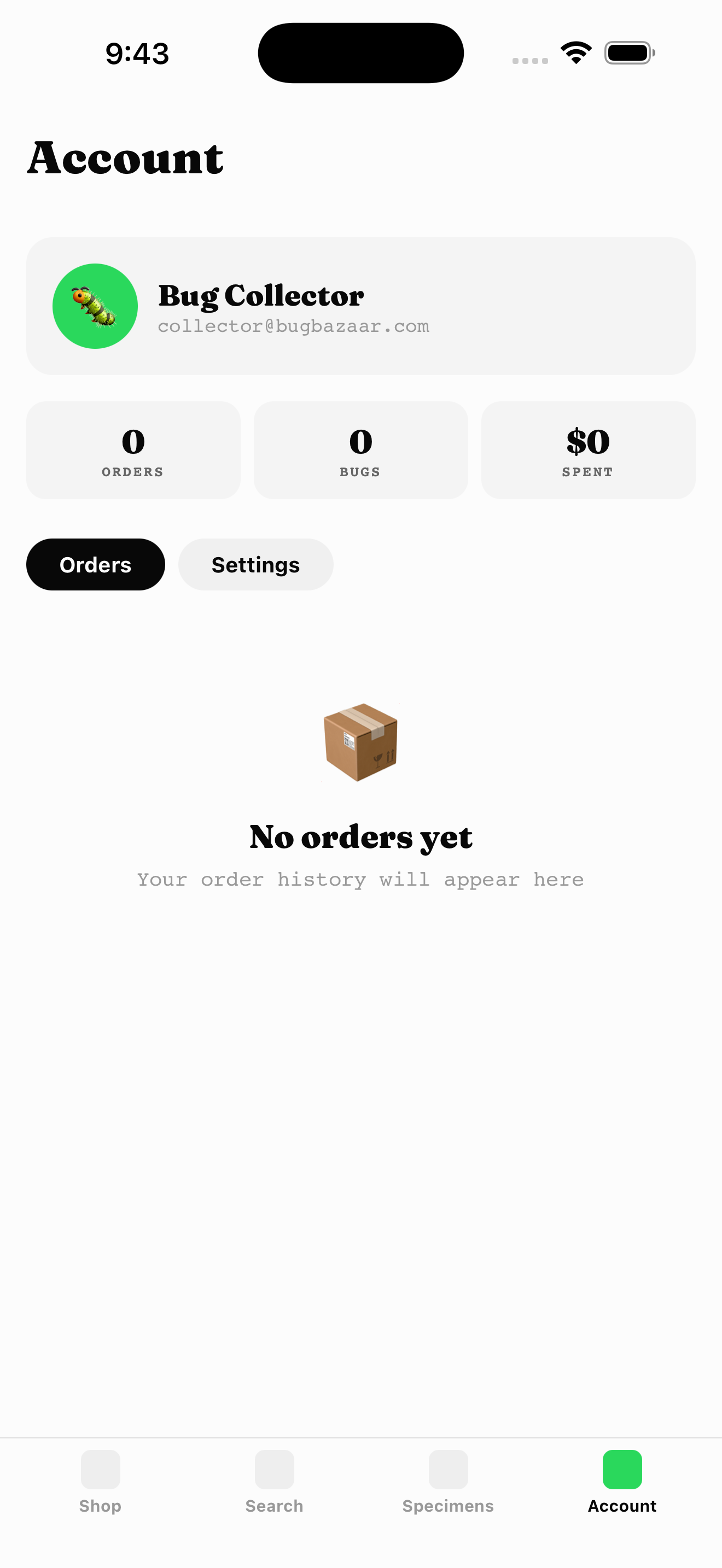
UI inventory
Atlas counts every interactive element it finds, so you can see where Bug Bazaar concentrates its interface and which screens carry the most.
| Element type | Share | Count |
|---|---|---|
| button | 29 | |
| list item | 13 | |
| tab | 9 | |
| input | 9 | |
| icon | 8 |
| # | Screen | Elements |
|---|---|---|
| 01 | Shop Home | 13 |
| 02 | Search | 9 |
| 03 | Specimens Collector Catalog | 9 |
| 04 | Checkout - Shipping Address (1/3) | 7 |
| 05 | Checkout - Payment Method (2/3) | 7 |
| 06 | Account Settings | 6 |
| 07 | Your Cart | 5 |
| 08 | Account | 3 |
Research uses
The same map serves design reviews, release testing and the agents that drive your app.
Compare how Bug Bazaar moves users through entry screens, decision points, modals, detail pages and conversion paths.
Use the mapped screens and transitions to find high-risk branches, repeated states, dead ends and screens that need regression coverage.
Give mobile automation agents a concrete screen inventory and path list instead of asking them to infer navigation from scratch.
More maps
The full Atlas gallery and private app maps are included on Free.
Connect Revyl tests and live sessions, observe your app in motion, and turn those runs into an Atlas map.


