01
Home: main dashboard
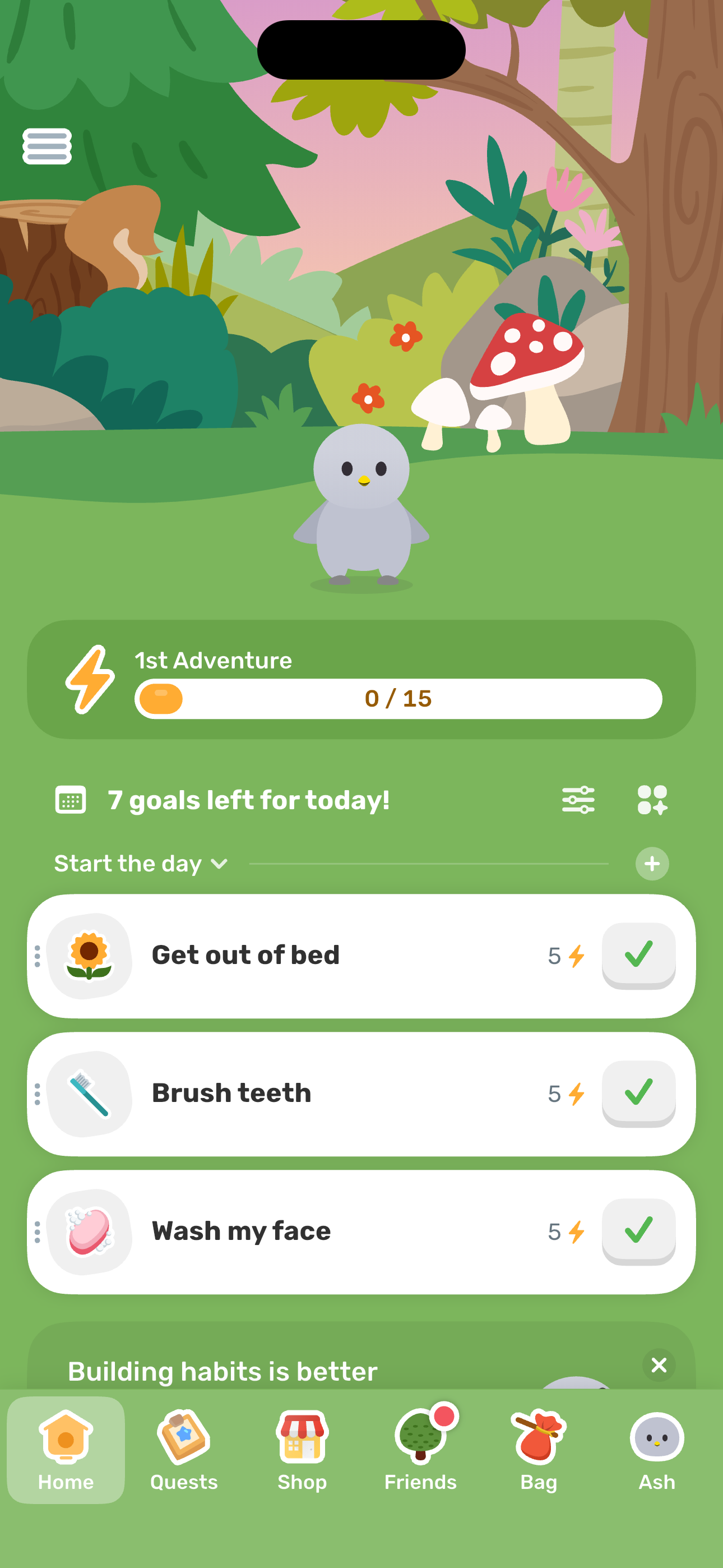
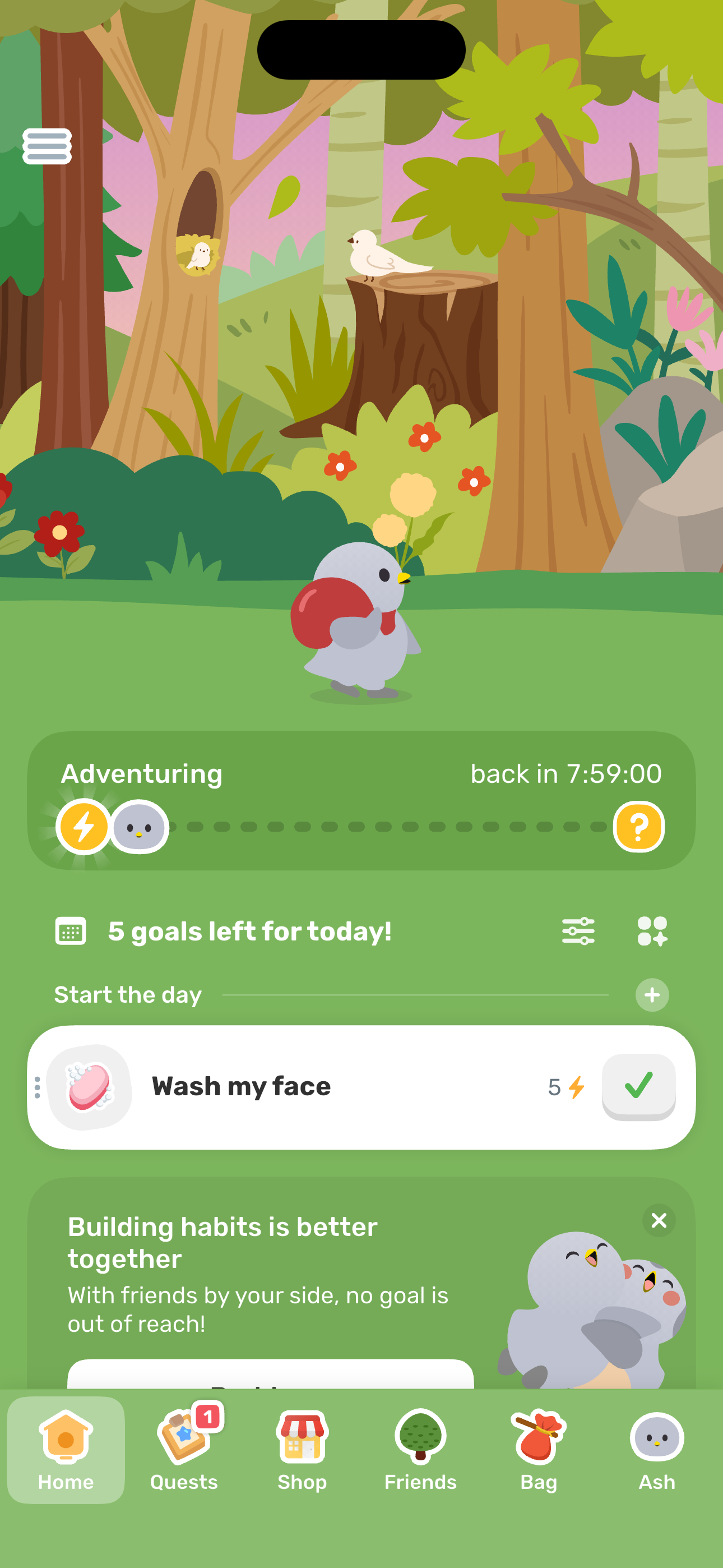
Step 1 in the Finch Energize Ash to MAX flow. Atlas detected 18 UI elements on this screen.
 Revyl
Revyl Revyl Atlas flow
Check off daily goals, inspect the goal action sheet + editor, fill the energy bar, trigger the MAX reward, see the Toddler evolution progress, kick off today's adventure, and handle the post-adventure notifications prompt.
Research notes
Screen path
This page is a crawlable breakdown of one real mobile journey. The screenshots, step labels, and element counts make the Finch Energize Ash to MAX path easier to compare against competing apps, reproduce during QA planning, and reuse as structured navigation context for app automation.
Step 1 in the Finch Energize Ash to MAX flow. Atlas detected 18 UI elements on this screen.
Step 2 in the Finch Energize Ash to MAX flow. Atlas detected 10 UI elements on this screen.
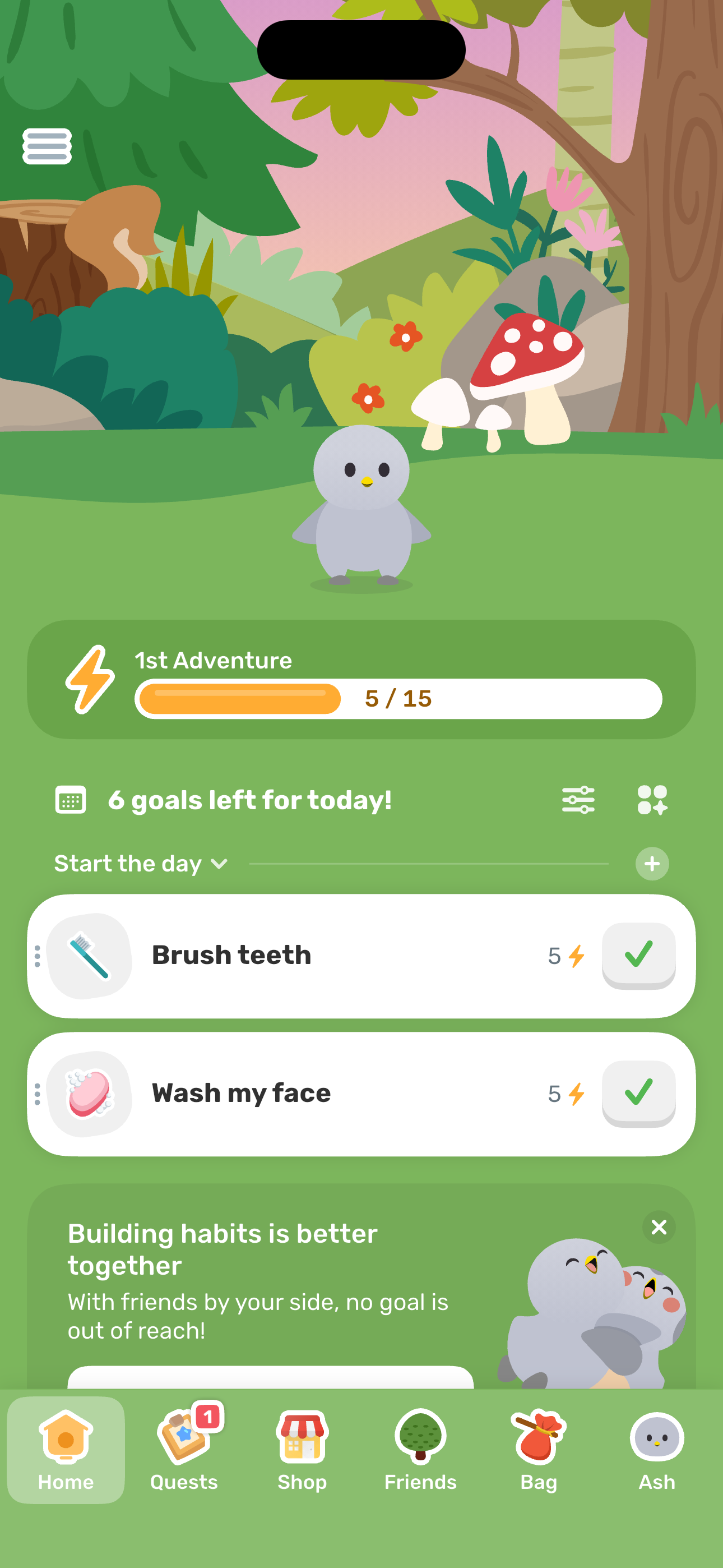
Step 3 in the Finch Energize Ash to MAX flow. Atlas detected 9 UI elements on this screen.
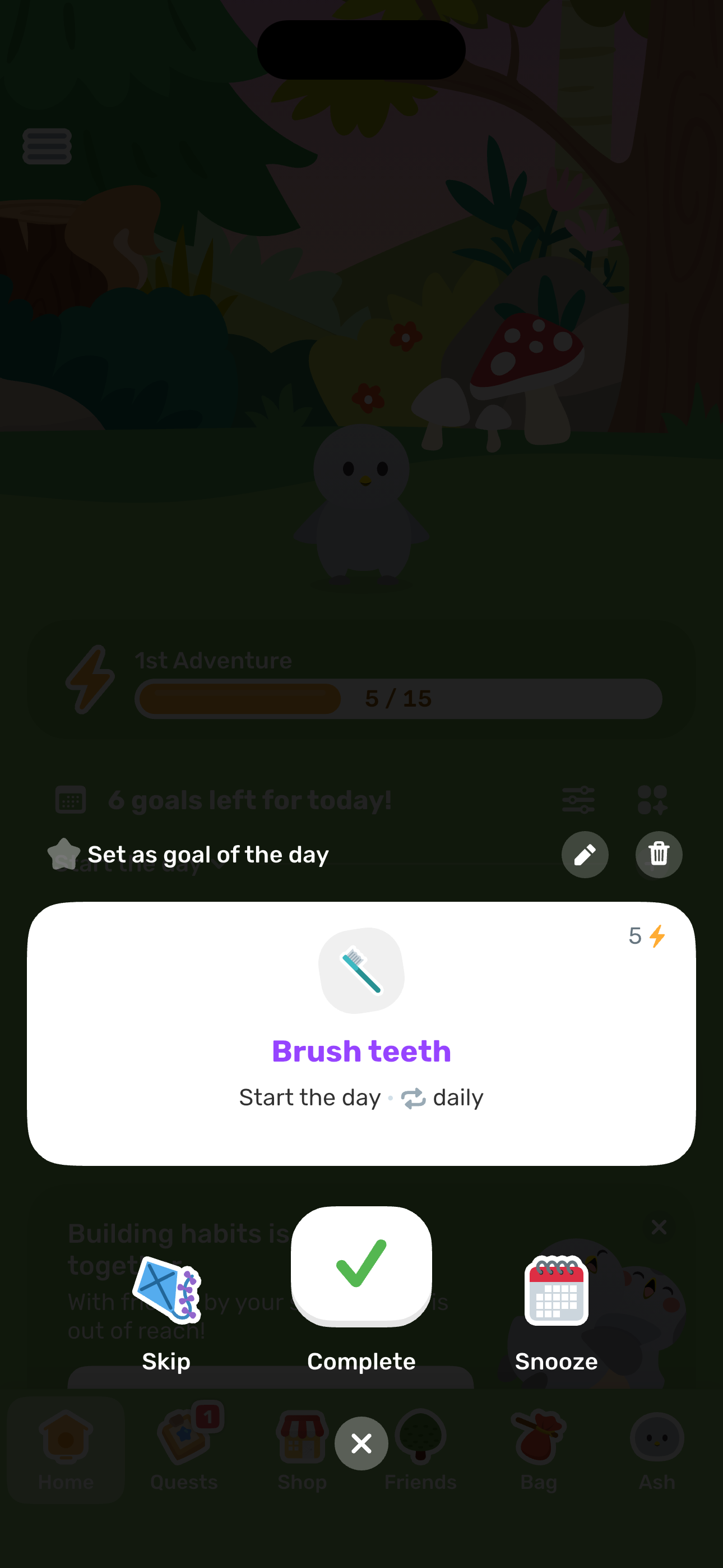
Step 4 in the Finch Energize Ash to MAX flow. Atlas detected 11 UI elements on this screen.
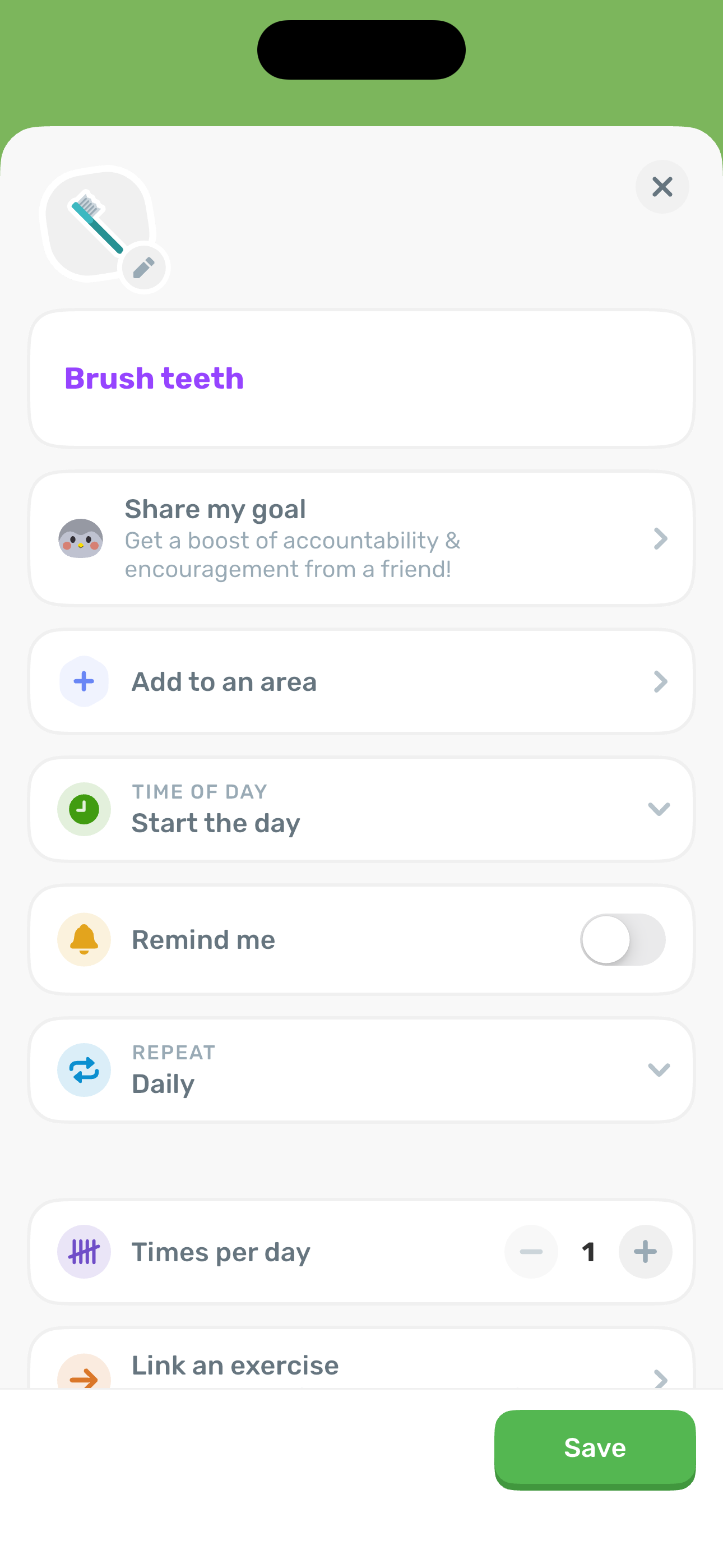
Step 5 in the Finch Energize Ash to MAX flow. Atlas detected 5 UI elements on this screen.
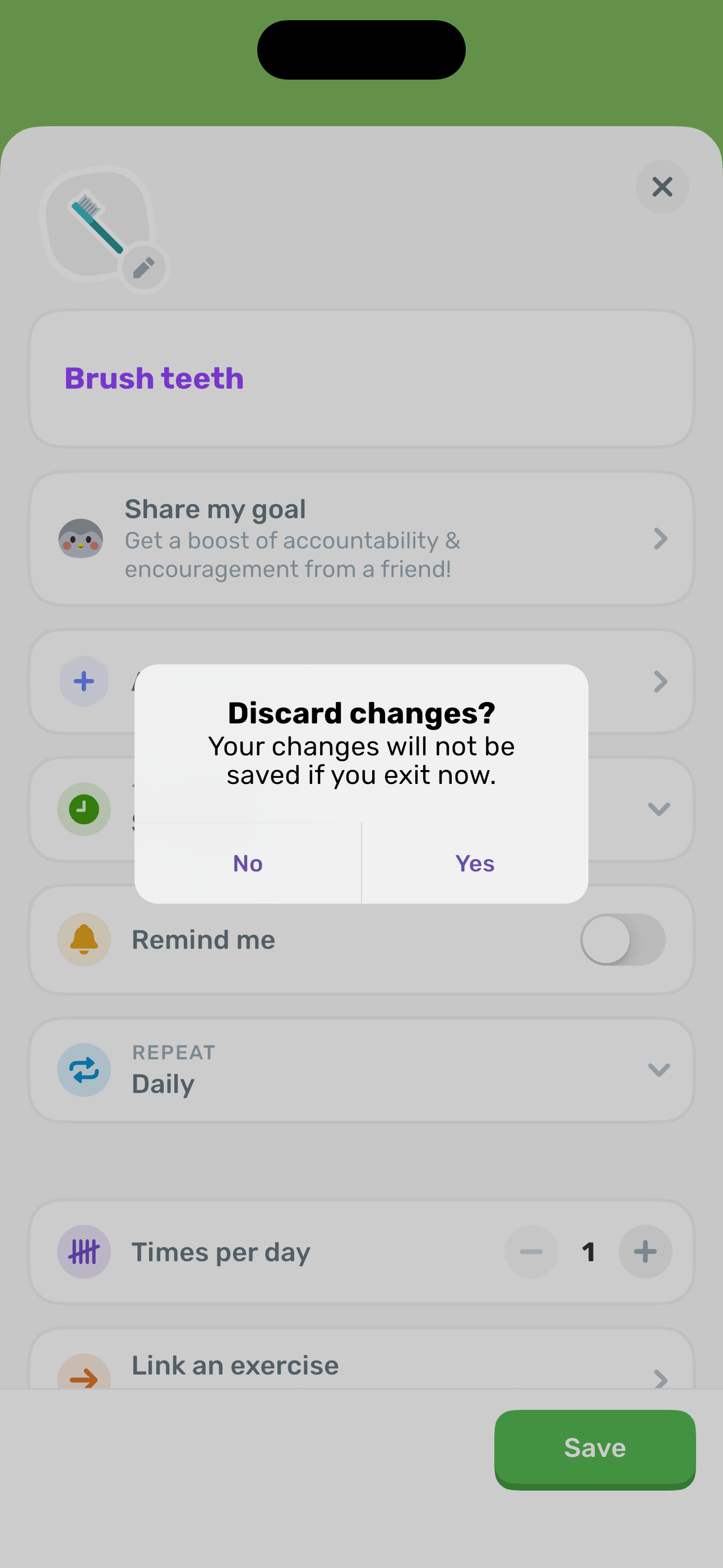
Step 6 in the Finch Energize Ash to MAX flow. Atlas detected 8 UI elements on this screen.
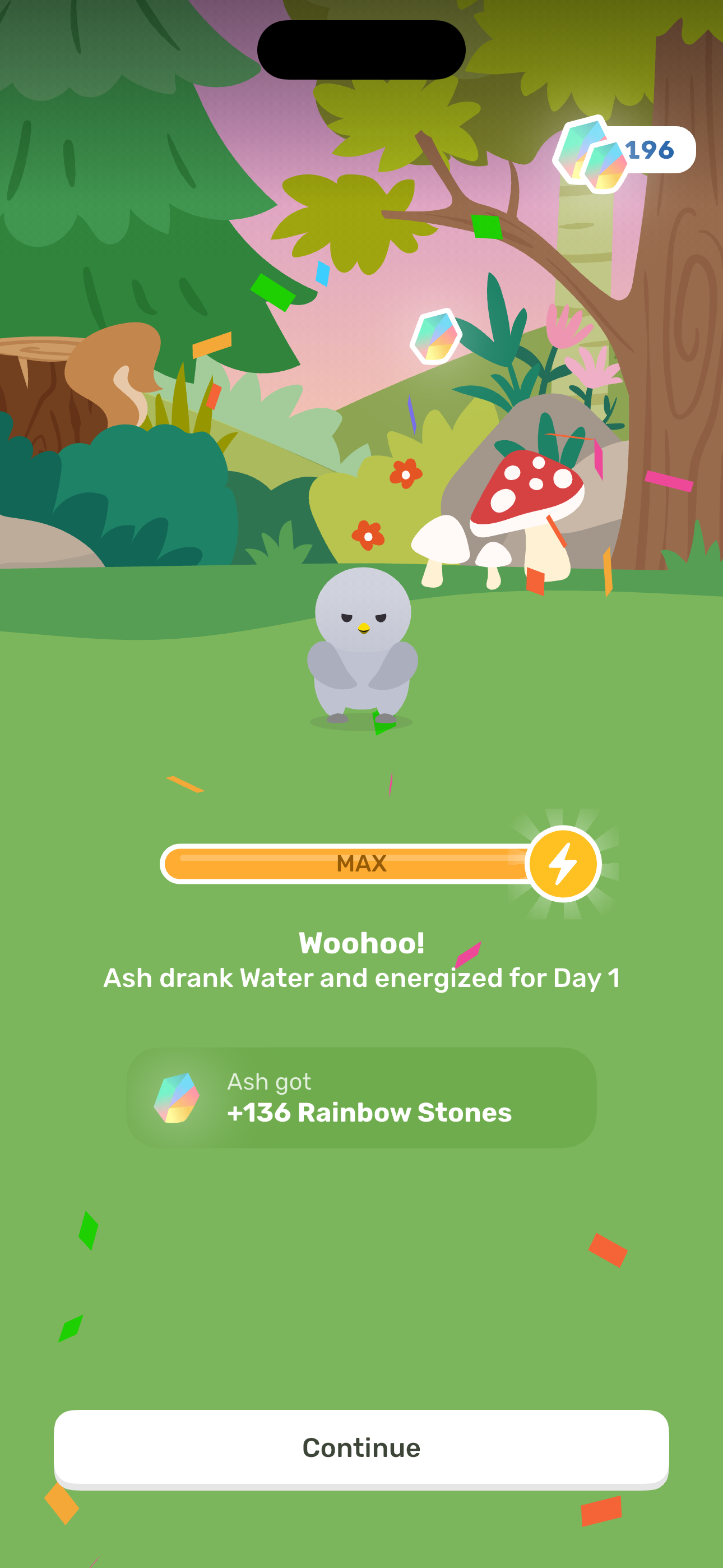
Step 7 in the Finch Energize Ash to MAX flow. Atlas detected 5 UI elements on this screen.
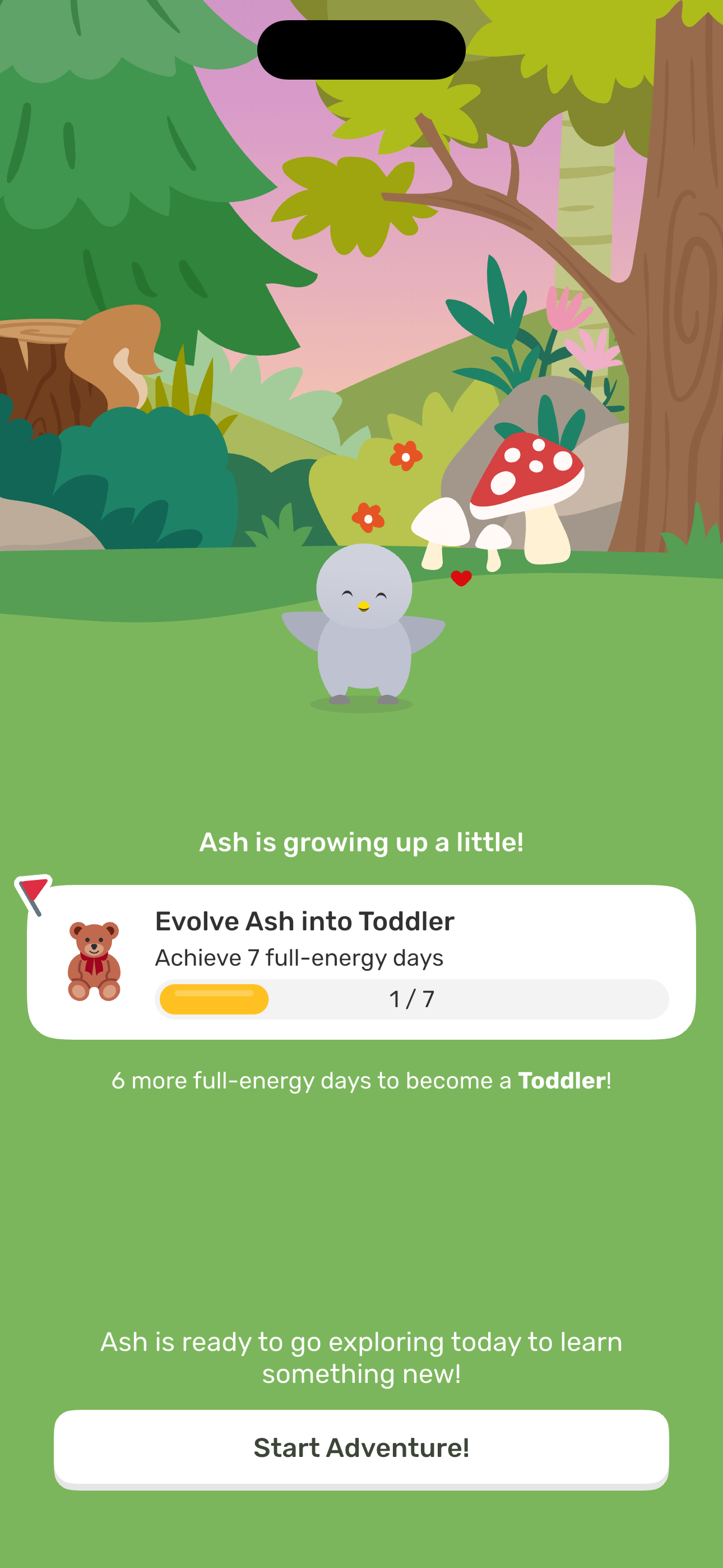
Step 8 in the Finch Energize Ash to MAX flow. Atlas detected 6 UI elements on this screen.
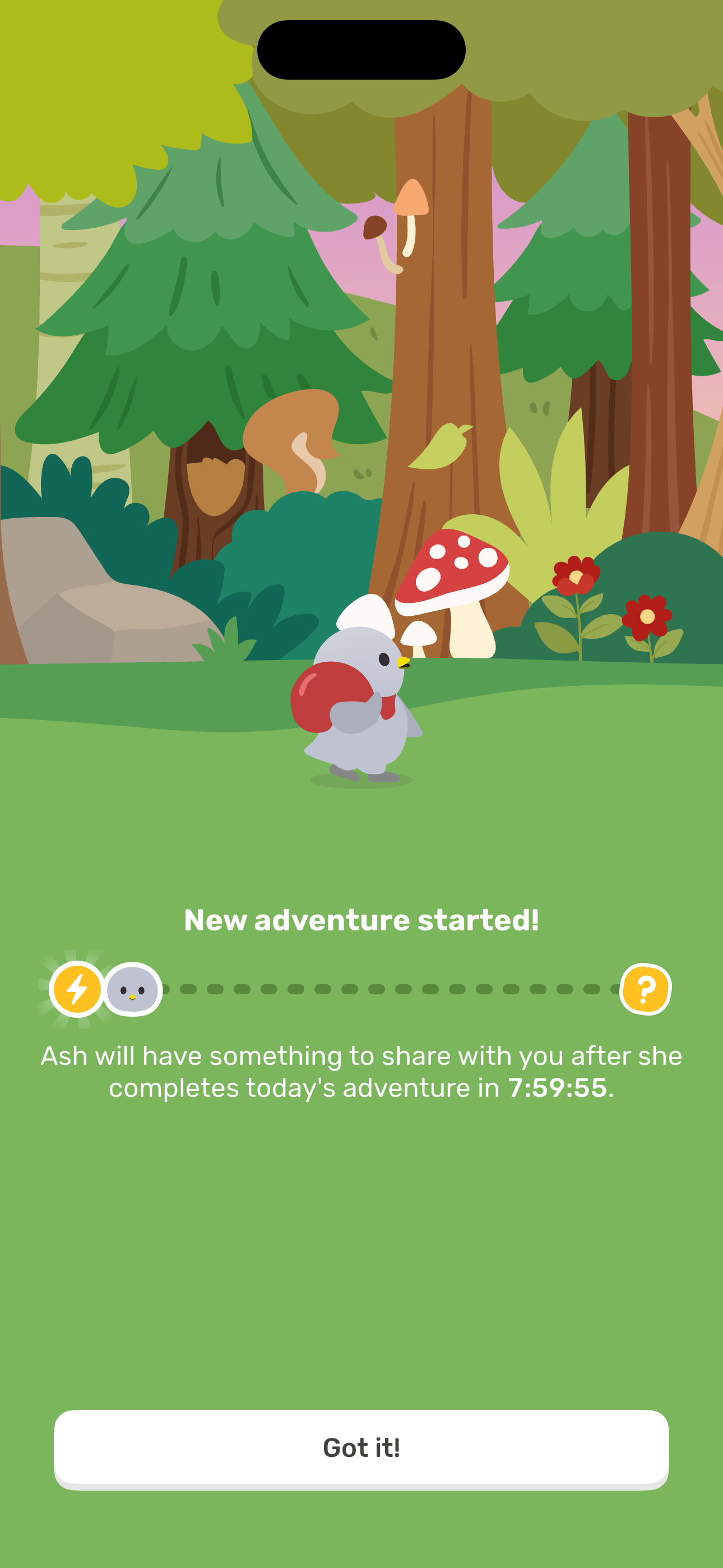
Step 9 in the Finch Energize Ash to MAX flow. Atlas detected 5 UI elements on this screen.
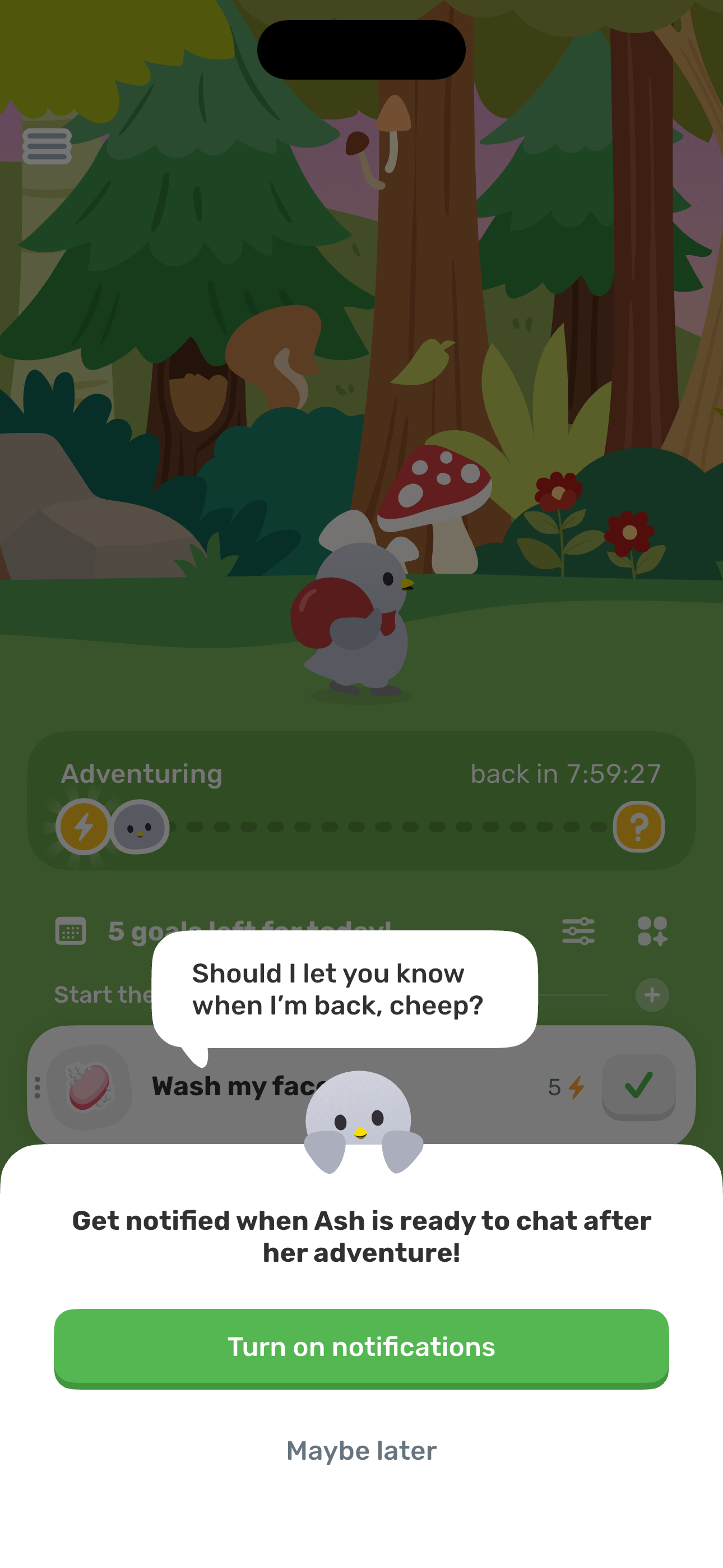
Step 10 in the Finch Energize Ash to MAX flow. Atlas detected 8 UI elements on this screen.
How to use it
Related flows