01
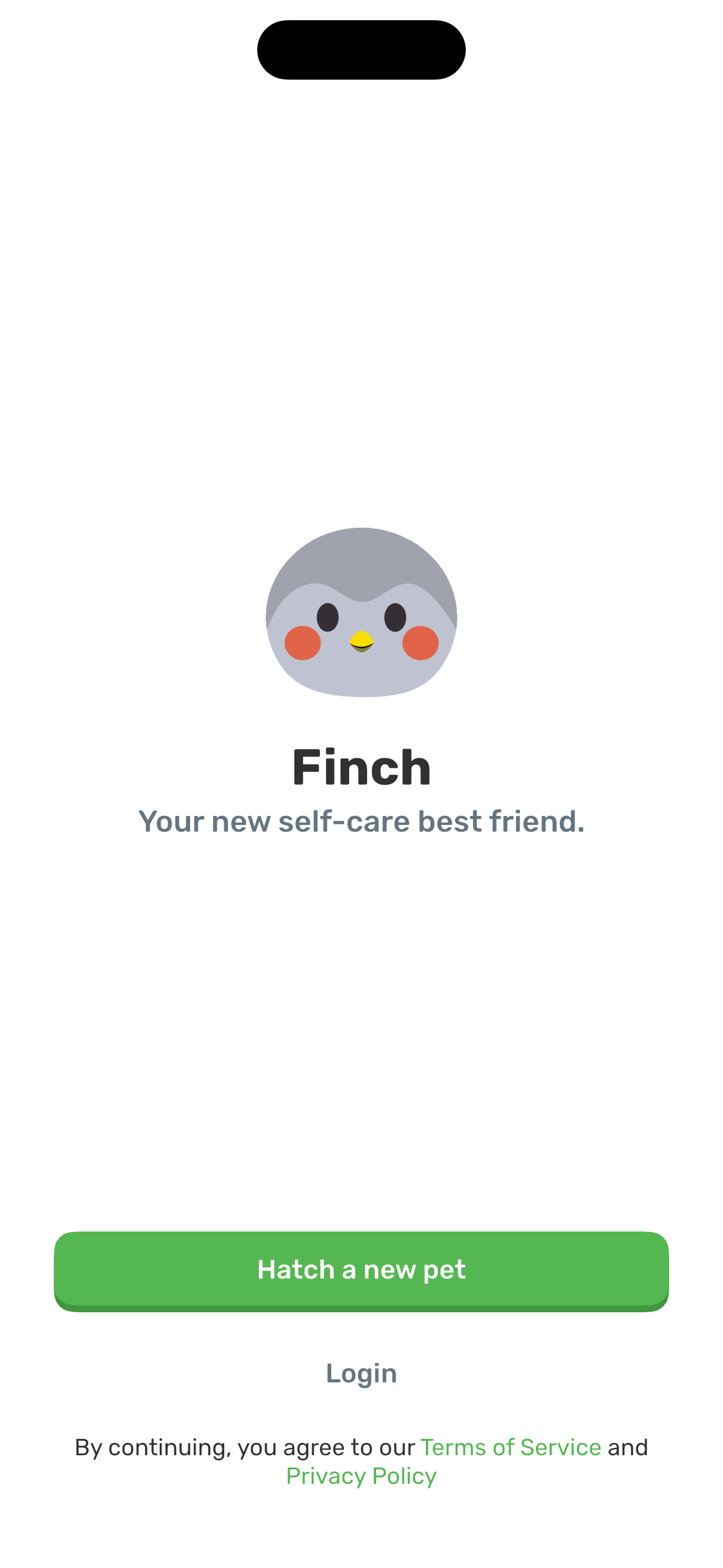
Welcome: Your new self-care best friend
Step 1 in the Finch Complete onboarding flow. Atlas detected 4 UI elements on this screen.
 Revyl
Revyl Revyl Atlas flow
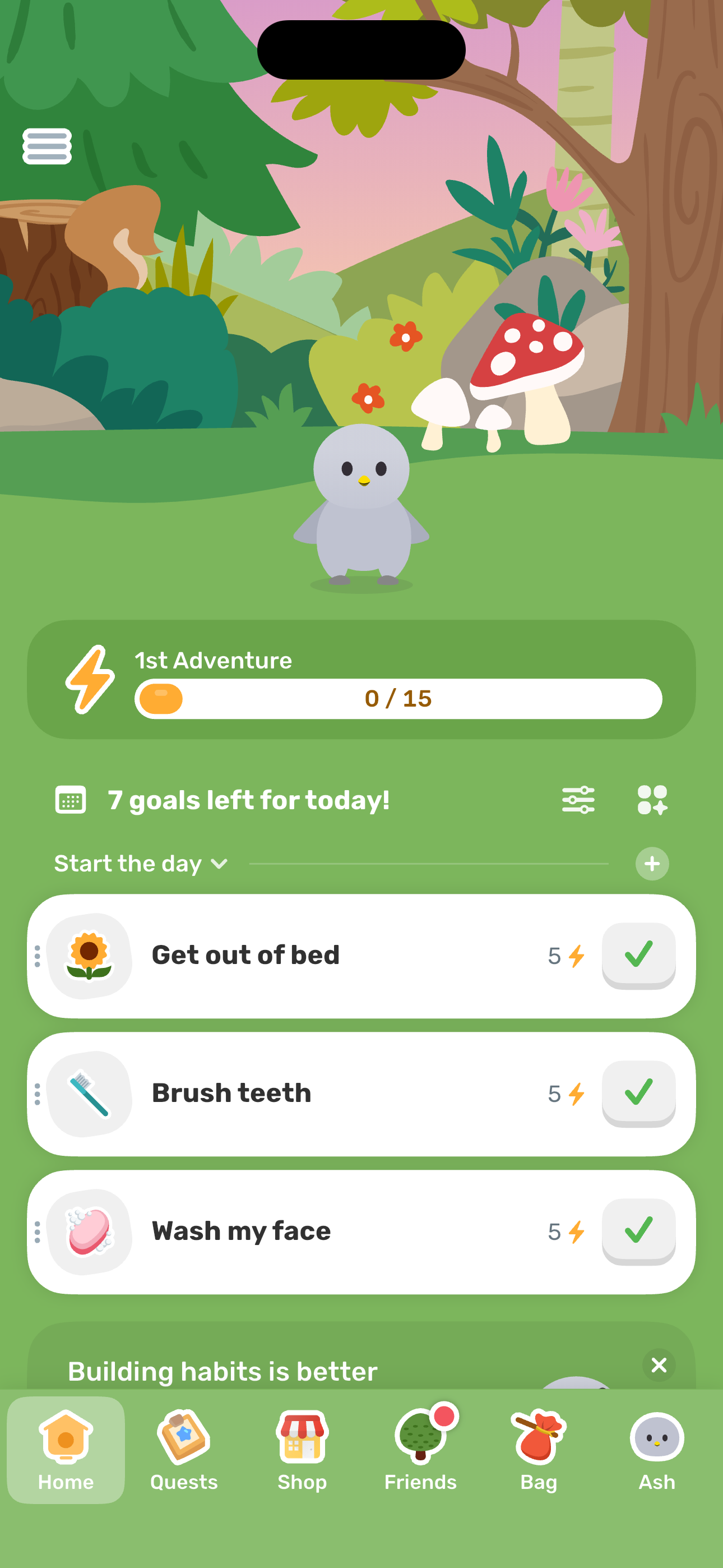
Full first-run flow: welcome → egg picker → phone verify → pronouns + name + trait → self-care primer + quiz → ABOUT YOU / ENERGY / HOW'S LIFE / SUPPORT AREAS survey → paywall → attribution → buddies + contacts prompt → streak commitment → widget prompt → Home.
Research notes
Screen path
This page is a crawlable breakdown of one real mobile journey. The screenshots, step labels, and element counts make the Finch Complete onboarding path easier to compare against competing apps, reproduce during QA planning, and reuse as structured navigation context for app automation.
Step 1 in the Finch Complete onboarding flow. Atlas detected 4 UI elements on this screen.
Step 2 in the Finch Complete onboarding flow. Atlas detected 8 UI elements on this screen.
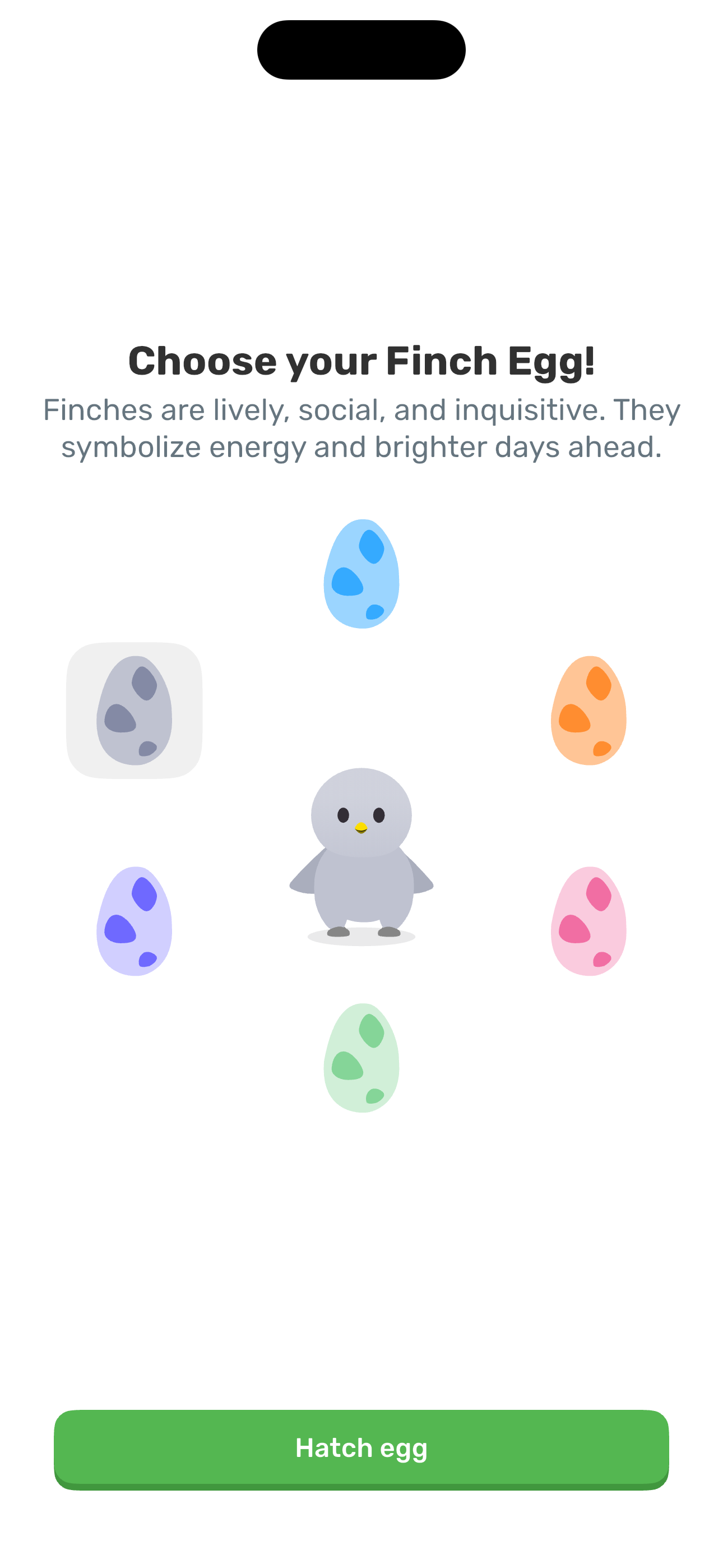
Step 3 in the Finch Complete onboarding flow. Atlas detected 4 UI elements on this screen.
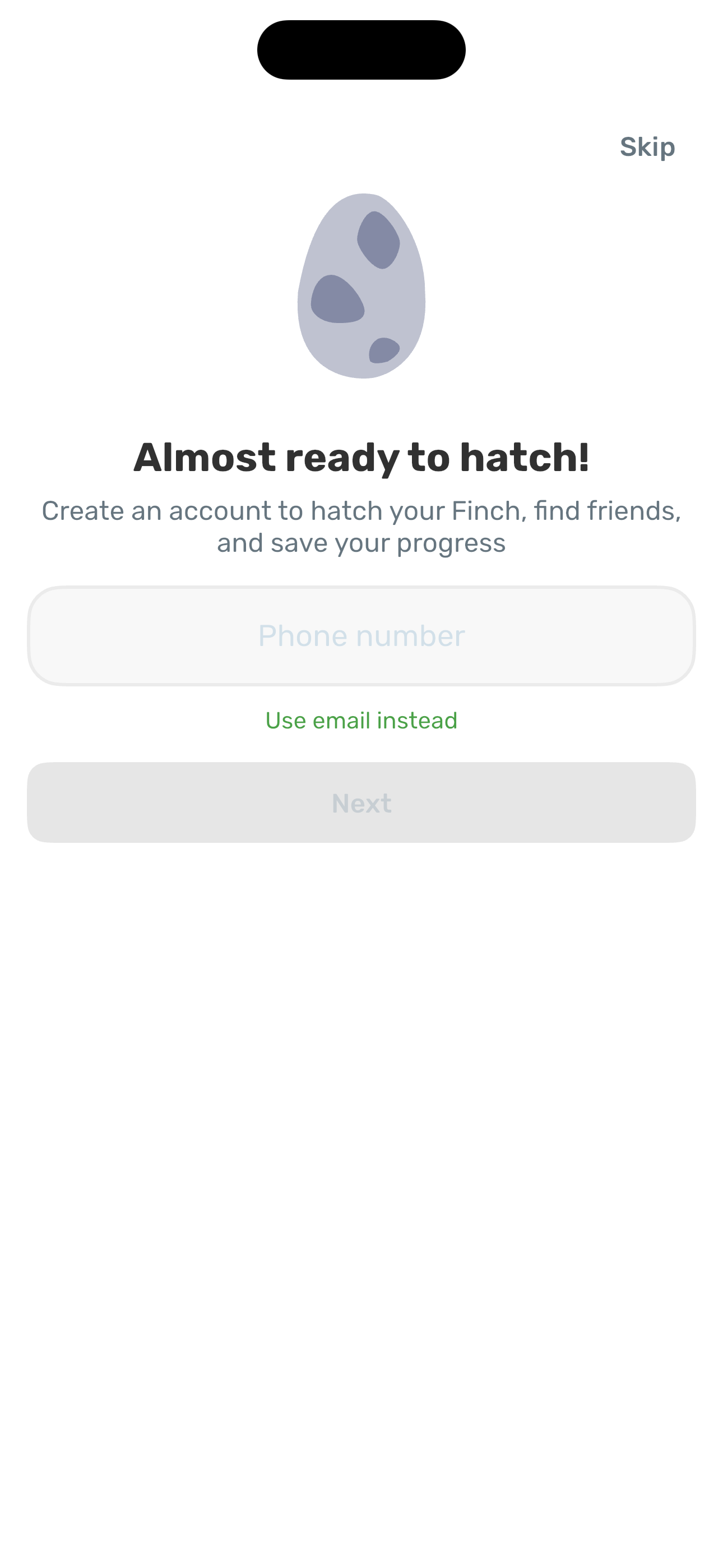
Step 4 in the Finch Complete onboarding flow. Atlas detected 5 UI elements on this screen.
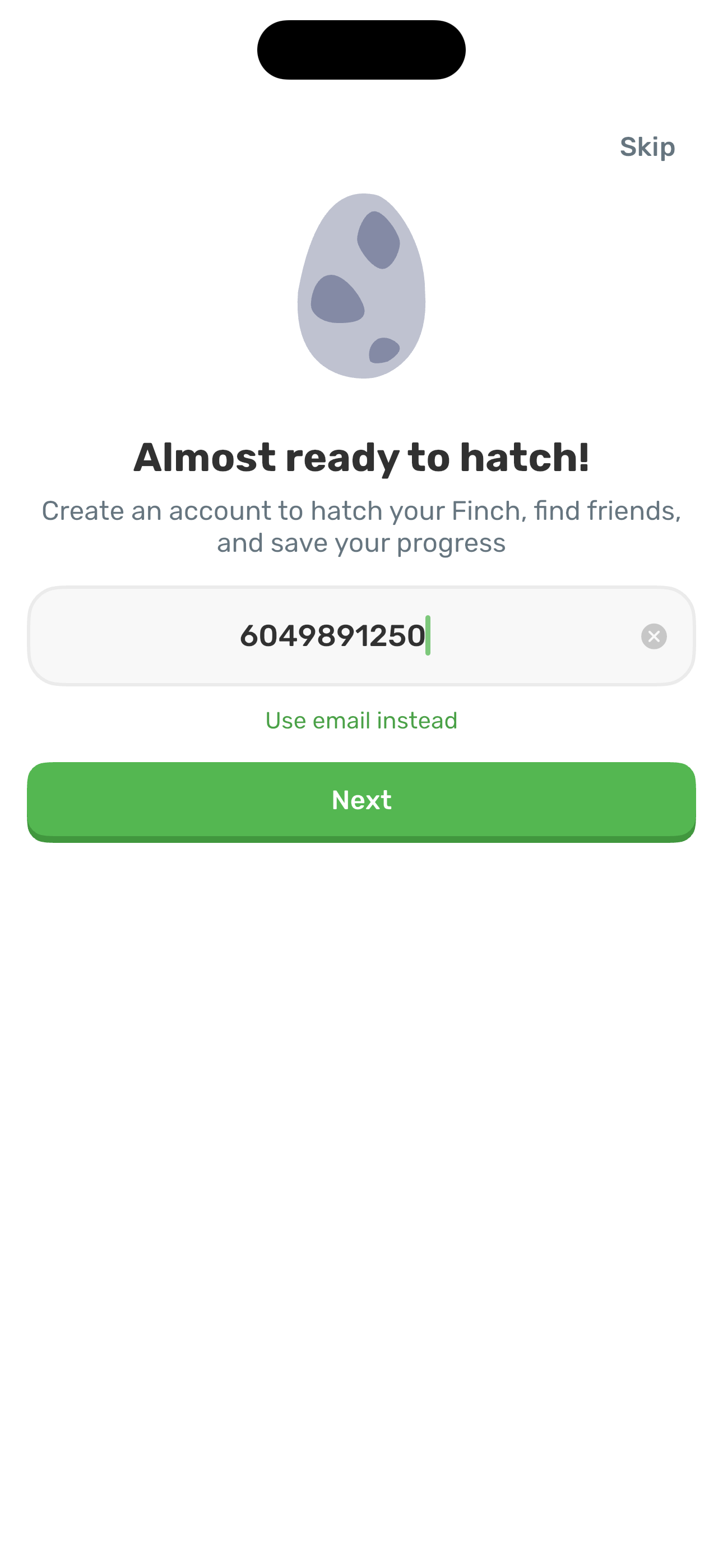
Step 5 in the Finch Complete onboarding flow. Atlas detected 5 UI elements on this screen.
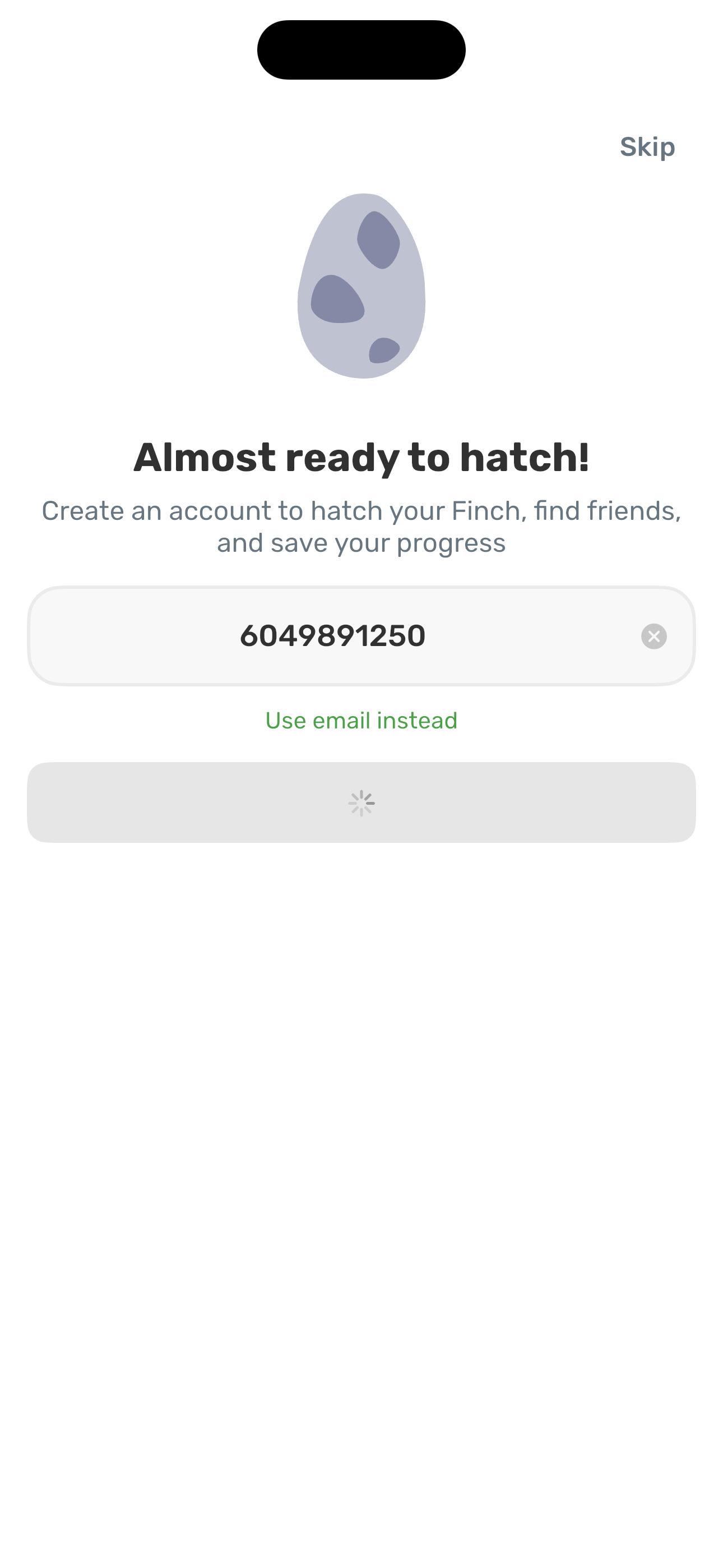
Step 6 in the Finch Complete onboarding flow. Atlas detected 5 UI elements on this screen.
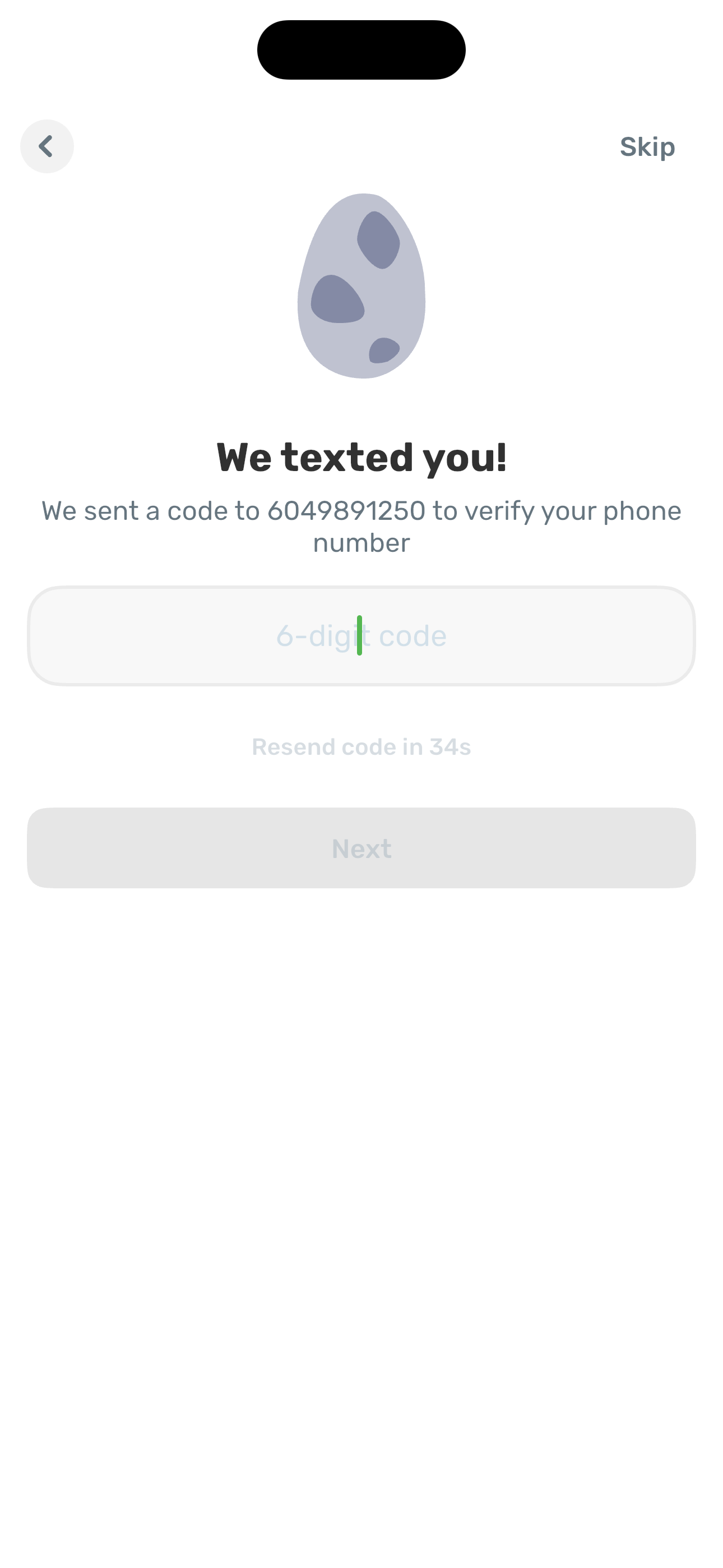
Step 7 in the Finch Complete onboarding flow. Atlas detected 6 UI elements on this screen.
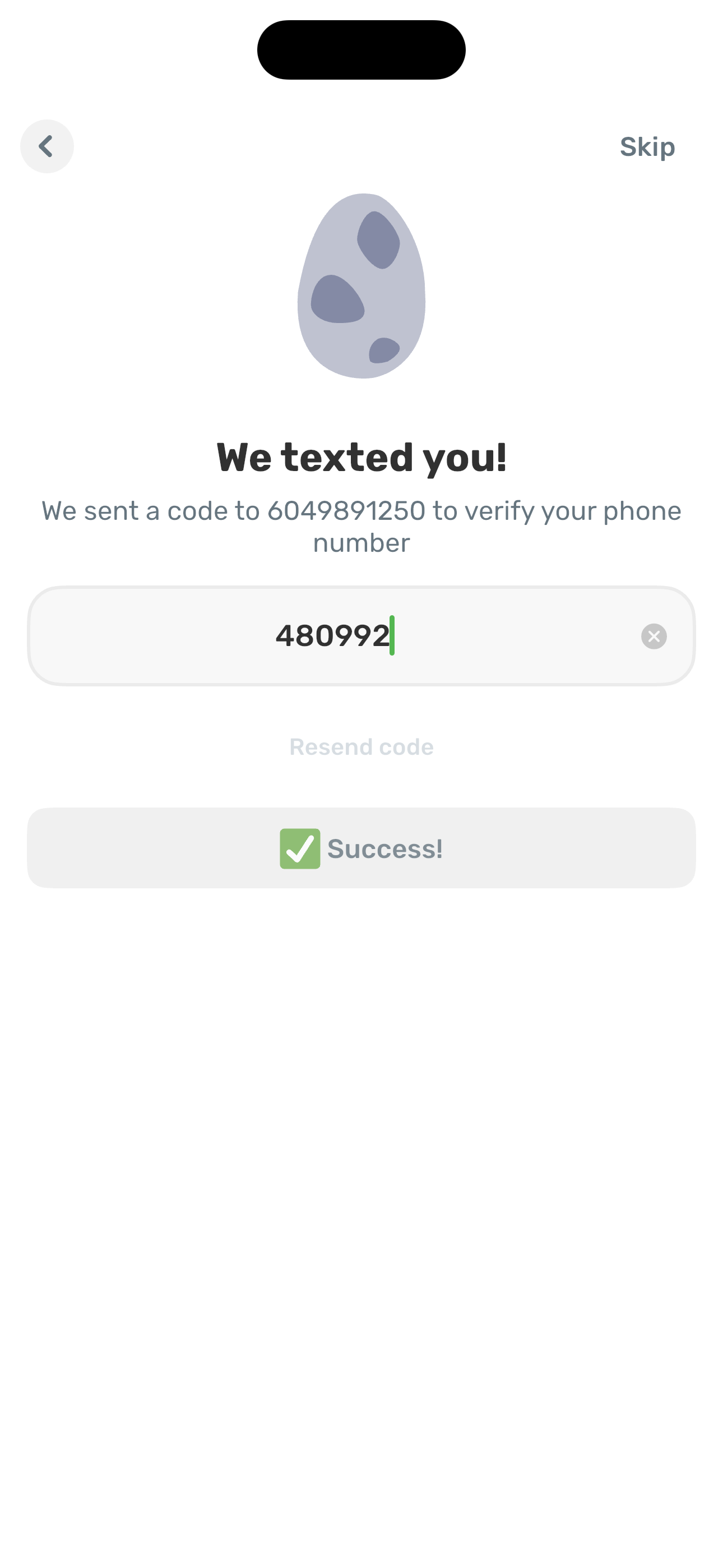
Step 8 in the Finch Complete onboarding flow. Atlas detected 5 UI elements on this screen.
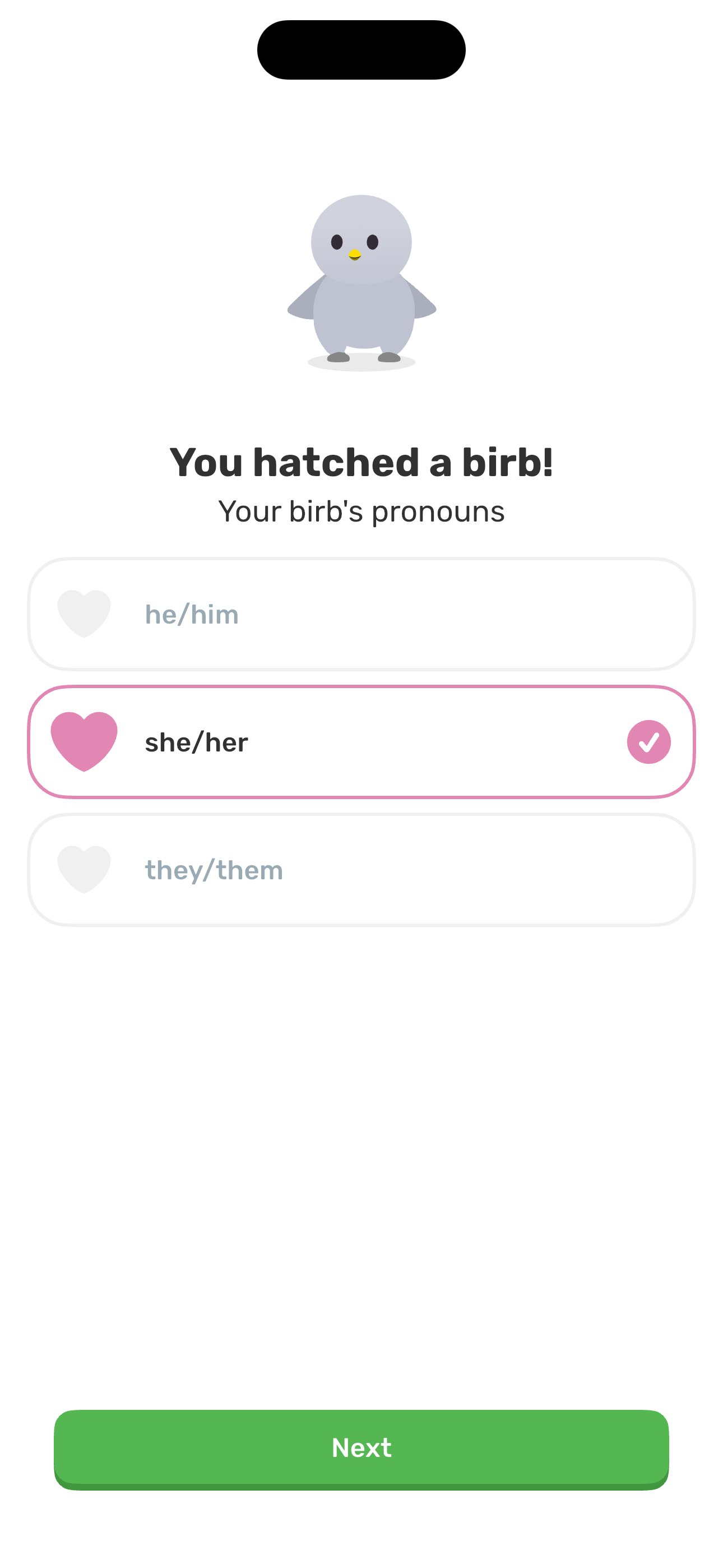
Step 9 in the Finch Complete onboarding flow. Atlas detected 5 UI elements on this screen.
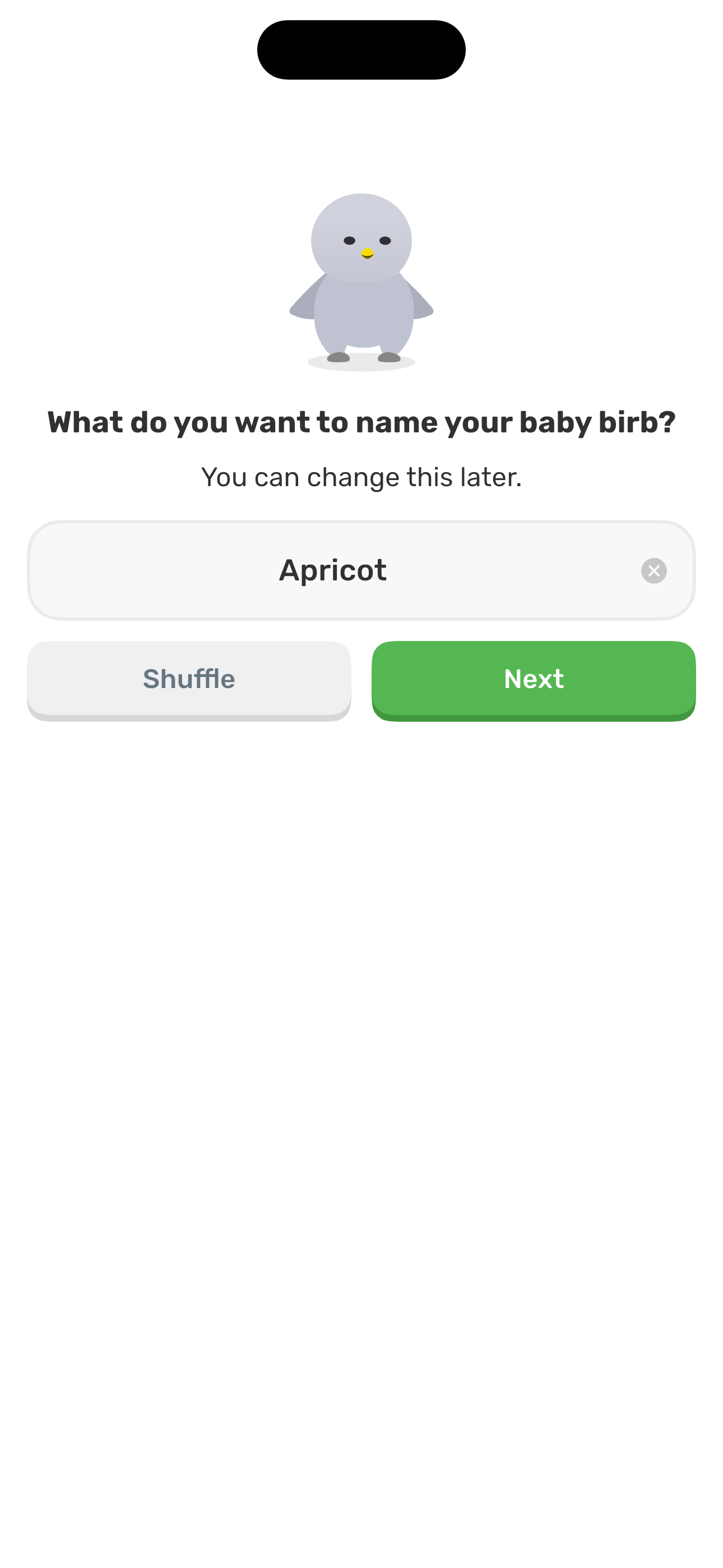
Step 10 in the Finch Complete onboarding flow. Atlas detected 7 UI elements on this screen.
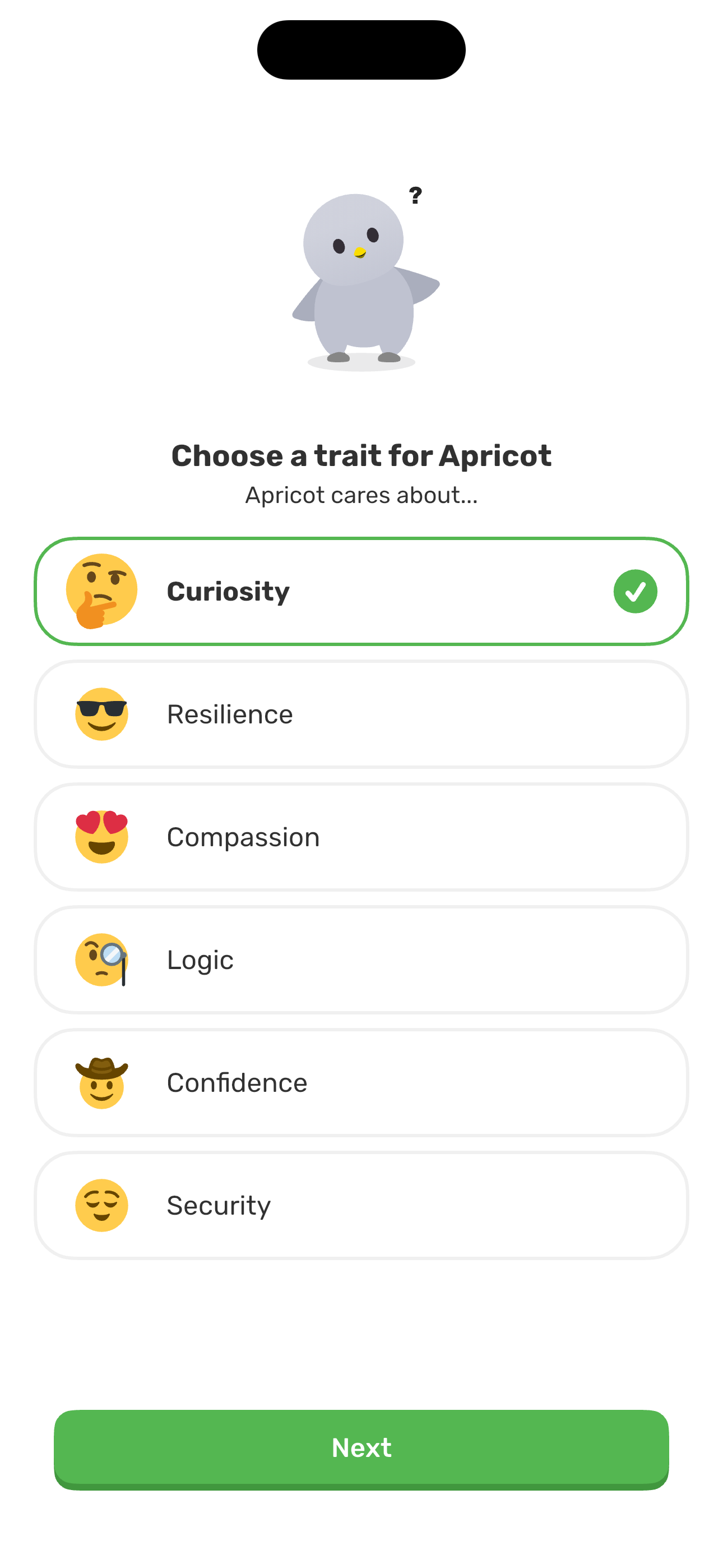
Step 11 in the Finch Complete onboarding flow. Atlas detected 4 UI elements on this screen.
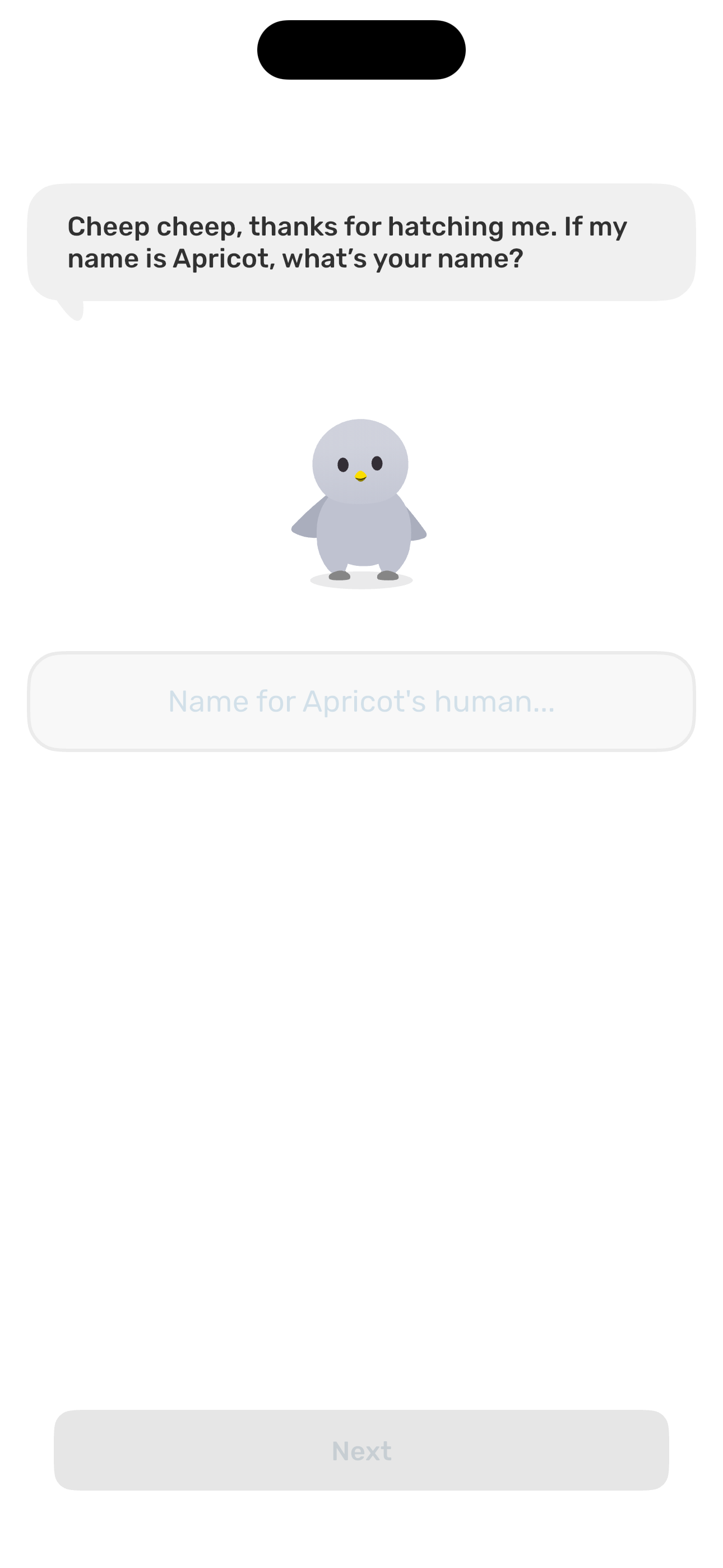
Step 12 in the Finch Complete onboarding flow. Atlas detected 5 UI elements on this screen.
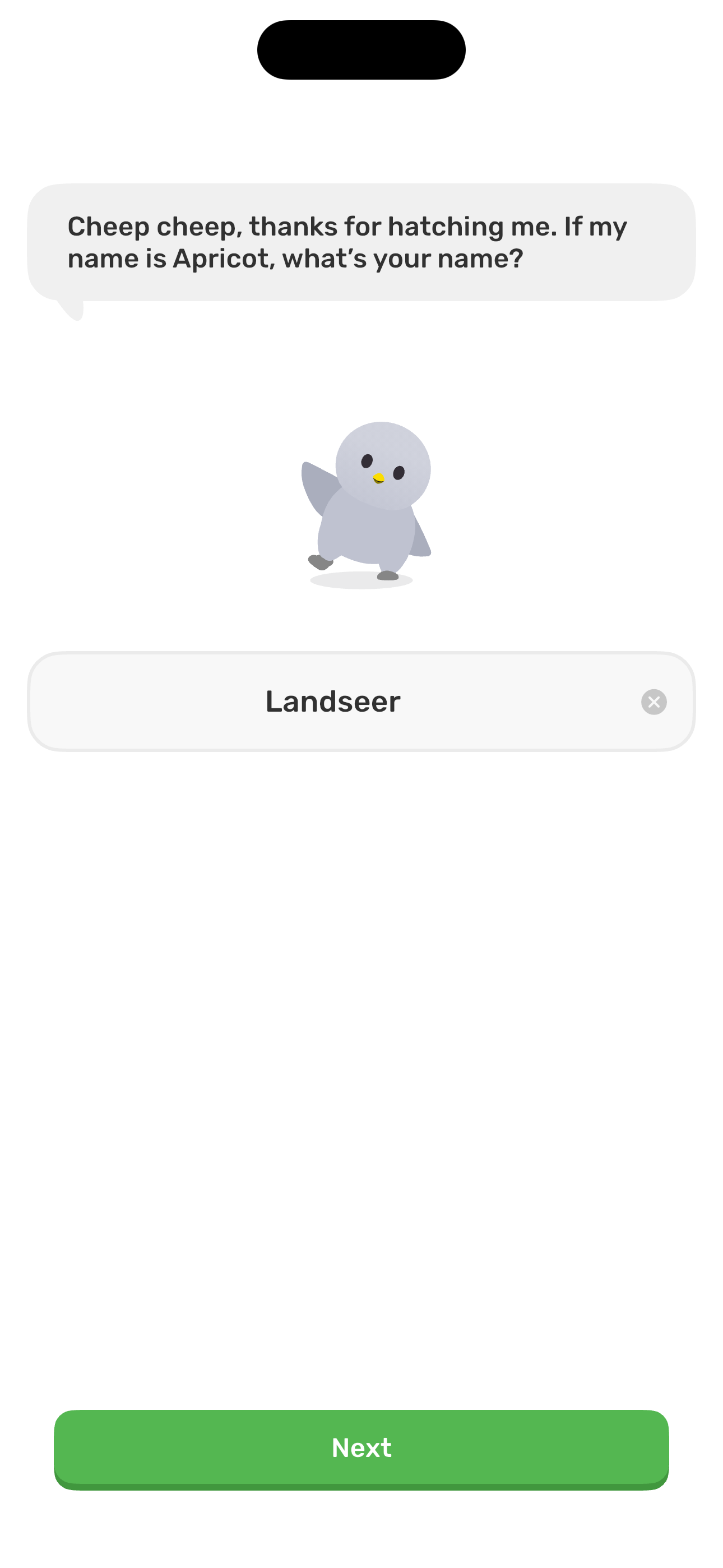
Step 13 in the Finch Complete onboarding flow. Atlas detected 3 UI elements on this screen.
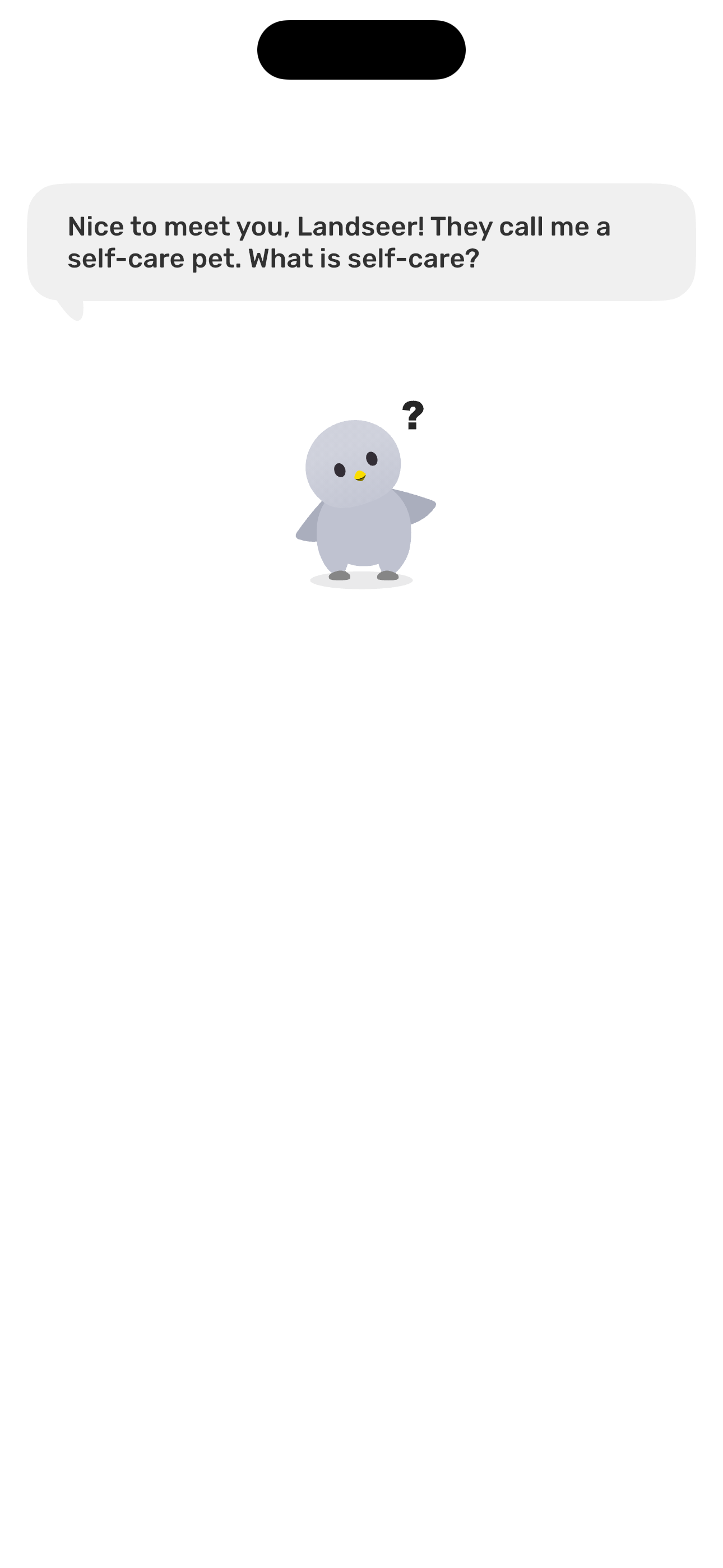
Step 14 in the Finch Complete onboarding flow. Atlas detected 4 UI elements on this screen.
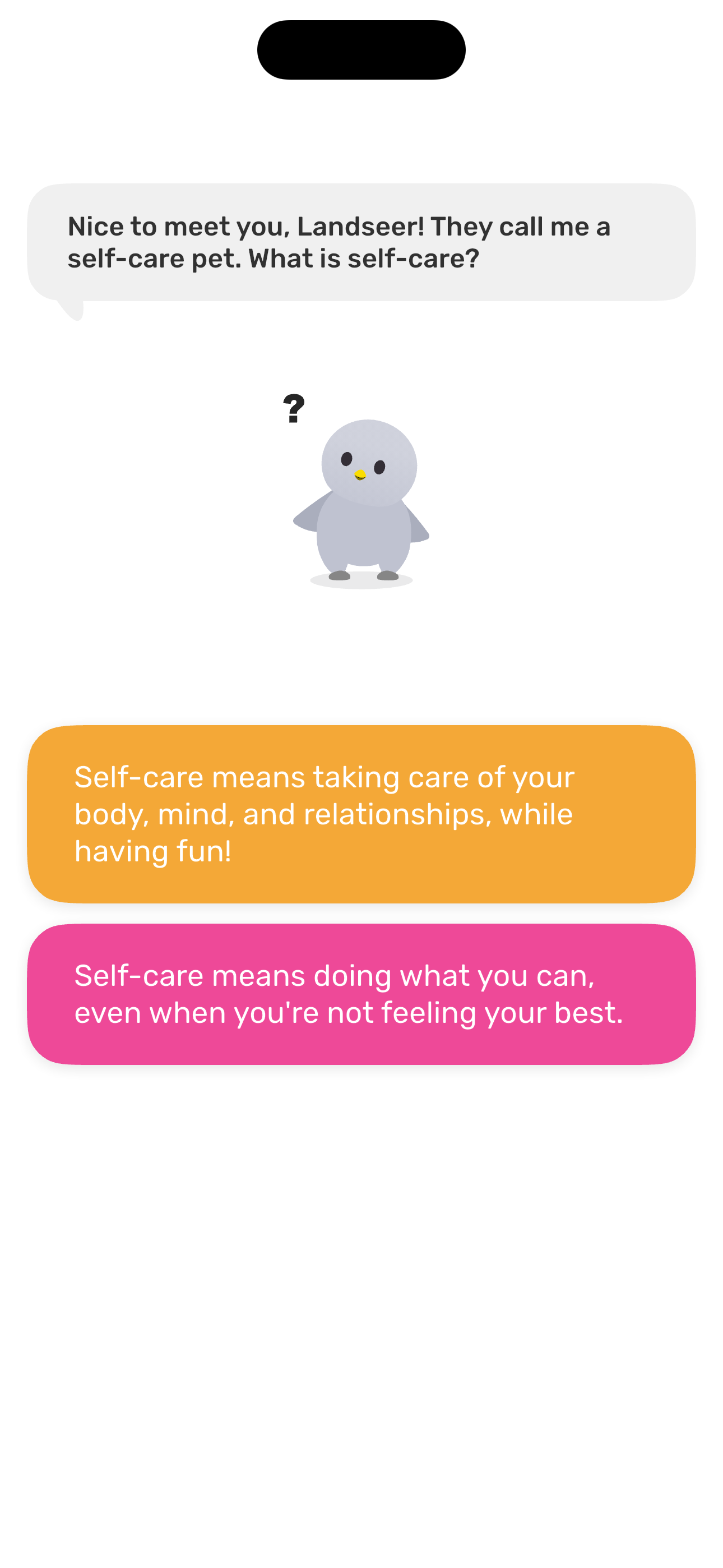
Step 15 in the Finch Complete onboarding flow. Atlas detected 3 UI elements on this screen.

Step 16 in the Finch Complete onboarding flow. Atlas detected 5 UI elements on this screen.
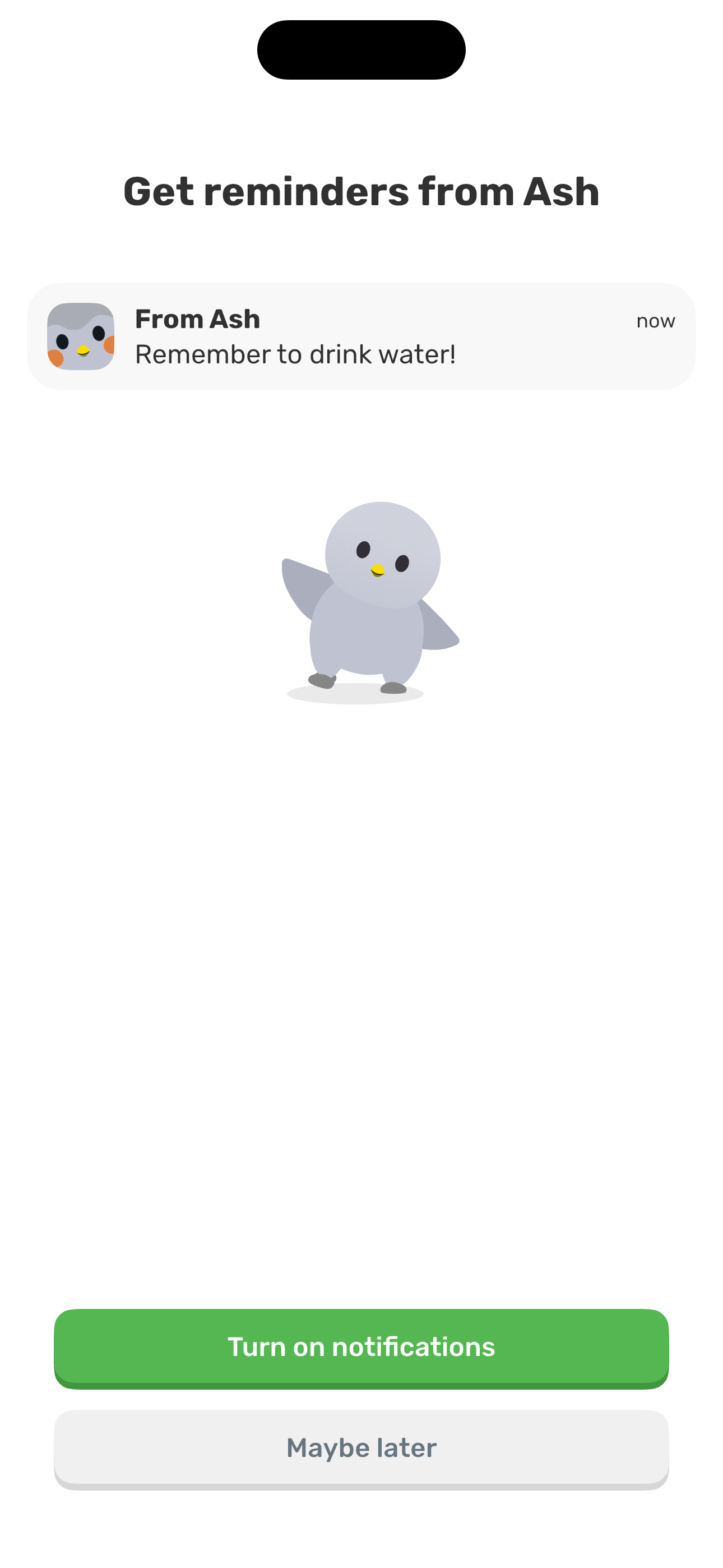
Step 17 in the Finch Complete onboarding flow. Atlas detected 4 UI elements on this screen.
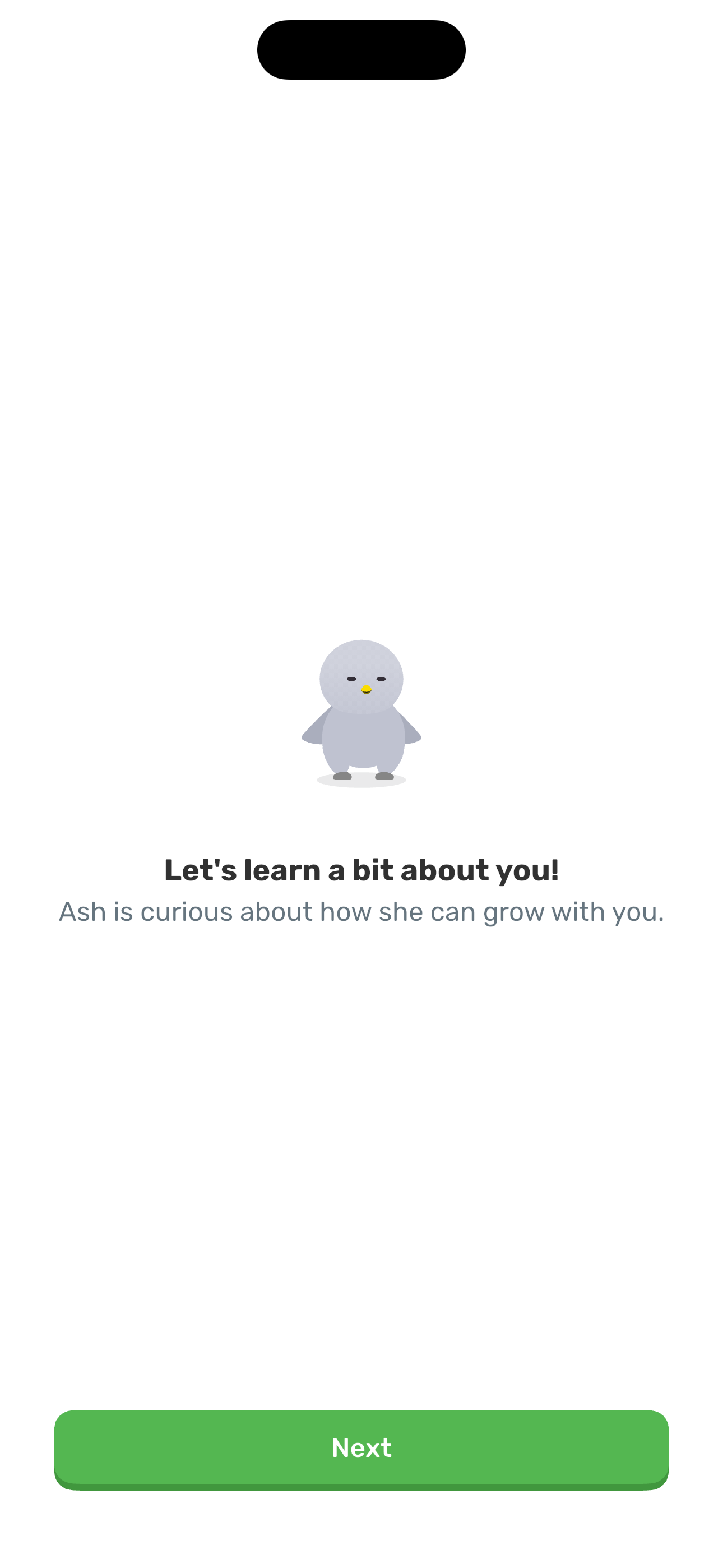
Step 18 in the Finch Complete onboarding flow. Atlas detected 12 UI elements on this screen.
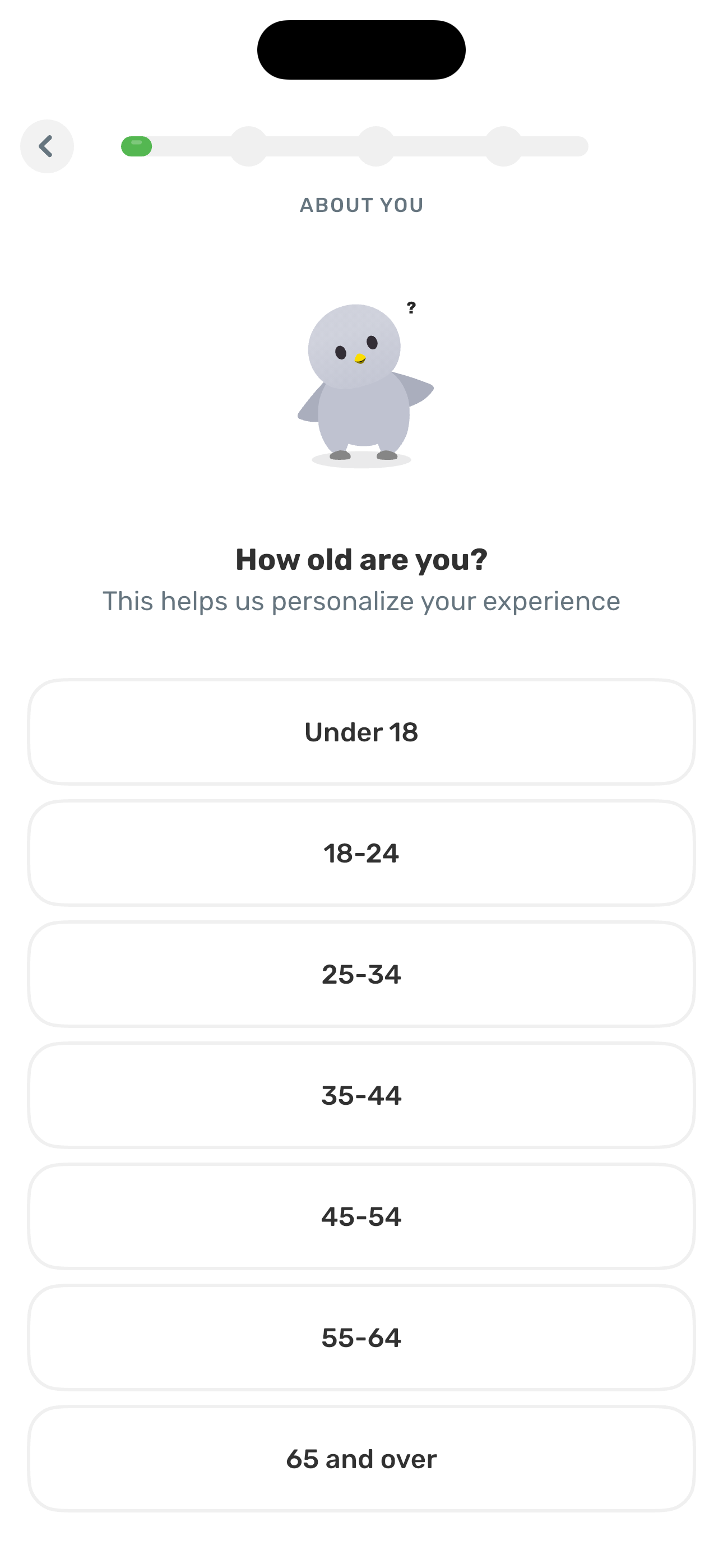
Step 19 in the Finch Complete onboarding flow. Atlas detected 8 UI elements on this screen.
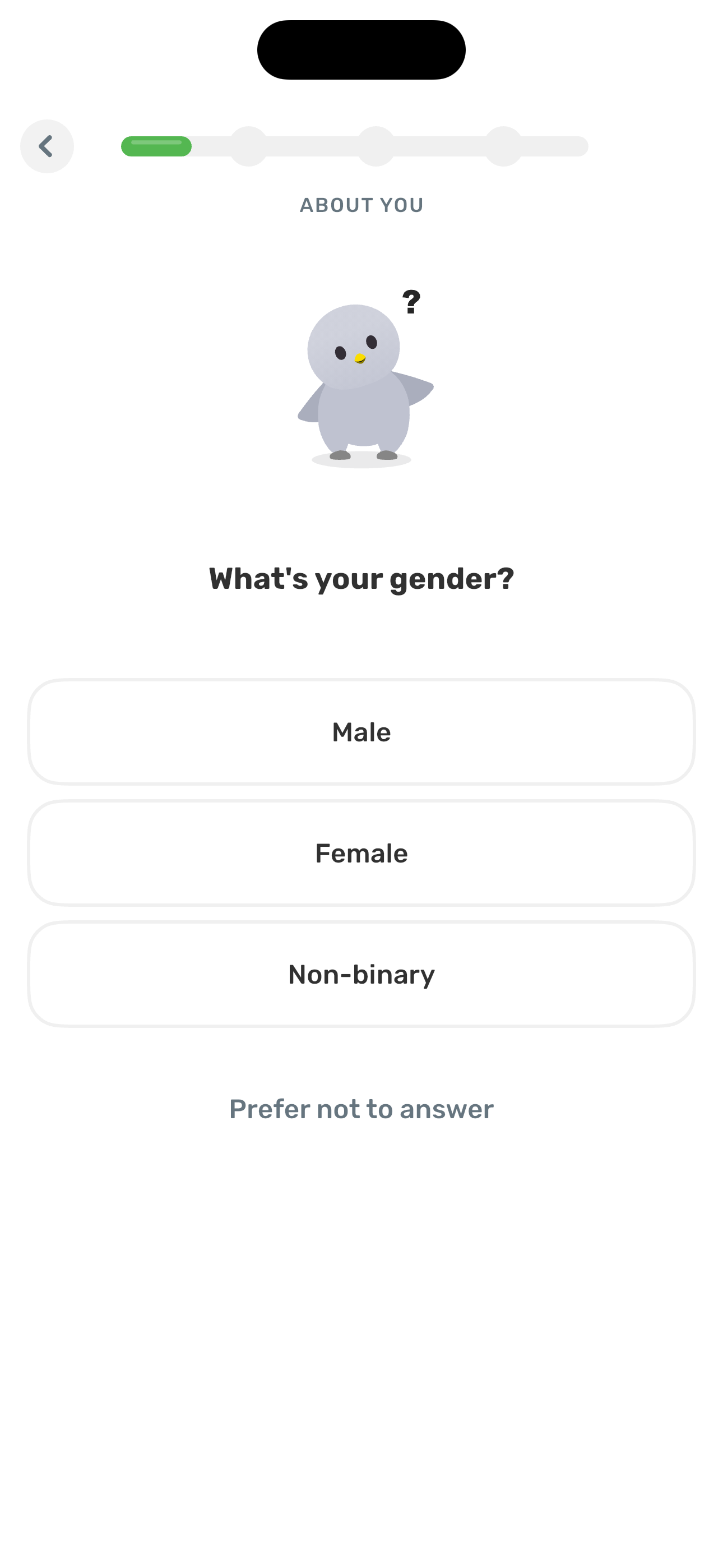
Step 20 in the Finch Complete onboarding flow. Atlas detected 6 UI elements on this screen.
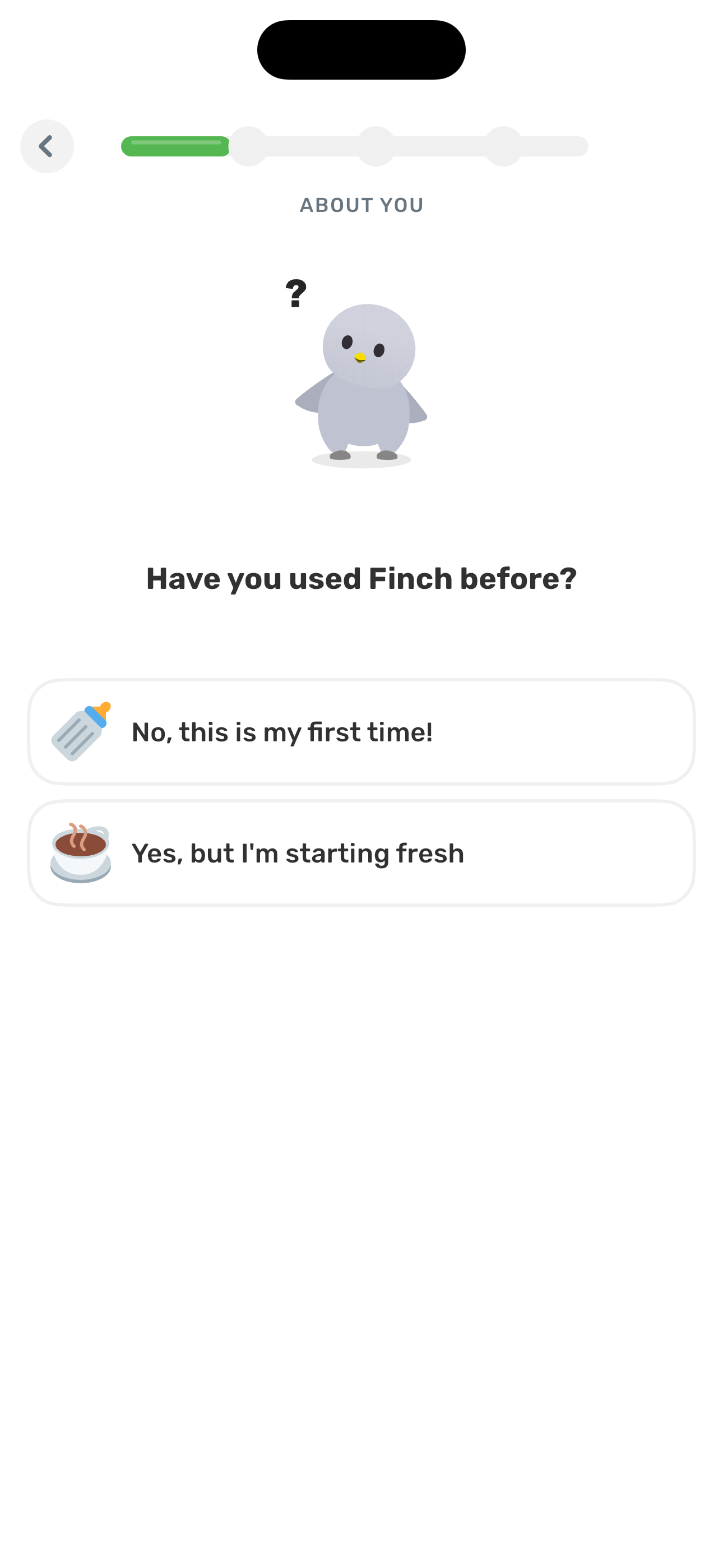
Step 21 in the Finch Complete onboarding flow. Atlas detected 8 UI elements on this screen.
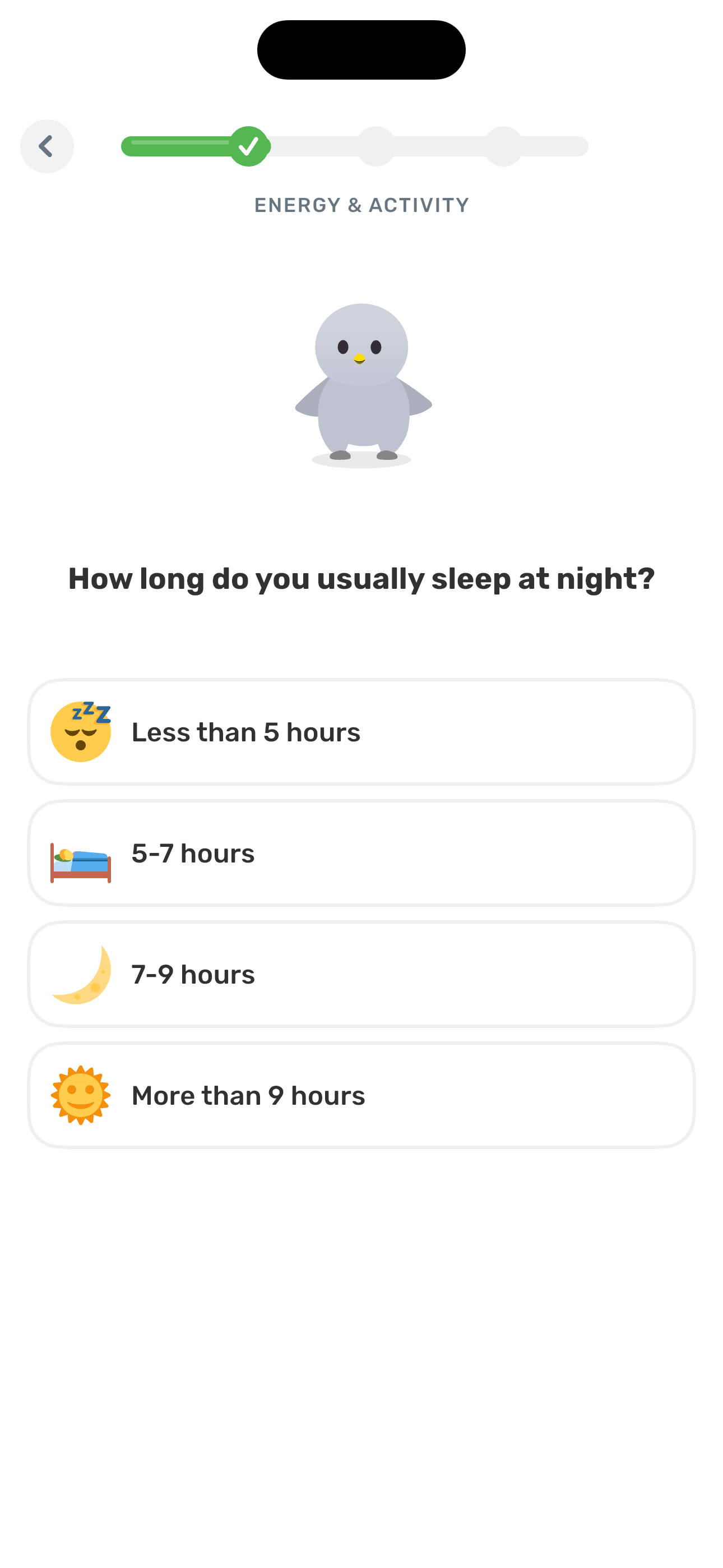
Step 22 in the Finch Complete onboarding flow. Atlas detected 7 UI elements on this screen.
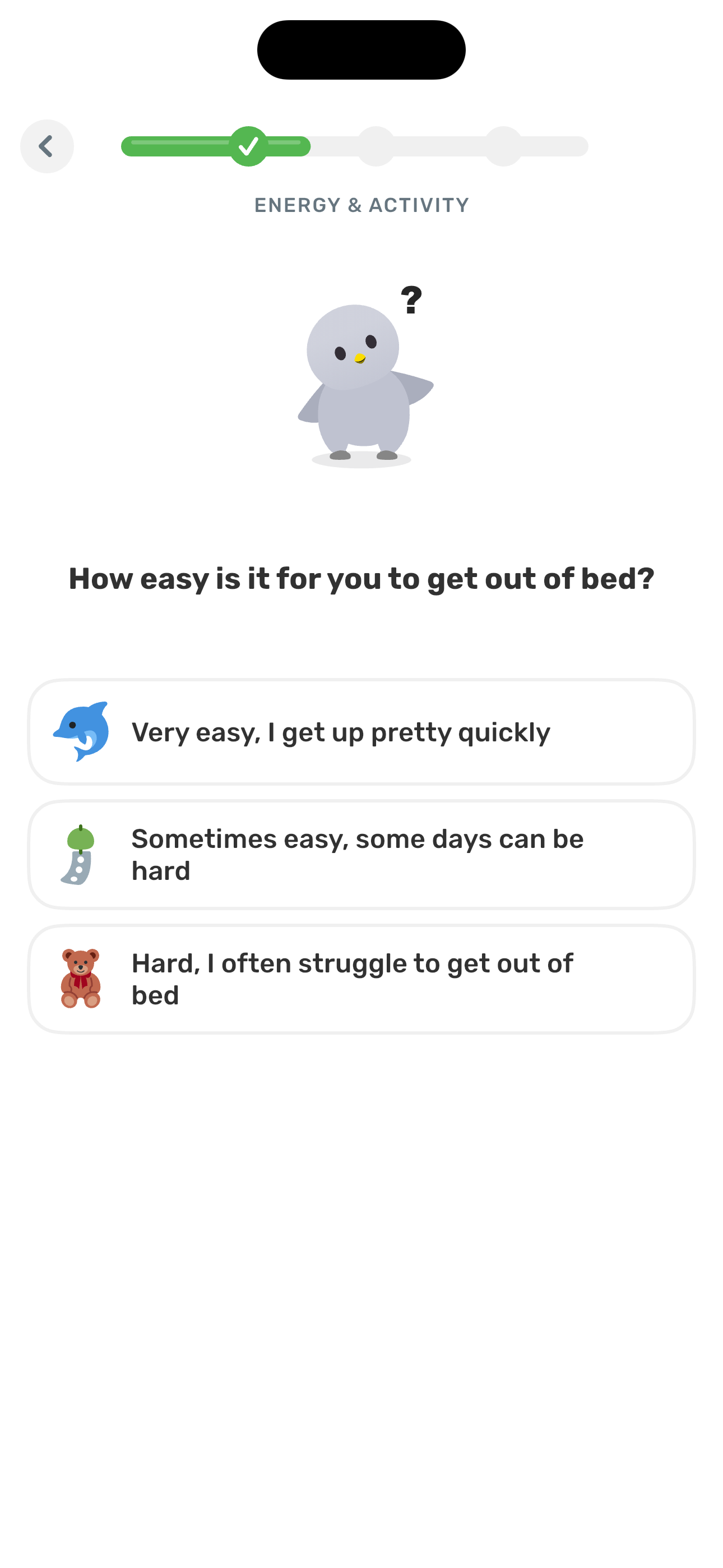
Step 23 in the Finch Complete onboarding flow. Atlas detected 8 UI elements on this screen.
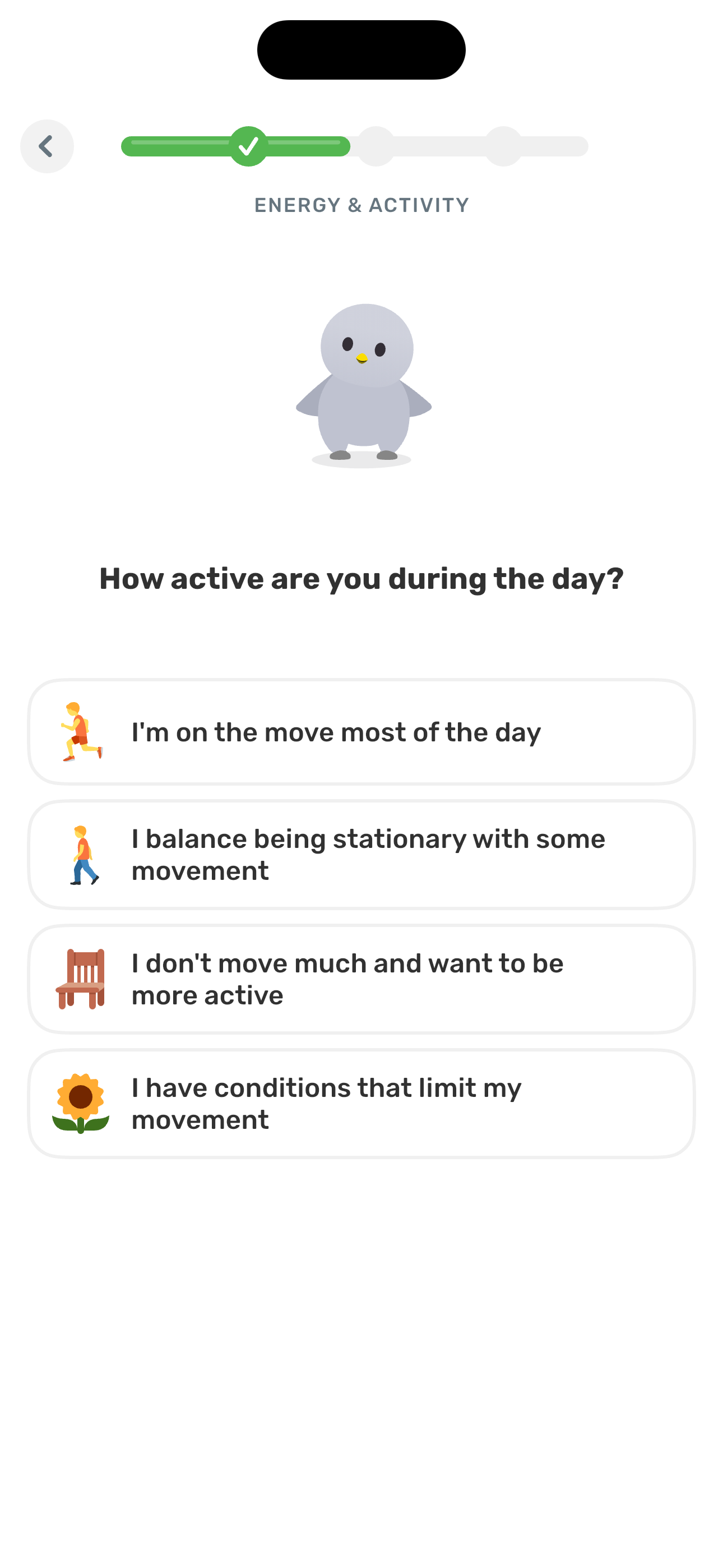
Step 24 in the Finch Complete onboarding flow. Atlas detected 7 UI elements on this screen.
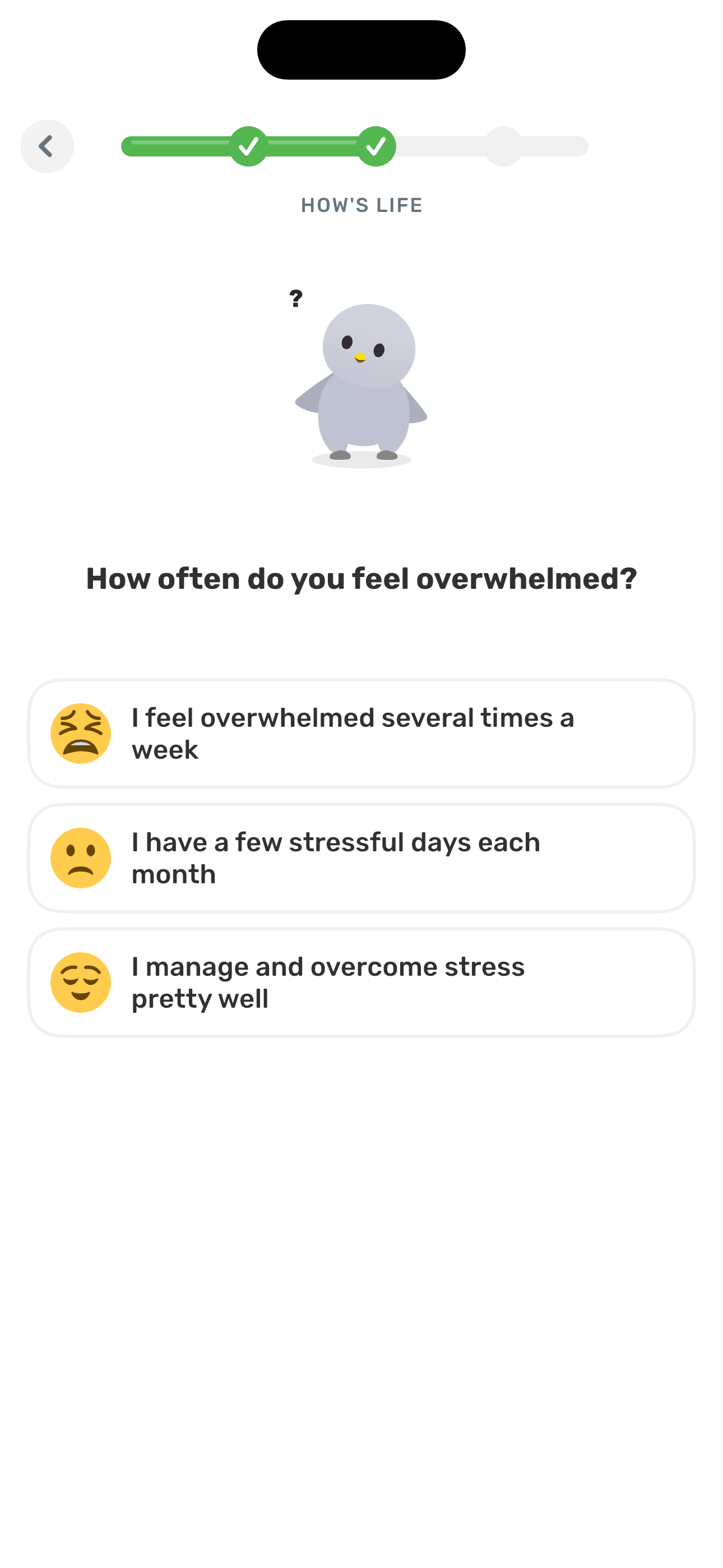
Step 25 in the Finch Complete onboarding flow. Atlas detected 8 UI elements on this screen.
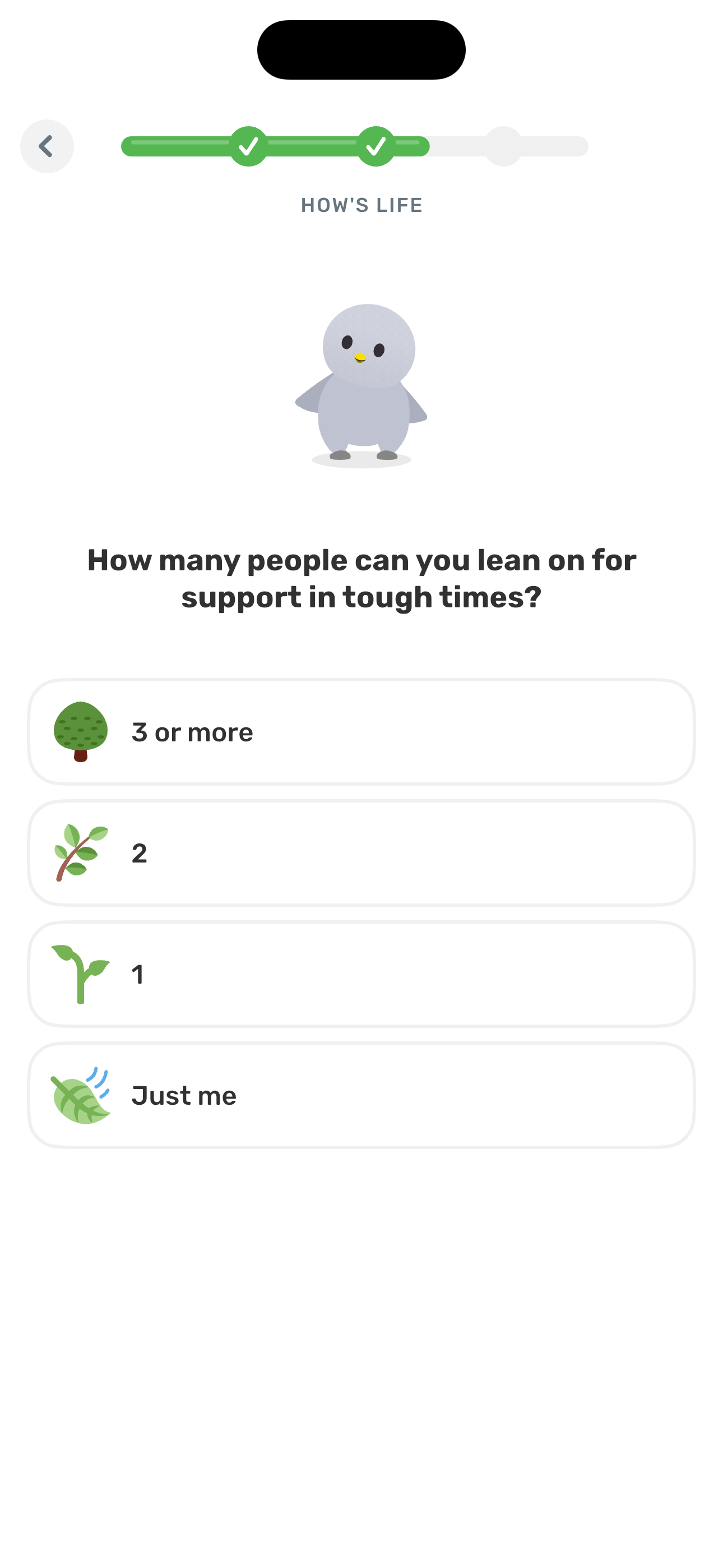
Step 26 in the Finch Complete onboarding flow. Atlas detected 7 UI elements on this screen.
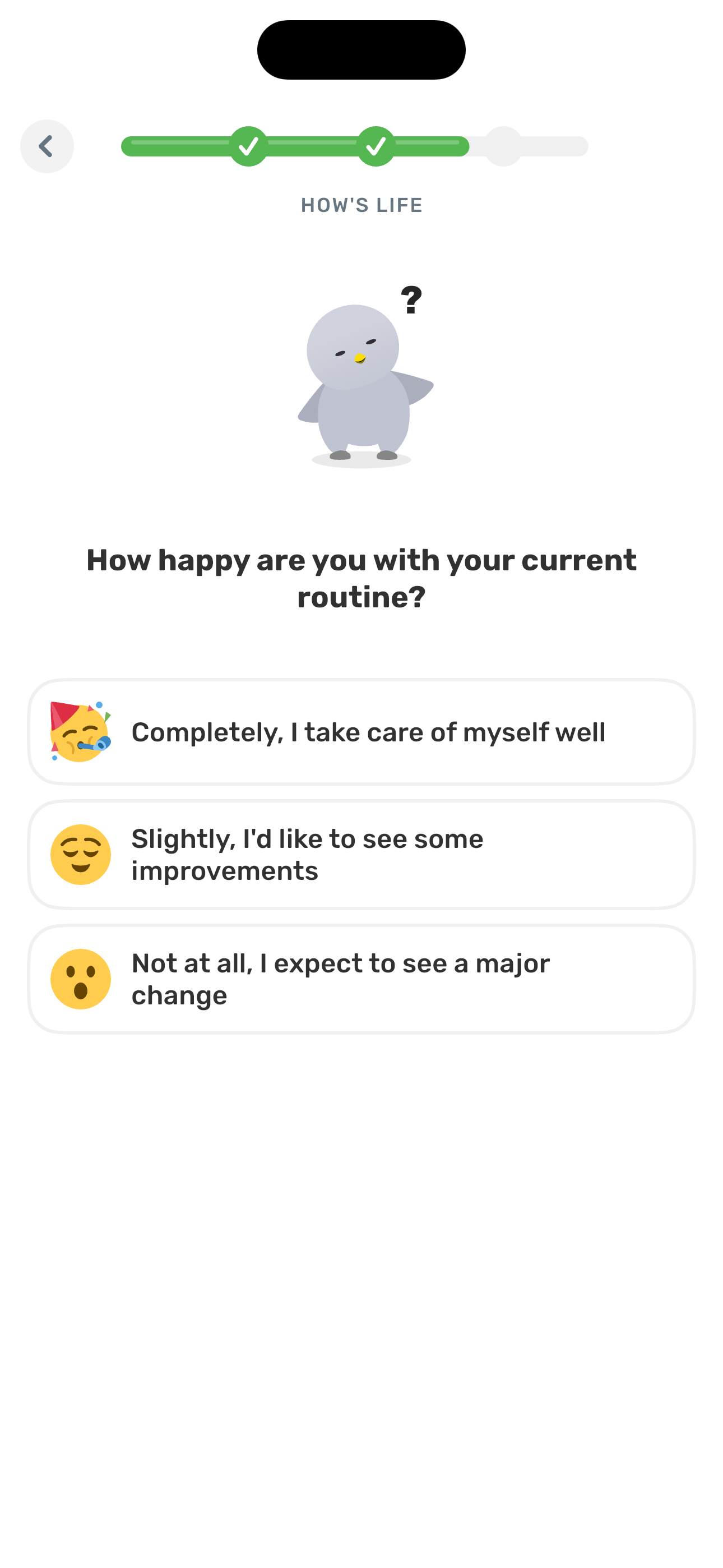
Step 27 in the Finch Complete onboarding flow. Atlas detected 11 UI elements on this screen.
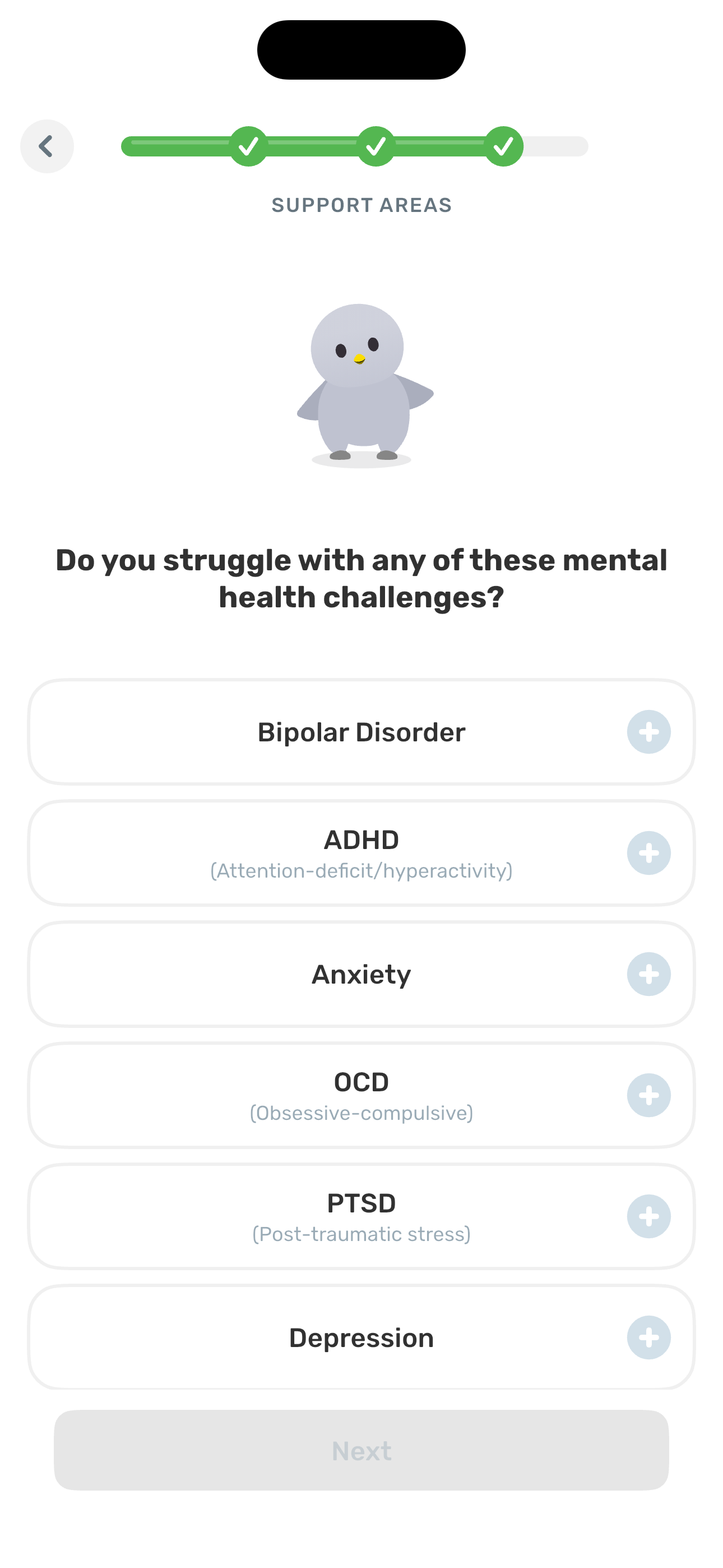
Step 28 in the Finch Complete onboarding flow. Atlas detected 4 UI elements on this screen.
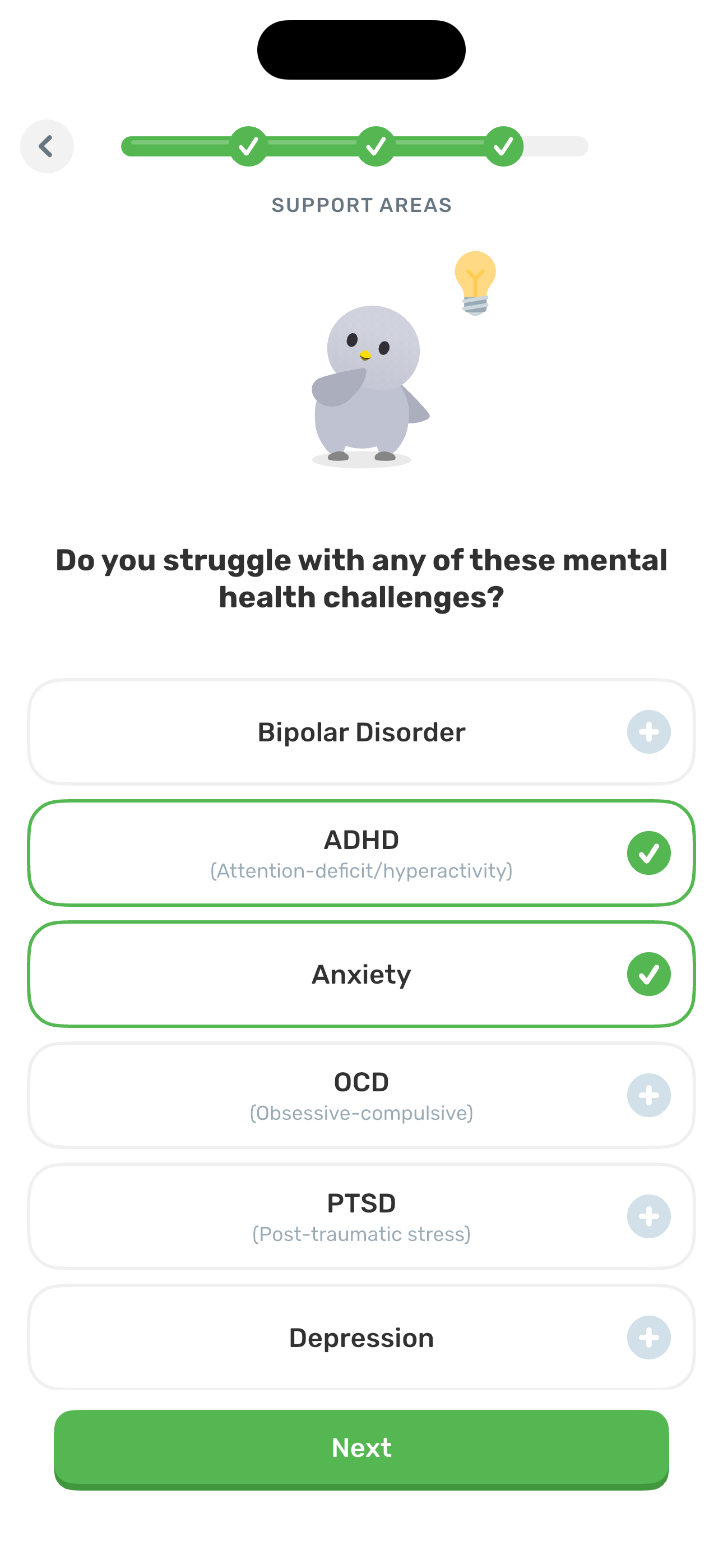
Step 29 in the Finch Complete onboarding flow. Atlas detected 11 UI elements on this screen.
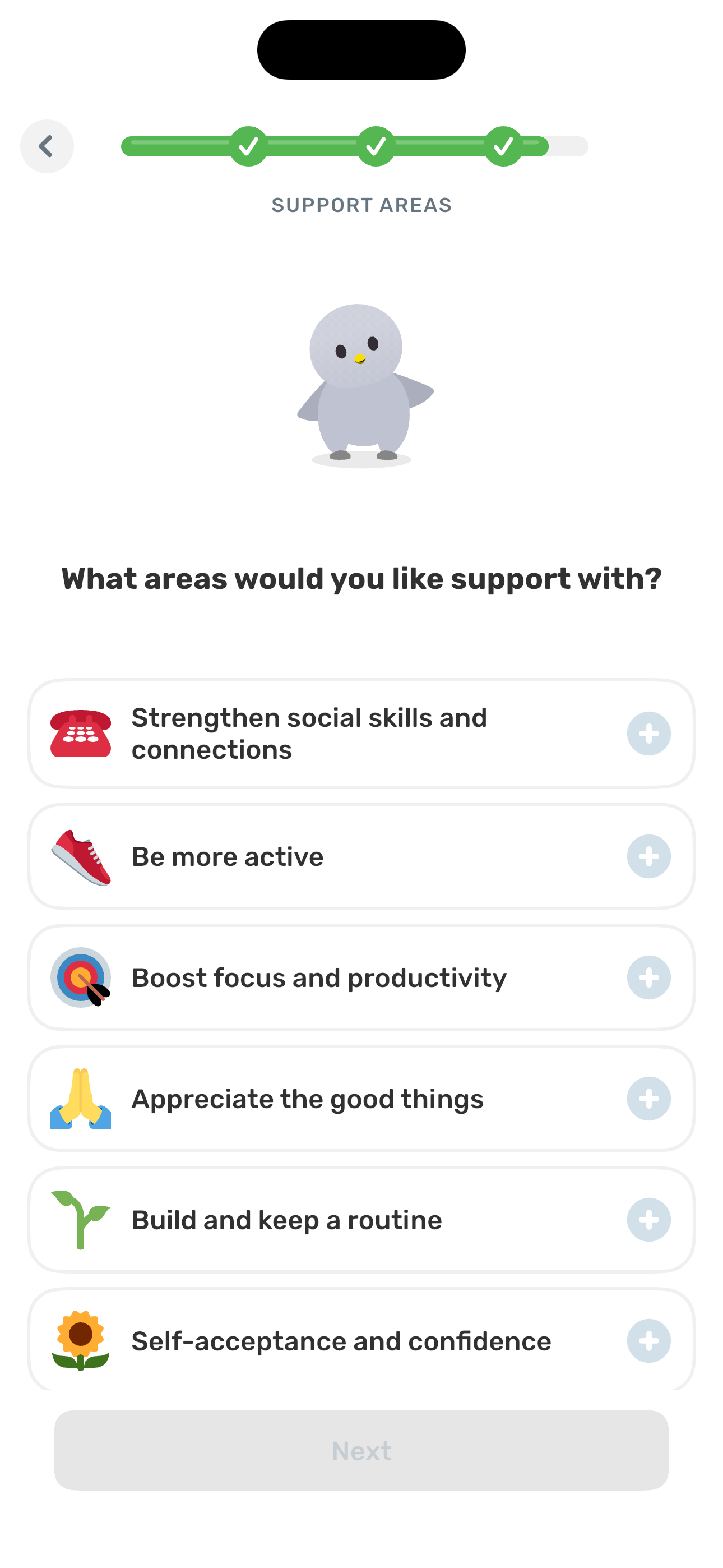
Step 30 in the Finch Complete onboarding flow. Atlas detected 11 UI elements on this screen.
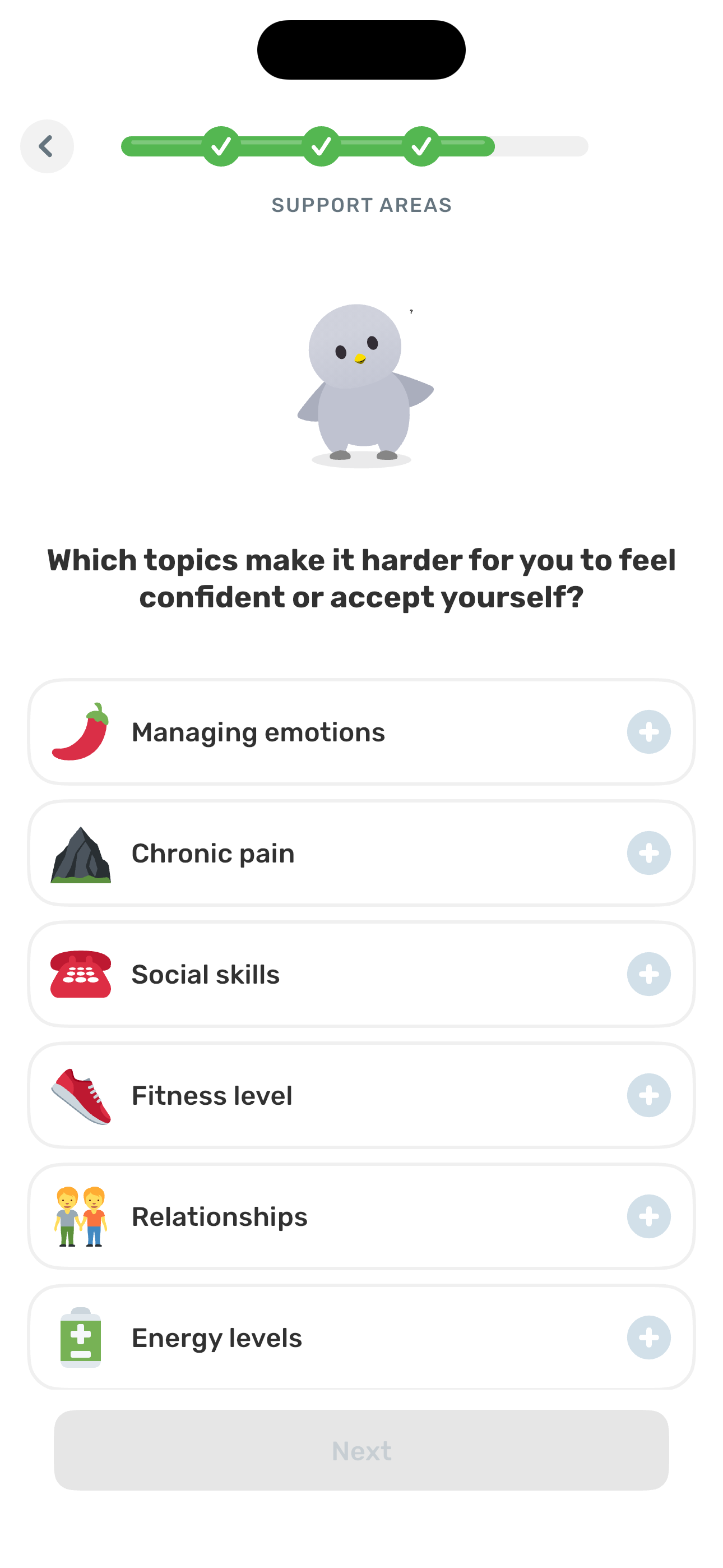
Step 31 in the Finch Complete onboarding flow. Atlas detected 11 UI elements on this screen.
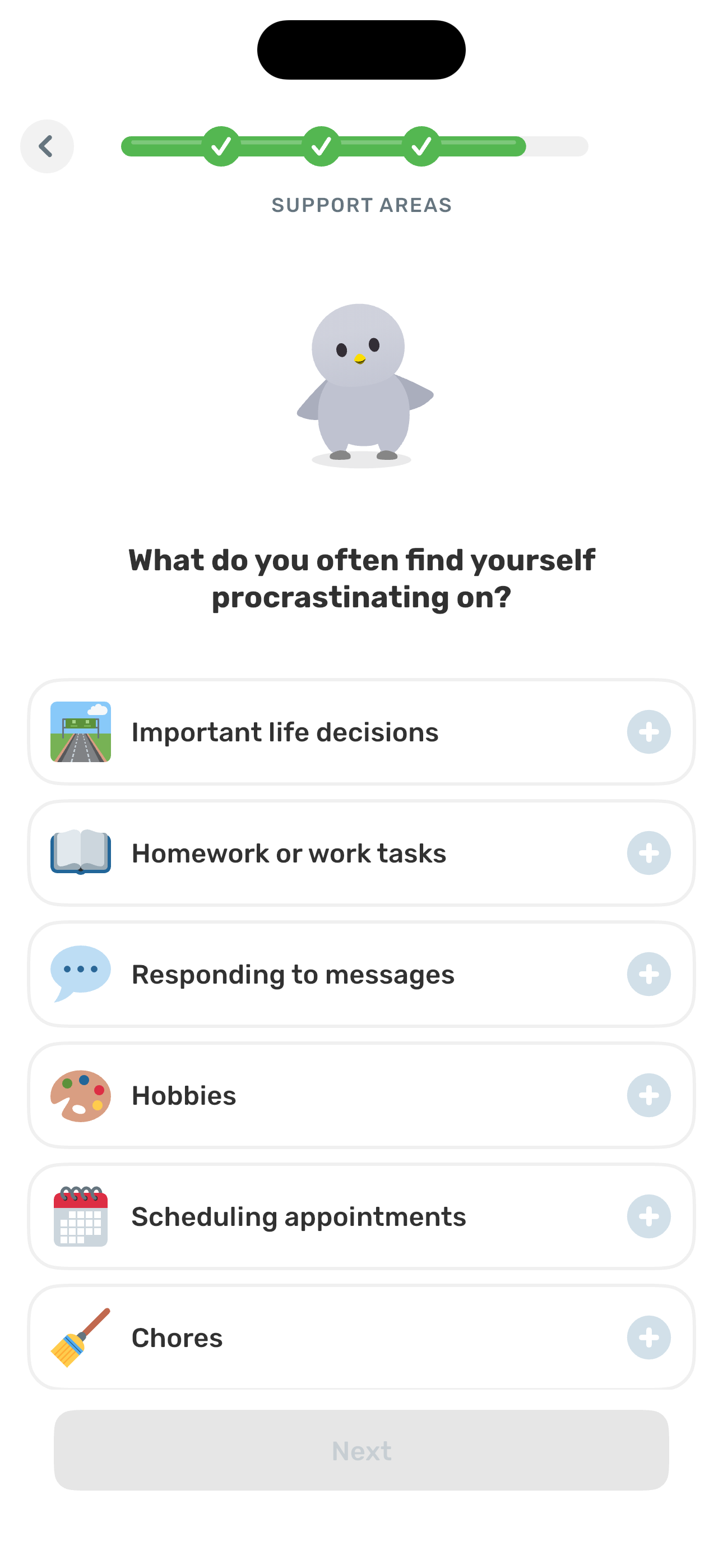
Step 32 in the Finch Complete onboarding flow. Atlas detected 11 UI elements on this screen.
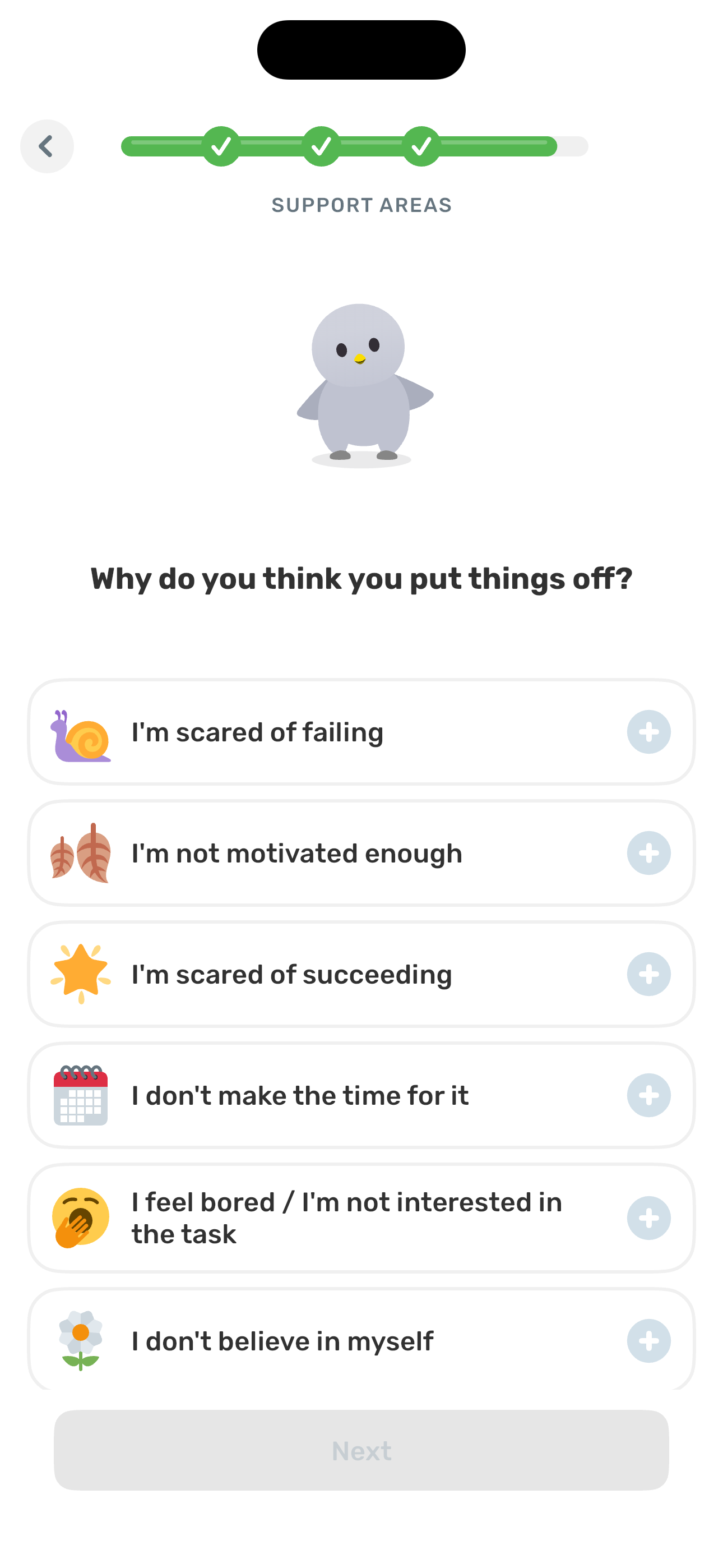
Step 33 in the Finch Complete onboarding flow. Atlas detected 12 UI elements on this screen.
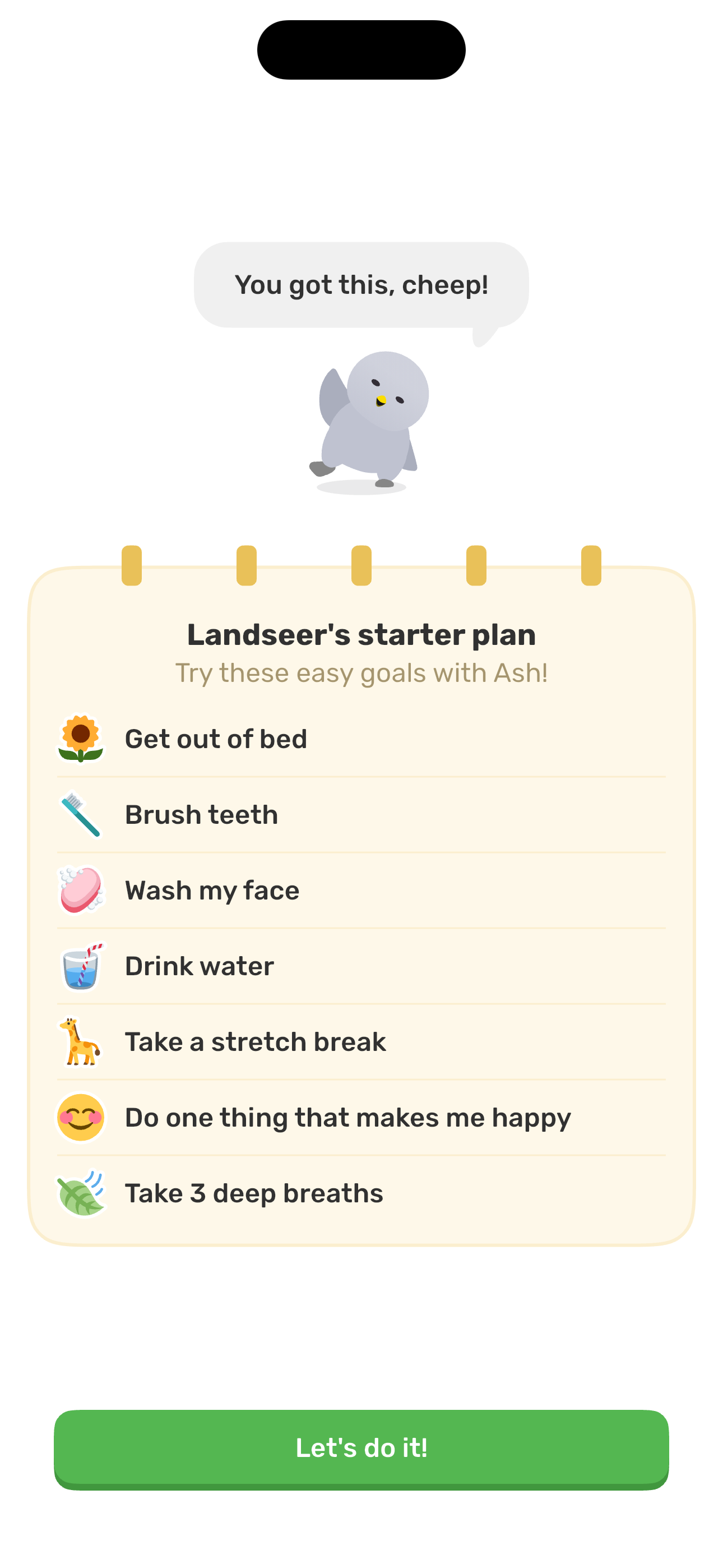
Step 34 in the Finch Complete onboarding flow. Atlas detected 4 UI elements on this screen.

Step 35 in the Finch Complete onboarding flow. Atlas detected 4 UI elements on this screen.

Step 36 in the Finch Complete onboarding flow. Atlas detected 5 UI elements on this screen.

Step 37 in the Finch Complete onboarding flow. Atlas detected 9 UI elements on this screen.
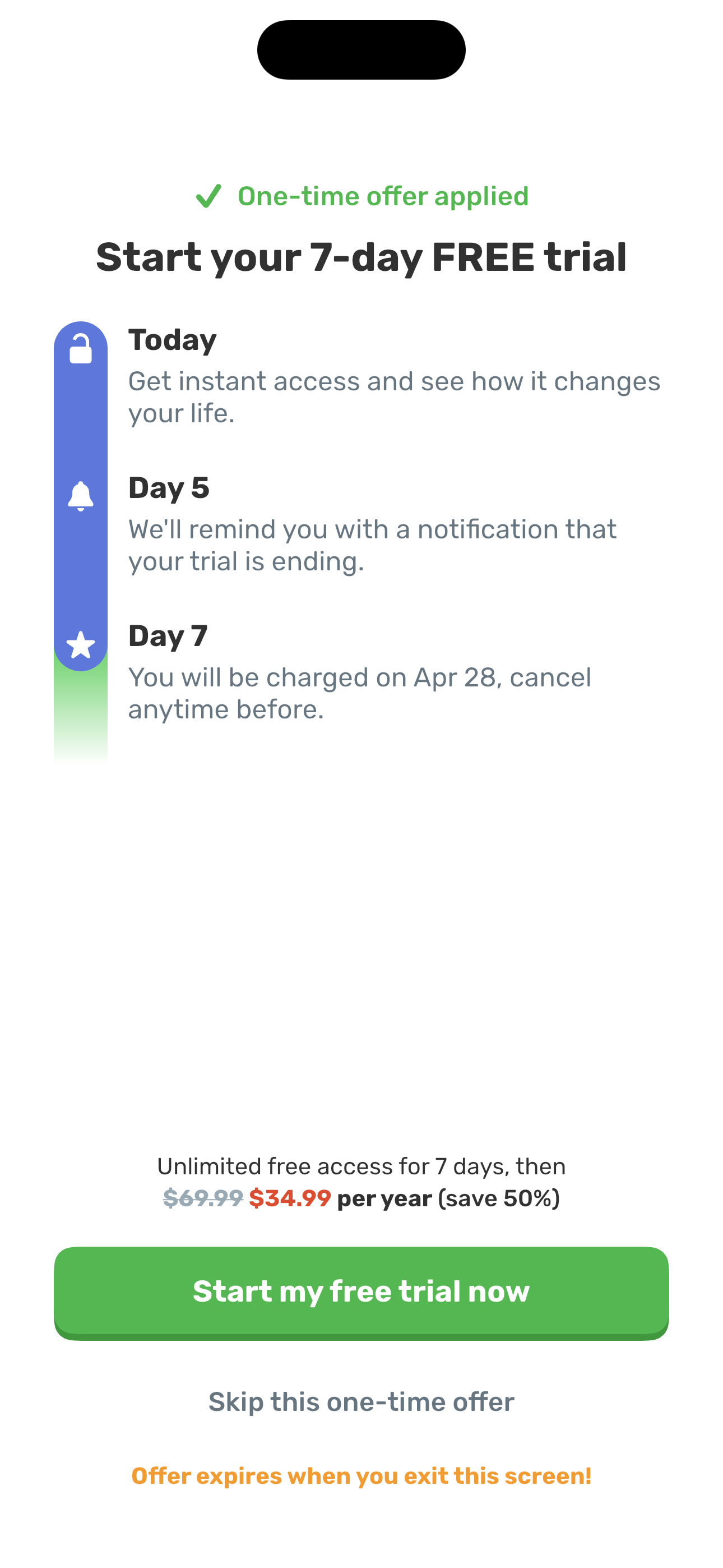
Step 38 in the Finch Complete onboarding flow. Atlas detected 12 UI elements on this screen.
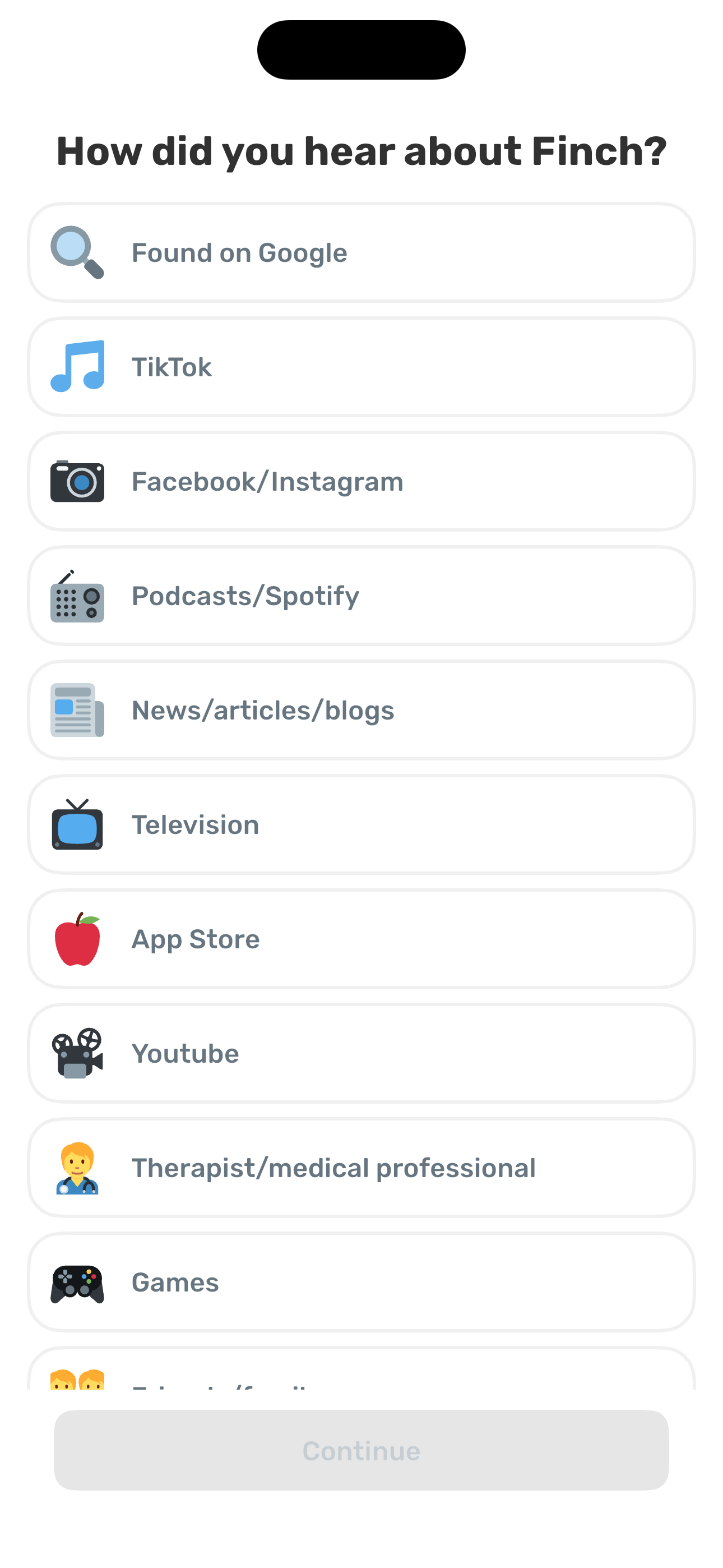
Step 39 in the Finch Complete onboarding flow. Atlas detected 6 UI elements on this screen.
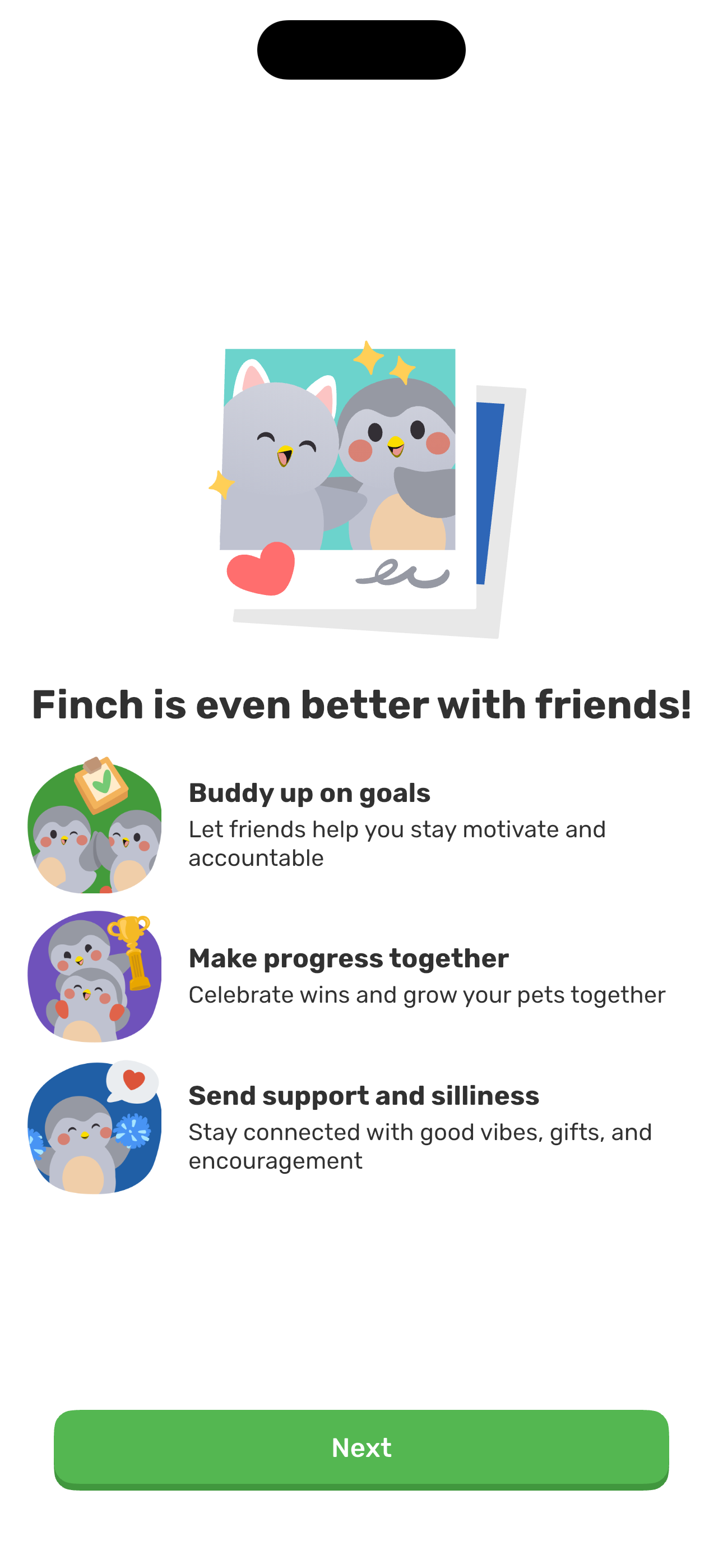
Step 40 in the Finch Complete onboarding flow. Atlas detected 8 UI elements on this screen.
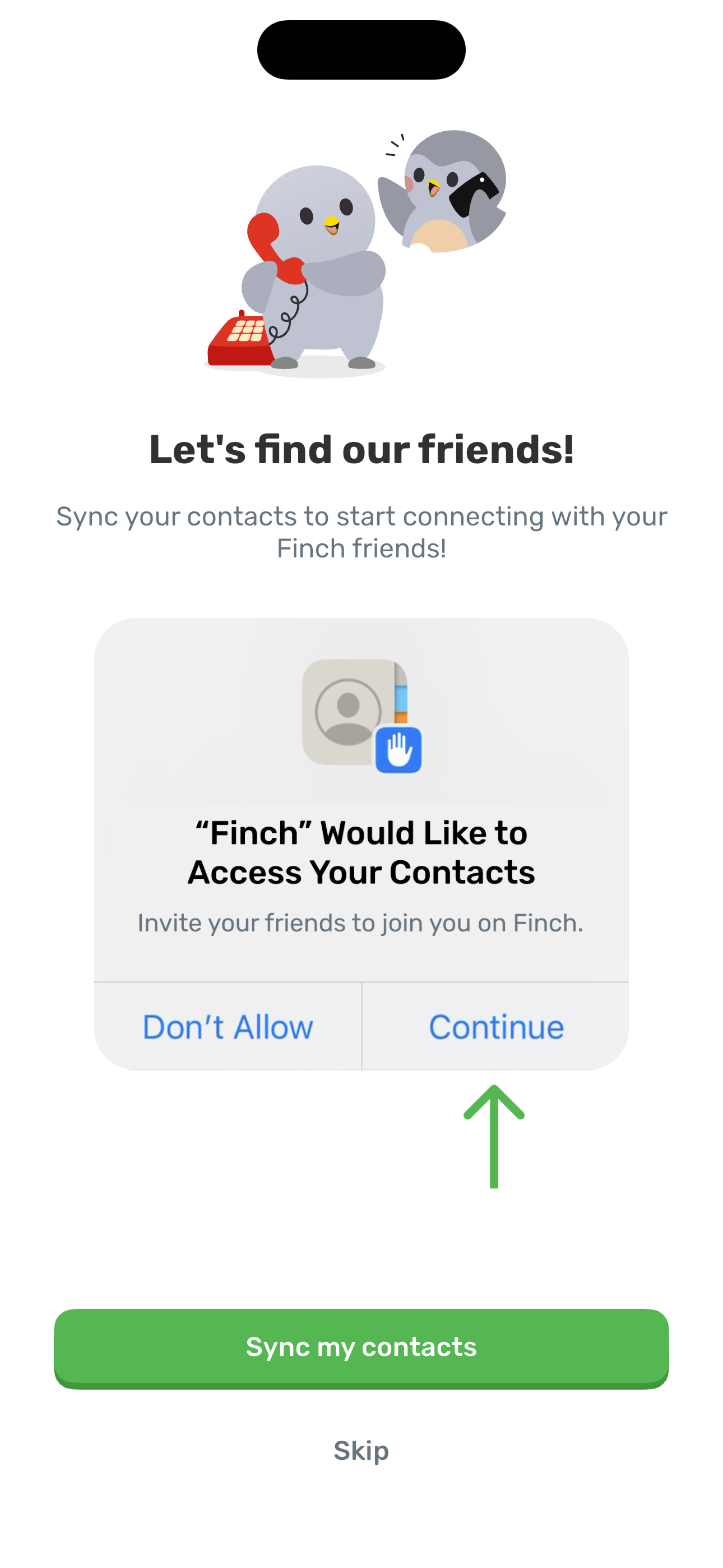
Step 41 in the Finch Complete onboarding flow. Atlas detected 7 UI elements on this screen.
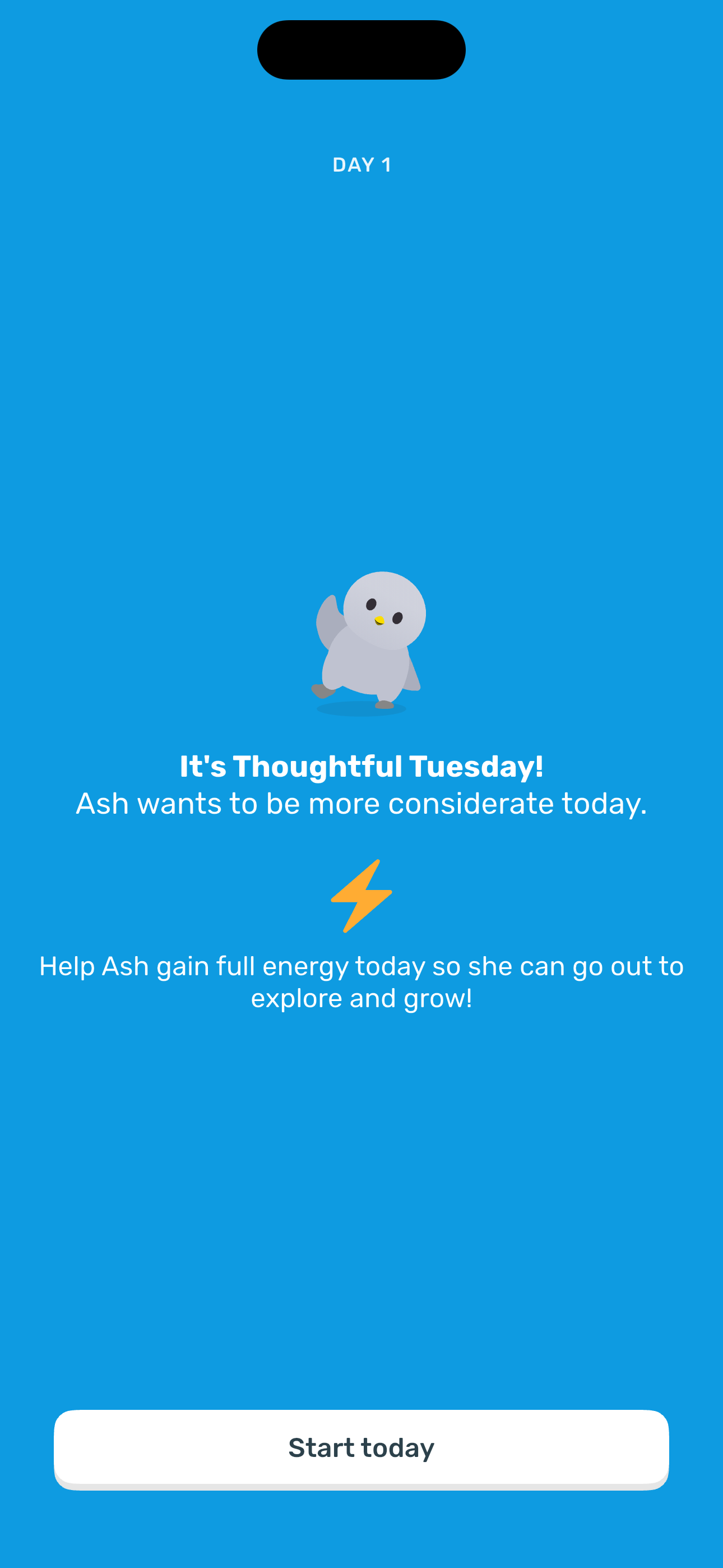
Step 42 in the Finch Complete onboarding flow. Atlas detected 6 UI elements on this screen.
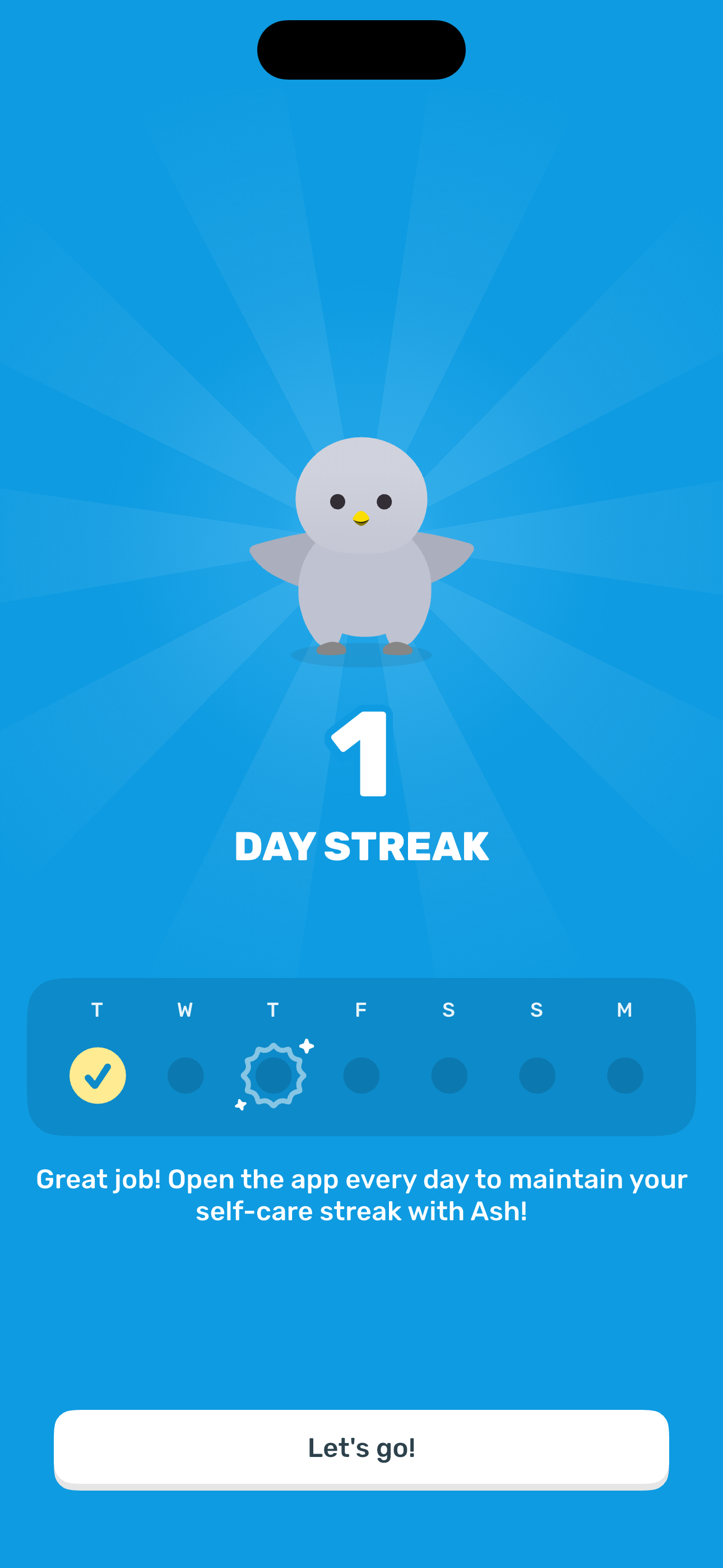
Step 43 in the Finch Complete onboarding flow. Atlas detected 7 UI elements on this screen.
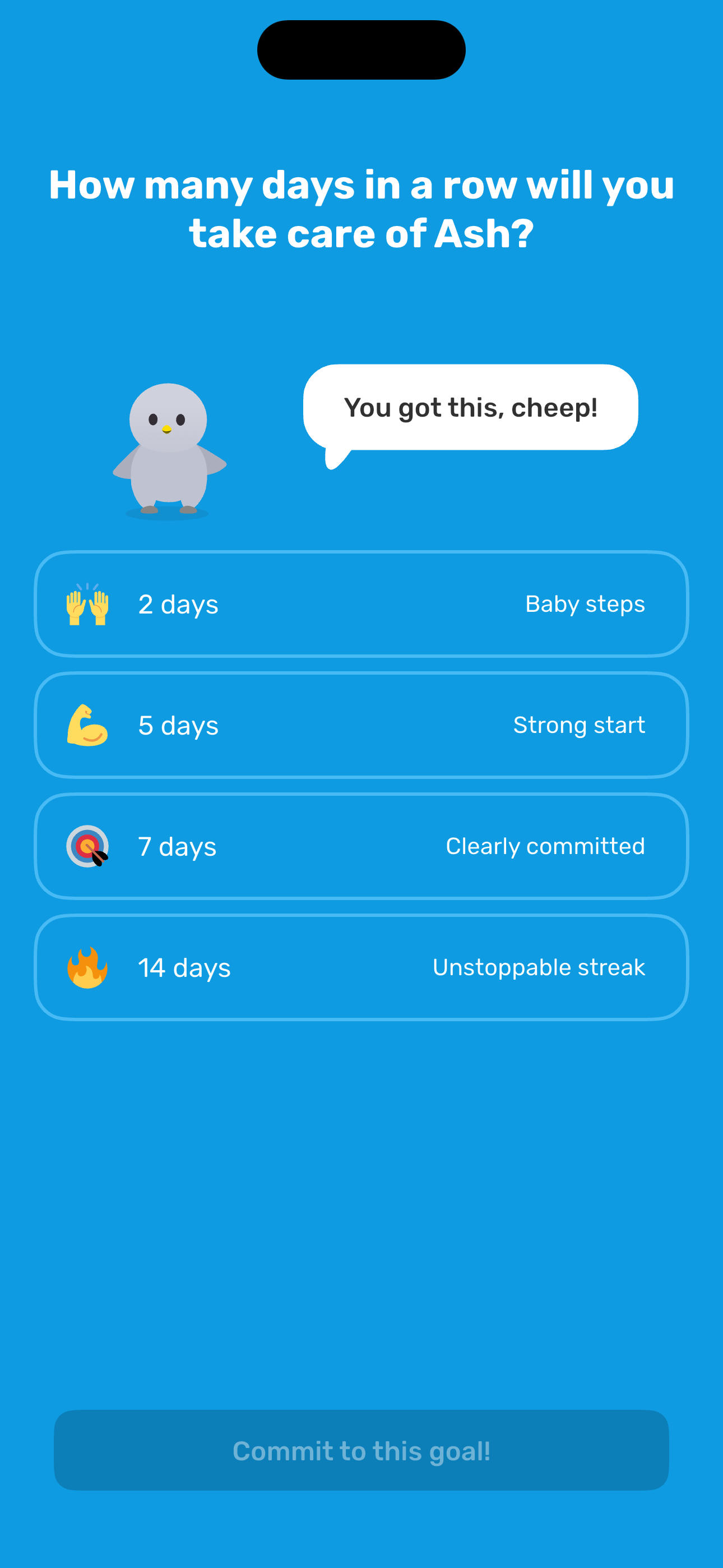
Step 44 in the Finch Complete onboarding flow. Atlas detected 7 UI elements on this screen.
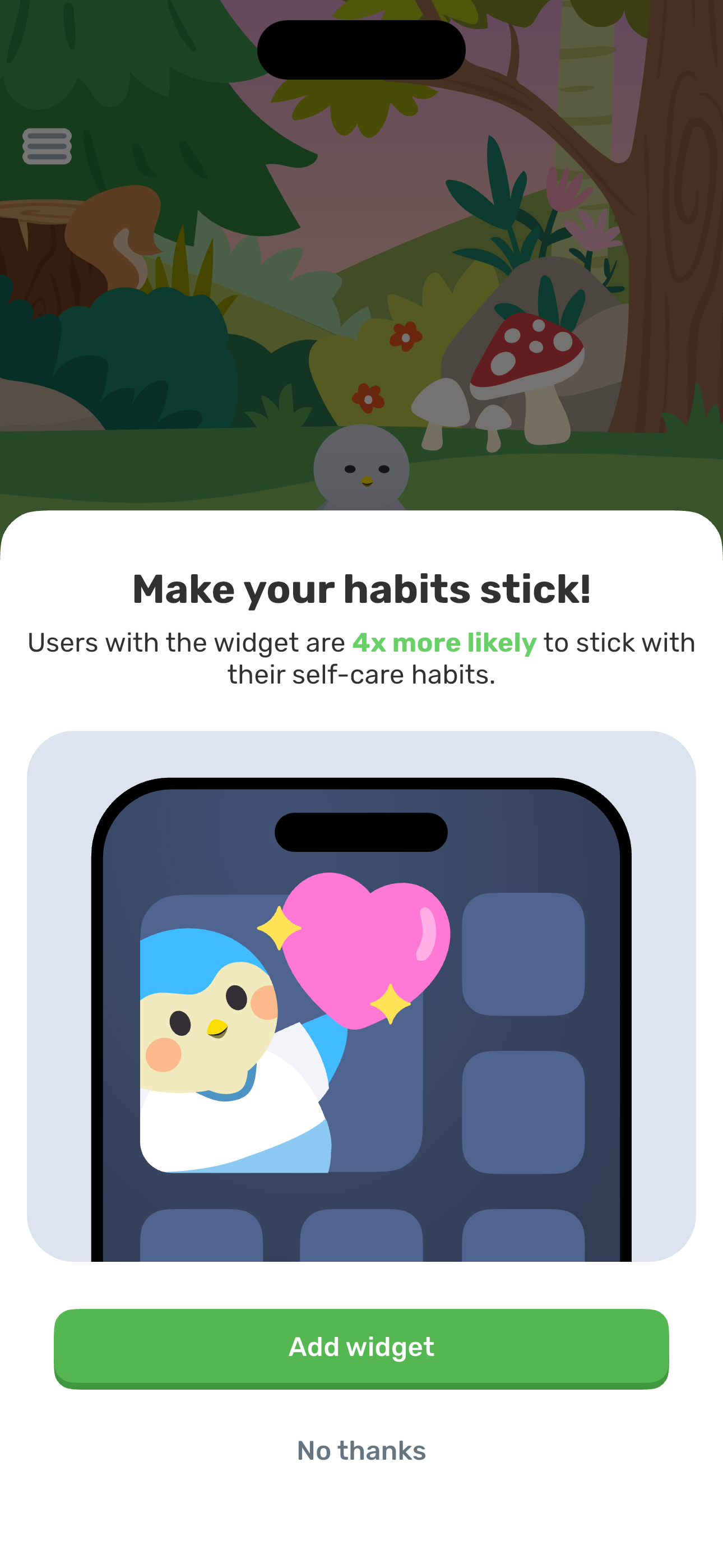
Step 45 in the Finch Complete onboarding flow. Atlas detected 18 UI elements on this screen.
How to use it
Related flows