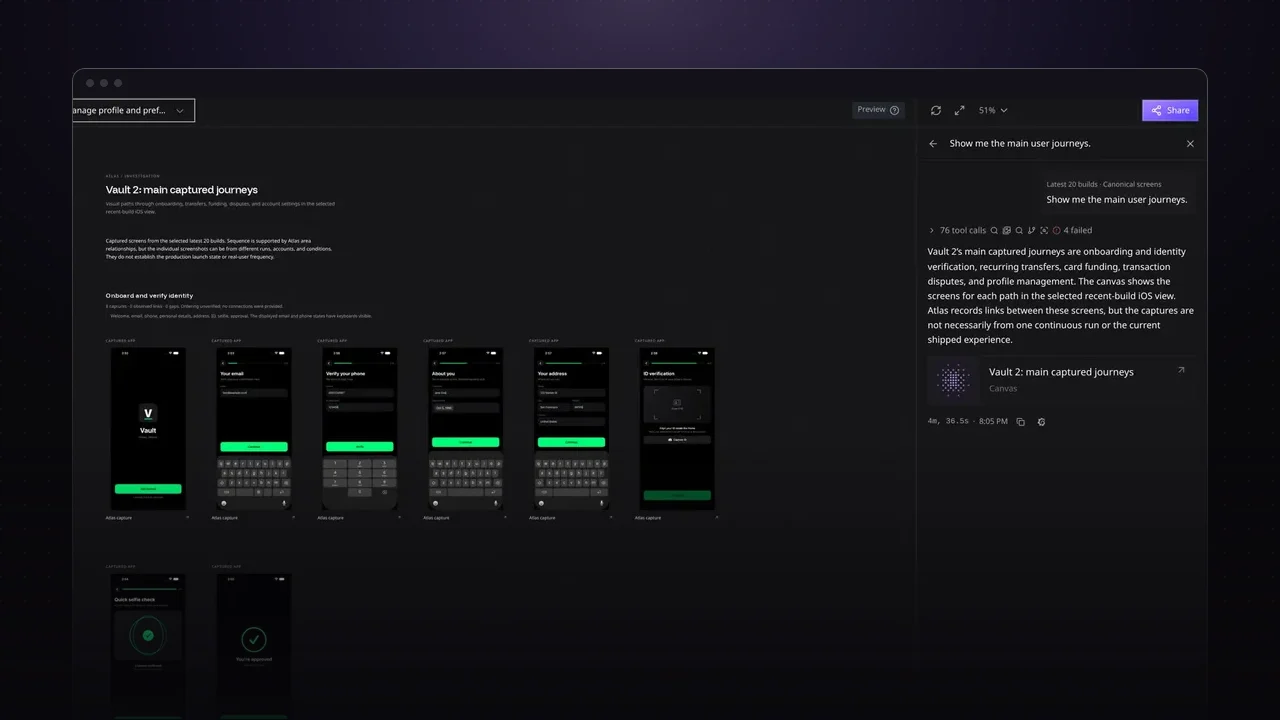
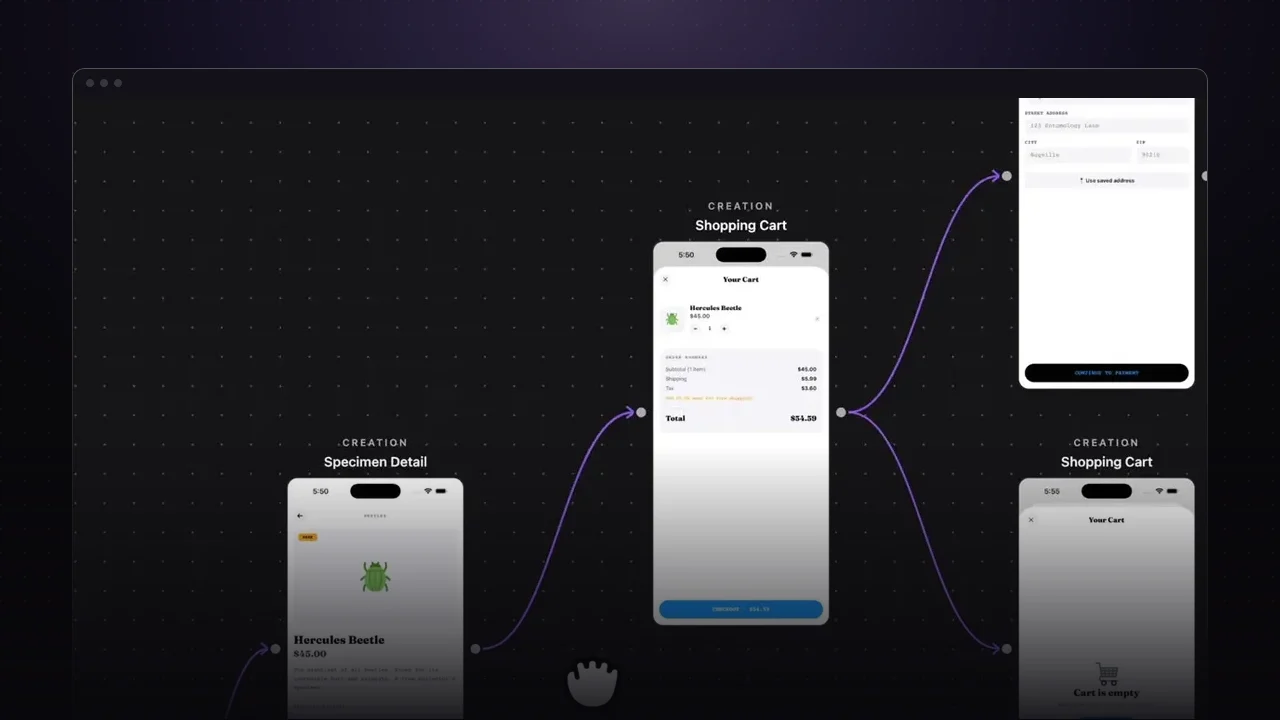
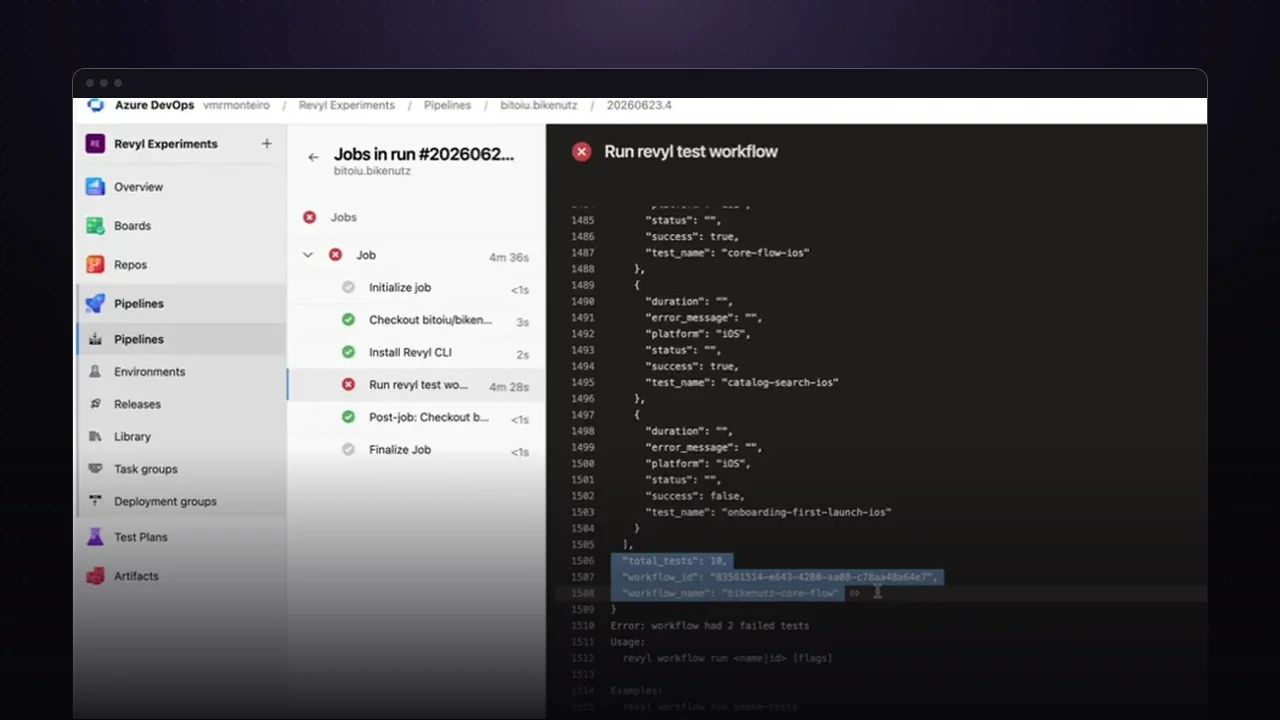
Revyl is one place to run, test, and understand your iOS and Android apps, whether a person or a coding agent is doing the work. This tour walks through the four pieces you’ll use most: sessions, tests, the CLI, and Atlas.
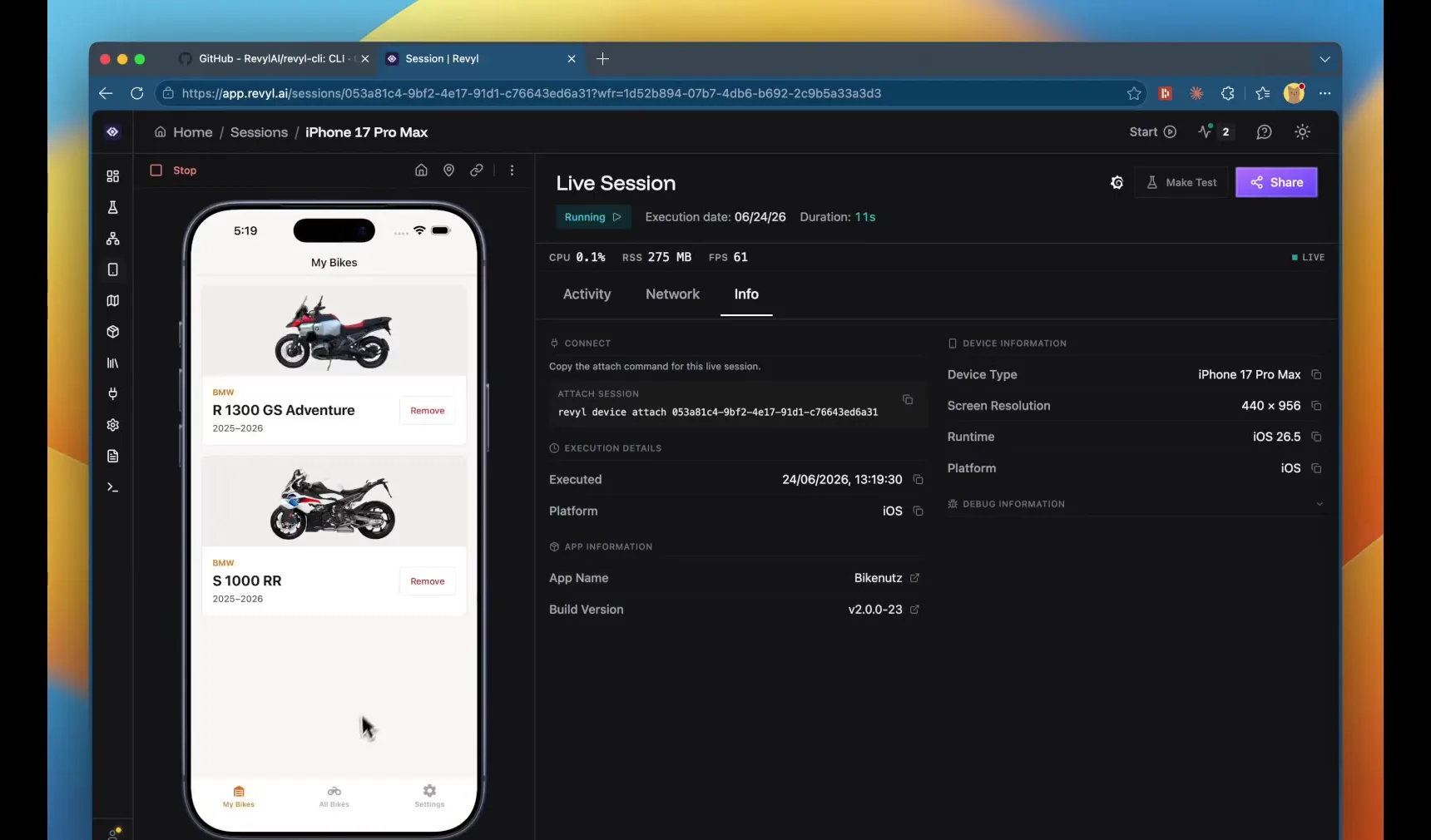
Open any build in a live session
A session launches any version of your app on a cloud device, straight from the browser. A product manager can check a release from three months ago without a Mac, and QA can walk a flow before turning it into a test. When you’re done, you can generate a test from the session you just ran.
Write tests in plain language
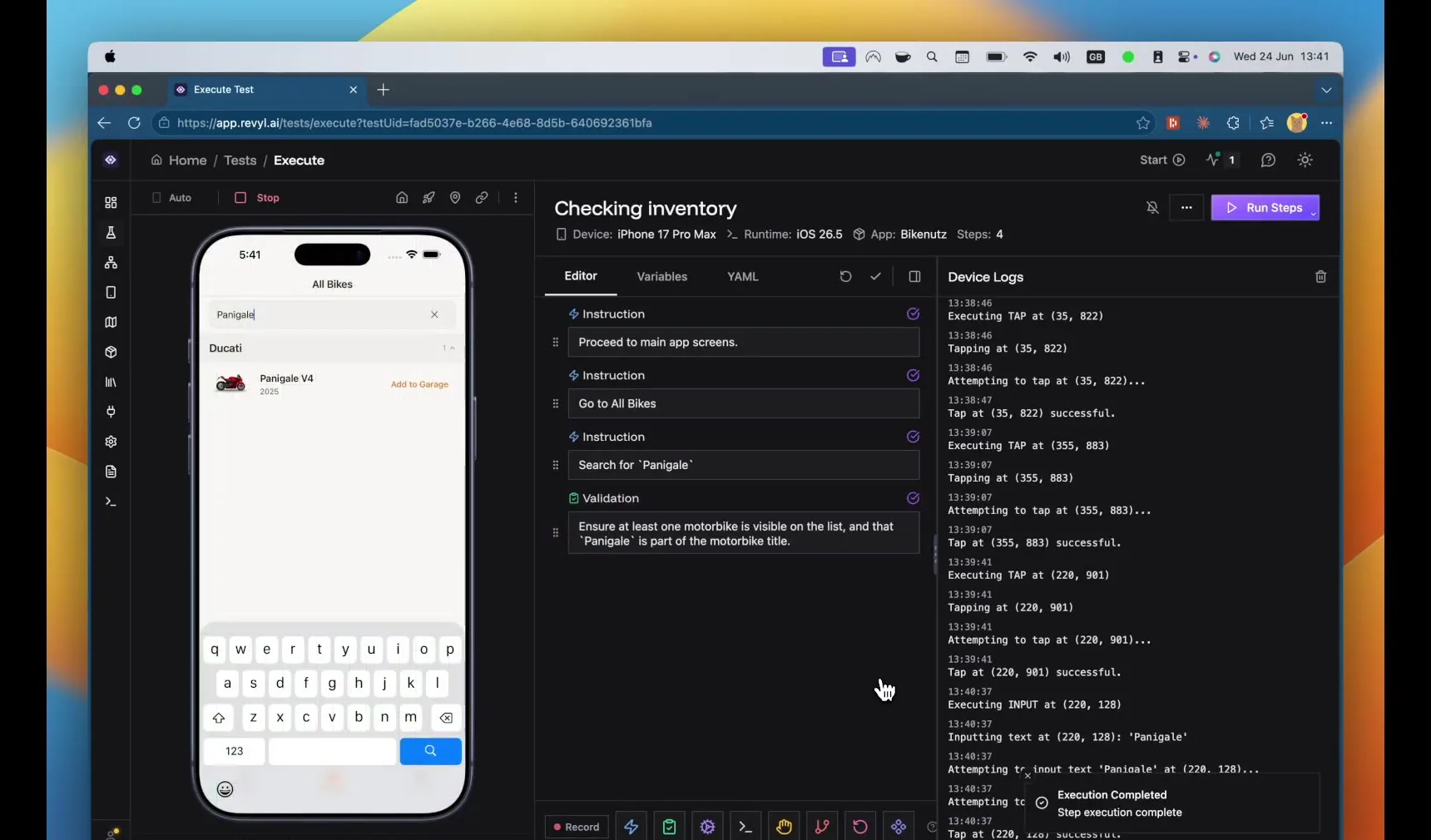
Tests are a list of instructions and validations written the way you’d describe them to a person. Even a vague step like “proceed to the main app screens” works. You can run each step as you write it and only move on once it passes, then add the test to a workflow so it runs with your regression suite.
Hand the work to your coding agent
Everything in the app is also in the Revyl CLI, so a coding agent can write tests, run workflows, and launch sessions for you. In the video, Claude Code builds three features at once, and each one gets its own build and device check, with screenshots and a session link to share with the team.
See the whole app in Atlas
While all of that runs, Revyl keeps building Atlas, a map of every screen and its variations for each version of the app. You can open a past release or a pull request and see exactly what changed.
Try it on your app
- Upload a build and open it in a live session.
- Turn the flow you just walked through into a test and add it to a workflow.
- Install the Revyl CLI so your coding agent can do the same.