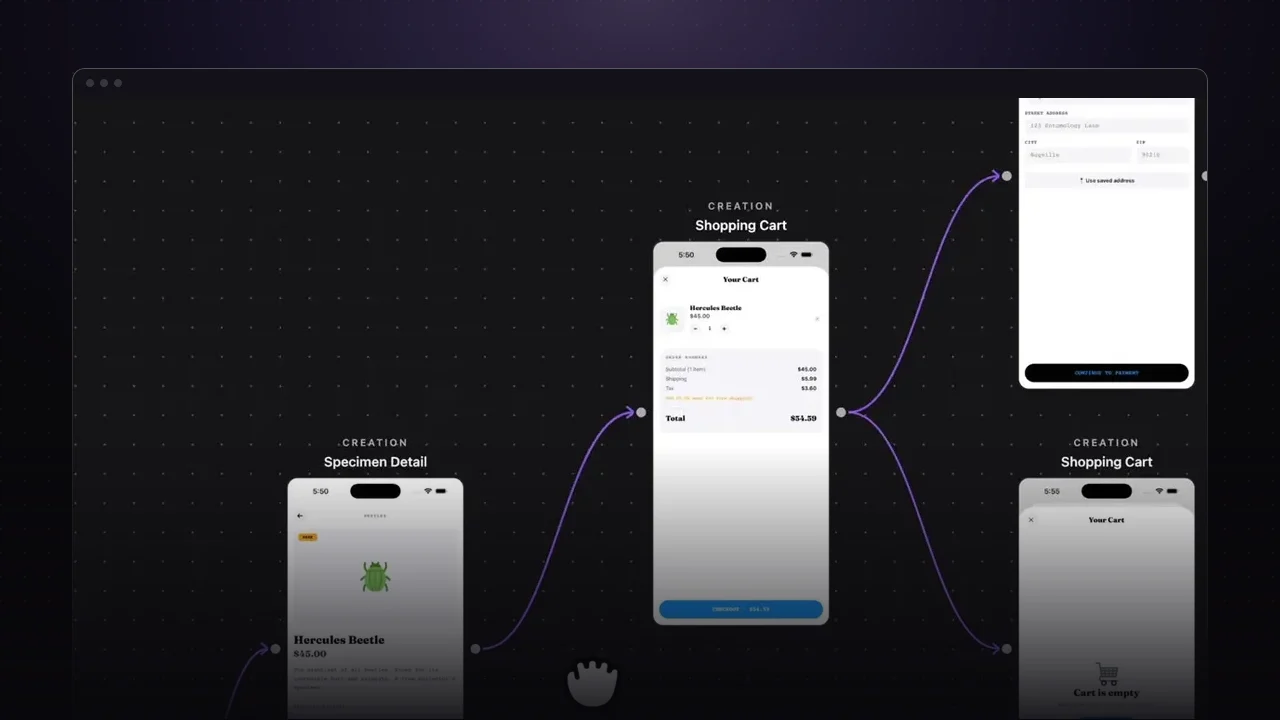
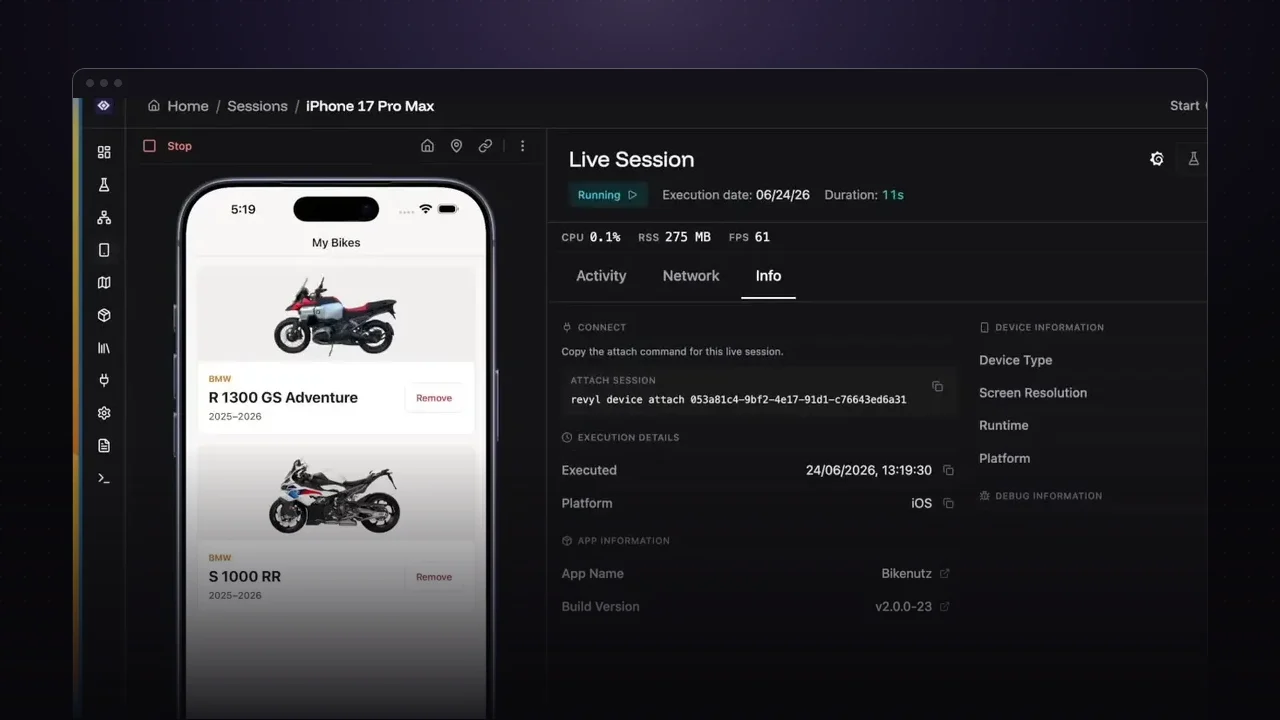
If your team builds in Azure DevOps, you can run a Revyl test workflow on every pull request with a short pipeline script. The job installs the Revyl CLI, runs the workflow, and reports each test in the pipeline output.
What the pipeline does
In the video, the pipeline runs a workflow of ten tests on a pull request. The run shows red because two of them failed, which is exactly the signal you want: you can see which tests broke, like the first launch and removing a motorbike from the garage, and go look at why.
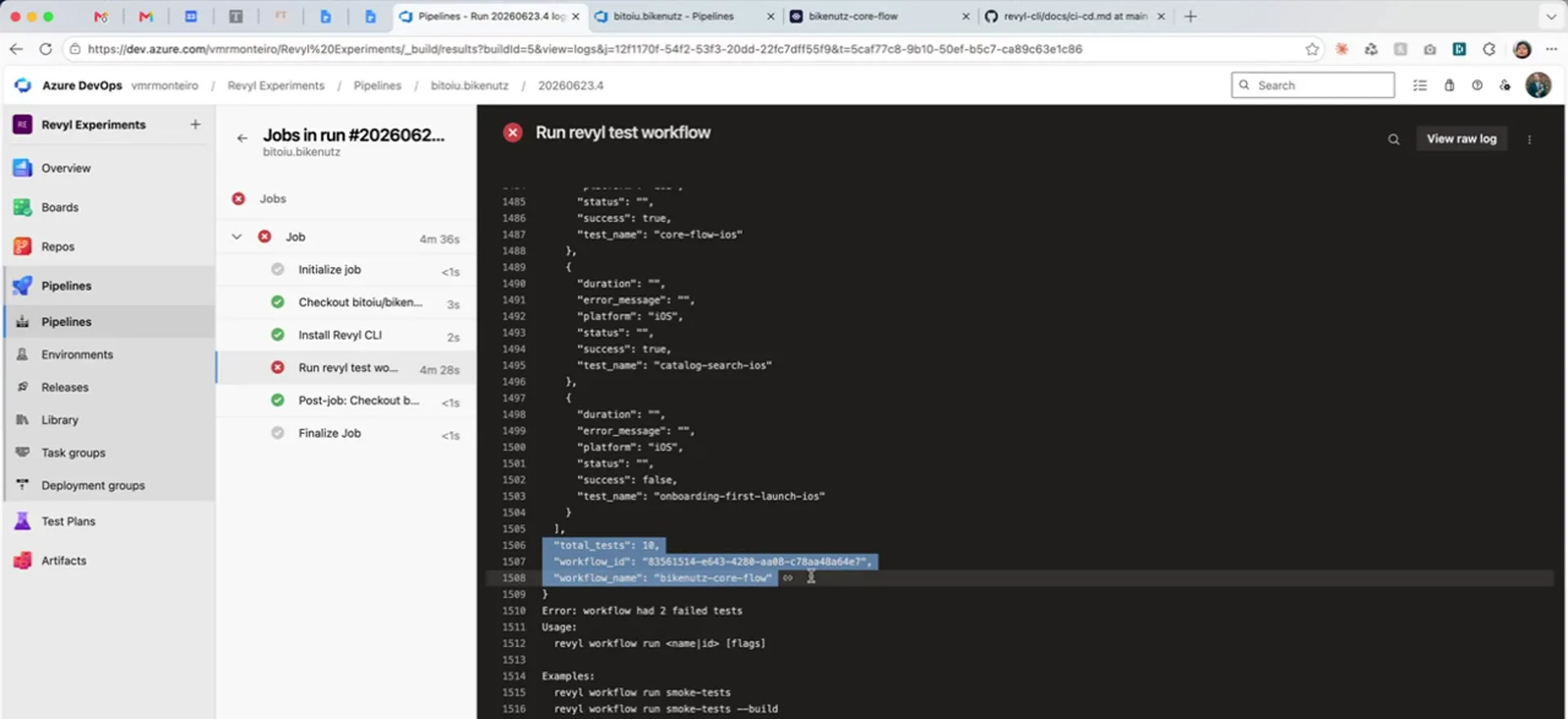
Go further from the same script
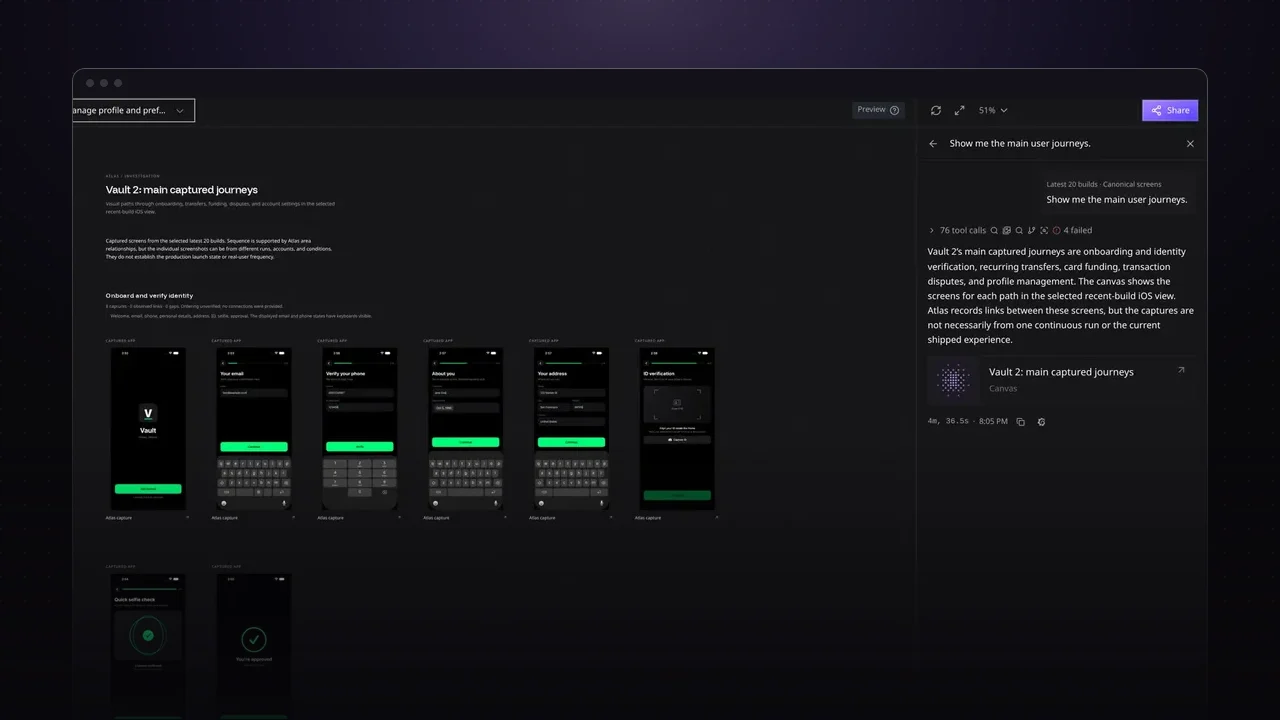
The CLI can do more than run tests, so the same job can start a build or pull screenshots of the app with the Atlas command. Revyl’s skills for coding tools also make it easy to try the script on your own machine first.
Try it on your app
- Follow the CI/CD guide in the Revyl docs for the pipeline script.
- Add the step to the pipeline that runs on your pull requests.
- Open a pull request and check the Revyl results in the run.