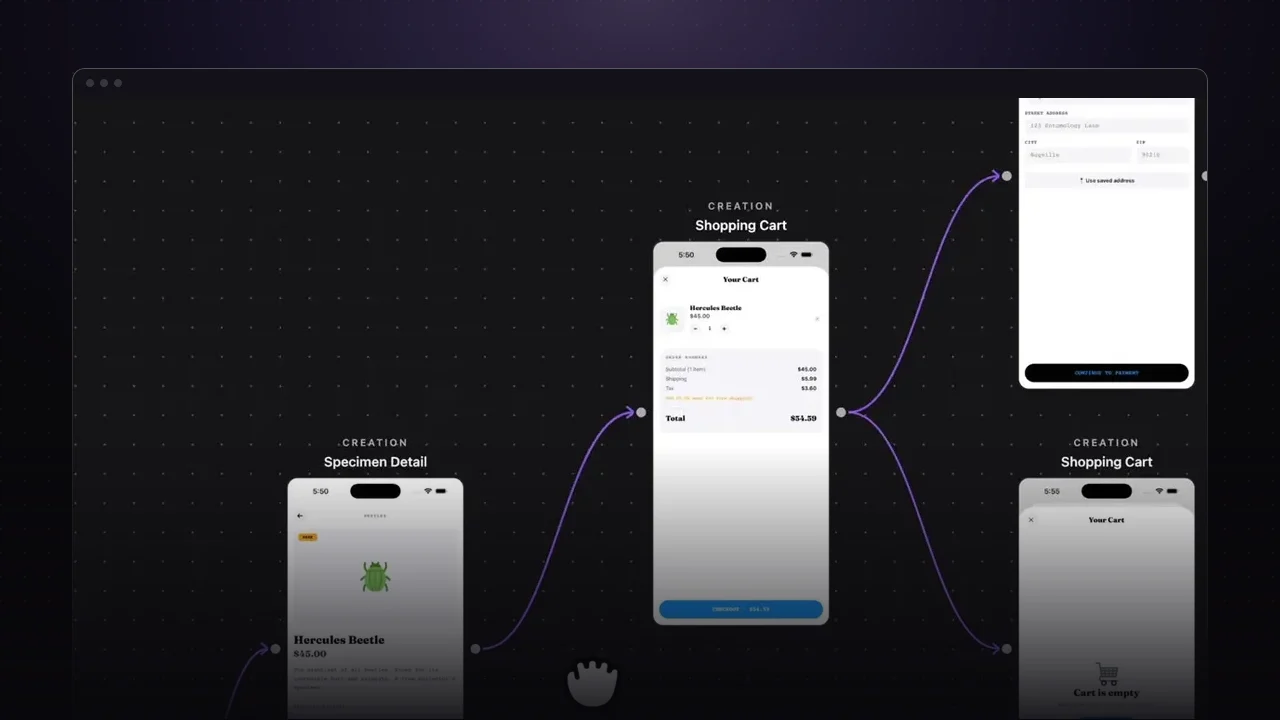
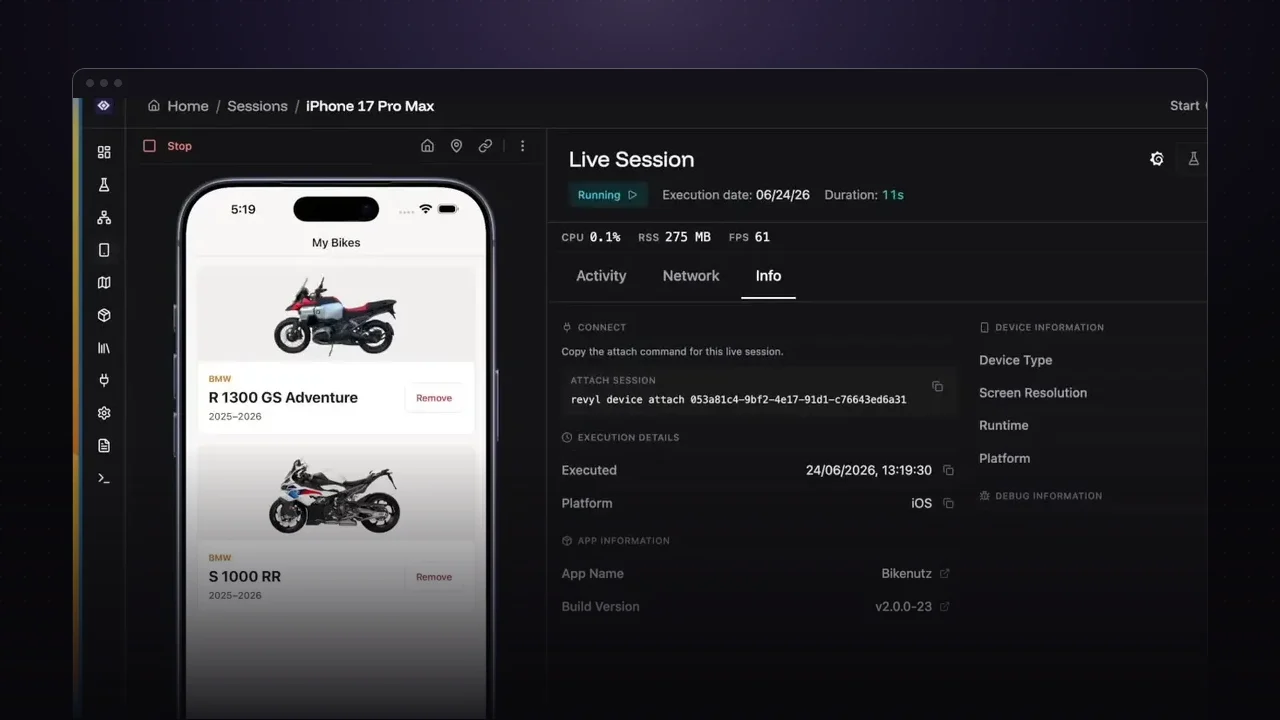
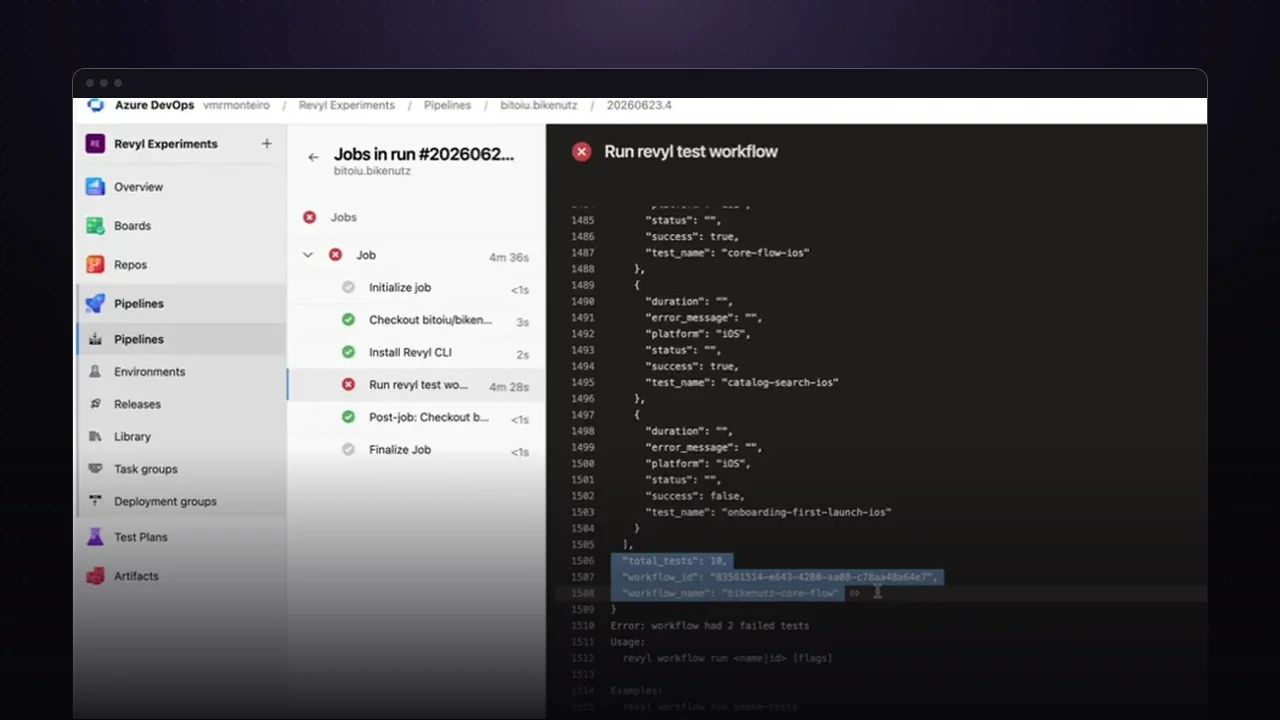
Atlas is the living record of your app: every screen, state, and journey Revyl has seen across builds, tests, autonomous explorations, and linked Figma frames. Atlas Chat sits at the bottom of that map. Ask a question in plain language and it investigates the record, shows its tool calls as it works, and answers on a canvas built from real captured screens.
Here are four questions worth asking on your first day with it.
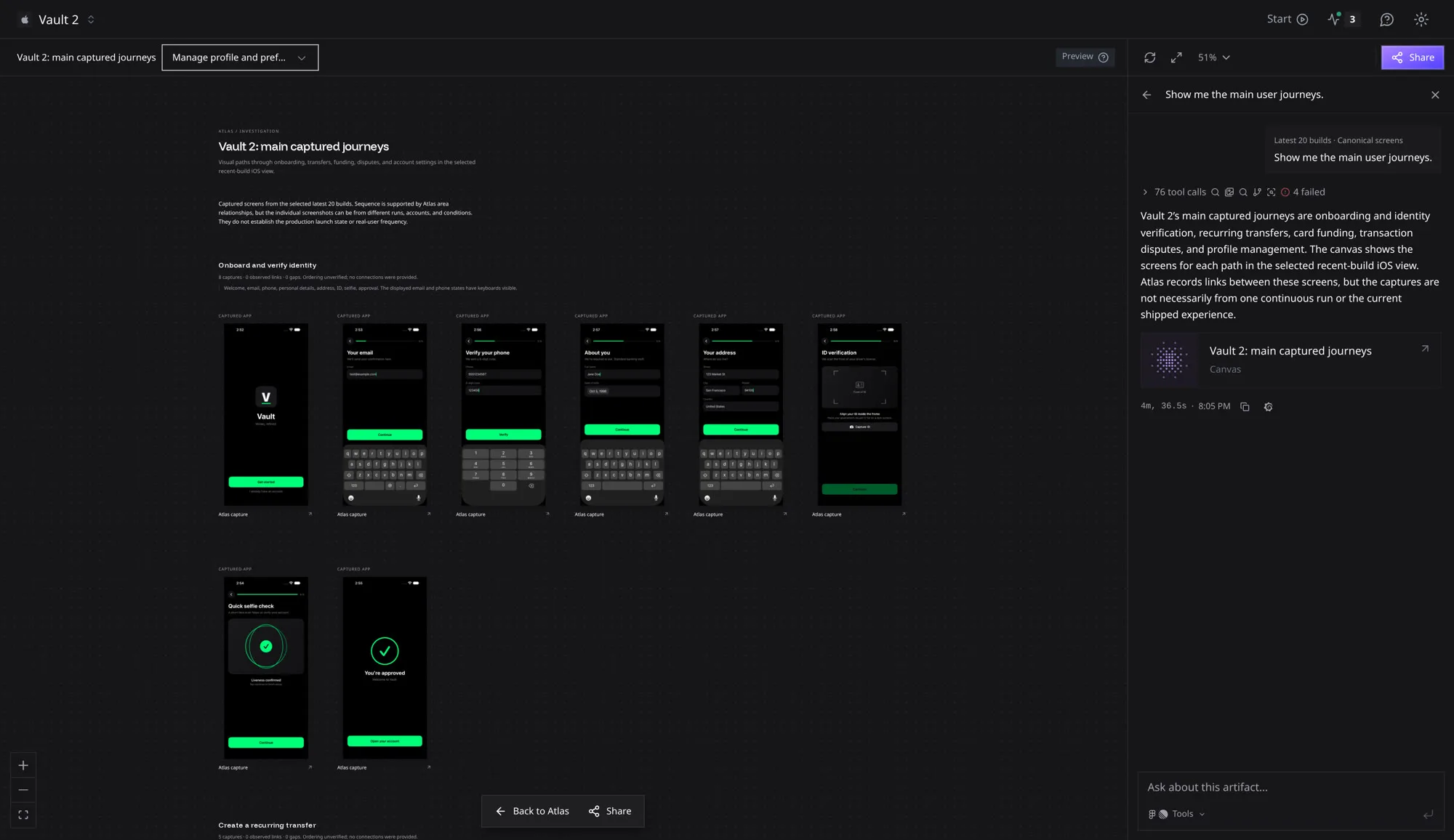
Map the main user journeys
Ask “Show me the main user journeys.” Atlas groups captured screens into paths, such as onboarding and identity verification, recurring transfers, and card funding, and says where the ordering is still unverified.
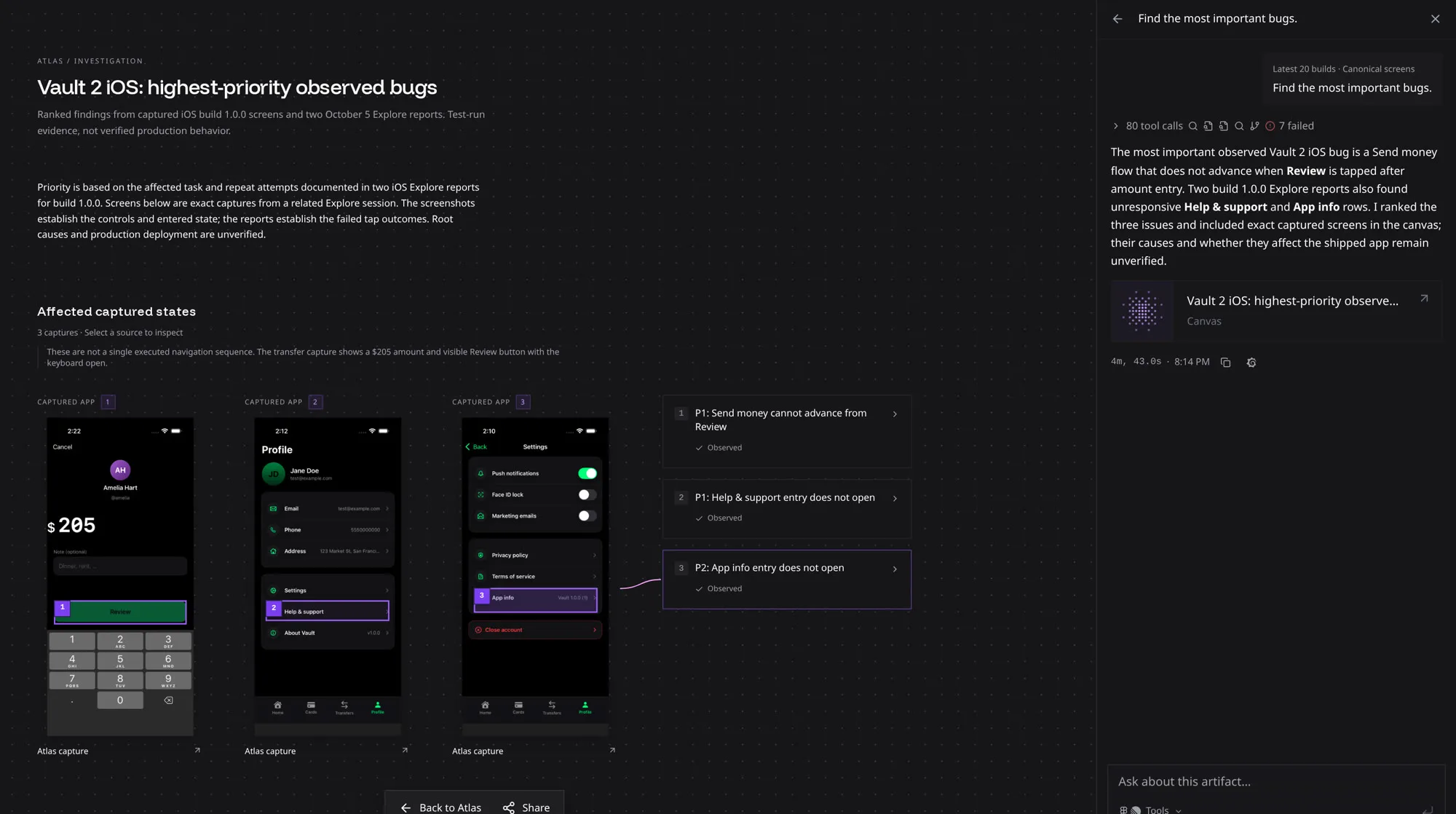
Find the most important bugs
Ask “Find the most important bugs.” Atlas ranks the issues its explorations hit, pins each one to the exact screen where it happened, and keeps root cause out of the answer until there is evidence for it.
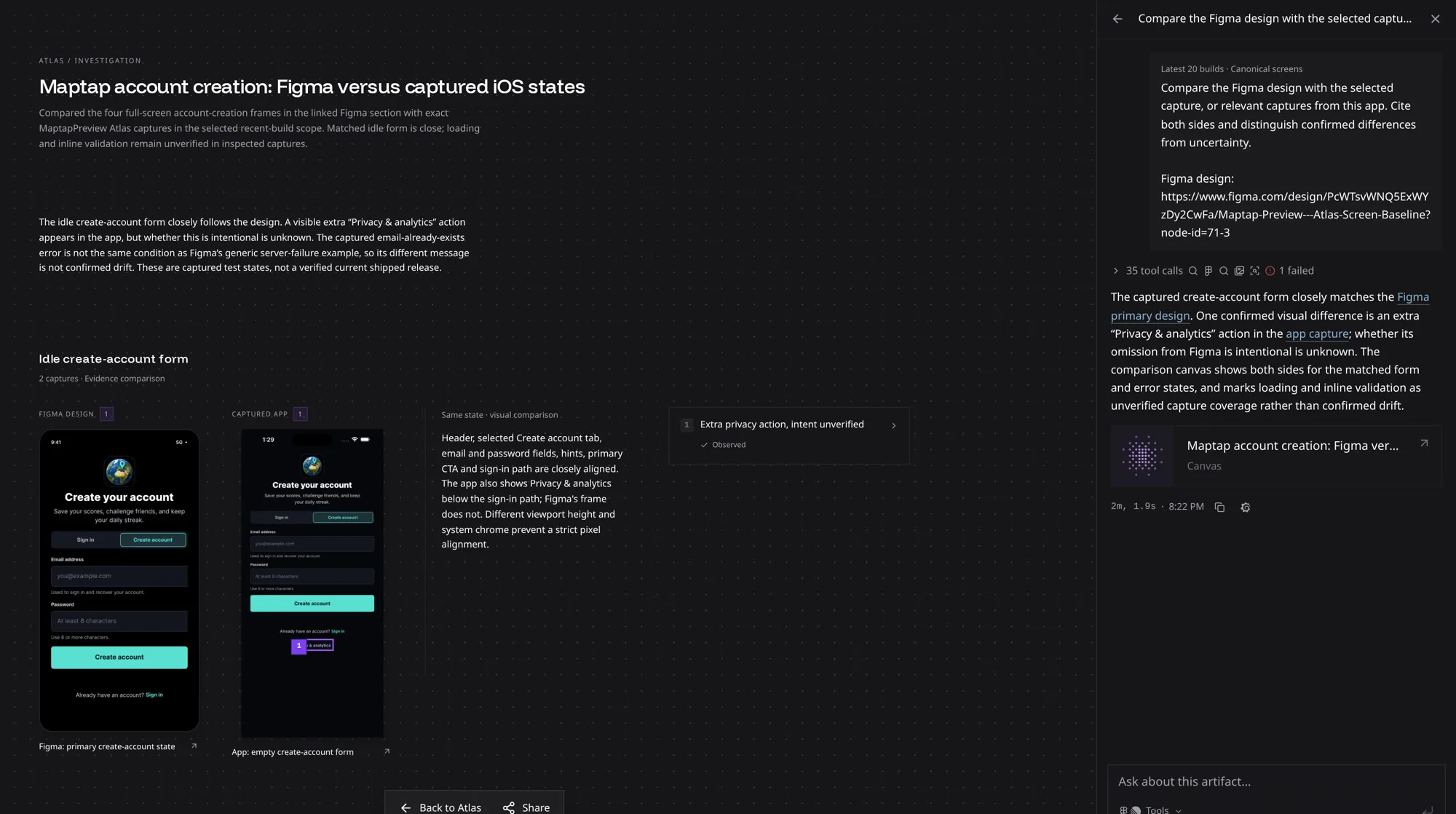
Compare the build to the Figma design
Paste a Figma frame link and ask Atlas to compare it with the app. It puts the design next to the matching capture and lists only the differences it can confirm. Here the create-account form is a close match, with one extra Privacy & analytics link in the app.
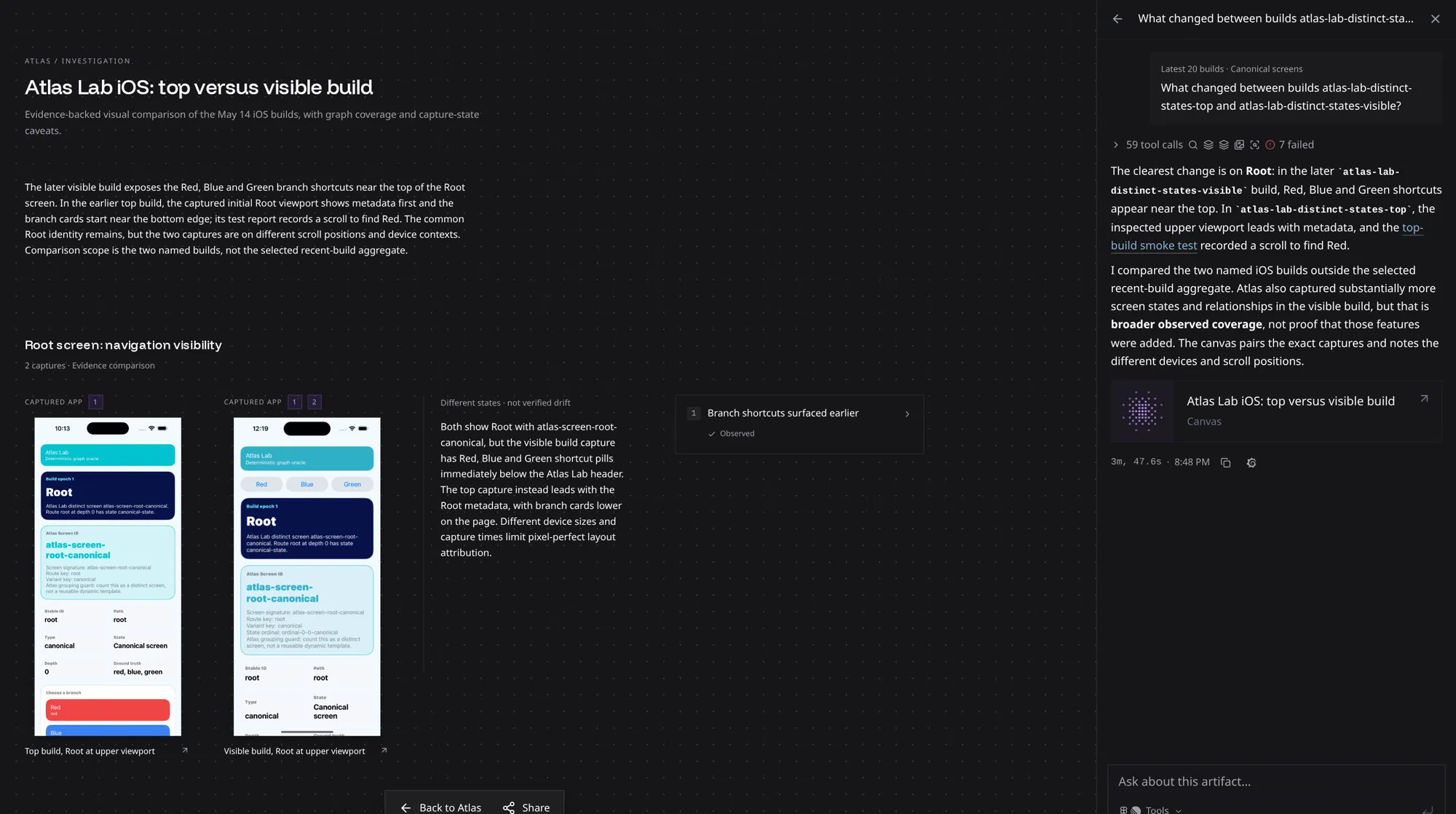
See what changed between builds
Name two builds and ask what changed. Atlas compares the captured screens from each build and describes the visible difference: in this case, branch shortcuts that moved to the top of the Root screen.
Try it on your app
- Open your app in Atlas.
- Click Ask Atlas… at the bottom of the map, or start from a suggestion like Find issues, Explore flows, or Compare with Figma.
- Open the canvas from the answer, then use Share to send it to your team.
Atlas Chat answers from what Atlas has recorded. When a screen or state was never captured, the answer says so instead of guessing, so the fastest way to better answers is more runs: every build, test, and exploration adds to the record.