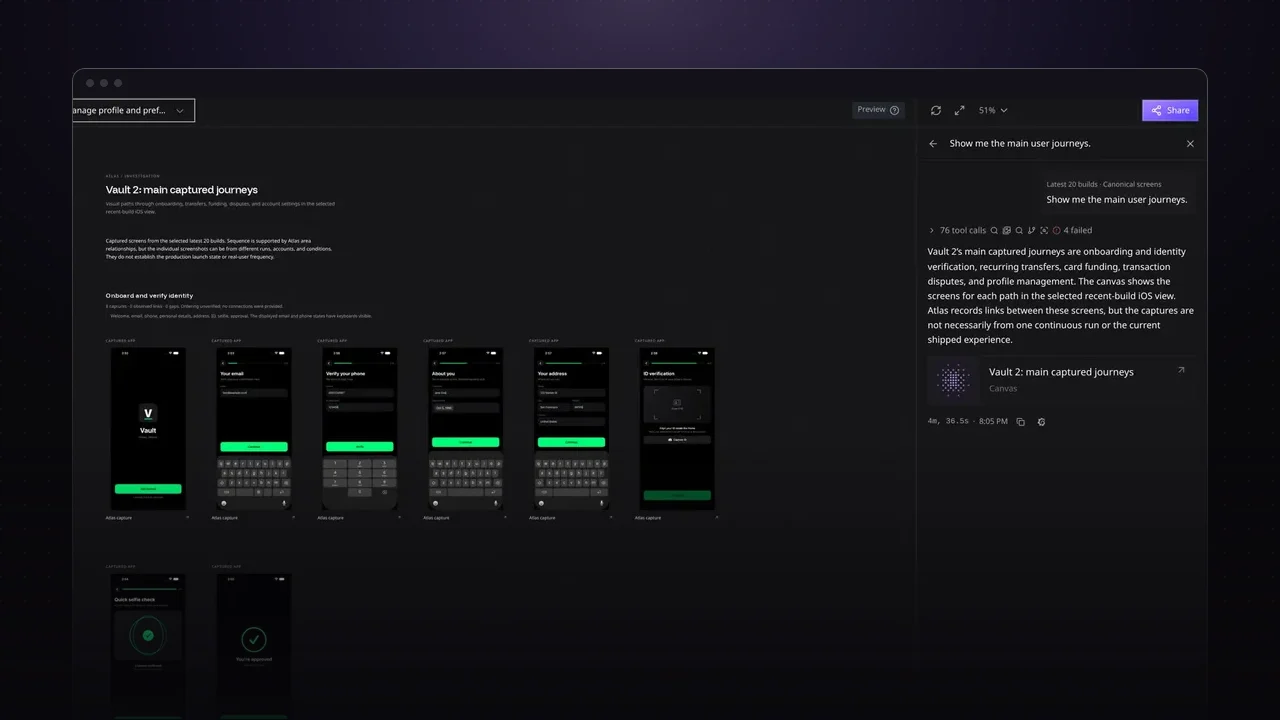
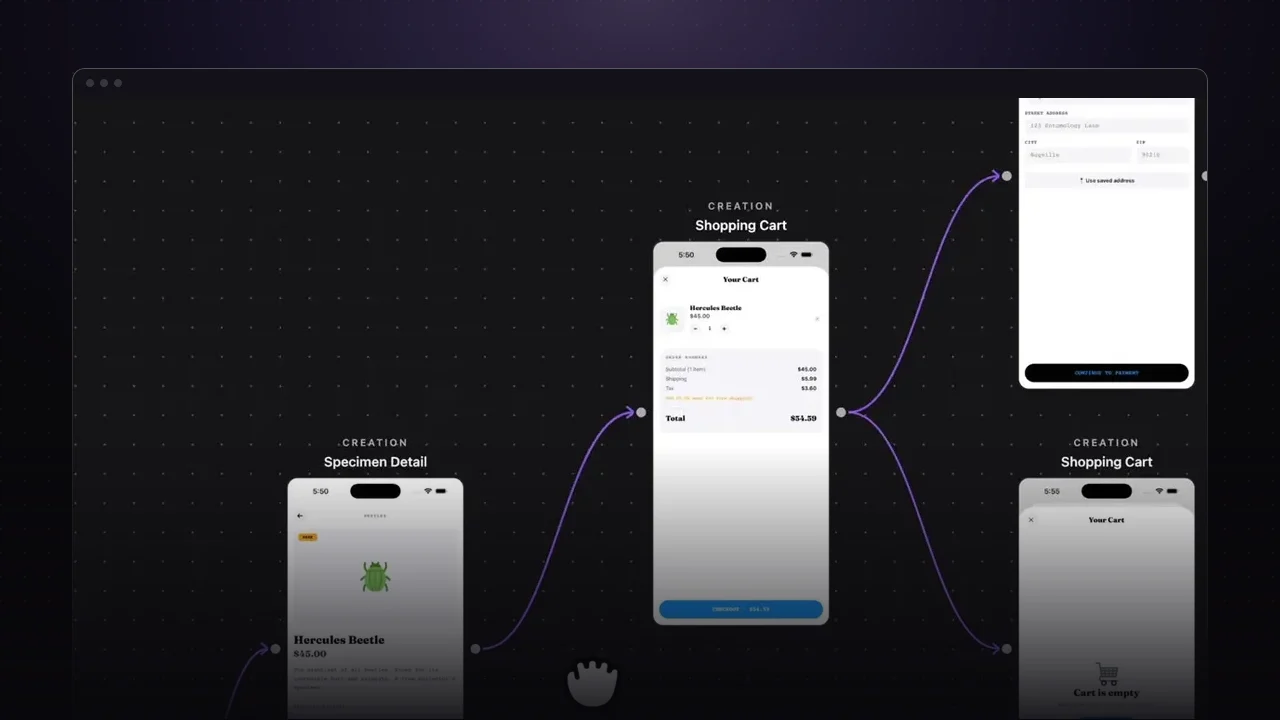
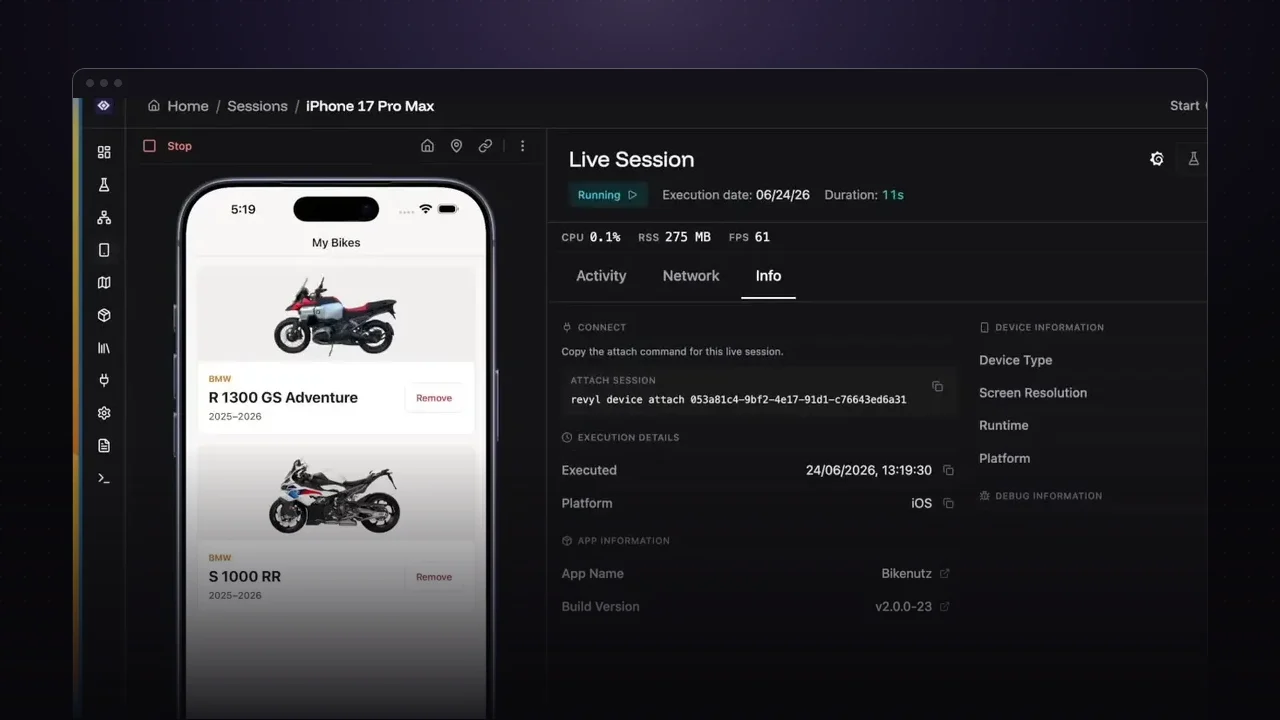
With coding agents opening pull requests faster than ever, the slow part is no longer writing the change. It’s proving the change works and didn’t break anything else. Running UI tests locally means waiting on the few simulators your machine can handle, so a lot of developers fall back to clicking through the app by hand and miss scenarios.
Run the whole suite in parallel
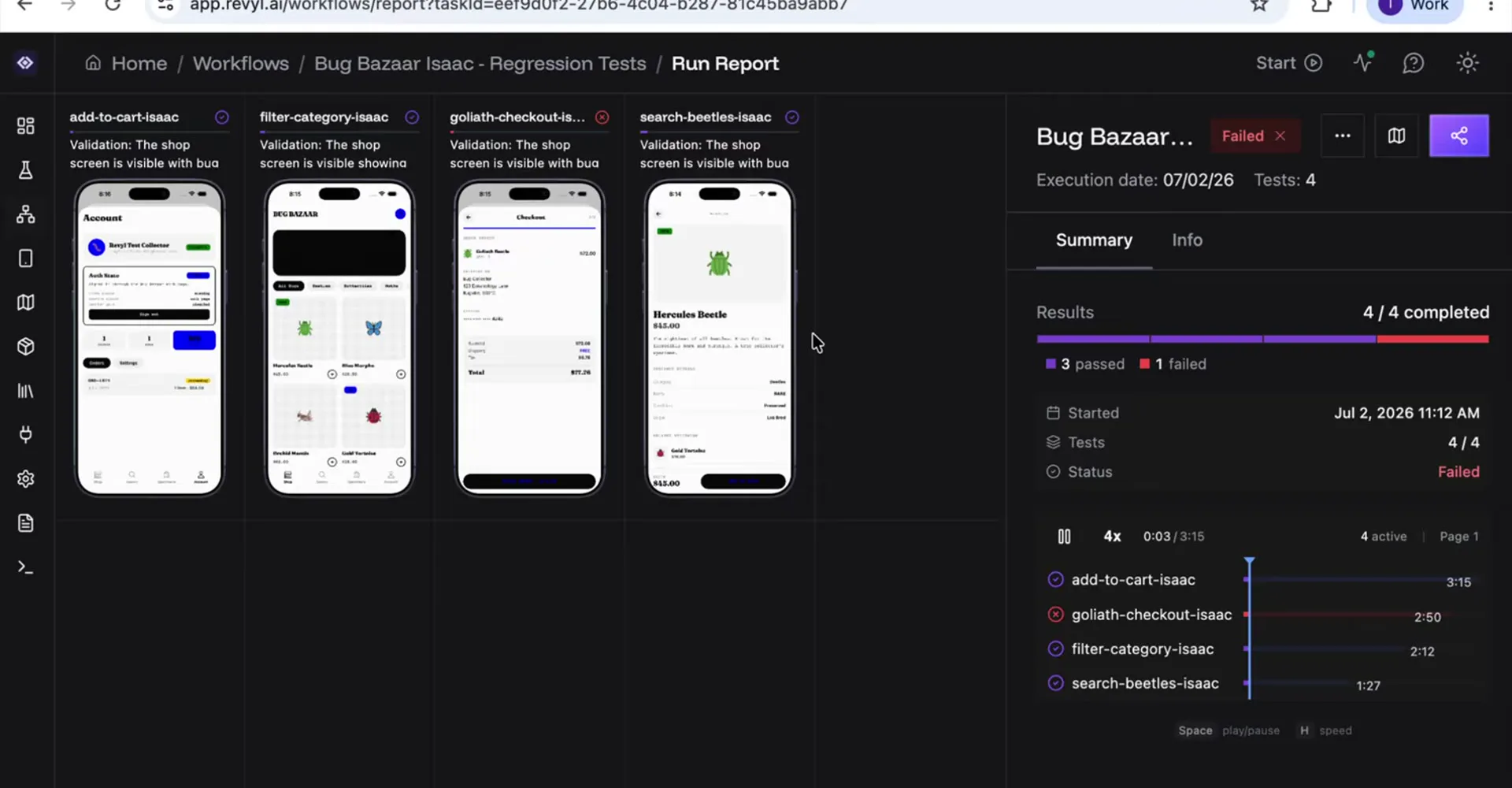
Revyl runs your regression workflow on cloud simulators in parallel and posts the result as a check on the pull request, with screenshots of the change. In the video, four tests run at once, and the failing check links straight to the run.
Debug any step
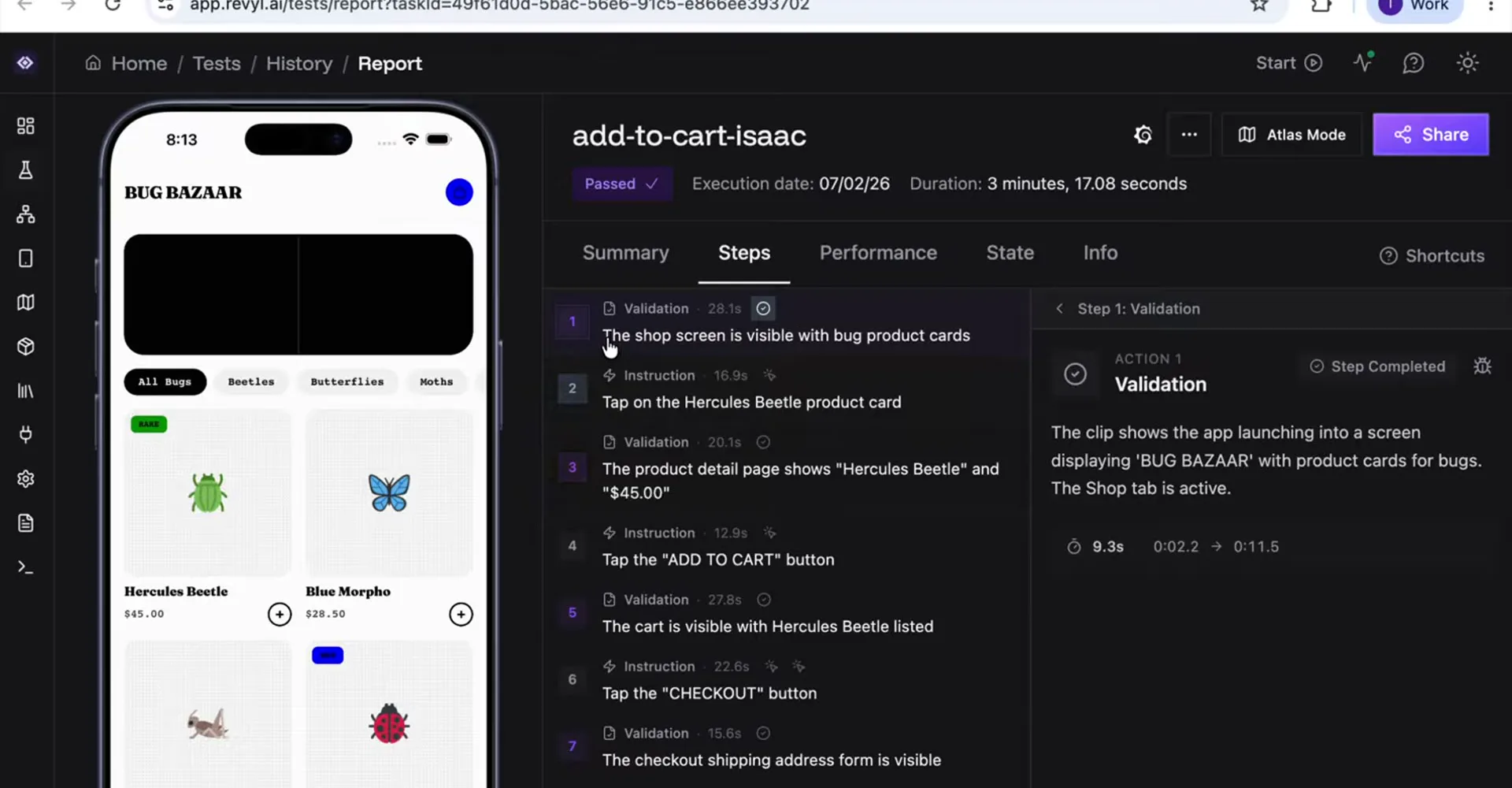
Open a single test to see a summary, its key moments, and every instruction and validation alongside the video of that step. There are no selectors to maintain, because each step is written in plain language and checked by a vision model. The performance and state tabs show what the app and the network were doing during the run, which helps when you’re chasing a slow screen.
Try it on your app
- Write a few tests for your critical flows and group them into a workflow.
- Run the workflow on your pull requests so the result shows up as a check.
- Open any failing test to watch the step that broke.