



Revyl Atlas report
Tinder app screen map and user flows
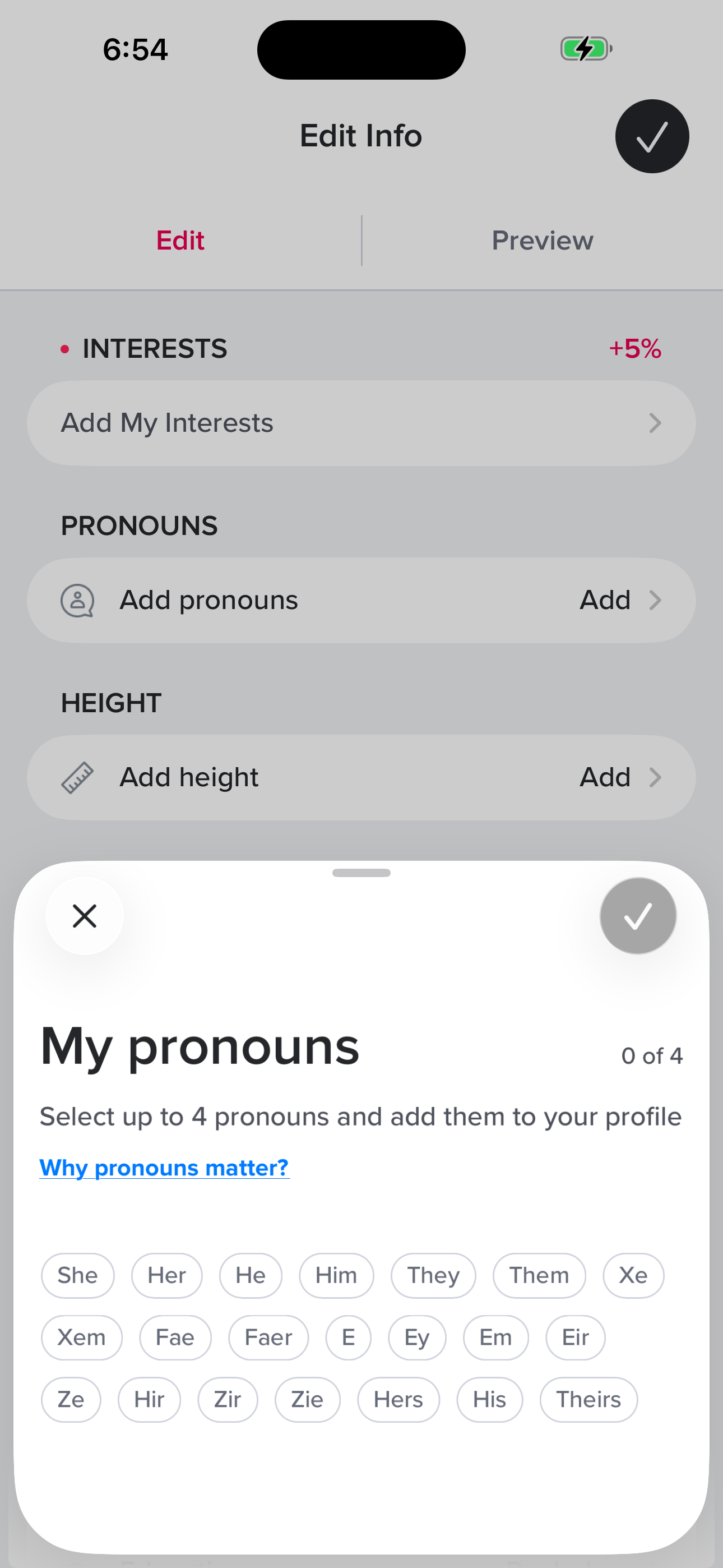
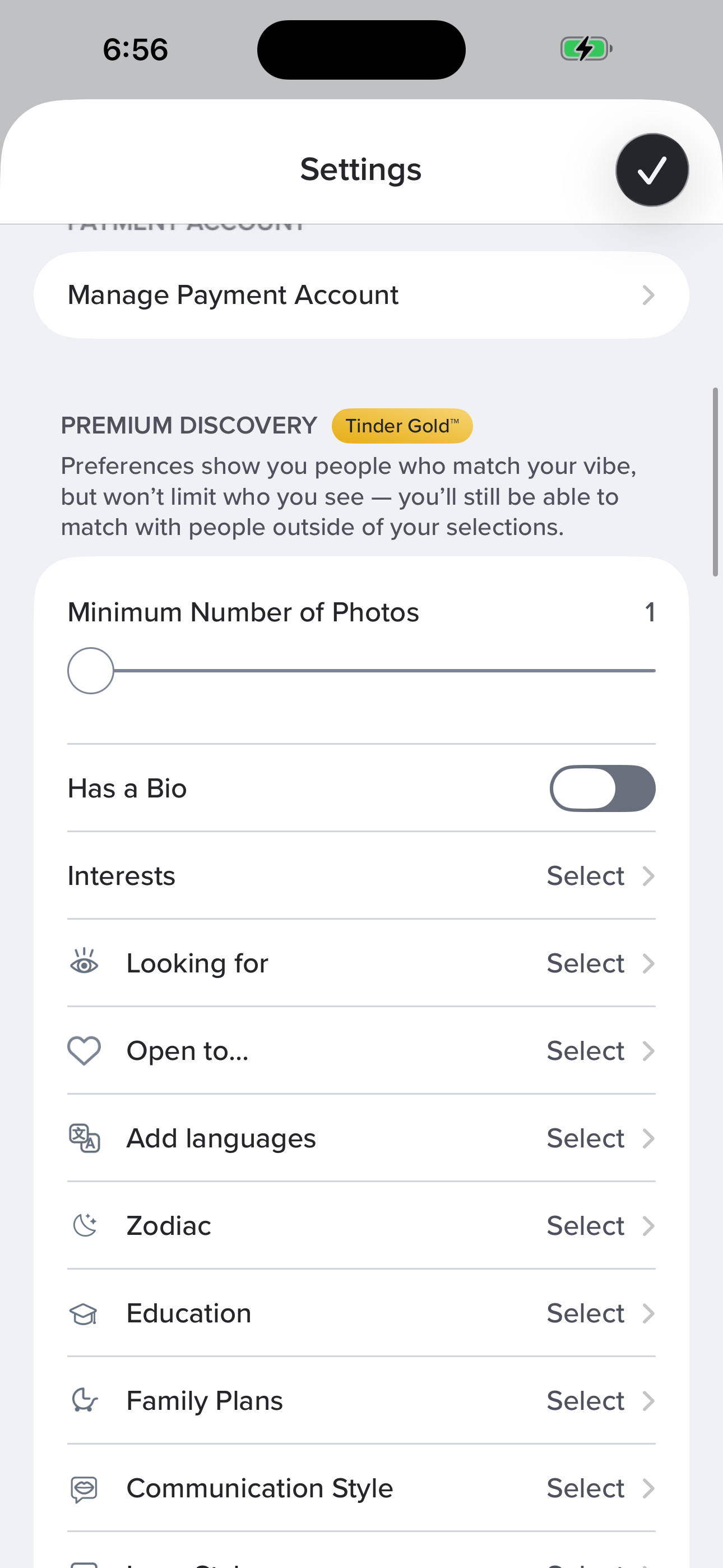
Revyl Atlas mapped 73 iOS app screens, 81 transitions, 40 user paths, and 431 UI elements in Tinder. Use this report for mobile UX research, QA coverage planning, competitive teardown work, and AI agent navigation context.
Research uses
What this Tinder app map helps teams inspect
Key journeys
Tinder mobile app user flows
Sign up: basics (name → bio)
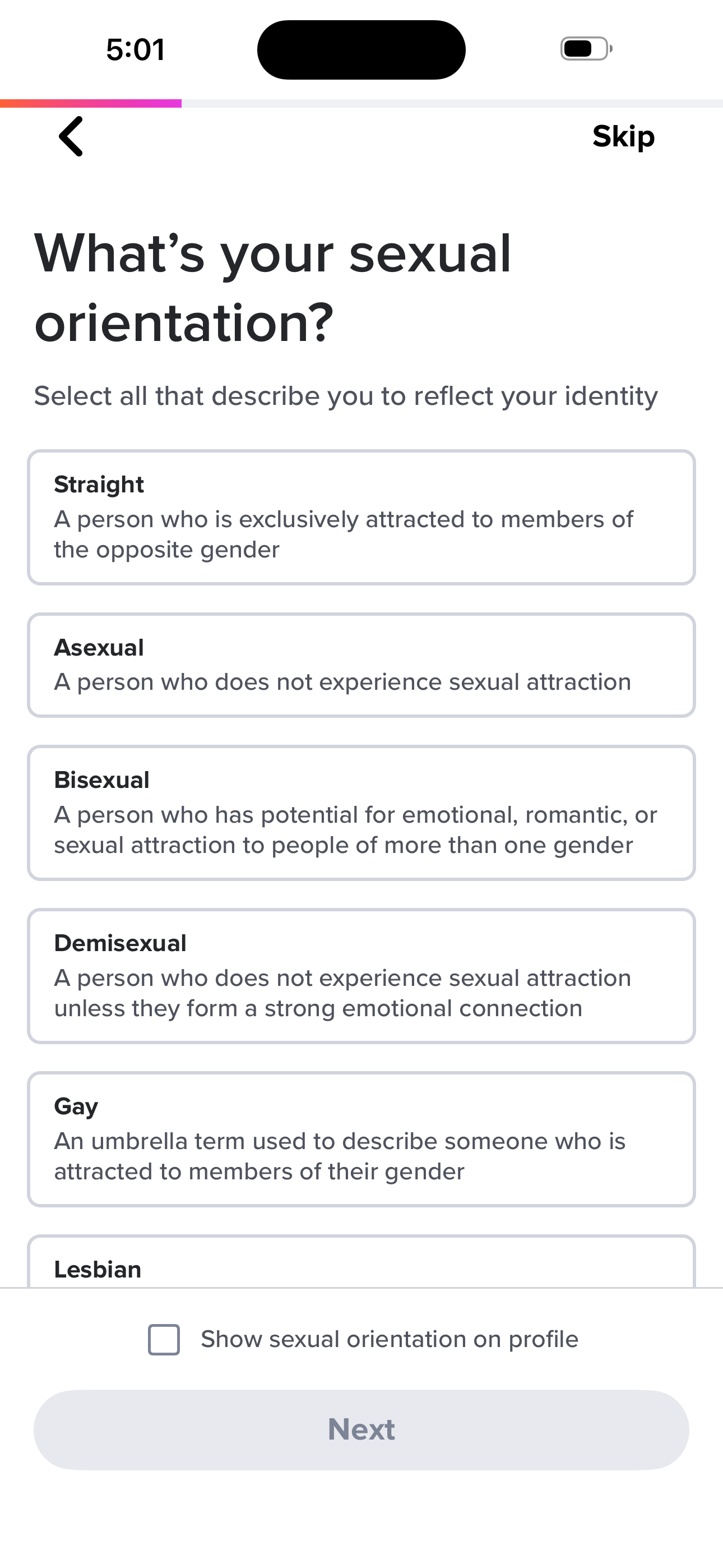
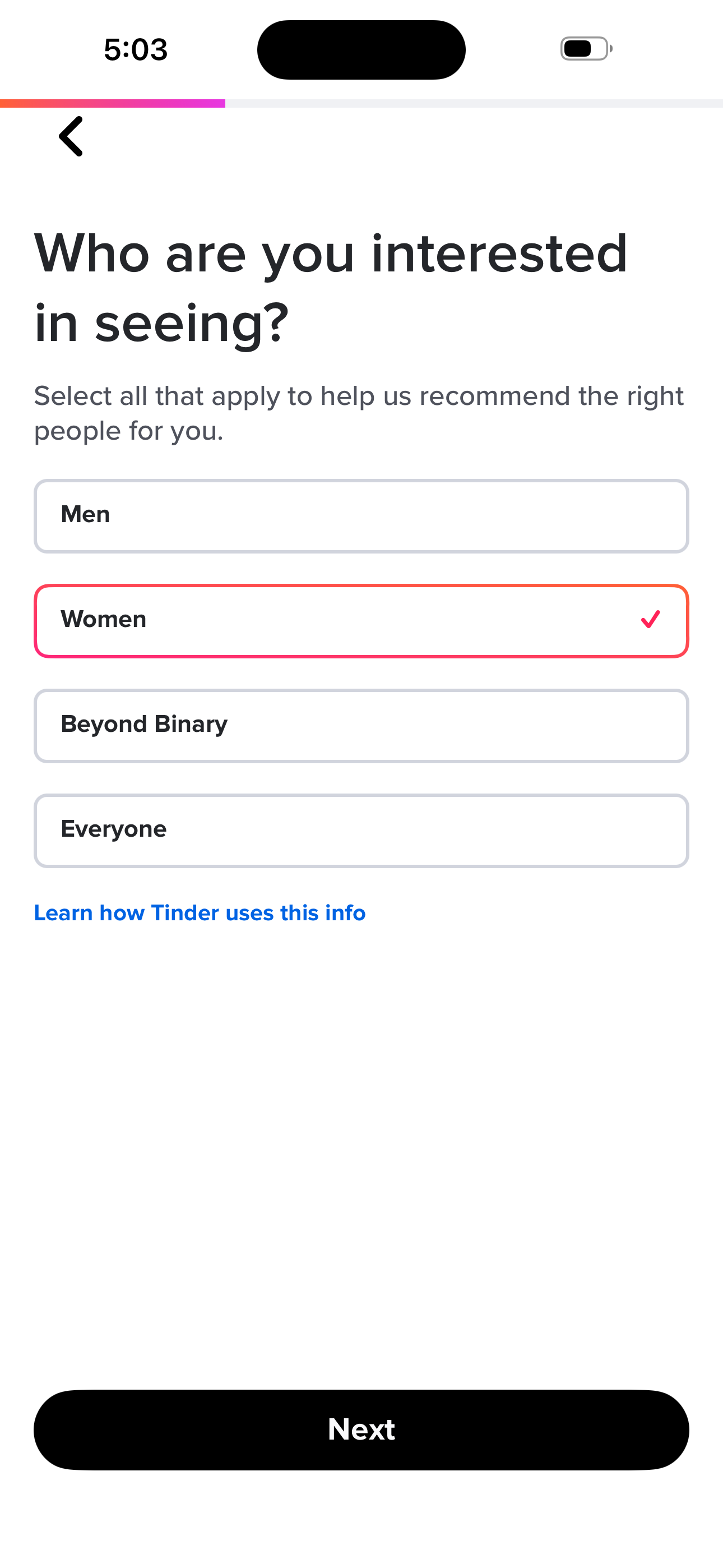
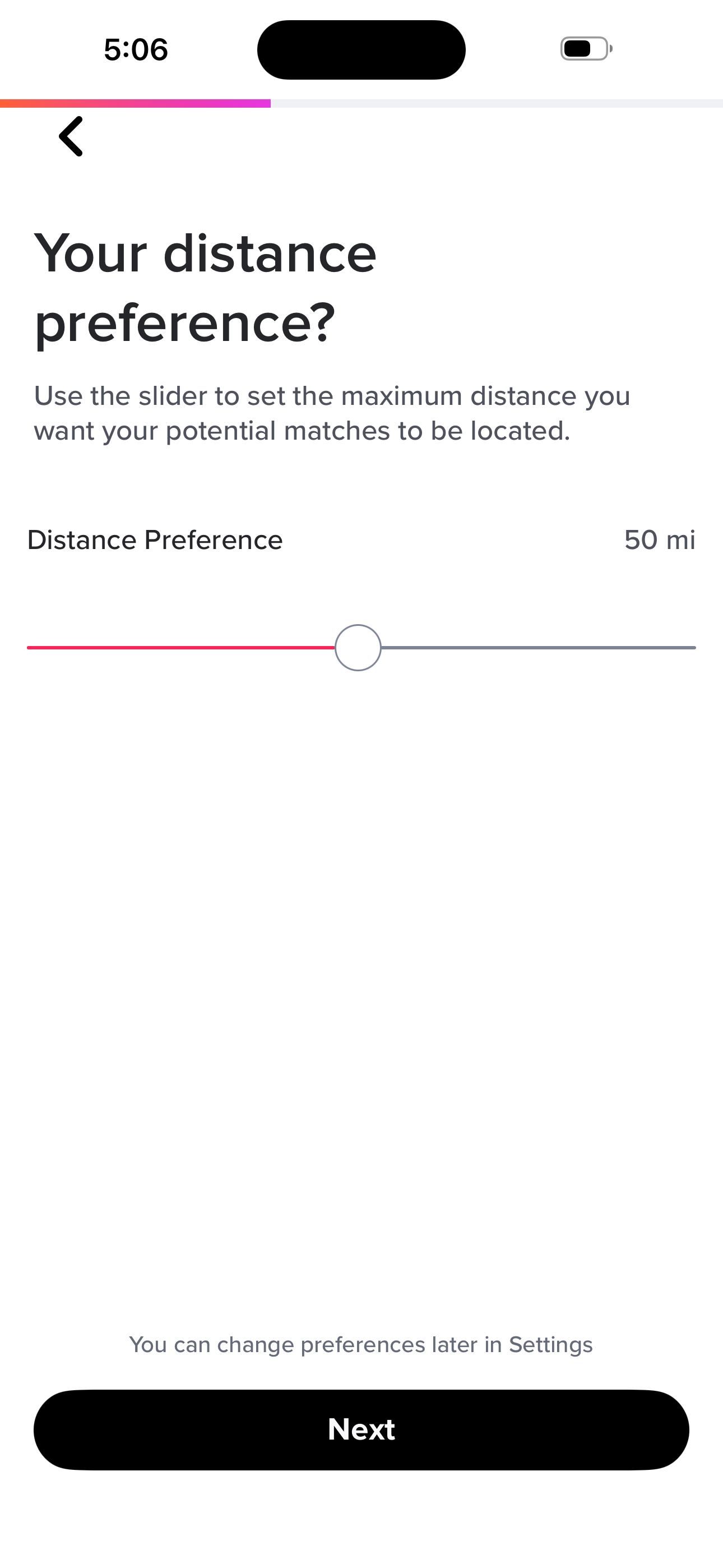
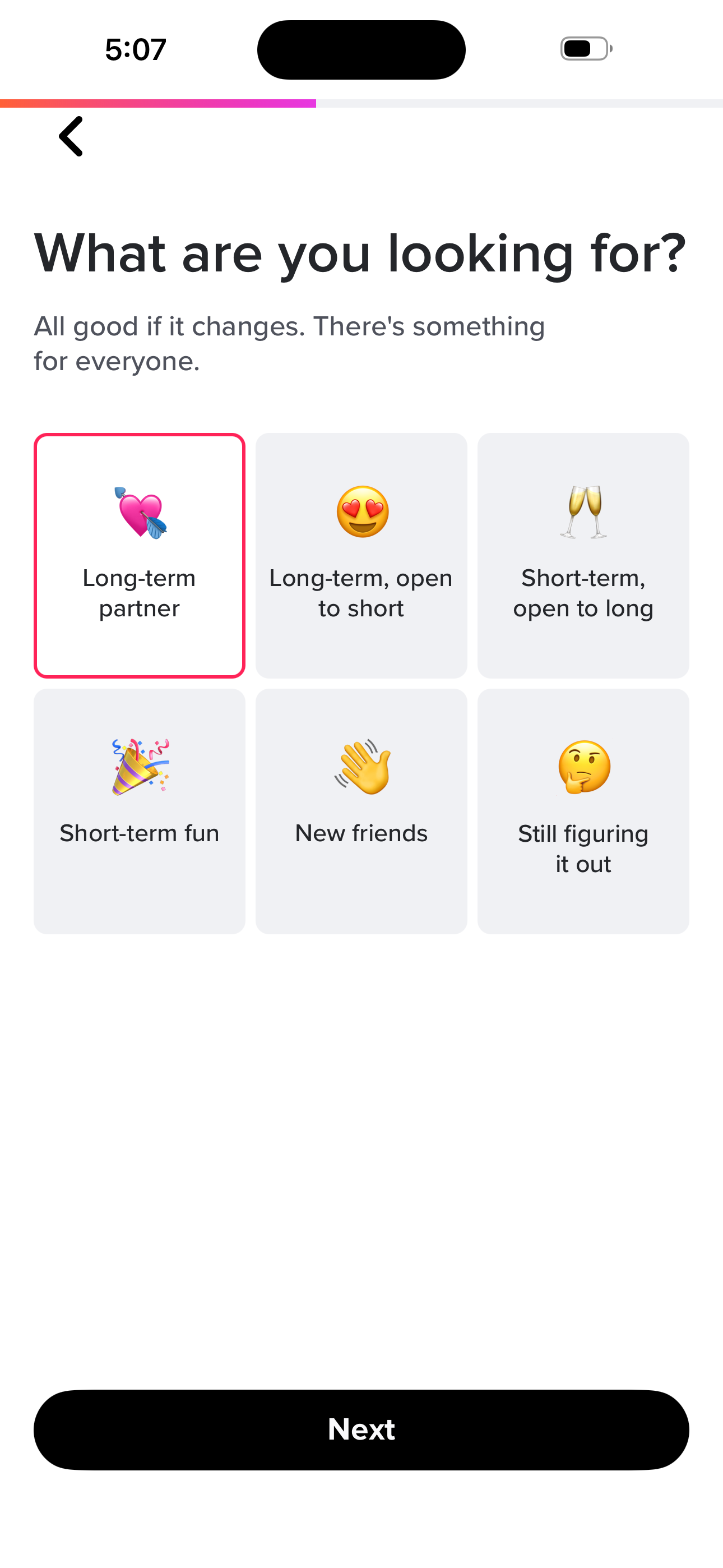
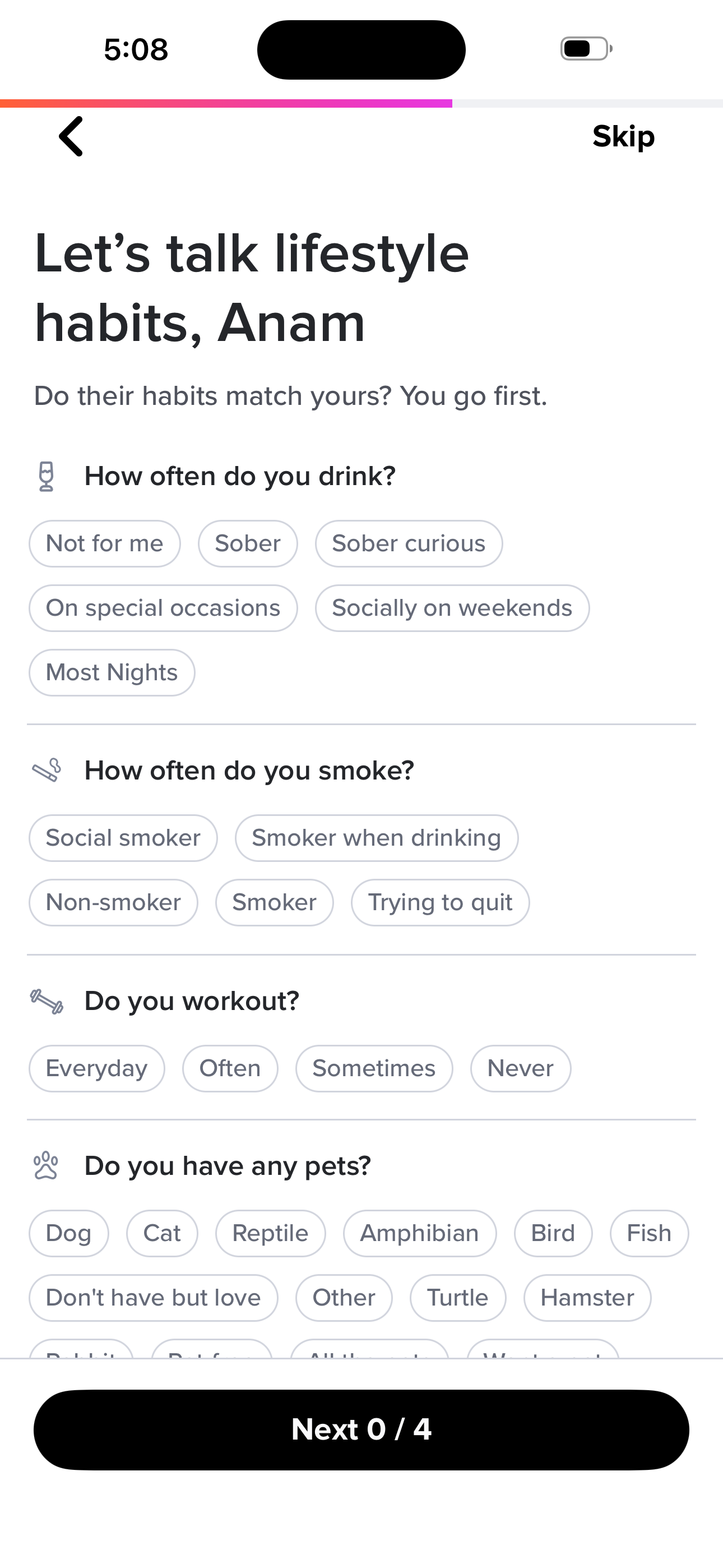
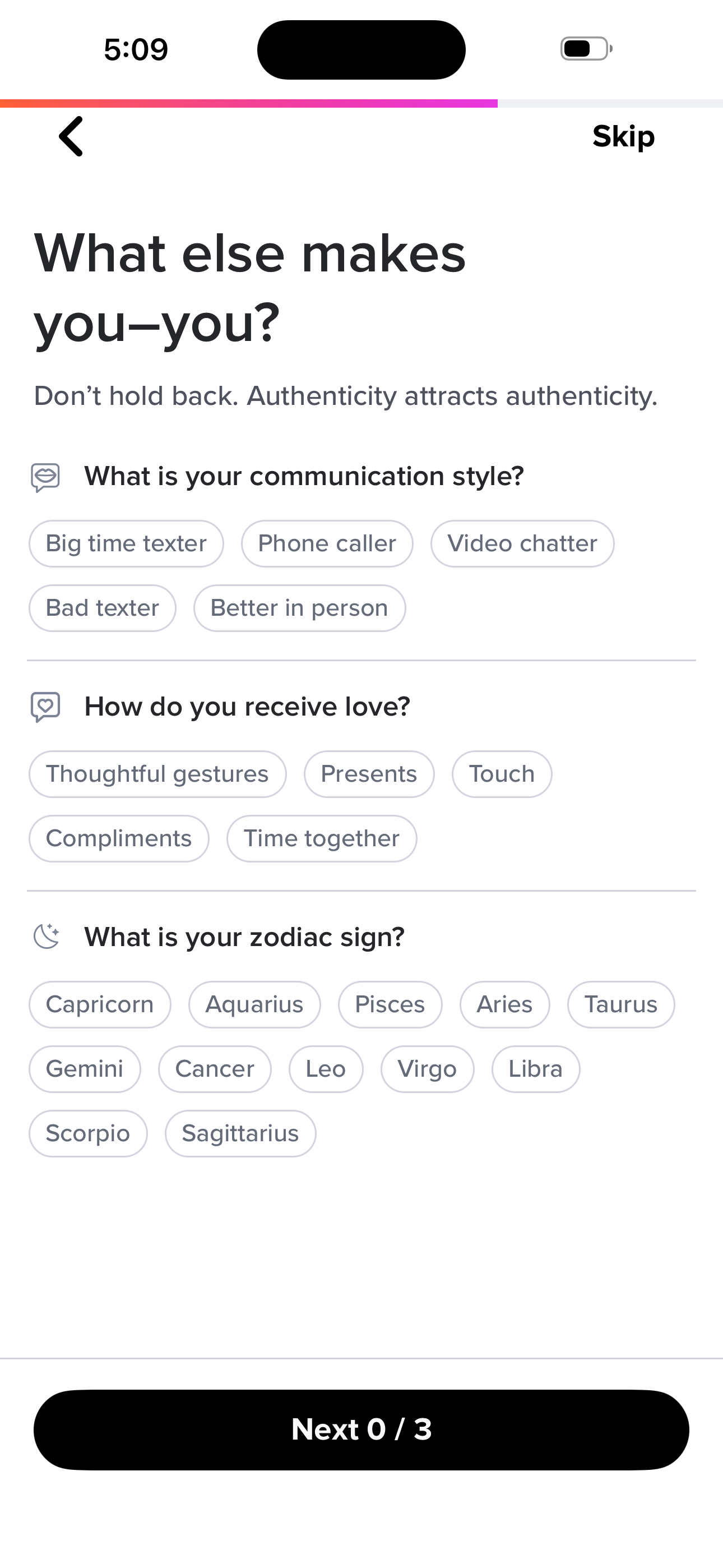
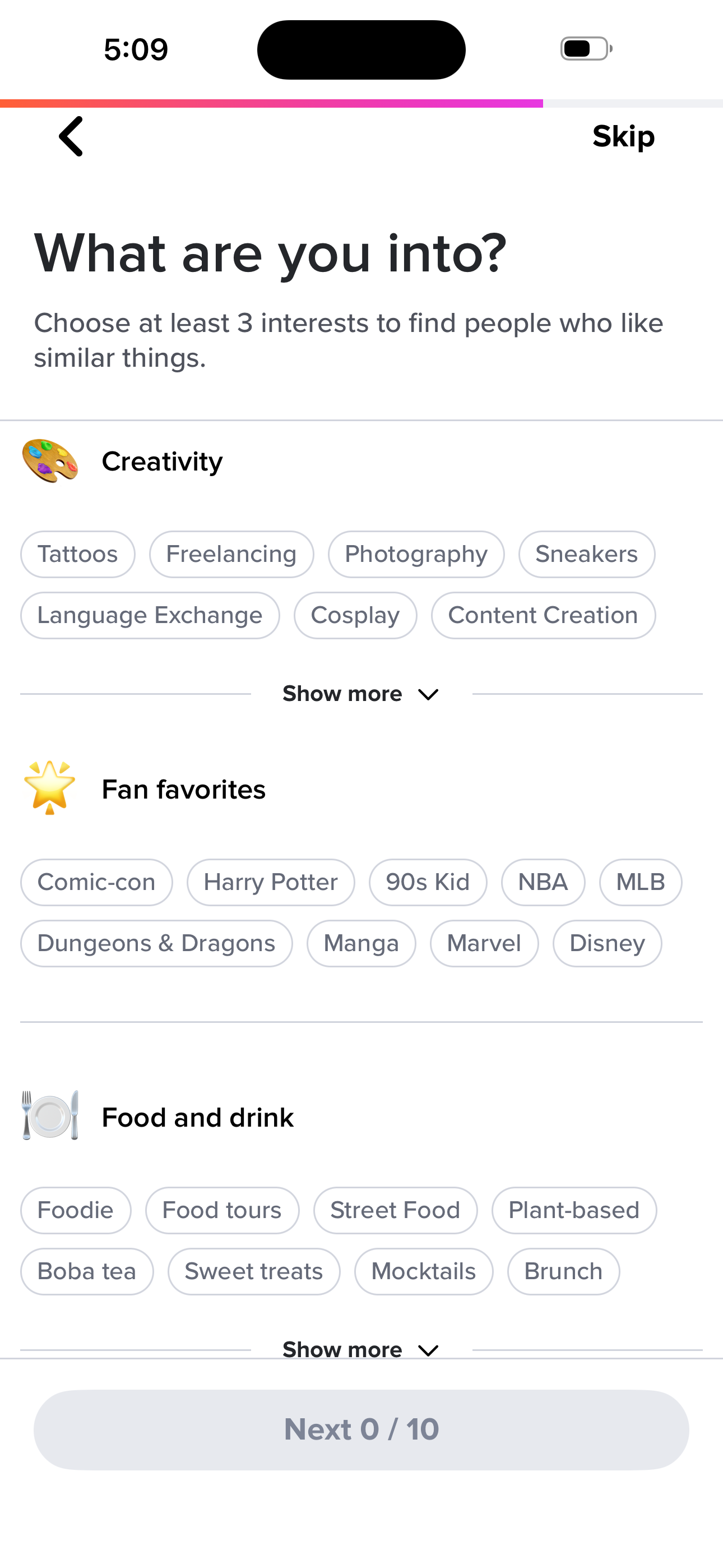
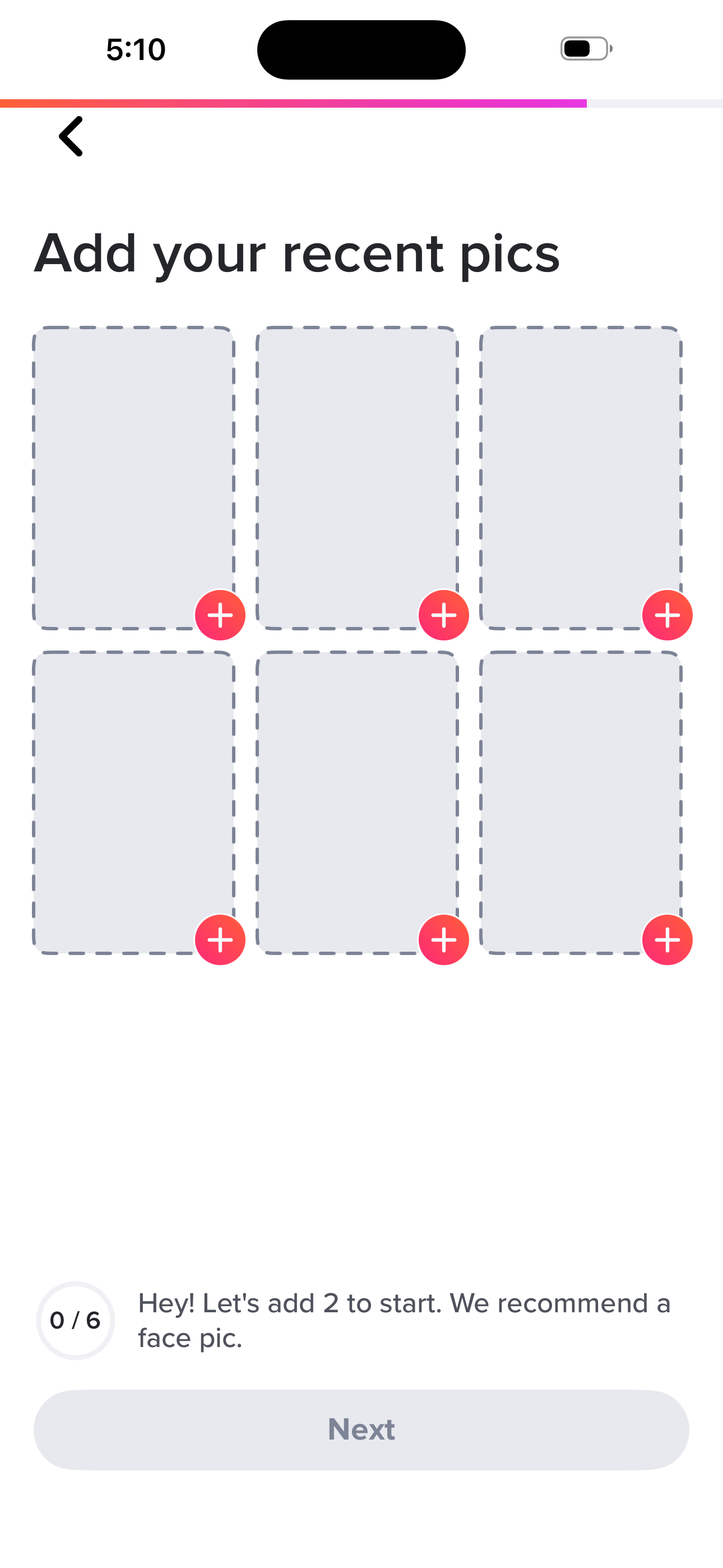
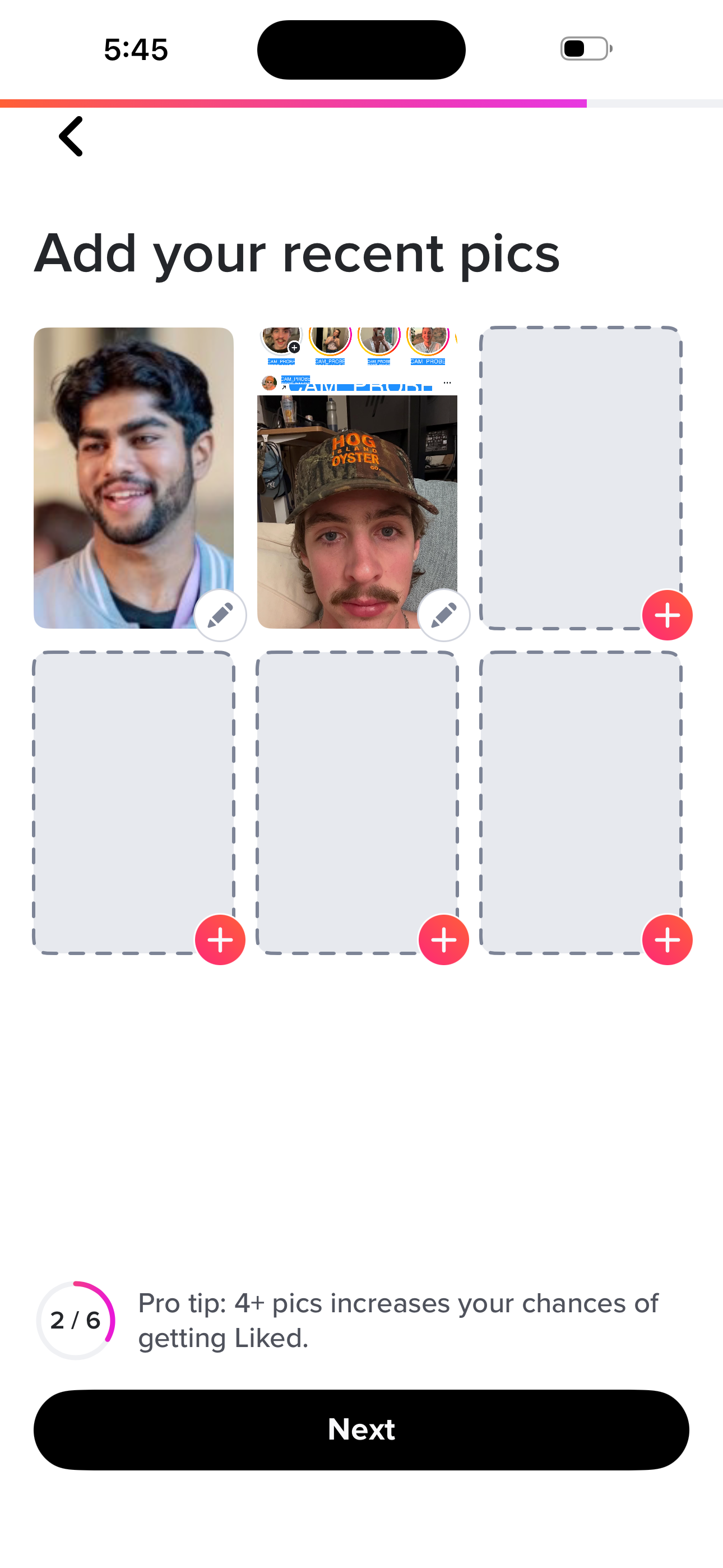
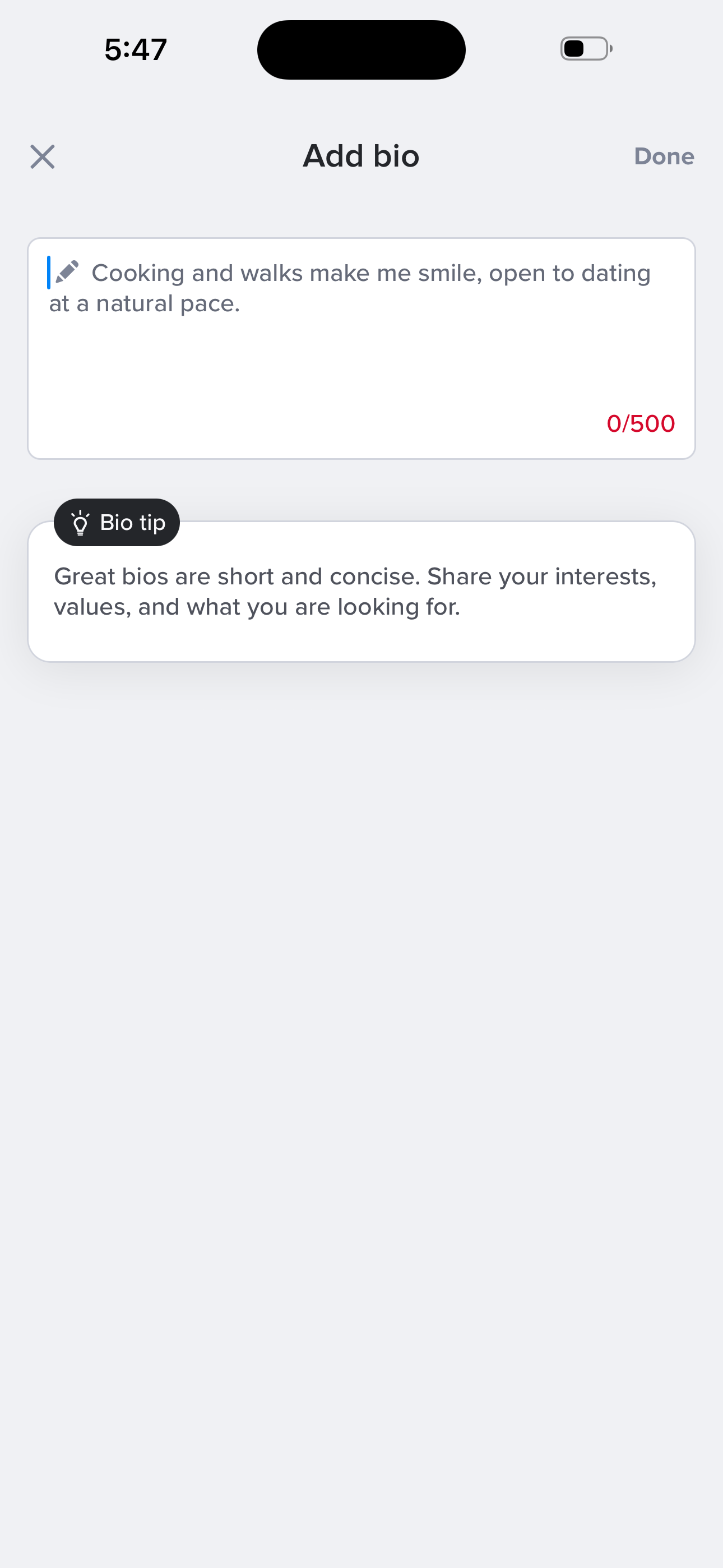
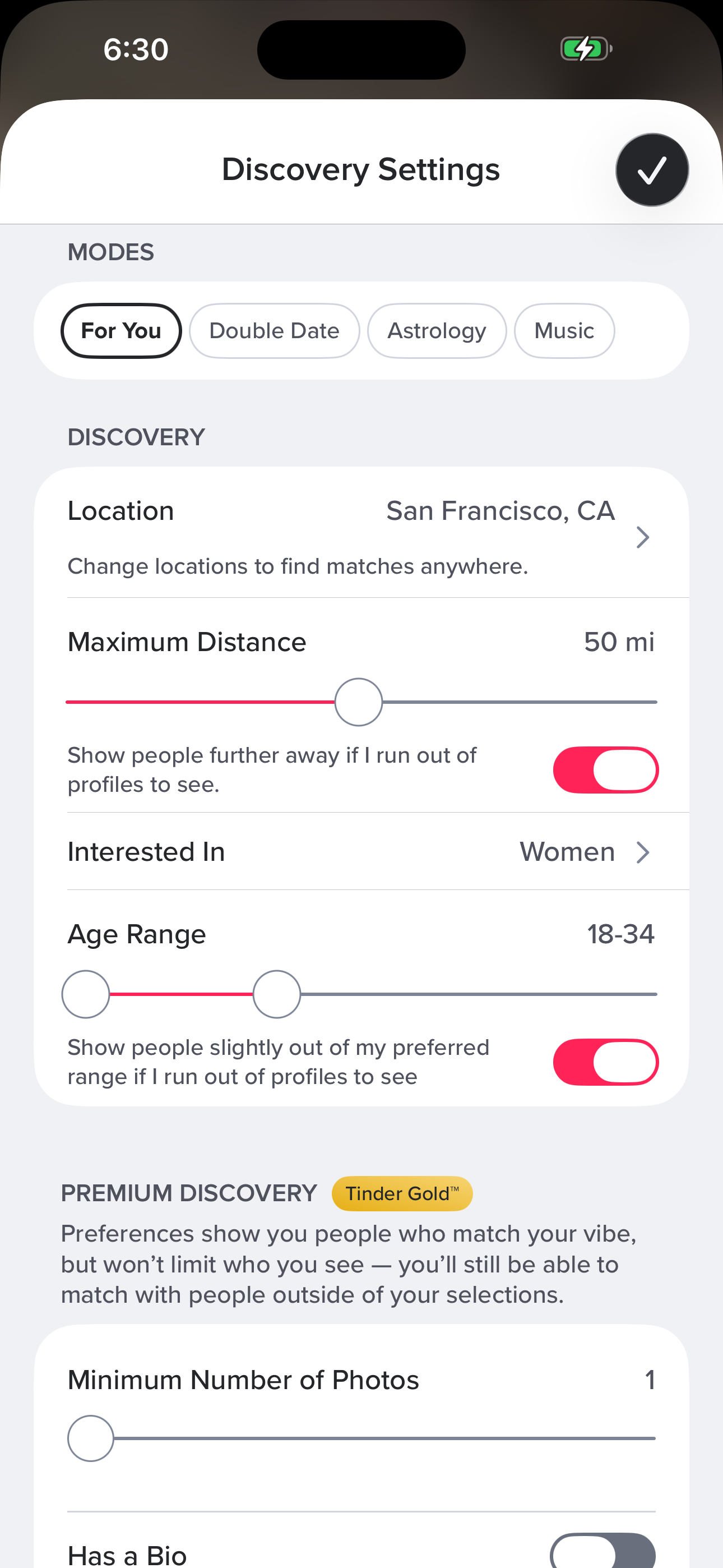
House Rules → name → birthday → gender → orientation → who you want to see → distance → relationship goal → education → lifestyle → personality → interests → photos → bio.
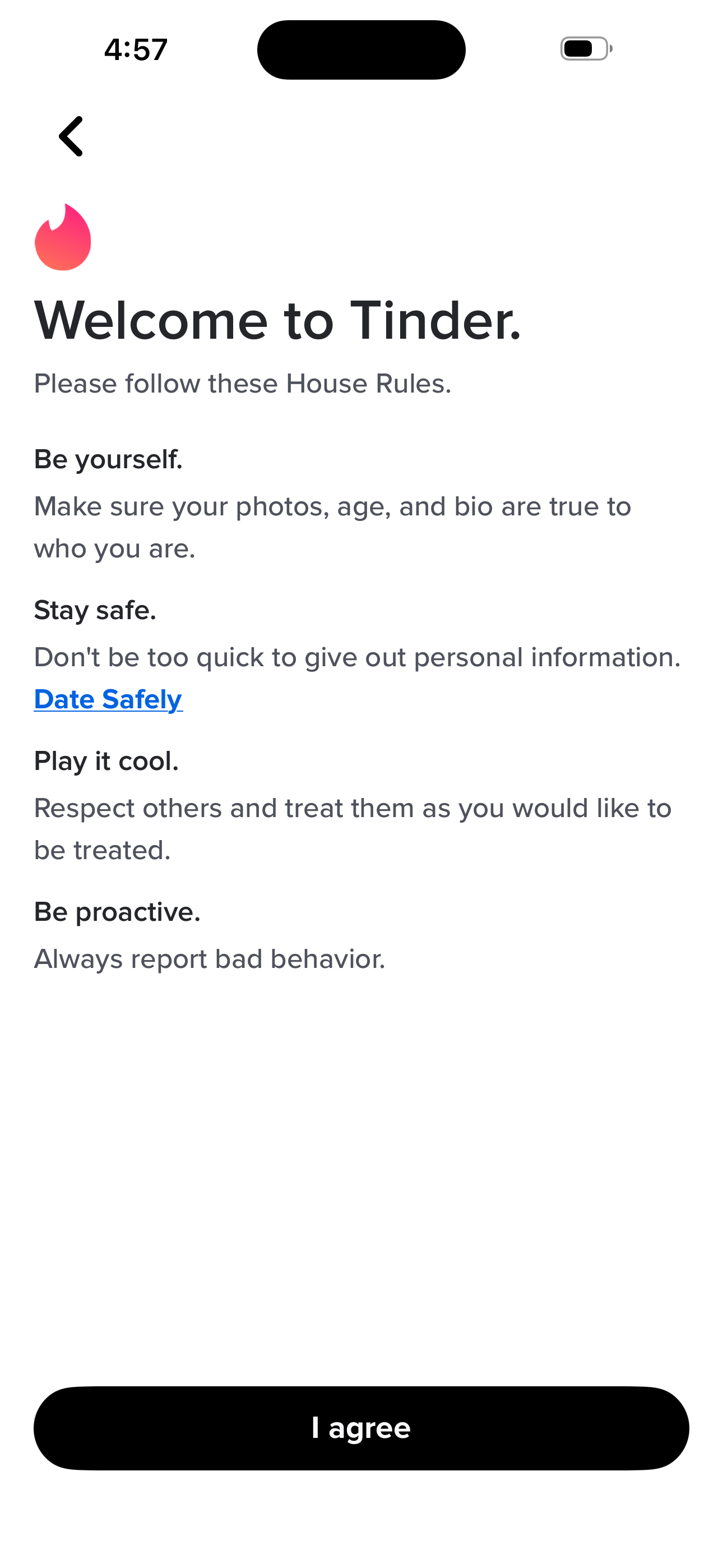
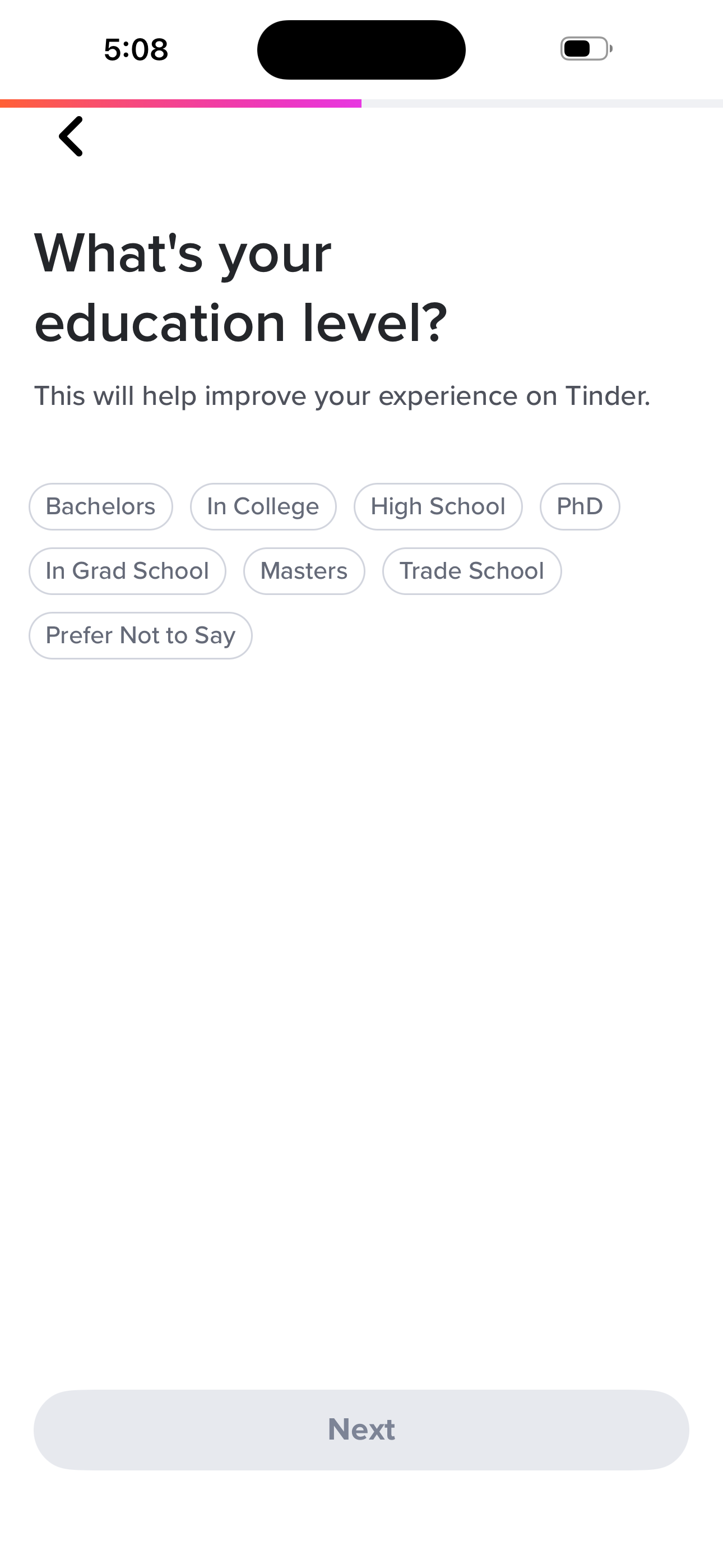
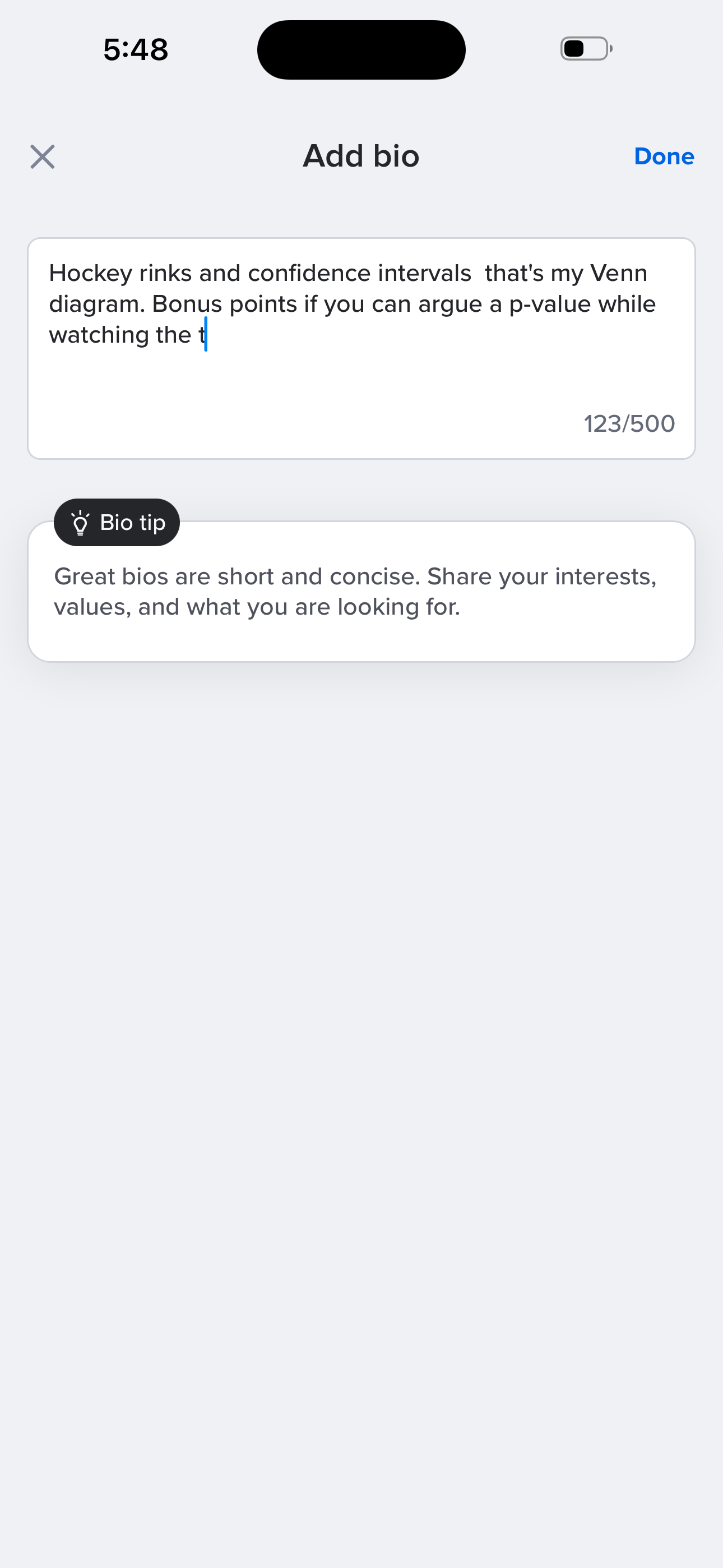
- Welcome: House Rules
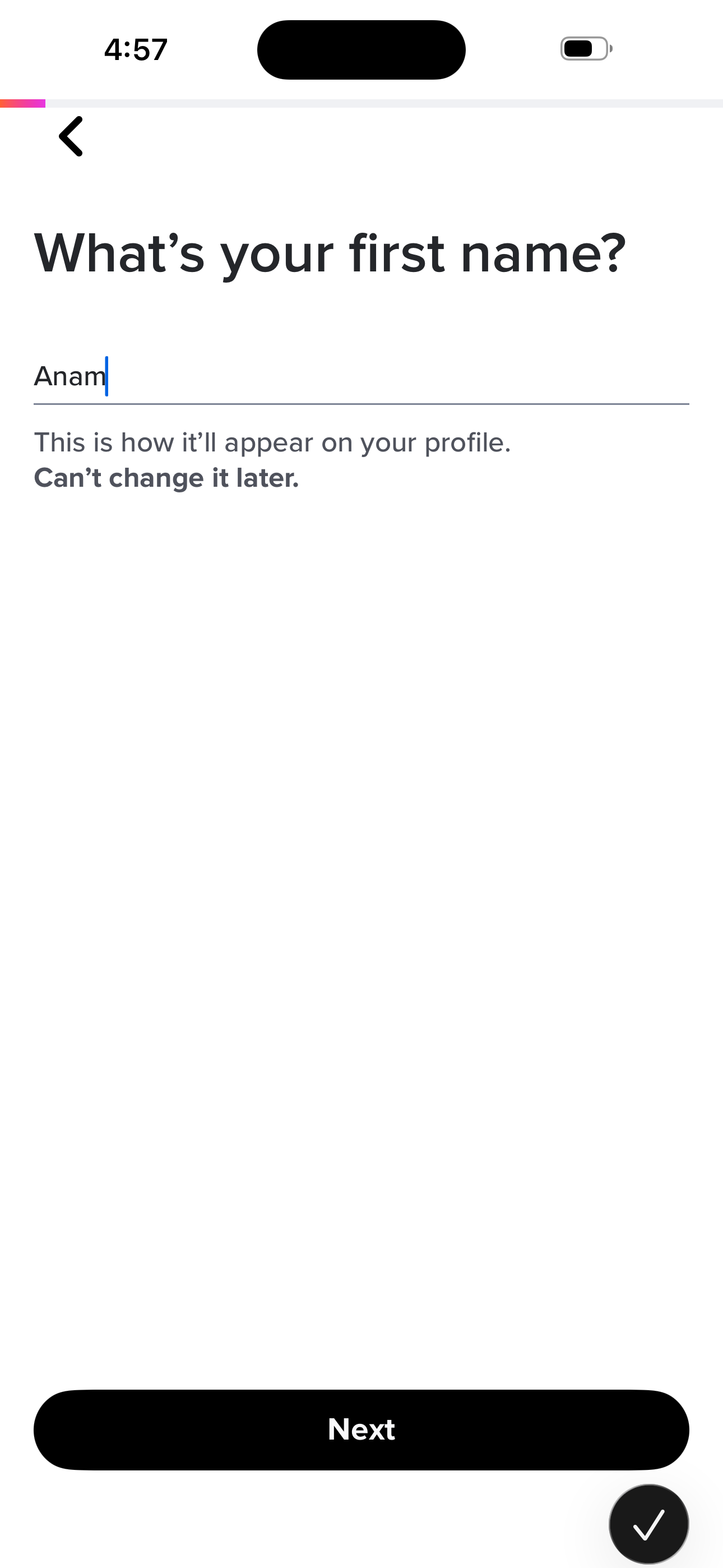
- Onboarding: First Name
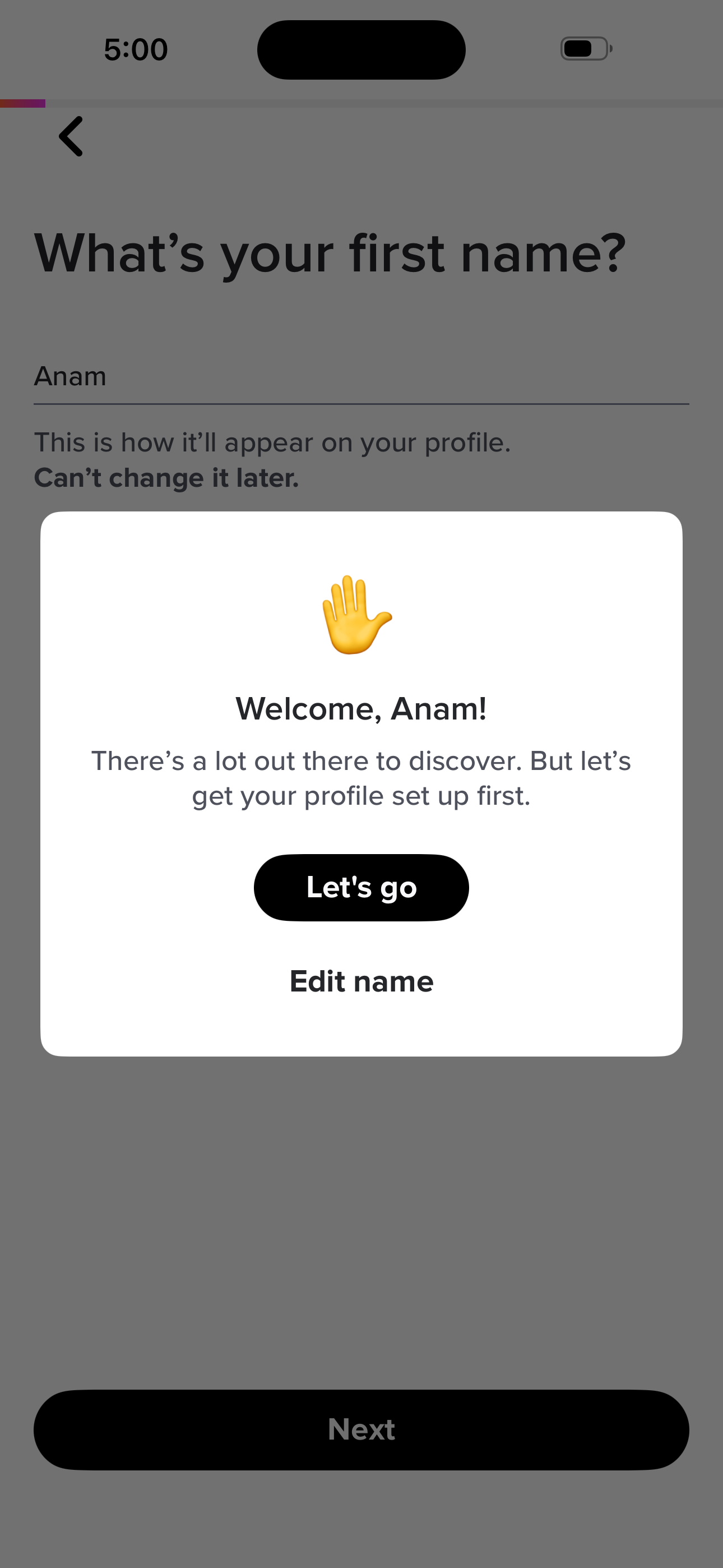
- Onboarding: Welcome <Name> Modal
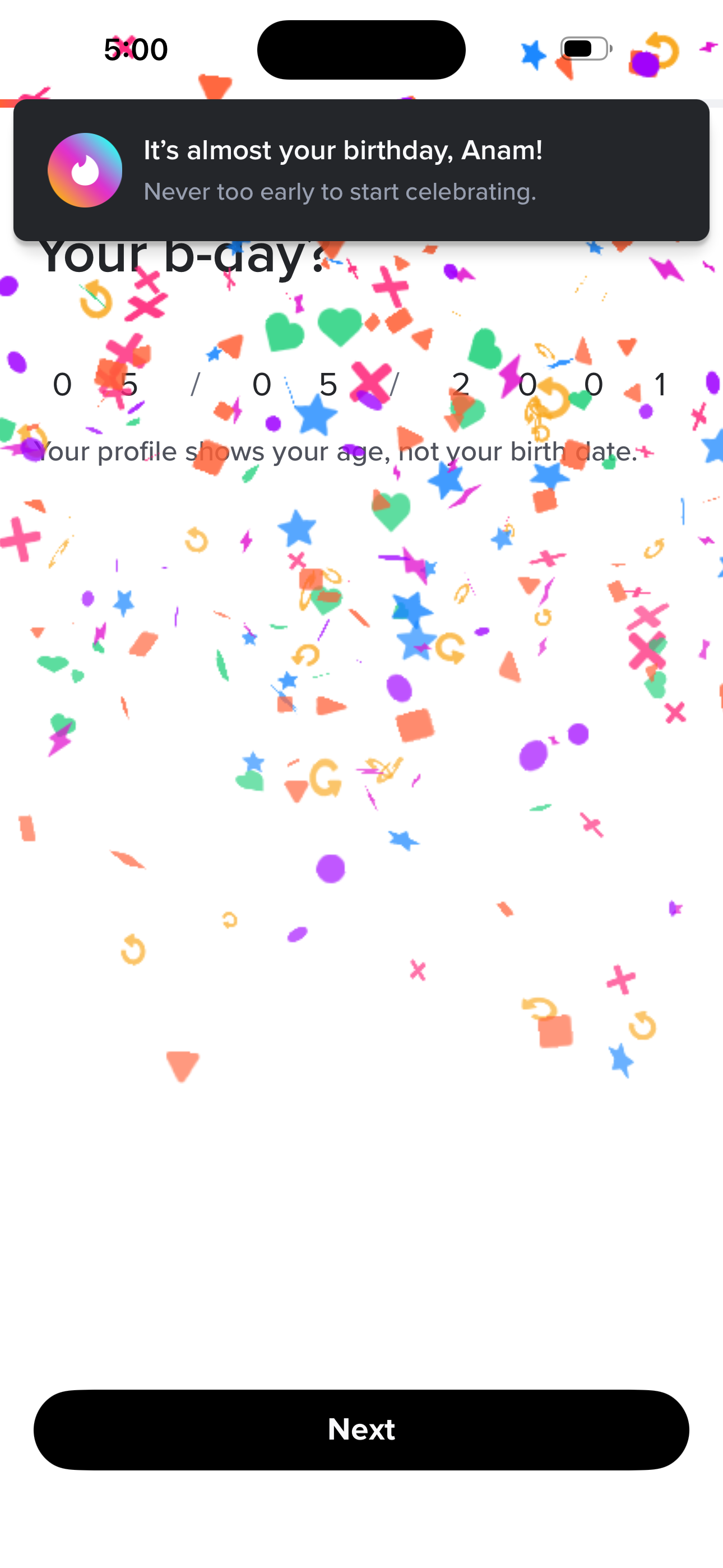
- Onboarding: Birthday
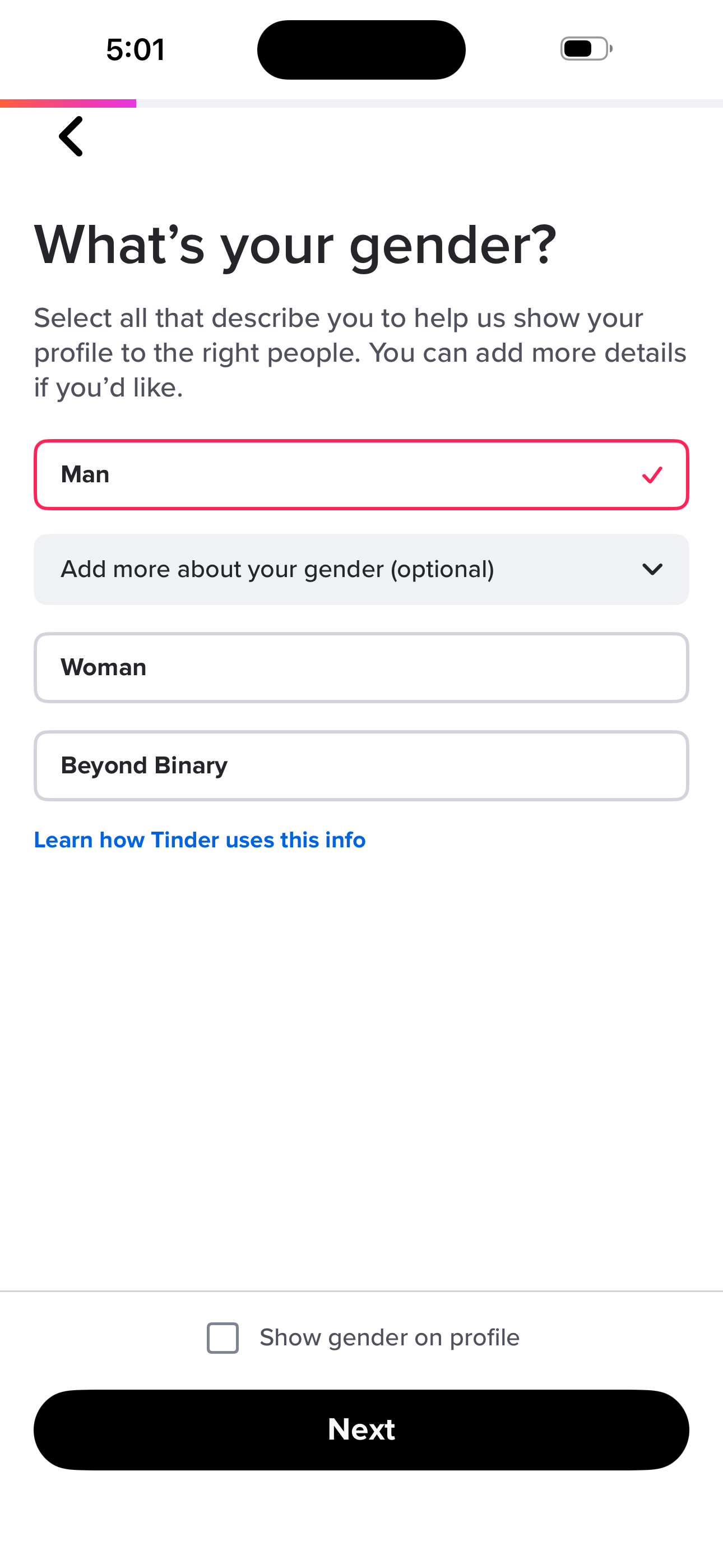
- Onboarding: Gender
- Onboarding: Sexual Orientation
+ 12 more mapped screens in this flow.
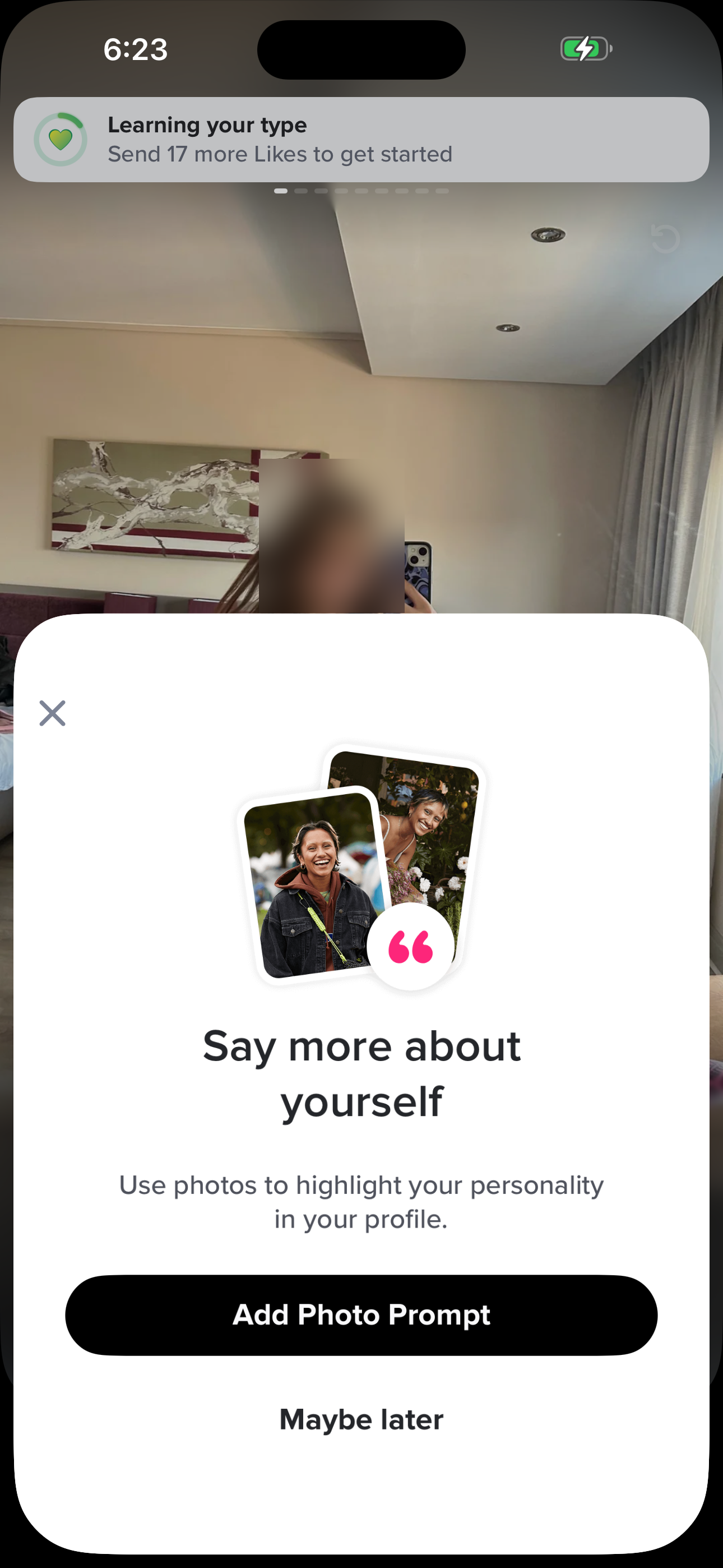
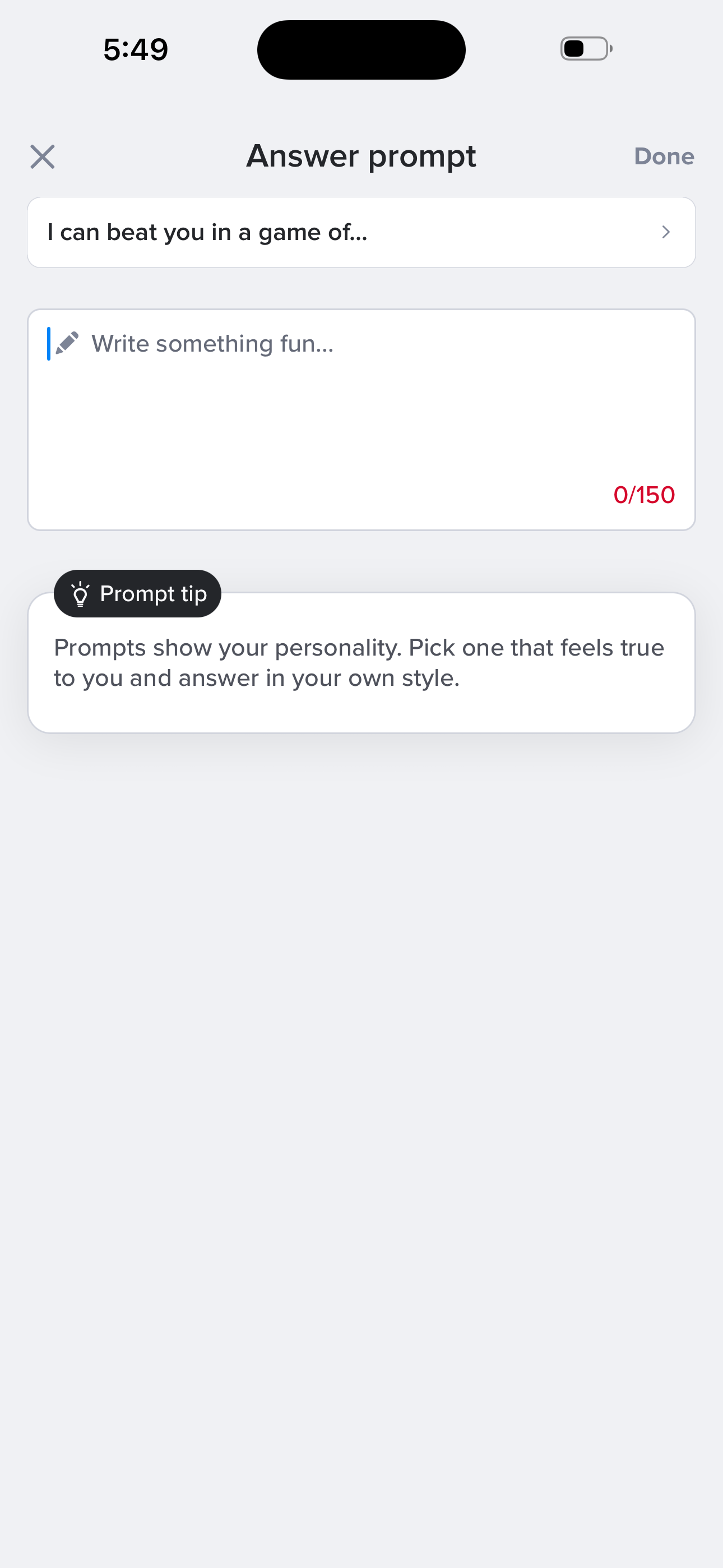
Sign up: pick & answer a prompt
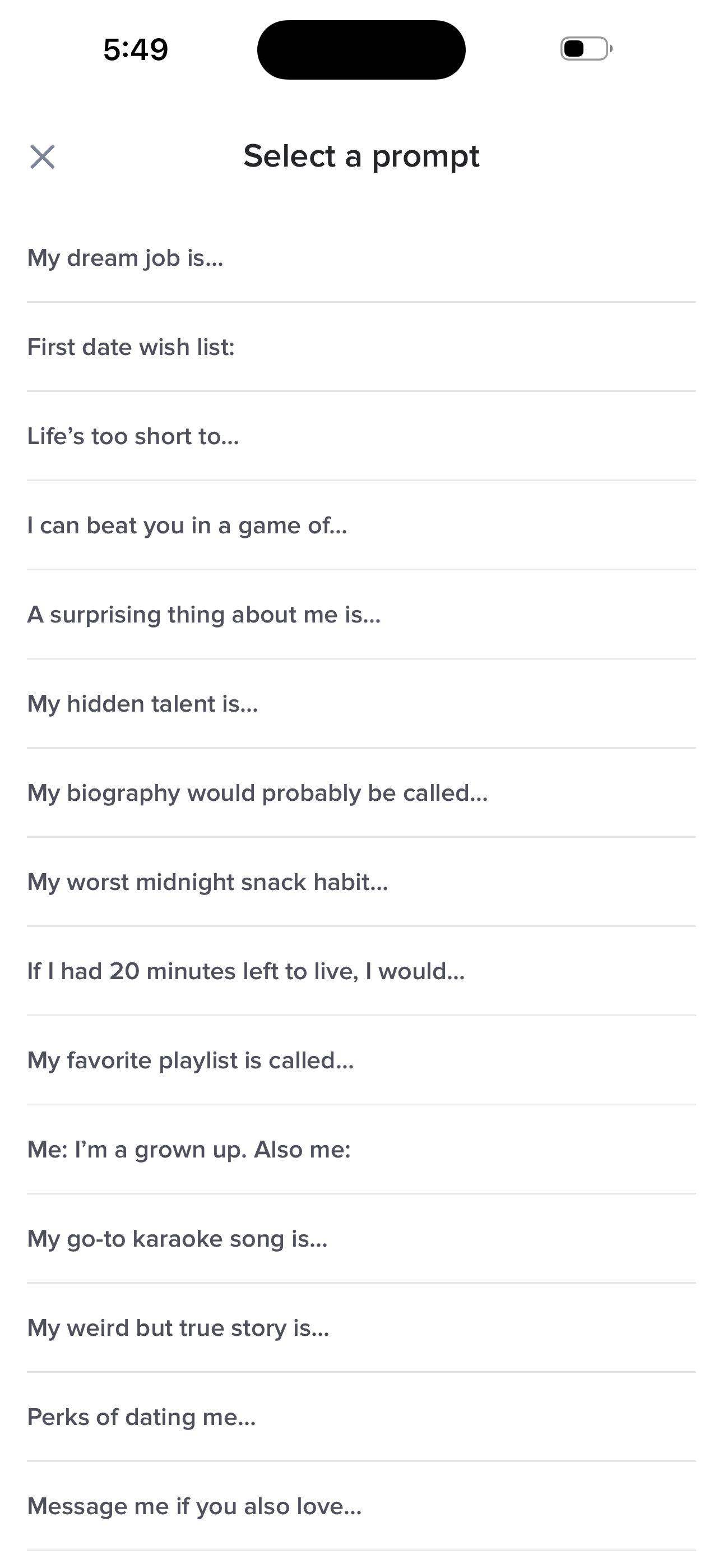
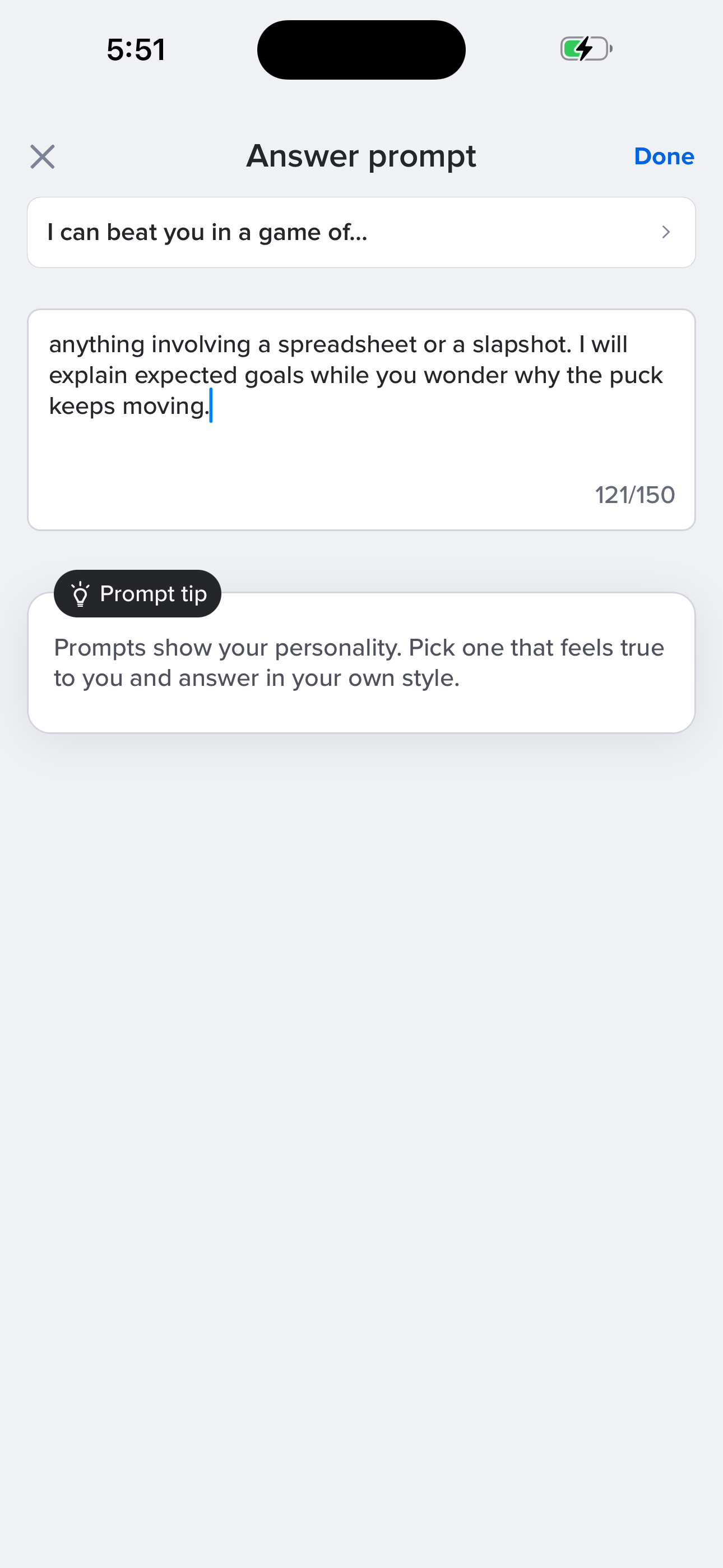
From Share More about yourself, browse the prompt list, pick one, and write your answer.
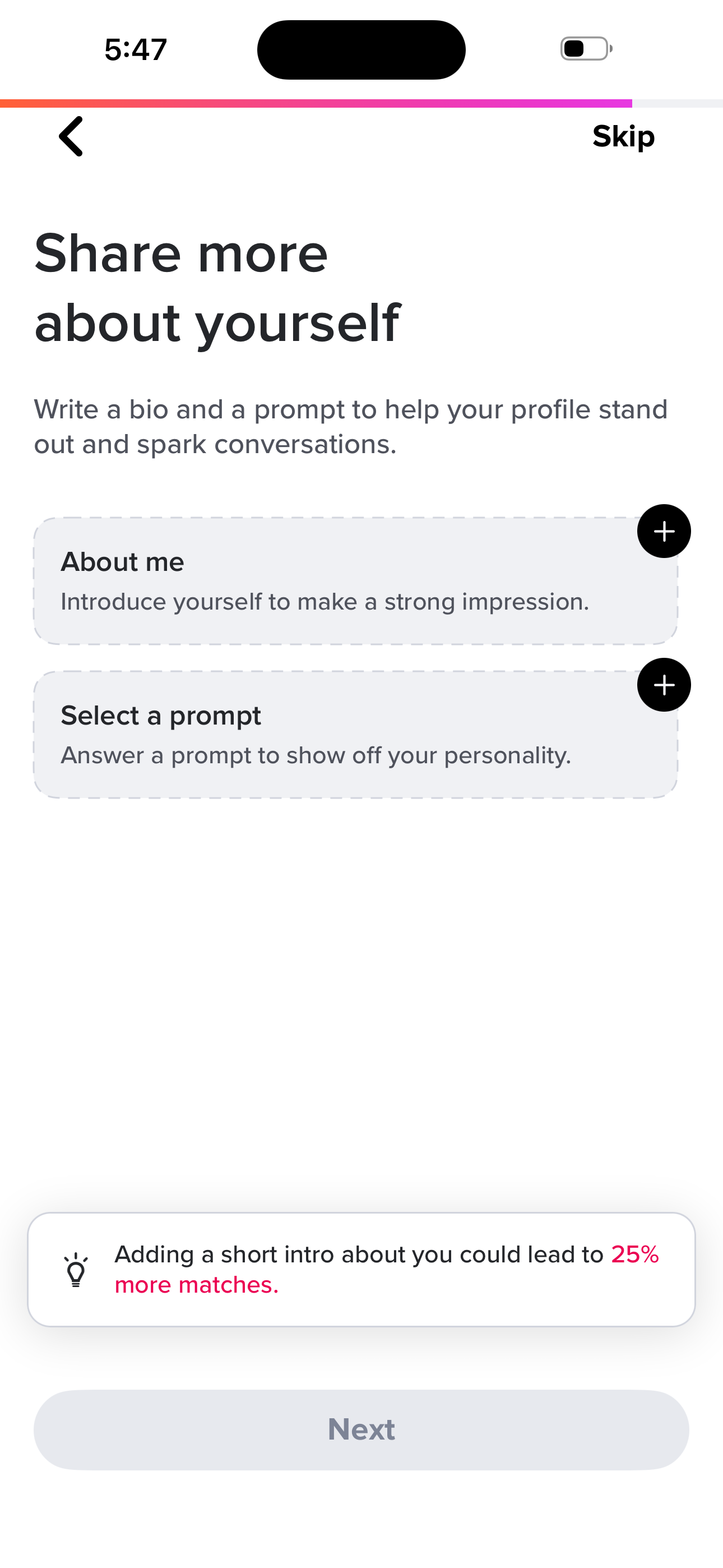
- Onboarding: Share More About Yourself
- Onboarding: Select a Prompt
- Onboarding: Answer Prompt
- Onboarding: Answer Prompt (filled)
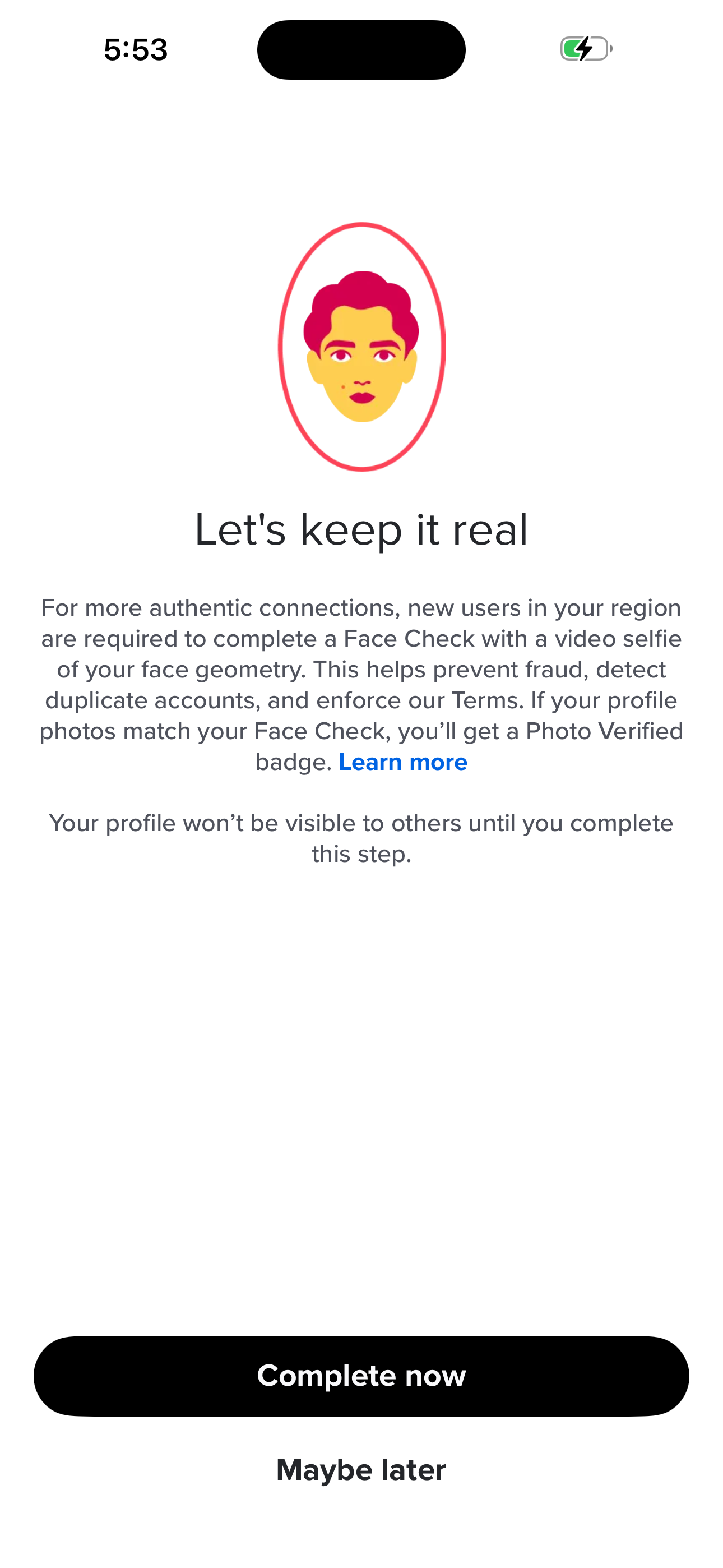
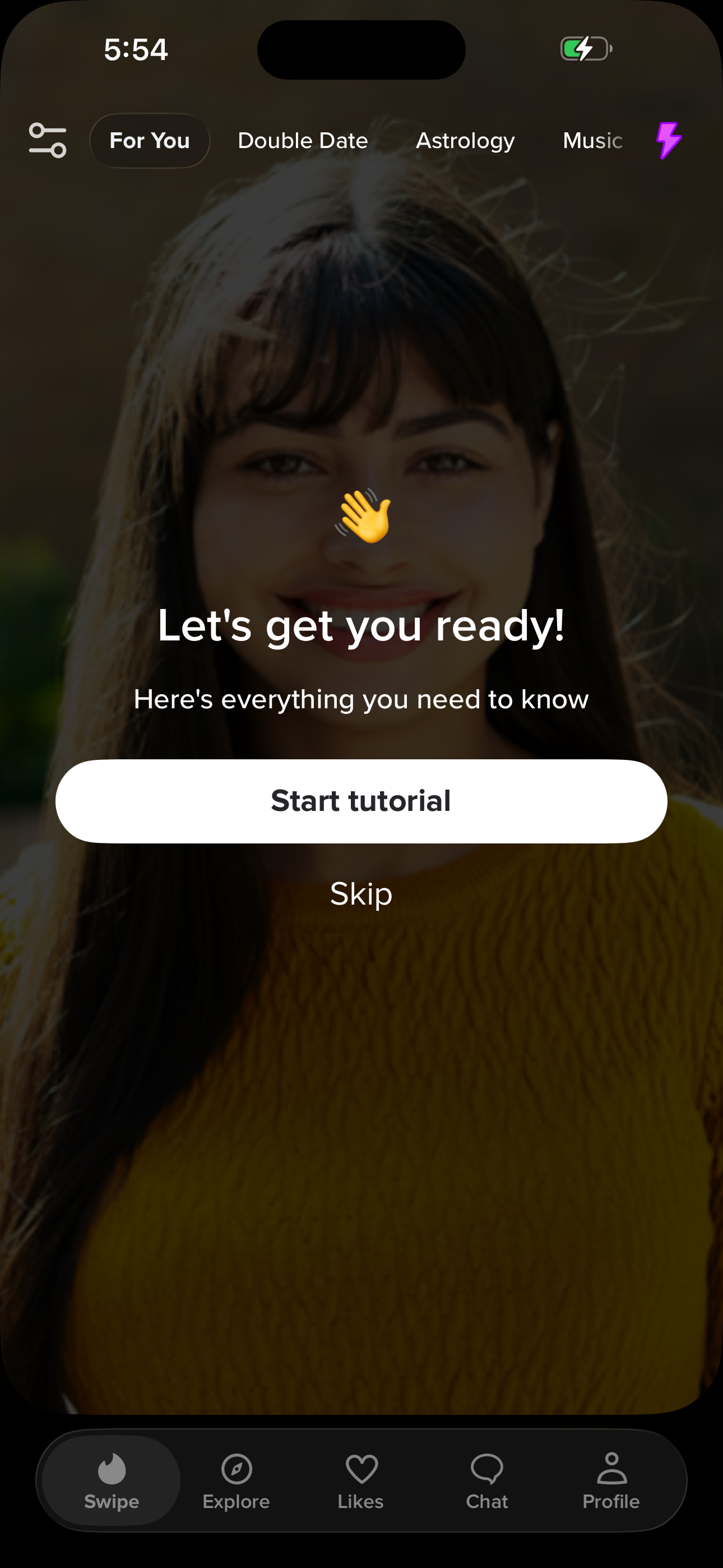
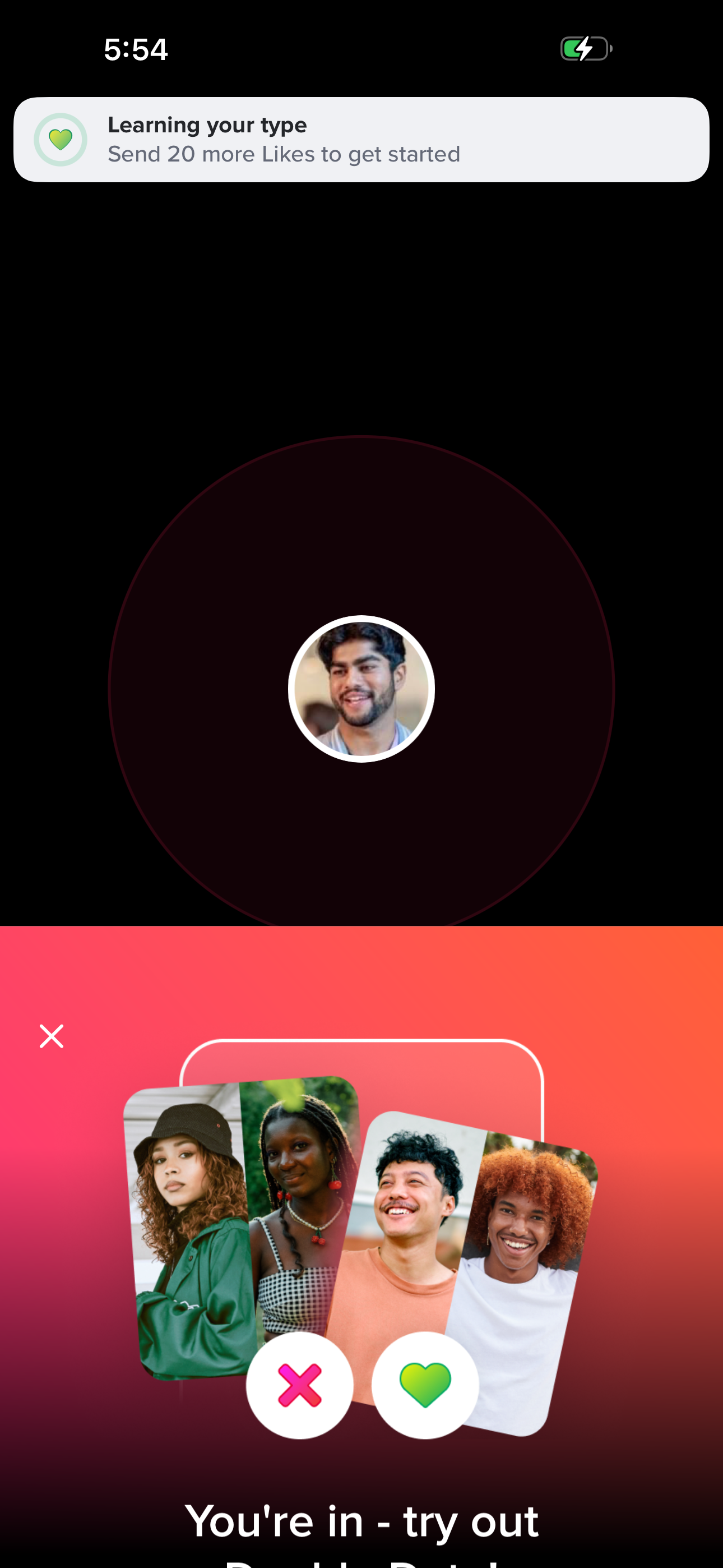
Sign up: defer Face Check, land on home
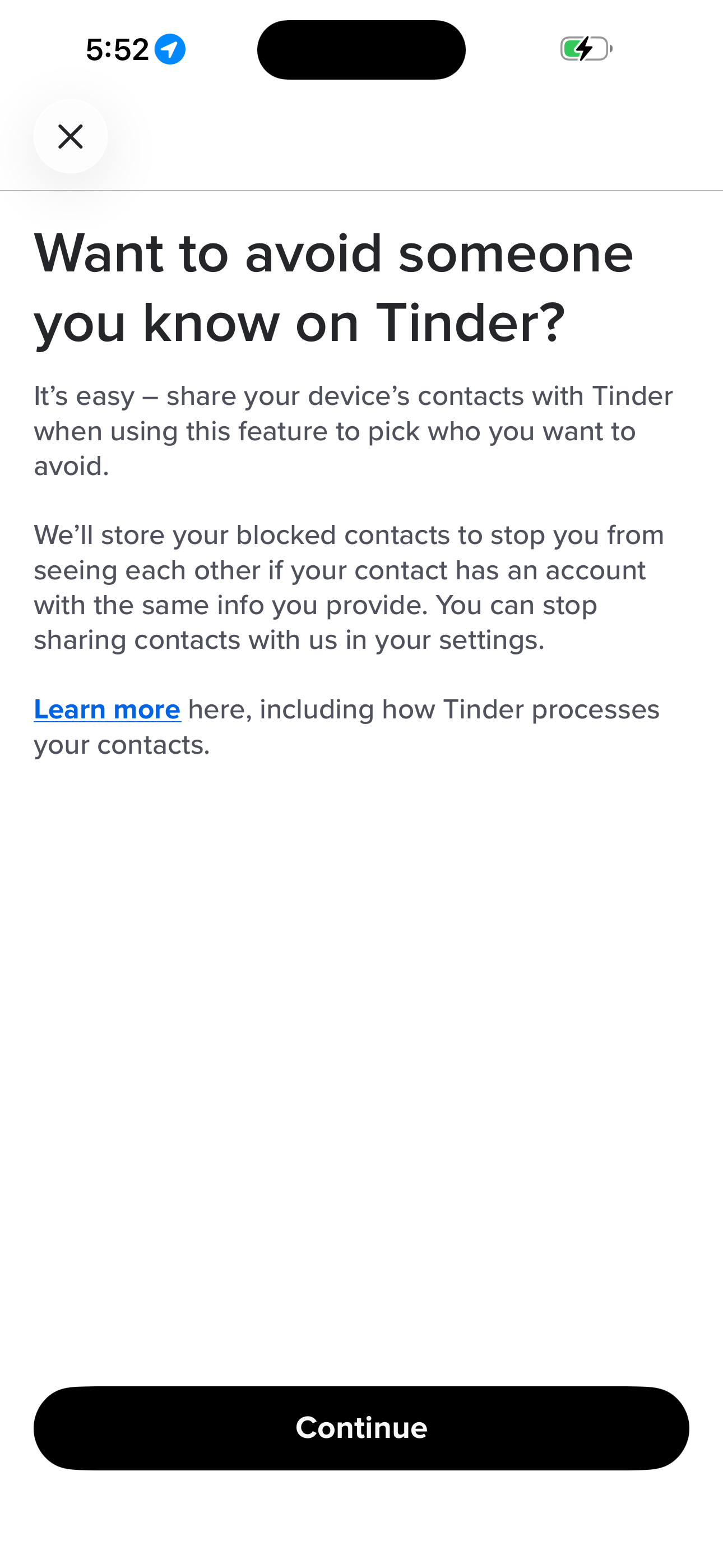
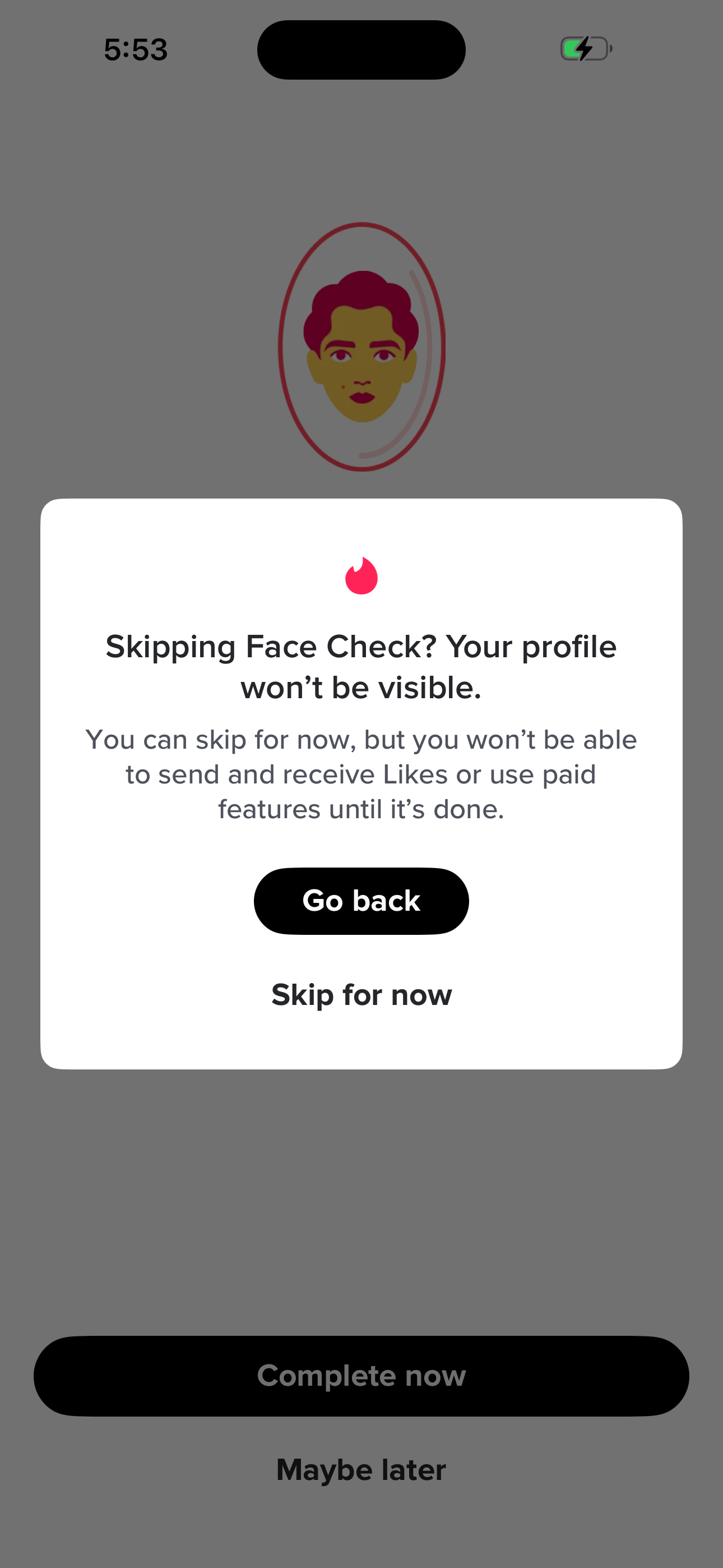
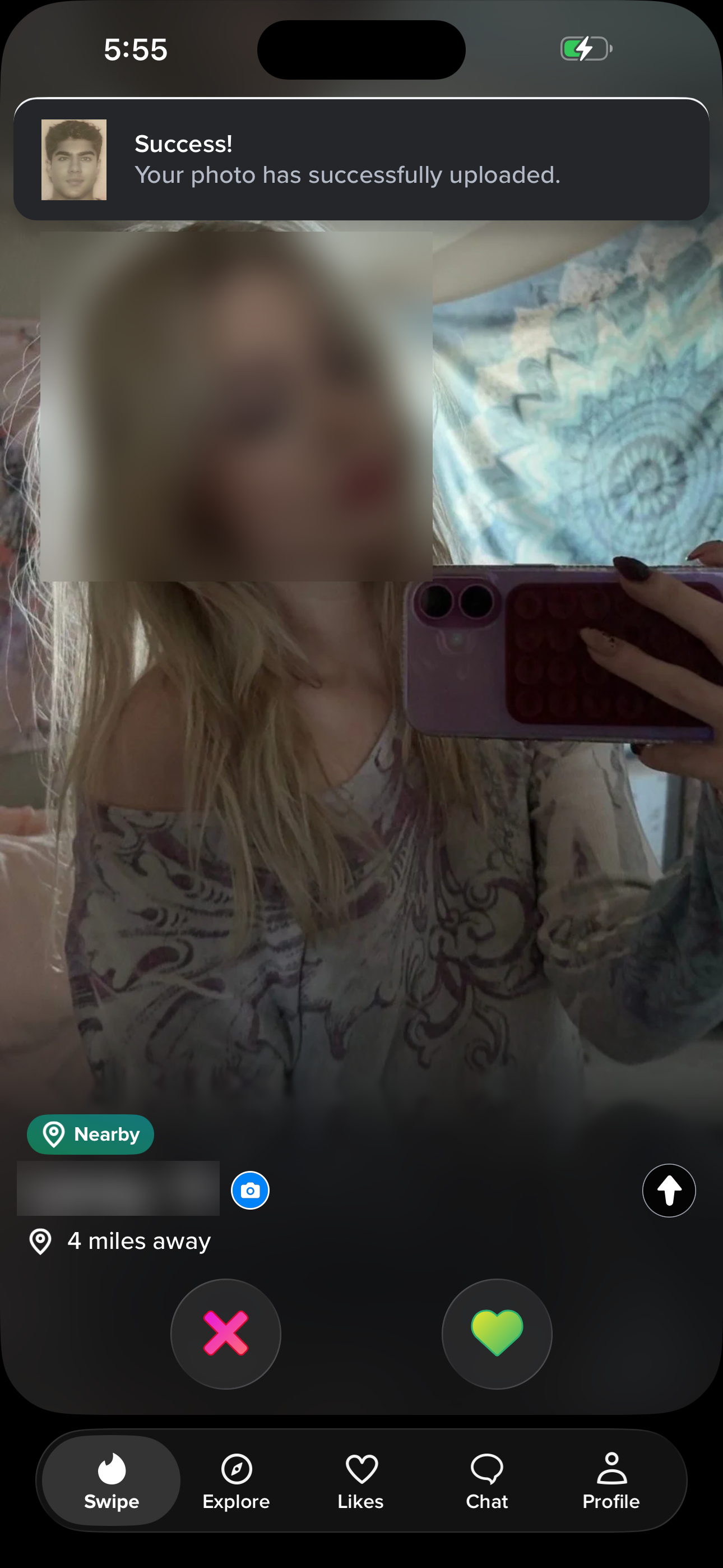
Optional Block-Contacts → Face Check selfie verification (skipped) → tutorial → Double Date promo → swipe deck home.
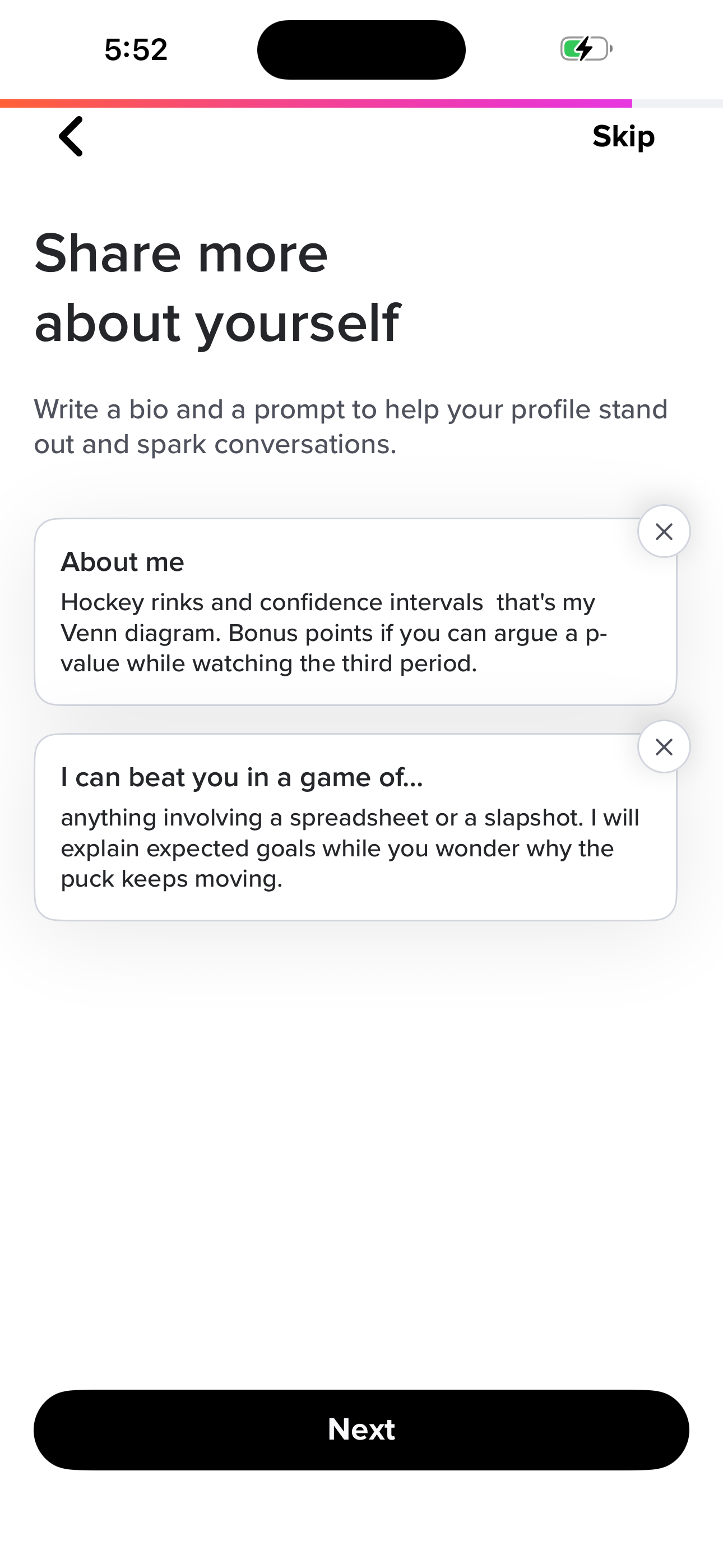
- Onboarding: Share More (filled)
- Onboarding: Block Contacts (Avoid)
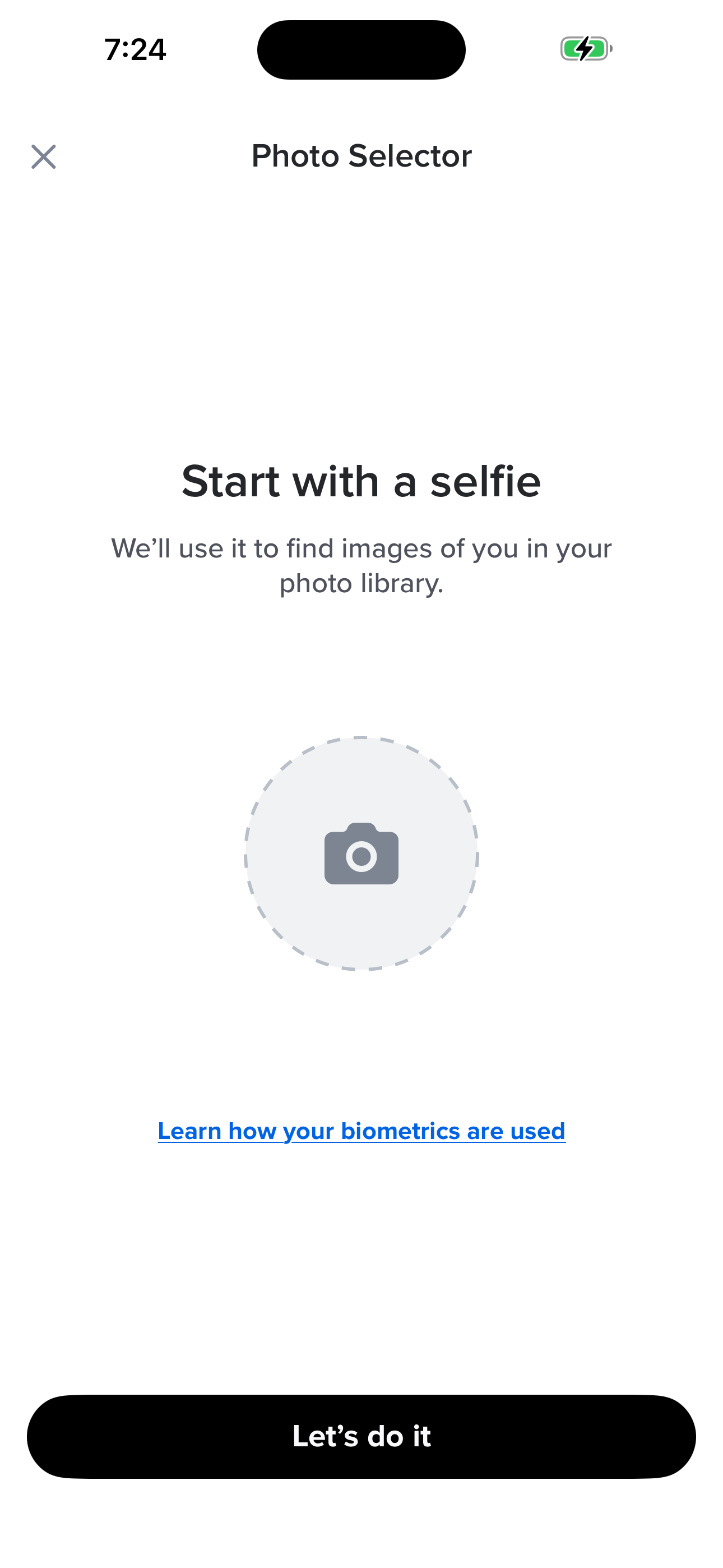
- Onboarding: Face Check (Selfie Verification)
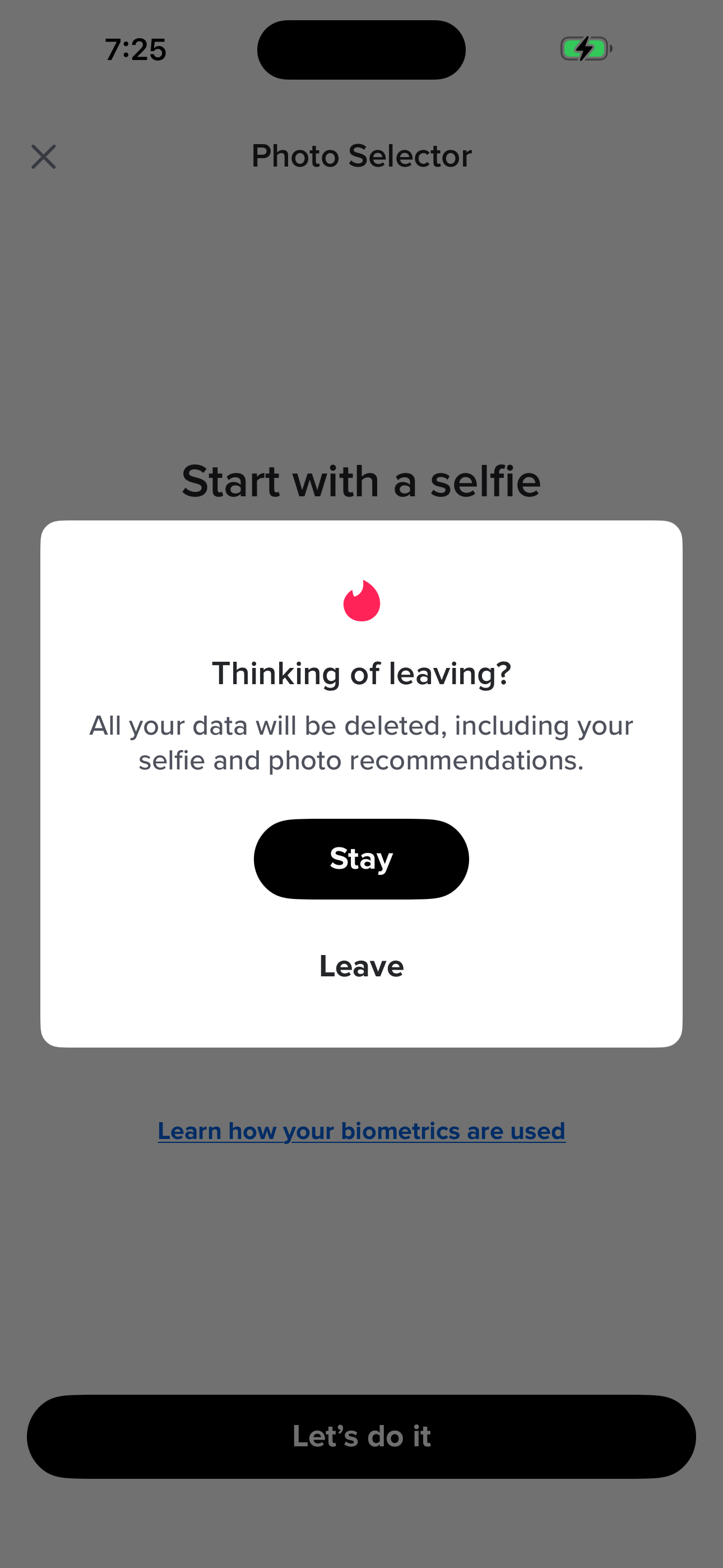
- Onboarding: Skip Face Check Confirm
- Swipe Deck: Tutorial Prompt
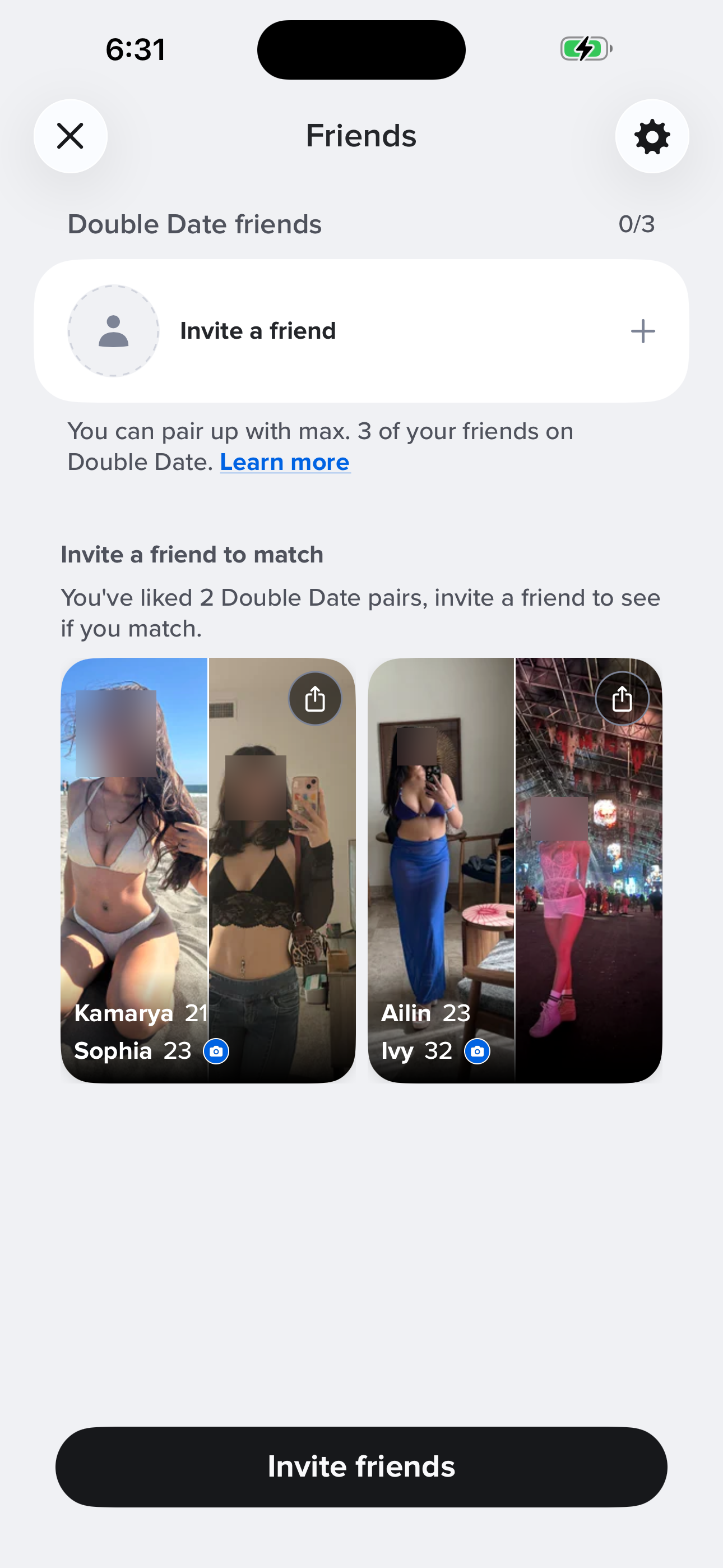
- Double Date Promo (overlay)
+ 1 more mapped screens in this flow.
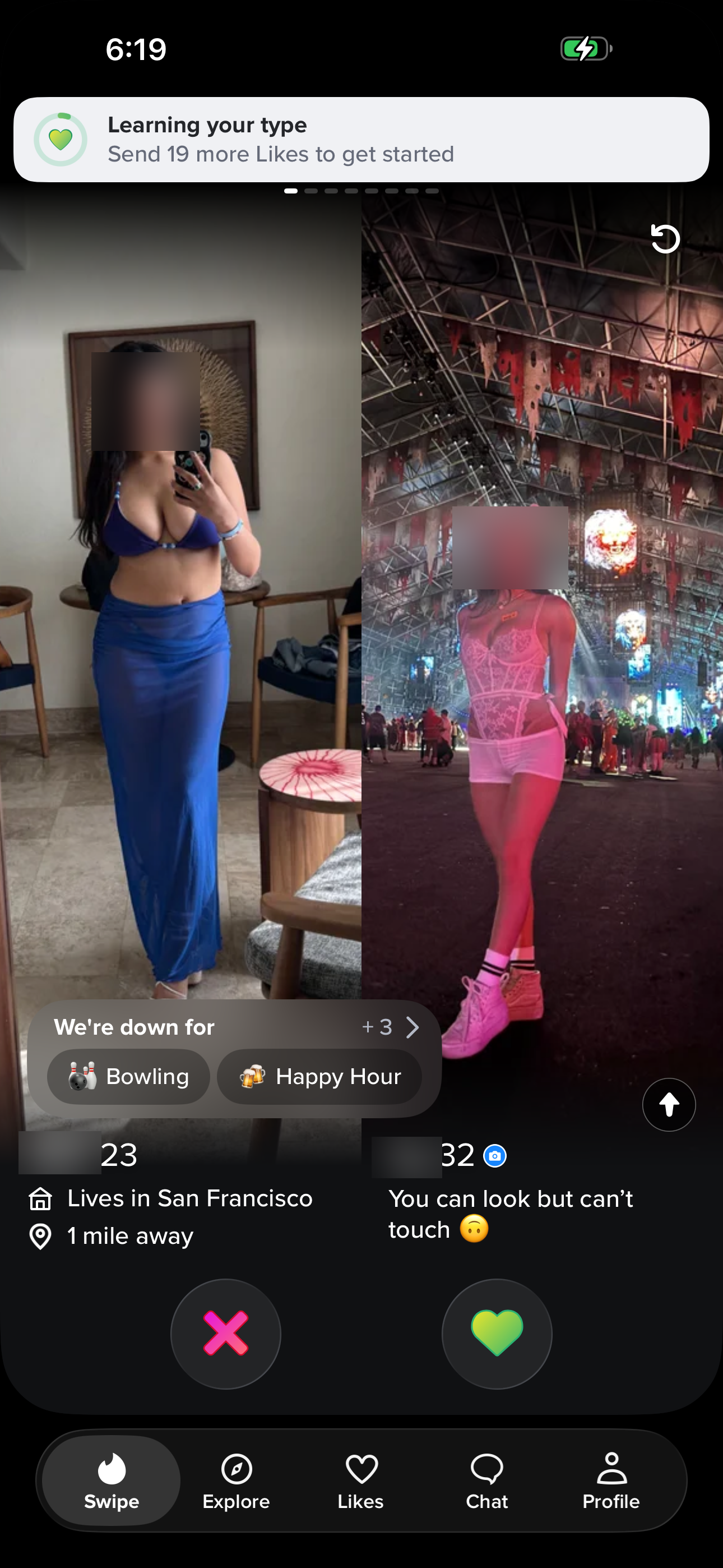
Open app and start swiping
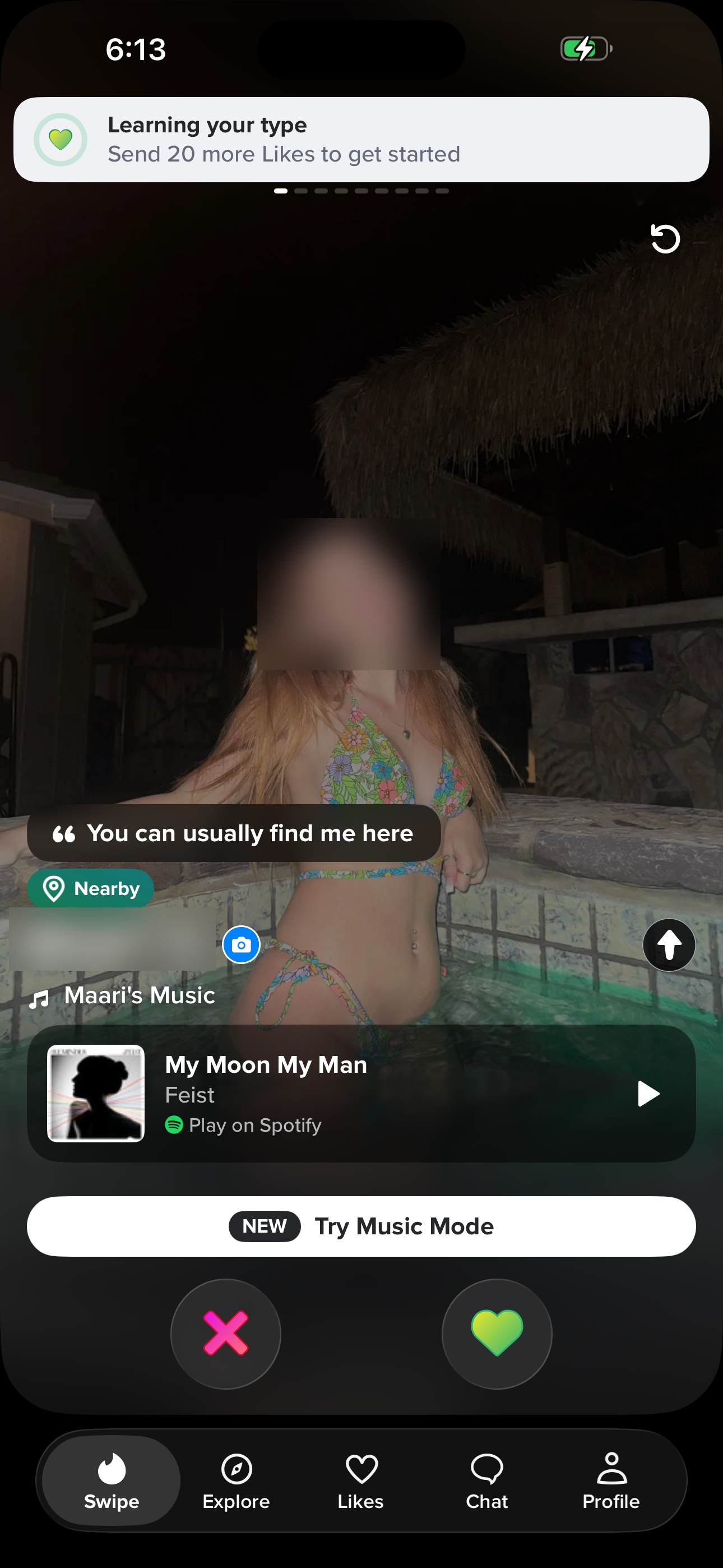
Cold-launch into the For You swipe deck.
- Swipe Deck: For You (Home)
Read someone's full profile
Tap the up-arrow on a card and scroll the entire profile (photos, bio, lifestyle, basics, interests, Share/Block/Report).
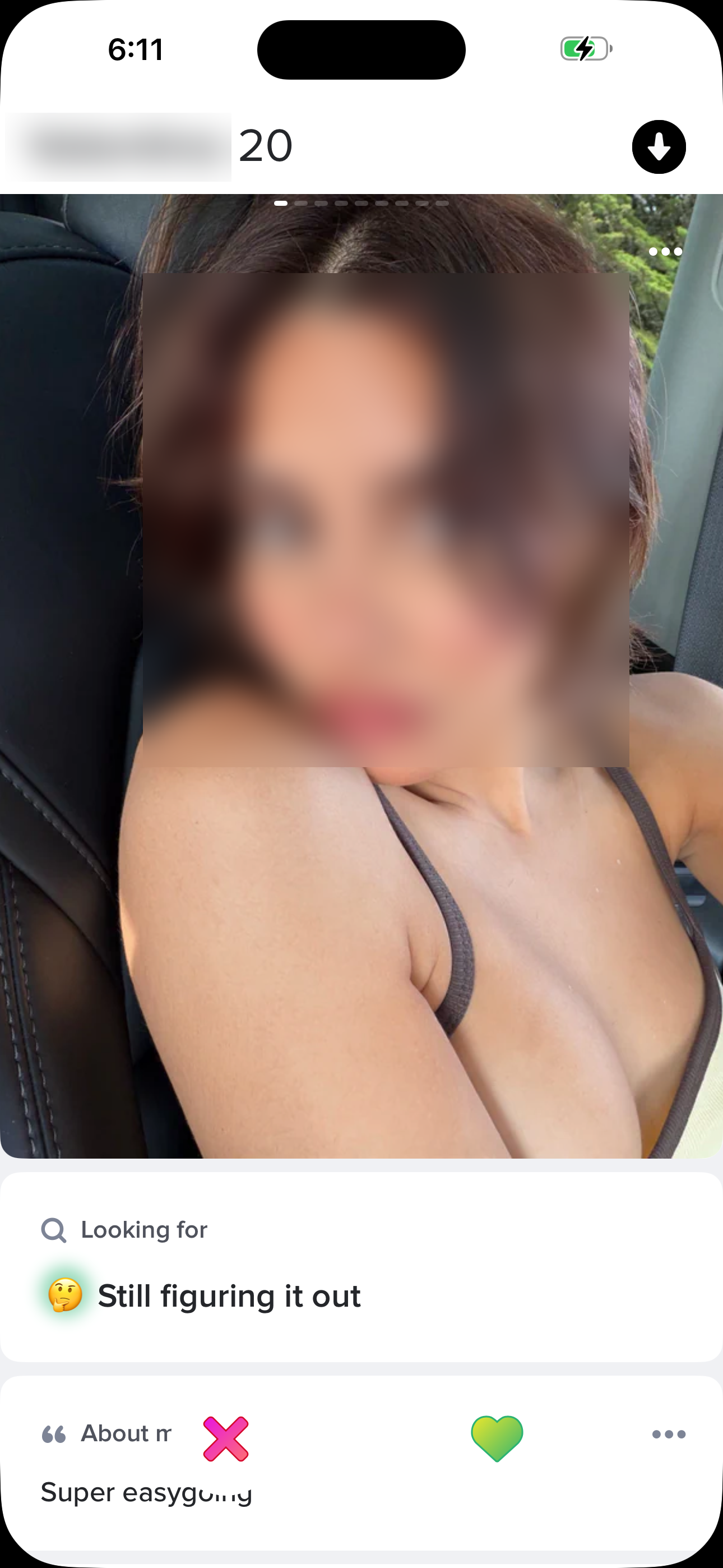
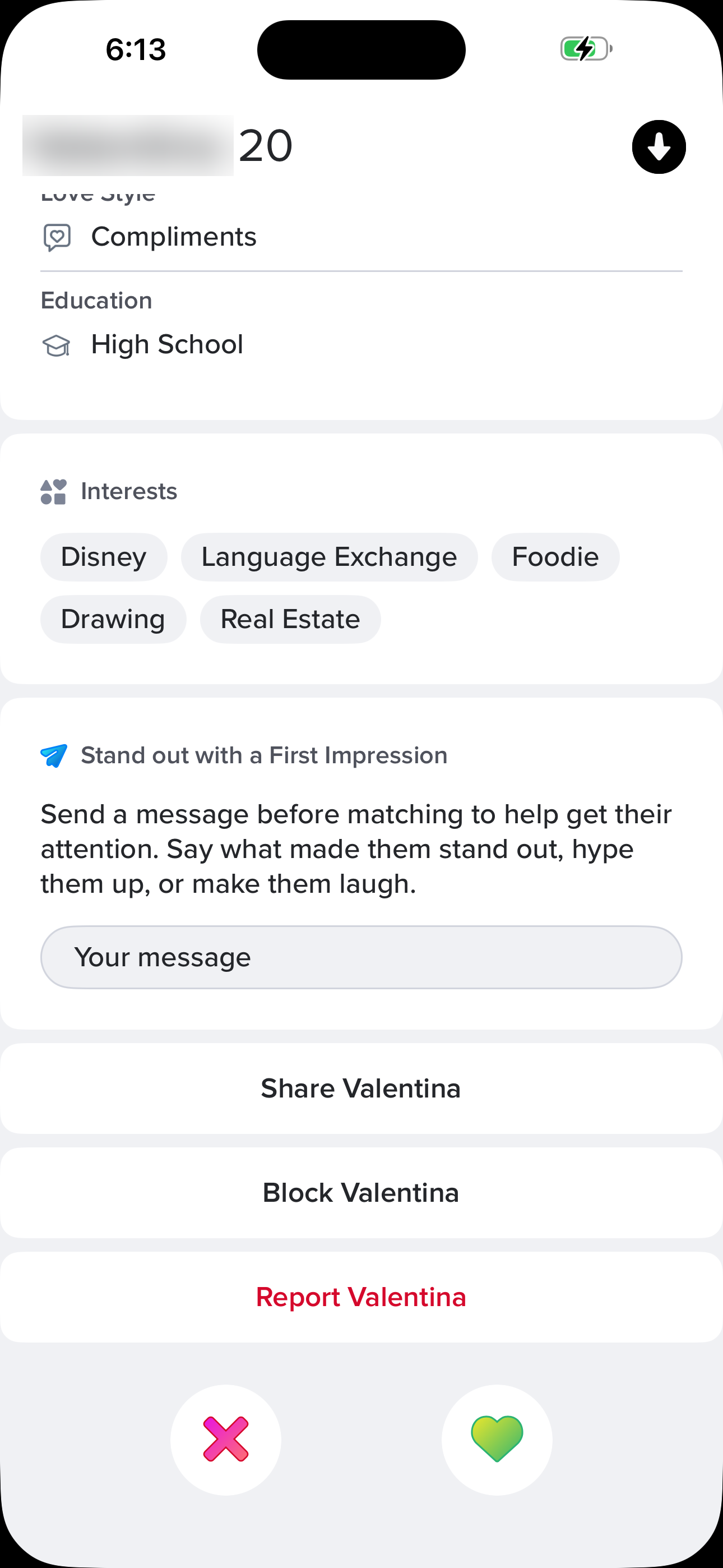
- Swipe Deck: For You (Home)
- Match Profile Detail
- Match Profile Detail (bottom)
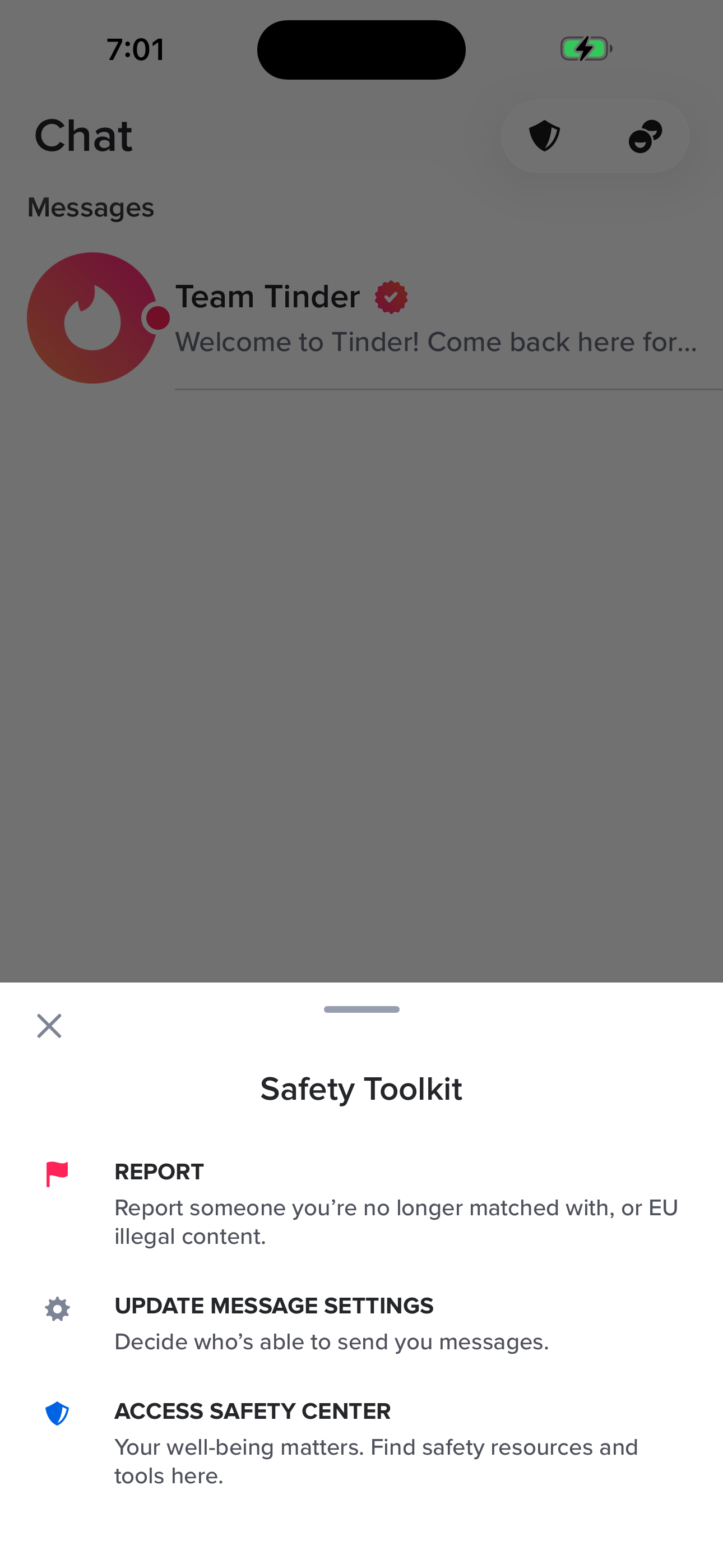
Block or report someone
Open profile detail → tap the ... overflow → choose Share/Block/Report.
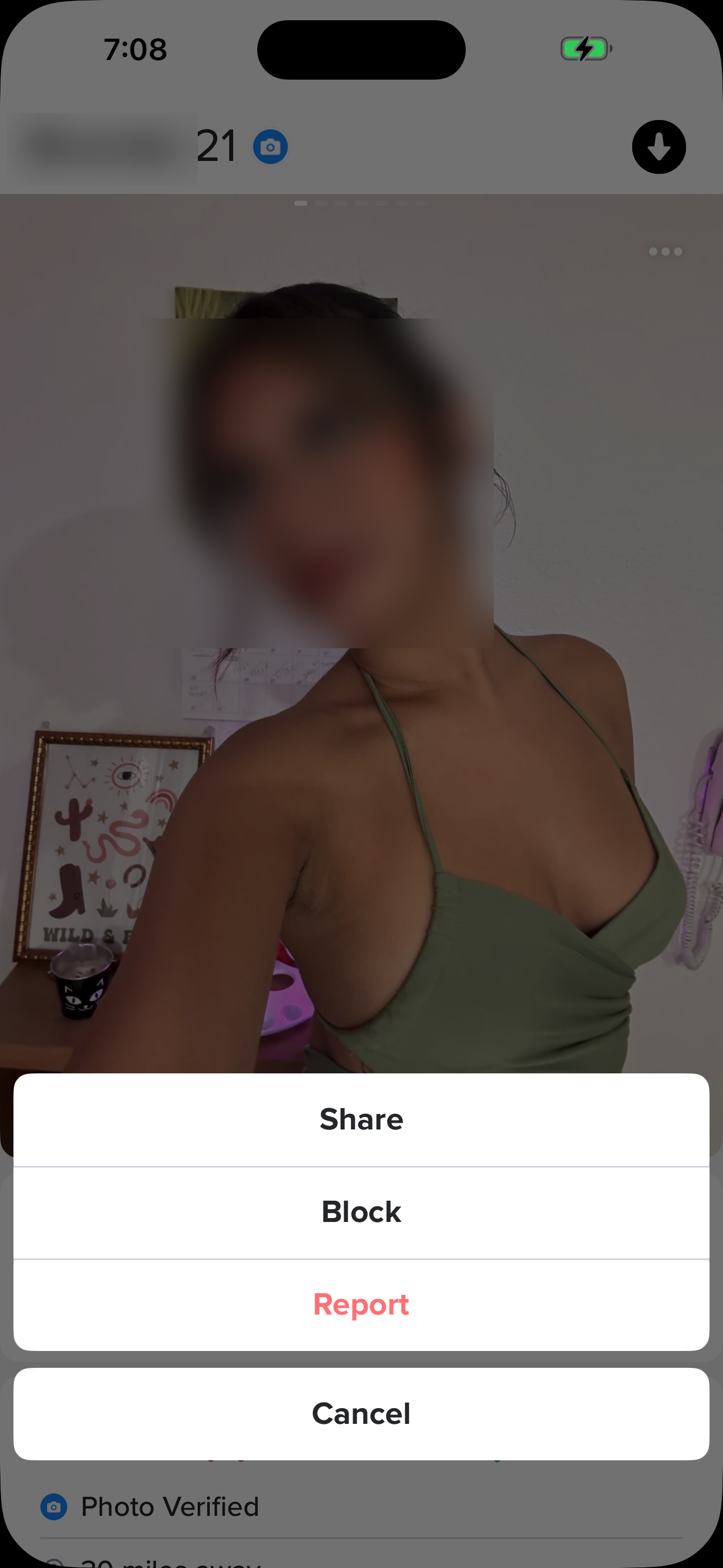
- Swipe Deck: For You (Home)
- Match Profile Detail
- Profile Overflow (action sheet)
Try to Like: blocked by Face Check
Tap the heart while unverified → modal forces Face Check to be discoverable.
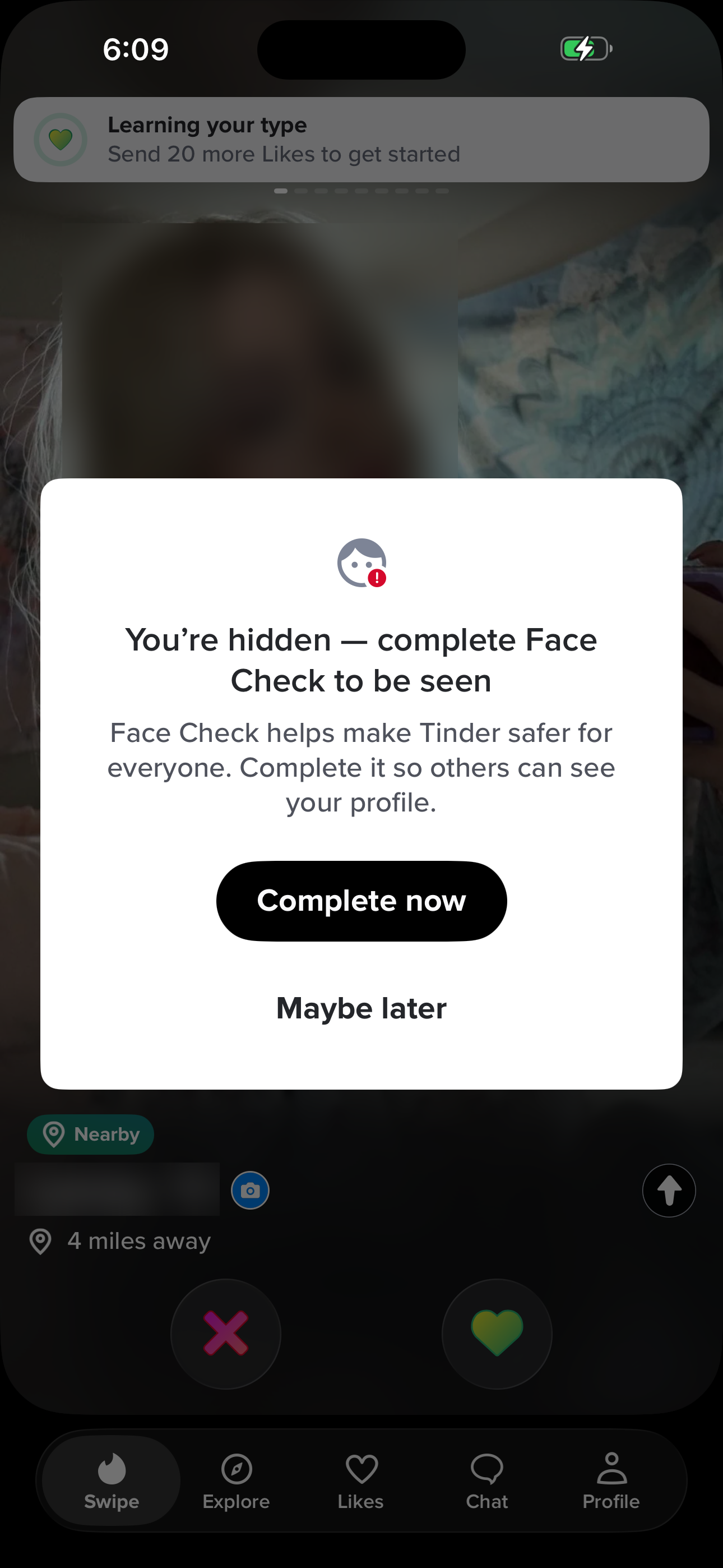
- Swipe Deck: For You (Home)
- Like Blocked: Face Check Gate
Send a pre-match message (First Impression)
Tap the paper plane → write a message before matching to skip the queue.
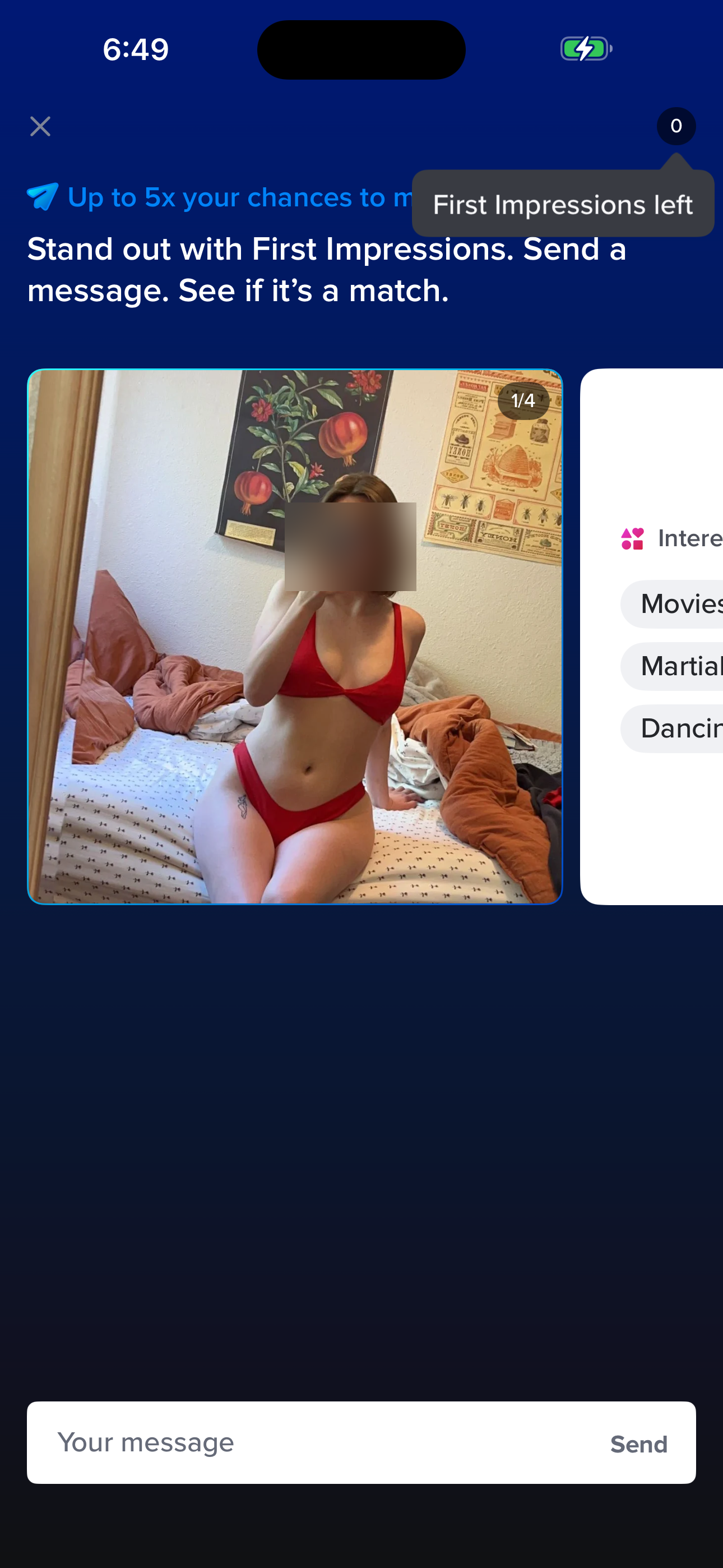
- Swipe Deck: For You (Home)
- First Impressions (send message)
Screen inventory
High-density screens in the Tinder app
UI inventory
Interface elements found by Atlas
Related maps