01
Explore: Logged Out (Home tab)
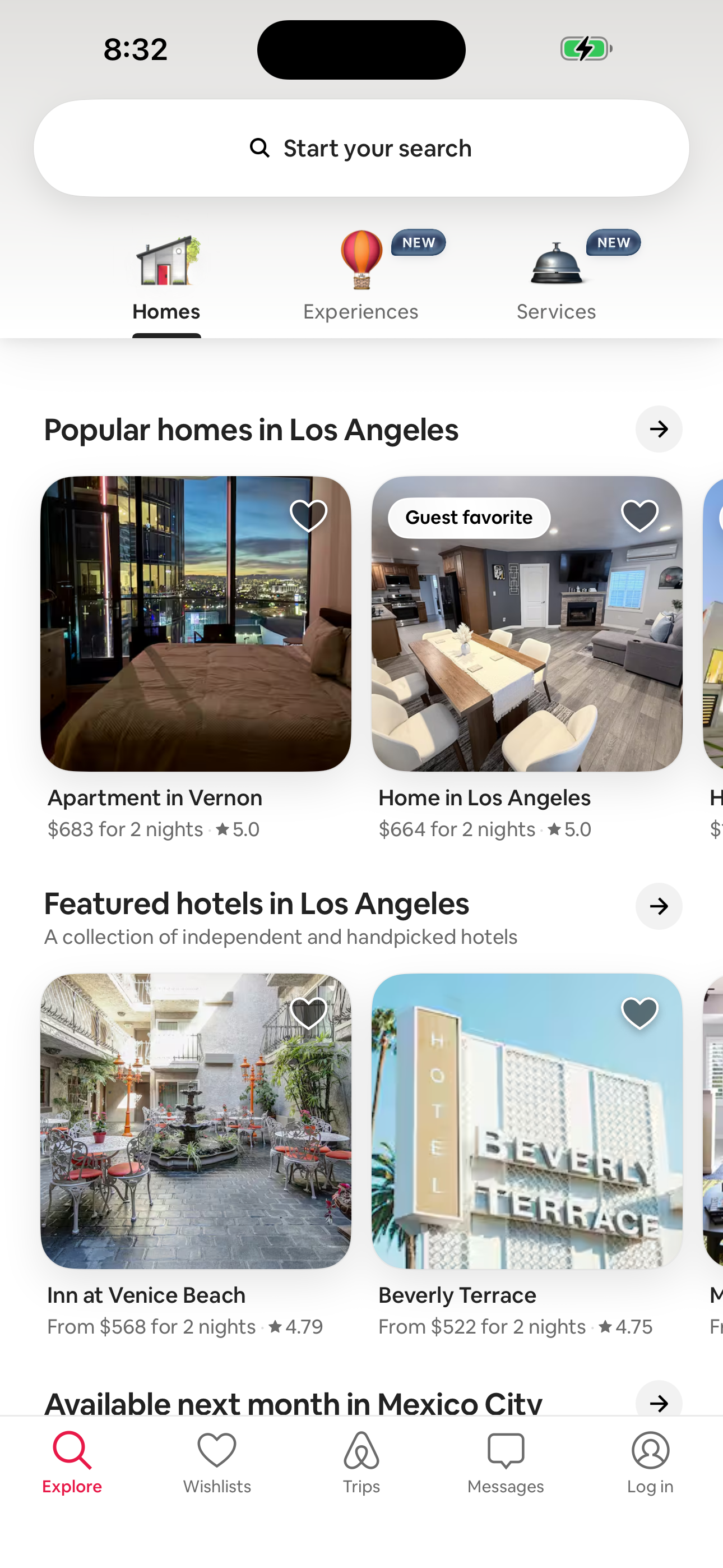
Step 1 in the Airbnb Explore: Logged Out (Home tab) to Service Detail: SF photoshoot flow. Atlas detected 17 UI elements on this screen.
 Revyl
Revyl Revyl Atlas flow
Airbnb's explore: logged out (home tab) to service detail: sf photoshoot flow moves users from Explore: Logged Out (Home tab) to Service Detail: SF photoshoot across 3 mapped iOS app screens. Use this path for mobile UX teardown work, QA coverage planning, and AI agent navigation context.
Research notes
Screen path
This page is a crawlable breakdown of one real mobile journey. The screenshots, step labels, and element counts make the Airbnb Explore: Logged Out (Home tab) to Service Detail: SF photoshoot path easier to compare against competing apps, reproduce during QA planning, and reuse as structured navigation context for app automation.
Step 1 in the Airbnb Explore: Logged Out (Home tab) to Service Detail: SF photoshoot flow. Atlas detected 17 UI elements on this screen.
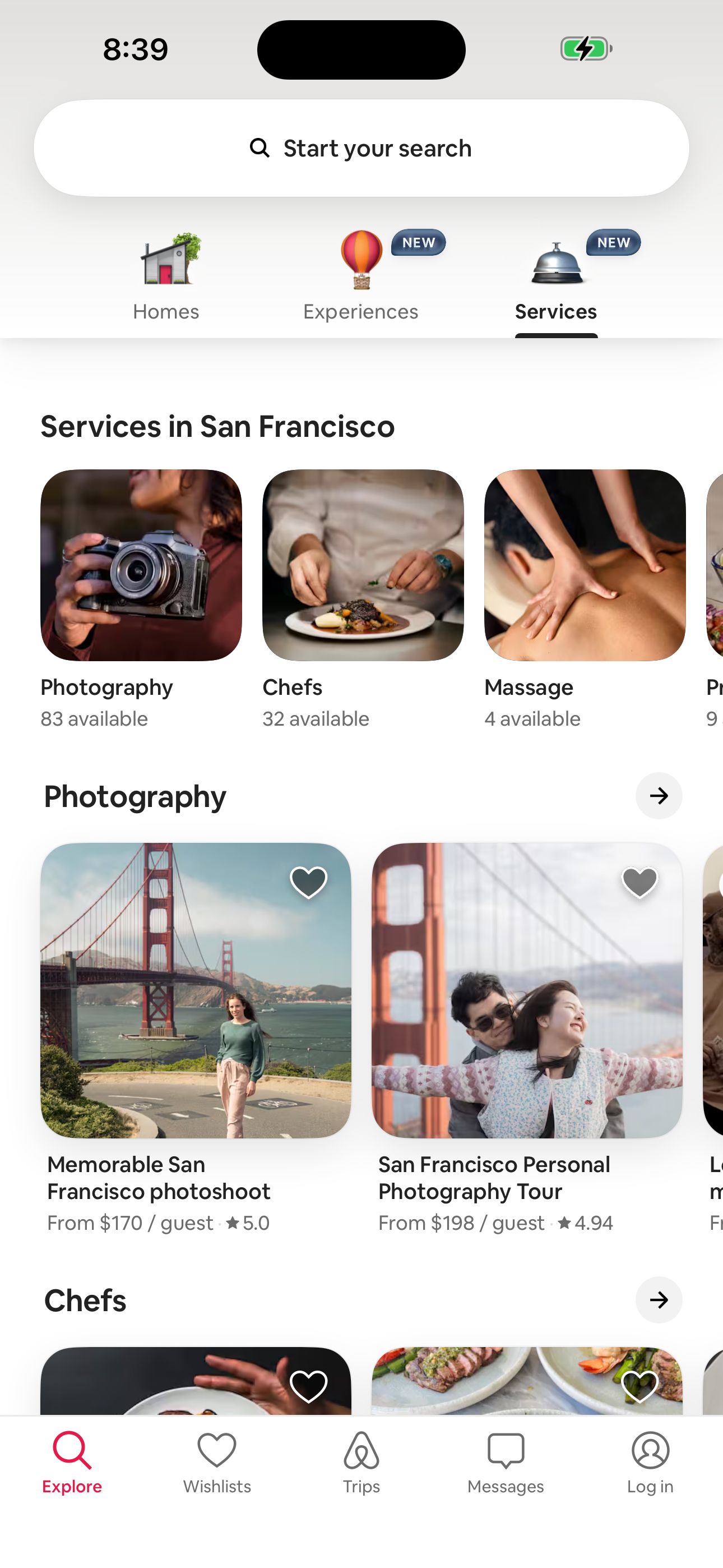
Step 2 in the Airbnb Explore: Logged Out (Home tab) to Service Detail: SF photoshoot flow. Atlas detected 17 UI elements on this screen.
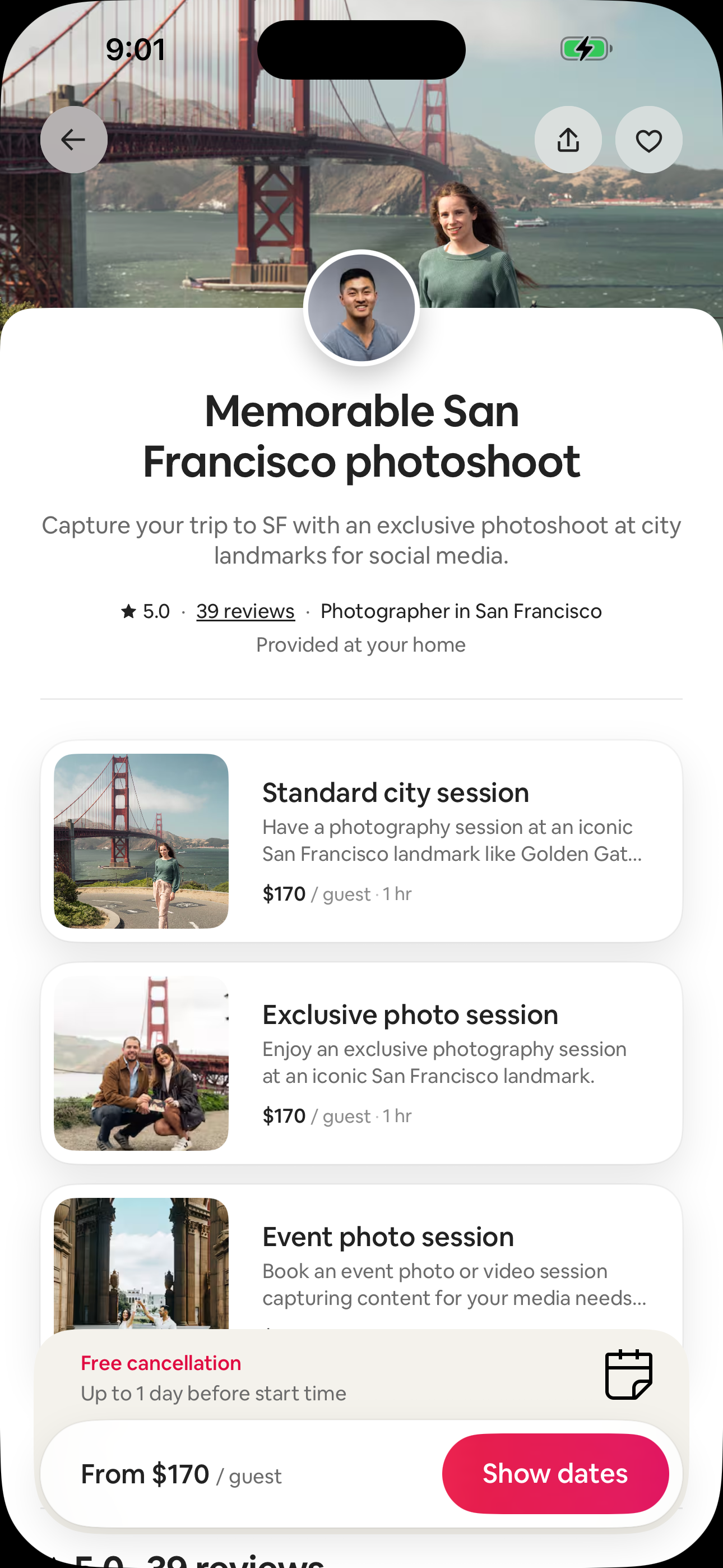
Step 3 in the Airbnb Explore: Logged Out (Home tab) to Service Detail: SF photoshoot flow. Atlas detected 13 UI elements on this screen.
How to use it
Related flows