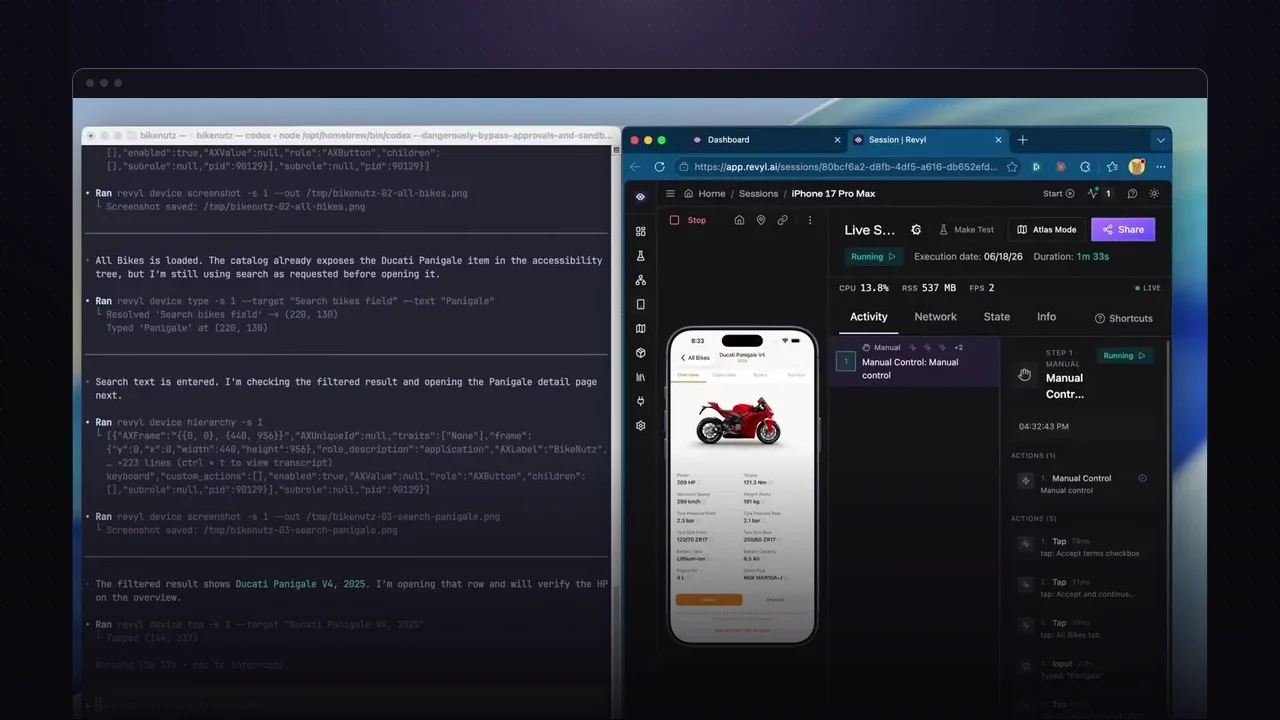
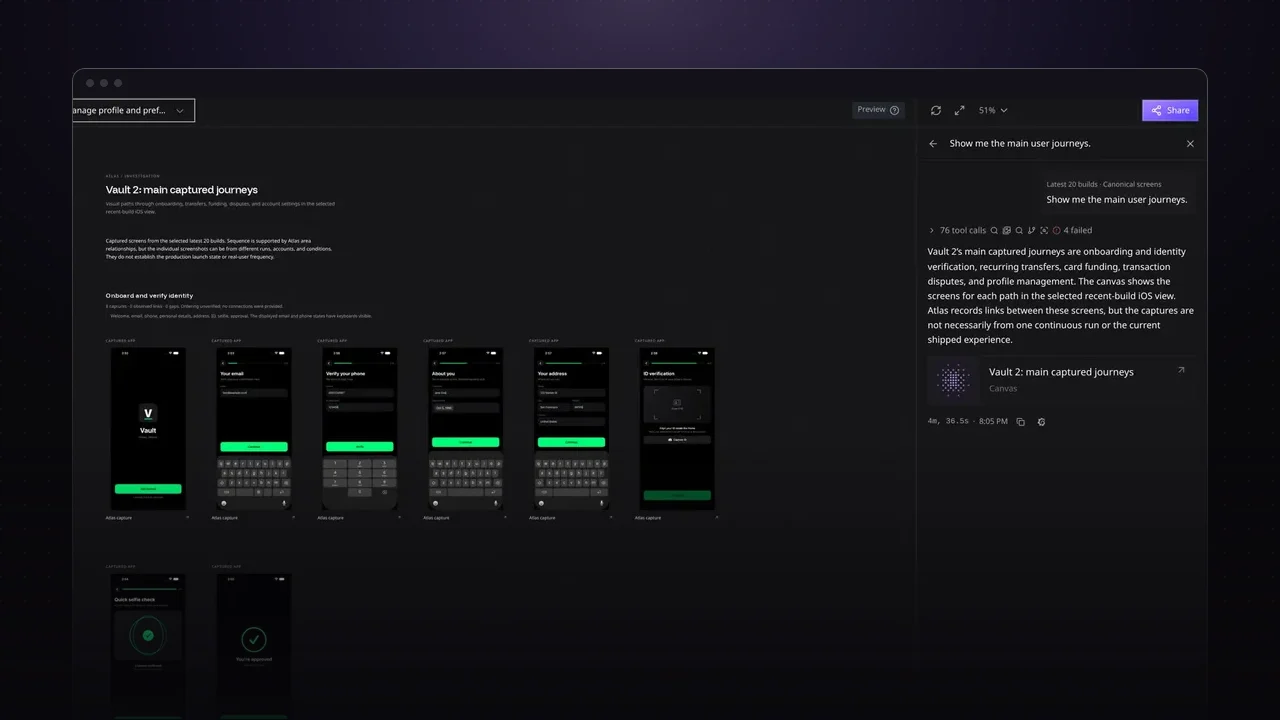
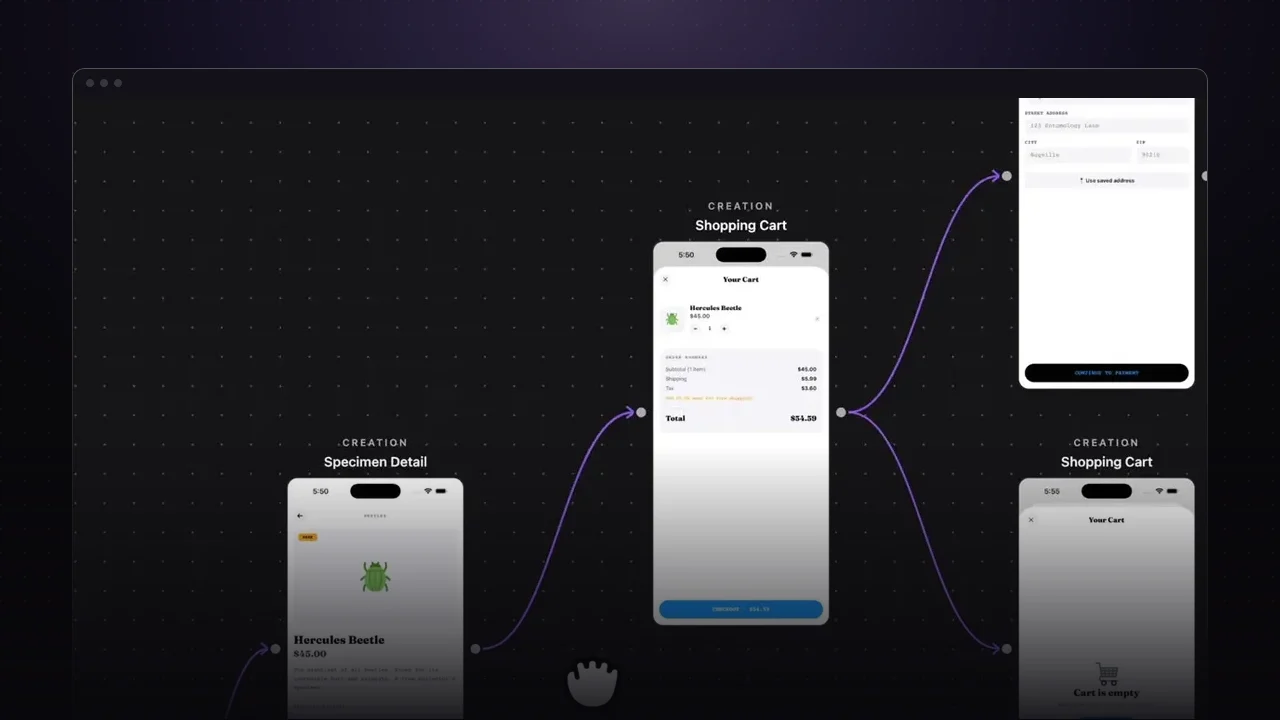
Connecting Claude Code to the Revyl CLI gives it its own cloud device to check its work on. That means you can run several Claude Code agents on different features at once, and each one verifies its change on a real app instead of waiting for your simulator.
Set it up
brew install RevylAI/tap/revyl   # install the Revyl CLI
revyl auth login                 # sign in through your browser
revyl init                       # choose to install AI agent skills, then pick Claude Code
Next time you open Claude Code, check its enabled skills to confirm the Revyl ones are there.
Watch it verify a feature
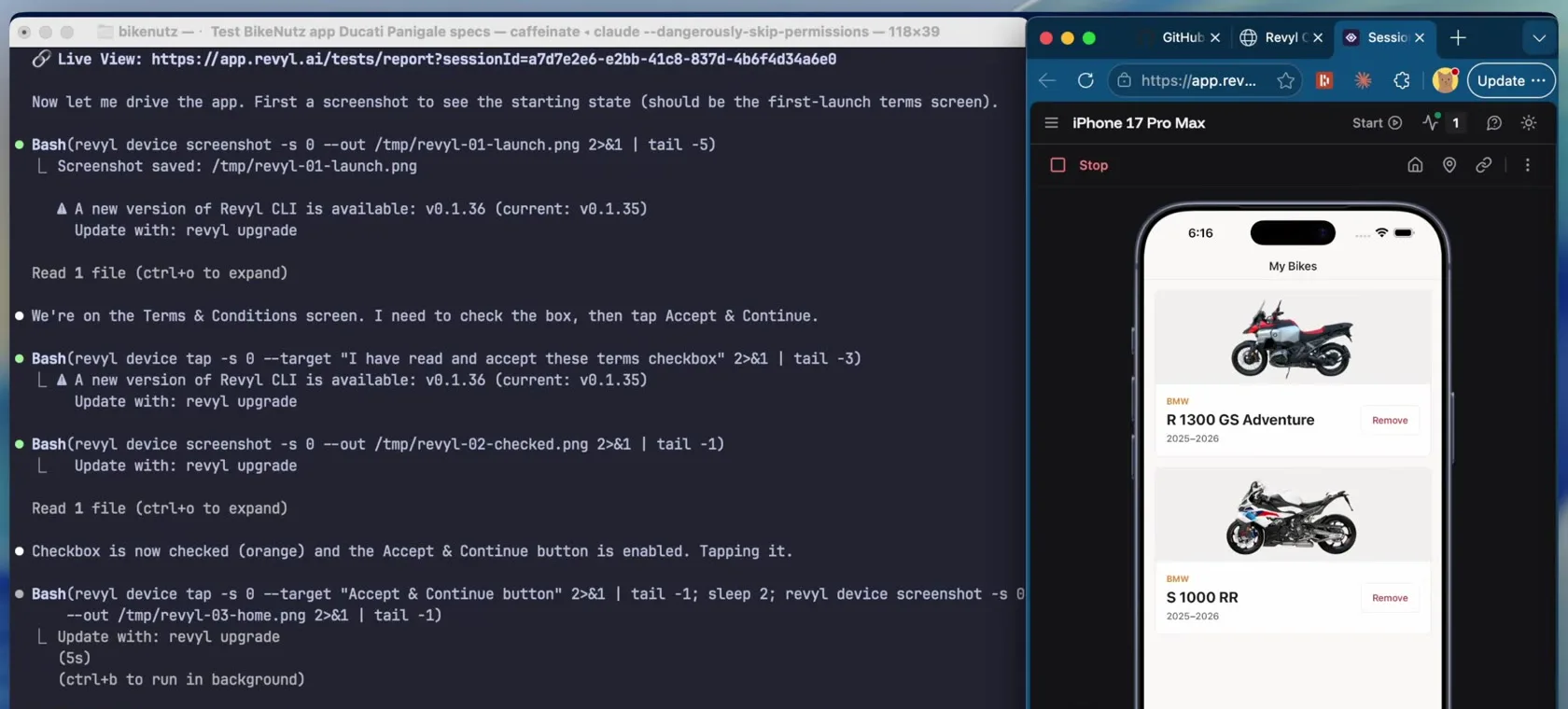
In the video, Claude Code builds a new search feature and then uses Revyl to check it. It launches a cloud device and, with nothing but the end goal to go on, taps through the app to confirm the search works and the right motorbike shows up with the correct data.
Try it on your app
- Run the three setup commands above.
- Ask Claude Code to build something, then to verify it with Revyl.
- See the full CLI guide for more agent workflows.